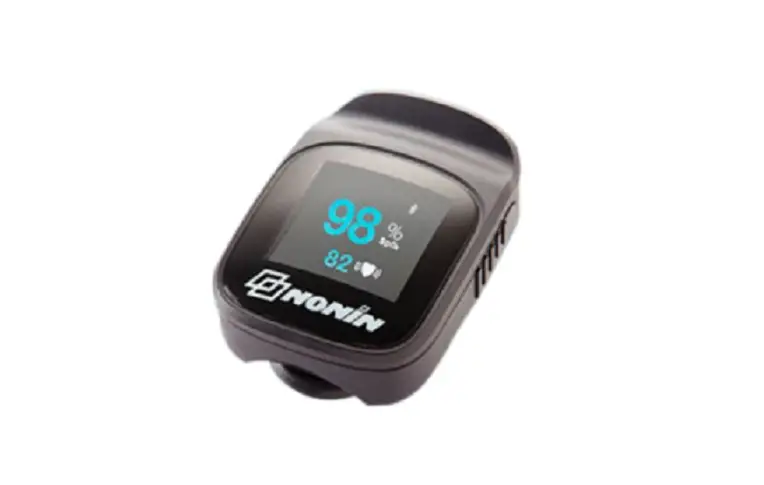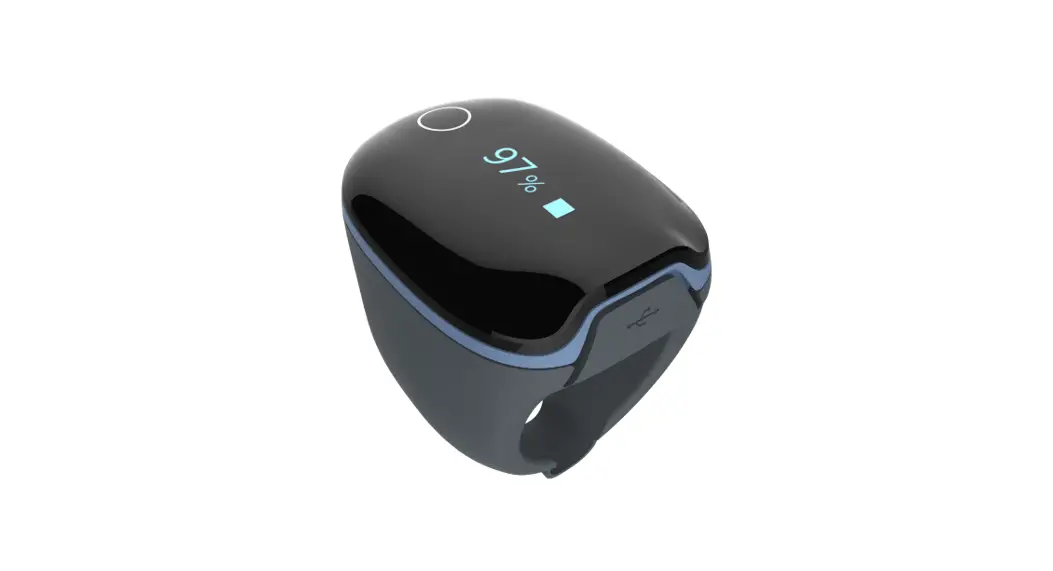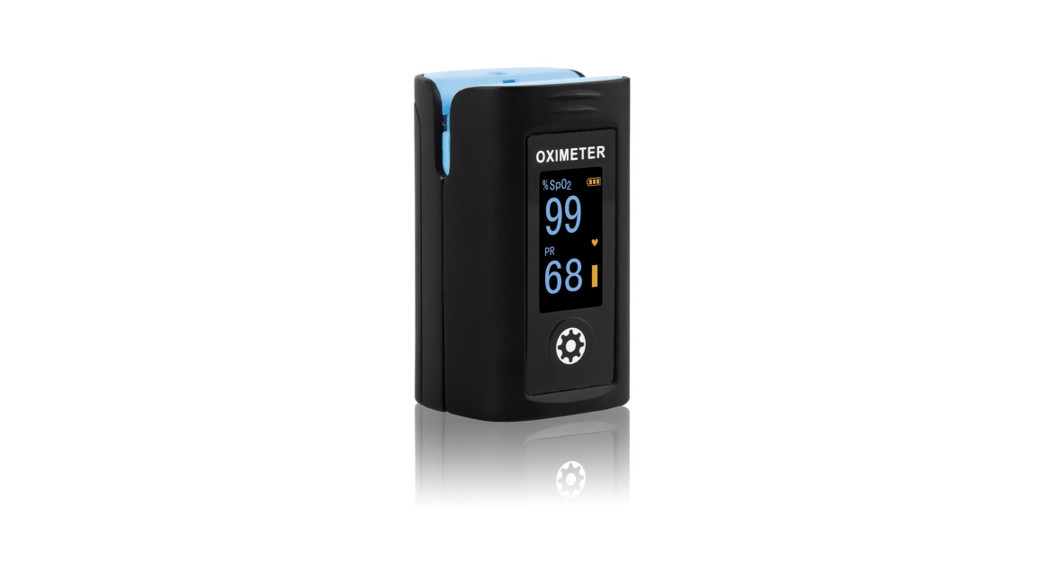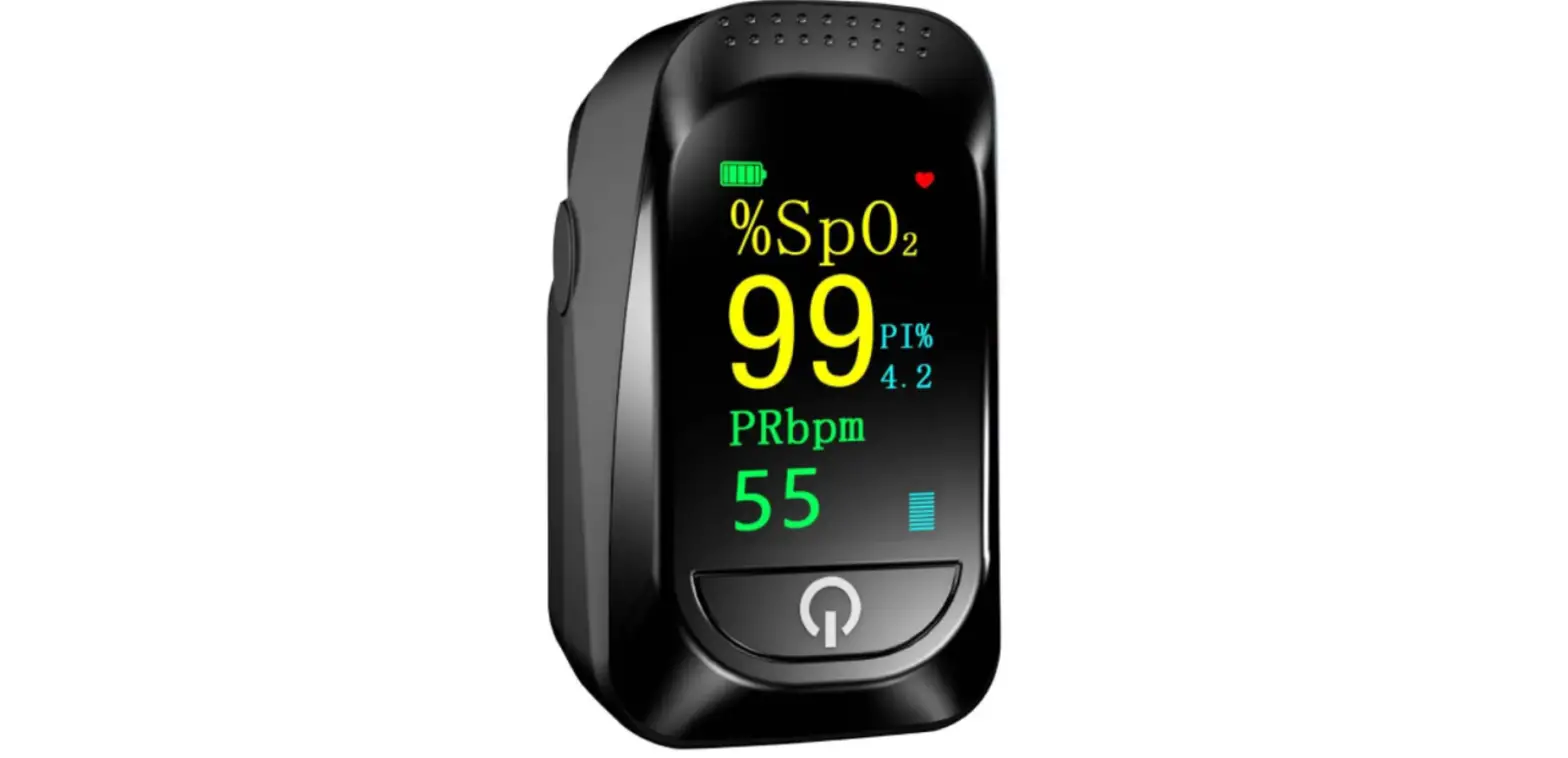

VIRTUOX VPOD Ultra GSI* Patient Self Administered Overnight Oximetry
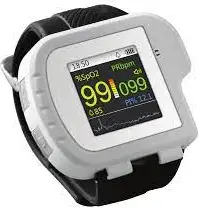
VPOD Ultra GSI* Patient Self-Administered Overnight Oximetry Instructions – DME Courier
- Patient Name
- Reading ID
Your prescriber, REX ALEX , ordered this oximetry test to monitor your blood oxygen levels while you sleep. VirtuOx is the testing facility that will process the test results, send them to your prescriber and provide patient support as needed.
- DME Courier:
- Phone
Please follow the conditions below as prescribed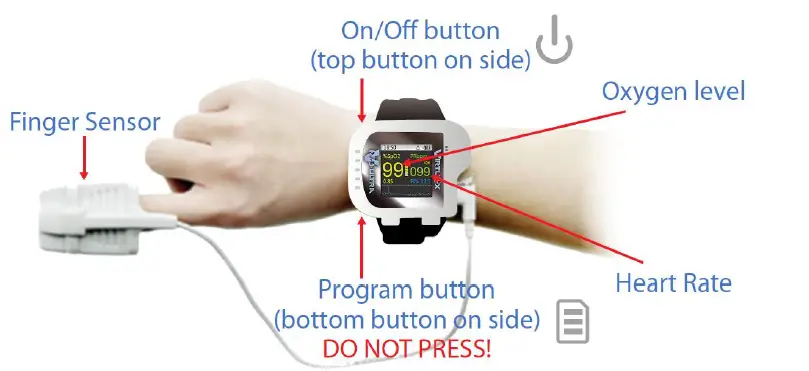
TEST INSTRUCTIONS
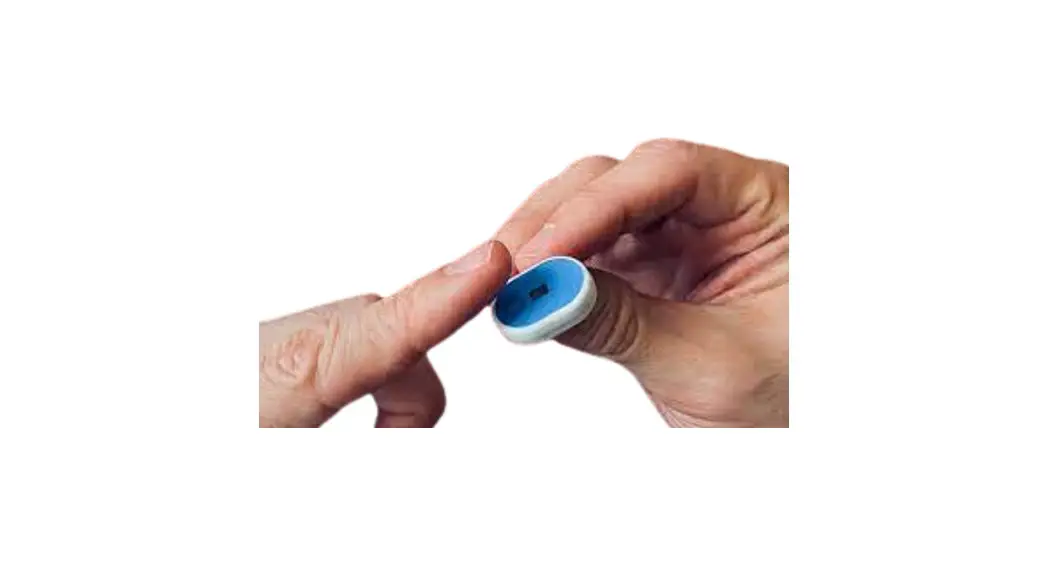
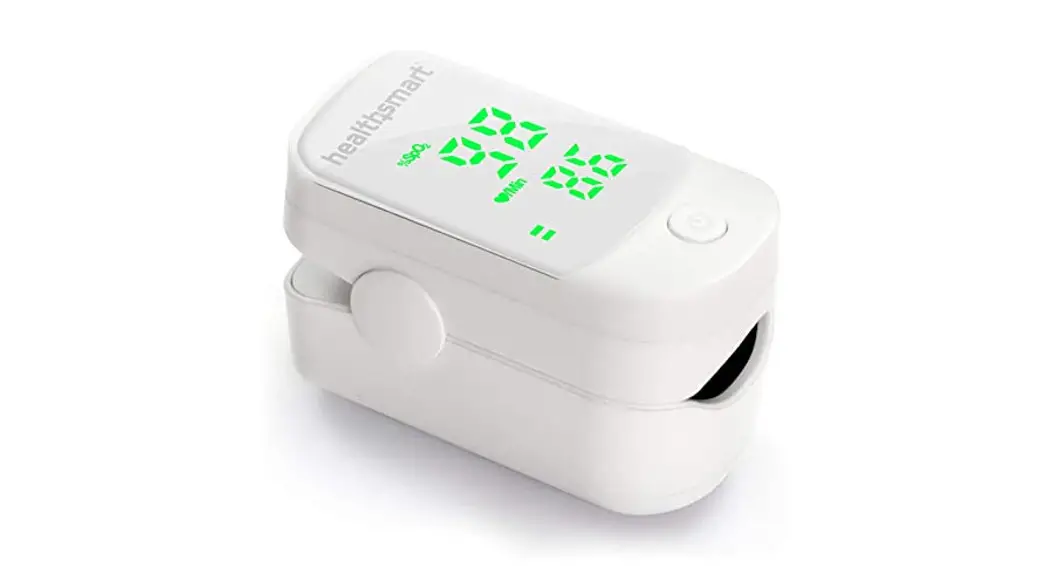
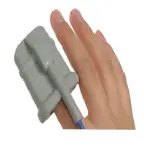
- 1 Please remove any nail polish! Slide your finger into the sensor. The wire should run along the top of your finger, as shown. You may change fingers, as needed for comfort. Note: You may use medical tape to secure the wire to your finger.

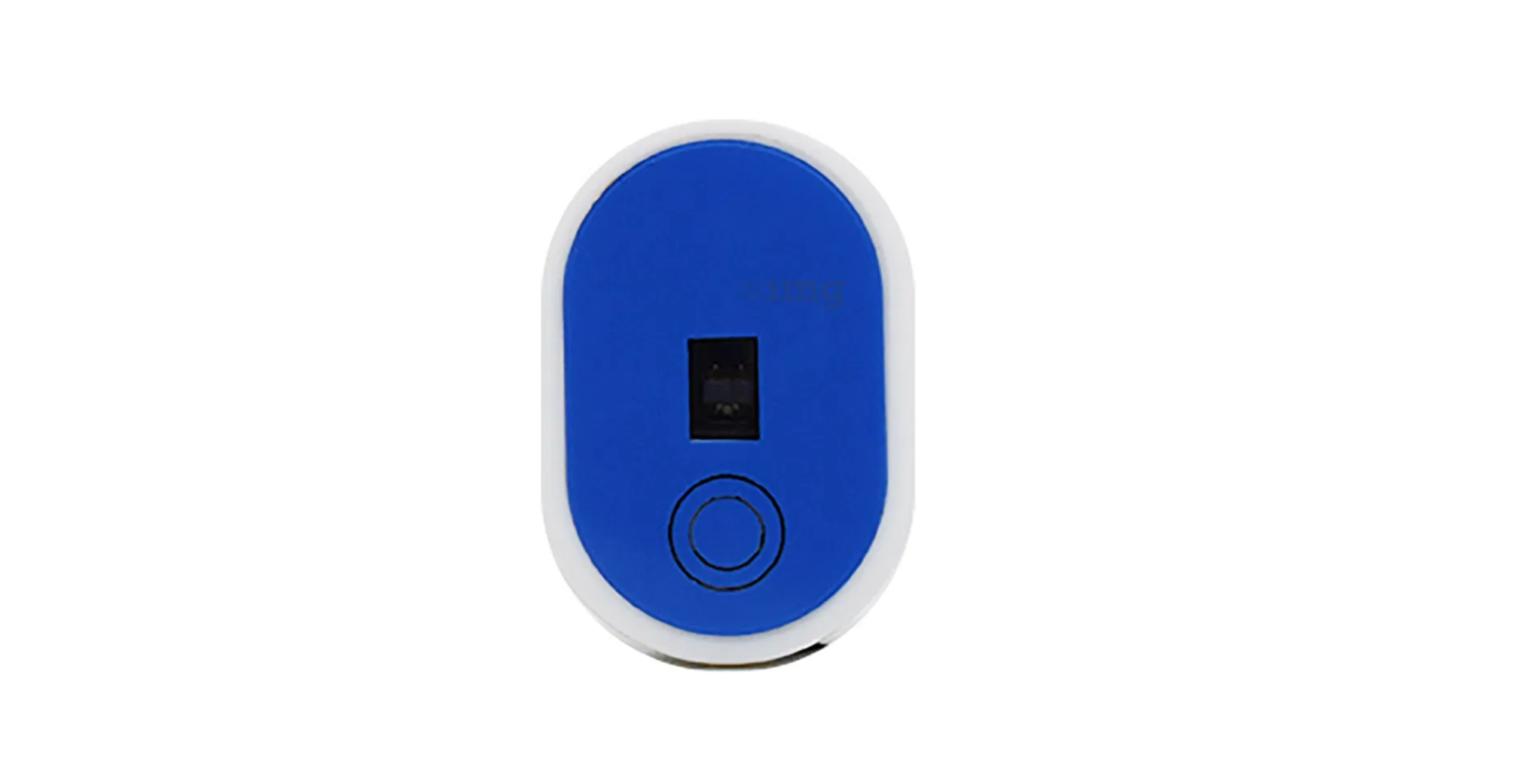
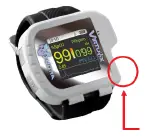
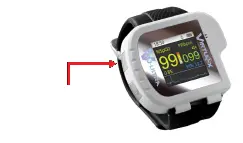
If the sensor is not already attached, please attach here by connecting the sensor to the device. See circle for port location.
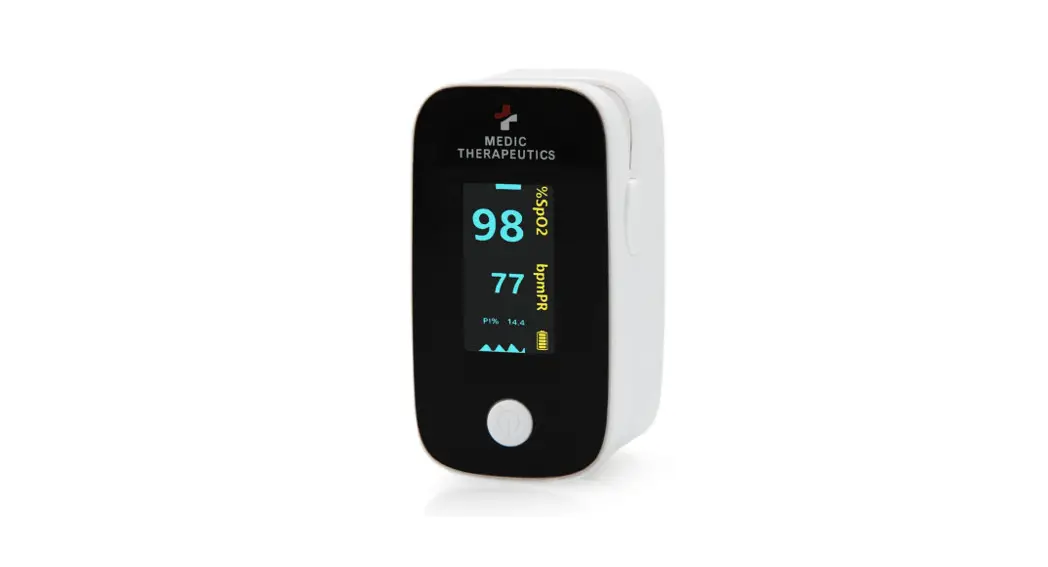
- Press and hold the power button until the device powers on. The device should begin to display your oxygen level and heart rate.

- Important! You must stay awake for 10 minutes and then you may go to sleep. For best results, you should wear the device all night on your non-dominant hand.

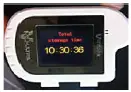
- When you wake up in the morning, turn the device off. Write down the hours(s), minutes(s), and second(s).


Contact the DME Courier listed above for further pick-up instructions.
Additional Information
- If you need to use the restroom during the night, simply remove the sensor. DO NOT disconnect the sensor from the device or power off. When finished, put the sensor back on and return to bed.
- If the sensor falls off during the night, put the sensor back on and continue testing. Check to make sure the device is still ON and displaying numbers. If the device is OFF, press the power button to turn it back on.
- Remember, the device screen will auto-dim black for the duration of the testing process. This means you will not see any numbers displayed. Pressing the on/off button will display “recording” meaning the test has started.
FOR FURTHER ASSISTANCE, PLEASE CONTACT VIRTUOX AT (877) 897-0066. FORM_VPOD Ultra PT Instr Rev 01_1021 FORM_VPOD Ultra PT Instr Rev 01_1021