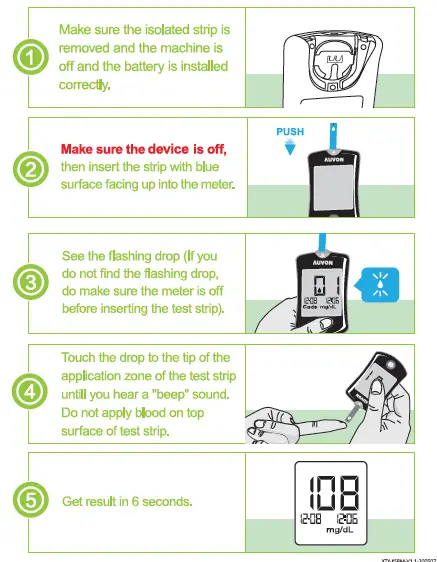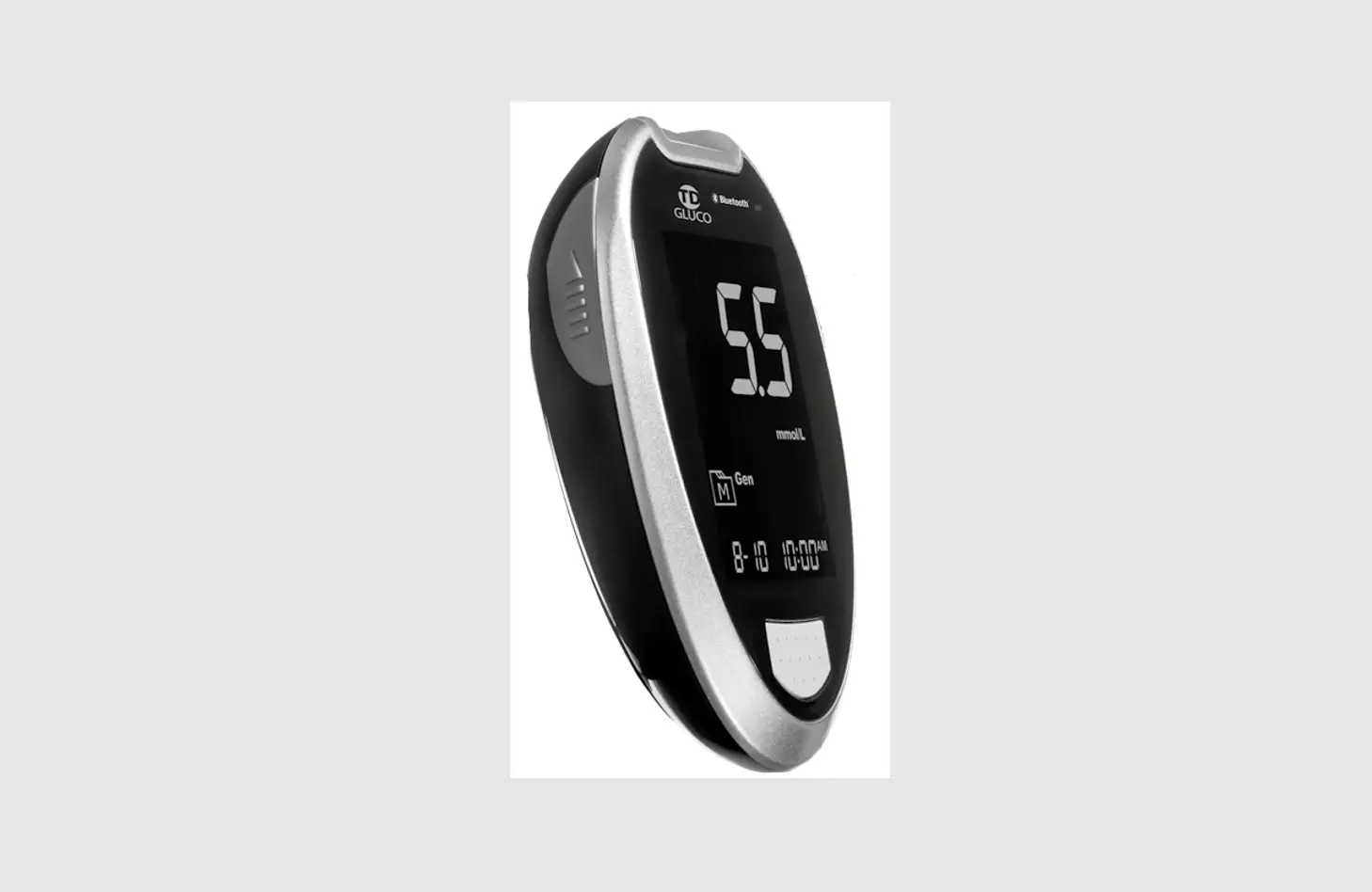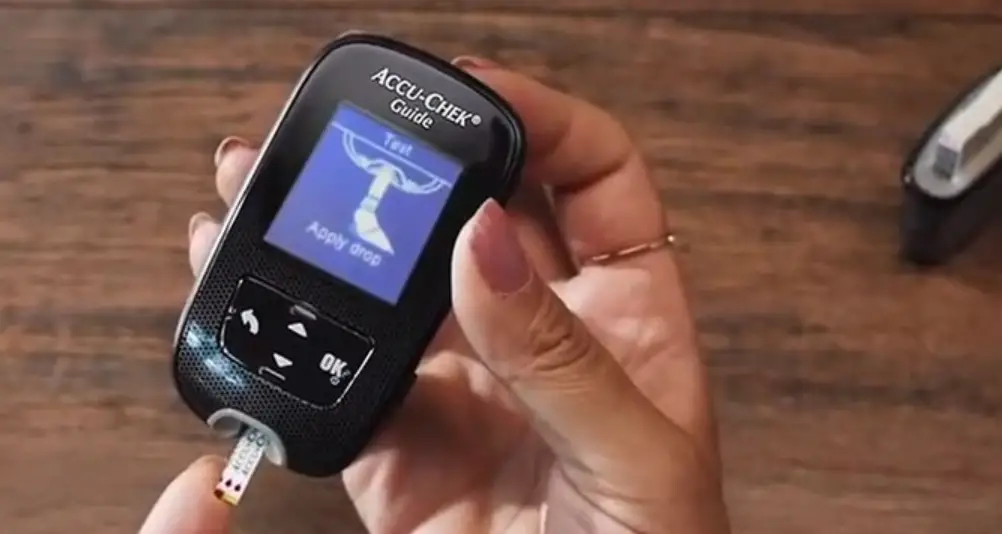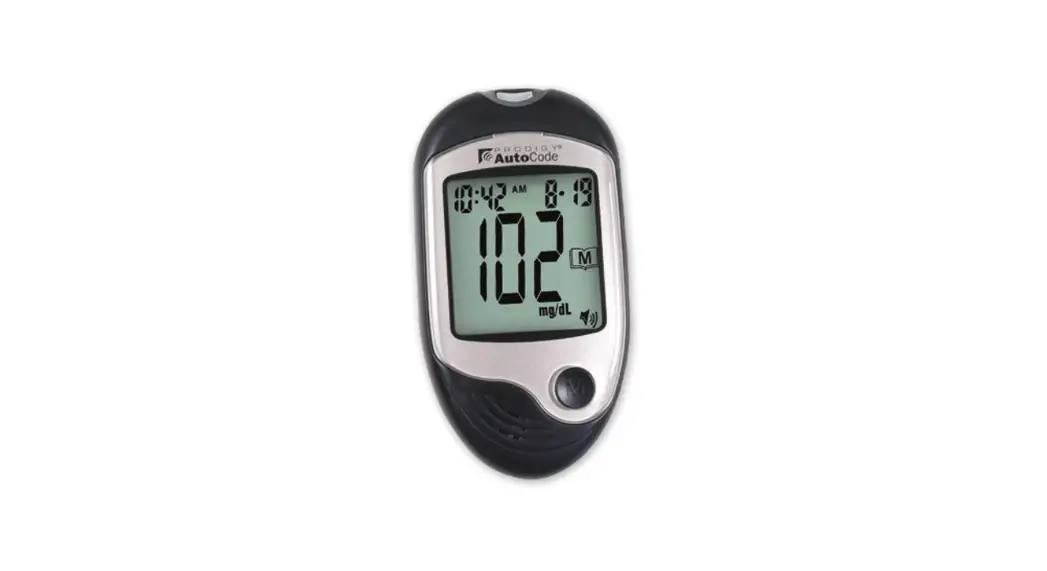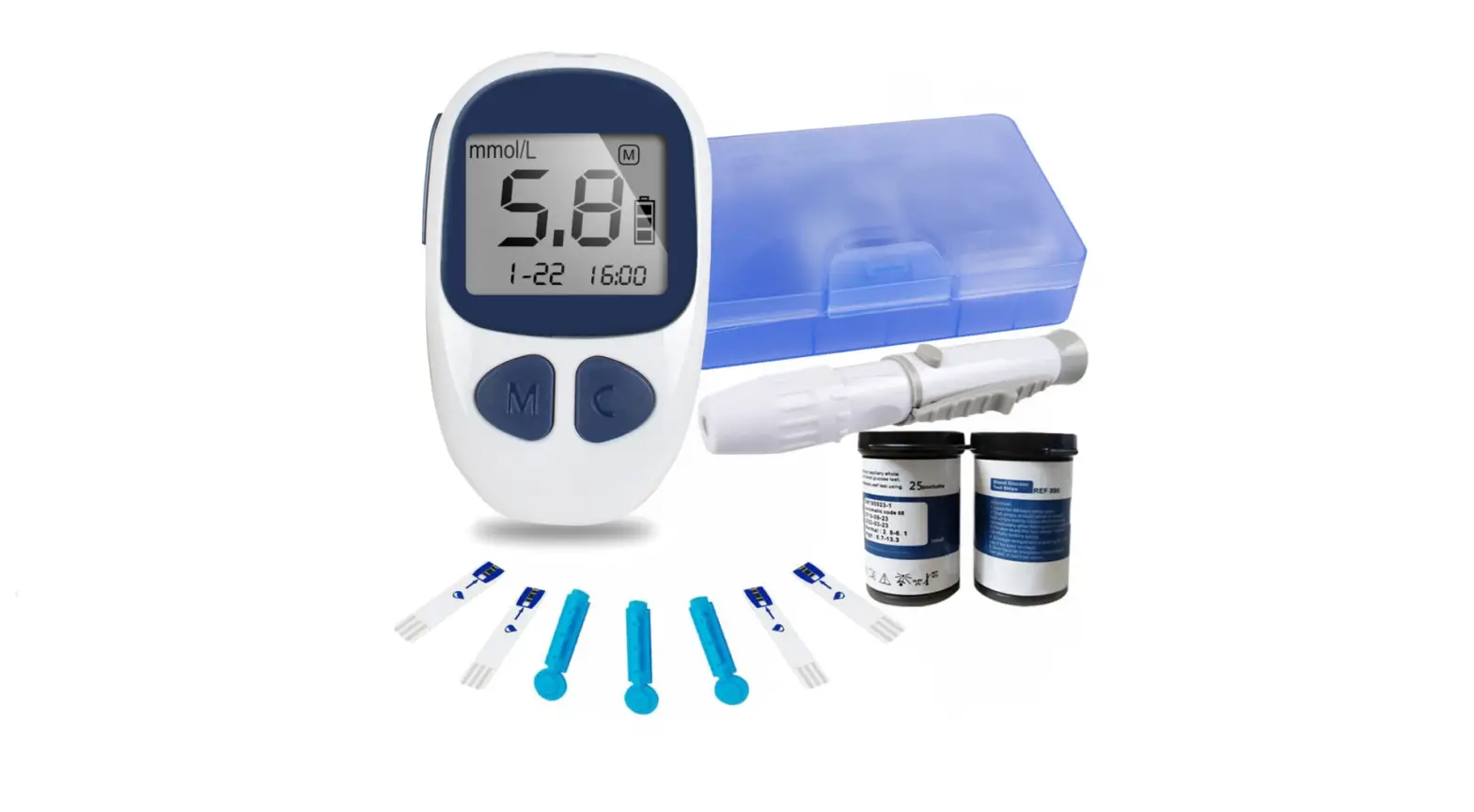

AUVON DS-W1001002 High-Tech Blood Sugar Test Kit

HOW TO CHECK THE MEMORY RECORDS
I Step 1: year, date, time setting
- Step 1:
Pull out the isolated strip, the machine will automatically turn on and immediately enter the shutdown state.
- Step 2:
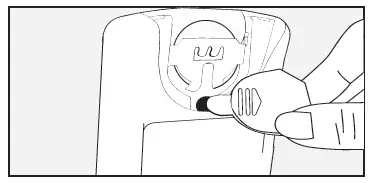
Press black setting button besides the battery with battery back cover for 2 seconds.
- Step 3:
Find the flashing “YEAR” and click query button (e) until the desired year is displayed.
- Step 4:
Repeat STEP 2-3 to successively set month, day, hour and minute.
- Step 5:
When the desired minute is chosen, press the black setting button again.
- Step 6:
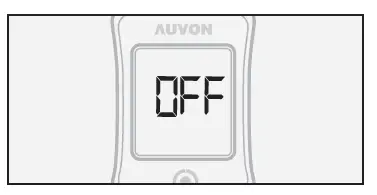
The screen displays off, indicating the setup is complete.

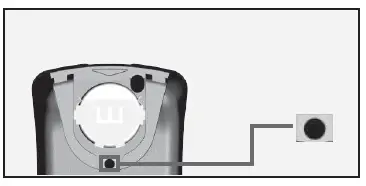
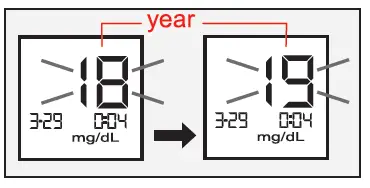
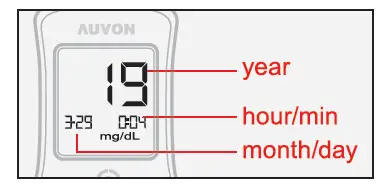
Step 2: Check the memory records

- Step 1:
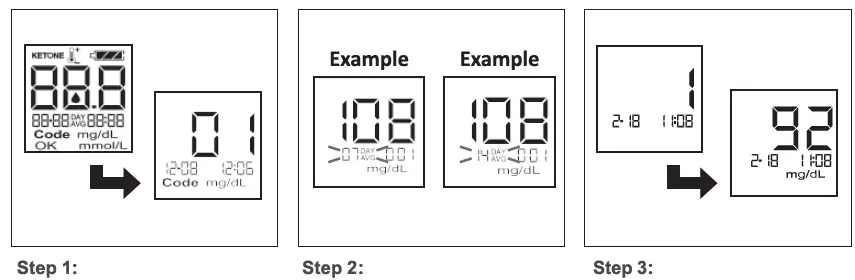
With the meter off, press query button (-) to turn on the meter. - Step 2:
Press query button (-) to display 7-day average. By repeating this step, you can check the average values of 14-day I 30 days. - Step 3:
Press query button (-) to check previous test results starting from most recent test.