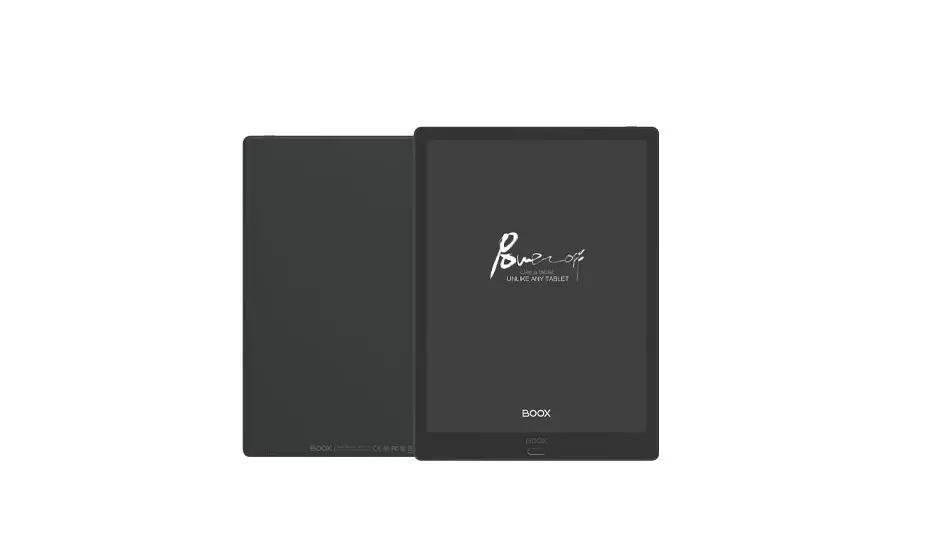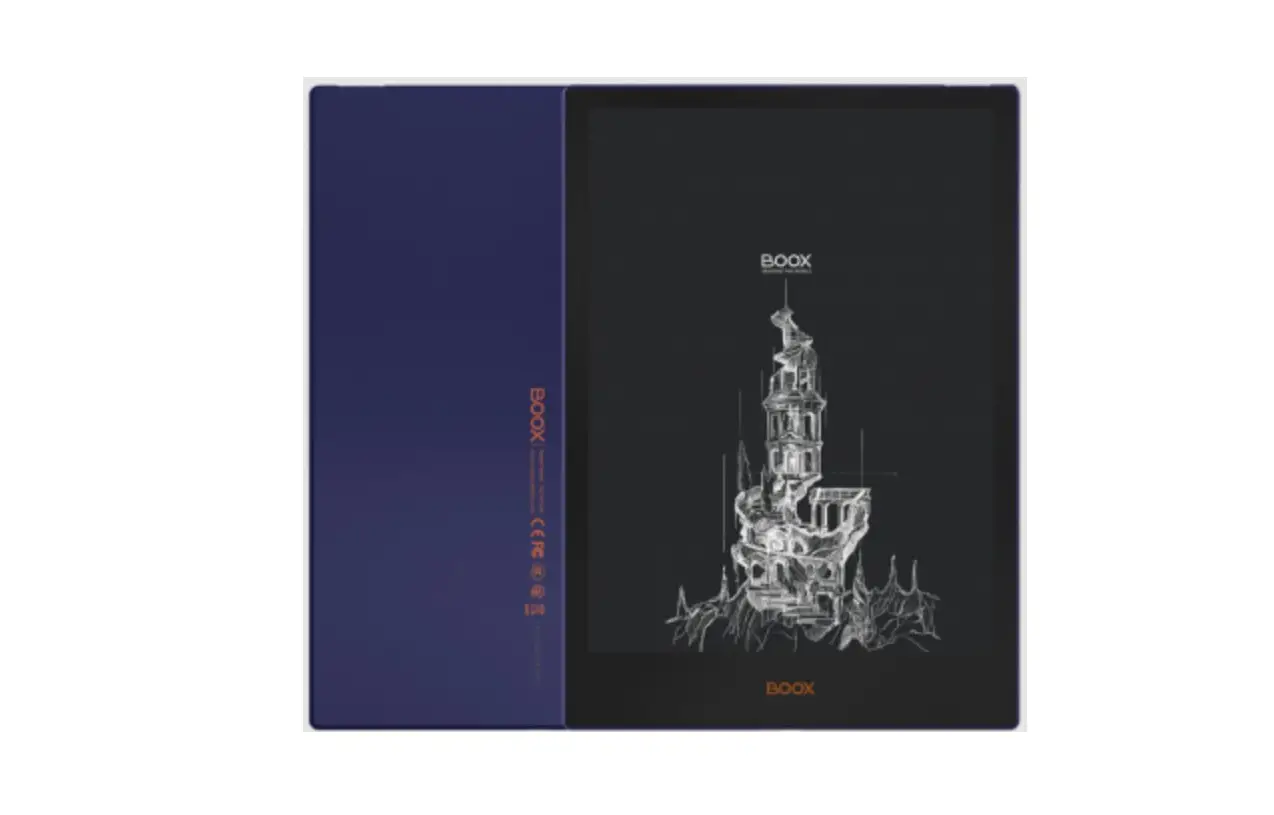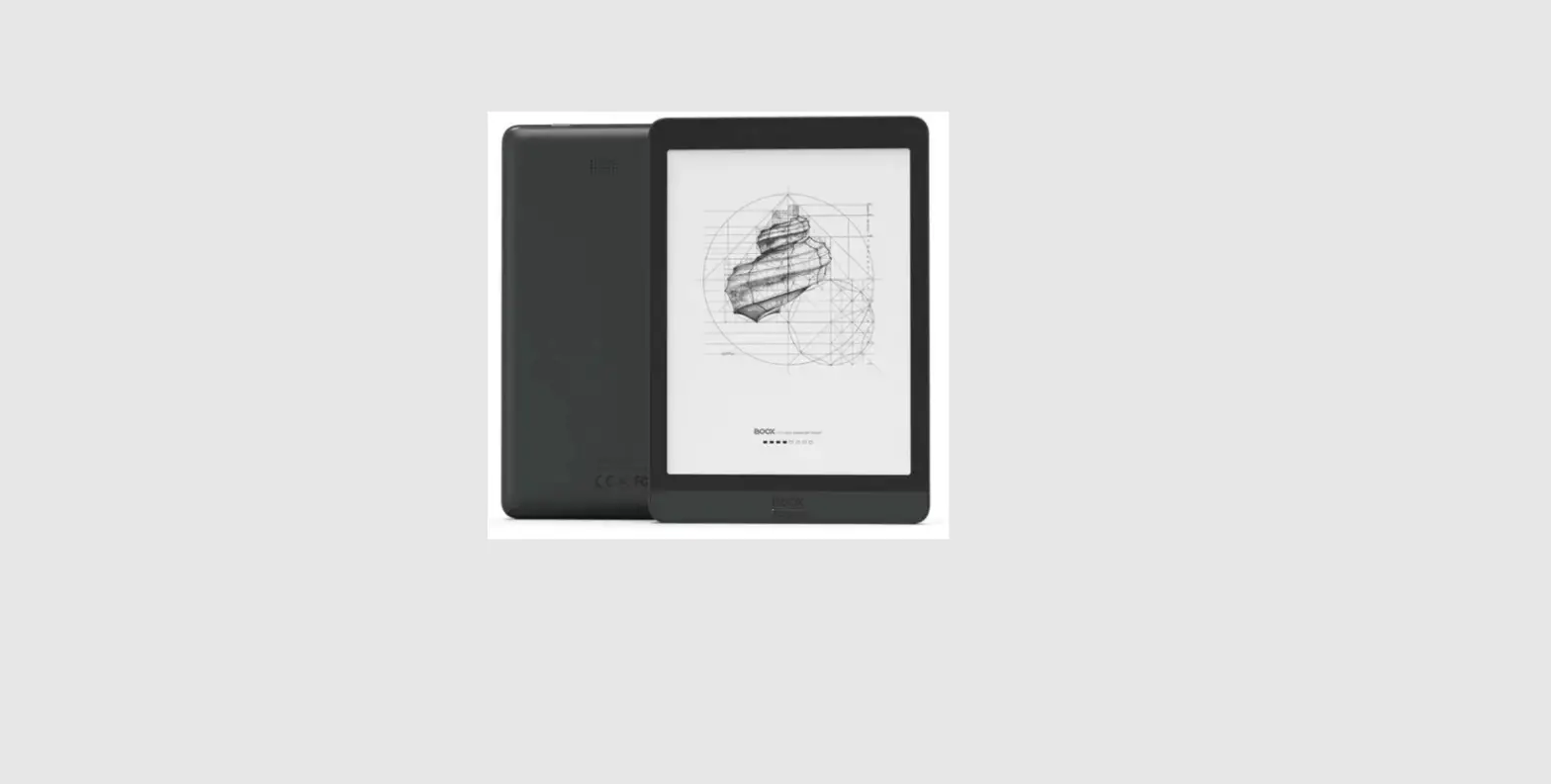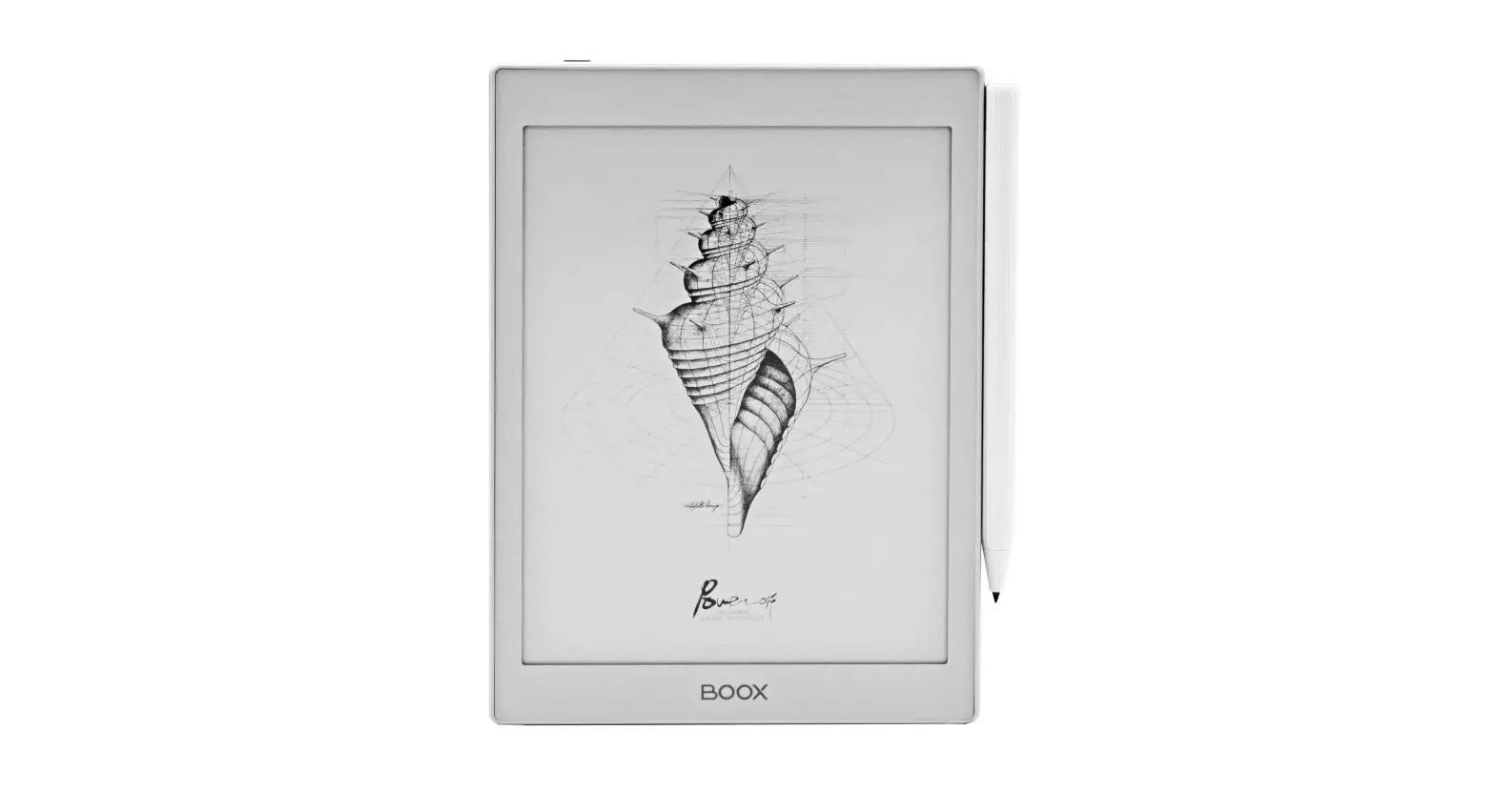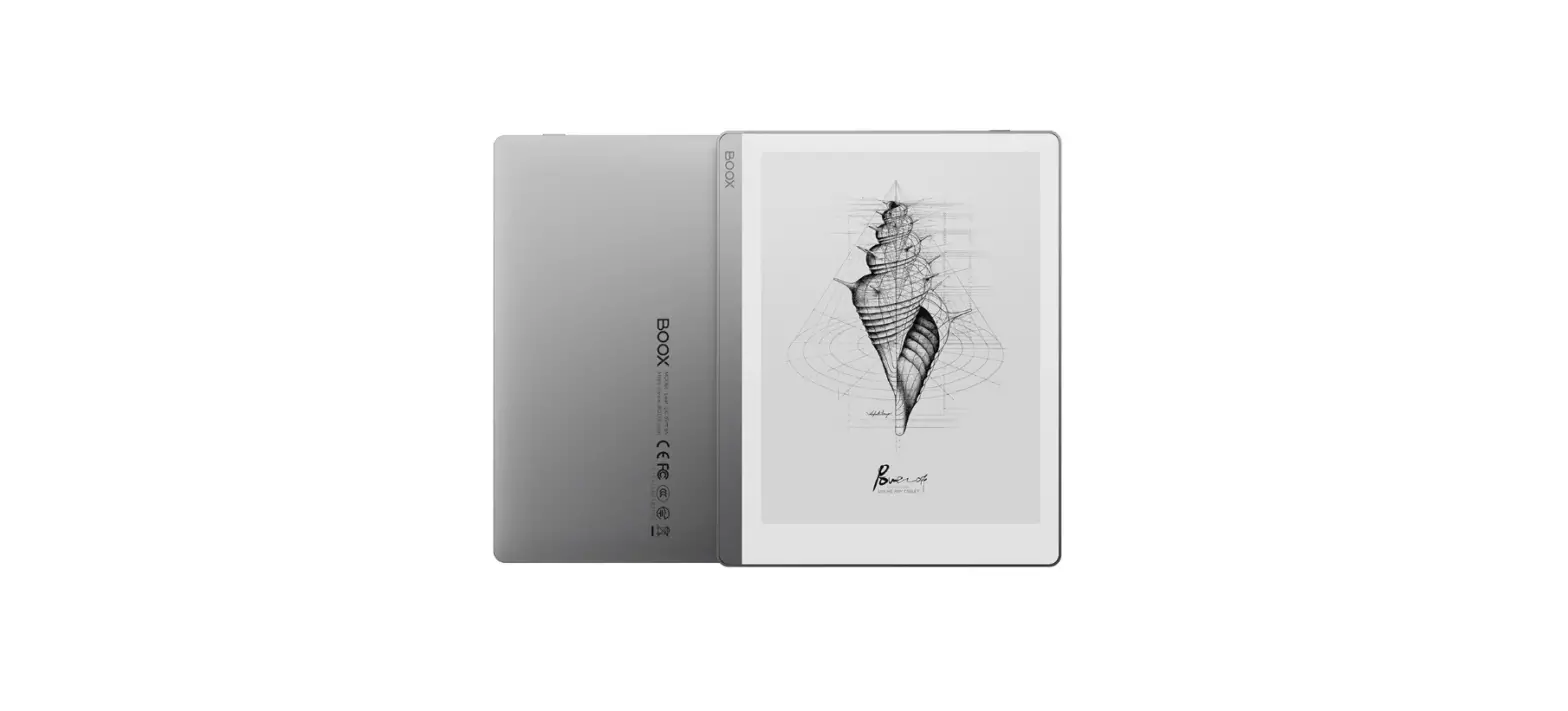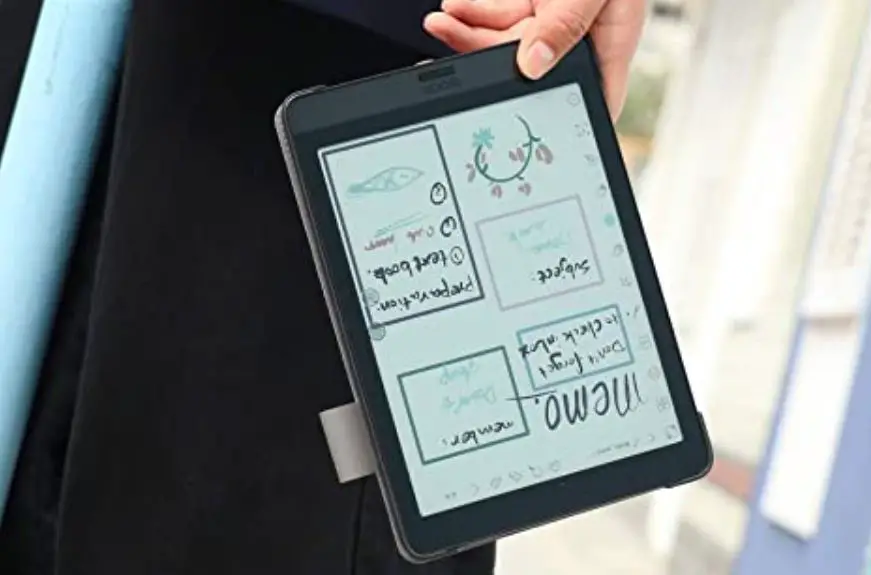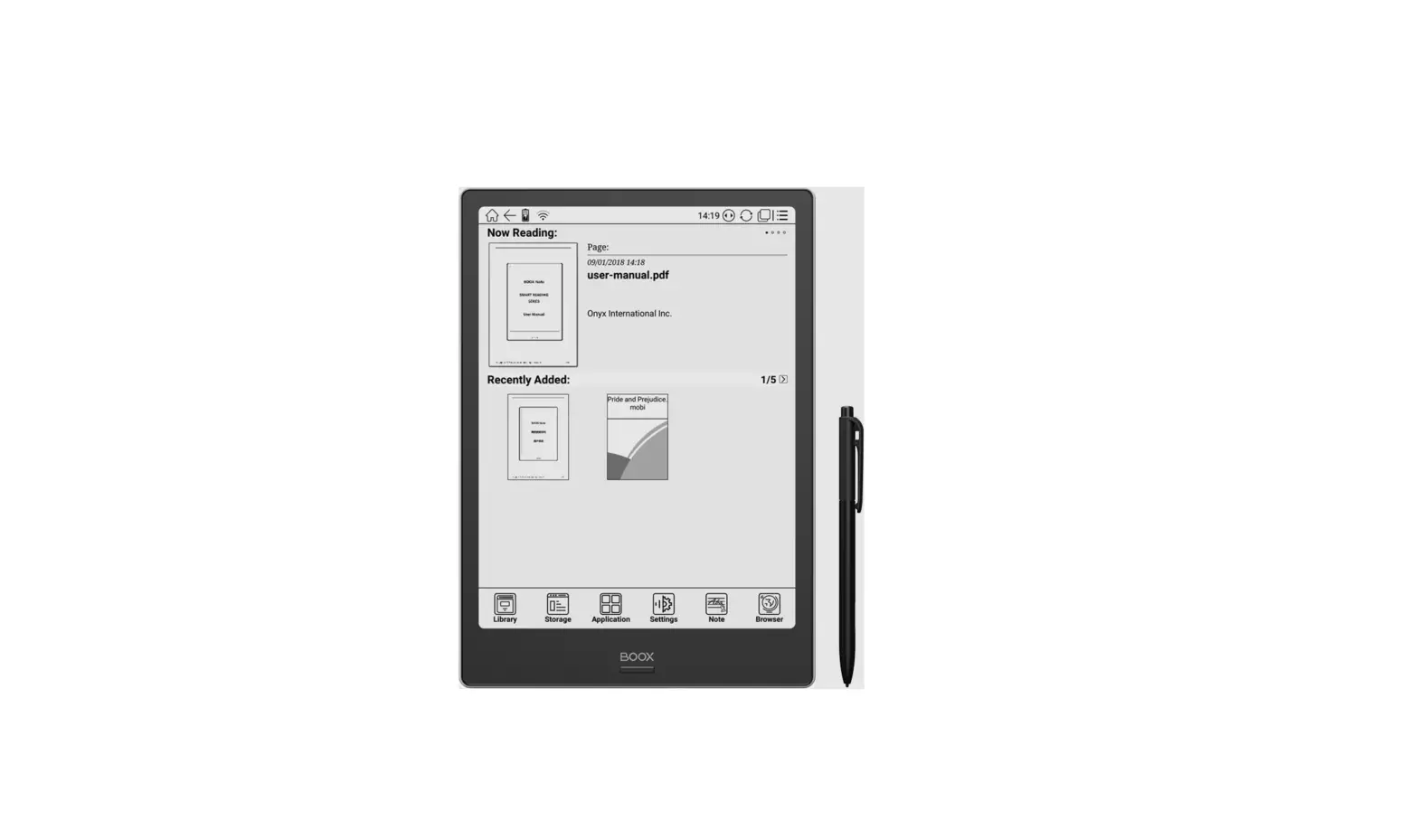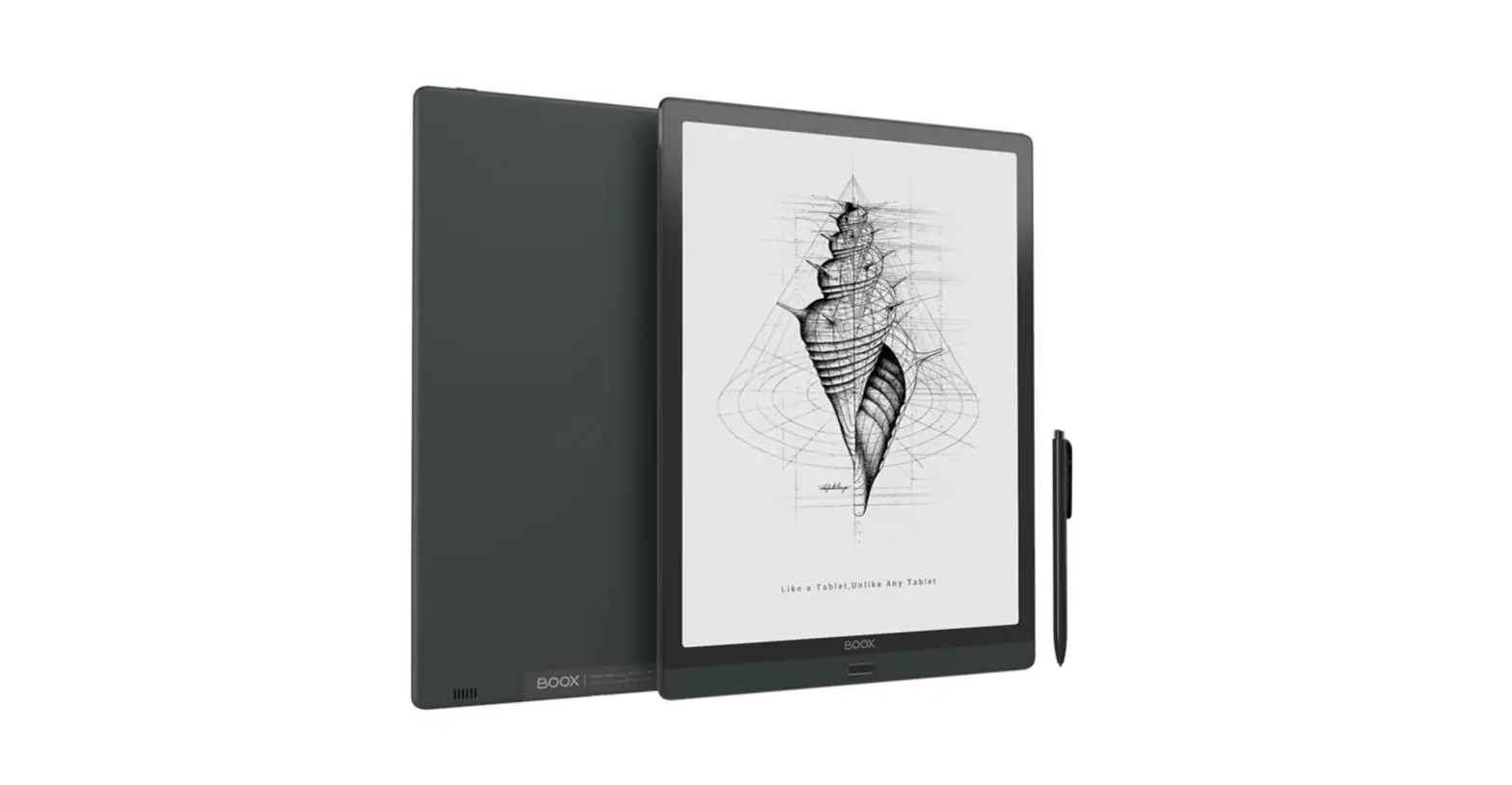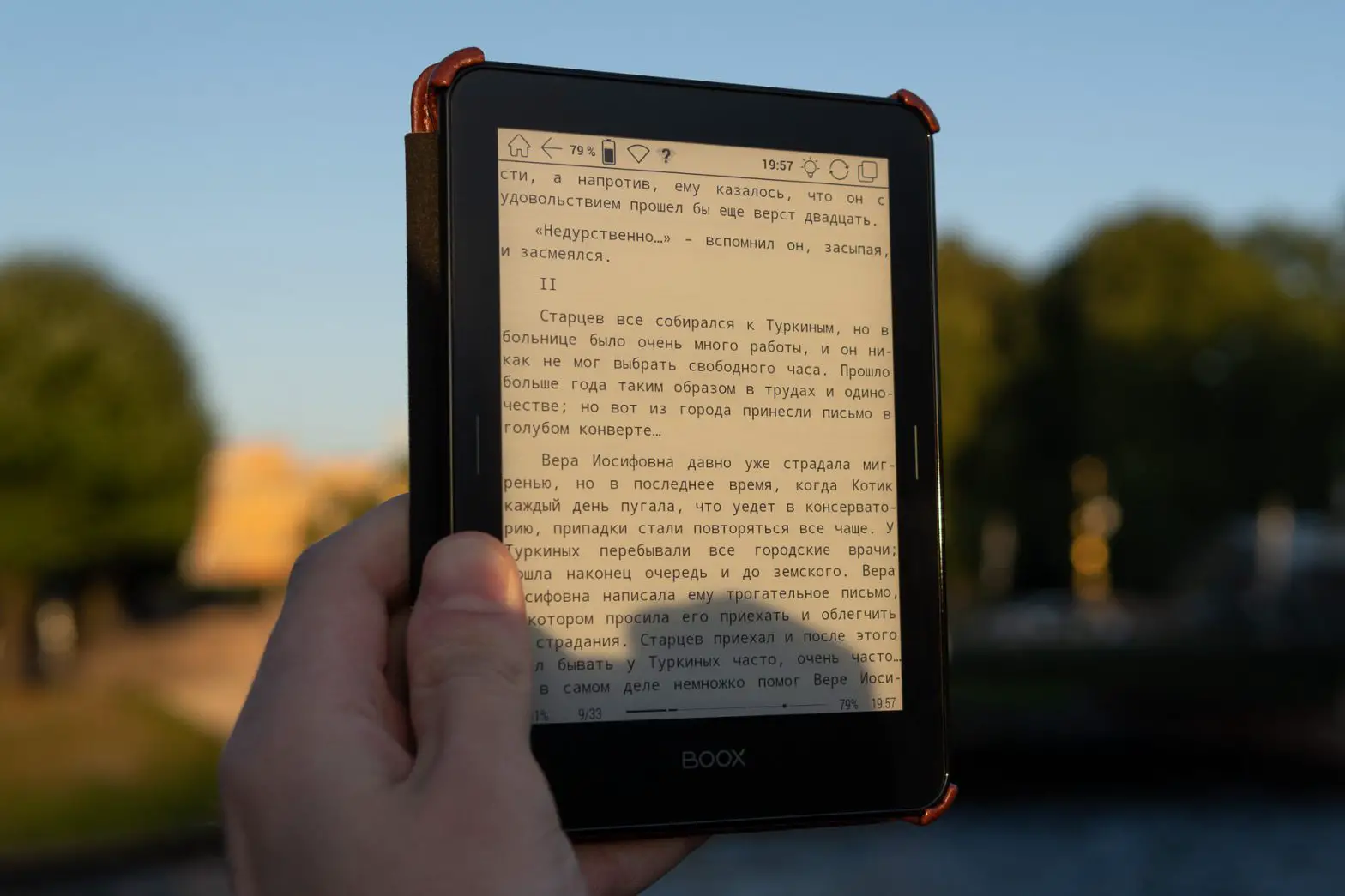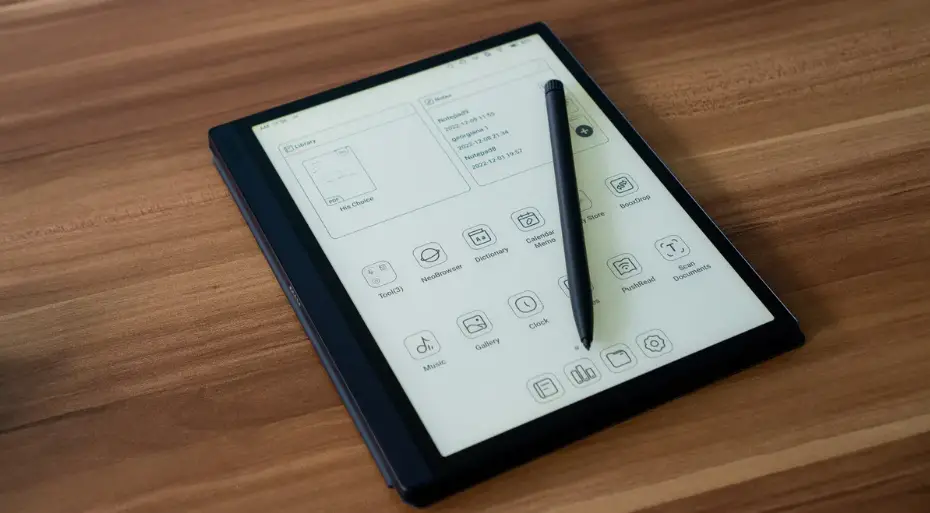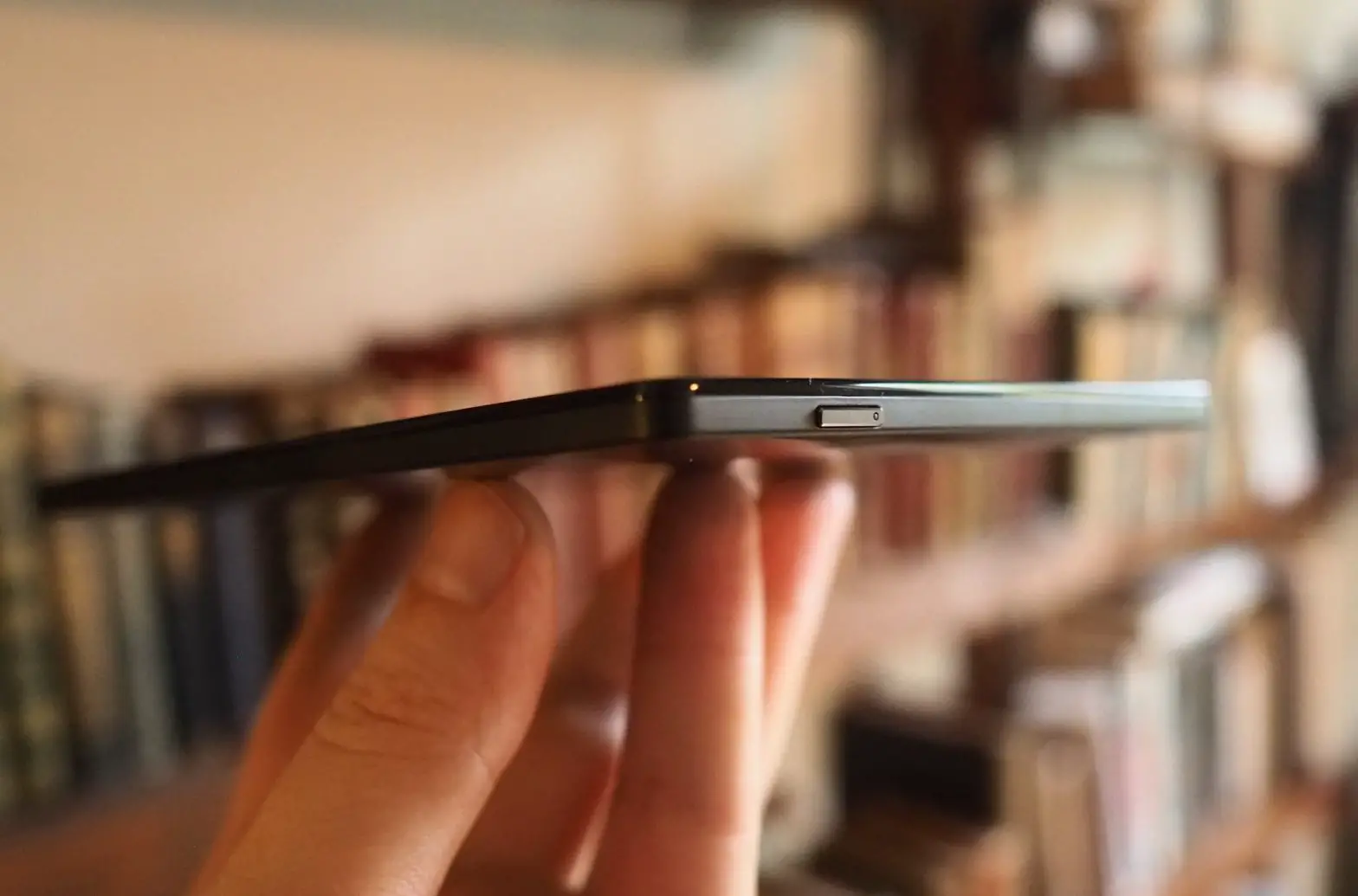

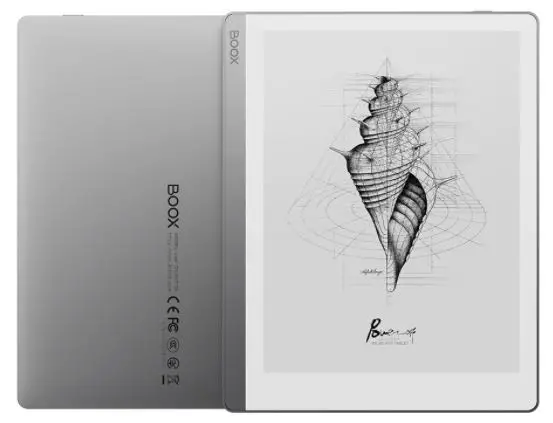
Onyx BOOX Leaf 7 Inch E Reader
For further instructions, please learn from the pre-loaded User Manual or official website technical support.
www.boox.com
QUICK START GUIDE
Turn on the device: Hold down the power button for 2-3 second.
Charging: When you see a low battery alter or cannot turn on the device, charge it by connecting to the PC or power supply with an adapter. The indicator light will be on when the device is charging, and will be off after the battery is fully charged.
Firmware update: Download the update packages to the root directory of the local storage, or get OTA updates on the device.
To force shutdown, please hold the power button for about 8 seconds.
You can read the full version of the User Manual on the official BOOX website: https://www.boox.com/downloads/
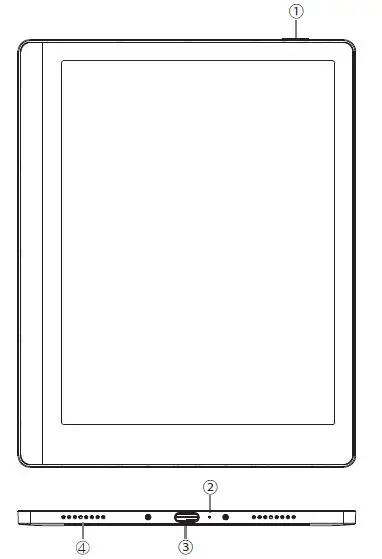
PARTS
- Power
- Microphone
- USB-C Port
- Speakers
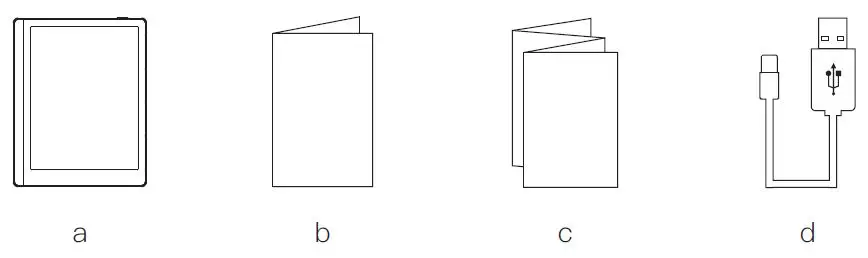
BOX CONTENT
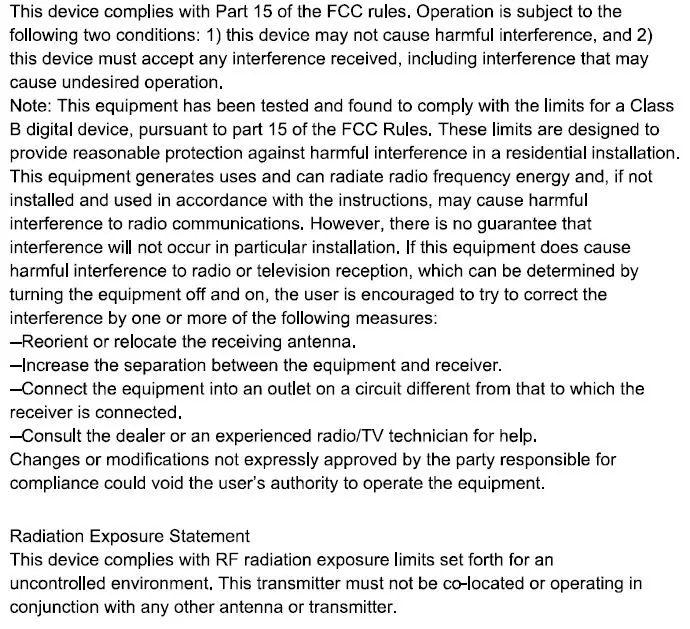
FCC STATEMENT
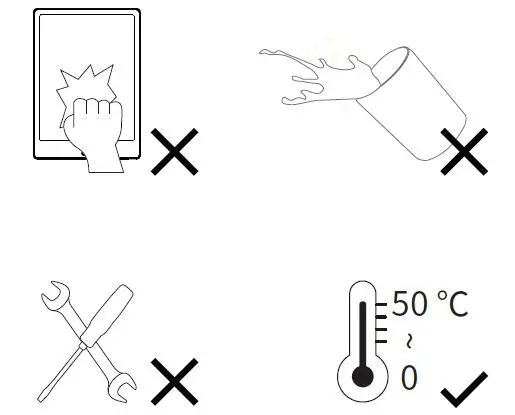
WARNING