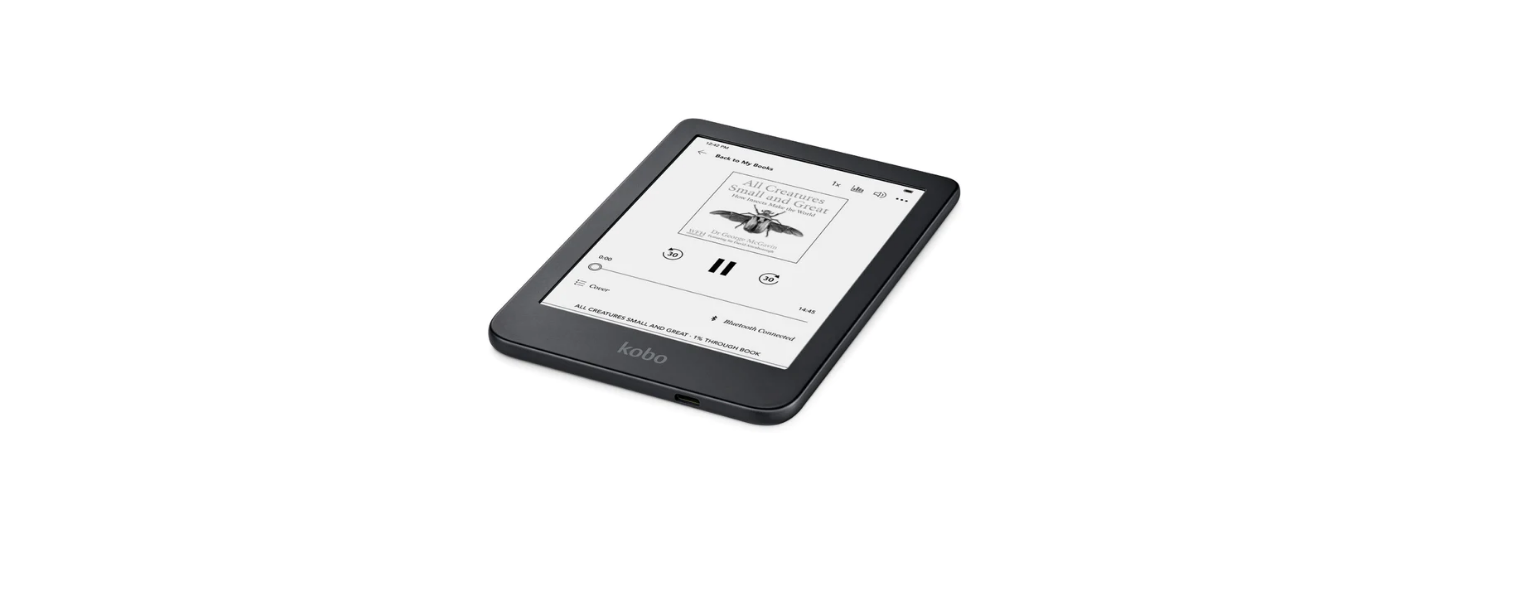
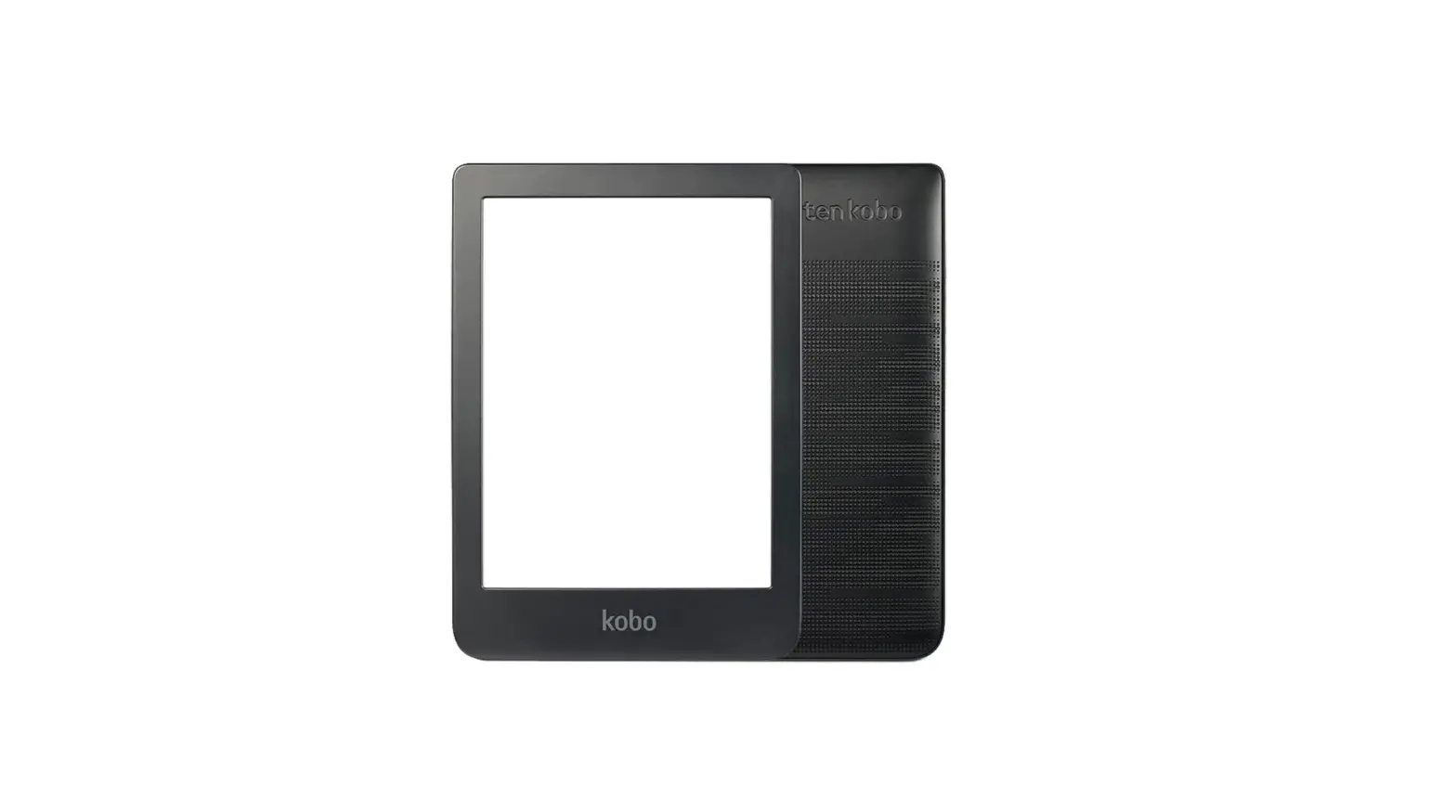
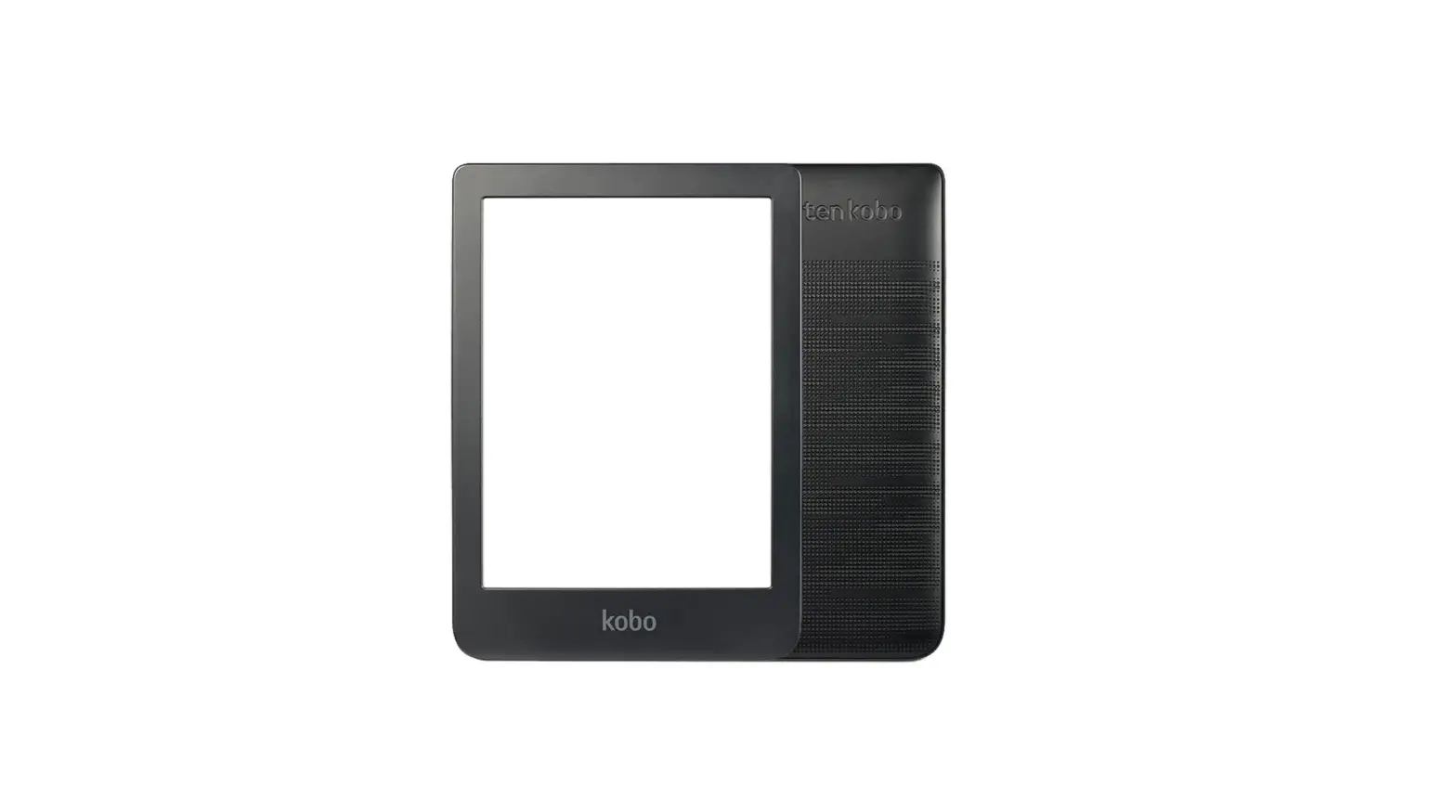
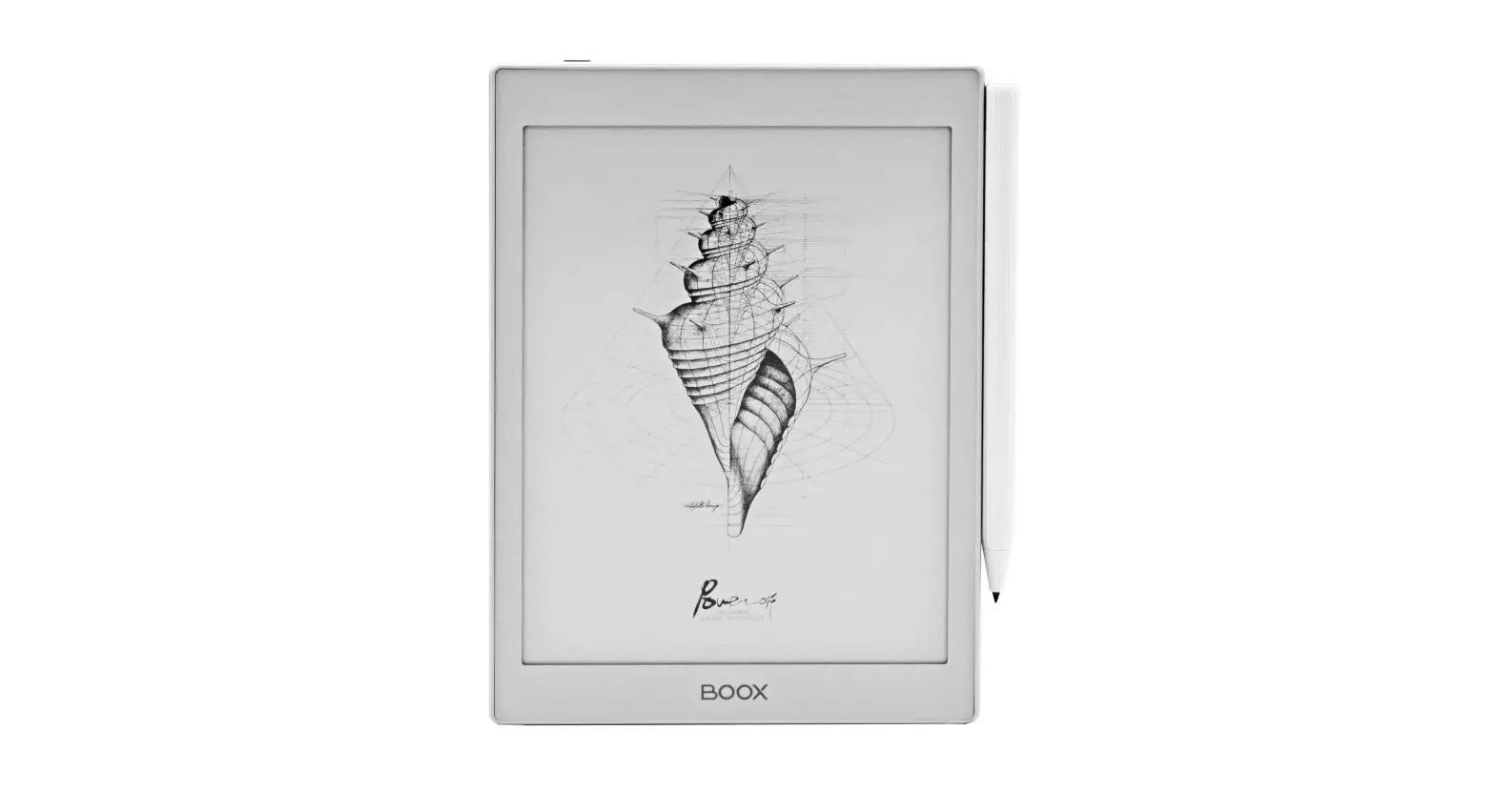
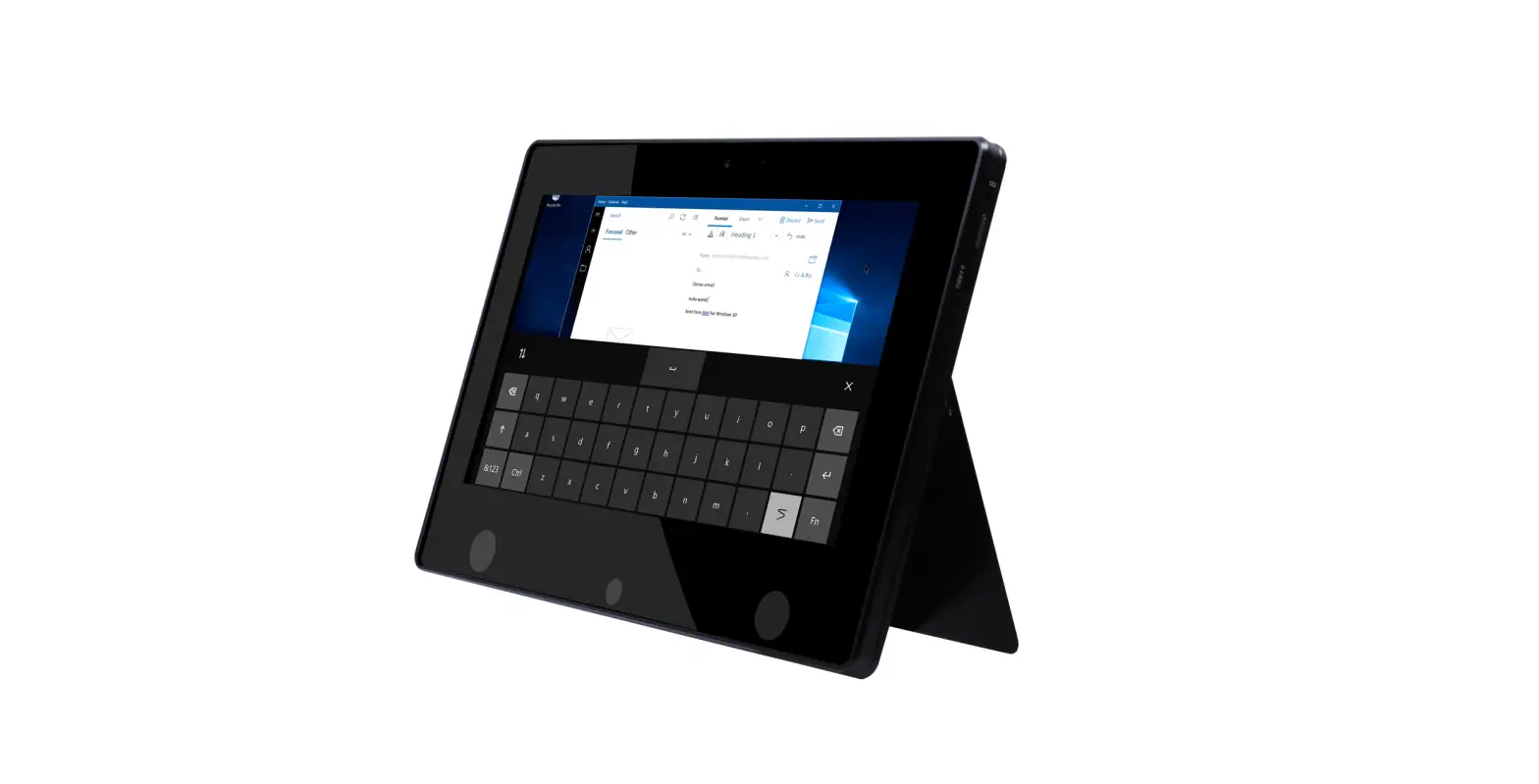
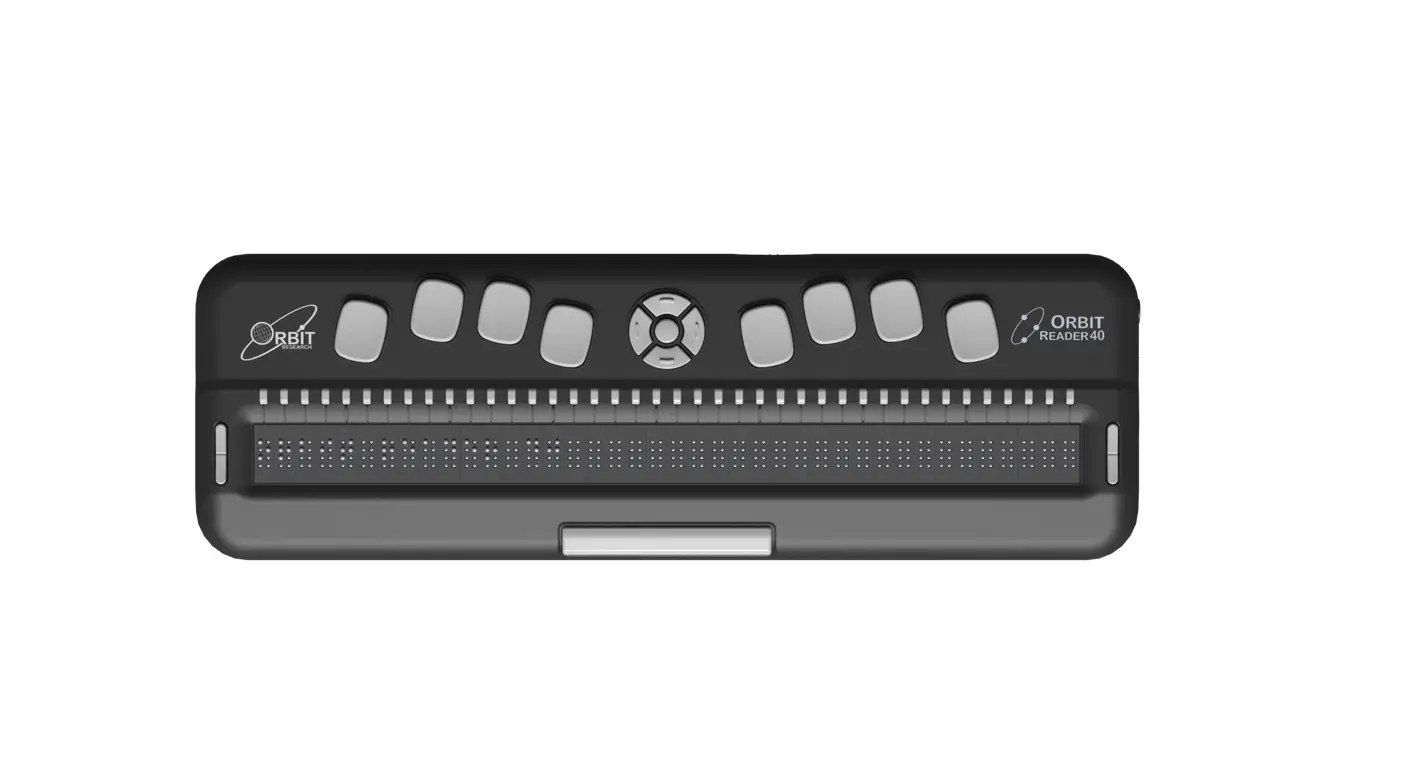
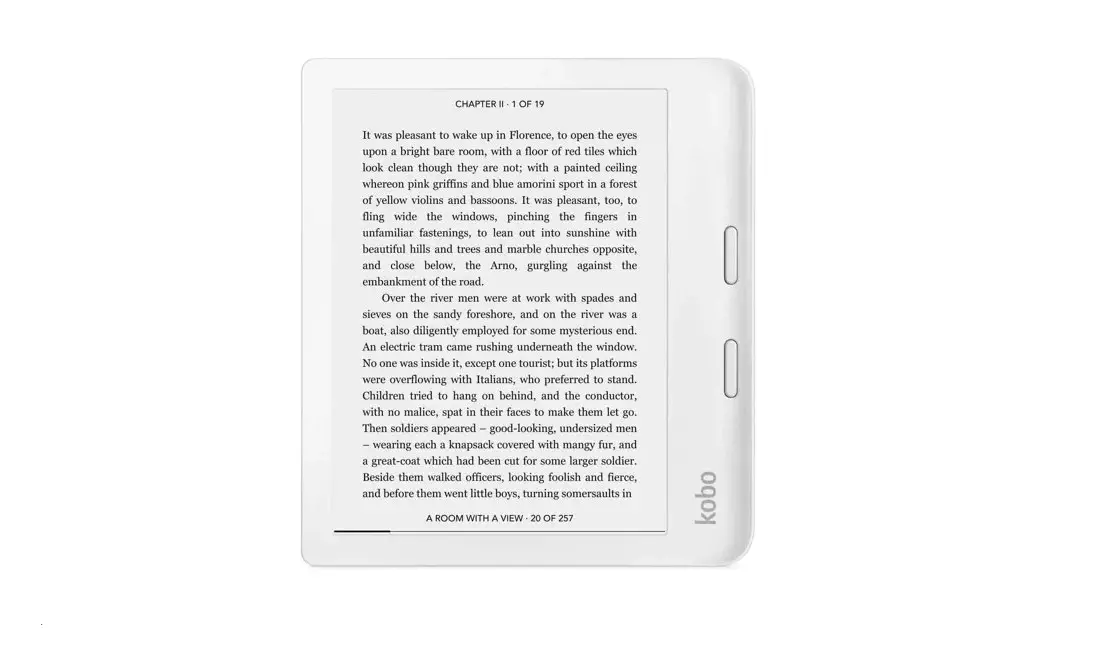
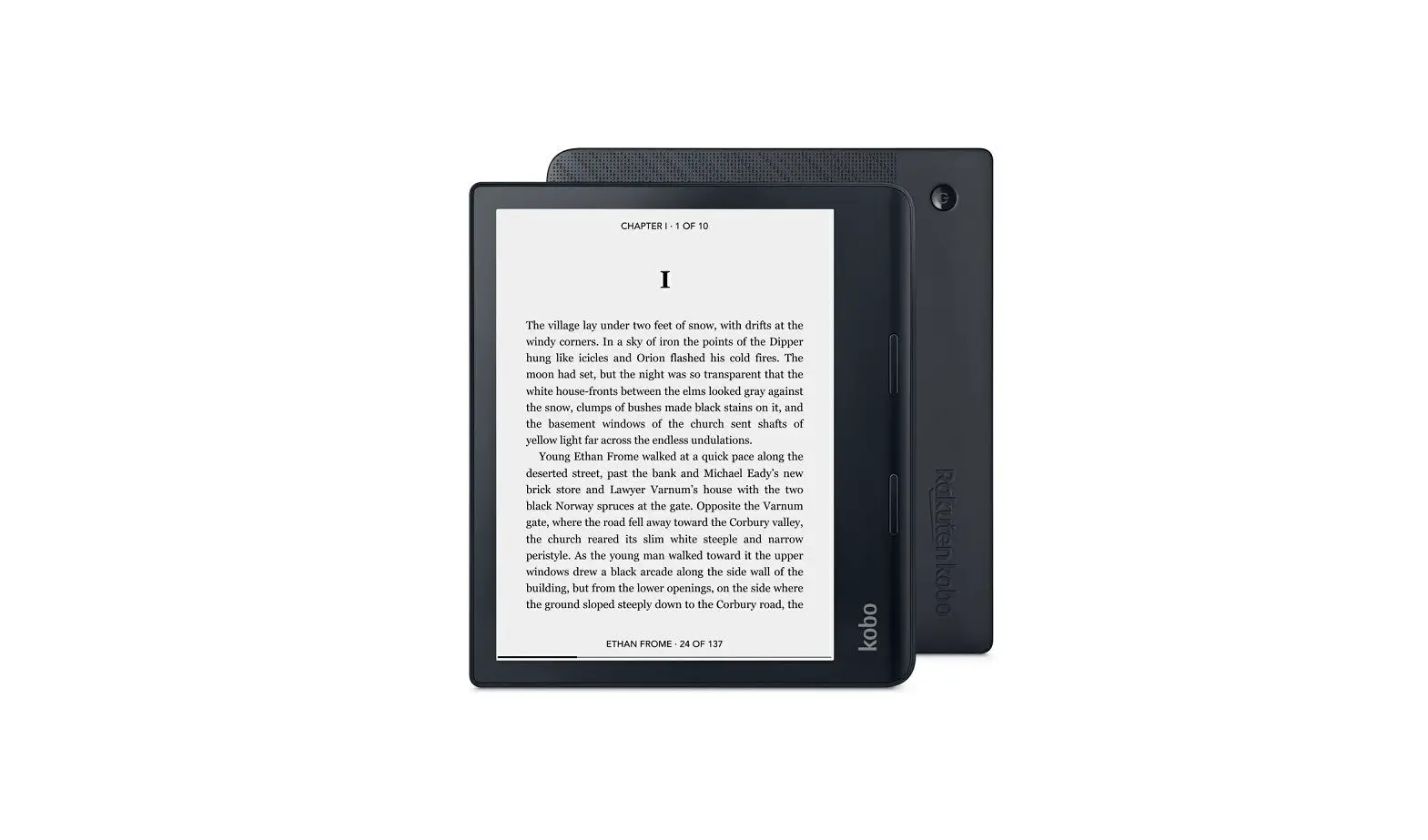
K06N Gaze Mini E-Reader
Product Information
Product Code: LP0002
Version: 3.8.2
Product Usage Instructions
To use the product, please follow these steps:
- Ensure that you have all the necessary components and
accessories. - Read the user manual carefully to familiarize yourself with the
product. - Connect the product to a power source using the provided power
cable. - Turn on the product using the power button located on the front
panel. - If applicable, adjust any necessary settings according to your
preferences. - Refer to the user manual for specific instructions on how to
operate different features of the product. - When finished using the product, turn it off and disconnect it
from the power source. - Clean and maintain the product regularly following the
instructions in the user manual.
If you encounter any issues or need further assistance, please
refer to the troubleshooting section of the user manual or contact
our customer support.
LP0002
_ 3. 8. 2
FCC St at ement Thi s devi ce compl i es wi t h par t 15 of t he FCC Rul es. Oper at i on i s subj ect t o t he f ol l owi ng t wo condi t i ons: ( 1) Thi s devi ce may not cause har mf ul i nt er f er ence, and ( 2) t hi s devi ce must accept any i nt er f er ence r ecei ved, i ncl udi ng i nt er f er ence t hat may cause undesi r ed oper at i on. Thi s equi pment has been t est ed and f ound t o compl y wi t h t he l i mi t s f or a Cl ass B di gi t al devi ce, pur suant t o par t 15 of t he FCC Rul es. These l i mi t s ar e desi gned t o pr ovi de r easonabl e pr ot ect i on agai nst har mf ul i nt er f er ence i n a r esi dent i al i nst al l at i on. Thi s equi pment gener at es, uses and can r adi at e r adi o f r equency ener gy and, i f not i nst al l ed and used i n accor dance wi t h t he i nst r uct i ons, may cause har mf ul i nt er f er ence t o r adi o communi cat i ons. However , t her e i s no guar ant ee t hat i nt er f er ence wi l l not occur i n a par t i cul ar i nst al l at i on. I f t hi s equi pment does cause har mf ul i nt er f er ence t o r adi o or t el evi si on r ecept i on, whi ch can be det er mi ned by t ur ni ng t he equi pment of f and on, t he user i s encour aged t o t r y t o cor r ect t he i nt er f er ence by one or mor e of t he f ol l owi ng measur es: Reor i ent or r el ocat e t he r ecei vi ng ant enna. . I ncr ease t he separ at i on bet ween t he equi pment and r ecei ver . . Connect t he equi pment i nt o an out l et on a ci r cui t di f f er ent f r om t hat t o whi ch t he r ecei ver i s connect ed. . Consul t t he deal er or an exper i enced r adi o/ TV t echni ci an f or hel p. Cat i ons t o t hi s devi ce not expl i ci t l y appr oved by manuf act ur er coul d Caut i on: . Any changes or modi voi d your aut hor i t y t o oper at e t hi s equi pment . RF Exposur e I nf or mat i on The devi ce was eval uat ed t o meet gener al RF exposur e r equi r ement s. Thi s equi pment shoul d be i nst al l ed and used wi t h a mi ni mum di st ance of 0 mm bet ween t he r adi at or and your body.