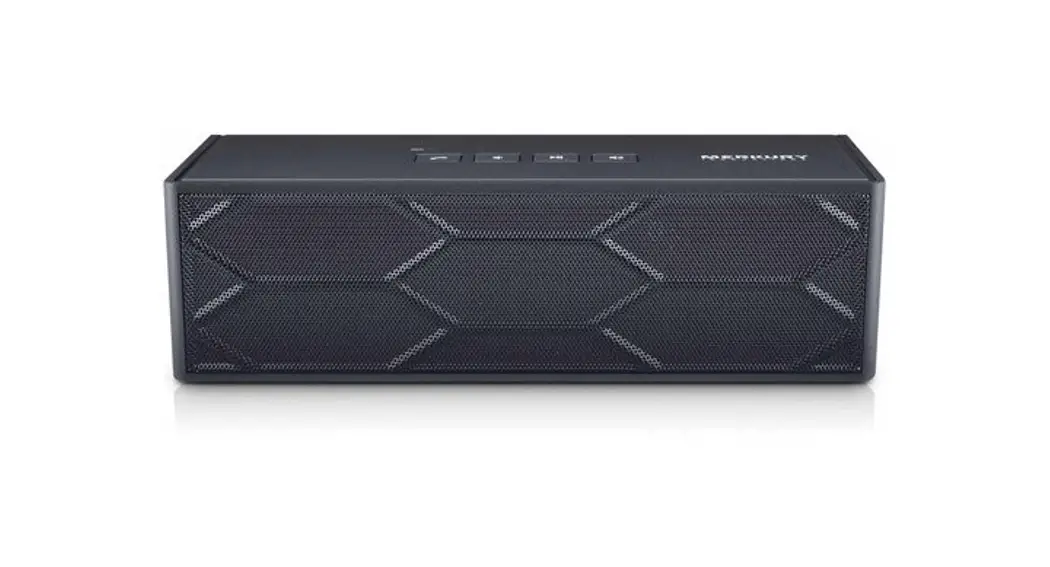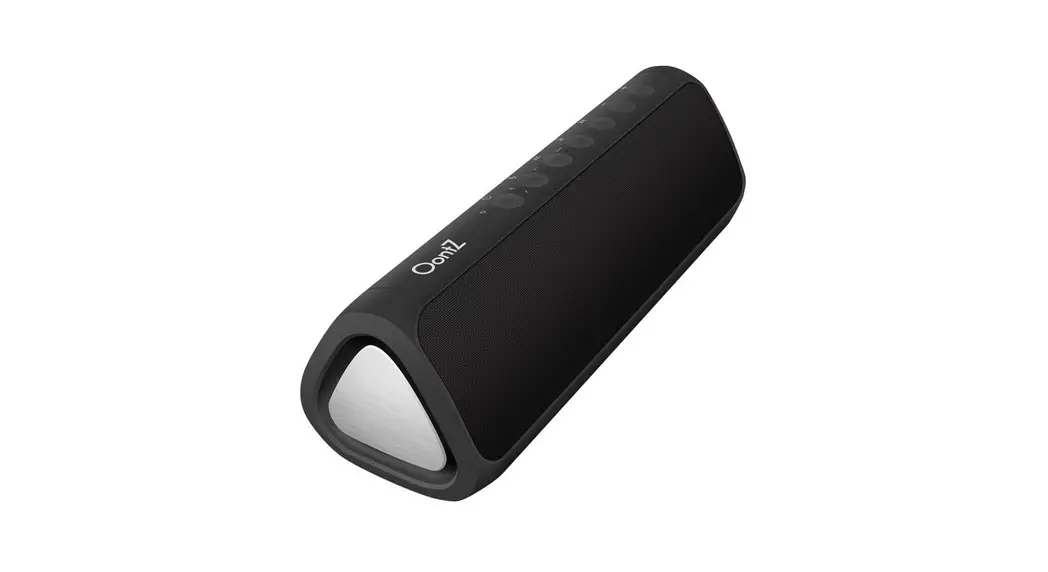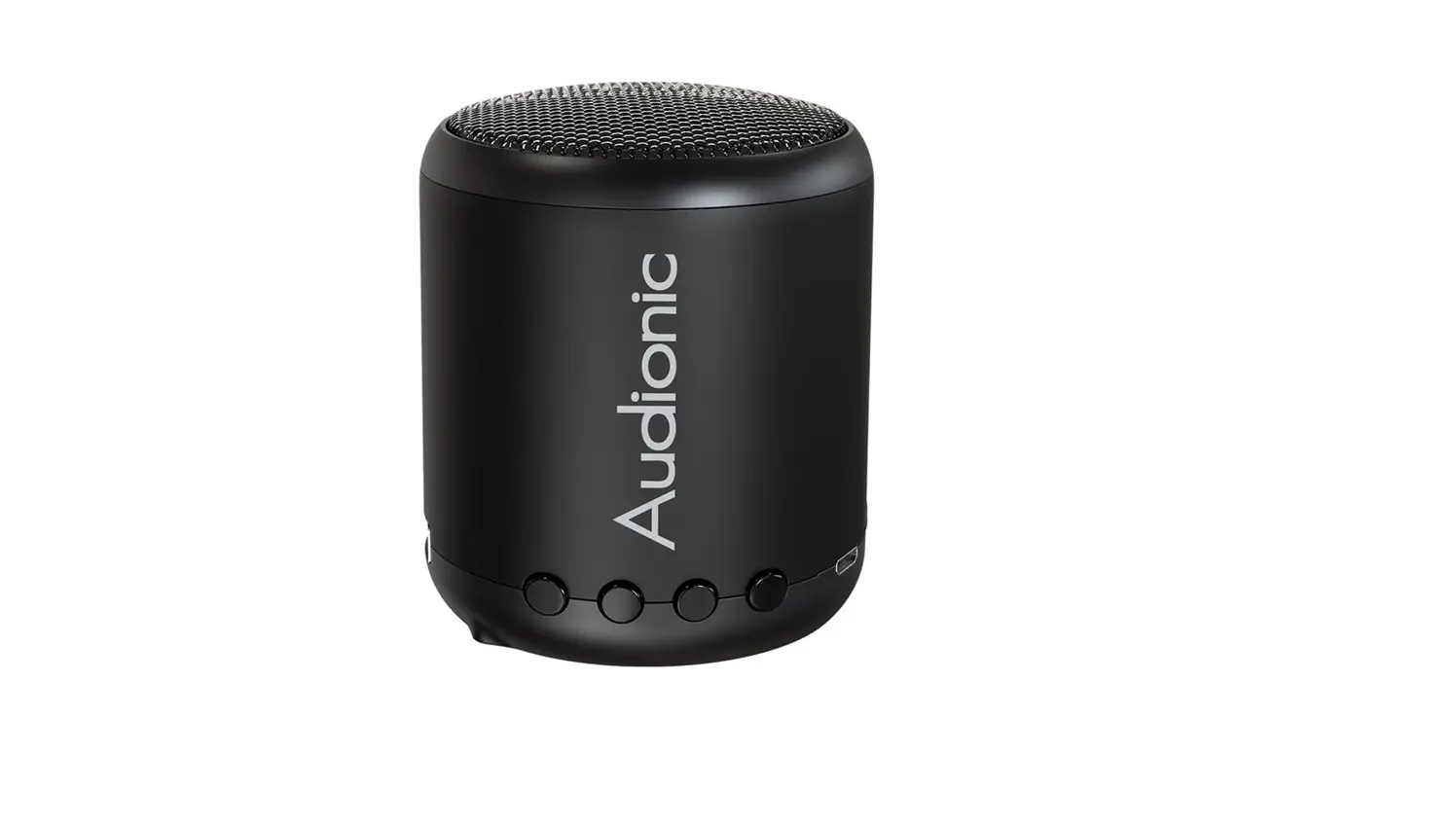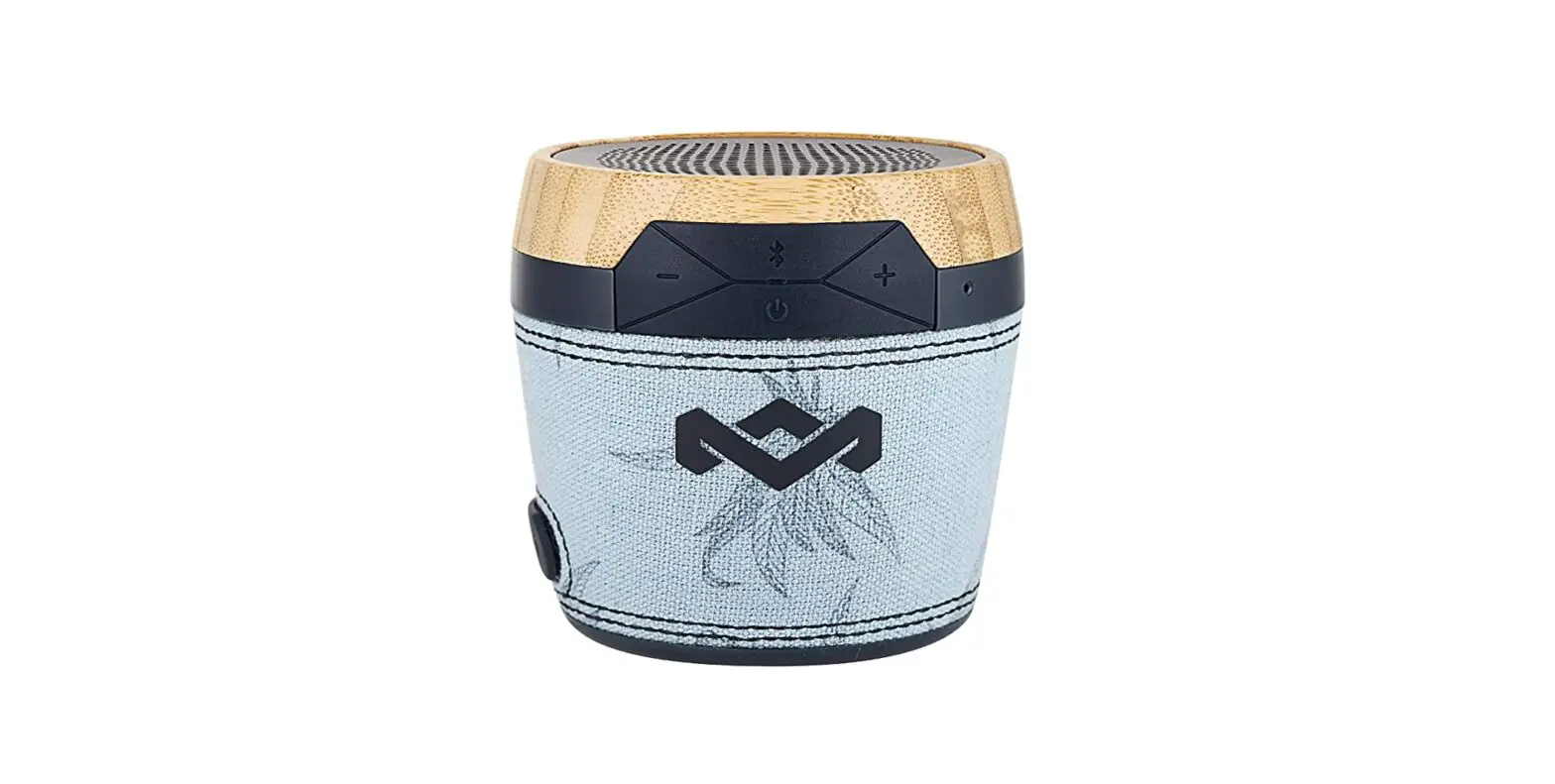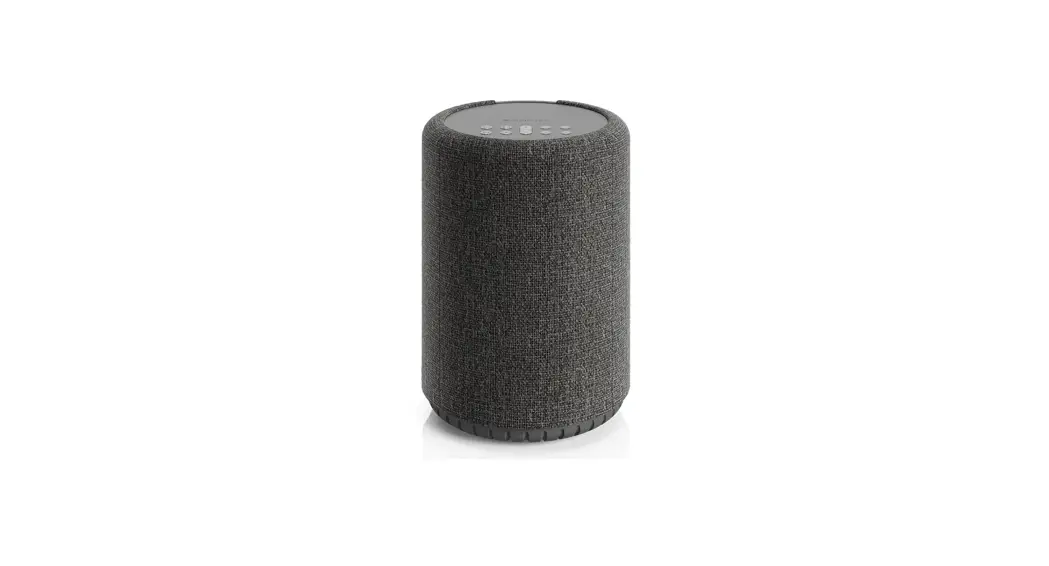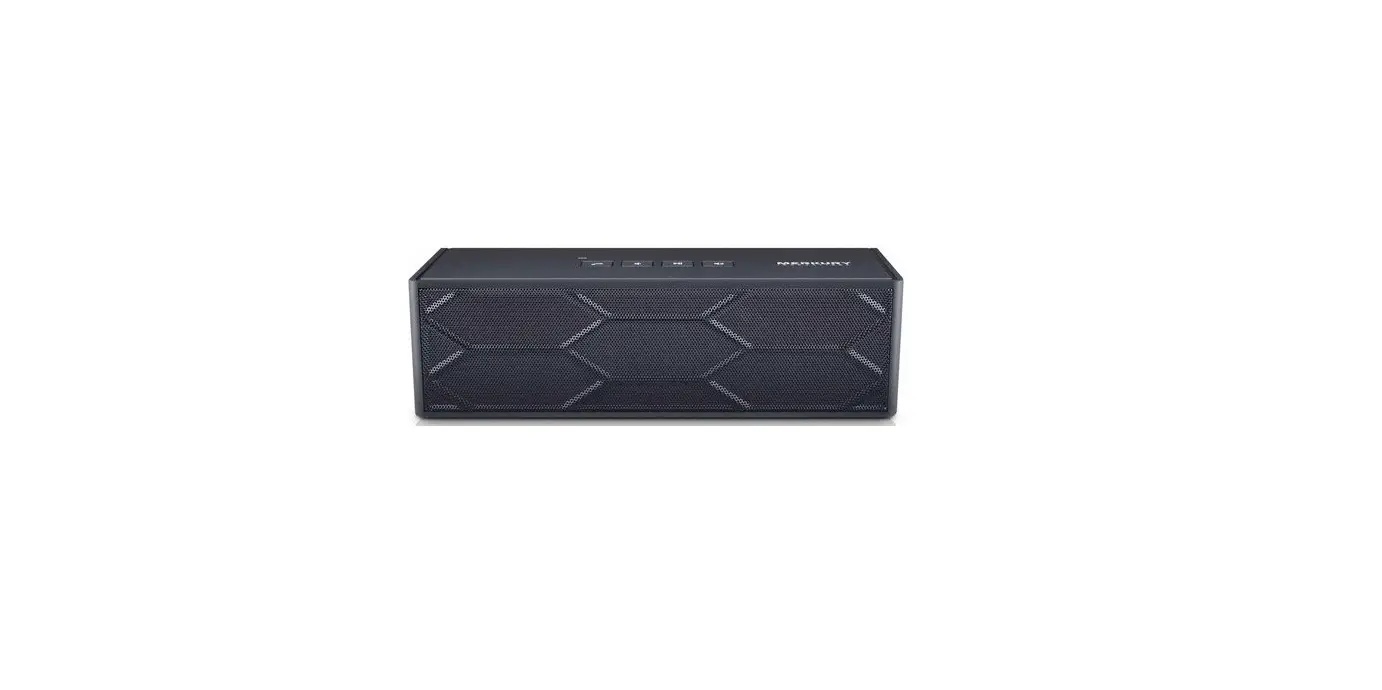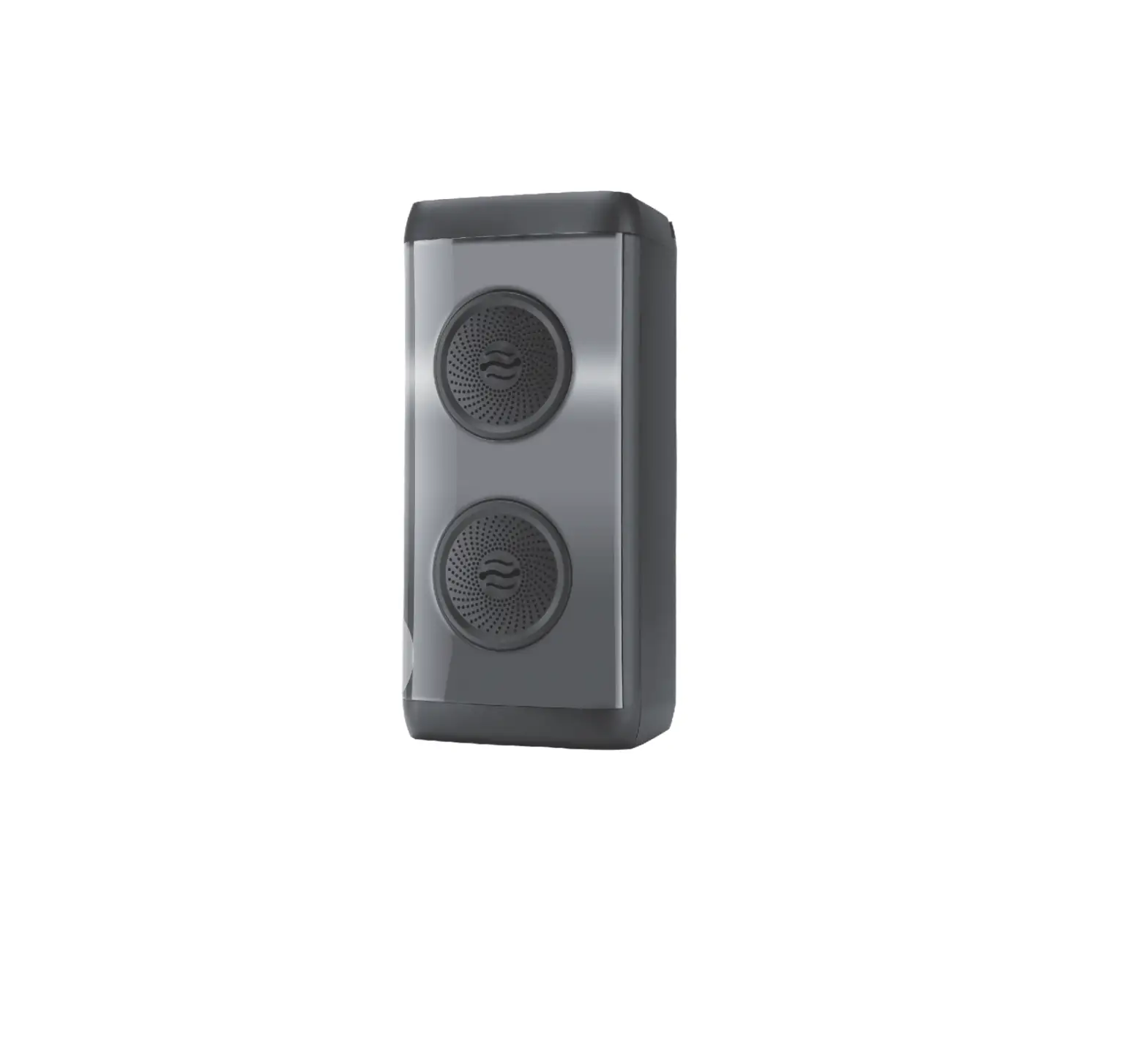


ACADIA
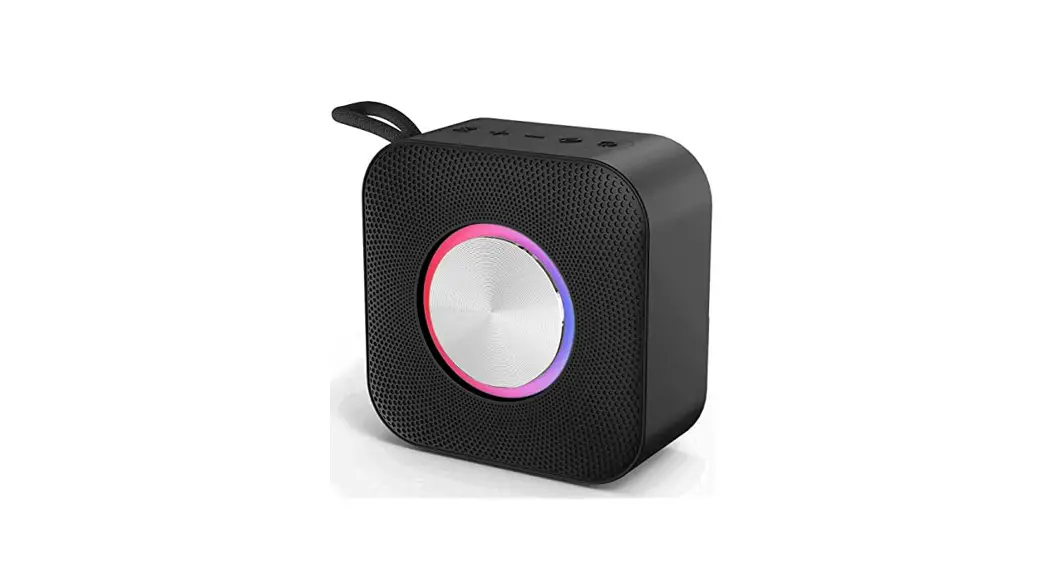
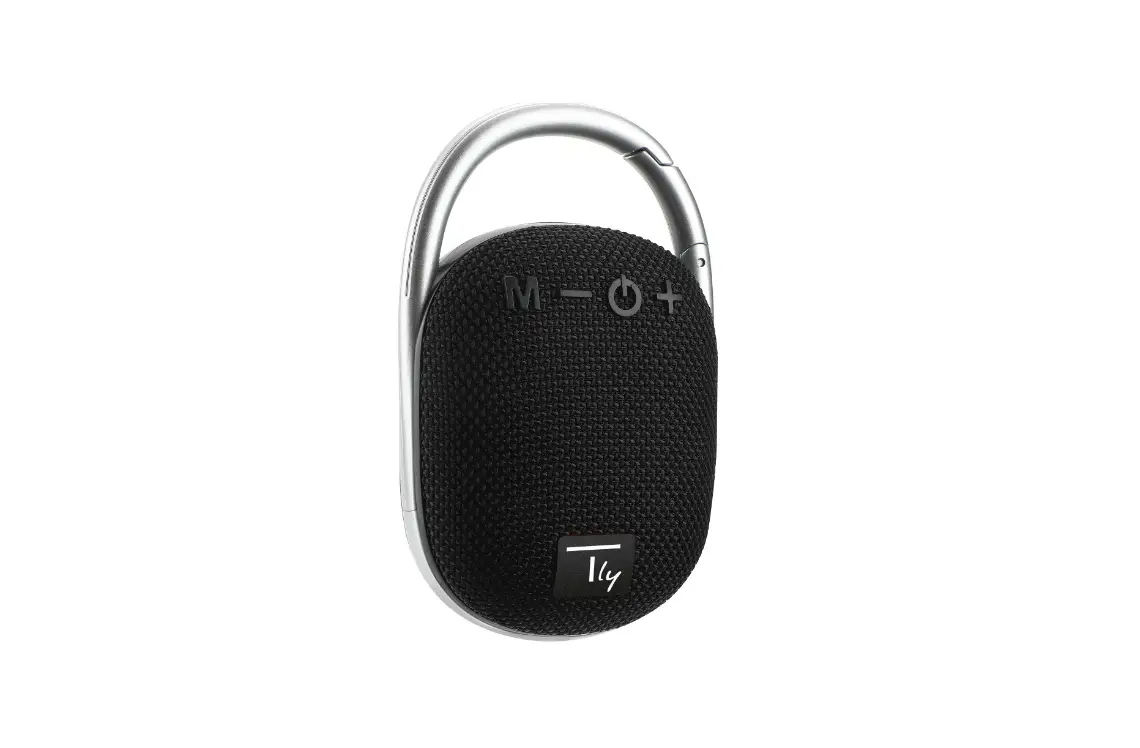
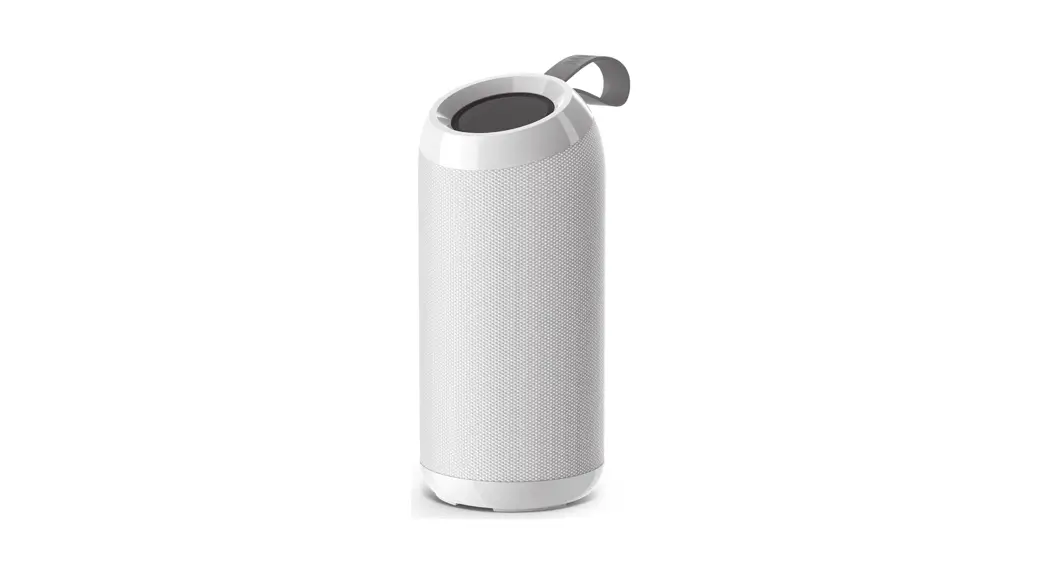
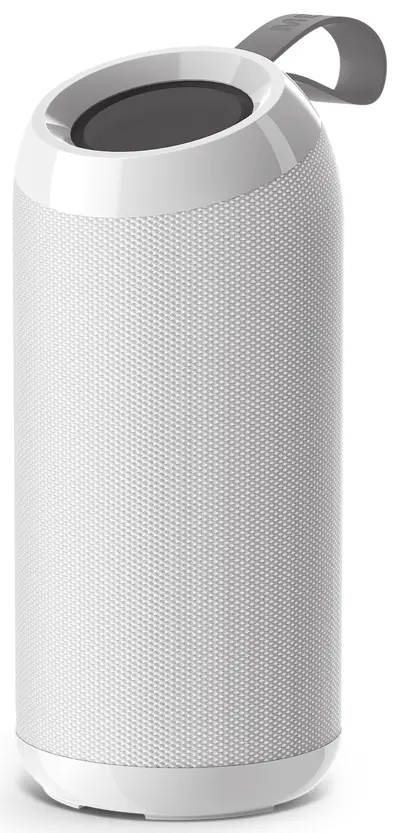
PORTABLE WIRELESS SPEAKER
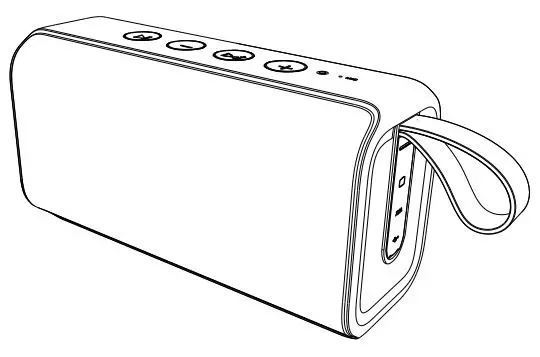
OUTSIDE
INCLUDES:
- ACADIA Speaker
- Micro USB Cable
- User Manual
USER’S MANUAL FOR MI-S065B
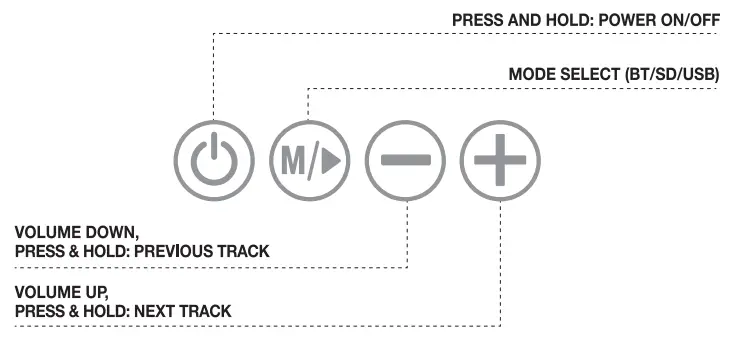
ON-BOARD CONTROLS (BOTTOM)
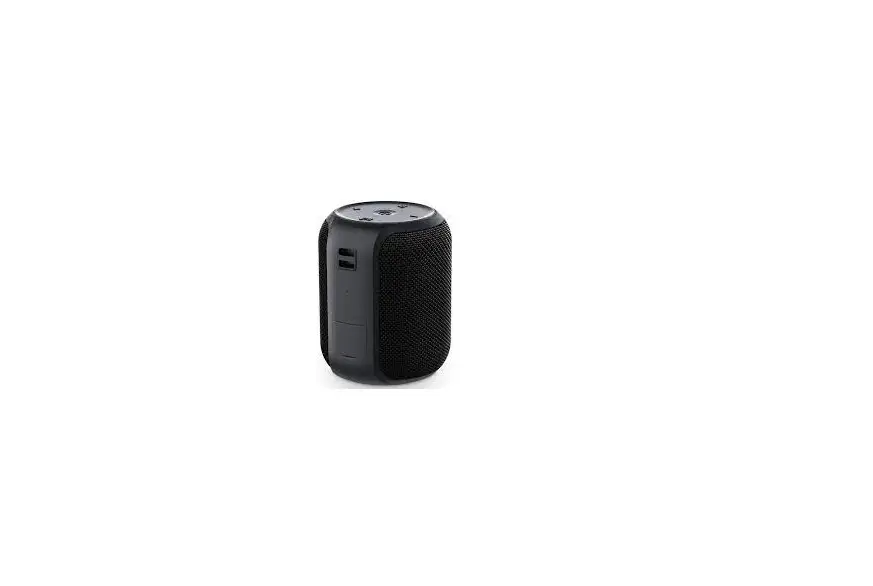
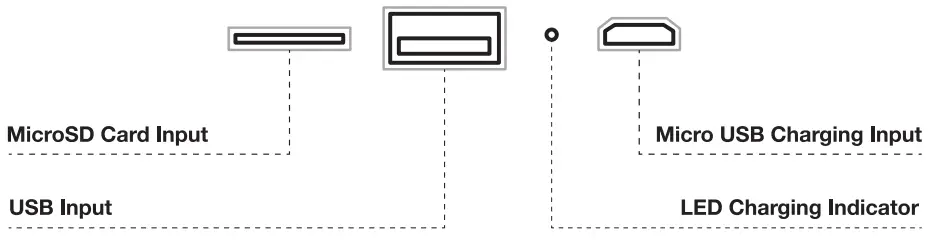
SPEAKER INPUTS(BACK)
SPECIFICATIONS
Speaker Specifications:
Output Power: 7W
Frequency Response: 100HZ-18KHZ
Dimensions (WxHxD): 3.5×3.5×8.25 in
Additional Connection Sources:
Power Source: Built-in rechargeable battery or via USB cable
Power Information: Input: DC5V Battery Capacity: 1200mAH Music playing time: Up to 3 Hours* Charging time: 2 hours
Bluetooth® Information: Bluetooth® Version: 5.0 Operating Distance: 30ft. System Requirements: Bluetooth®-capable device
CHARGE
- Plug the micro USB cable into the micro USB port on the back of the speaker, and connect the other end of the cable with any compatible charger or wall outlet.
- When charging, the small LED indicator will glow red. When fully charged, the LED indicator will turn off.
- The charging time is approximately 2 haws.
PAIR & CONNECT
- Press and hold the power button on the speaker to turn it ON or OFF
- Make sure the speaker is turned ON
- On your Bketooth® enabled device, navigate to the Bluetooth settings menu, turn on the Bluetooth feature, and search for new devices.
- Wait a few seconds & select ‘Markin S065B” The speaker will emit a tone when successfully paired.
NOTE - If your device’s Bluetooth version is below version 2.1. you may need to enter the password ‘10000’.
- Insert a USB thumb drive or MicroSD card for dead music playback. Use the on-board controls to scroll through music files
RECONNECT TO BWETOOTH°
- You only need to pair your Bluetooth device with the speaker once.
- With your previously paired device’s Bluetooth’ turned on & in range, power on the speaker.
- The speaker will automatically reconnect to the last Bluetooth° device it VMS connected to.
- If you have a previously paired device that does not auto-reconnect, navigate to the Bluetooth settings menu on your device, turn on the Bluetooth feature, and select “Markey SO65B″from your list of paired Bluetooth devices.
MERCURY INNOVATIONS CONFIDENTIAL
FILE INFORMATION
DATE: 03/01/21
MODEL NUMBER:
MI-S065B-Manual
PRINTER SPECIFICATIONS
FILENAME:
MI-S065B-Manual_030121_REVOLai
SCALE: 100%
SIZE: Trim: W 220mm x H 164mm
PAPER STOCK: 80g Art Paper
INKS: 1/1
Grayscale
PRESS WORK / NOTES: Trim to size, score, fold, & glue in specified areas.
Trim
Score
DO NOT print Comments or Dielines.
The physical sample according to specs must be approved by MERCURY before proceeding to production.
CONTACT
MERCURY CHINA: Perry
[email protected]
COMMENTS (Internal reference only)
File created by Aleksei Karchikov
– Please include this Manual in all packaging for MI-S065B-Series
– Grayscale
– Double-sided printing
TROUBLESHOOTING
| No power | Recharge your ACADIA speaker using the Included micro L/5.8 cable. Try using a different cable. |
| Music is not playing over Bluetooth® | Make sure your Bluetooth° device has an A2DP profile. Check if both devices are paired and connected over Bluetooth’. Restart the speaker to reconnect your Bluetooth device. |
| Bluetooth device will not reconnect with the speaker | Navigate to your Elluetooth° settings menu on your Bluetooth device, tap ‘Merkury S0668″ and select ‘Forget’ Now follow the steps to pair your device again. |
TECHNICAL SUPPORT
| If you are experiencing problems, do not attempt to fix the product by yourself a return it to the store you bought it from. Please refer to the user manual or just contact a helpful support team: | Merkury Innovations 45 Broadway. 3rd Floor. New York. New York 10006 wmv.makuryinnovations.com supportemerktryinnovations.com |
The device complies wan Pal 15 el the FCC RA*. Cpicalf on is Wax, lo Vre 11.10 models conducts
- The dose may not cause harmful irediereyte.
- Pia device must access day interference moved. dusting rewterema that may cause canted sonar.
C2021 Mabry kinevetlees. LLC.
To expire or full solo: ea’ 01 pm: duets. vise ra at ewarnekugyinnawasee.com
Bluetooth is a registered trademark of Bluetooth SIG, Inc. The illustrated product and specifications may differ slightly from those supplied. All other trademarks and trade names are those of their respective owners.
FCC Warning
This device complies with part 15 of the FCC rules. Operation is subject to the following two conditions: (1) this device may not cause harmful interference, and (2) this device must accept any interference received, including interference that may cause undesired operation.
Changes or modifications not expressly approved by the party responsible for compliance could void the user’s authority to operate the equipment.
NOTE: This equipment has been tested and found to comply with the limits for a Class B digital device, pursuant to part 15 of the FCC Rules. These limits are designed to provide reasonable protection against harmful interference in a residential installation. This equipment generates uses and can radiate radio frequency energy and, if not installed and used in accordance with the instructions, may cause harmful interference to radio communications. However, there is no guarantee that interference will not occur in a particular installation. If this equipment does cause harmful interference to radio or television reception, which can be determined by turning the equipment off and on, the user is encouraged to try to correct the interference by one or more of the following measures:
· Reorient or relocate the receiving antenna.
· Increase the separation between the equipment and receiver.
· Connect the equipment into an outlet on a circuit different from that to which the receiver is connected.
· Consult the dealer or an experienced radio/TV technician for help.
Radiation Exposure Statement
The device has been evaluated to meet general RF exposure requirements. The device can be used in portable exposure conditions without restriction.
Made In China