How to Use CarPlay on Hyundai
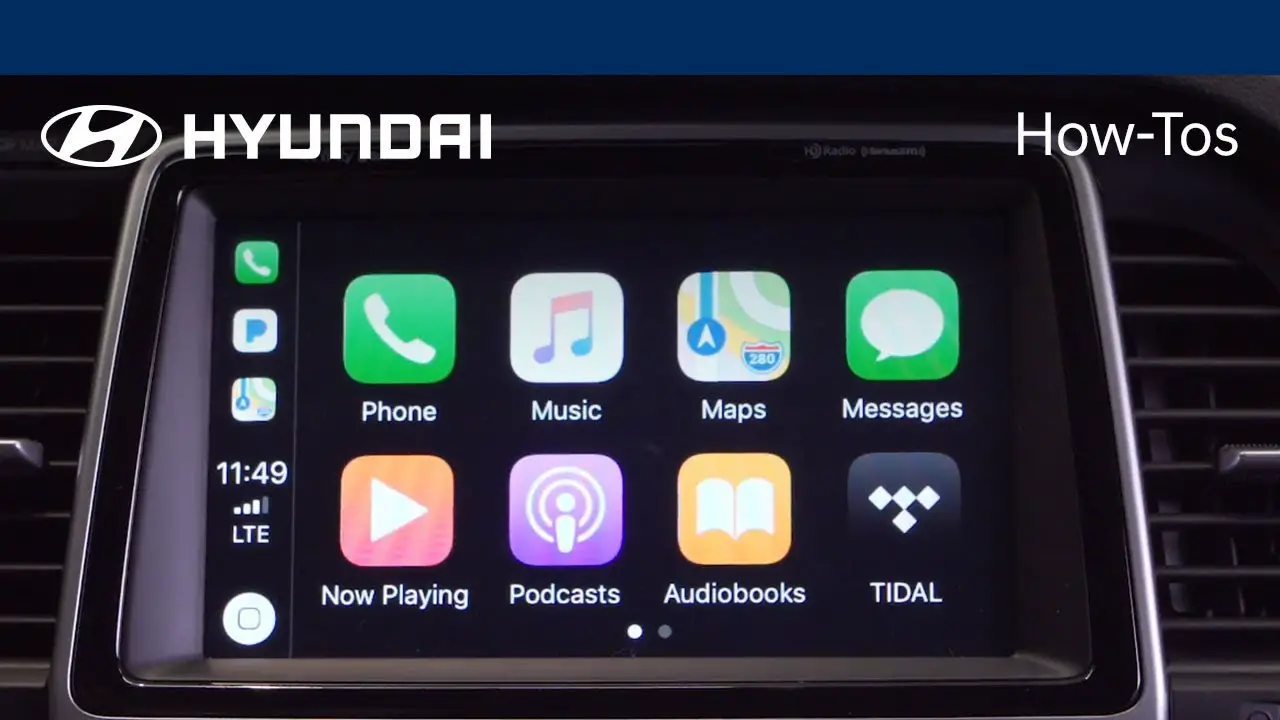
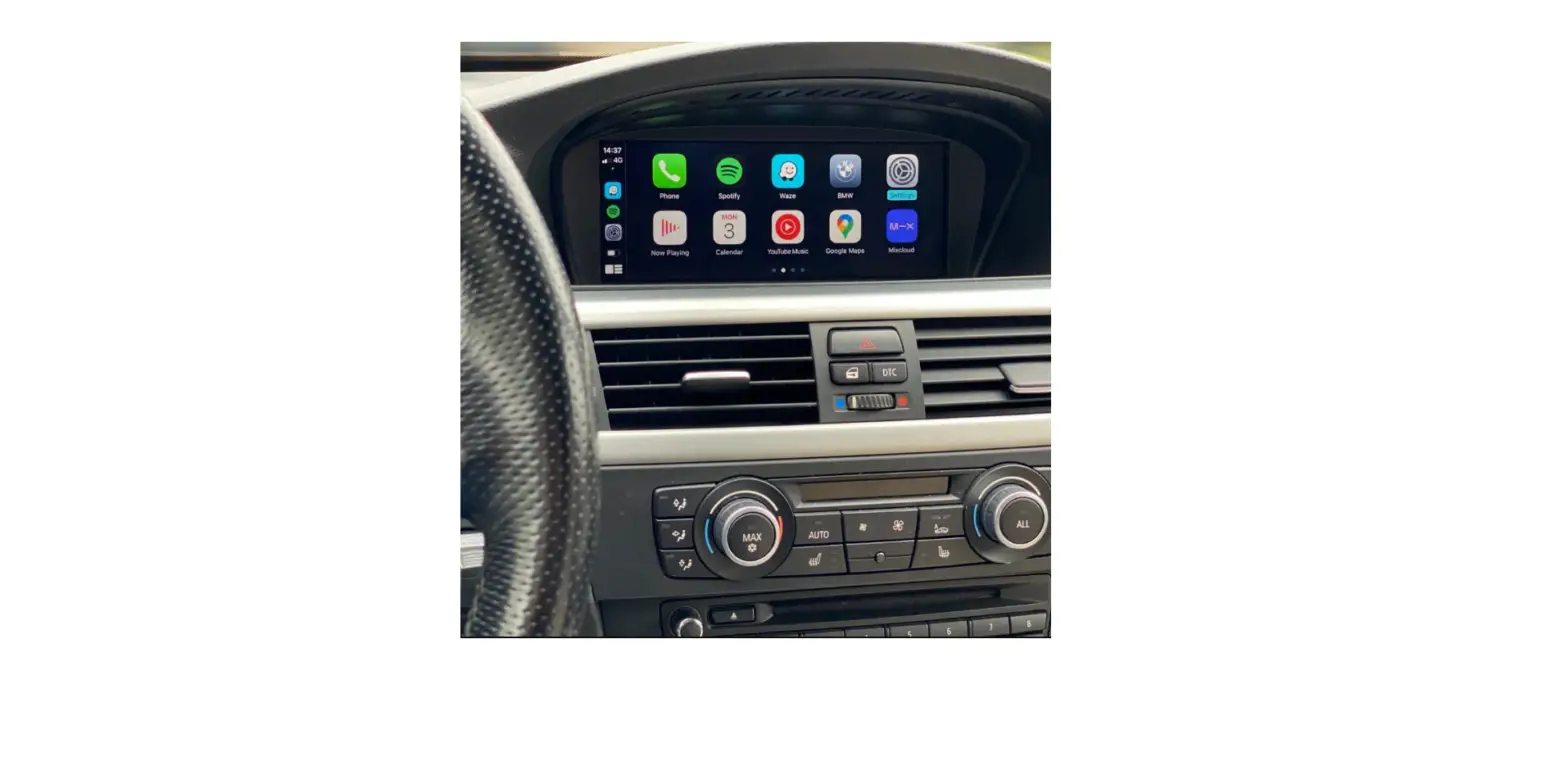
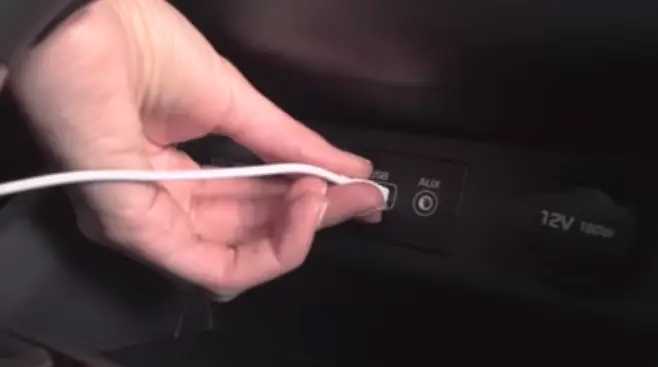
In order to use Apple Carplay Features,
- You must first connect your iPhone to the front-end – USB port.
- Apple Carplay will not work via Bluetooth.
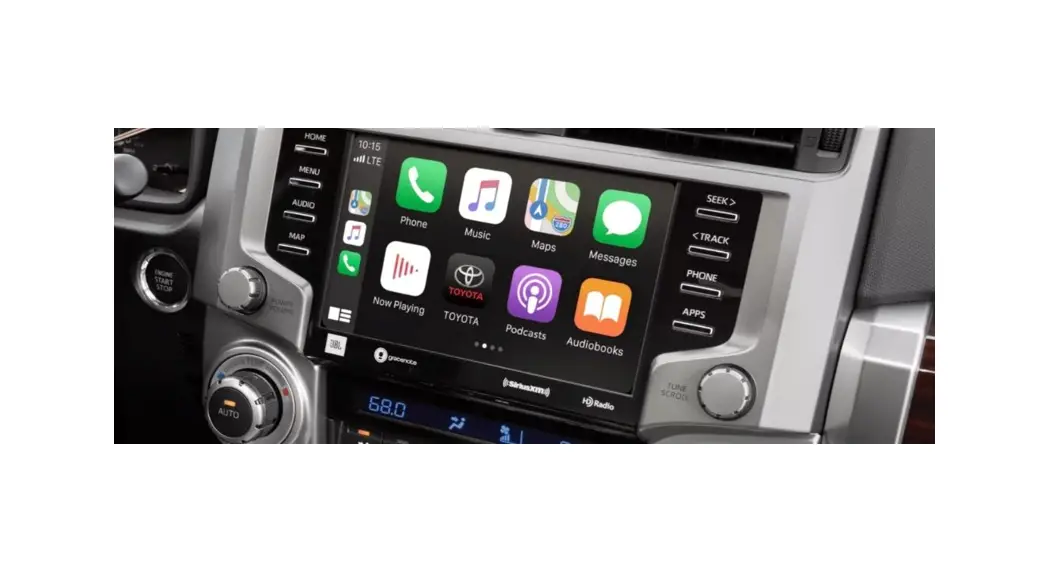
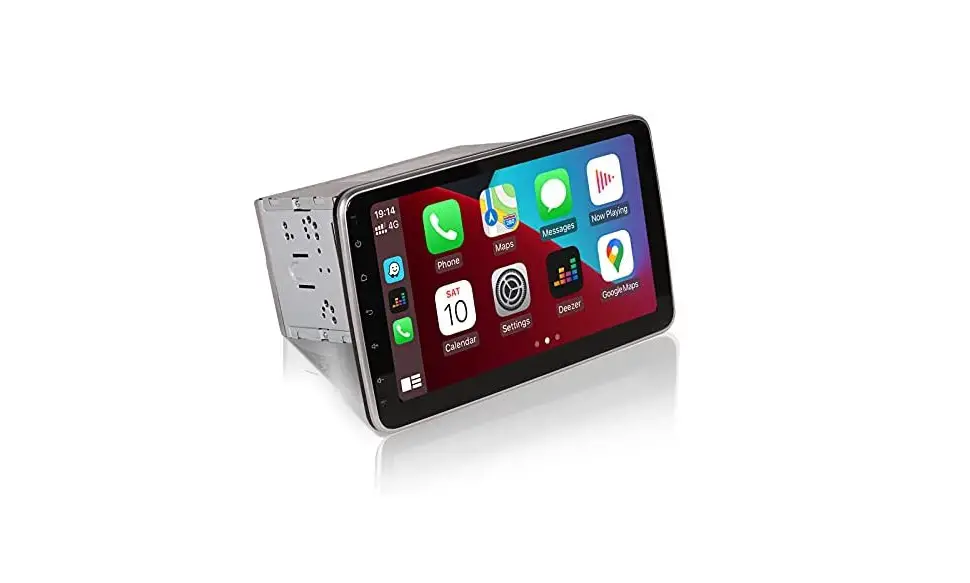
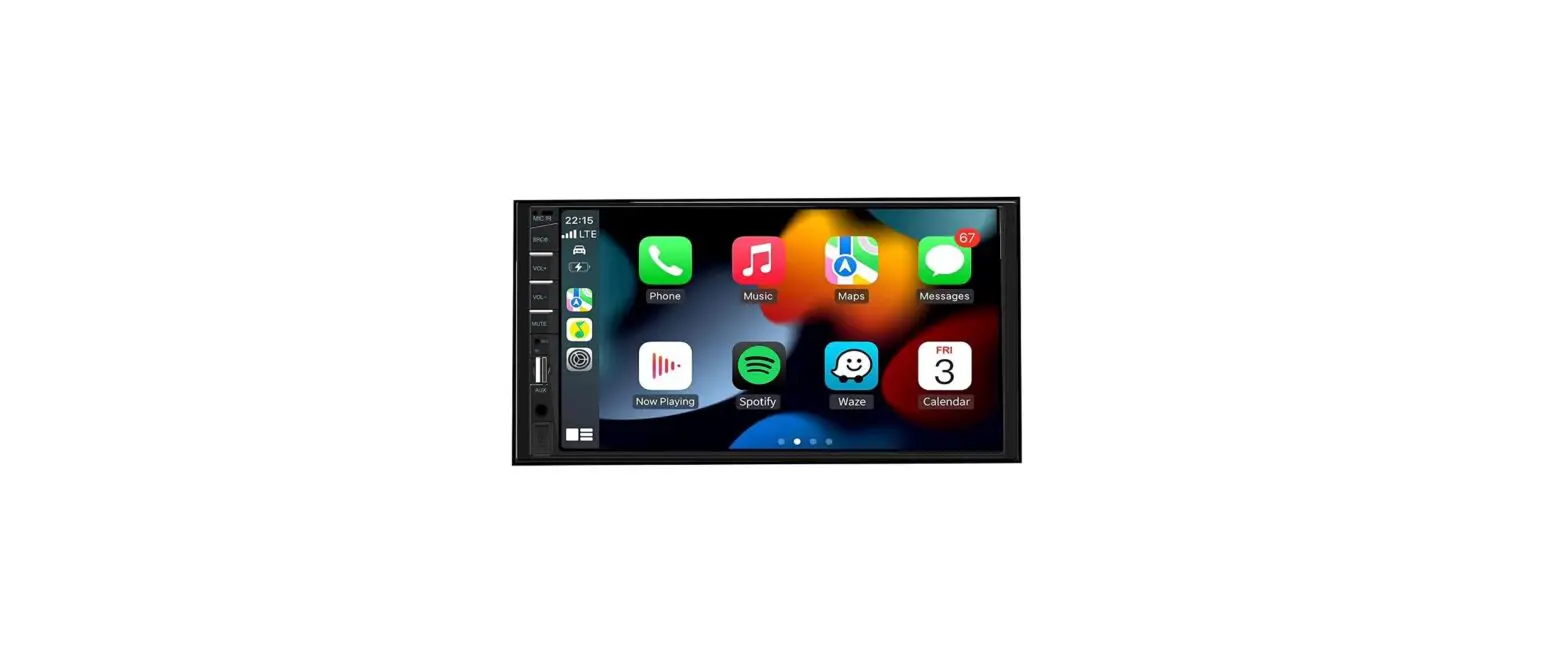
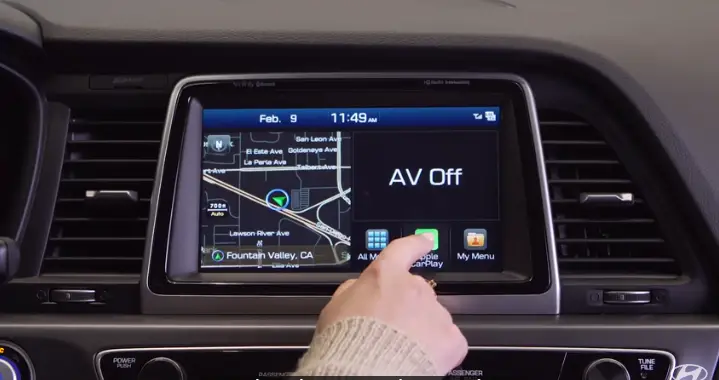
- Once connected the Apple Carplay icon will appear on the home screen.
- Press the icon to launch it.
Note that when connecting your phone to use Apple Carplay for the first time.
- That a prompt will appear on your phone.
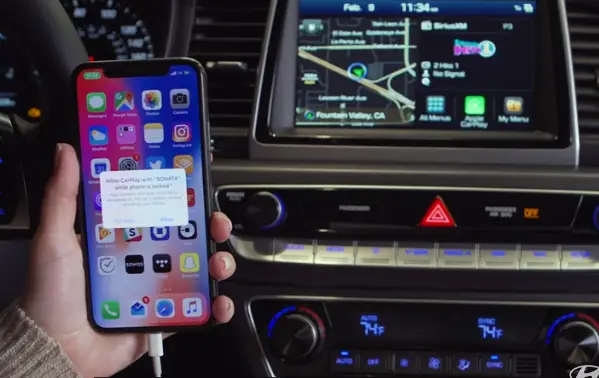
- Select allow on your phone to allow Apple Carplay access.
While your phone is locked the home screen of Apple Carplay will consist of apps in which.
- You can use Siri or the touch screen to launch the Apple music icon will grant you access to the Apple music screen.
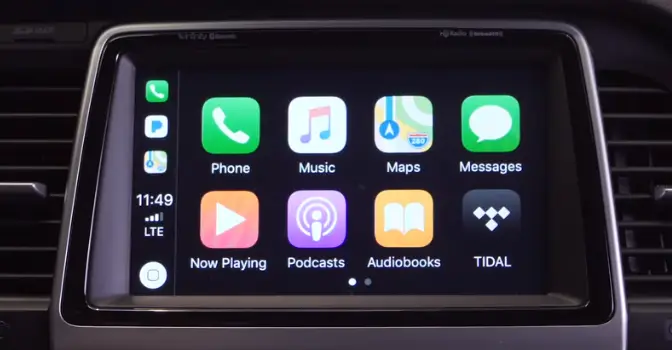
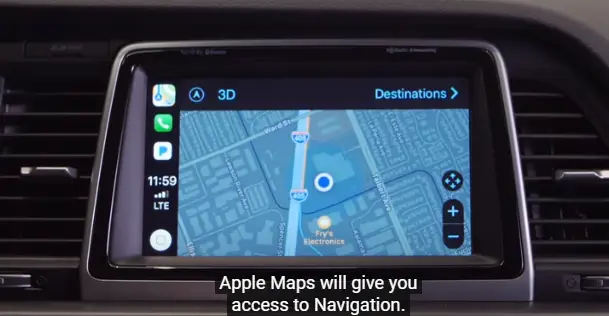
- Apple Maps will give you access to navigation.
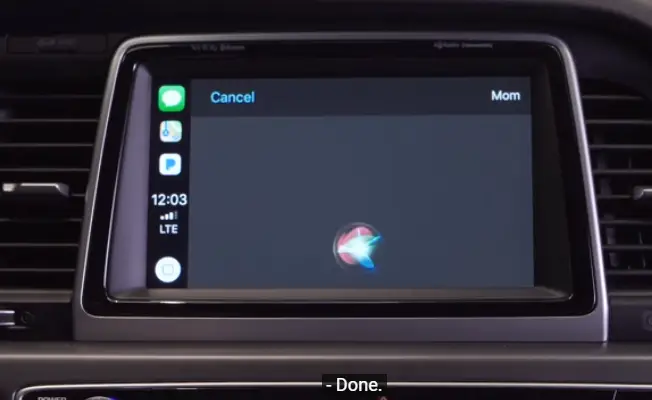
- The messages icon will allow you to listen to the texts or through Siri send texts.
[ Siri ]: To whom should I send your message?
[ Woman ]: Mom.
What do you want to say?
– I’ ll be there in 10 minutes.
[ Your message to Mom says, ‘ I’ll be there in 10 minutes’. ]
Ready to send it?
Sent !
Done !
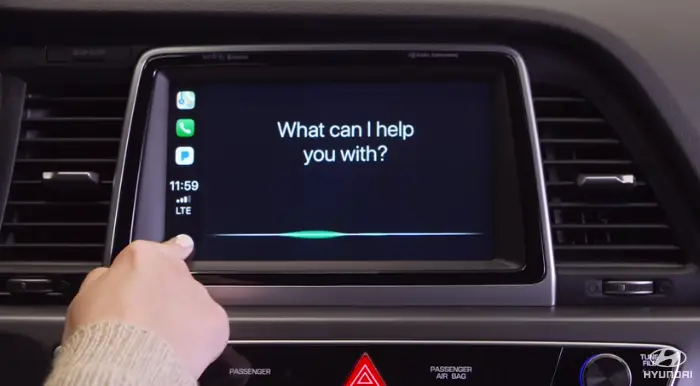
[ Voice Over ]: Use Siri to perform actions like sending messages, placing calls, looking up, setting up, P.I.O, Destinations, etc.
To initiate Siri,
- Your iPhone must be connected with USB.
- Siri will not operate via Bluetooth
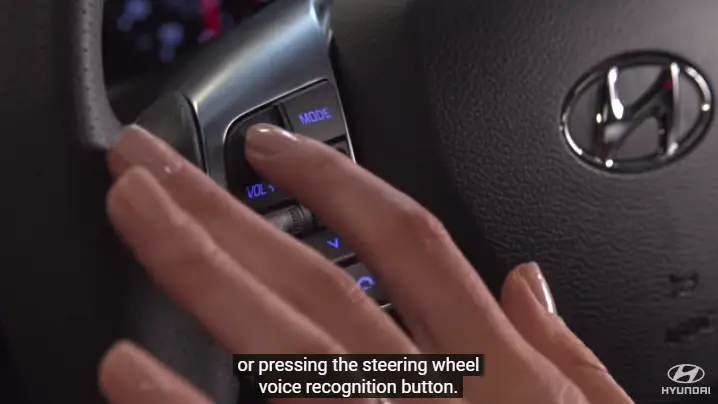
Siri is accessible by
- Touching and holding the home icon on the car Play screen
OR
- Pressing the steering wheel voice recognition button.
- Siri understands commands like “Text John Smith” and “Call John Smith”
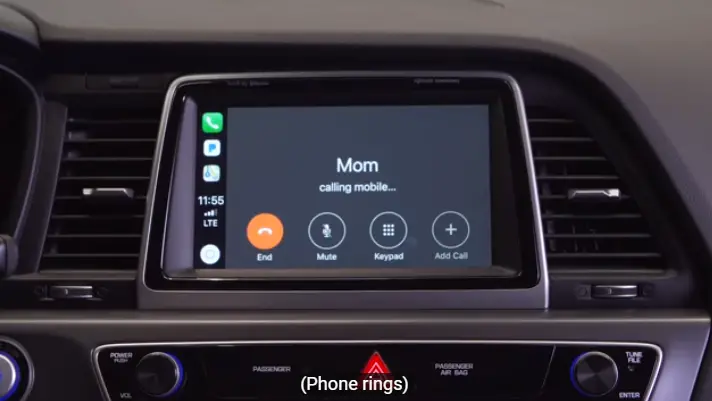
[ Woman ]: Call Mom.
[ Siri ]: Calling Mom
Phone Rings…….
Video: How to Use CarPlay on Hyundai