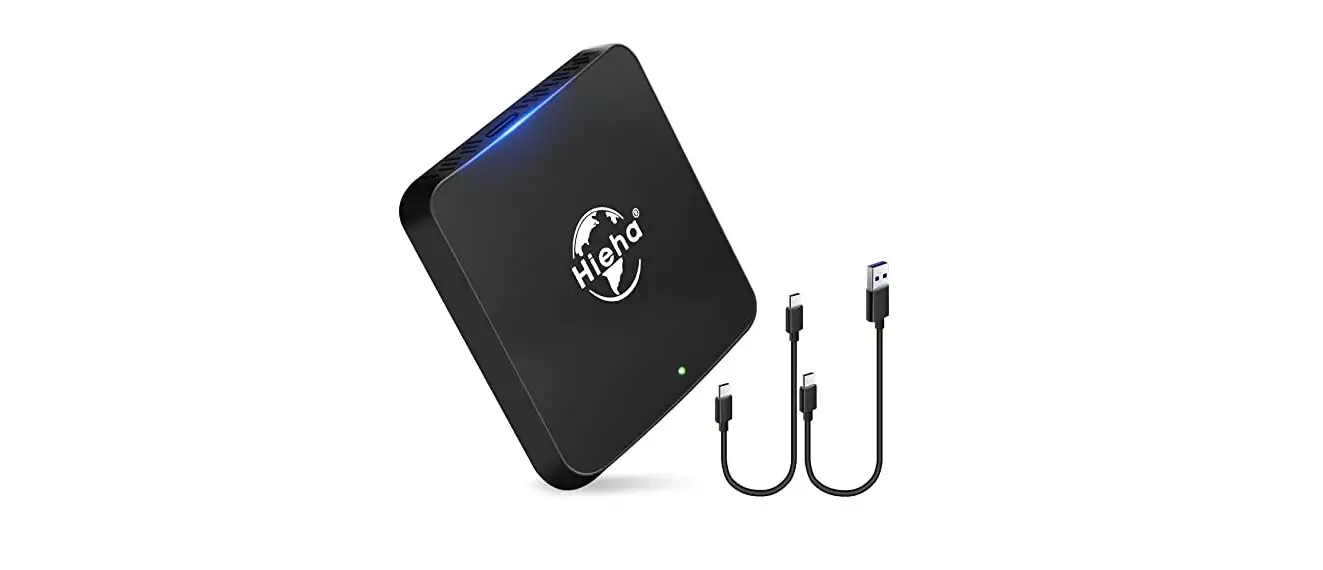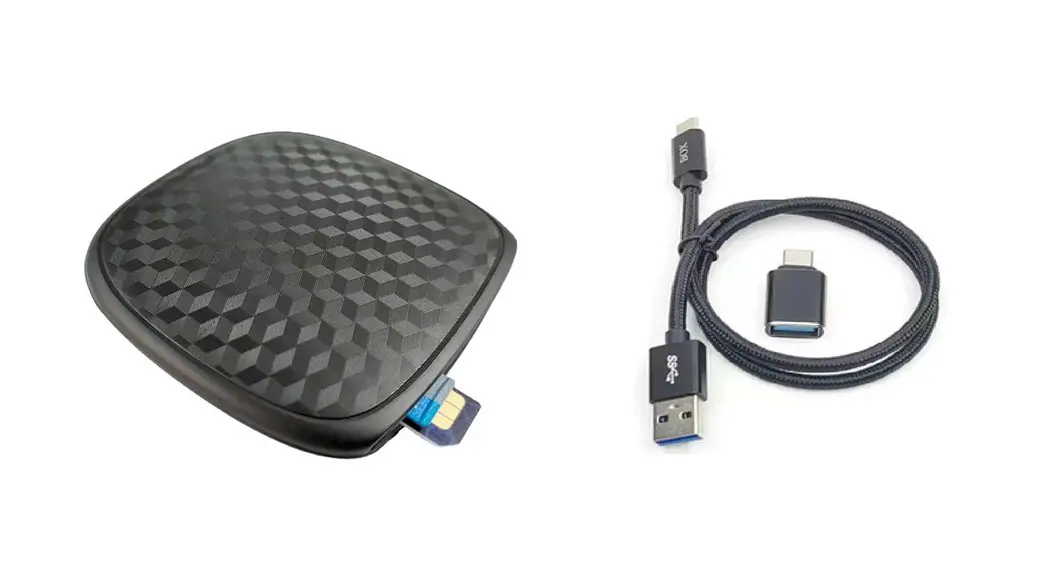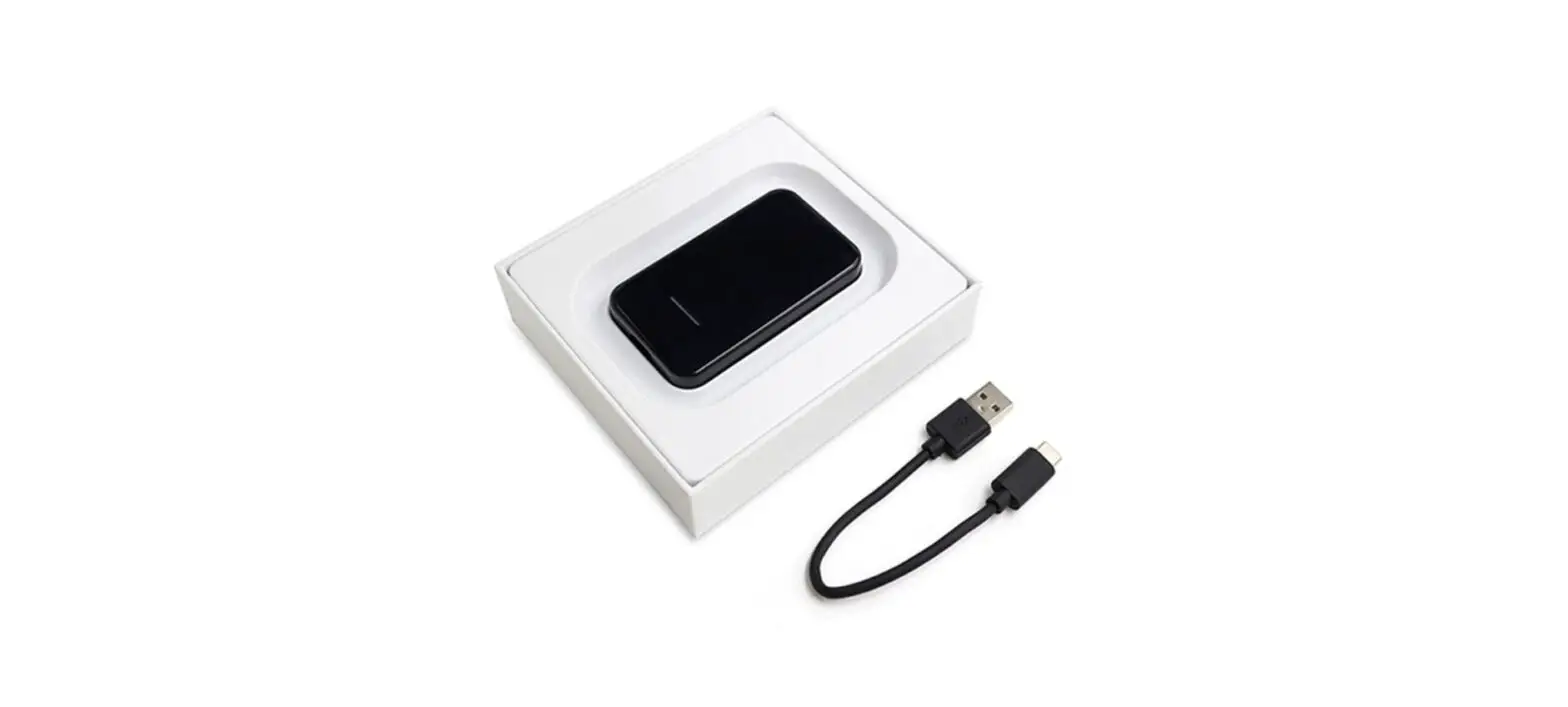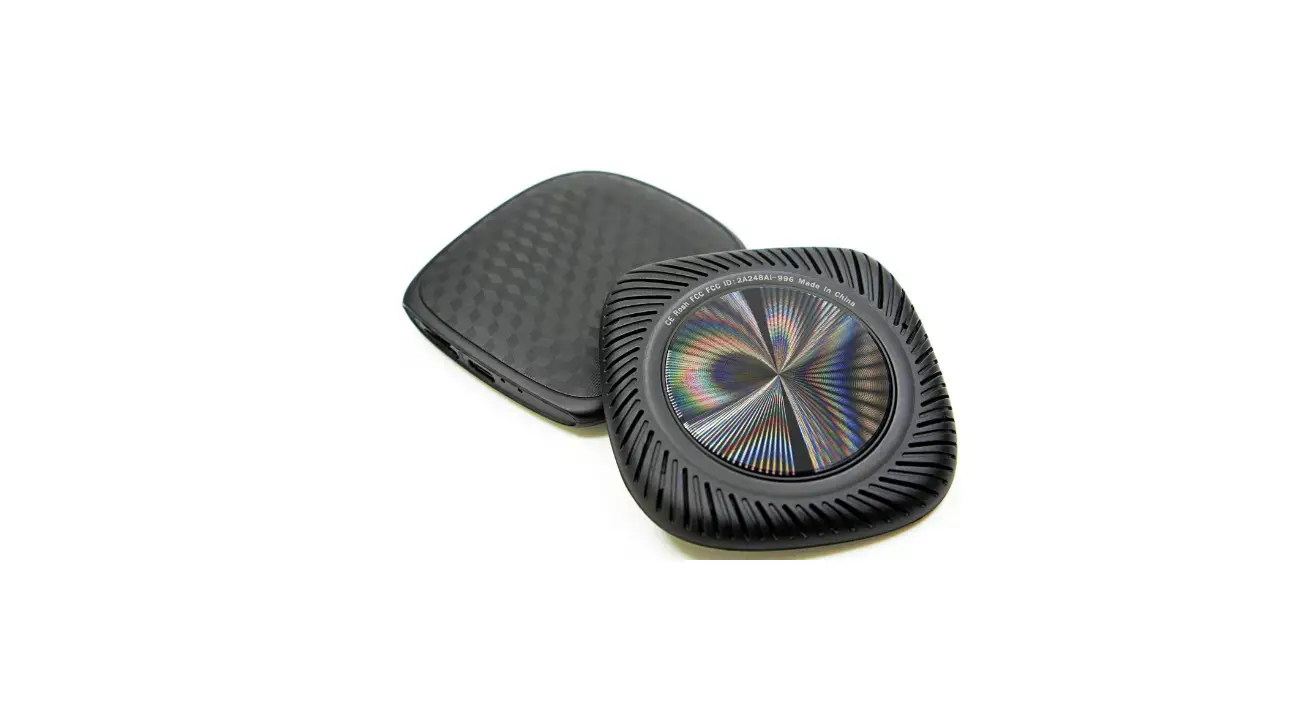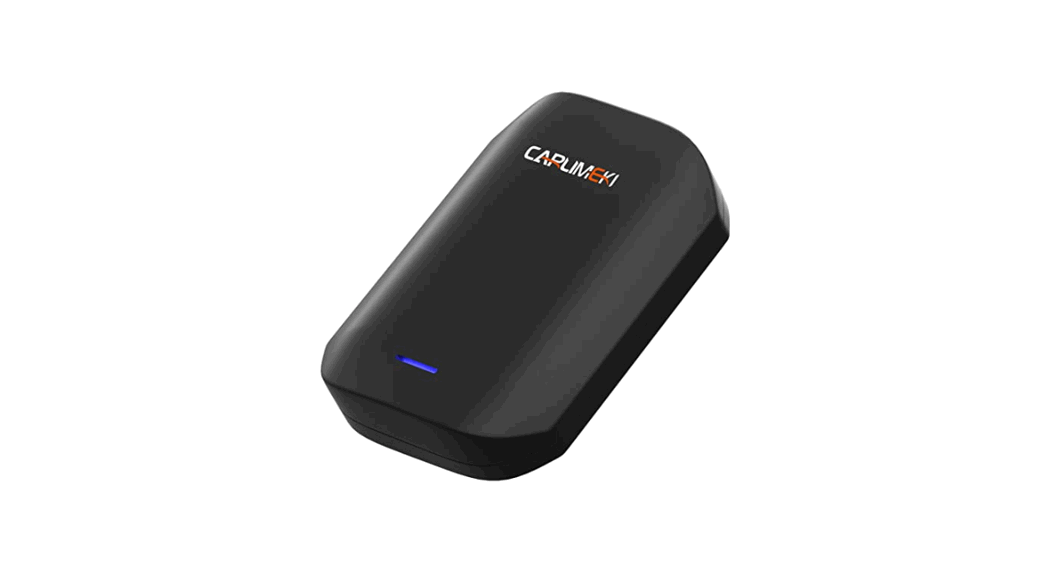

YEHUA M25Y Car Smart Converter Carplay Box
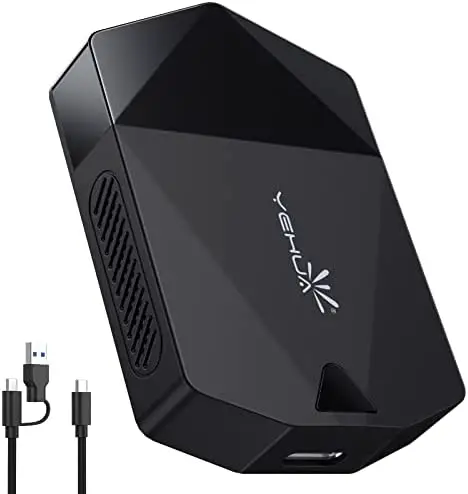
Product introduction
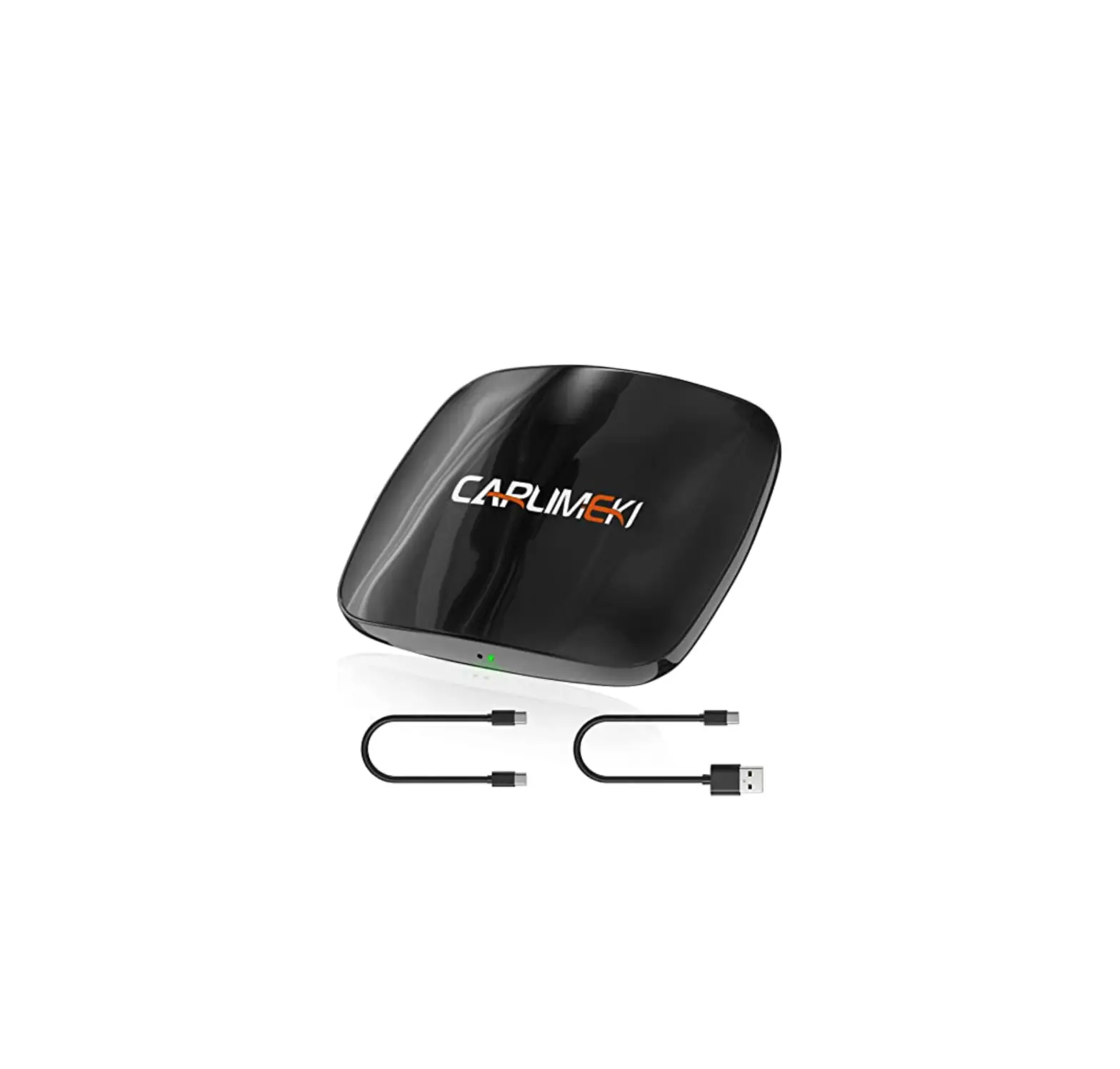
M25Y car intelligent conversion box, mainly used for realizing the interconnection of mobile phone and car.
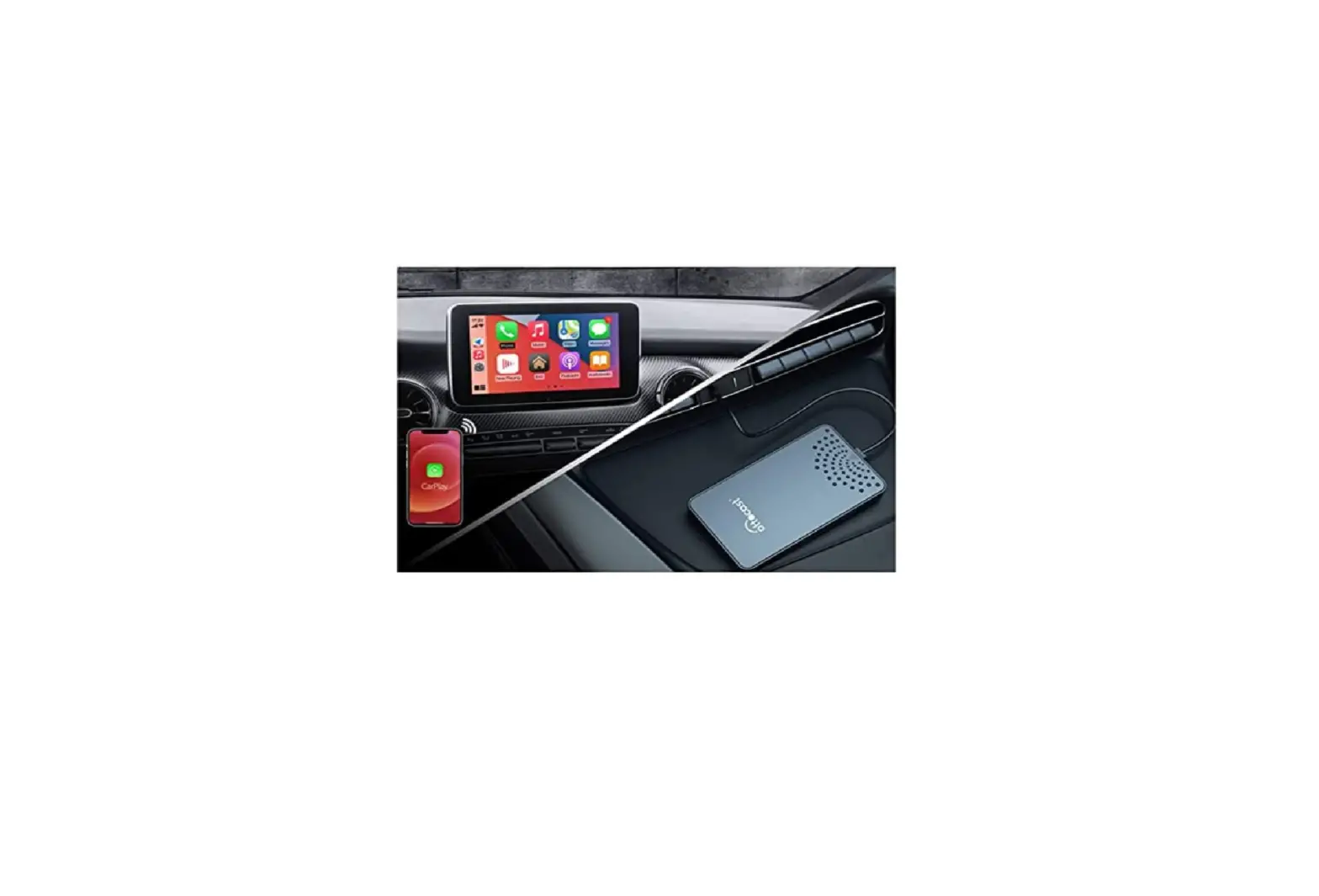
The conversion function integrates the mobile phone and the car screen, which will convert the diversified Mobile phones to car entertainment, providing users with music & abundant driving pleasure; reducing the frequency of using the mobile phone, providing users with a safer driving Car experience.
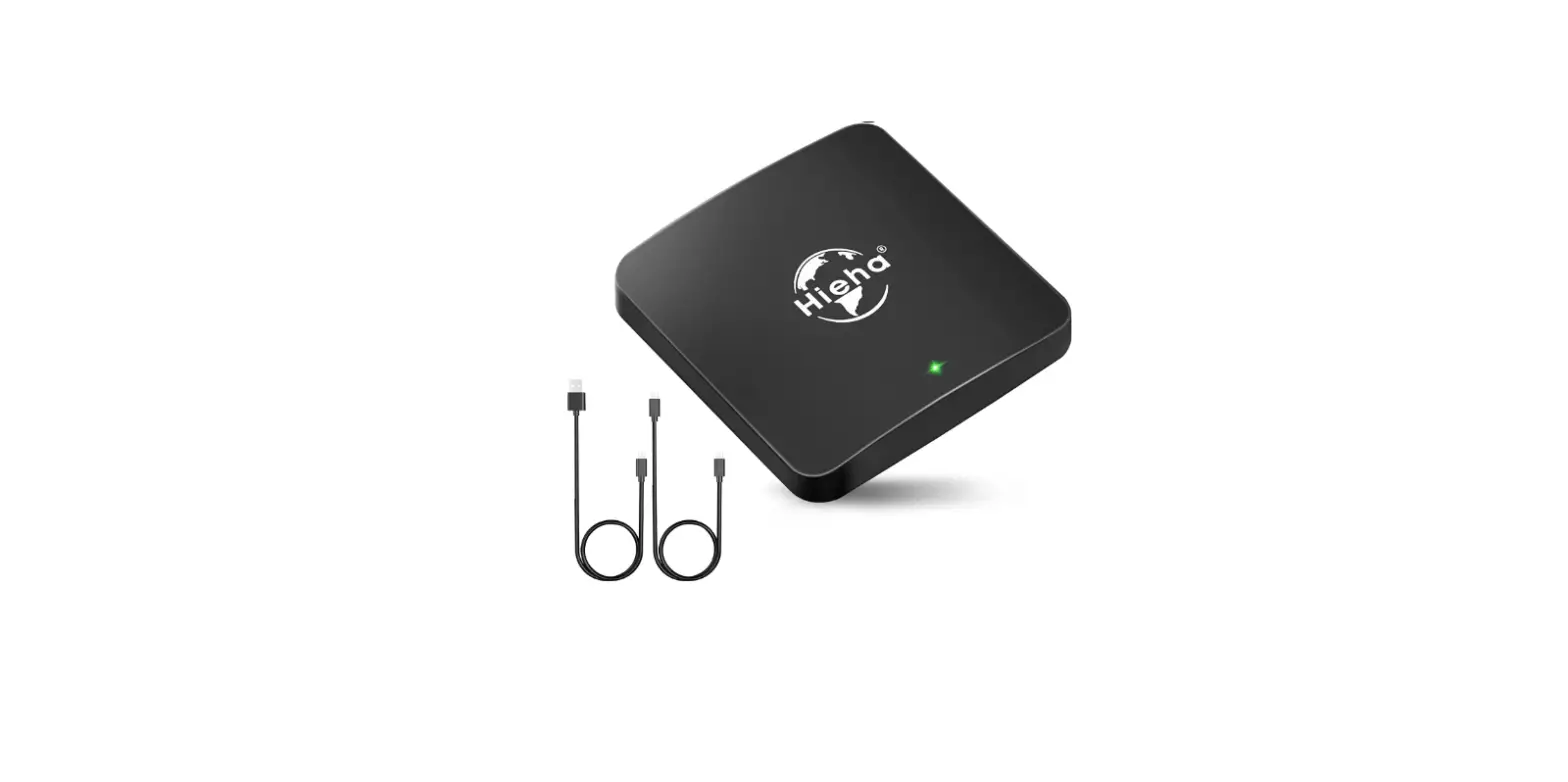
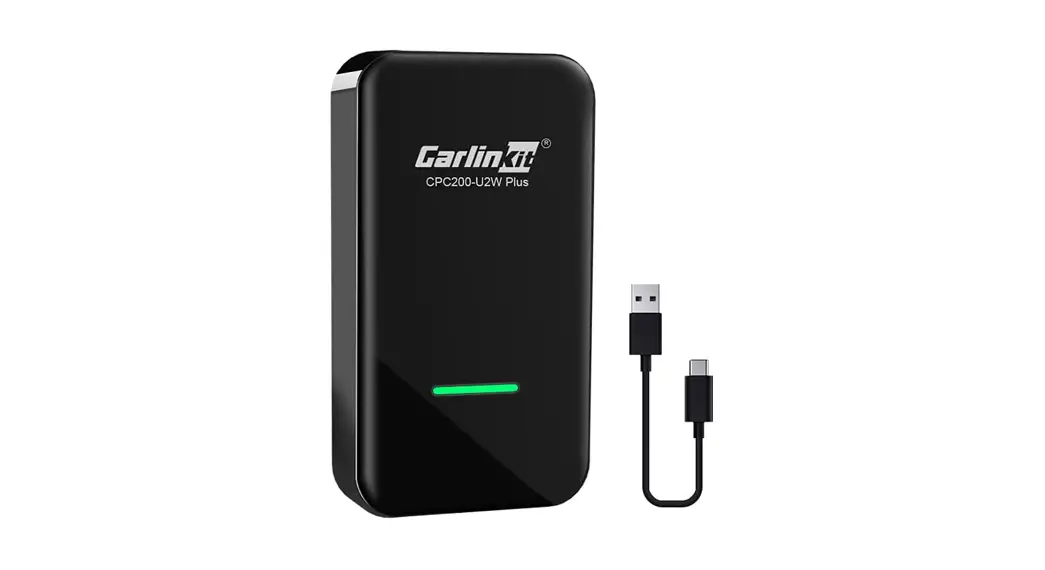
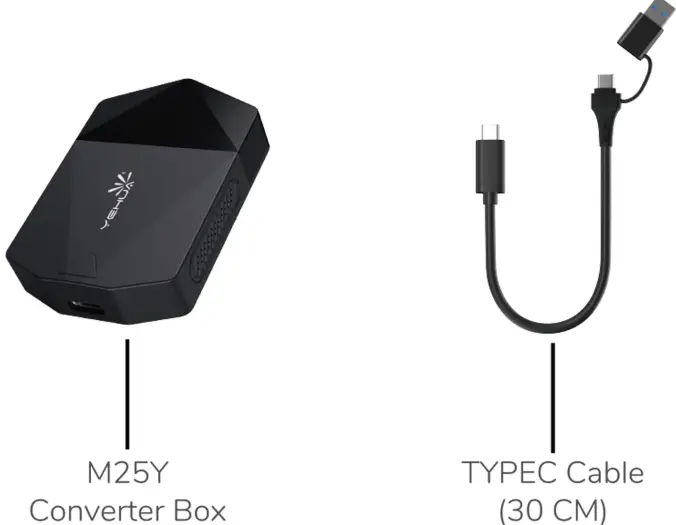
Products Host & Accessories
Product Instructions
iOS Phone User
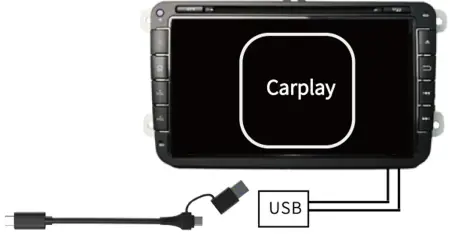
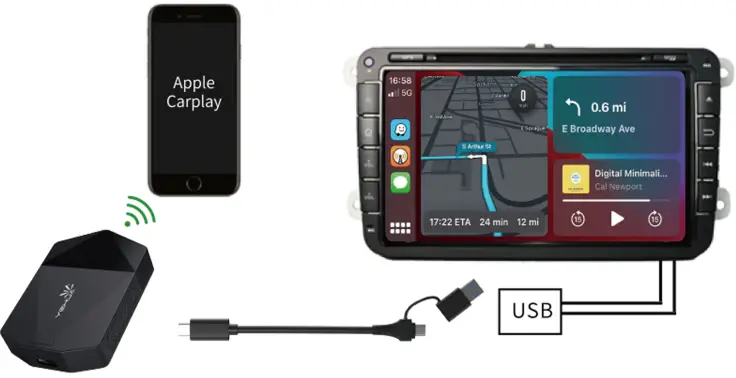
- Connect the box to the original car USB Data interface;
Read box data and wait for a connection;
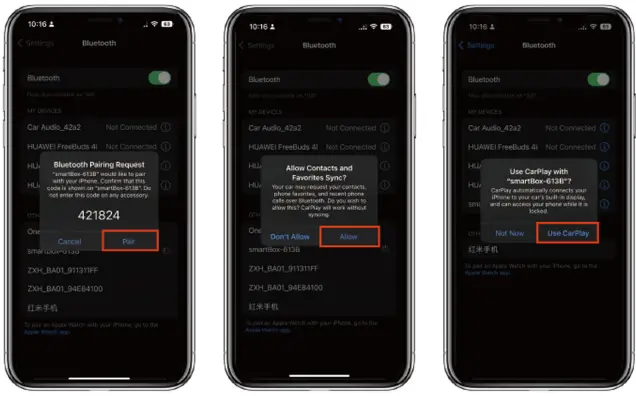
- Turn on the Bluetooth of the iPhone. search for the Bluetooth Device naming: 11smartBox-****11•
Pair it and allow the Sync, finally click “Use Carplay”
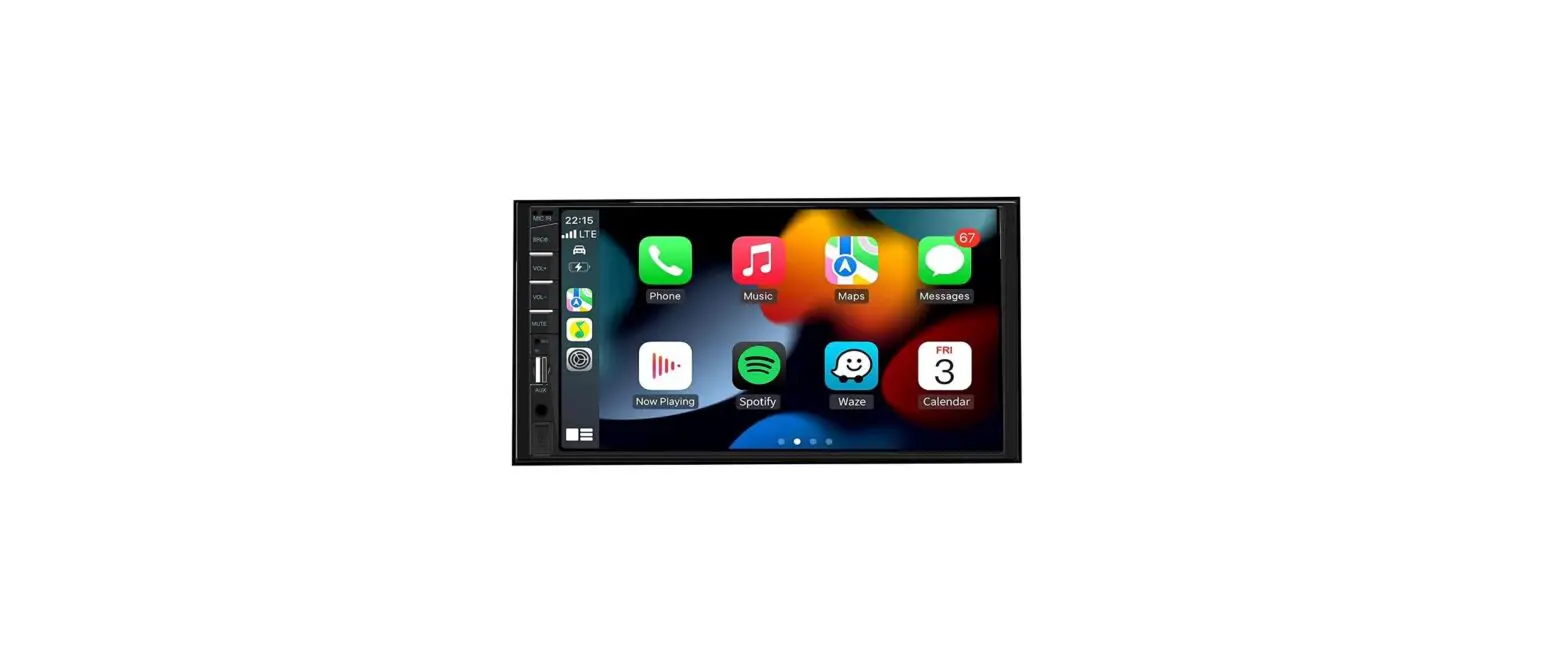
- After the connection, please wait for a few seconds and CarPlay interface will be shown;

Question & Answer
- Q: the initial screen of carplay is not displayed on the car screen;
A: Please check if the USB (USB C) port is damaged and make sure that the USB can communicate with the car engine for data. and not just power supply. - Q: Bluetooth connection is not successful.
A: Make sure the device power indicator is always on, please check if the car USB port is damaged, or restart the phone Bluetooth.- Please make sure your iPhone has Siri turned on to use wireless carplay properly.
- If you encounter any problems, please contact [email protected]
Distributor: Shenzhen ShafanTechnology co,.Ltd
Brand Owner: Shenzhen Qixing Longyuan Technology co,.Ltd
Address: RM. 808, No.1 Binhai Bay, RD. Yanxing, Dist. Bao’an, Shenzhen City, Guangdong Province, China [email protected]
@Yehua