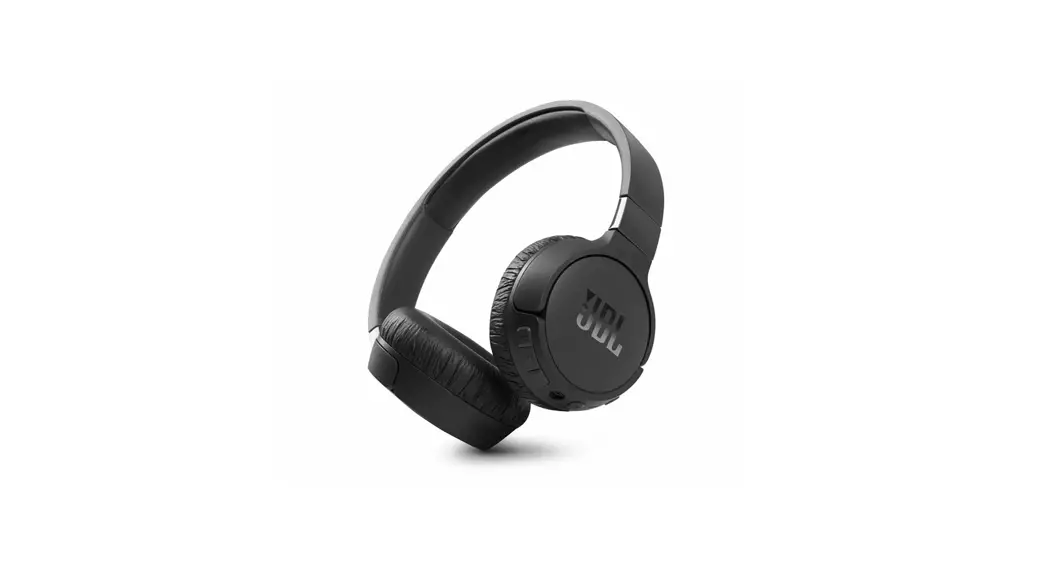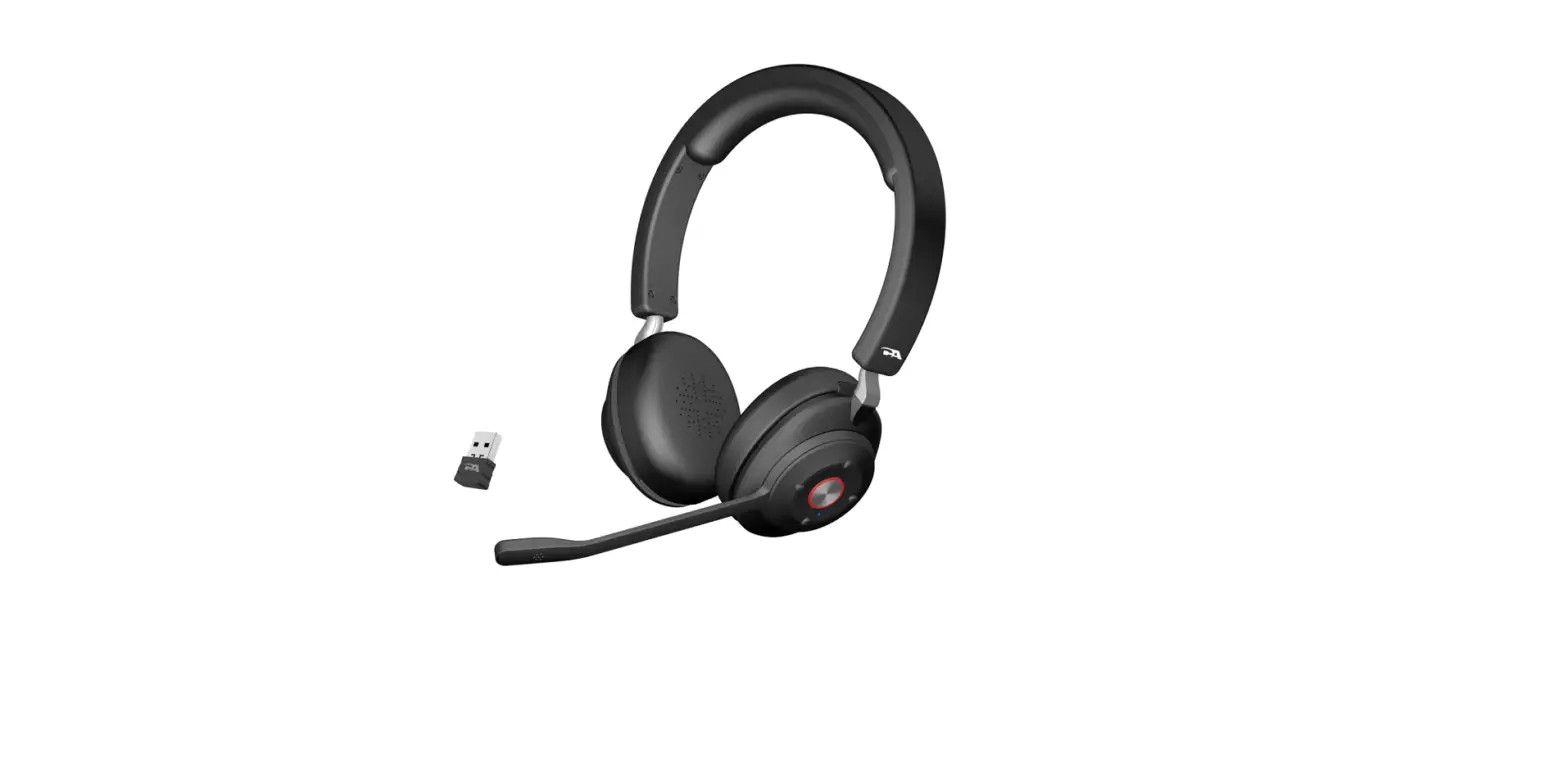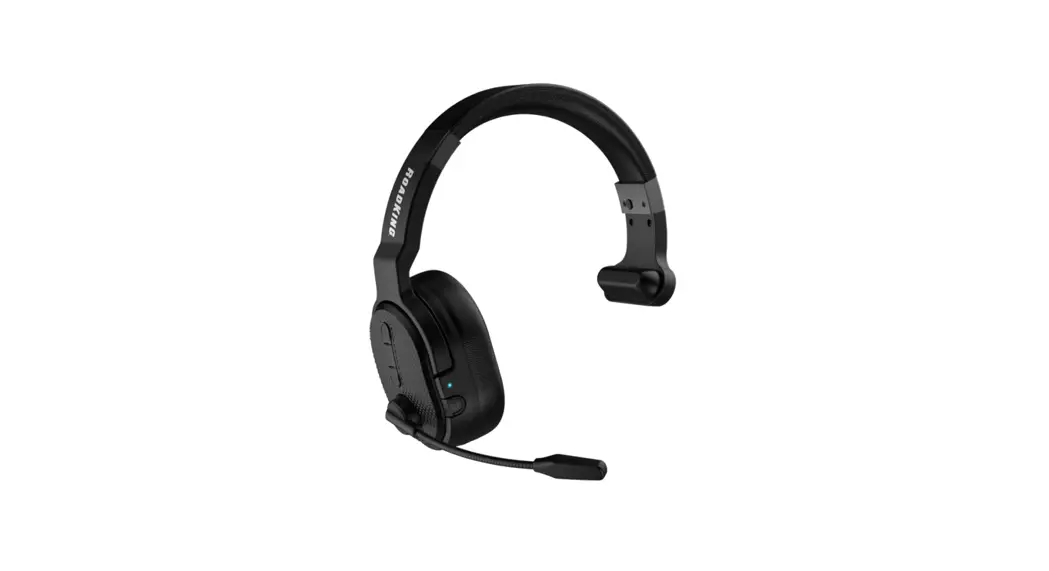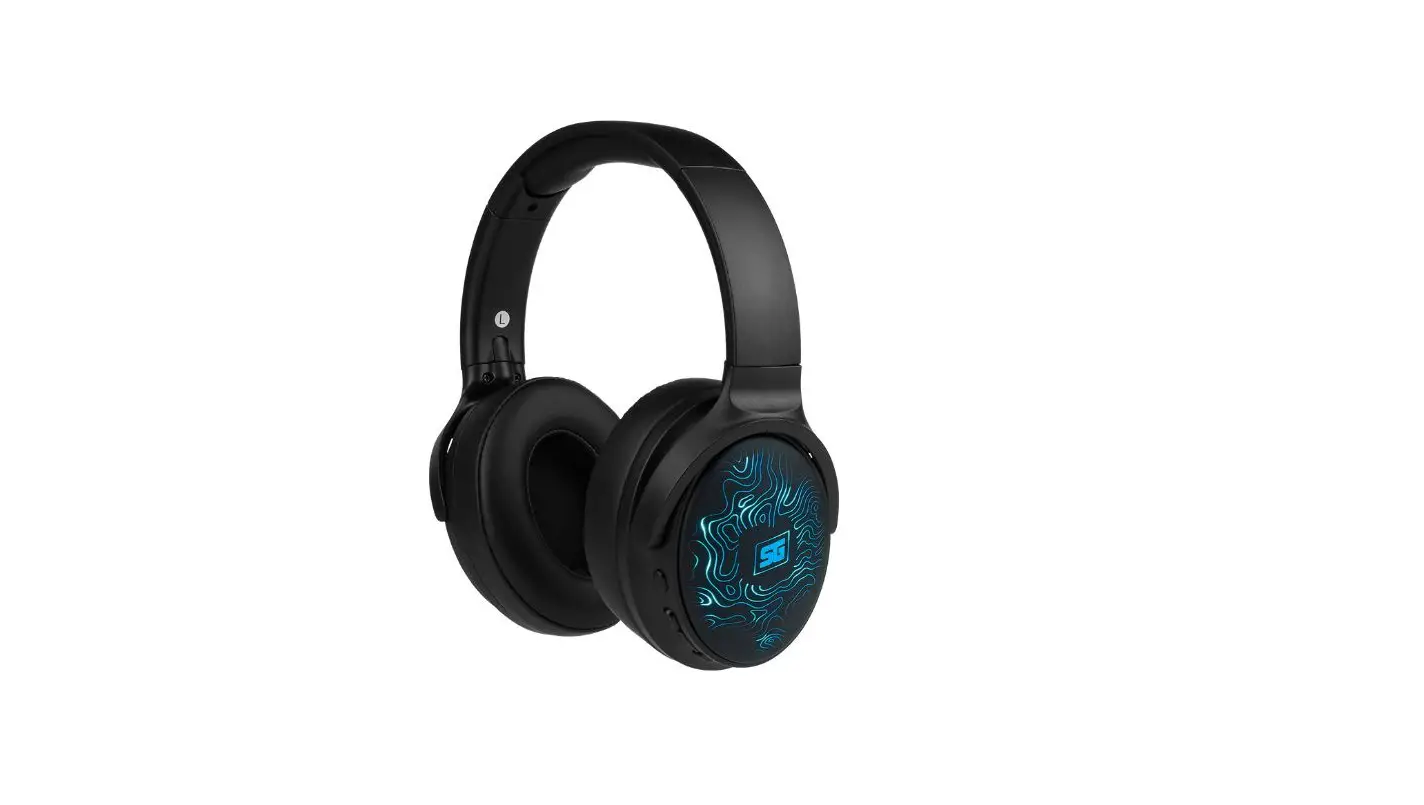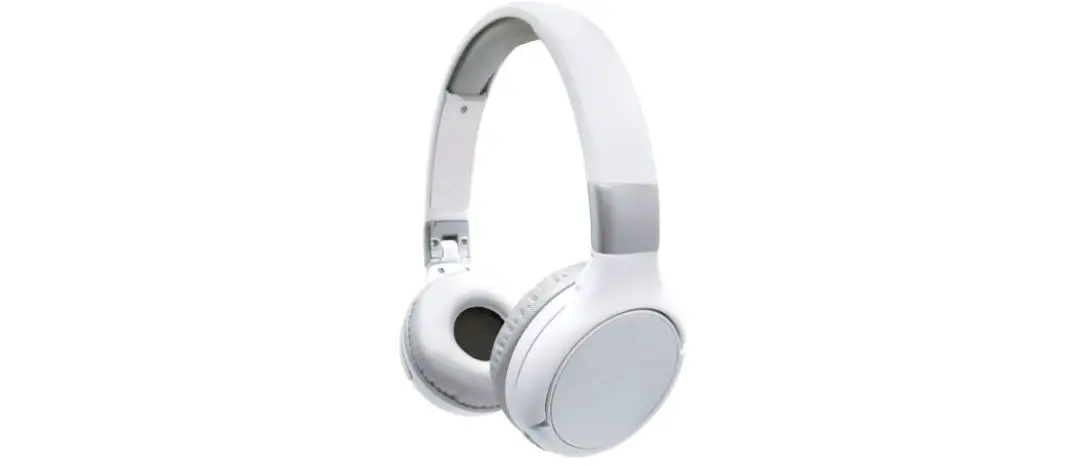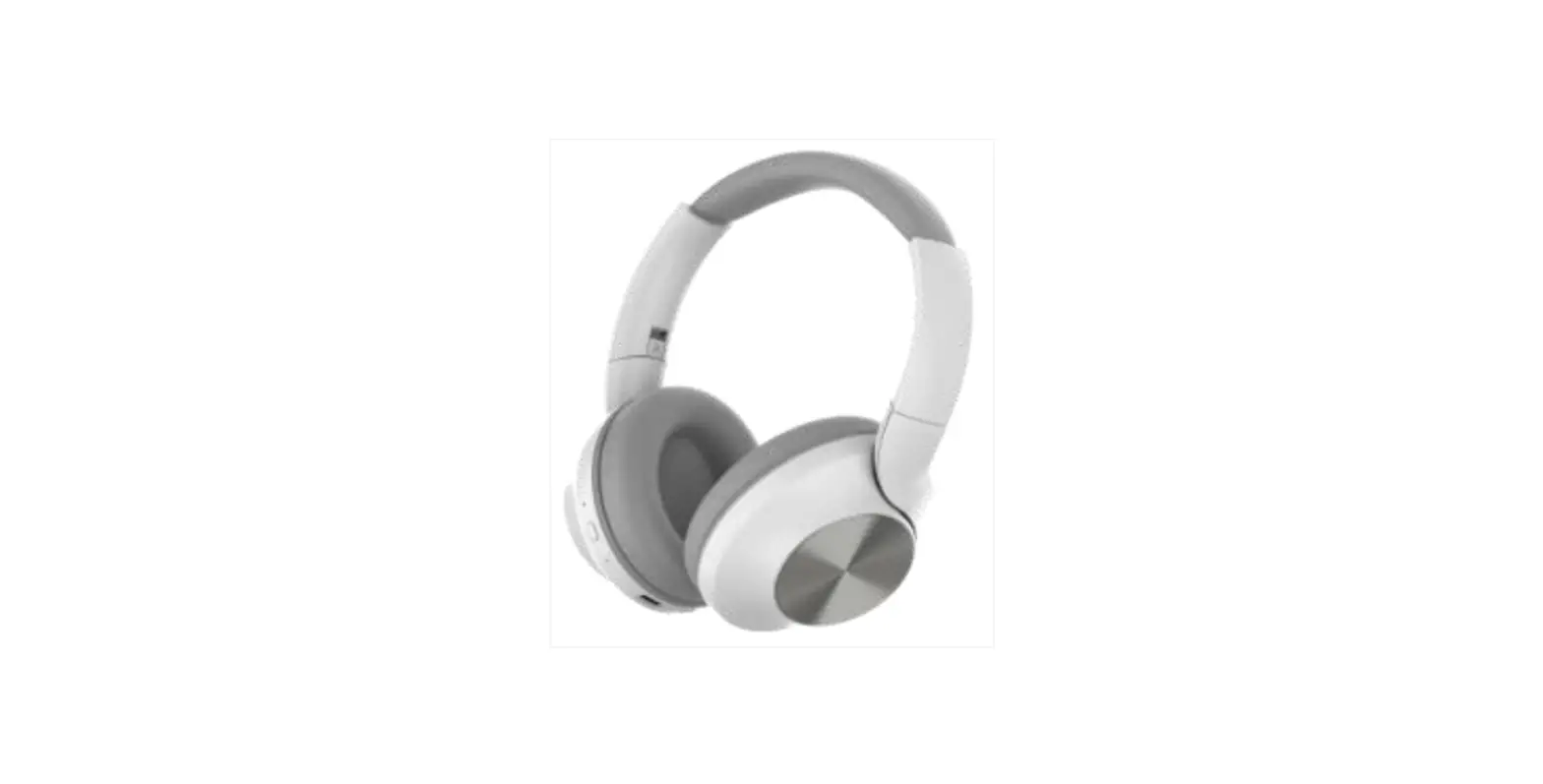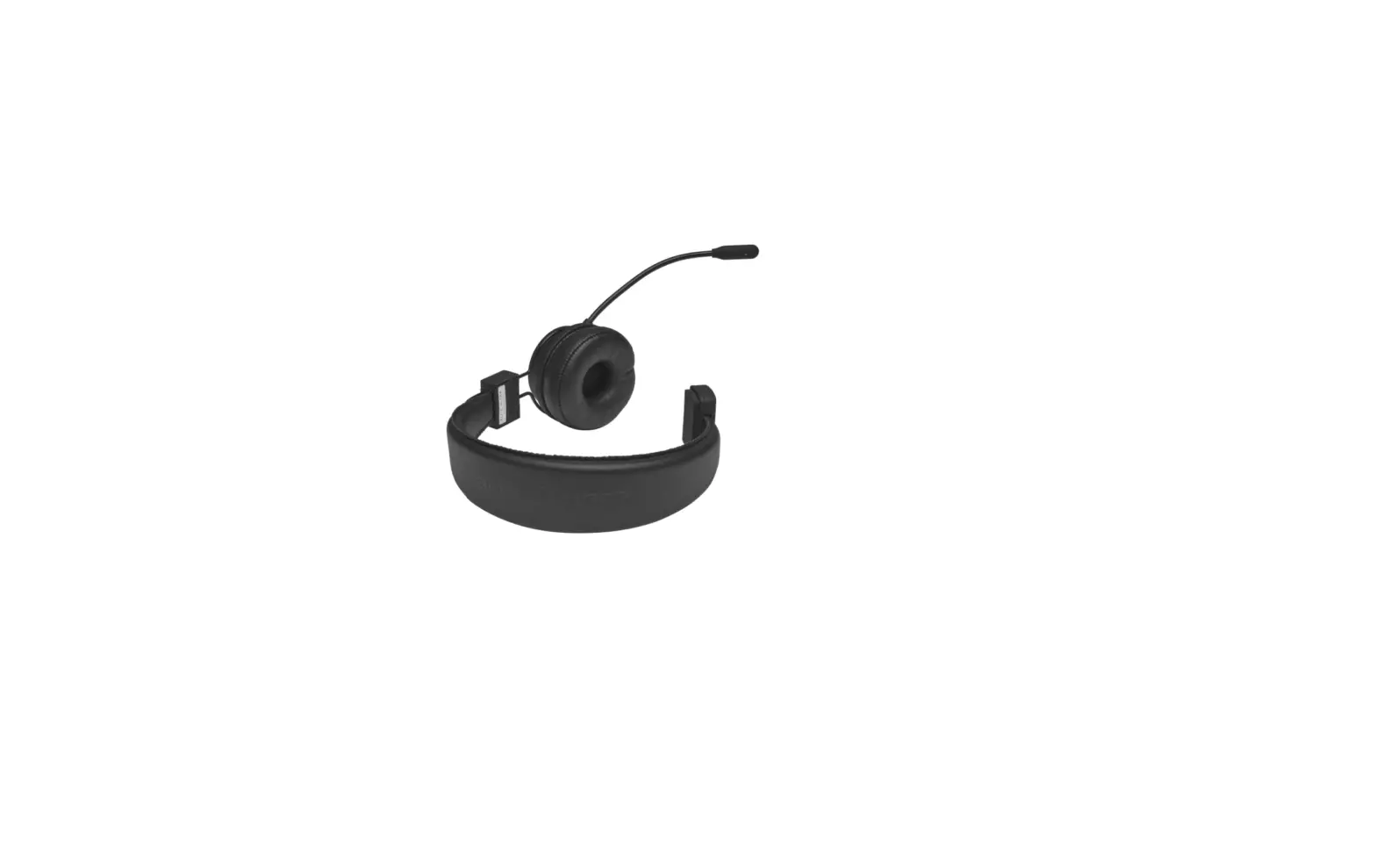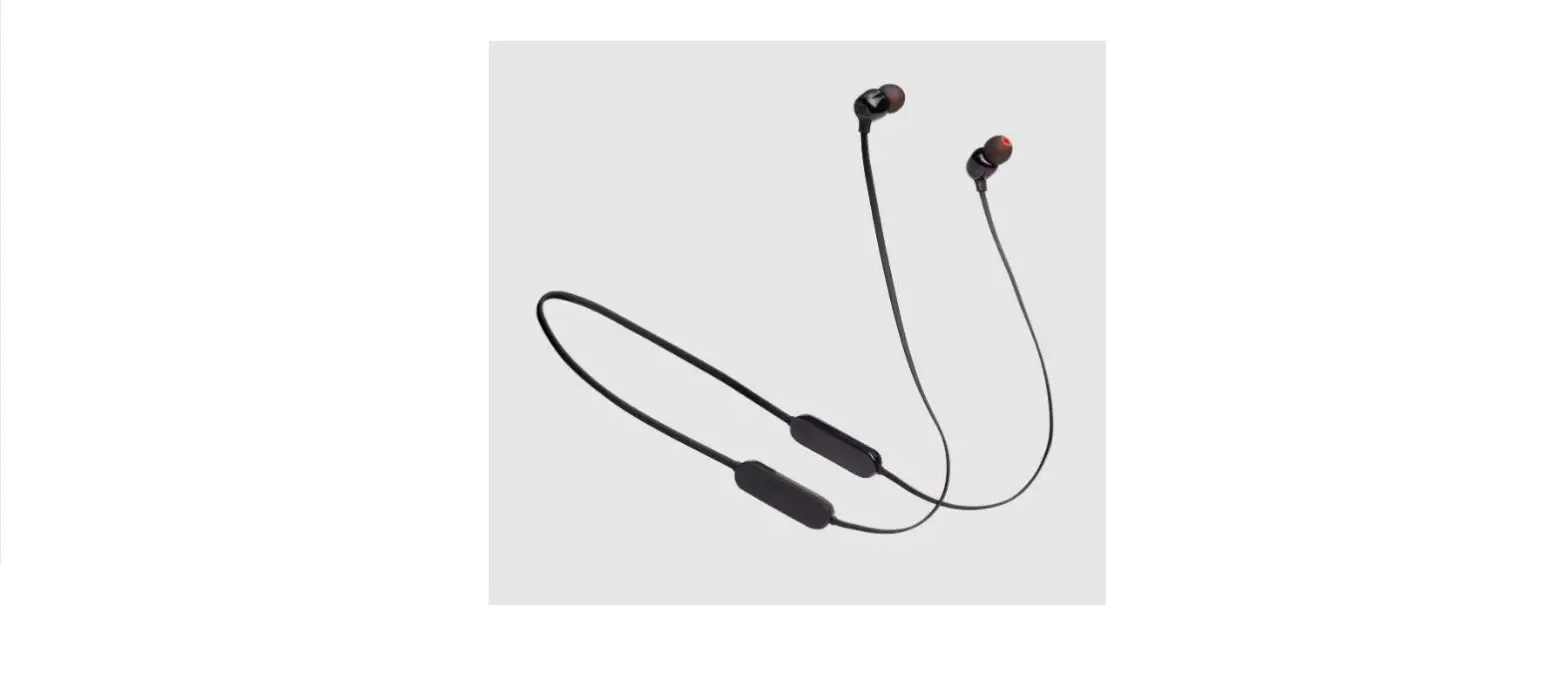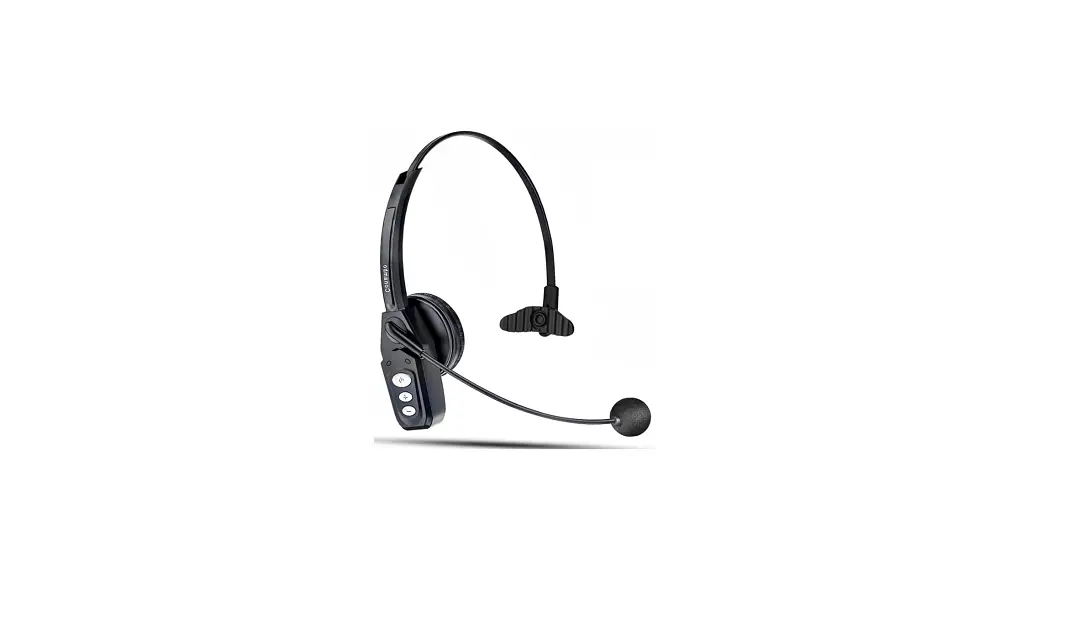

HPBT500 HP Bluetooth Headset
OVERVIEW
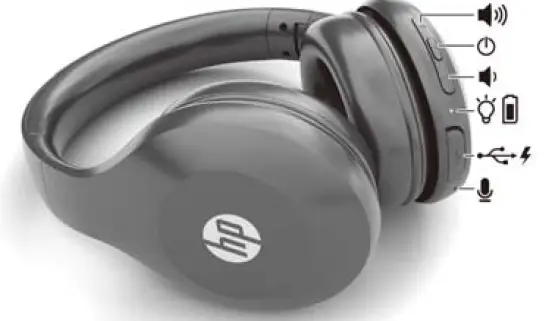
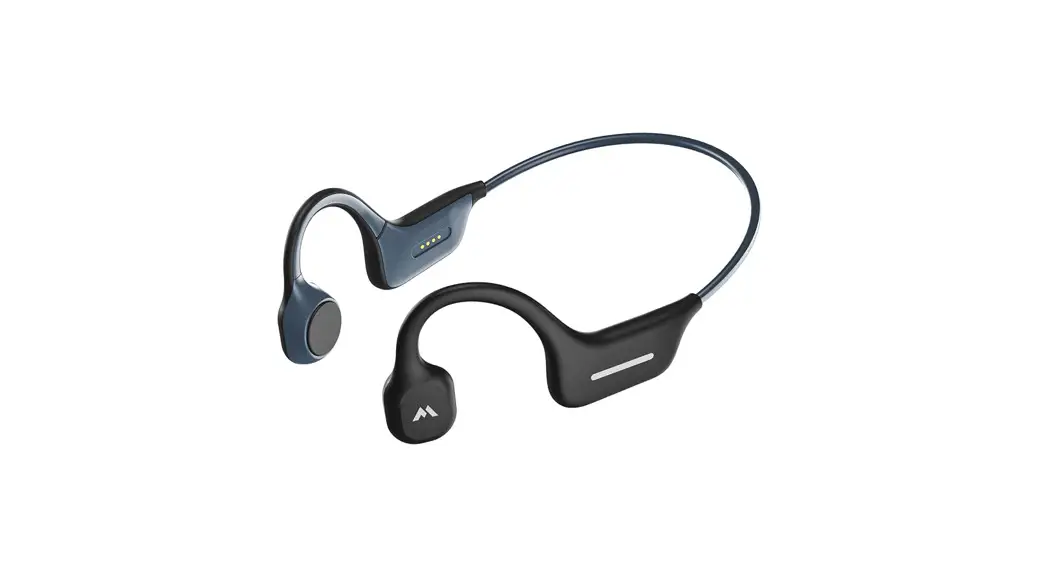
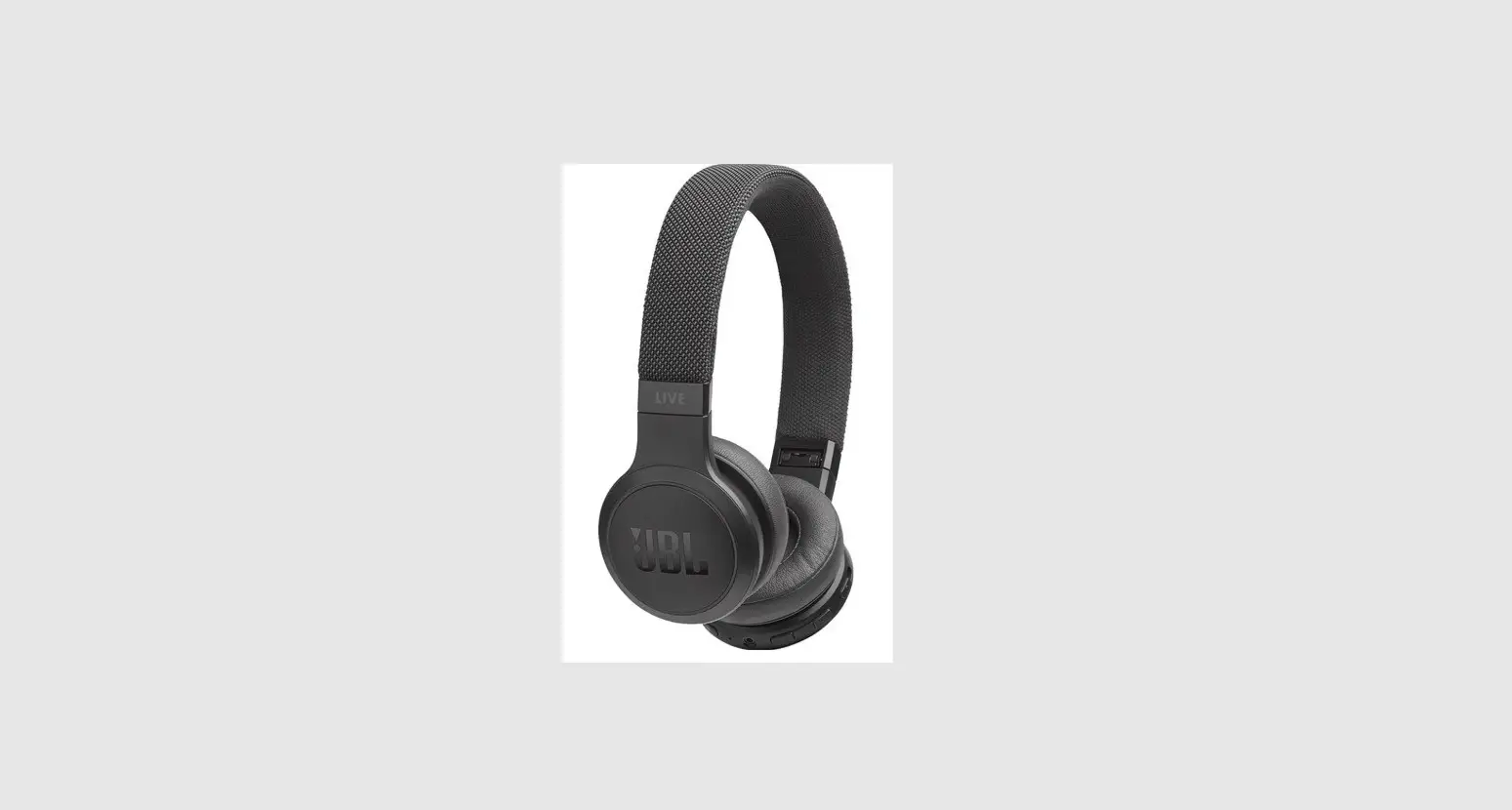
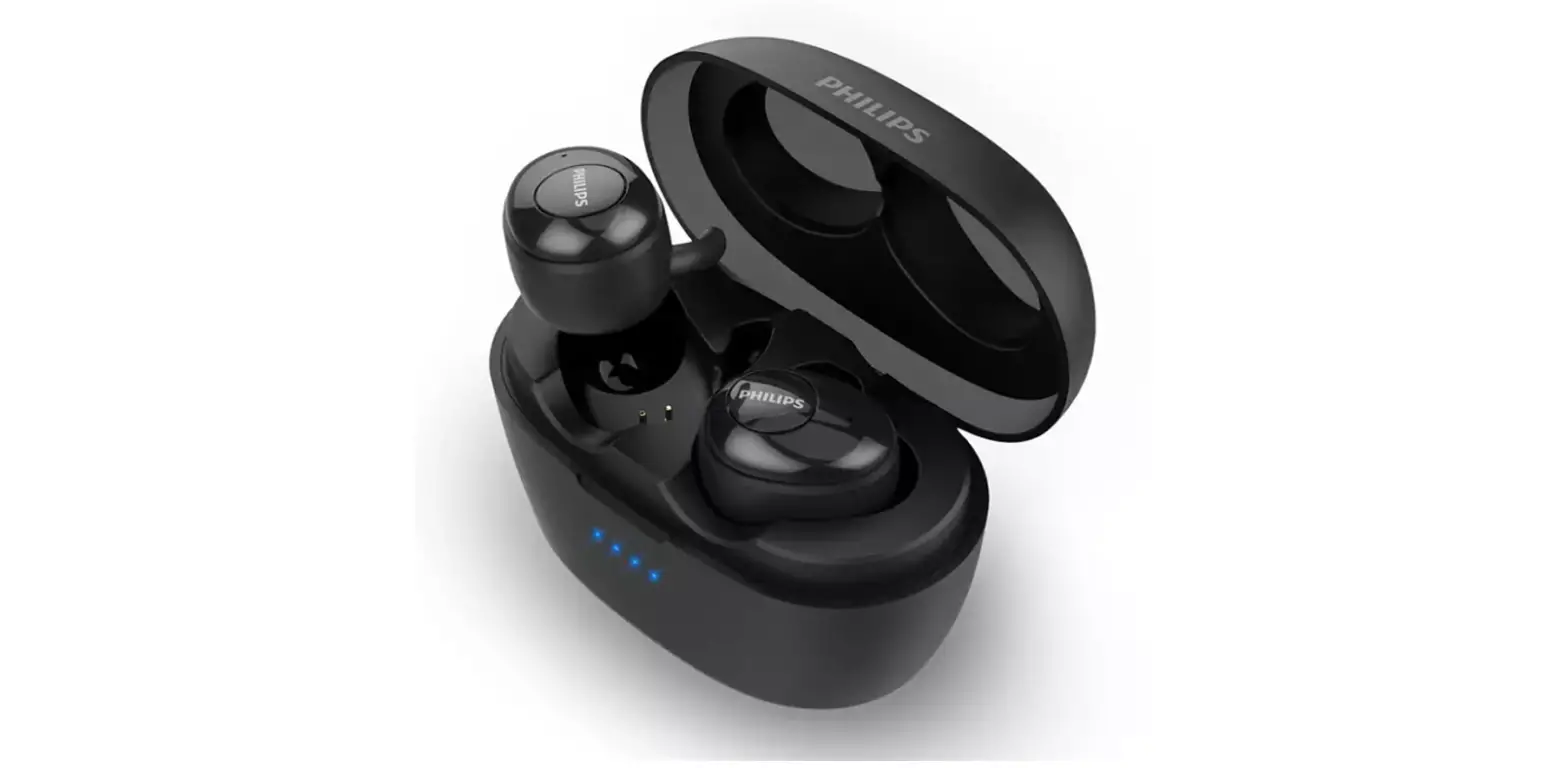
Battery light
- Solid white: The headset is on and connected to a device.
- Blinking white: The headset is in pairing mode.
- Solid amber: The headset is charging.
- Blinking amber: The battery charge level is less than 10%. To alert you, the headset beeps twice.
WHO CAN USE
- STEP 1
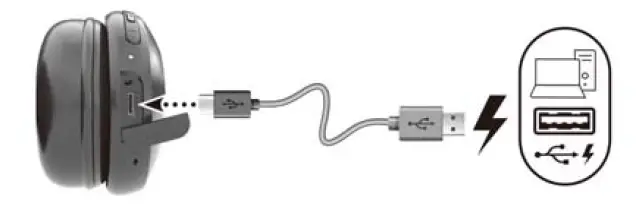
CHARGING
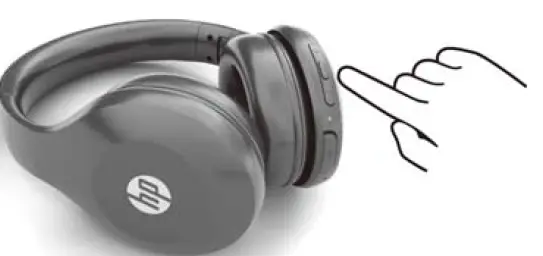
- STEP 2
POWER ON
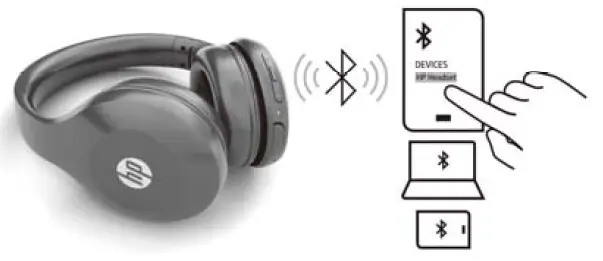
- STEP 3
CONNECTION
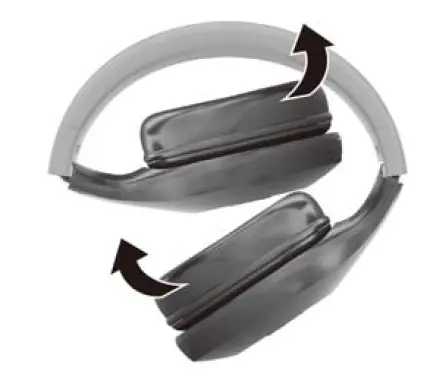
- STEP 4
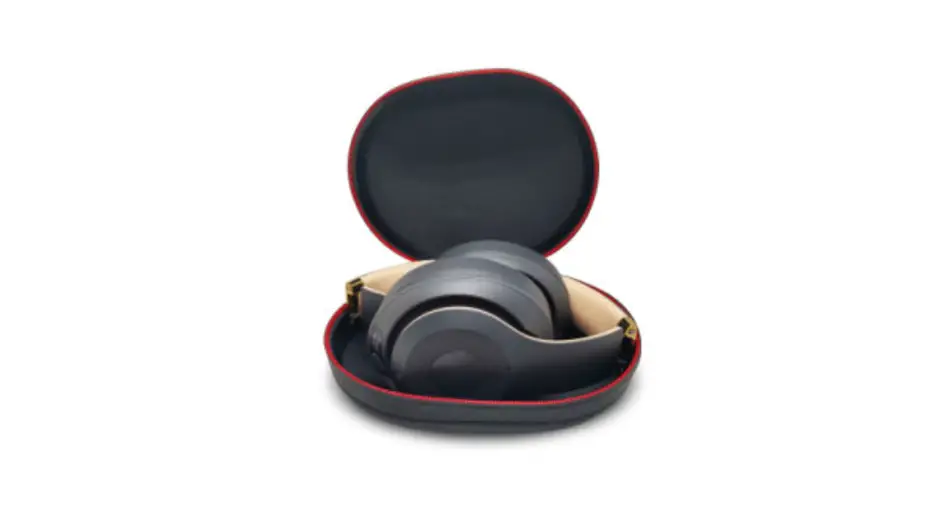
FOLDING
Copyright 2020 HP Development Company, LP
The information contained herein is subject to change without notice. The only warranties for HP products and services are set forth in the express warranty statements accompanying such products
and services. Nothing herein should be construed as constituting an additional warranty. HP shall not be iable for technical or editorial errors or omissions contained herein.
First Edition: July 2020