Pds3000 Counterweight Garage Door Opener
Product Information: PDS3000 Counterweight Garage Door
Opener
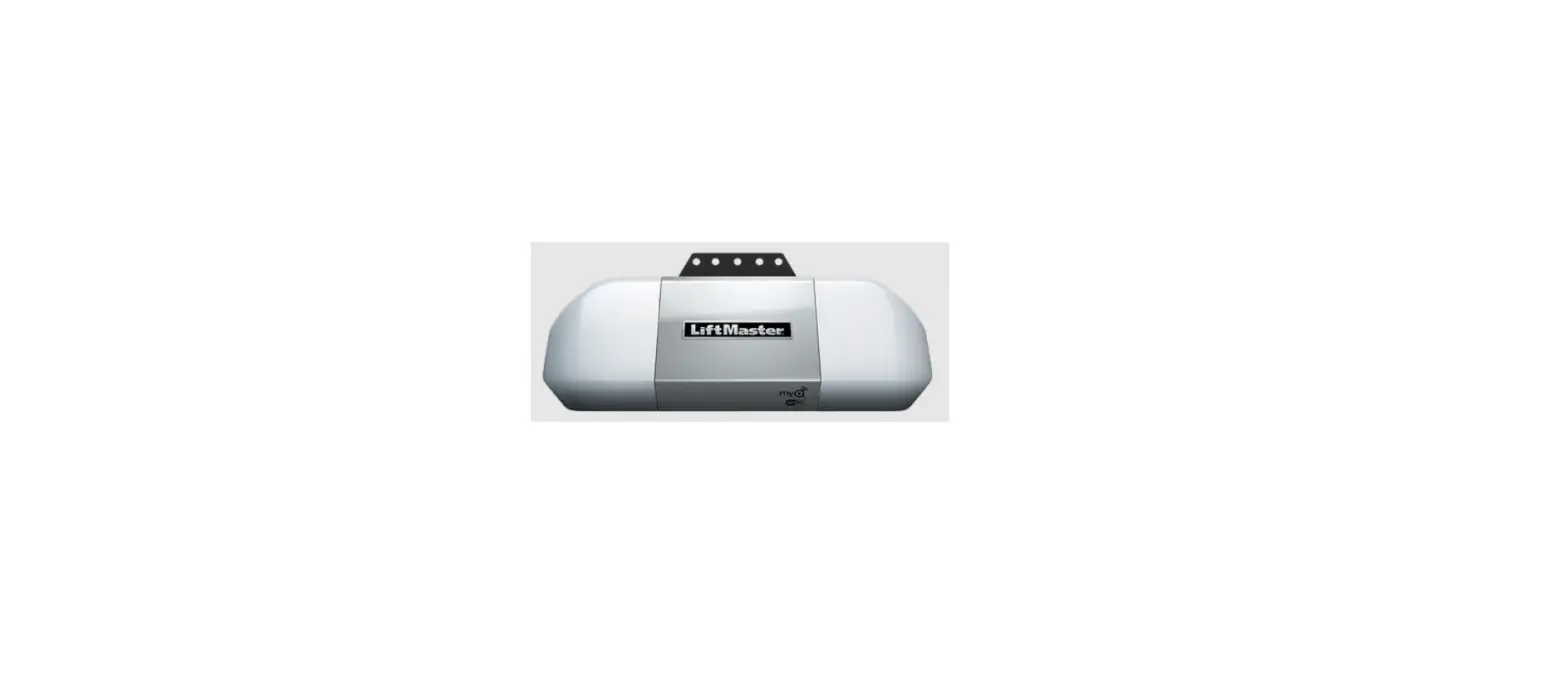
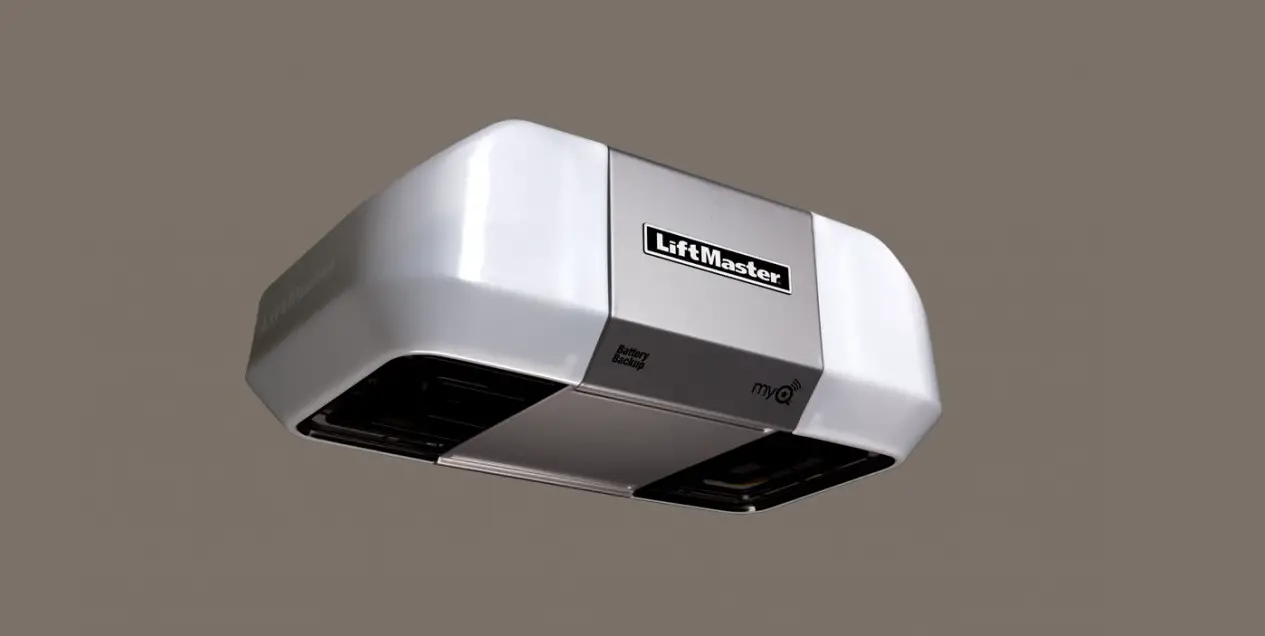
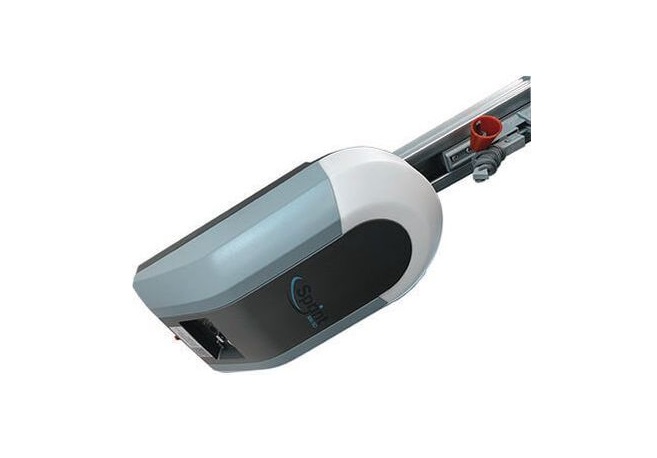
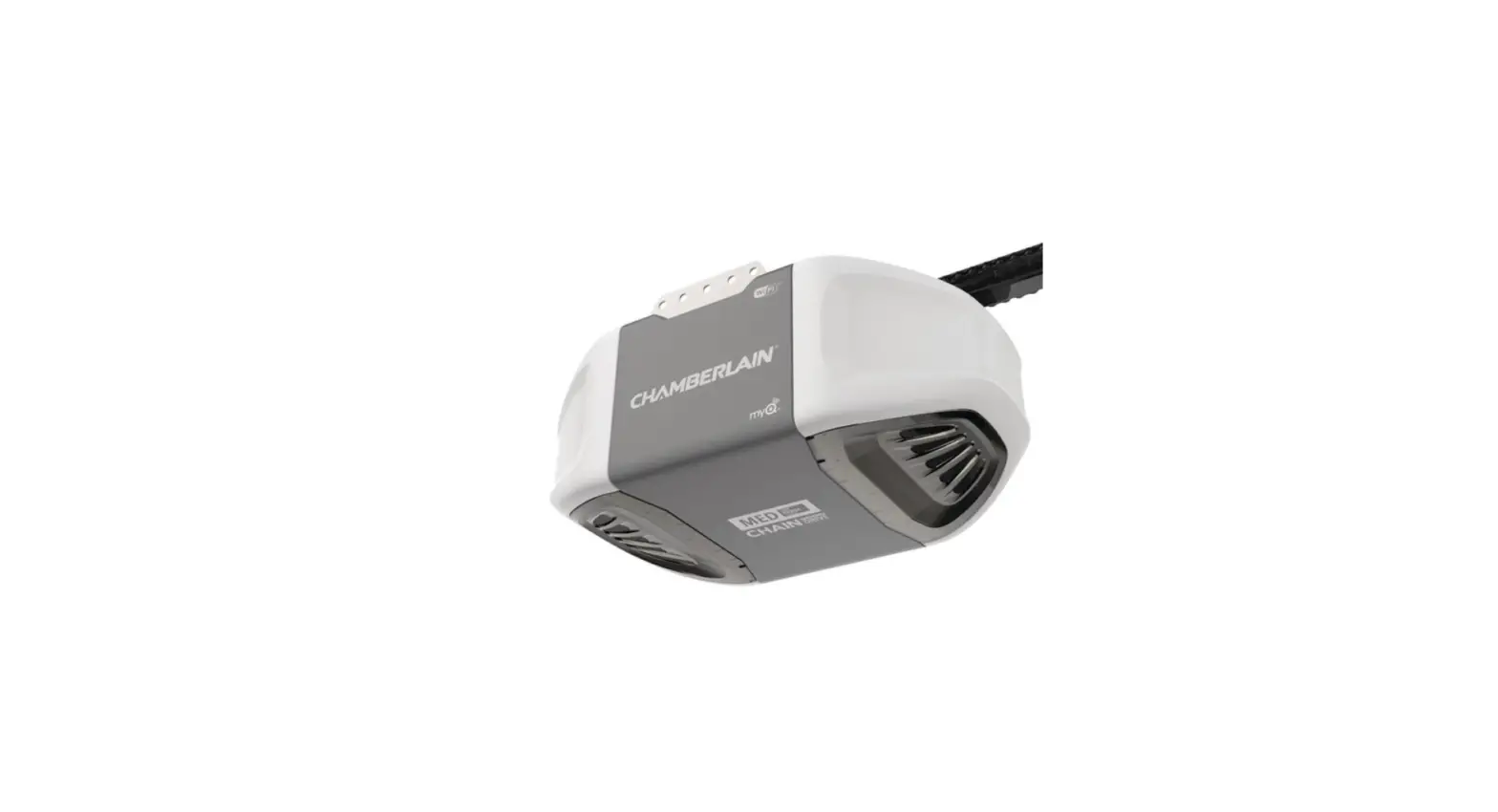
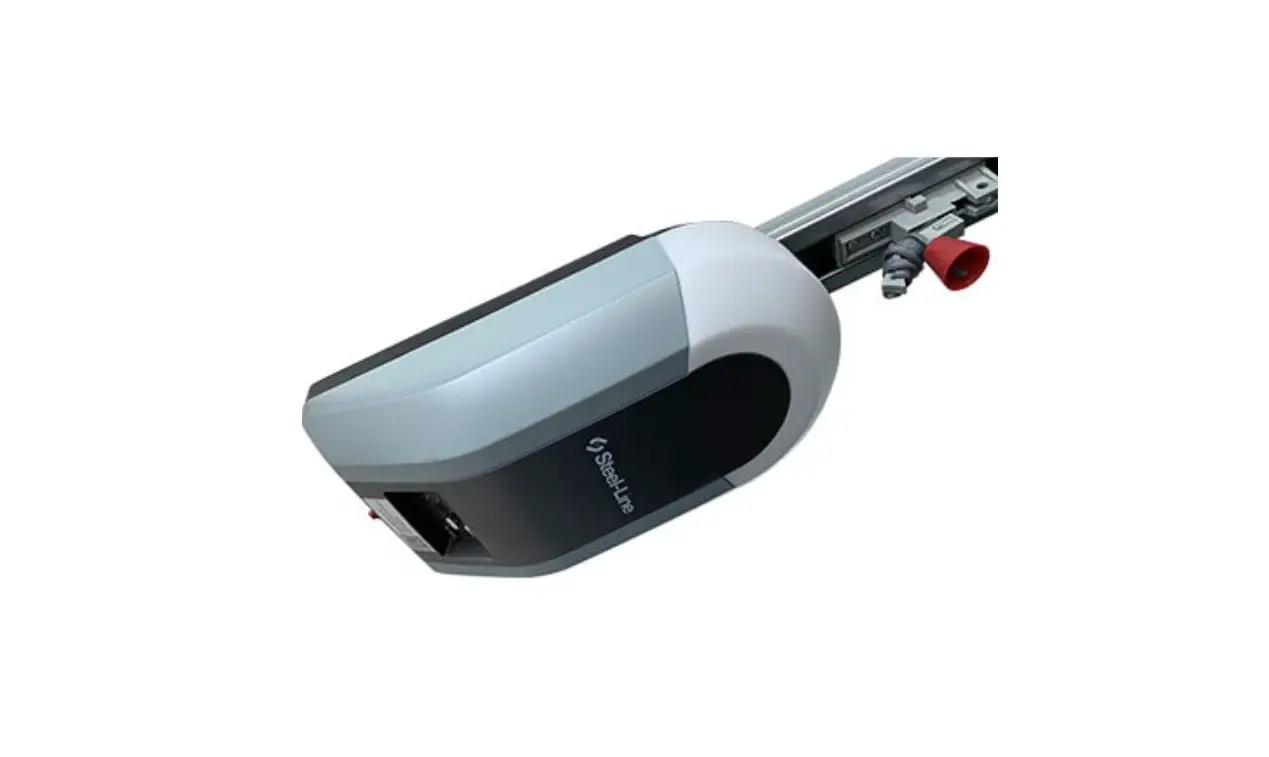
The PDS3000 Counterweight Garage Door Opener is a motorized
garage door opener with various features that make it a convenient
and safe option for opening and closing garage doors. The product
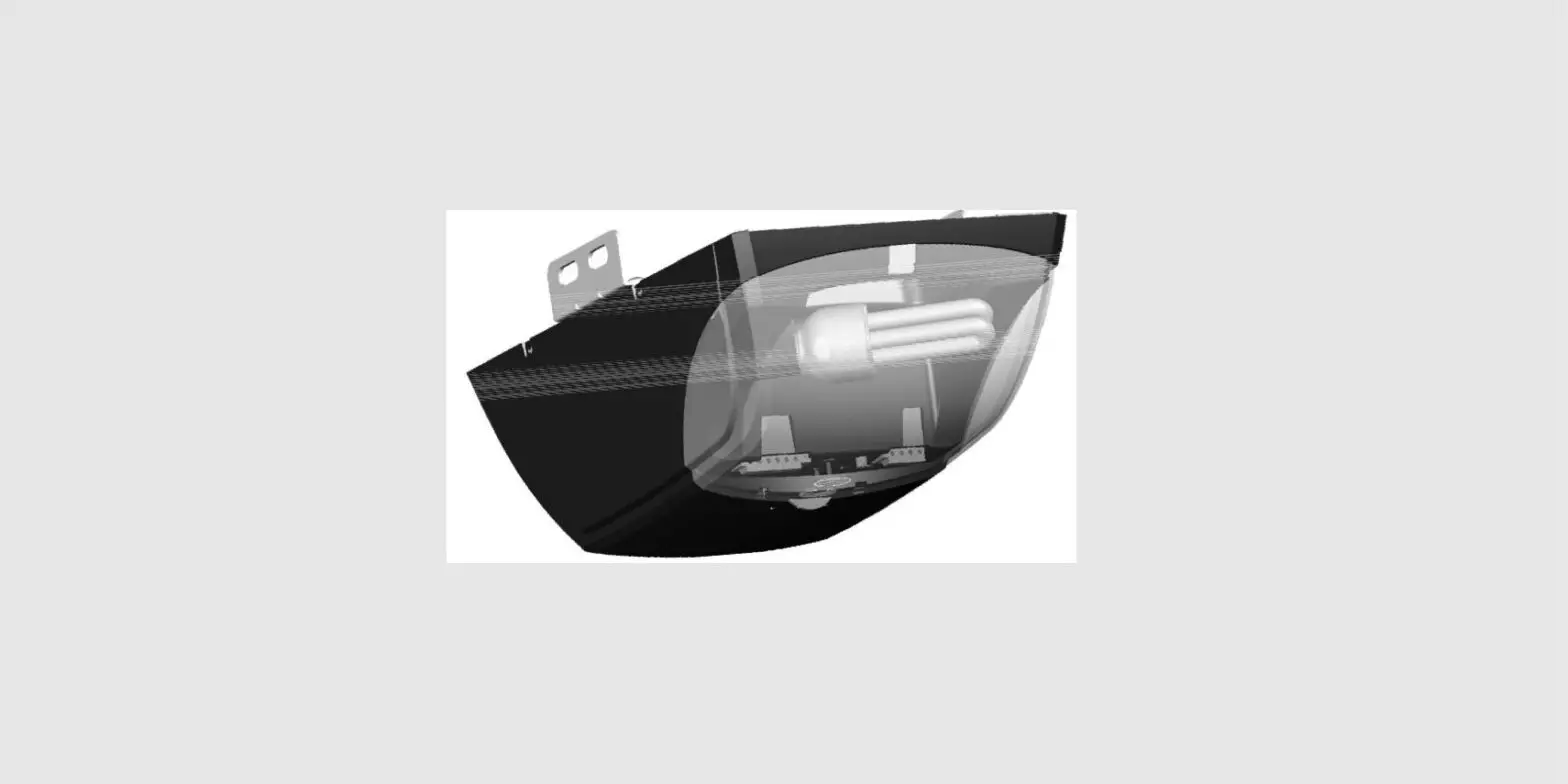
comes with two remotes and one wall mountable remote, a light on
control box, and a manual release bolt. The opener also has an
auto-reverse function and auto force sensing for added safety.
Additionally, the product has options for safety sensors, keypad,
and a 4 button remote that can add a receiver to a gate or other
doors. The PDS3000 comes with a 2-year warranty.
The product is available for purchase on the website www.pdsgaragedoors.com.au.
Product Usage Instructions
Control Panel Basic Function Settings:
- Coding transmitters: To delete all the stored
codes and match the transmitter, press and hold the CODE button for
more than 8 seconds until the LED flashes C. If the transmitter is
not matched within 20 seconds, it will return to standby mode
automatically. - Travel limit setting opening & closing force
self-learning: Press and hold the SET button for 3 seconds
until the LED flashes 1. Press the SET button again for 1 second
and adjust the up limit by pressing the UP button. Fine-tune the
final up limit position using the UP or DOWN button and then press
SET. Adjust the down limit by pressing the DOWN button. Fine-tune
the final down limit position using the UP or DOWN button and then
press SET. If the opener stops after operating a little and LED
flashes H or C, it indicates there’s no hall signal or the opener
is overloaded. The opener will operate a cycle automatically to
remember the limit positions and the original opening & closing
force before returning to standby mode. During learning, if the
door stops unusually and flashes H, C, O, L for 5 seconds, it
indicates there’s no hall signal overload, overtime, or wrong limit
has been set. - Safety reverse force adjustment: Press and
hold SET for 3 seconds until the LED flashes 1. Press UP or DOWN
until LED flashes 2 then press SET. The LED displays the current
set force. Press UP to increase the force and DOWN to decrease it.
The maximum force is 9 and the minimum is 1. Press SET to confirm,
and the opener will return to standby mode. The default setting of
safety force is 5. - Photo beam setting: Press and hold SET for 3
seconds until the LED flashes 1. Press UP or DOWN until LED flashes
3, press SET. The LED displays the current setting. Press UP, the
LED displays 1 and photo beam function is available. Press DOWN,
the LED displays O to cancel this function. Press SET to confirm.
The opener returns to standby mode. IMPORTANT: Keep the photo beam
function deactivated when photo beam sensors are not installed/in
use.
Power Failure – Manual Release Procedure:
- Locate manual release rod: Locate the yellow
ring handle manual release turn rod positioned between the two
steel ramp rails.
For any further assistance or queries, please refer to the user
manual or contact customer support.
PDS3000
COUNTERWEIGHT GARAGE DOOR OPENER
SAVE THESE INSTRUCTIONS for future reference
WWW.PDSGARAGEDOORS.COM.AU
FEATURES OF PDS3000
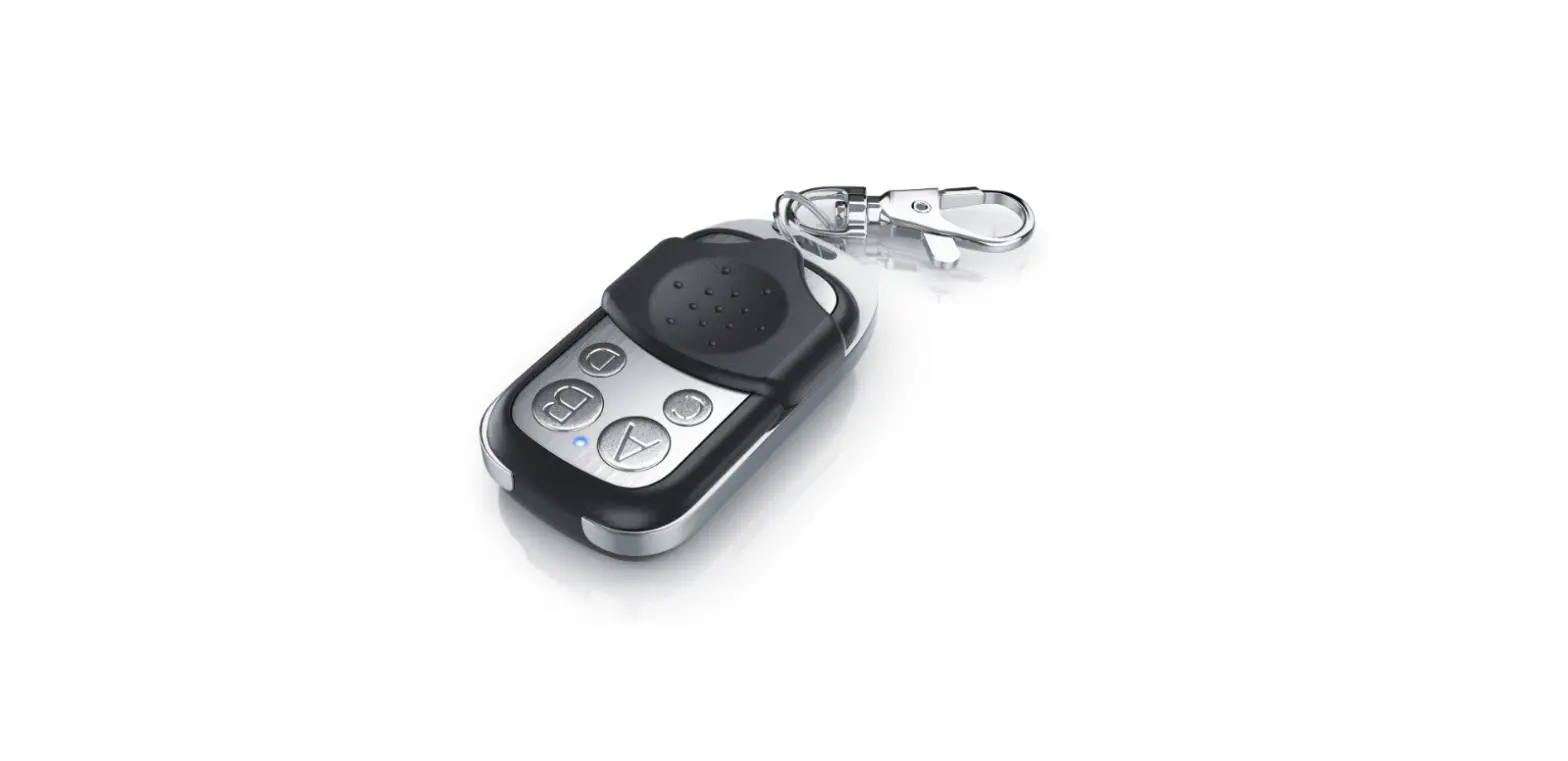
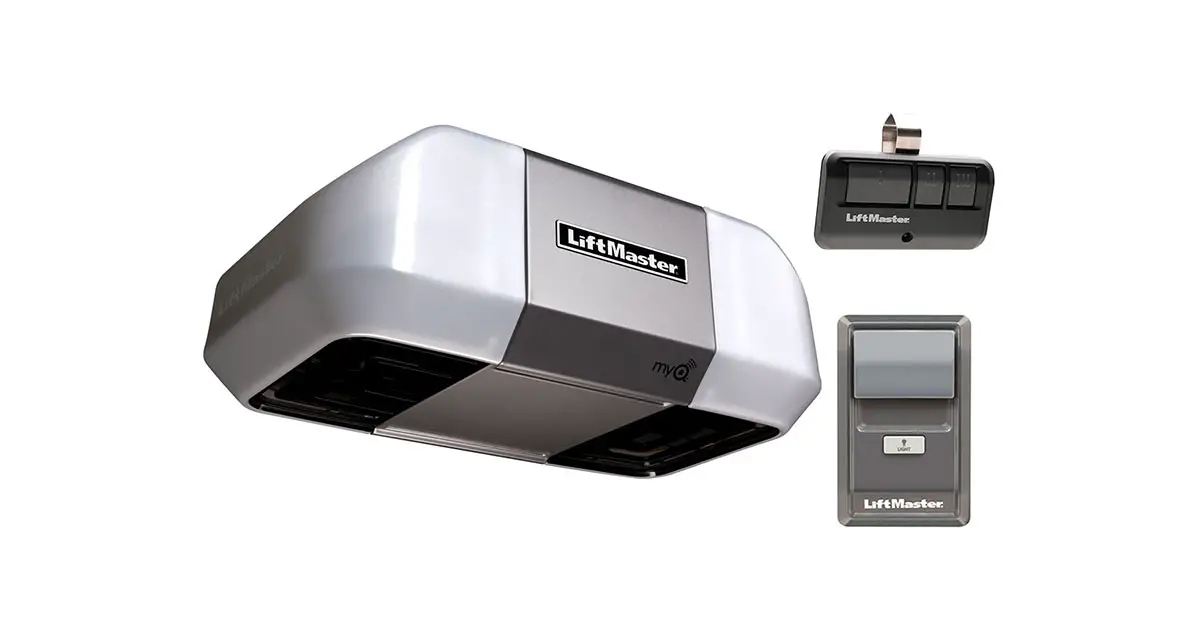
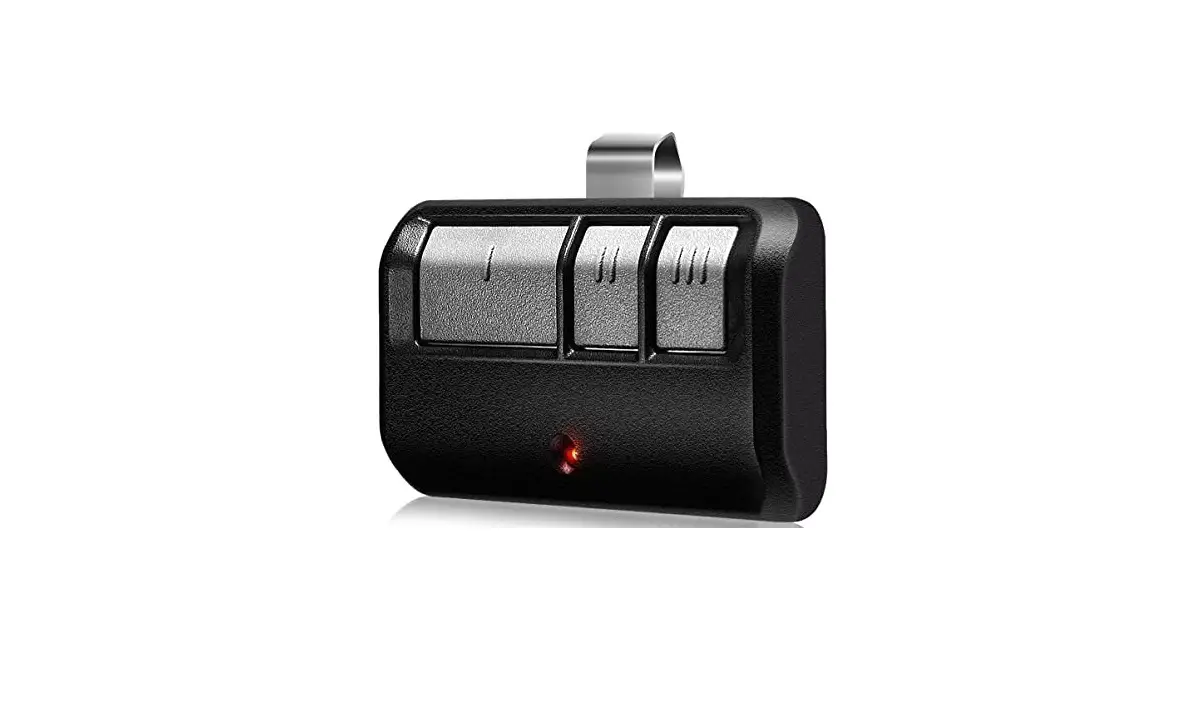
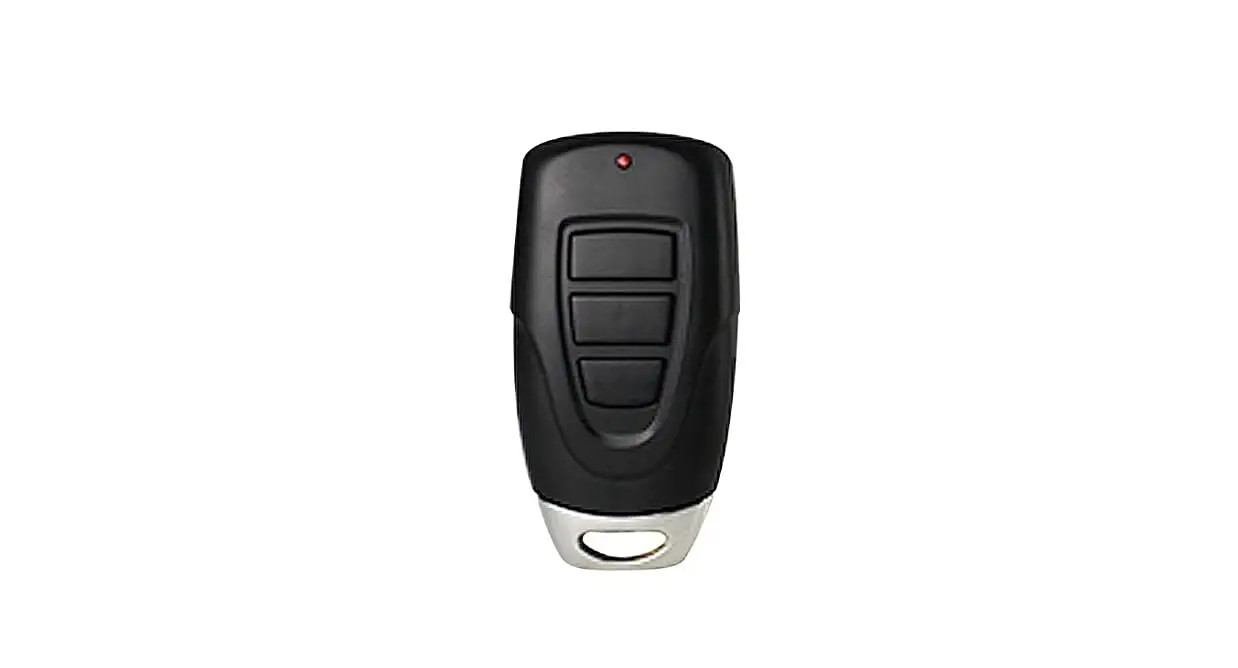
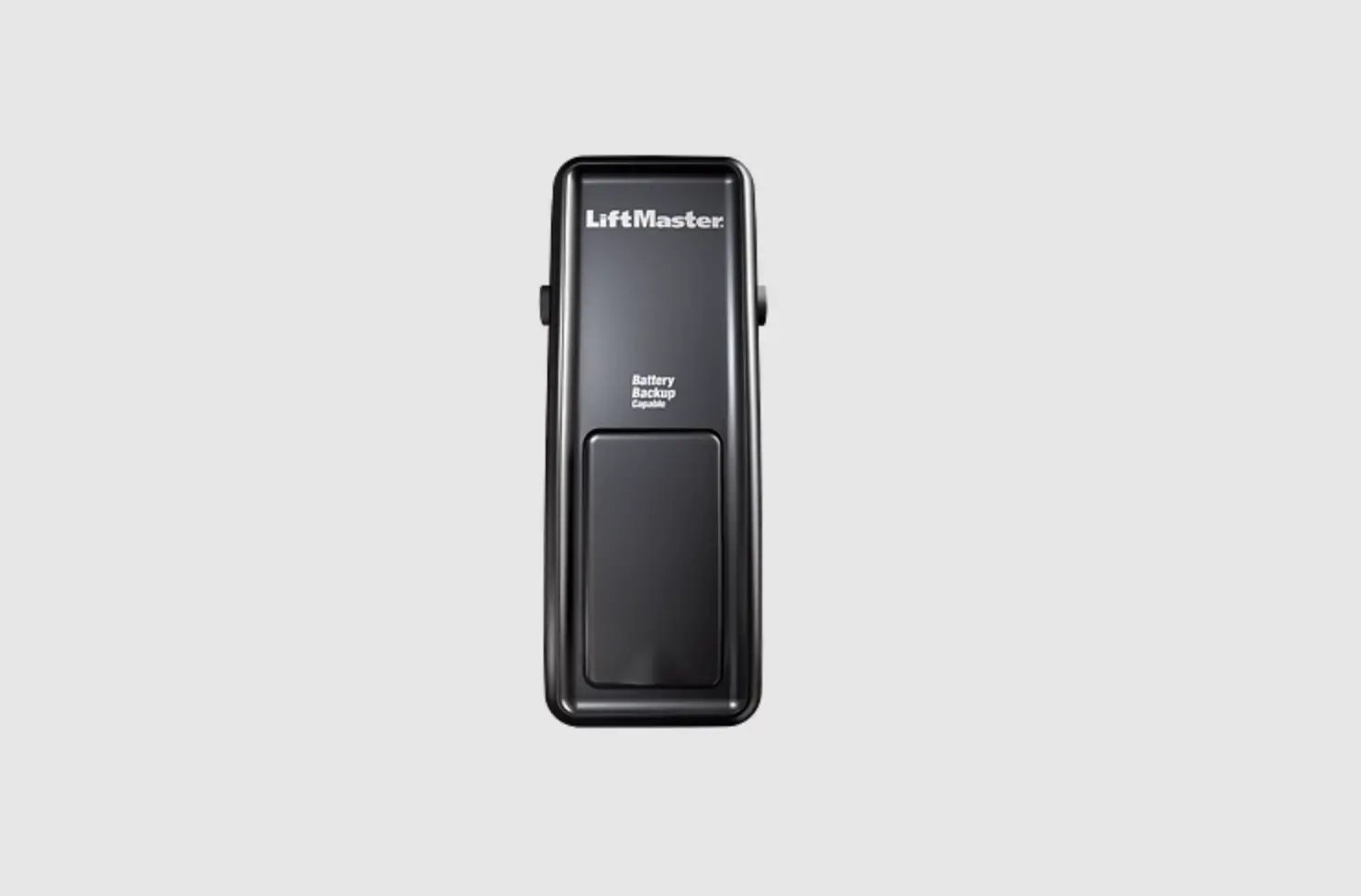
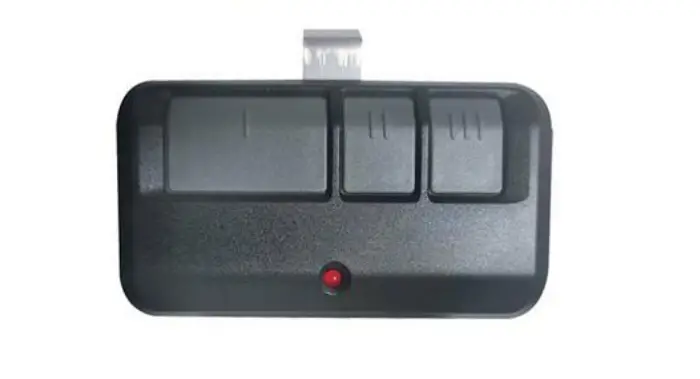
Motor features: 2 remotes 1 wall mountable remote Light on control box Manual release bolt Auto reverse function Auto force sensing Option for Safety Sensors Option for keypad 4 button remote (can add receiver to gate or other doors) 2 Year warranty
CONTROL PANEL BASIC FUNCTION SETTINGS
1 Coding transmitters
Press and hold on “Code” button for 1 second until the LED dot is on (Fig A). Press button on transmitter once, the dot will go off, press the same transmitter button again and the dot will flash fast for 8 times and then return to standby mode. The transmitter is now coded into the receiver. Repeat the above steps to code more transmitters. The receiver has the capacity to store 20 transmitters. If the LED display flashes “F” and returns to standby mode (after you have pressed the “CODE” button), this indicates that the memory storage is full (20 transmitters). Follow the steps below to delete all transmitters that are stored in the receiver memory.
Press and hold on “CODE” button for more than 8 seconds until the LED flashes “C”, all the stored codes are deleted. Only the matched switch on the transmitter is available. If failed to match the transmitter within 20 seconds, then it will return to standby mode automatically.
The opener is supplied with pre-coded transmitters.
2 Travel limit setting opening & closing force self-learning
Press and hold on “SET” button for 3 seconds until the LED flashes “1”.
Press “SET” button again for 1 second “1” should now display as steady (not flashing)
Then adjust the up limit by pressing “UP” button.
Fine tuning “UP” or “DOWN” button to determine the final up limit position (the LED flashes “n” or “u” during opening or closing), then press “SET” button the display turn into “2” automatically.
Adjust the down limit by pressing “DOWN” button.
Fine tuning “UP” or “DOWN” button to determine the final down limit position (the LED flashes “n” or “u” during opening or closing), then press “SET” button.
When button is pressed to operate the opener, if the opener stops after operating a little and LED flashes “H” or “C” this indicates there’s no hall signal or the opener is overloaded.
The opener will operate a cycle automatically to remember the limit positions and the original opening & closing force before returning to standby mode.
During learning, if the door stops unusually and flashes “H”,”C”, “O”, “L” for 5 seconds this indicates there’s no hall signal overload, overtime, wrong limit has been set.
3
3 Safety reverse force adjustment
Press and hold “SET” button for 3 seconds until the LED flashes “1” Press “UP” or “DOWN” button until LED flashes “2” then press “SET” button.
It’s now under force adjustment mode. The LED displays the current set force.
Press “UP” button to increase the force and “DOWN” button to decrease the force.
The maximum force is 9 and the minimum is 1.
Press “SET” button to confirm, the opener will return to standby mode.
The default setting of safety force is 5.
4 Photo beam setting
Press and hold on “SET” button for 3 seconds until the LED flashes “1” Press “UP” or “DOWN” button until the LED flashes “3”, press “SET” button, it’s now under photo beam setting mode. The LED displays the current setting.
Press “UP” button, the LED displays “1”, the photo beam function is available. Press “DOWN” button the LED displays “O” to cancel this function. Press “SET” button to confirm. The opener returns to standby mode.
The default setting of photo beam is “O”.
!
IMPORTANT The photo beam function should should remain deactivated when when photo beam sensors are not
installed/in use.
4
POWER FAILURE – MANUAL RELEASE PROCEDURE
Step 1 Locate the manual release rod.
Locate the yellow ring handle manual release turn rod which is positioned between the two steel ramp rails.
Ramp rails are located on the same side of the motor and are attached to the back of the door panel.
Step 2 Remove the manual release rod.
Using the yellow ring provided, turn the manual release rod anti-clockwise, this will unwind the manual release rod from the automatic operator drive carriage.
Continue to turn the manual release rod until it come free from the automatic operator drive carriage.
Step 3 Operate garage door by hand.
Once the manual release rod is removed completely, you will be able to lift or close the garage door manually by hand. When operating the garage door manually at anytime or in any location through the fully open to fully closed locations, check the surrounding areas each side, behind and in front of the garage door to ensure no obstructions may foul the door operation.
IMPORTANT
!
All counterweight garage doors are inherently heavy, it is advised that when using any garage door by hand the operator should remain diligent when
operating the door to ensure it does not
open or close unexpectedly.
5
Step 4 Reconnection of the automatic opener
To reconnect the automatic operator to the garage door, manually operate the garage door by hand until the automatic operator carriage lines-up with the steel ramp rails. Once in-line, re-insert the manual release rod into the automatic operator point by turning the release rod clockwise. Continue to turn the release rod clockwise until the steel bearing on the release rod is located between the steel ramp plates.
SERVICING INFORMATION
We recommend that your garage door is serviced annually to ensure that your attached opener can operate optimally and to allow us to inspect the system for any potential problems that may be occurring.
PDS Garage Doors 38 Yale Drive
Epping (Vic) 3076 Phone: (03) 9408 3418 Email: [email protected] Web: www.pdsgaragedoors.com.au
 Garage Door Installation | Custom Made Garage Doors