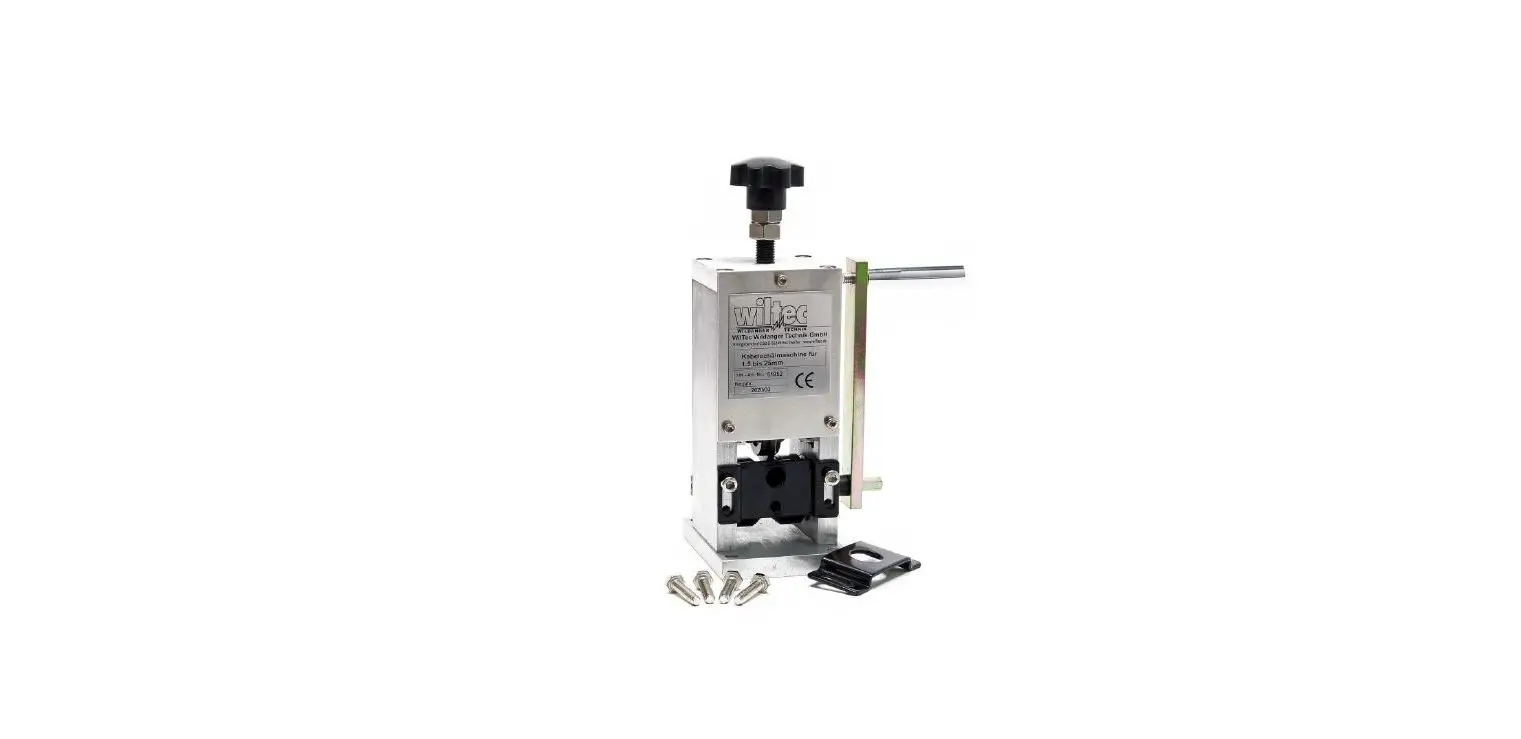
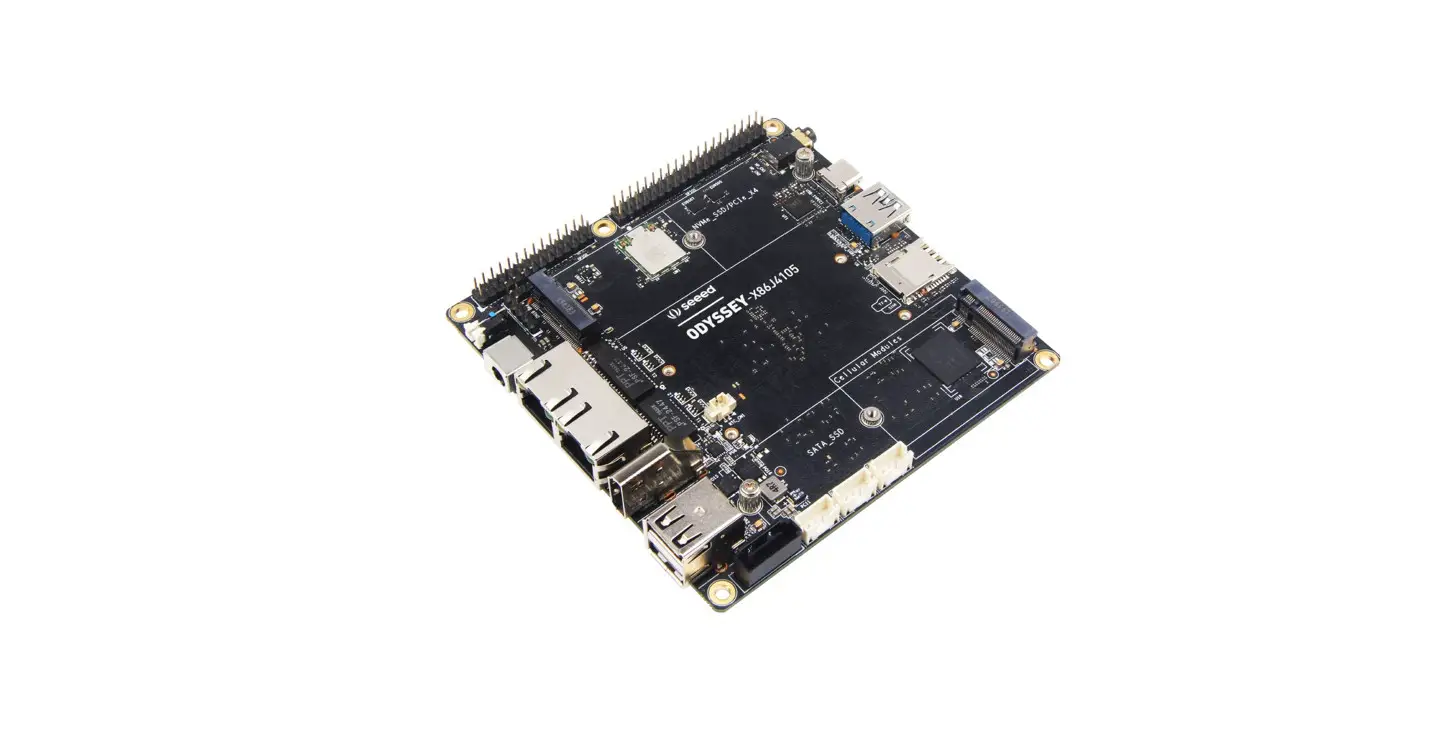
XB21CN Computer Stripping Machine
Product Information
The product is a wire straightening and cutting machine that
features a straightening frame, inlet wheel clearance adjustment
button, catheter, tool carrier assembly cover, and blade. The
catheter is responsible for guiding the wire through the conduit
and fixing it in place while the blade cuts the wire into desired
lengths. The machine also features a computer operation system with
manual and parameter setting options, line length correction, and
intermediate stripping setting. Additionally, the product comes
with a troubleshooting guide to help users identify and resolve
common issues.
Product Usage Instructions
- Ensure that the power is cut off before approaching the
blade. - Adjust the inlet wheel clearance using the adjustment button to
increase gear clearance and ensure that the roller and catheter are
in a central line. - Guide the wire through the catheter and fix it in place using
the upper and lower knife edges. - Protect the tool carrier assembly from sundries by covering it
with the tool carrier assembly cover. - Cut the wire into desired lengths using the blade, which is
divided into two with a short device above and a long device
below. - Use the computer operation system to manually set or adjust
parameters such as line length correction and intermediate
stripping setting. - Refer to the troubleshooting guide provided to resolve common
issues such as thread not coming off, heavy surface embossing of
wire, and rollers not working properly.
Part I: Outline of mechanical form
1. Straightening frame: wire straightening function. 2. Inlet wheel clearance Adjustment button: up into the gear clearance increased,
down to reduce the rotating clearance, two wheel clearance press wire harness, do not let wire harness skid is the best. 3. Feed Hole: The wire goes into the feed hole and into the feed wheel. 4. Inlet hole seat: fix the Catheter, move up and down to adjust the center position of the Catheter and the blade. 5. Lifting action of thread feeder: Turn counterclockwise to raise thread feeder, clockwise to lower thread feeder. 6. Feed wheel: The Motor drives the feed wheel to rotate so that the wire goes forward and backward, cooperating with the tool carrier to feed the wire and strip the head. 7. Catheter Base: Fixed Catheter Role, can be adjusted up and down so that the
front and back of the roller and catheter into a central line. 8. Catheter: The wire goes through the conduit to enter the knife edge, fix the role
of the wire, in the upper and lower knife edge of the central point. 9. Tool carrier assembly cover: Protects Sundries from entering the tool carrier
assembly. 10. Blade: divided into two, its short device above, long device below, two for a pair
of, device when the upper and lower blade vertical, upper and lower blade blade edge for a central point, upper and lower blade wall can not have clearance. 11. Outlet Wheel: The Motor drives the outlet wheel to rotate so that the wire harness advances and retreats, cooperating with the cutter post outlet and stripping Tail Action. 12. Lifting function of thread outlet pulley: Rotate clockwise to raise thread outlet roller, and rotate counterclockwise to lower thread outlet roller. 13. Outlet wheel clearance adjustment torsion: up rotating outlet wheel clearance increased, down rotating outlet wheel clearance reduced. 14. Display screen: adjust the parameters of wire needed for processing. 15. Start: Press the start button to make the machine work when the data input is complete without error. 16. Stop: Press Stop to stop the machine. 17. Emergency Stop: When the machine is in working condition, press [ emergency stop ] to stop the machine.
Note that you must not approach the blade with your hand before the power is
cut off, whether the machine is working or not.
Part II: Introduction of computer operation
Figure 1
1.1 Program: By 0-99 Item Program Series number storage parameters. 1.2 Inlet wire: thread the wire through the wire hole until the incoming wire roller, press the incoming wire roller to send the wire forward automatically. 1.3. Outlet wire: Press the [Outlet wire] wheel to automatically back out. 1.4 Auto/Single Step/Single Cycle: In the case of single step, press the start button and the machine runs a single action. Press the start button in the test machine to run a complete action, In the case of automatic, press the start button and the machine will continue to run. 1.5 Start: Press [ start ] key to make the machine work when the data input is complete without error. 1.6 StopPress Stop to stop the machine. 1.7 Reset: Return each part of the machine to its original position. 1.8 Emergency Stop: When the machine is in working condition, press
than the quantitative data input, such as data less than quantitative data machine will not work. 1.18 Count: Cumulative production. 1.19 Quantitation: nput how many parameters machine operation how many times automatically stop, such as input 100 machine operation will automatically stop, input 0 for no quantitative data, the machine will not automatically stop, to achieve the set amount of data will stop. 1.20 Timing start: When the machine works to the specified amount of time, the number of seconds delay, automatic start to continue running.
Manual setting
Figure 2
2.1 Feed Motor: Press the wire inlet key, the roller feeds the wire forward, and press the wire outlet key, the roller moves back the wire. 2.2 Cutter Motor: Press the close key to close the thread cutter up and down, and press the open key to open the cutter up and down. 2.3 Step Amplitude: The larger the value, the larger the up and down movement position. Return to zero and tool induction to return to the origin. 2.4 Twist Motor: press the forward button to twist the thread in the forward direction, and press the reverse button to twist the thread in the reverse direction. 2.5 Pipe Motor:Press the forward button, the catheter is lifted up, and the catheter is lowered down when pressing the backward button. 2.6 Lift Wheel Motor:Press the forward button, the outlet wheel lifts up, press the back button, and the outlet wheel is pressed down
Parameter Setting:
Figure 3
3.1 Feed Speed: Refers to the motor-driven roller feeding speed of 10-100, 10 the slowest and 100 the fastest. 3.2 Cutting speed: refers to motor drive tool carrier cutting speed, speed 10-100,10 the slowest, 100 the fastest. 3.3 Peeling Speed: Refers to the peeling speed of the rubber. The slower the speed, the greater the peeling force, and the faster the speed, the smaller the peeling force. 3.4 Cut&Decelerate: Refers to the speed that the upper and lower knife edges touch the wire until it is cut. The speed is 00-10, 00 is the fastest, and 10 is the slowest. The slower the speed, the greater the cutting force, and the faster the speed, the smaller the cutting force. 3.5 Outlet Speed: Refer to the wire stripping and removing speed,The larger the speed value, the faster the outgoing line; the smaller the speed value, the slower the outgoing line.
Line length correction
Figure 4
4.1 Length value correction: The length value is the total length setting value. When there is a difference between the total length setting value and the actual length of the processed line, just enter the actual length value of the processed line in the actual length value and press the red “correction” on the right key correction. 4.2 Wire diameter value correction: The actual wire diameter is the size of the cutting edge. When the set wire diameter value and the cutting edge cutting size are different, the wire diameter coefficient can be corrected. The larger the input value, the larger the cutting edge cutting size, and the smaller the input, value smaller.
=
Intermediate Stripping Setting
Figure 5
5.1 Position 01: The length of the wire to the first incision in the middle; Pelling: The first pelling distance in the middle. 5.2 Position 02: Length of cutting from the top of the wire to the second in the middle; Peeling: The second peeling distance in the middle. 5.3. Position 03: the length of the cut skin from the top of the wire to the third place in the middle; Peeling: The third peeling distance in the middle. And so on…
Part three: trouble shooting
Questions
Solution
The thread won’t come off
The end of the thread won’t come off
The surface embossing of wire is too heavy
The head and tail of a thread are peeled off at an angle The copper wire at the end of the thread is slightly longer Cut the core at the end of the thread The wires are connected together without being cut
The actual length does not match the set value
1Check the head cutting depth, if too shallow, need to reduce the diameter of the line. 2The upper and lower clearance of the feeding roller is too large and the adjustment is too small. 3The header data is too small and needs to be enlarged. 1 Check the cutting depth of the end of the line, if it is too shallow, reduce the diameter of the line. 2 The upper and lower clearance of the outgoing roller is too
large, and the adjustment is smaller. 3The data of tail stripping is too small and needs to be enlarged. 1 First determine whether the embossing is caused by the incoming or outgoing line wheel pressure. 2 If the line into the wheel, then the line into the wheel adjustment gap. 3If it is a line out of the wheel, then the line out of the wheel adjustment gap. 1The front end of the Catheter is too far away from the blade, so it needs to be adjusted. 2Adjust the position of the catheter or small diameter catheter, so that the wire through the catheter and knife in a straight line. 1 Wire diameter is too small, knife cut to copper wire, peeling out, need to increase the wire diameter. 2Retreat data is too small, need to increase. 1Wire diameter data is too small, increase wire diameter retry, until do not damage core copper wire. 1Slow down the cutting speed and try again. 2 Blade Blunt, need to remove the blade to replace the new blade. 3When the upper and lower blades are closed, there is a gap in the plane. It is necessary to reinstall the blades to make the upper
and lower blades close. 1There’s stolen property on the wheel drive that needs cleaning up. 2 Check the wire position to see if there is resistance to wire feeding. 3The belt of the incoming roller drive is too loose and needs to
be tightened. 4 The wire has paraffin on the surface, causing the roller to slip with wax. Please clean 4 rollers with gasoline or banana water. 1See if the parameter line length has the input data needed to process.
The rollers don’t work
The tool carrier is not working properly
2Check if the synchronous belt is broken. 3Check whether the wheel drive is normal (green light is normal, red light is abnormal) . 1Check whether the cutter drive is normal (green light is normal, red light is abnormal) . 2Check whether the cutter rack gear is stuck or broken. 3Whether the tool Holder Slide Block is not oiled for a long time, resulting in too much friction resistance. 4. See IO monitoring whether the cutter origin back to the origin of the green light, such as not on the sensor is bad.
Do not work according 1 Check to see if there is an input set amount.
to the running key
2 Check to see if the count has reached the set total, and clear
the count to zero.