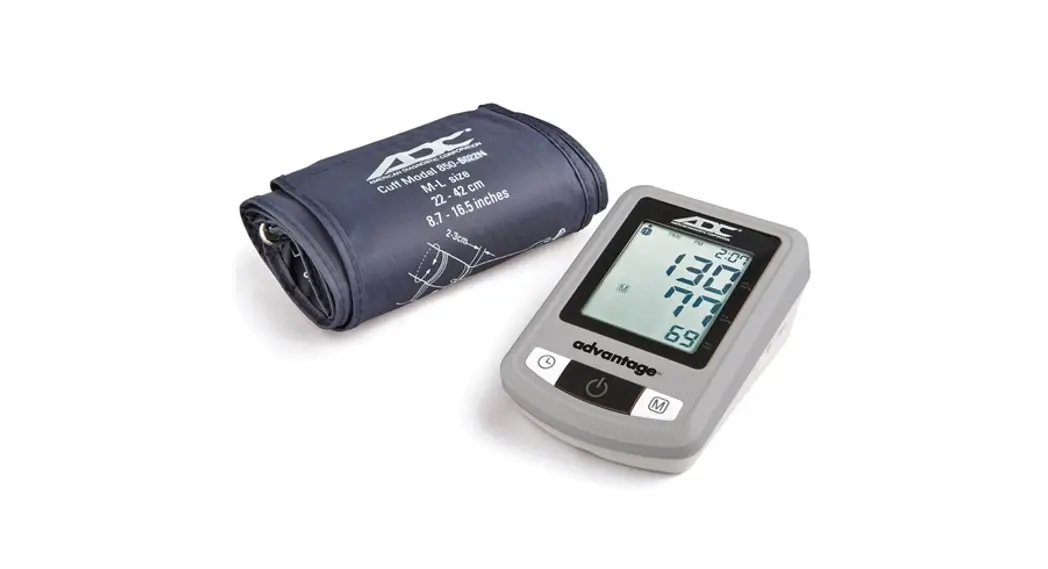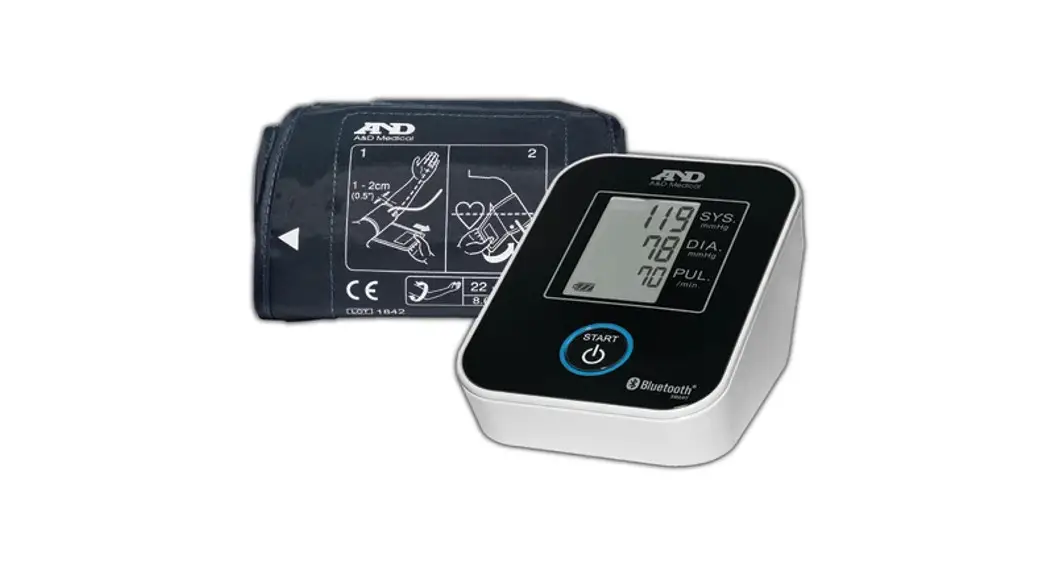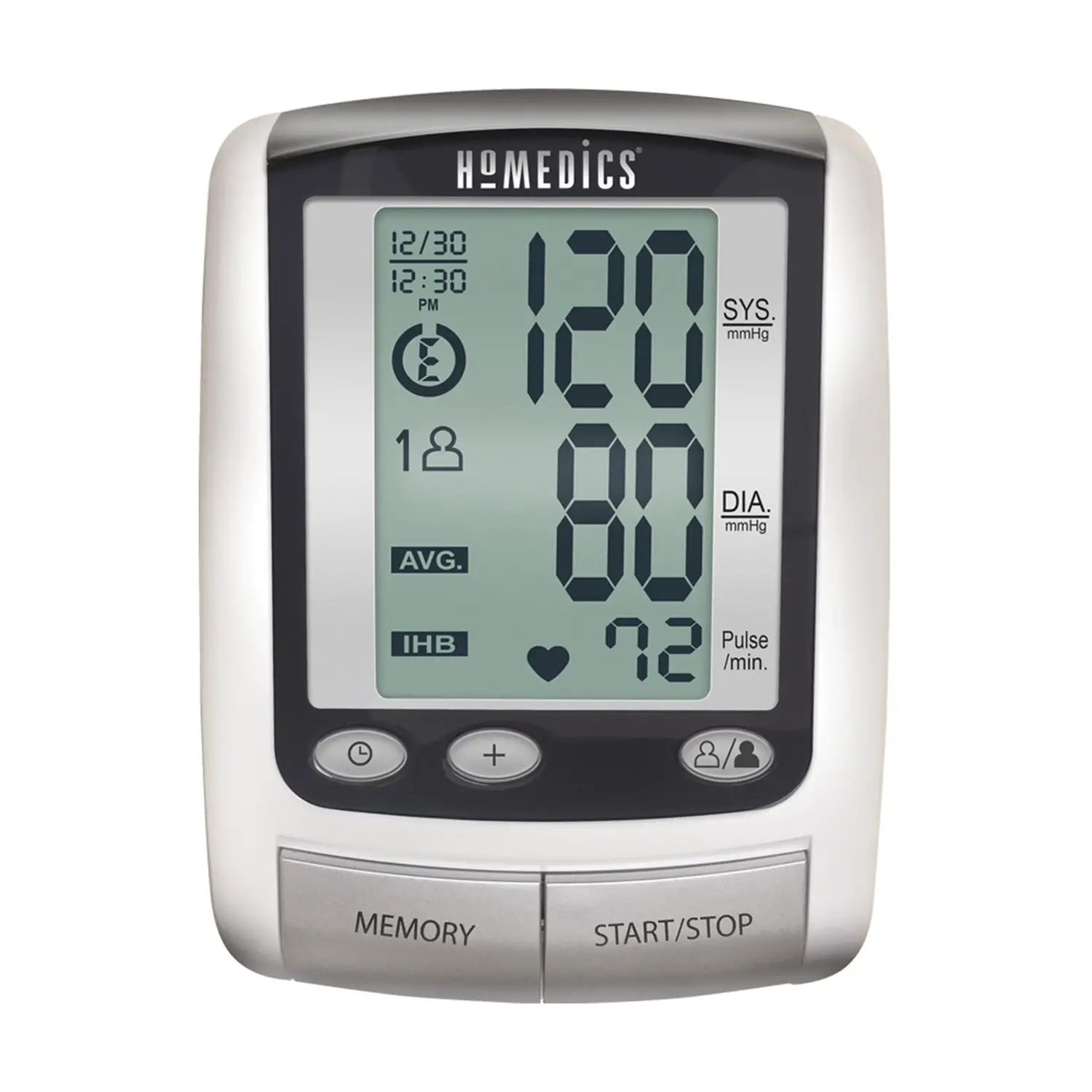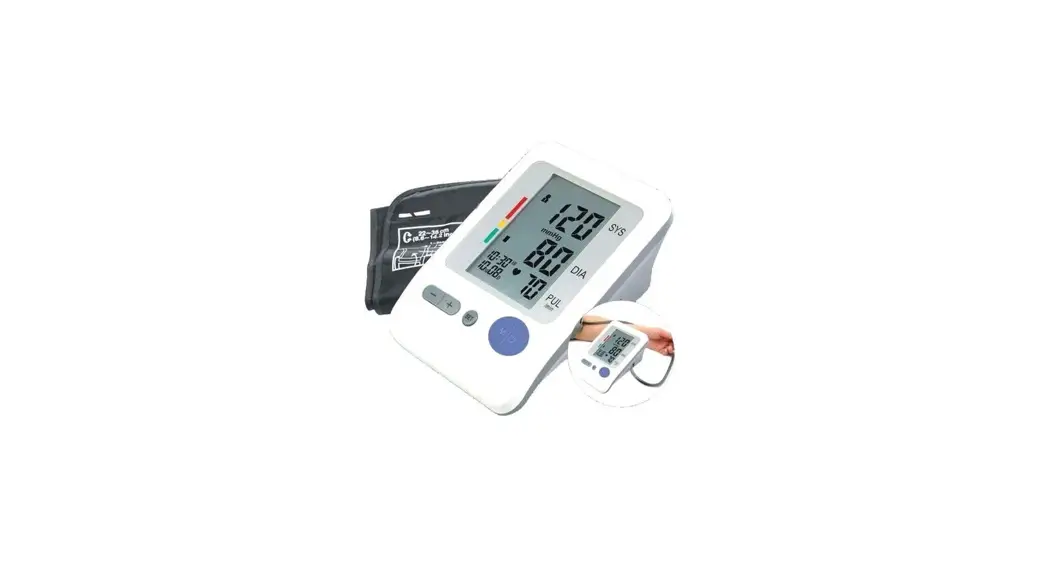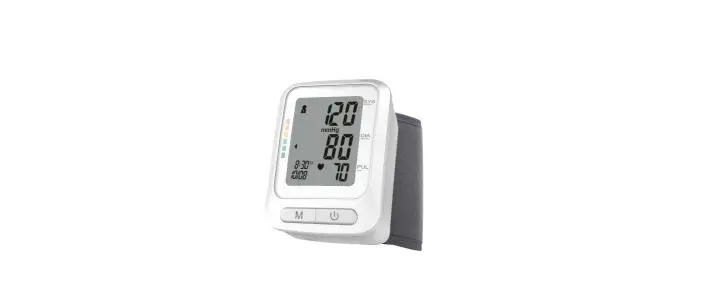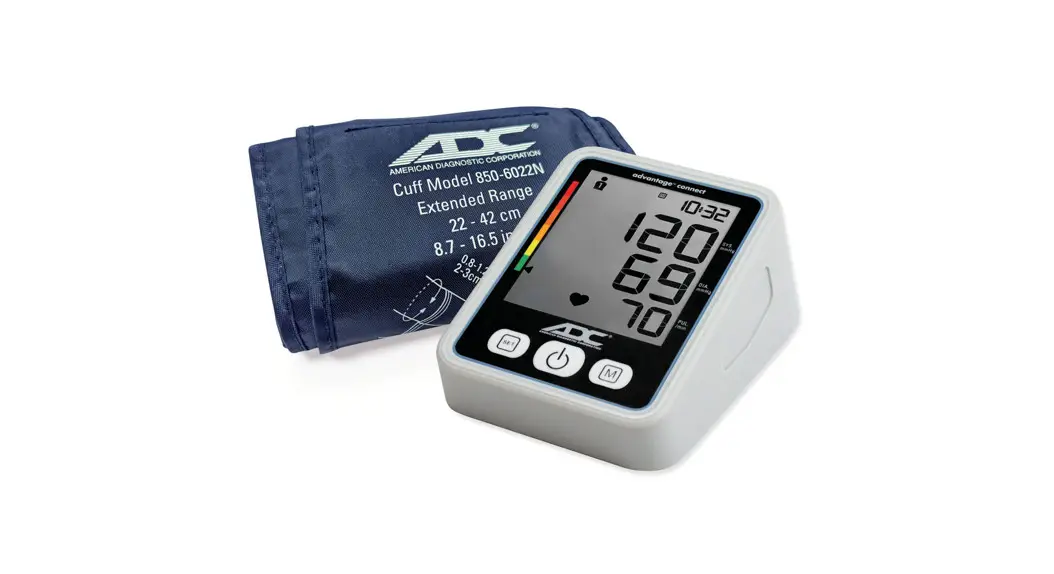
 6024N Advantage Connect Upper-Arm
Digital Home Blood Pressure Monitor
User Guide
6024N Advantage Connect Upper-Arm Digital Home Blood Pressure Monitor
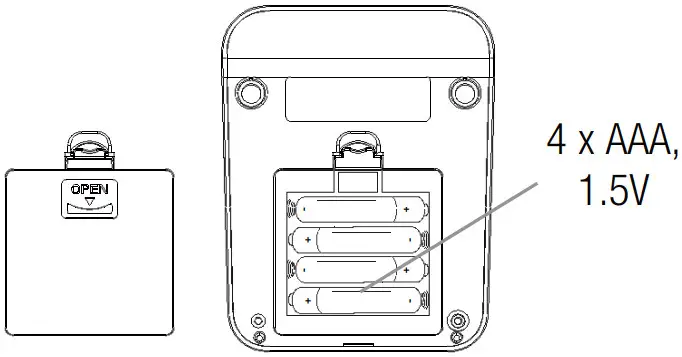
- Insert batteries, observing polarity.

 See page 12 in the instructions for use to set date and time or press the on/off button once to skip this step.
 - Insert the cuff connector into the port on the left side of the unit.

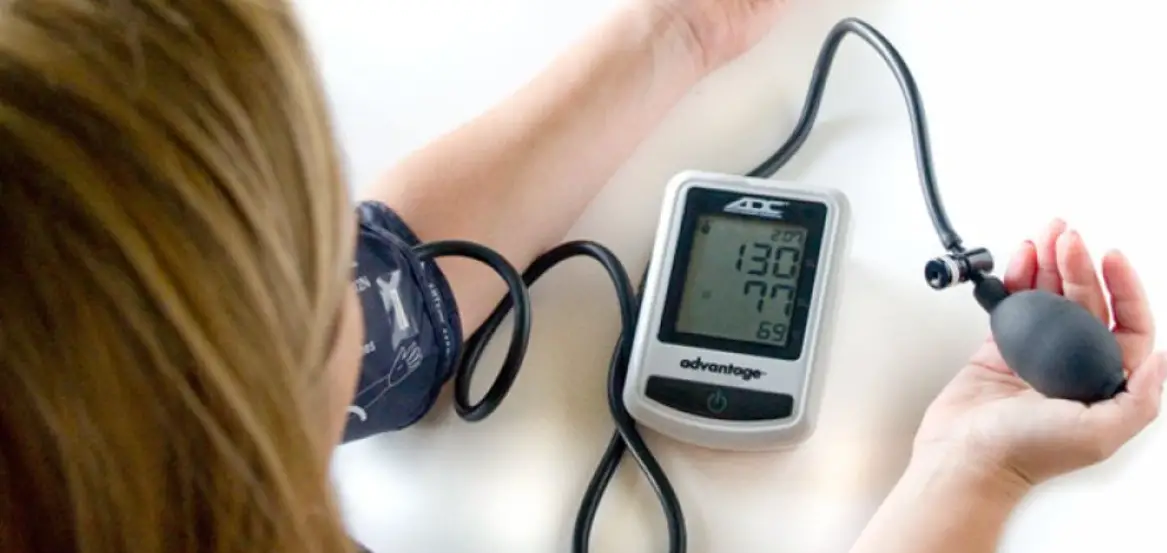
- Apply cuff to bare upper arm. Artery mark should align with brachial artery.
 The monitor defaults to single measurement mode. See page 13 in the instructions for use to change to three-reading average mode.
 See page 14 in the instructions for use if you plan to use the ADC@Home app and would like to get set up now.
 - Sit comfortably in a chair with the seat back and your feet resting on the floor. Legs should not be crossed. Arm should be supported yet relaxed and positioned level with your heart.
 Rest for two minutes before starting measurement.
 - Press ON/OFF button to begin reading. Remain still and quiet during measurement.
 When complete, reading will display and be stored in memory.
  Recall readings from memory by pressing the memory button.
 See page 12 in the instructions for use to set date and time or press the on/off button once to skip this step.
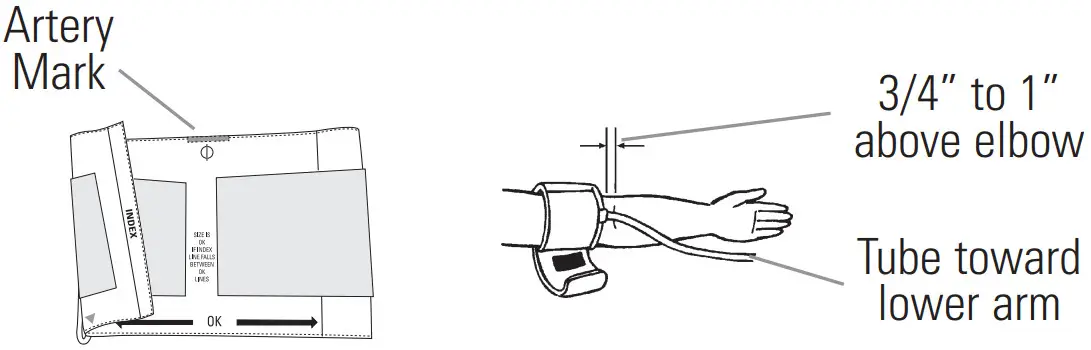
 Rest for two minutes before starting measurement.
 When complete, reading will display and be stored in memory.
 Recall readings from memory by pressing the memory button.
Advanced Bluetooth technology allows you to pair your monitor with your smartphone or tablet using our free ADC@Home app.
Once paired, data from your monitor will be sent to the app automatically whenever you take a reading.
You can then view, graph, annotate, and share readings with your physician or other caregivers.
See page 14 in the instructions for use to get started.

For detailed instructions or advanced settings, consult instructions for use or visit www.adctoday.com/ADCatHome.
American Diagnostic Corporation
55 Commerce Drive, Hauppauge, New York 11788
Toll Free: 1-800-ADC-2670
Telephone: 631-273-9600
Fax: 631-273-9659
www.adctoday.com
 American Diagnostic Corporation - Core Medical Device Manufacturer. Stethoscopes, Blood Pressure, Thermometry, and EENT