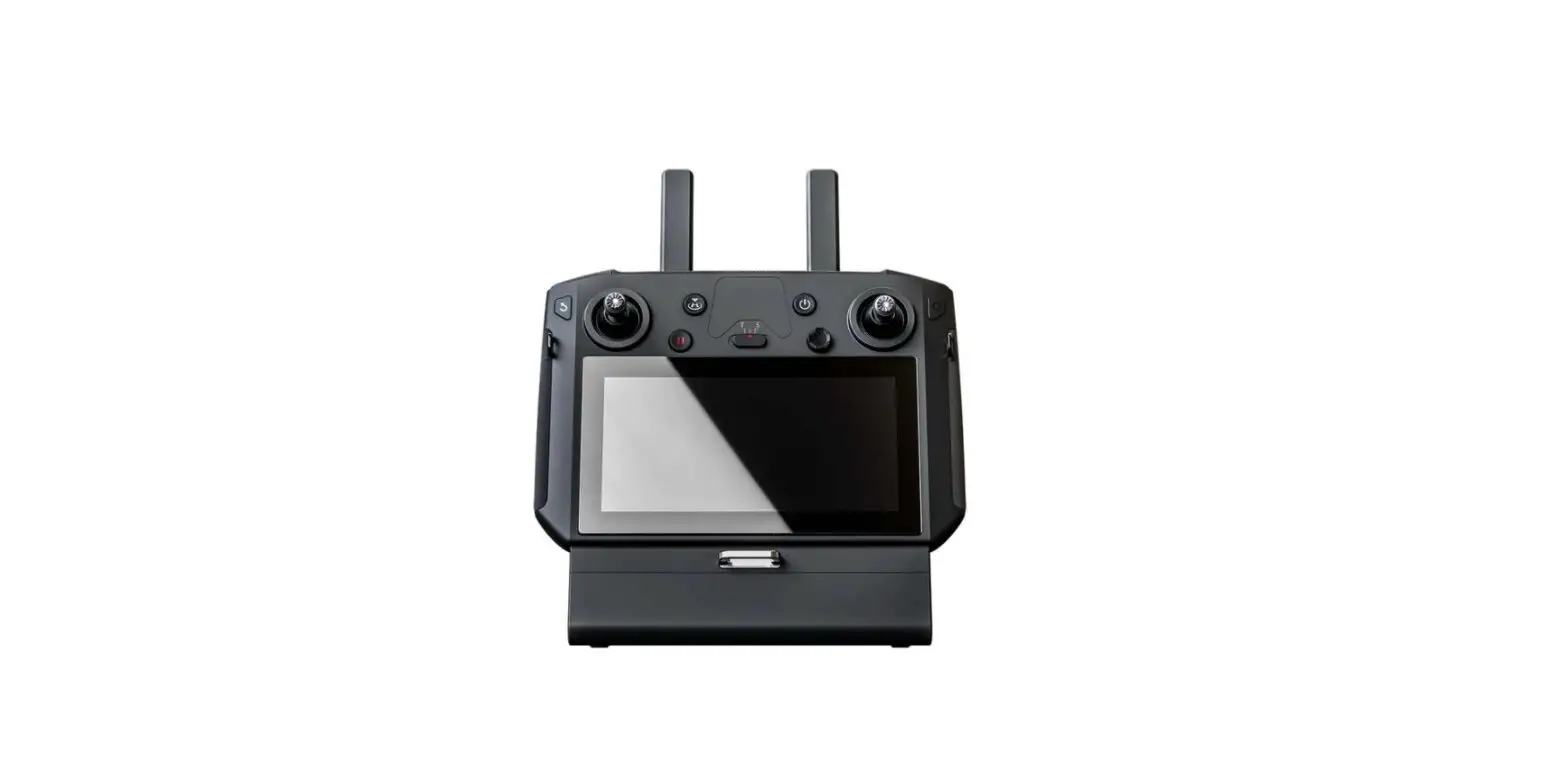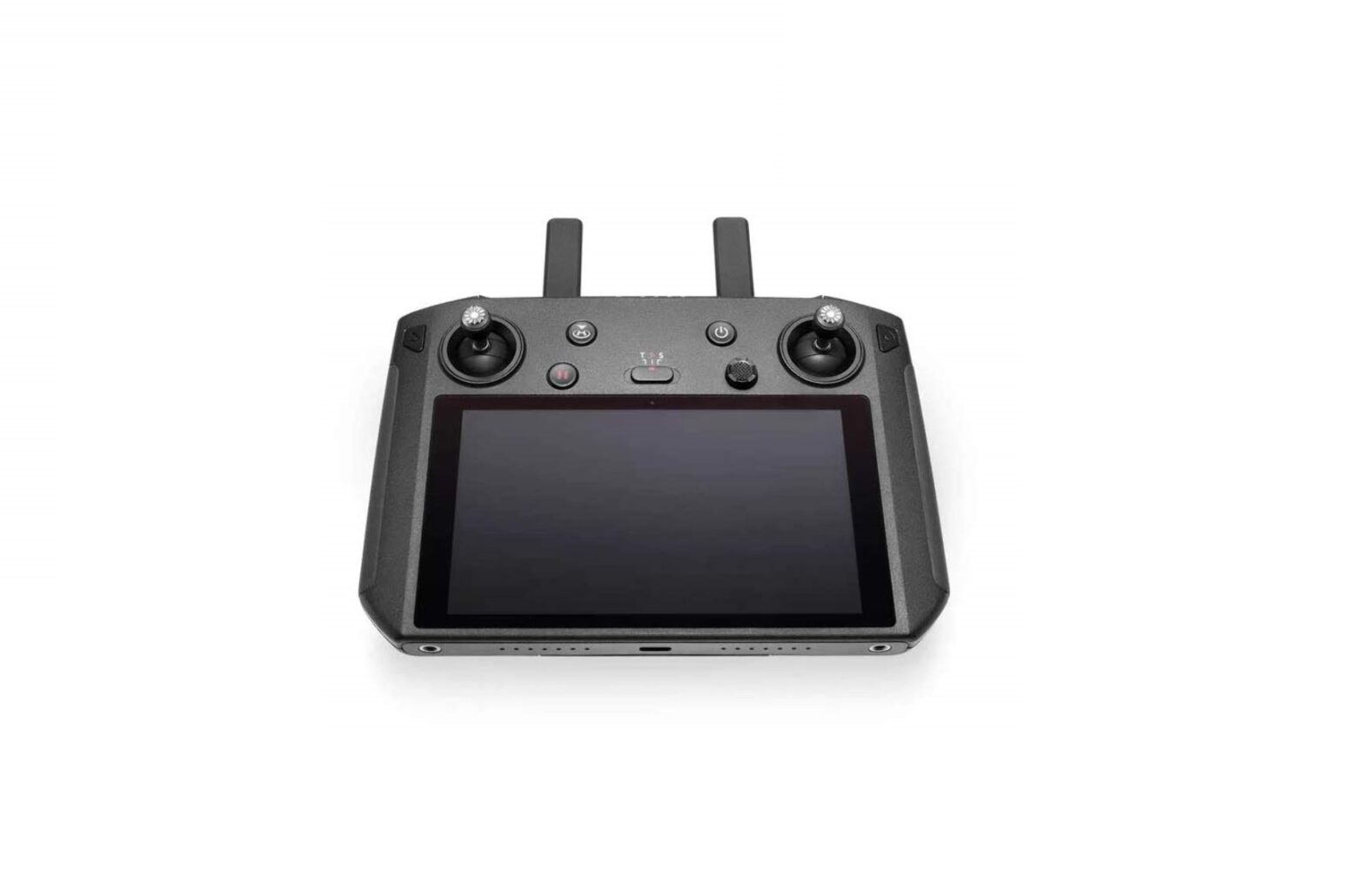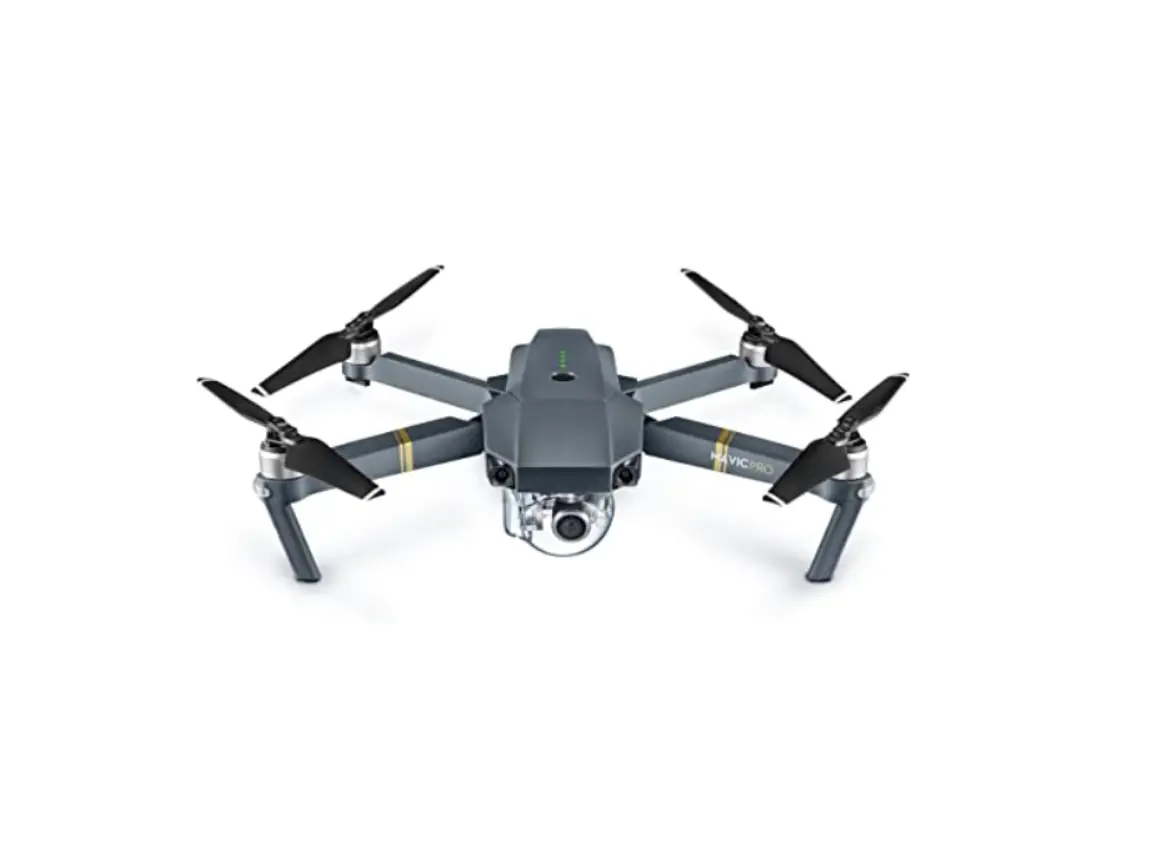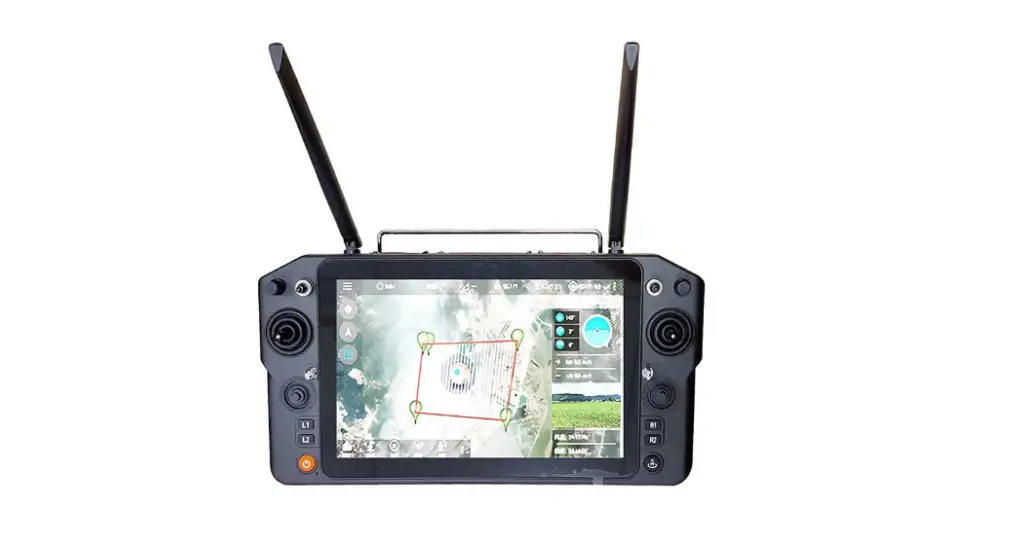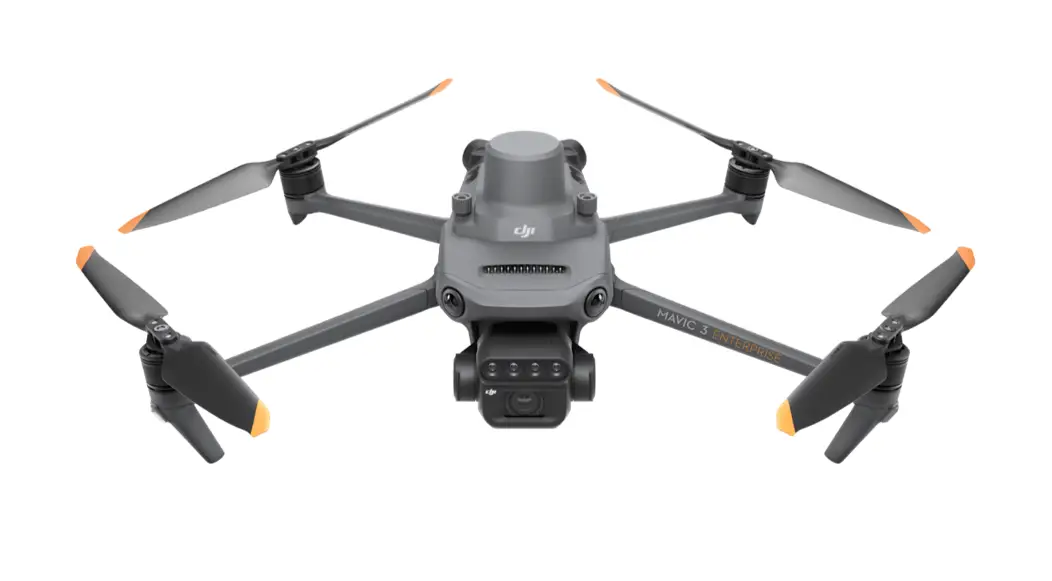

M3M Aircraft Remote Controller
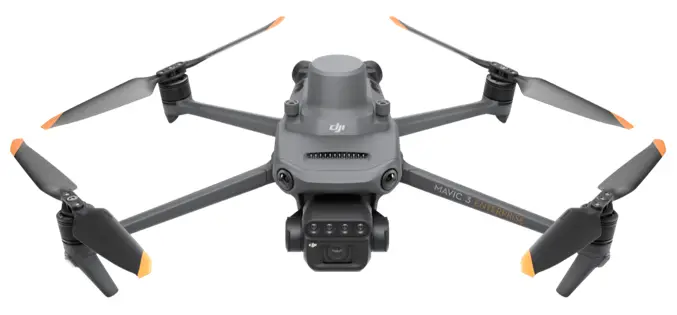
User Guide
Preparing the Remote Controller
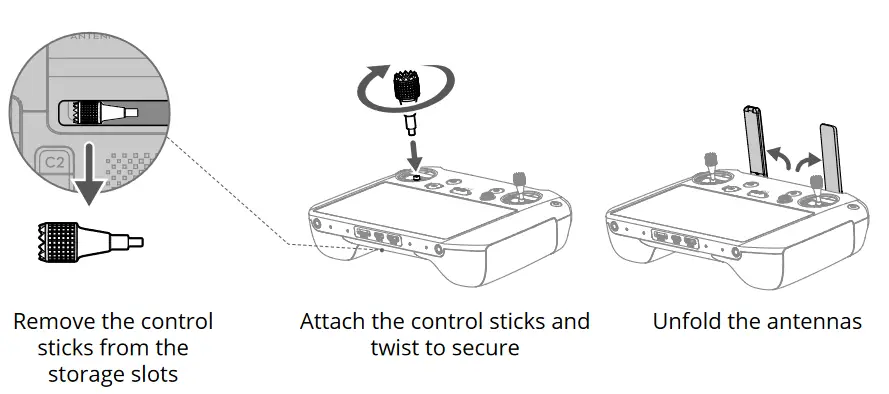
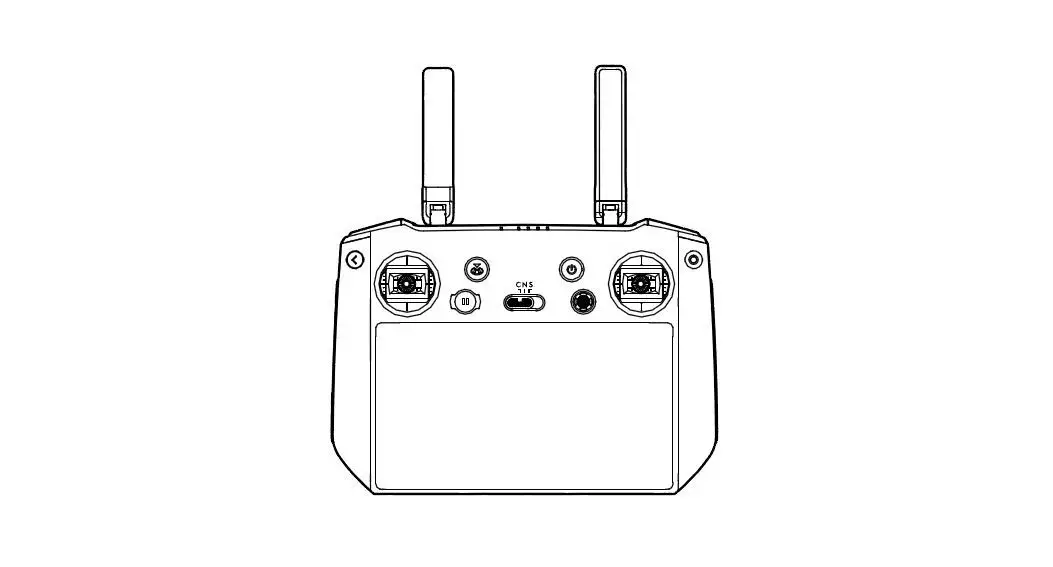
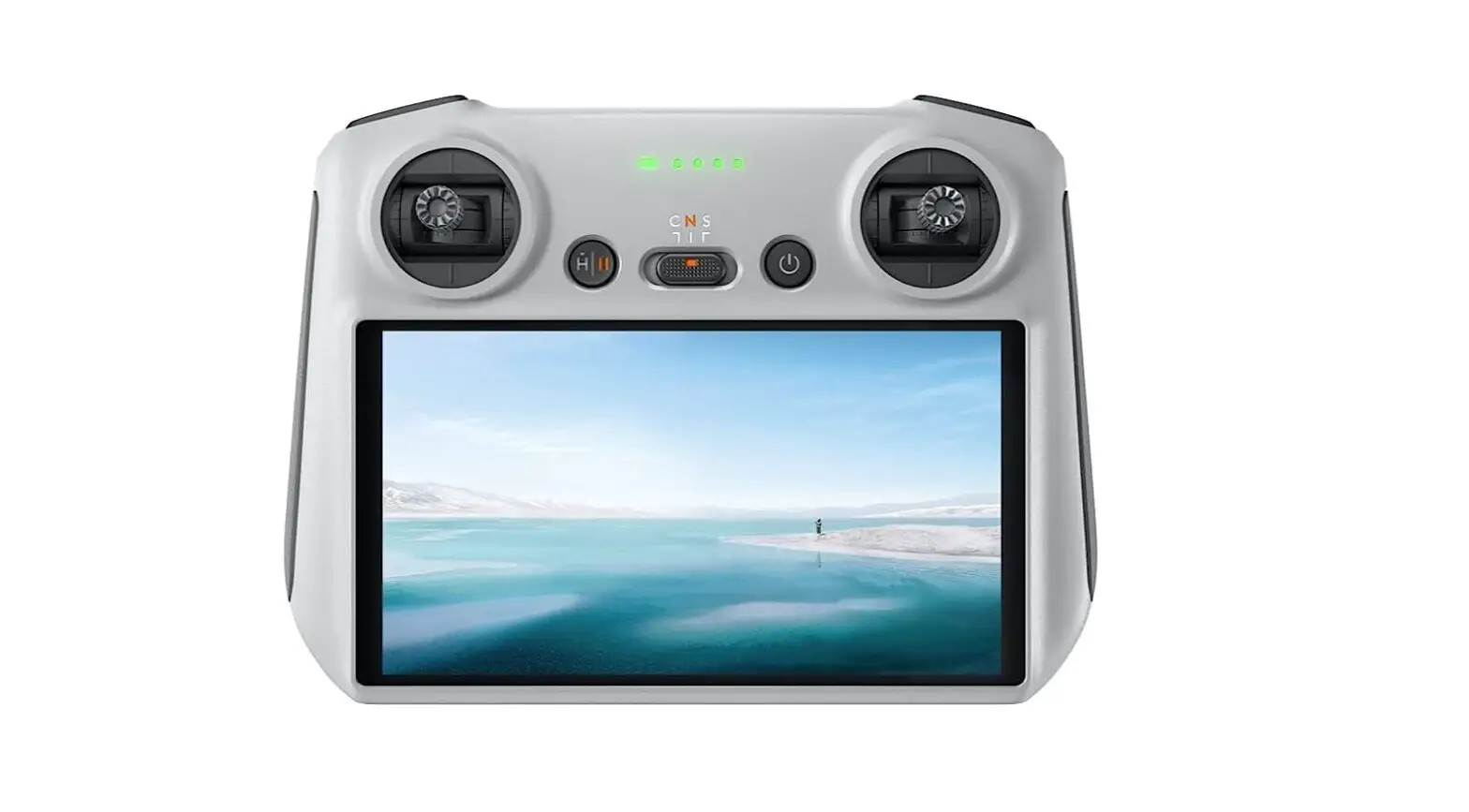
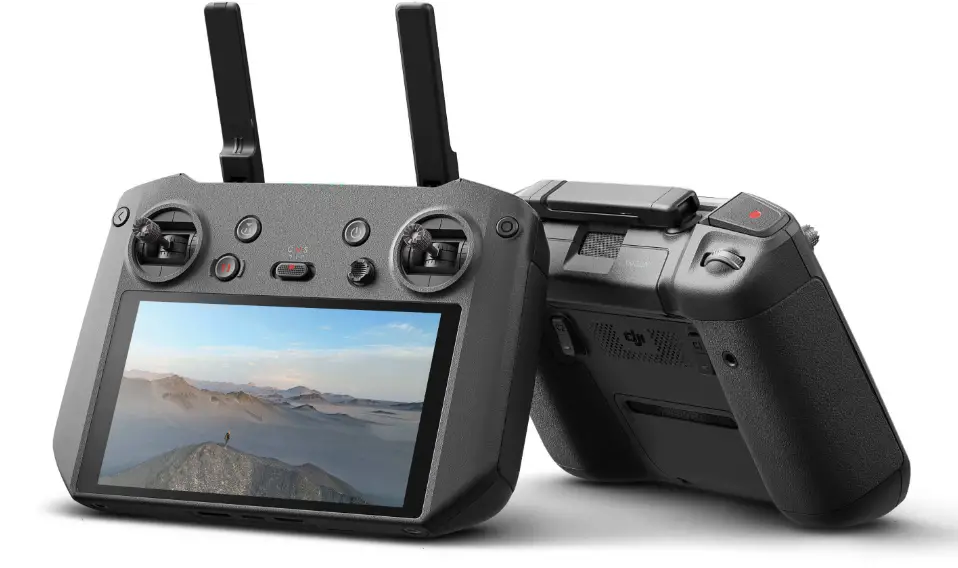
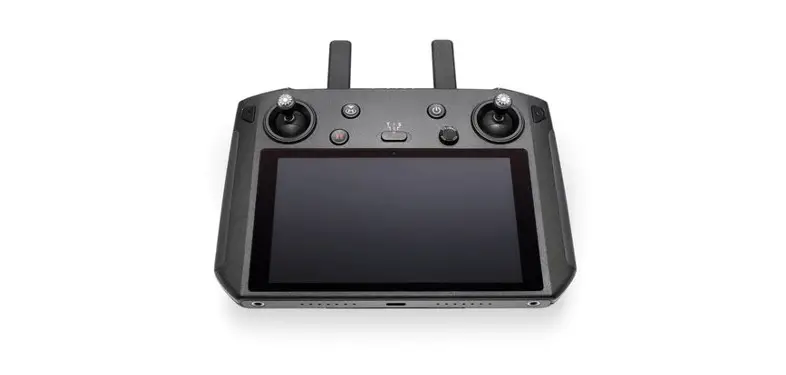
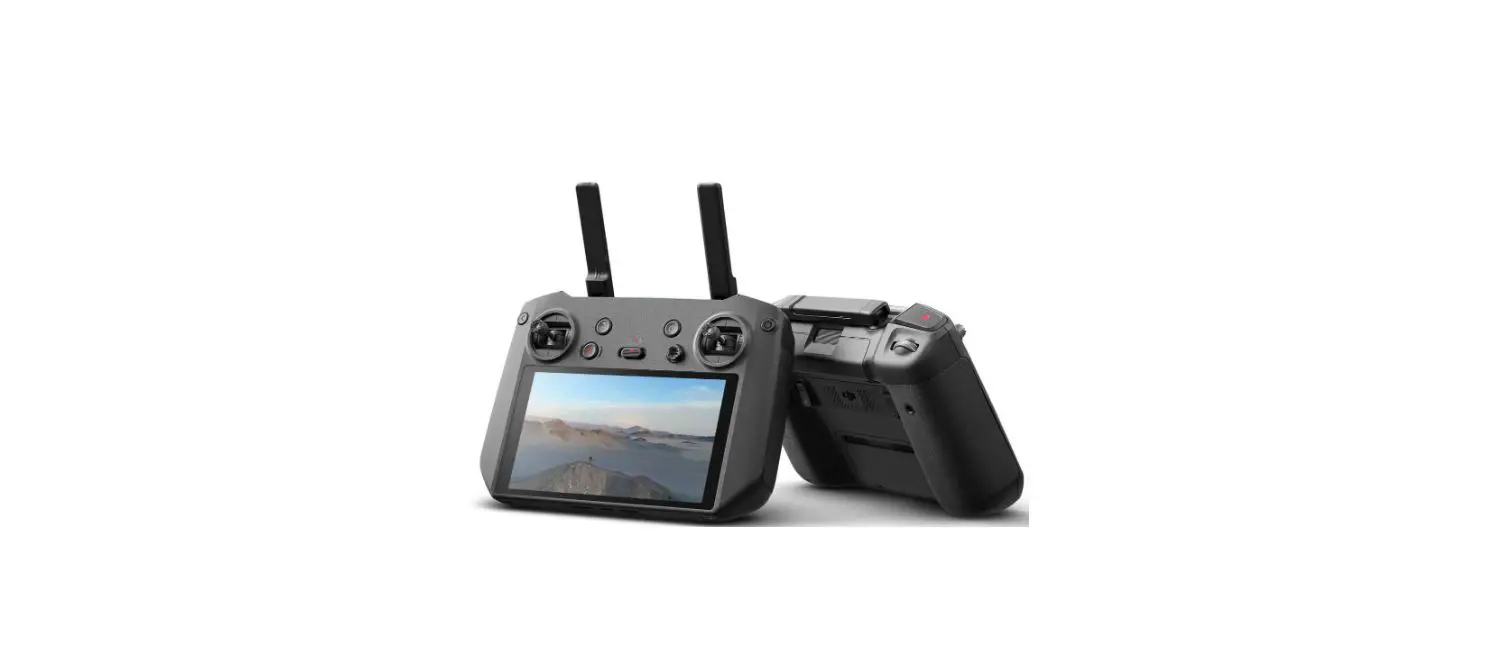
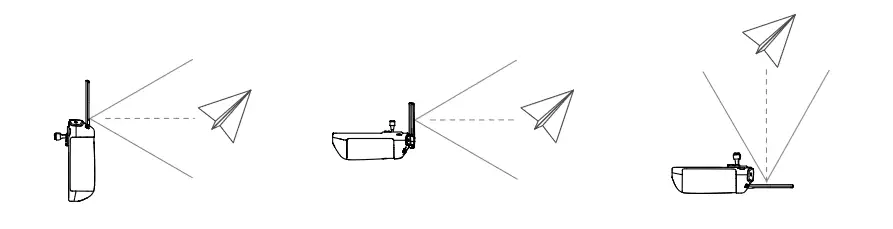
The optimal transmission range is where the antennas face the aircraft, with the angle between the antennas and the back of the remote controller being 180° or 270°.
 DO NOT operate other wireless devices at the same frequency as the remote controller, to avoid signal interference.
- A warning prompt appears in DJI Pilot 2 if the transmission signal is weak.
Adjust the antennas to make sure that the aircraft is within the optimal transmission range.
Getting Ready for Takeoff
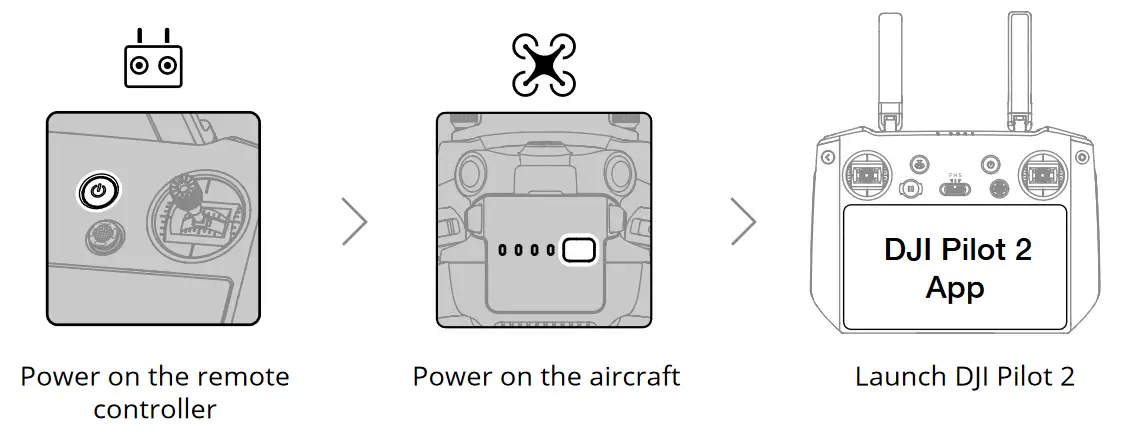
 A DJI account and internet connection are required to activate the aircraft and the remote controller. Before activating the aircraft in DJI Pilot 2, power on the remote controller and follow the prompts to activate.
Flight
- Manual Takeoff/Landing
Start/Stop Motors: perform Combination Stick Command and hold for two seconds.
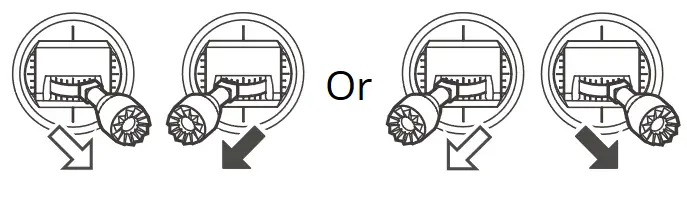
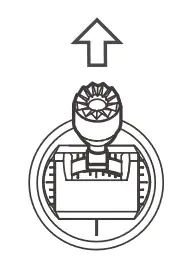
Takeoff:
slowly push the left control stick (mode 2) up to take off.
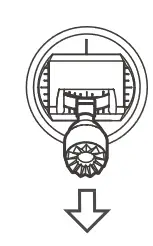
Landing:
slowly push the left control stick (mode 2) down until the aircraft lands. Hold for three seconds to stop the motors.
• Control Stick Mode
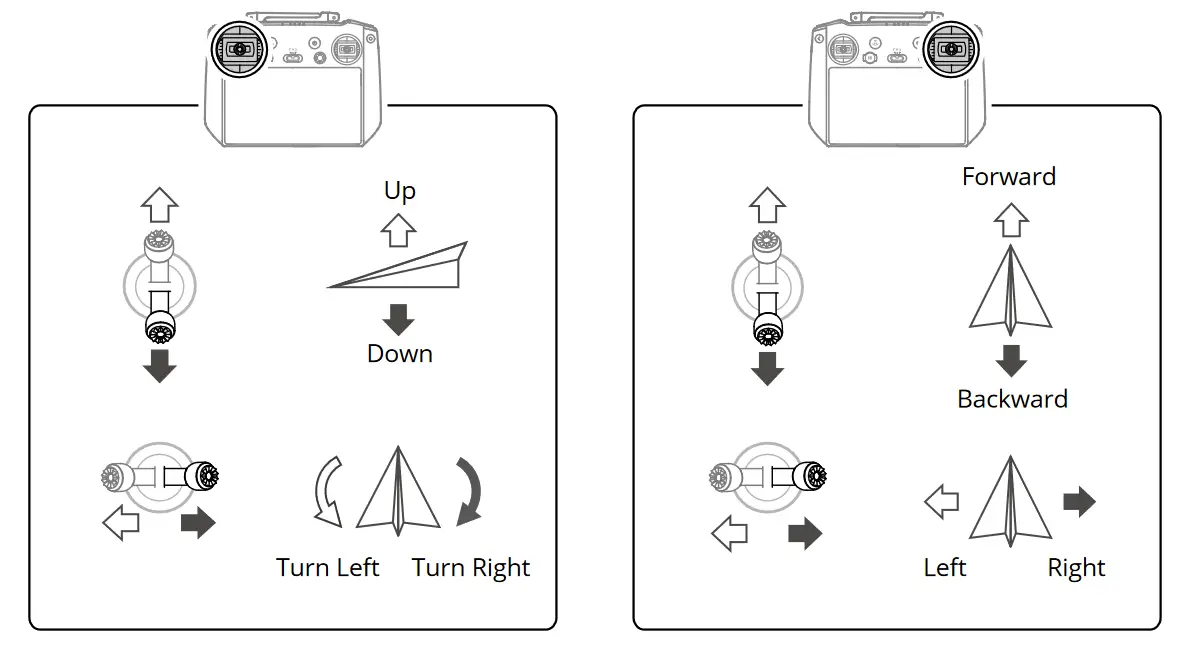
The default control stick mode is mode 2. The left control stick controls the altitude and heading of the aircraft, while the right control stick controls the forward, backward, and sideward movements.
- Always set an appropriate RTH mode and RTH altitude before takeoff.
- Press the Flight Pause button for emergency braking during flight.
Specifications
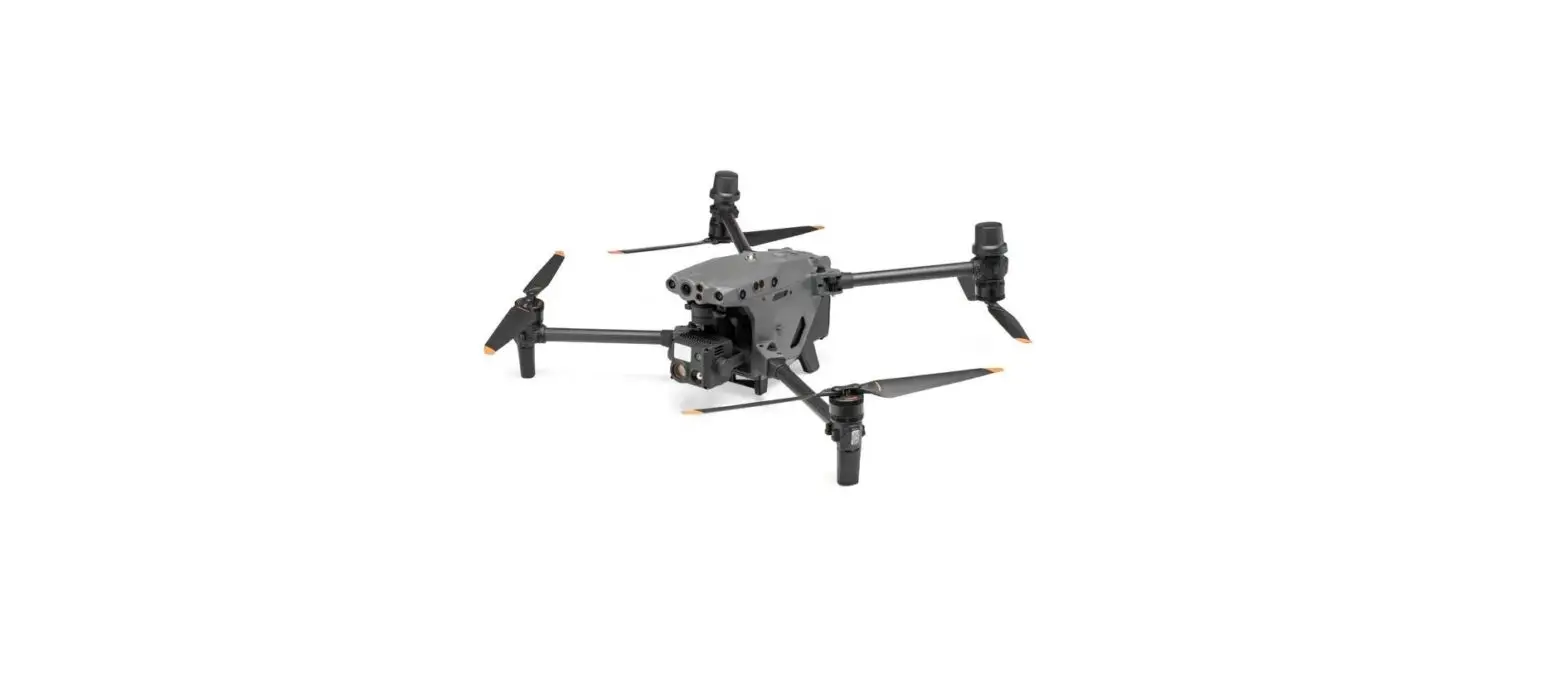
Aircraft (Model: M3M)
| Takeoff Weight (with propellers and RTK module) | 951 g |
| Max Takeoff Weight | 1050 g |
| Max Ascent Speed | 8 m/s (Sport mode) 6 m/s (Normal mode) |
| Max Descent Speed | 6 m/s (Sport mode) 6 m/s (Normal mode) |
| Max Horizontal Speed (near sea level, no wind) | 21 m/s (Sport mode), 19 m/s (Sport mode, EU) 15 m/s (Normal mode) |
| Max Service Ceiling Above Sea Level (without payload) | 6,000 m |
| Max Flight Time (without wind) | 42 mins |
| Max Hover Time (without wind) | 37 mins |
| Max Wind Speed Resistance | 12 m/s |
| Operating Temperature | -10° to 40° C (14° to 104° F) |
| GNSS | GPS + Galileo + BeiDou + GLONASS (GLONASS is supported only when RTK module is enabled) |
| Operating Frequency | 2.400-2.4835 GHz, 5.725-5.850 GHz* |
| Transmitter Power (EIRP) | 2.4 GHz: <33 dBm (FCC), <20 dBm (CE/SRRC/MIC) 5.8 GHz: <33 dBm (FCC), <14 dBm (CE), <30 dBm (SRRC) |
| Interface | USB-C, microSD card slot, PSDK port |
| Gimbal | |
| Angular vibration range | ±0.007° |
| Controllable Rotating Range | Tilt: -90° to +35° |
| Wide Camera | |
| Sensor | 4/3 CMOS; Effective pixels: 20 MP |
| Lens | FOV: 84° Format Equivalent: 24 mm Aperture: f/2.8-f/11 Focus: 1 m to ∞ (with autofocus) |
| Multispectral Camera | |
| Sensor | 1/2.8″ CMOS; Effective Pixels: 5 MP |
| Lens | FOV: 73.91° Format Equivalent: 25 mm Aperture: f/2.0 Focus: N/A |
| Narrow Band Filter | Green (G): 550±16 nm, Red (R): 650±16 nm, Red edge (RE): 730±16 nm, Near-infrared (NIR): 860±26 nm |
| Intelligent Flight Battery | |
| Capacity | 5000 mAh |
| Standard Voltage | 15.4 V |
| Max Charging Voltage | 17.6 V |
| Battery Type | LiPo 4S |
| Energy | 77 Wh |
| Weight | 335.5 g |
| Charging Temperature | 5° to 40° C (41° to 104° F) |
| Battery Charger | |
| Input | 100-240 V AC, 50-60 Hz, 2.5 A |
| Output | Max. 100 W (Total) When both ports are in use, the maximum output of one of the ports is 82 W. The charger will dynamically allocate the output of the two ports accordingly to the power load. |
Remote Controller (Model: RM510B)
| Weight | Approx. 680 g |
| Battery | Li-ion (5000 mAh @ 7.2 V) |
| Storage Capacity | ROM 64GB + expandable storage via microSD card |
| Operating Time | 3 hrs |
| Operating Temperature | -10° to 40° C (14° to 104° F) |
| Charging Temperature | 5° to 40° C (41° to 104° F) |
| GNSS | GPS + Galileo + GLONASS |
| O3 Enterprise | |
| Operating Frequency | 2.400-2.4835 GHz, 5.725-5.850 GHz* |
| Max Transmission Distance (Unobstructed, free of interference) | 15 km (FCC), 8 km (CE/SRRC/MIC) |
| Max Transmission Distance** (with interference) | Strong Interference (urban landscape, limited line of sight, many competing signals): 1.5-3 km (FCC/CE/SRRC/MIC) Medium Interference (suburban landscape, open line of sight, some competing signals): 3-9 km (FCC), 3-6 km (CE/SRRC/MIC) Weak Interference (open landscape, abundant line of sight, few competing signals): 9-15 km (FCC), 6-8 km (CE/SRRC/MIC) |
| Transmitter Power (EIRP) | 2.4 GHz: <33 dBm (FCC), <20 dBm (CE/SRRC/MIC) 5.8 GHz: <33 dBm (FCC), <14 dBm (CE), <23 dBm (SRRC) |
| Wi-Fi | |
| Protocol | 802.11 a/b/g/n/ac/ax Support 2×2 MIMO Wi-Fi |
| Operating Frequency | 2.400-2.4835 GHz, 5.150-5.250 GHz, 5.725-5.850 GHz* |
| Transmitter Power (EIRP) | 2.4 GHz: <26 dBm (FCC), <20 dBm (CE/SRRC/MIC) 5.1 GHz: <26 dBm (FCC), <23 dBm (CE/SRRC/MIC) 5.8 GHz: <26 dBm (FCC/SRRC), <14 dBm (CE) |
| Bluetooth | |
| Protocol | Bluetooth 5.1 |
| Operating Frequency | 2.400-2.4835 GHz |
| Transmitter Power (EIRP) | <10 dBm |
* 5.8GHz and 5.1GHz frequencies are prohibited in some countries. In some countries, the 5.1GHz frequency is only allowed for indoor use.
** The data is tested in an environment with no obstructions for a variety of typical interference intensity scenarios, without a guarantee of the actual flight distance, for reference only.