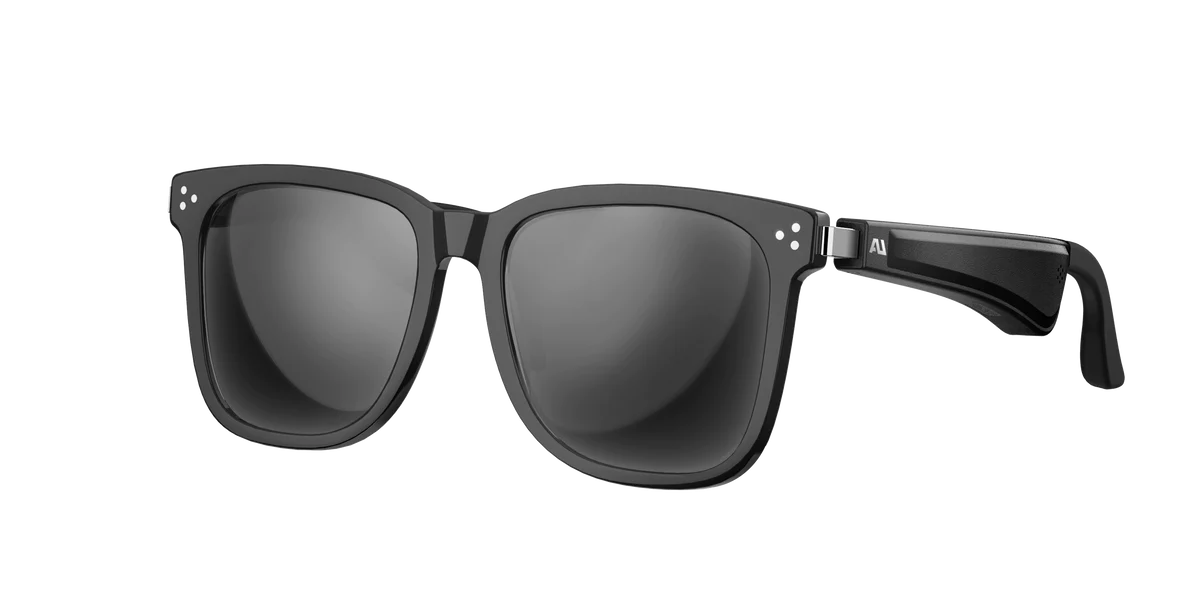
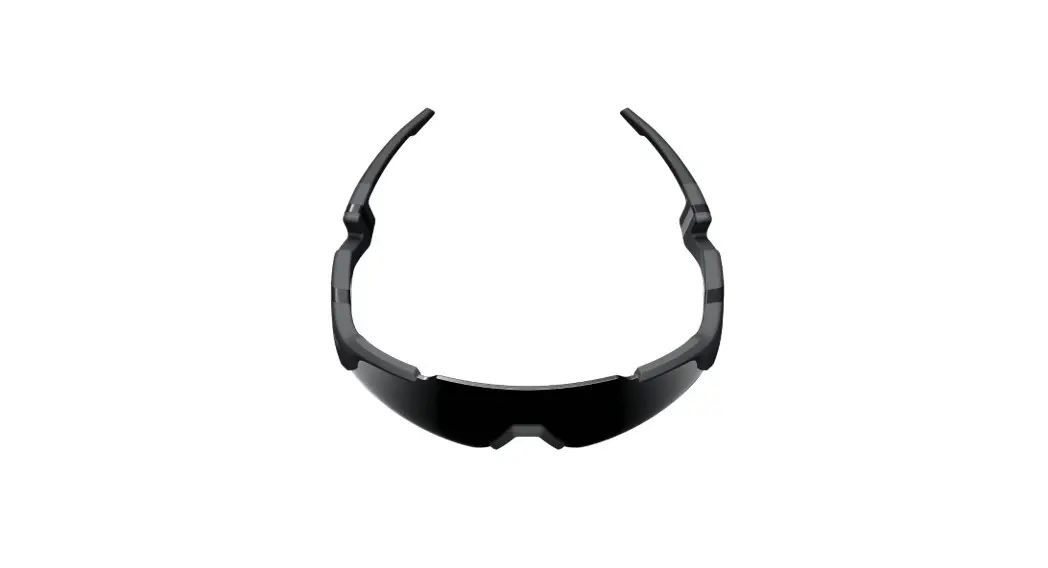
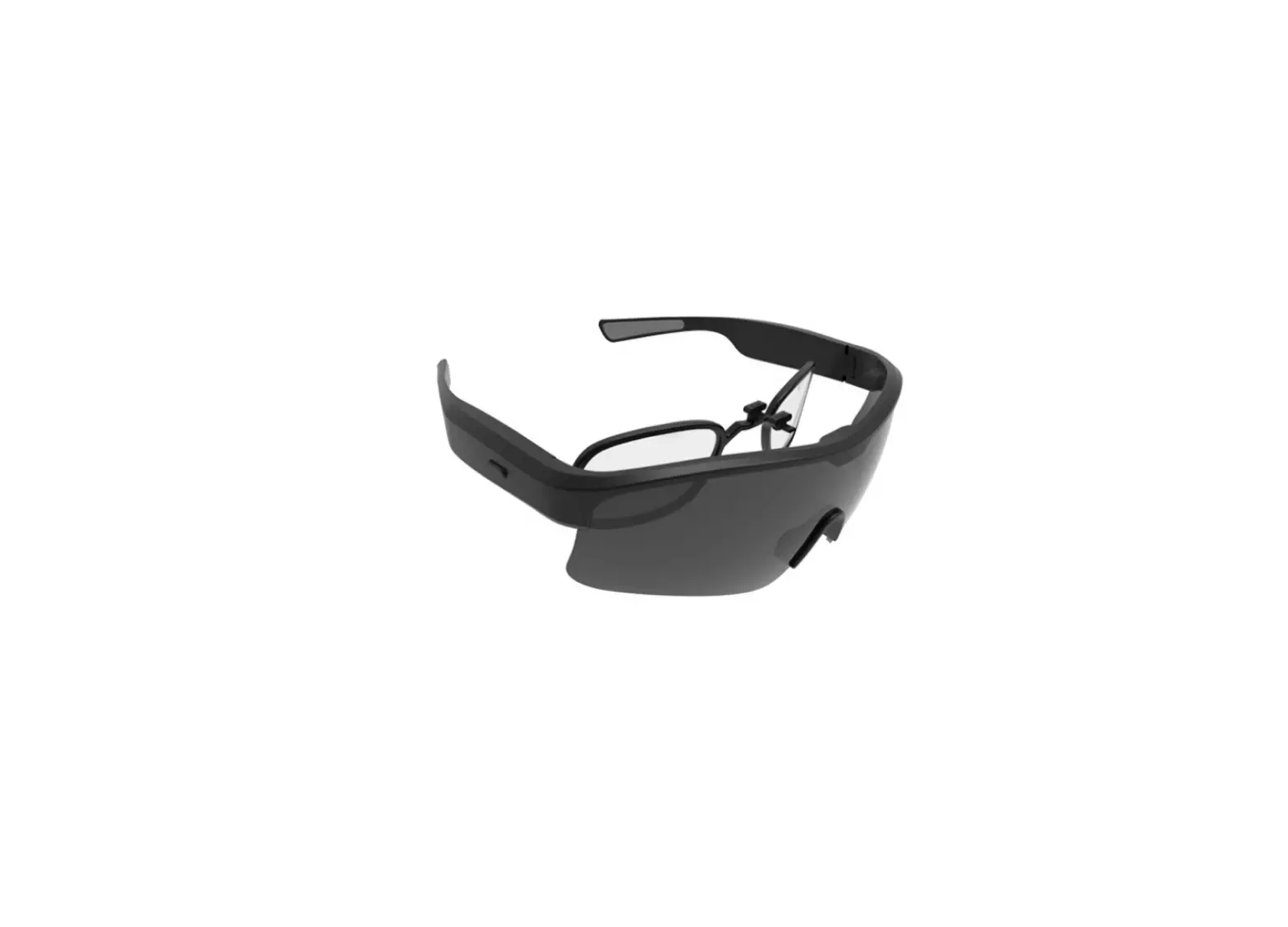
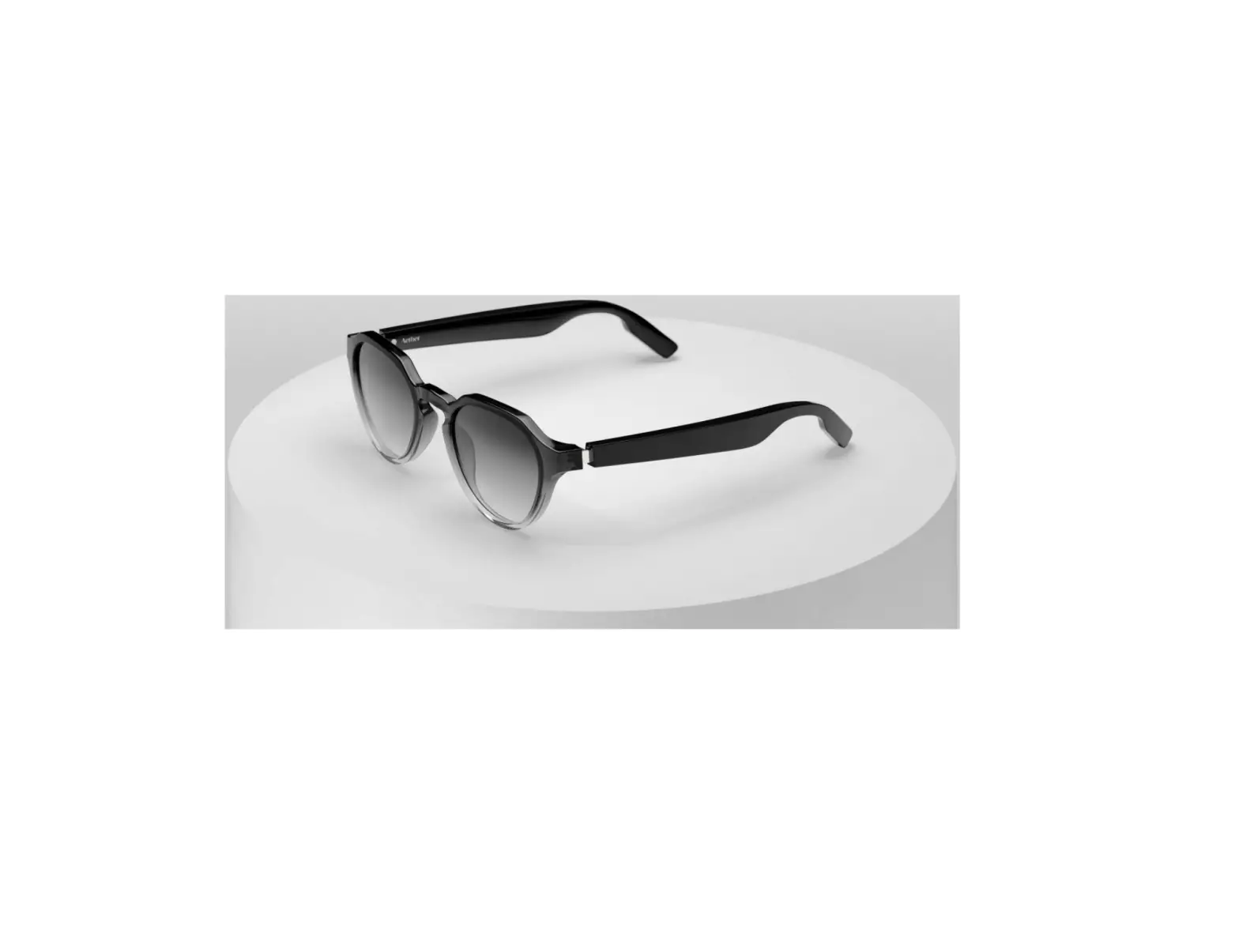
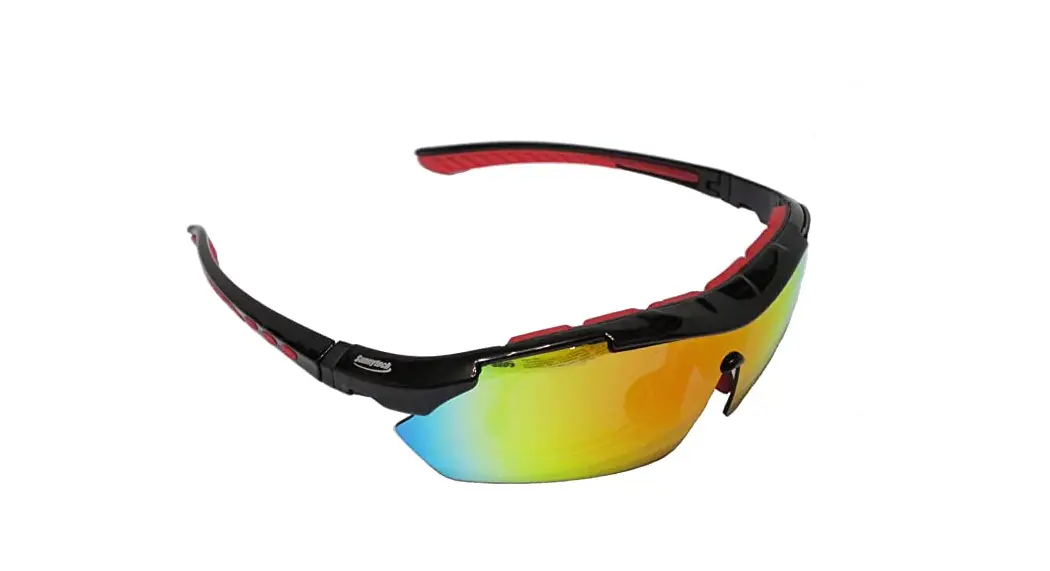
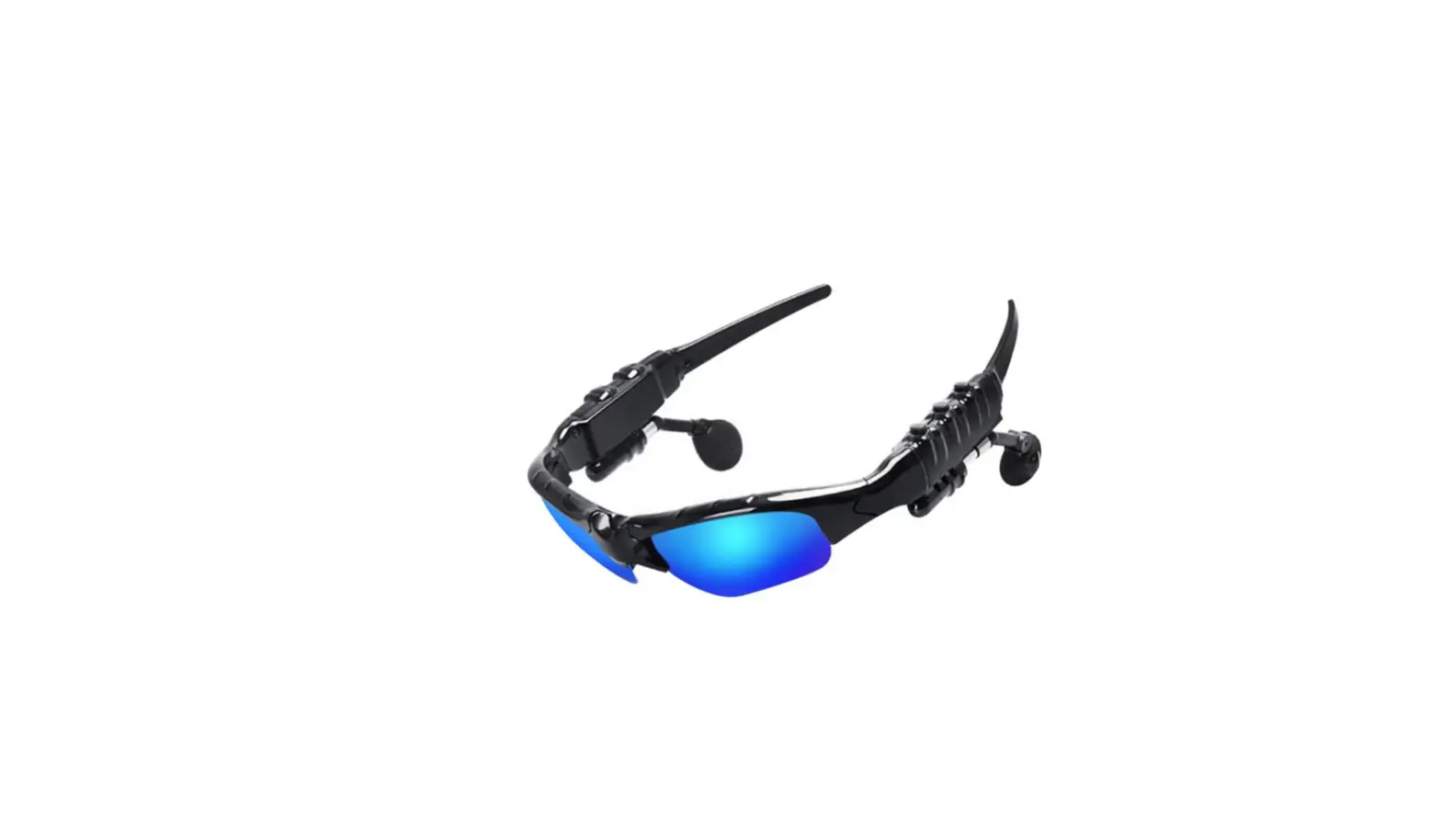
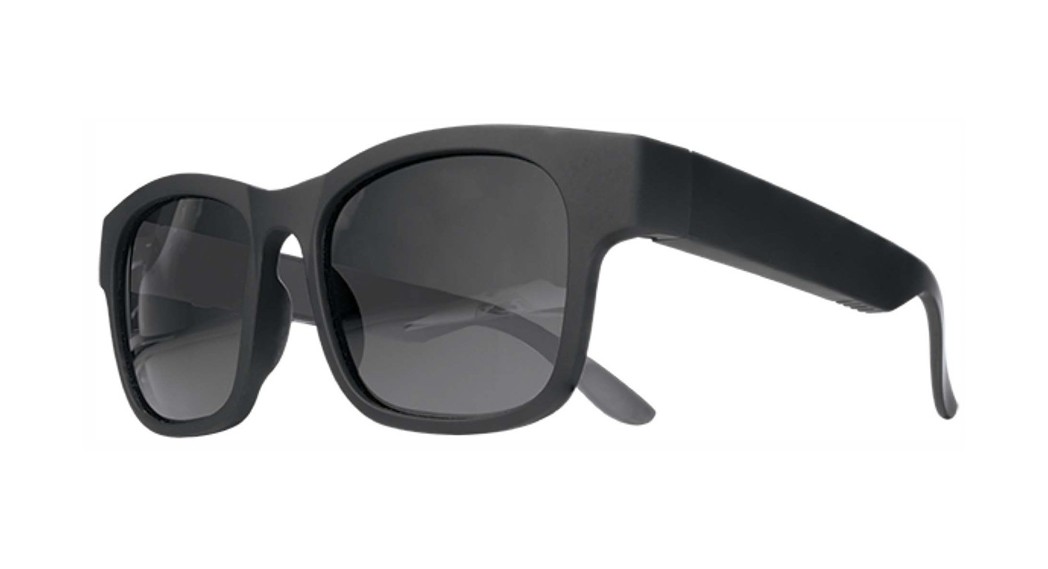
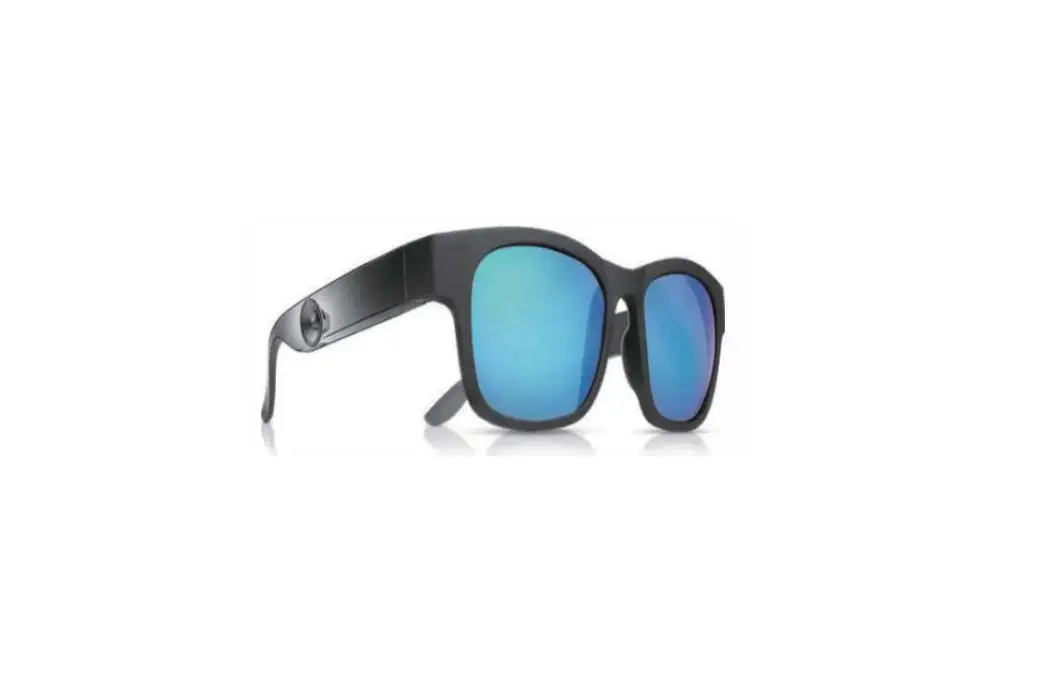
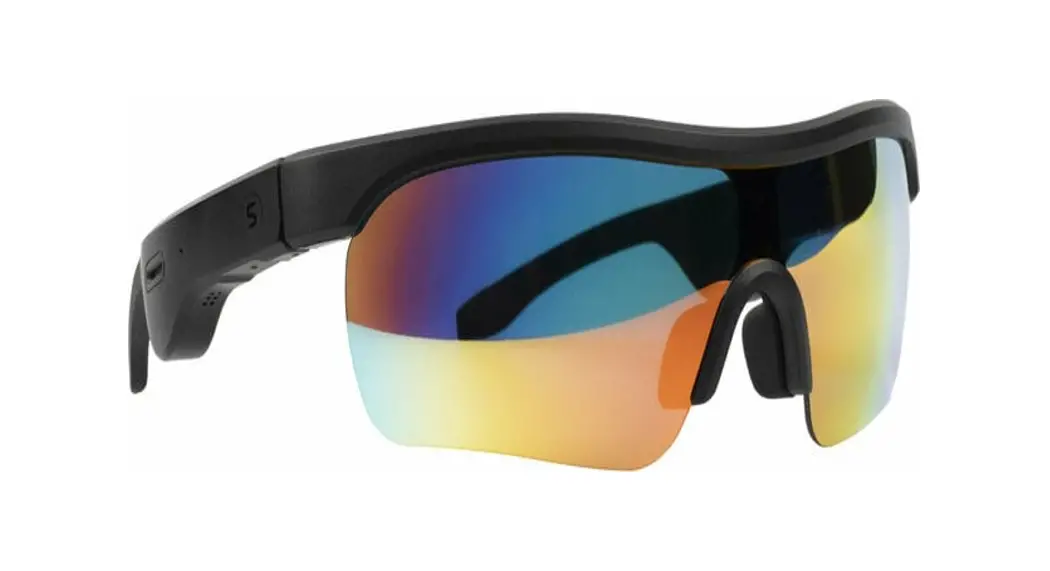
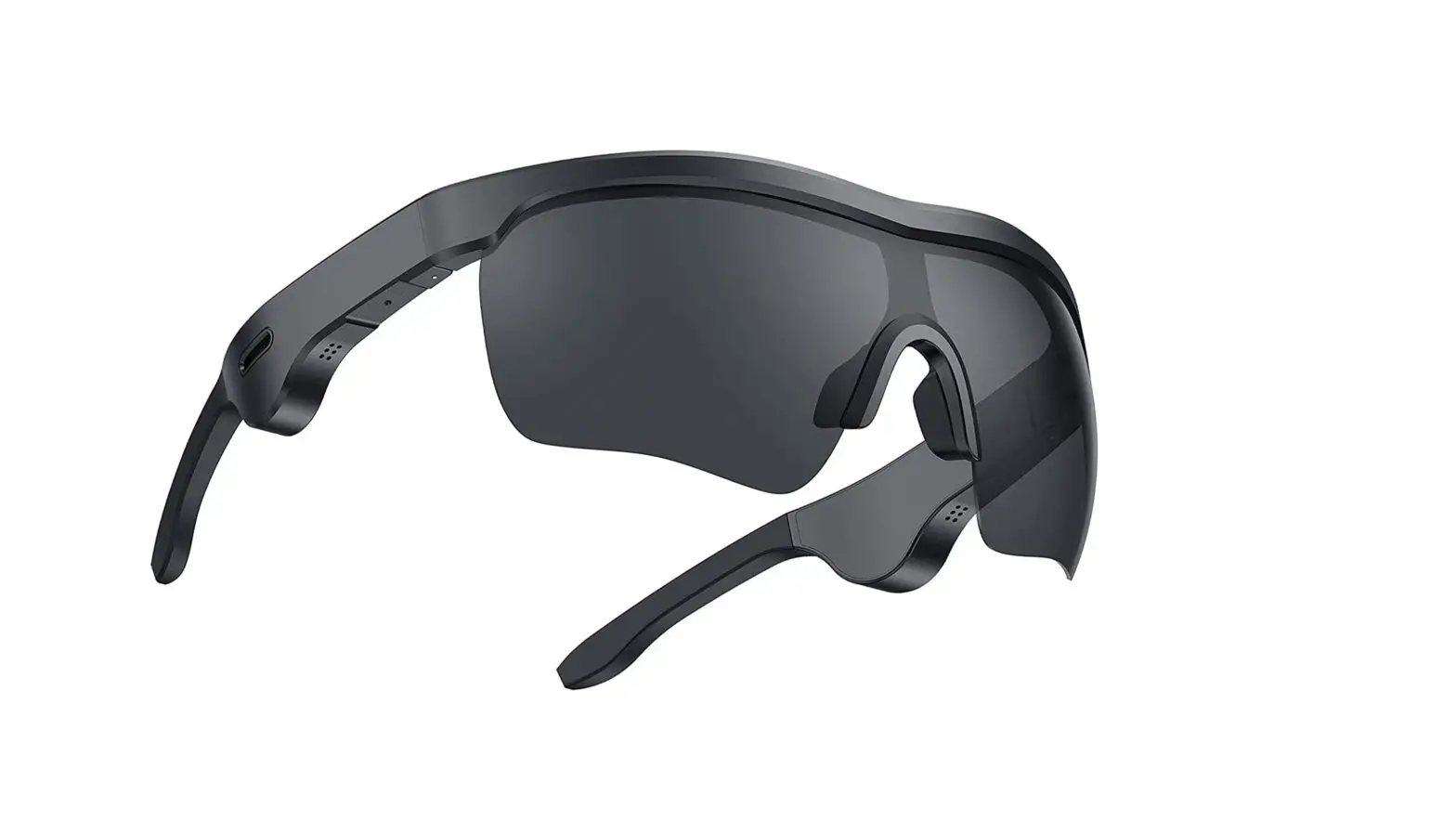
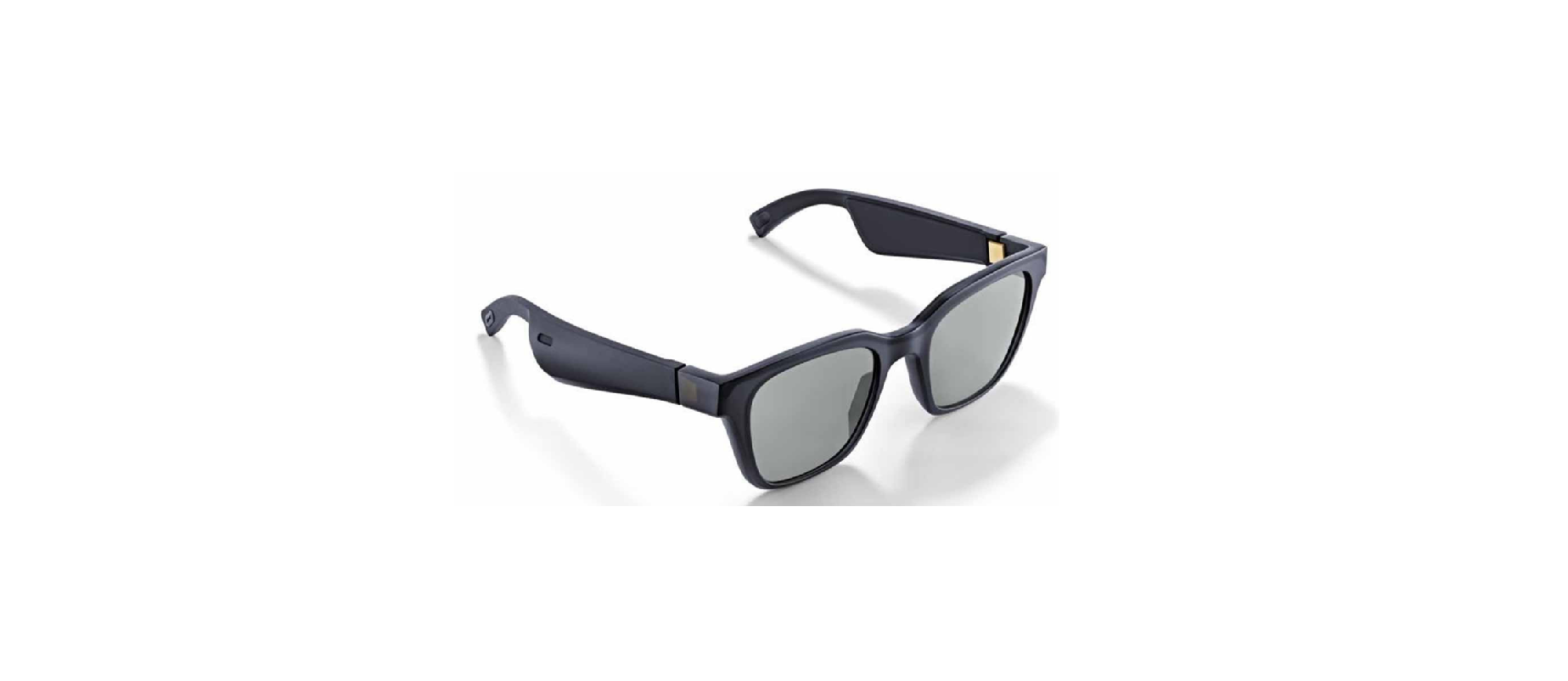
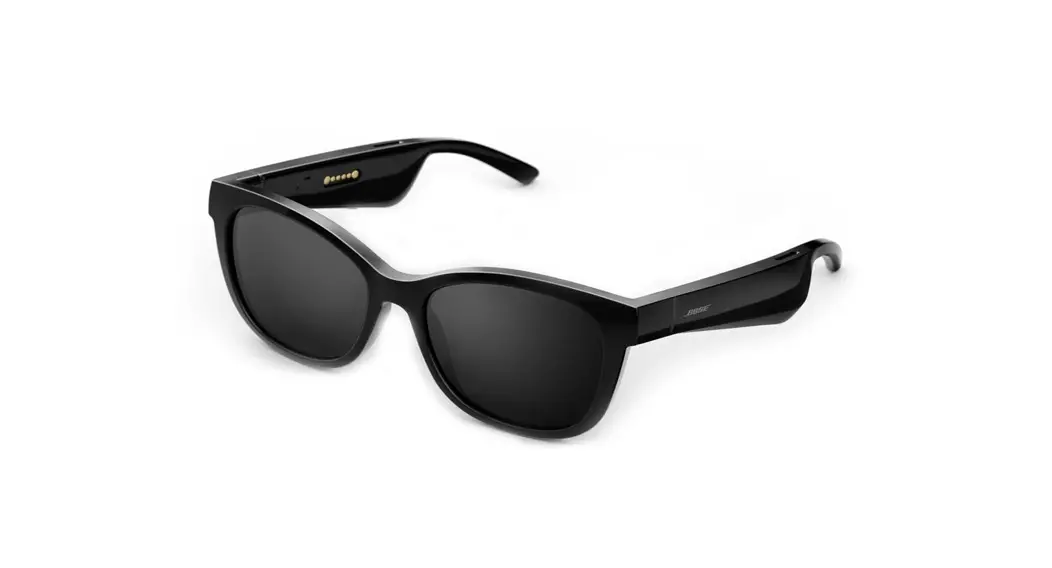
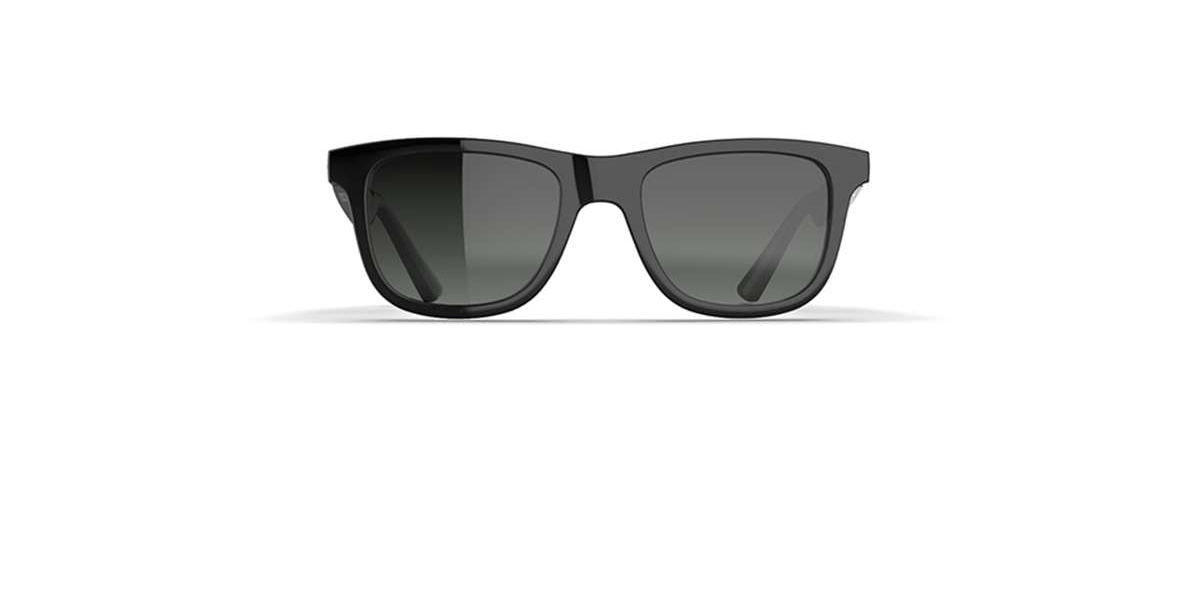
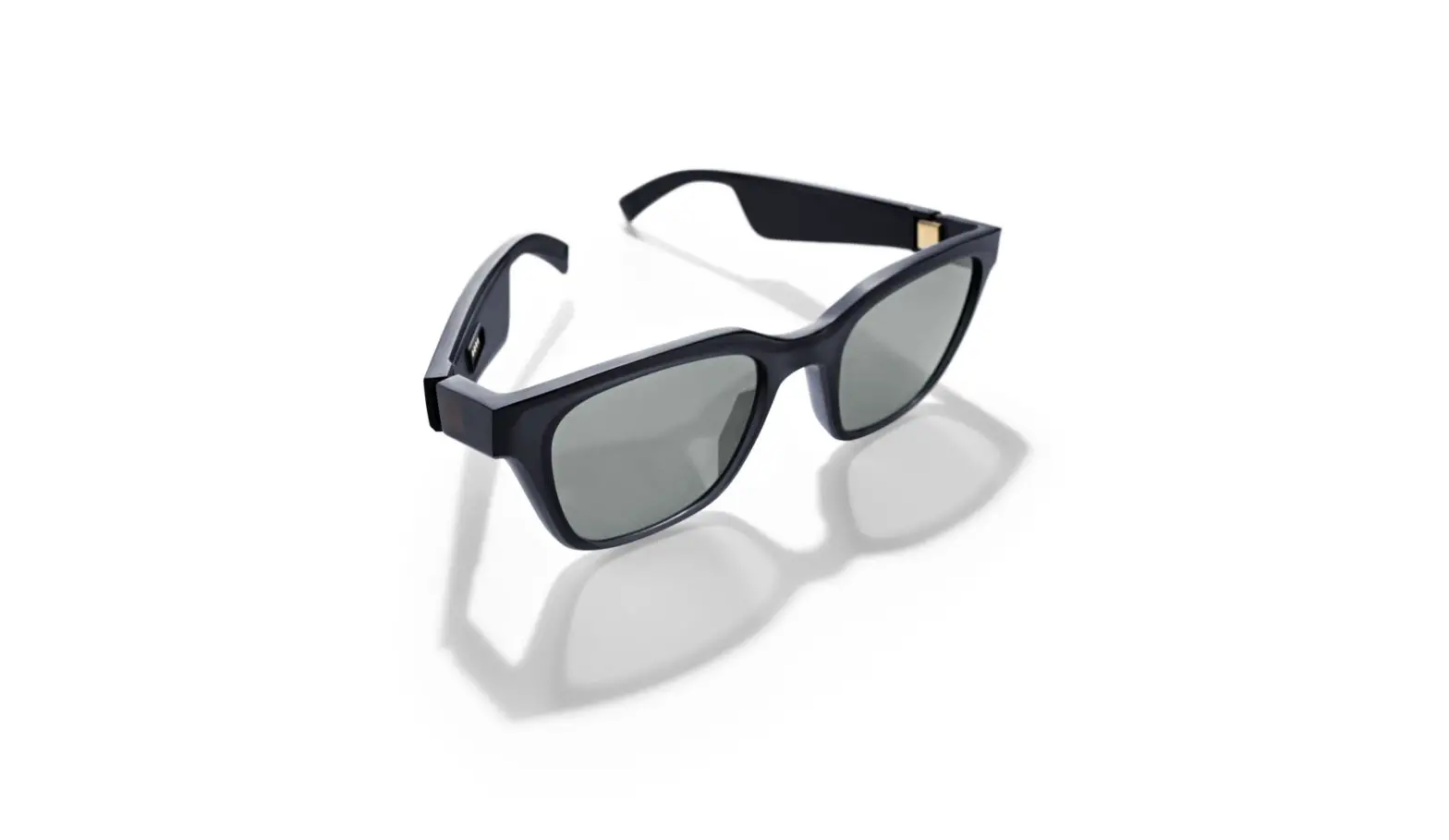
AUSOUNDS AU-Lens True Wireless Audio Sunglasses

CHARGE GLASSES FOR 1 HOUR BEFORE FIRST USE

WARNING: Charging in reverse polarity may damage the product and void the warranty.
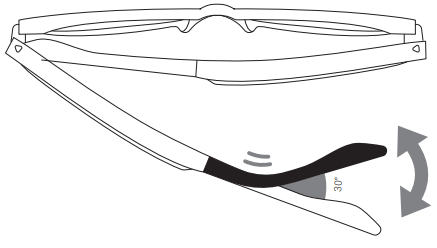
FIND YOUR FIT
The frames can be adjusted according to personal comfort.
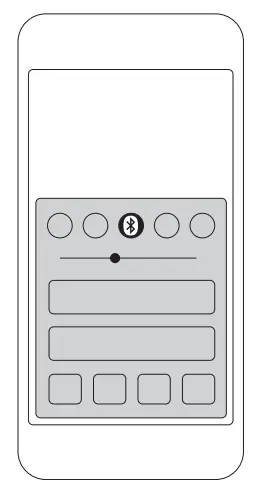
VOLUME CONTROLS
Adjust music and call volume from your device only

PAIRING
- Press and hold the MFB for 5 seconds (power off state) to turn on and initiate Bluetooth® pairing mode. The blue LED indicator will flash quickly and tone “pairing mode”.

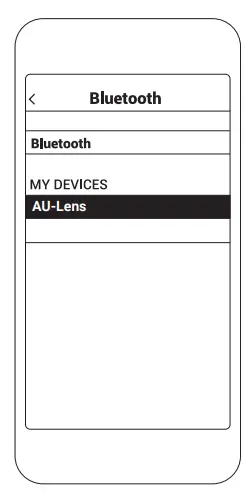
- Enable Bluetooth® on your device and enter Bluetooth pairing mode.

- Select AU-Lens.
Not pairing with your device?
Try restarting your device; then repeat pairing process.

CONTROLS
Power ON/OFF

Press and hold the MFB for 3 seconds
Play/Pause Music
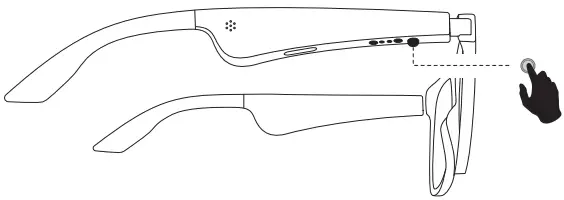
Press the MFB once
Next/Previous Track

- Press the MFB twice for next song
- Press the MFB three times for previous song
Answer/End Call

Press the MFB once
Decline incoming call

Press the MFB twice
Activate Siri or other voice assistants
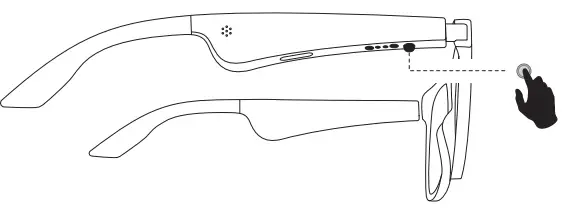
Press the MFB twice
 Ausounds | Headphones, Earphones and Digital Audio Players with premium audio