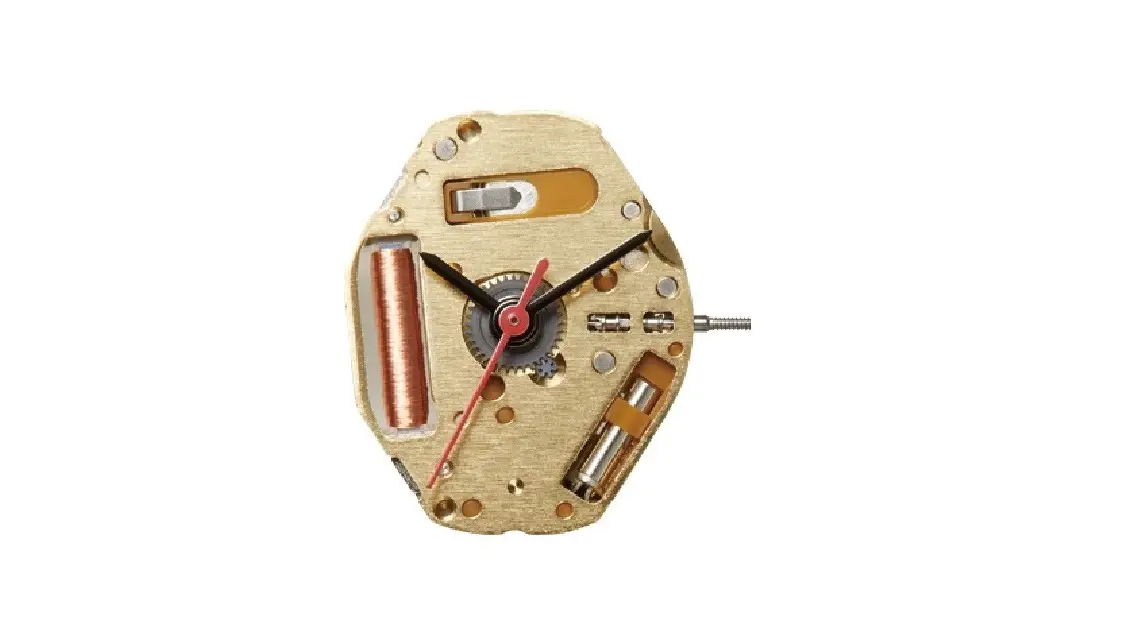
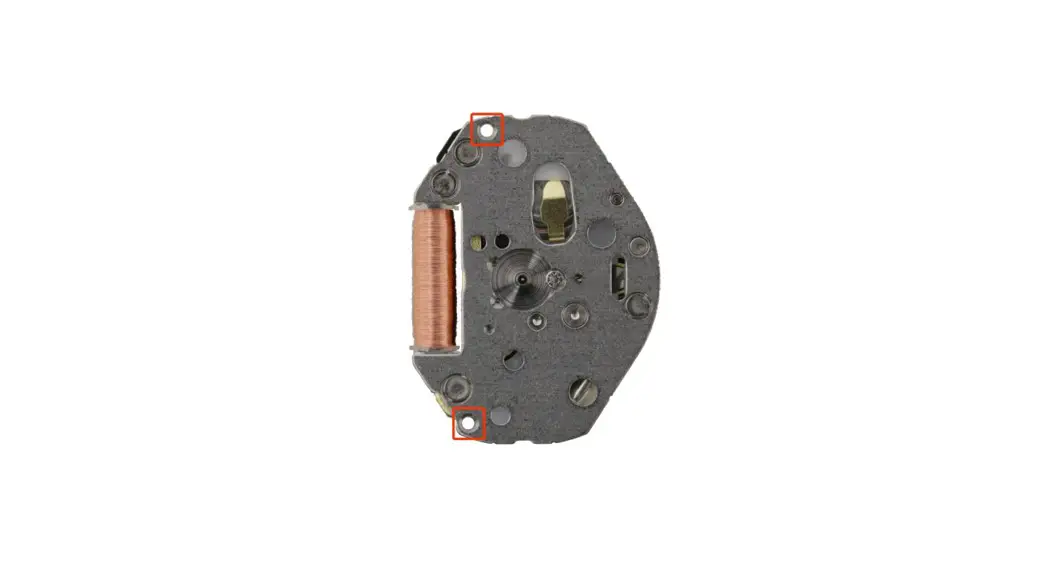
Cal 8285 Watch Movements Caliber Corner
Product Information
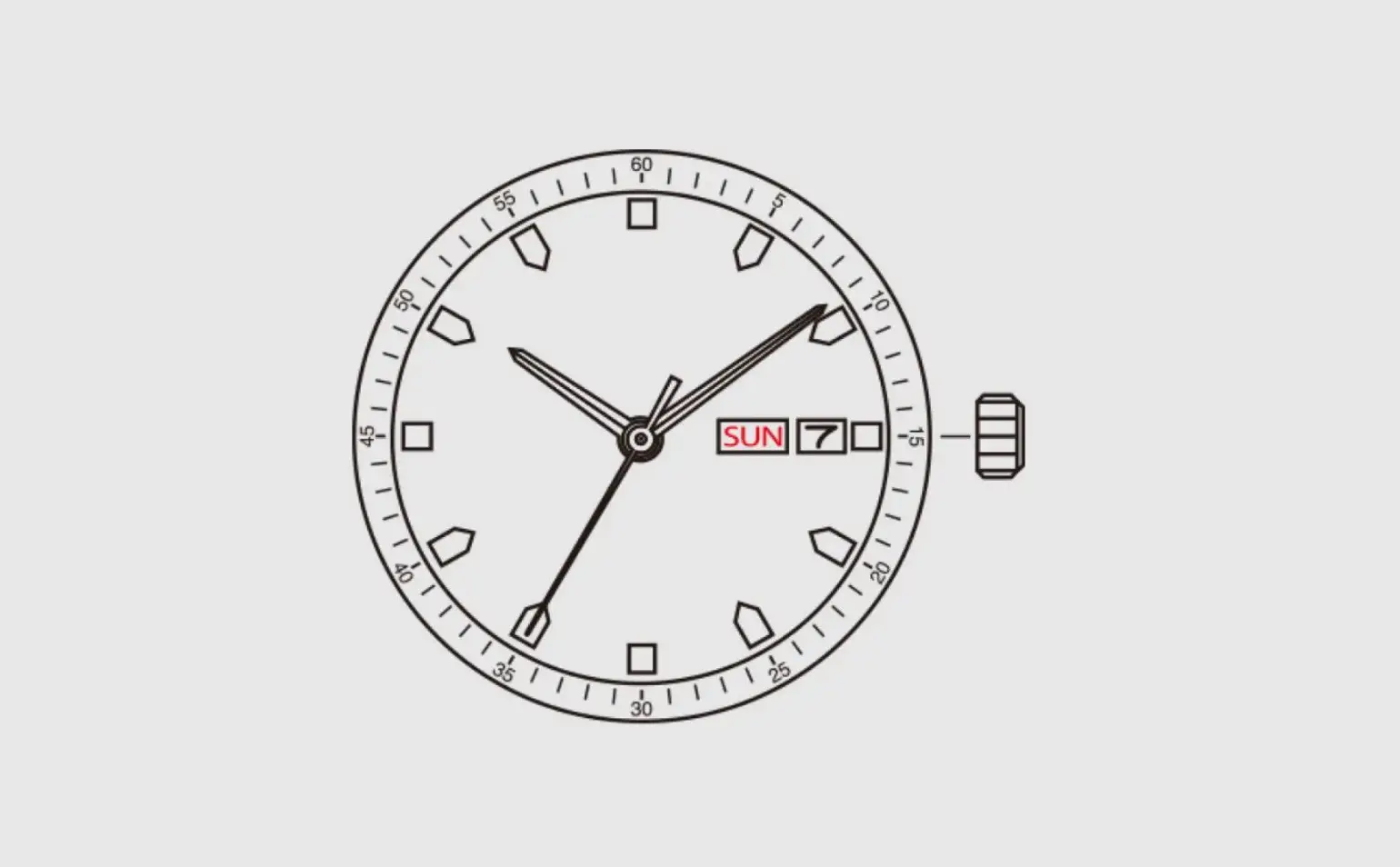
The Cal. 8285 is a watch with multiple features:
- Hour hand
- Minute hand
- Second hand
- Date display*
- Day of the week display*
*Please note that the position of the date and day of the week
display may vary depending on the model.
Product Usage Instructions
Setting the Time
- Pull the crown out to the 2nd position.
- Turn the crown to adjust the hour and minute hands.
- Push the crown back to the normal position to start the second
hand.
Setting the Date
- Pull the crown out to the 1st position.
- Turn the crown counter-clockwise to set the date.
- If setting the date between approximately 9:00 PM and 1:00 AM,
please note that the date may not change on the following day. - After setting the date, push the crown back to the normal
position.
Setting the Day of the Week
- Pull the crown out to the 1st position.
- Turn the crown clockwise to set the day of the week.
- If setting the day of the week between approximately 9:00 PM
and 1:00 AM, please note that it may not change on the following
day. - After setting the day of the week, push the crown back to the
normal position.
Please note that these specifications are subject to change
without prior notice.
Cal. 8285 Instruction manual
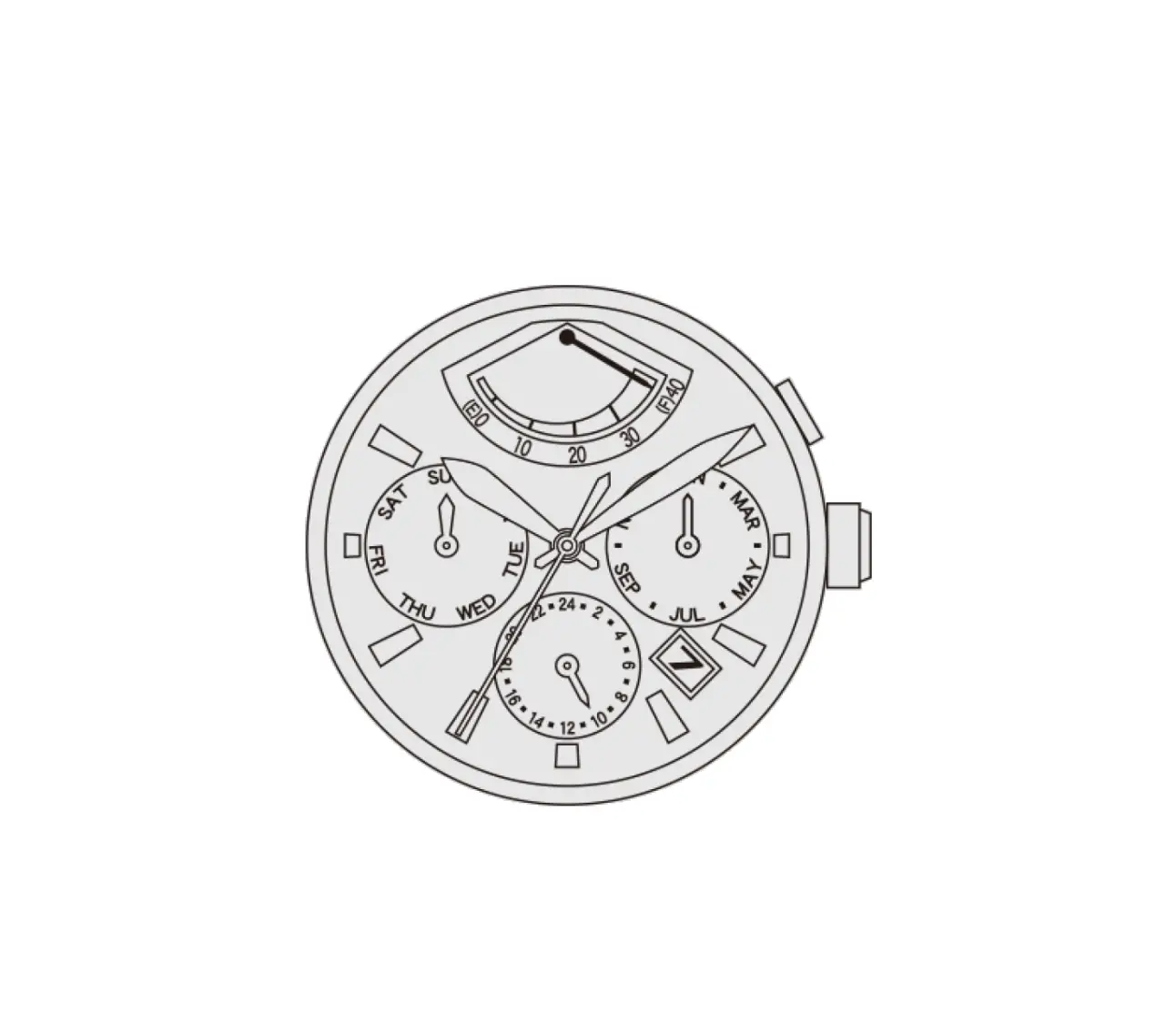
A)DISPLAY Hour hand
Minute hand 2nd position
Second hand
1st position Normal crown position
*Date *Day of the week
*Date & Day of the week position may be located at different position depends on models.
B) SETTING THE TIME
1. Pull the crown out to the 2nd position. 2. Turn the crown to set hour and minute hands. 3. When the crown is pushed back to the normal position,
second hand begins to run.
C) SETTING THE DATE
1. Pull the crown out to the 1st position. 2. Turn the crown counter-clockwise to set the date.
* If the date is set between the hours of around 9:00 PM and 1:00 AM, the date may not change on the following day.
3. After the date has been set, push the crown back to the normal position.
D) SETTING THE DATE OF THE WEEK 1. Pull the crown out to the 1st position. 2. Turn the crown clockwise to set the day of the week.
* If the date is set between the hours of around 9:00 PM and 1:00 AM, the day of the week may not change the following day.
3. After the day of the week has been set, push the crown back to the normal position.
These specifications might be changed without prior notice.