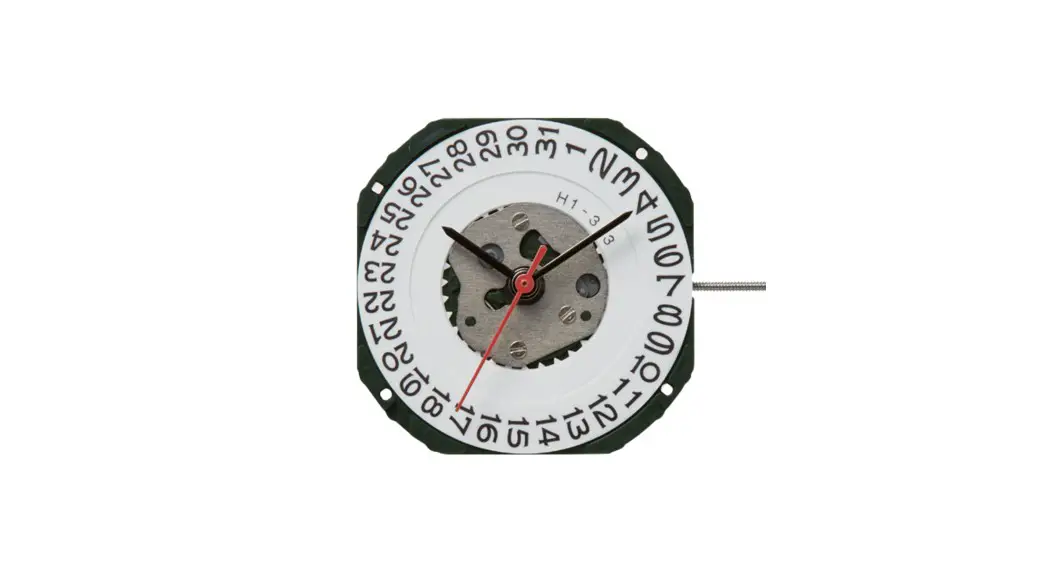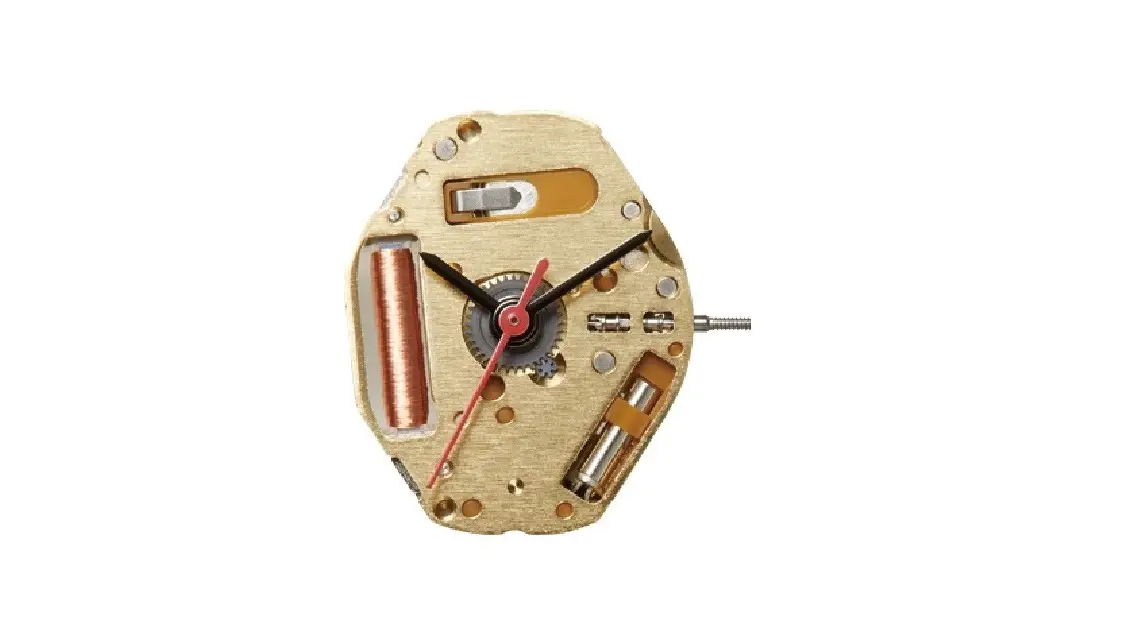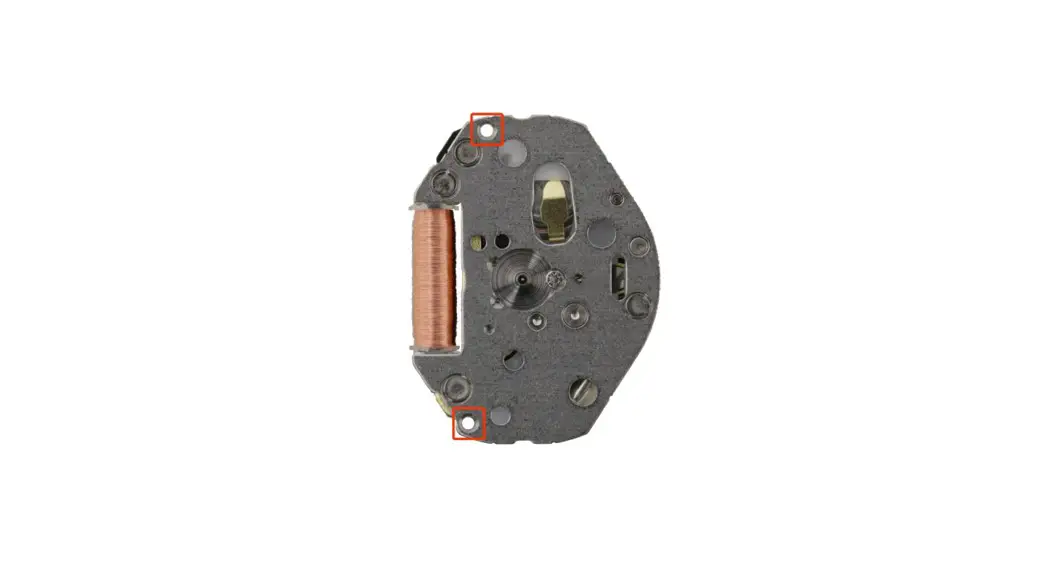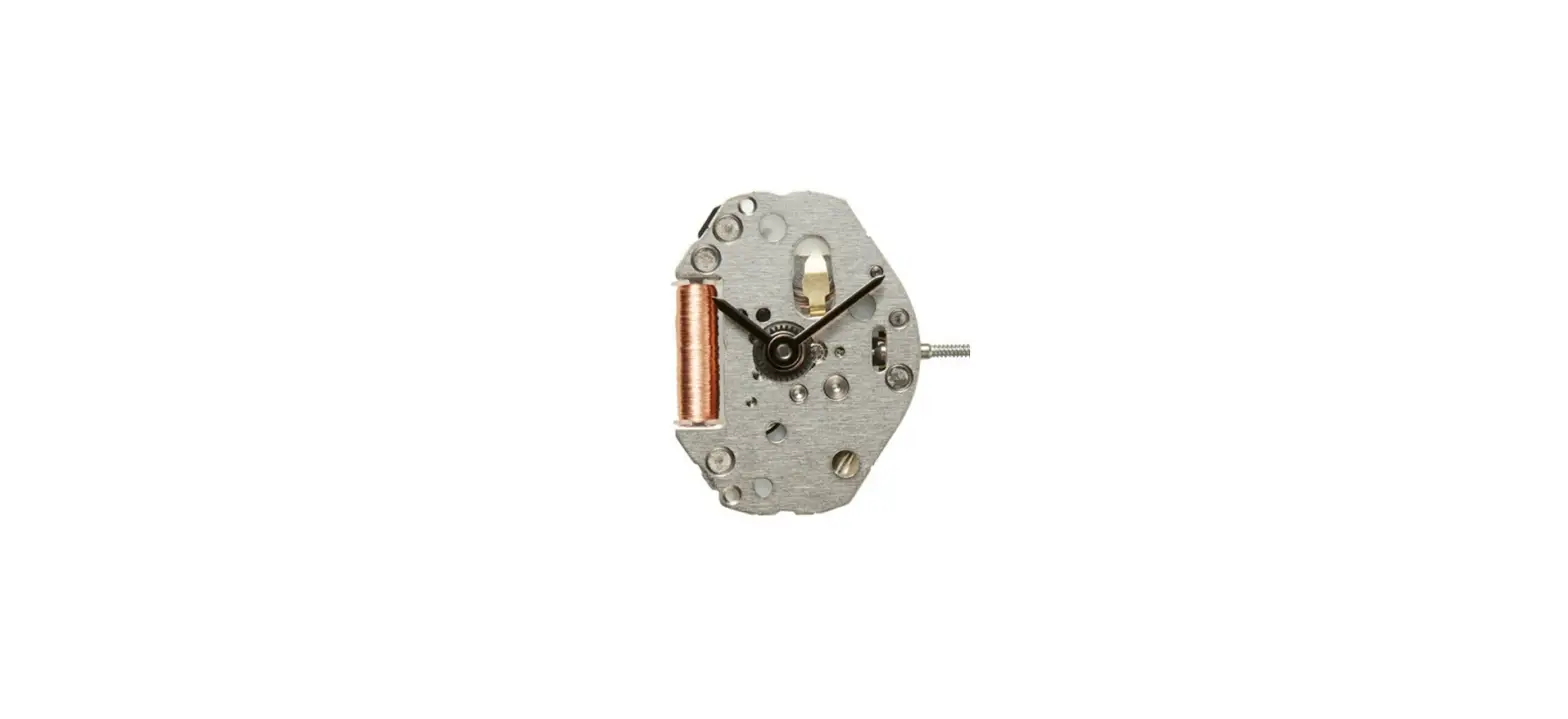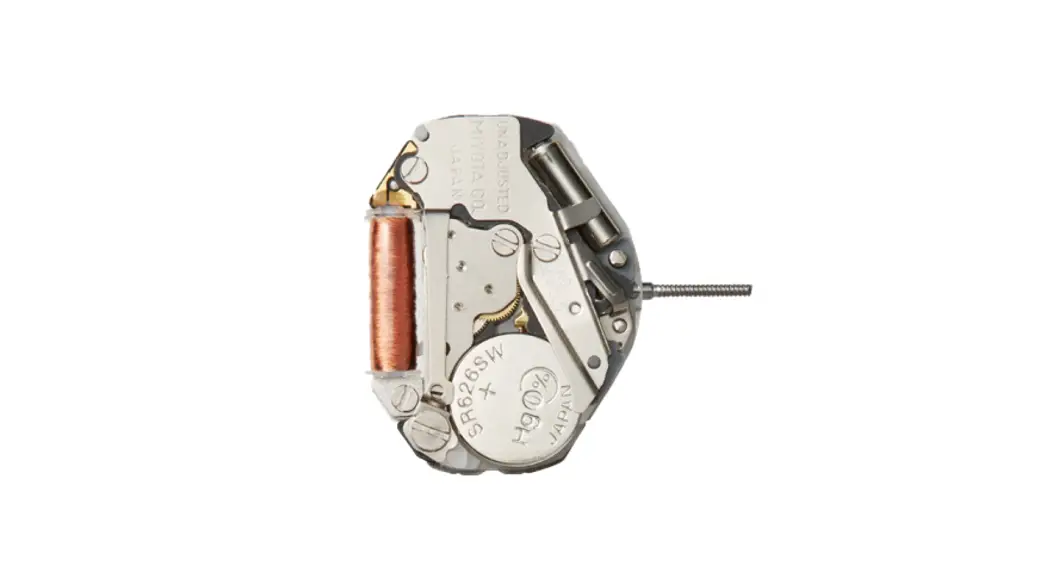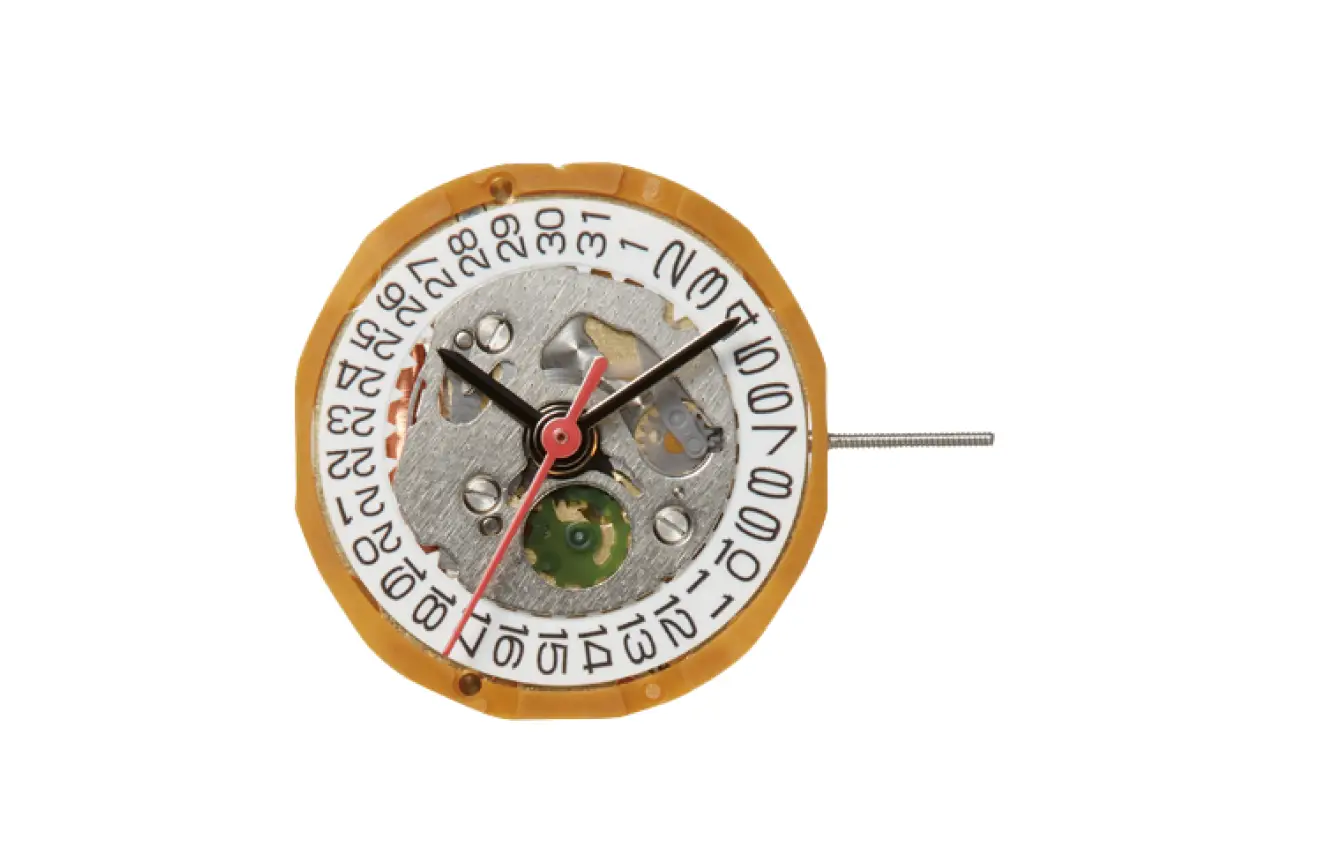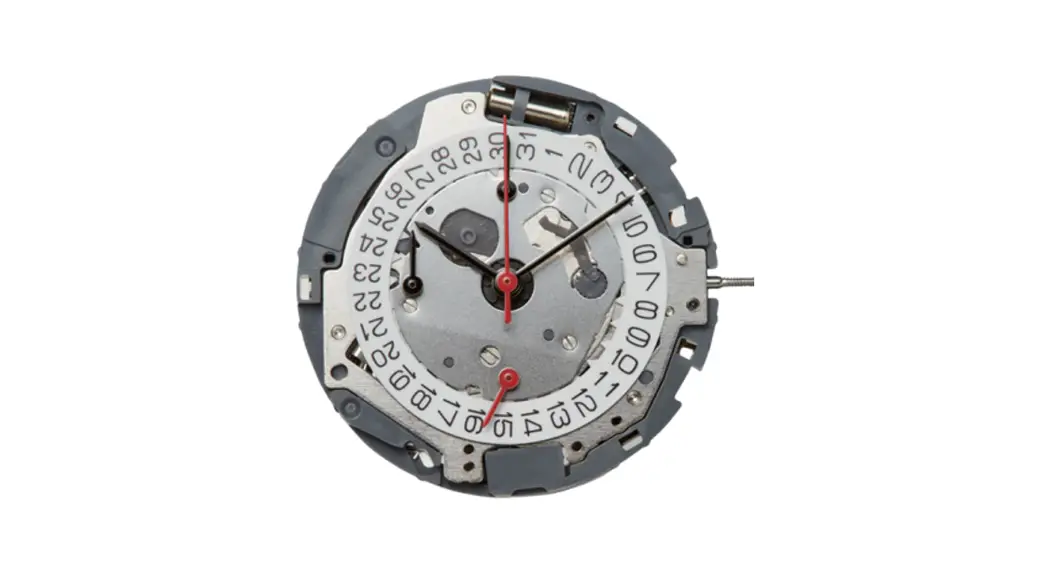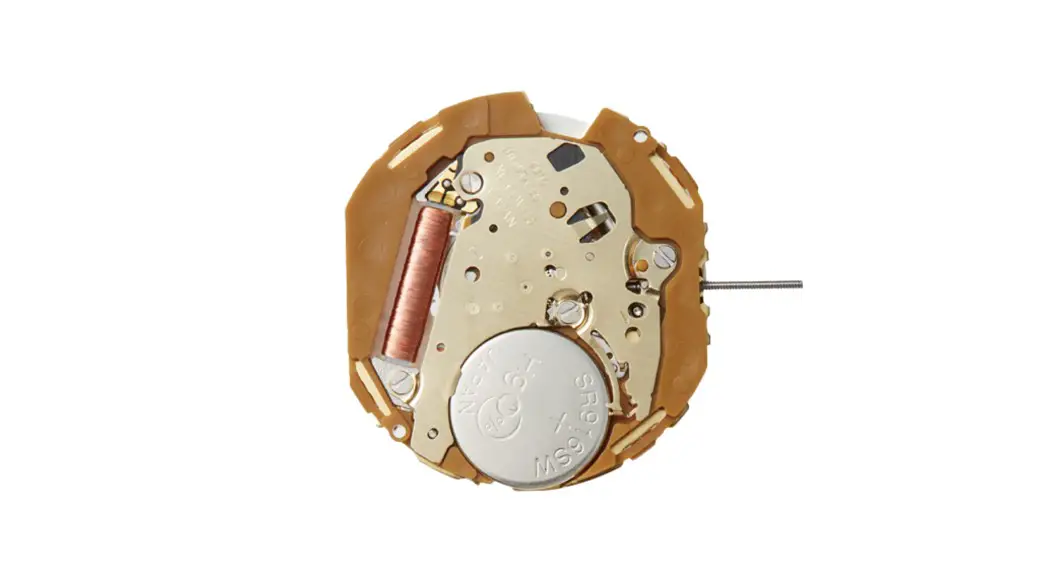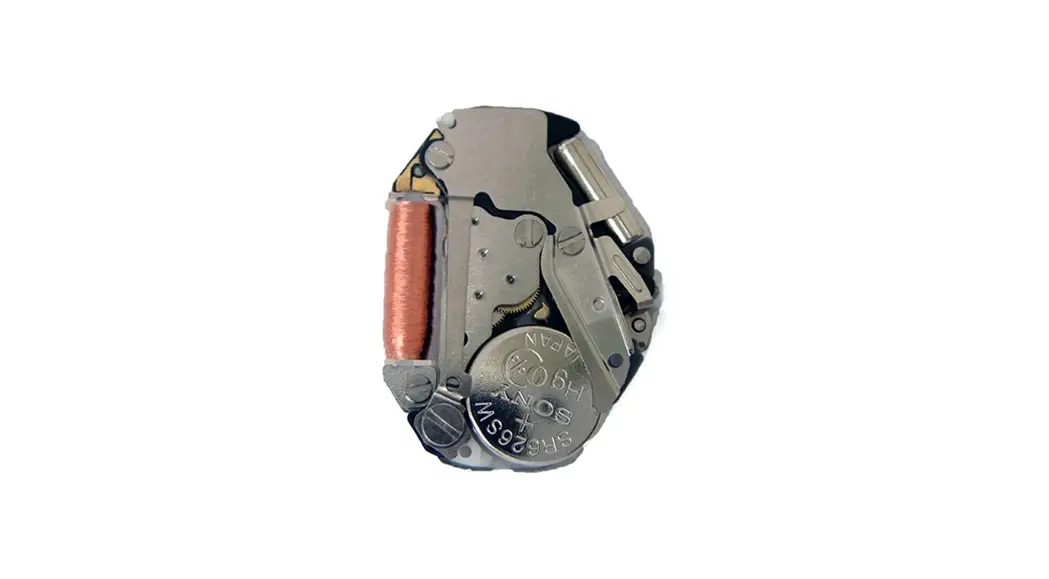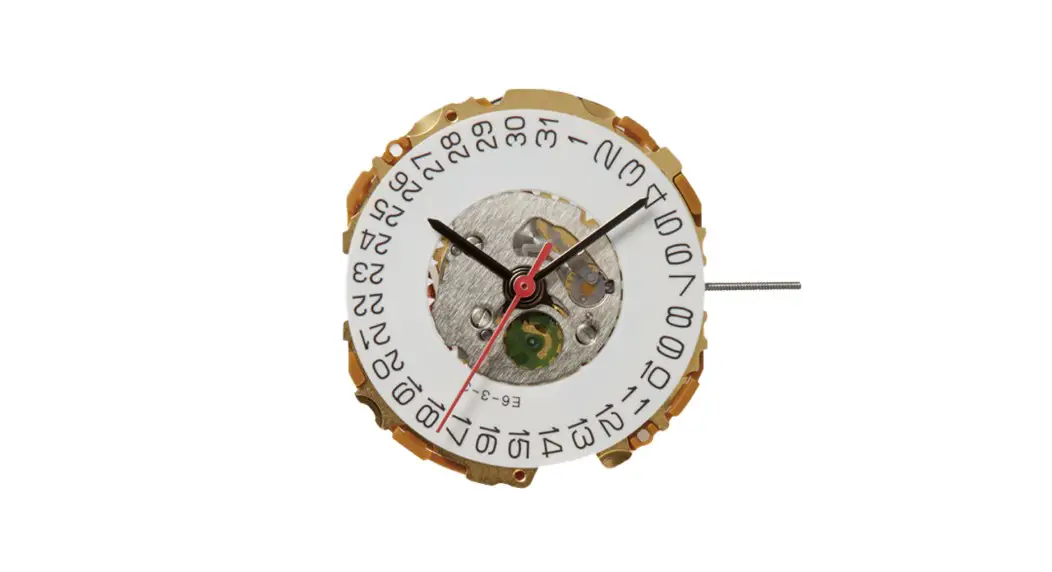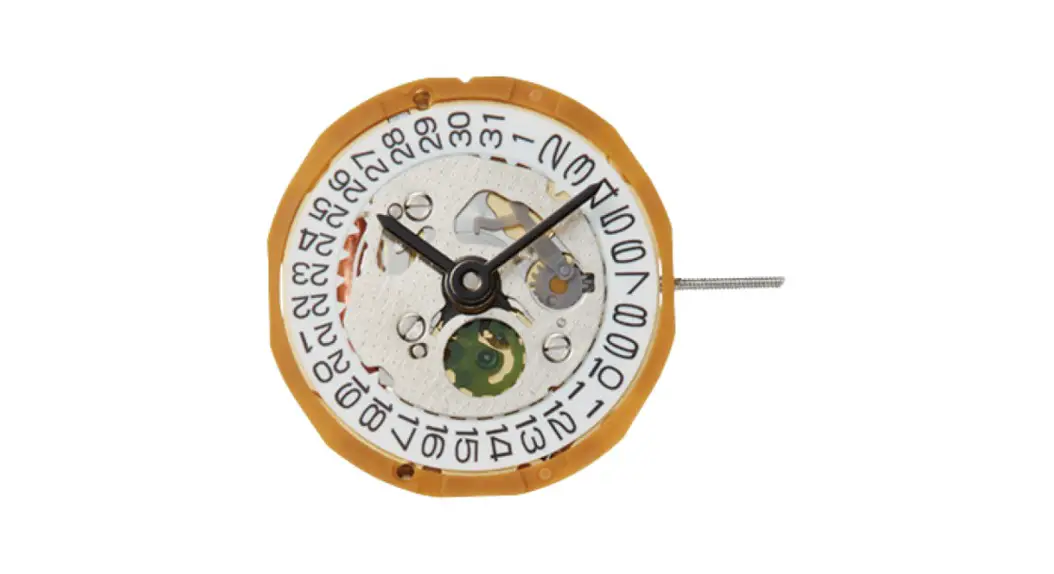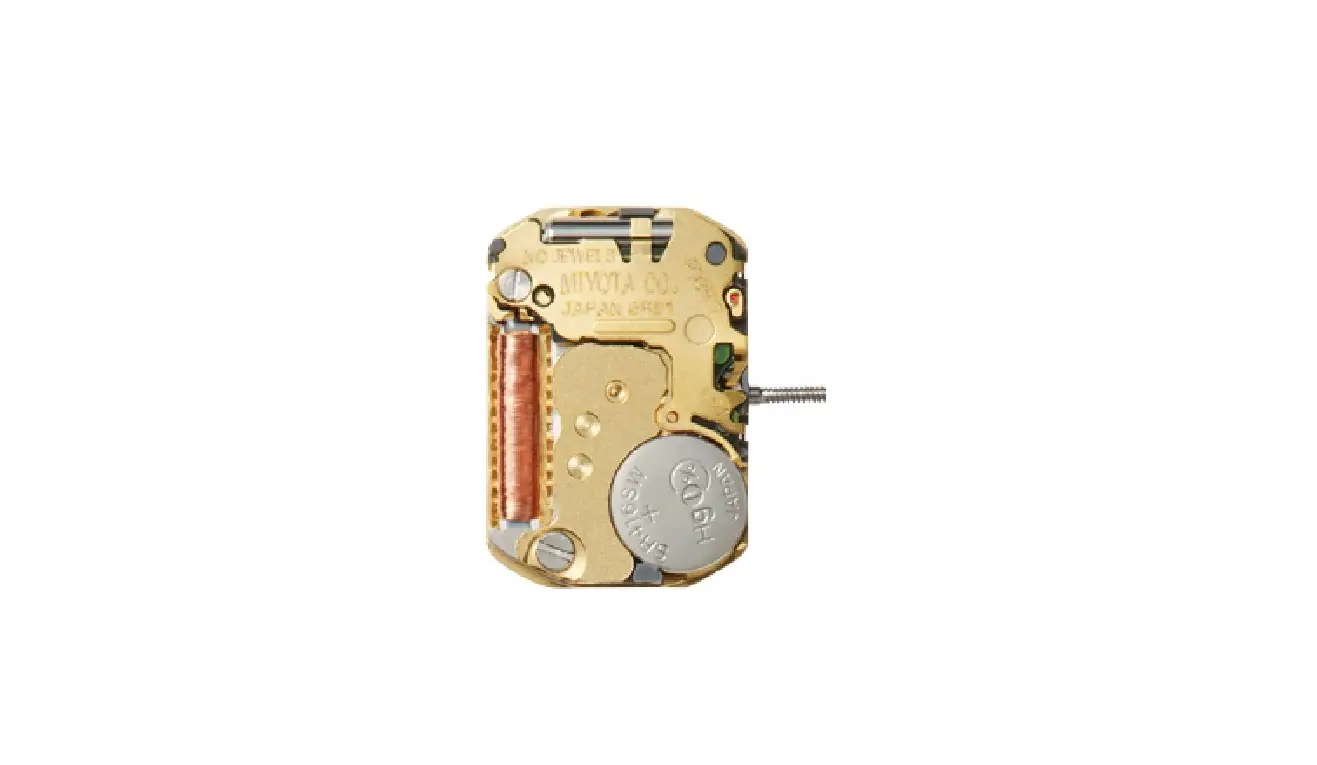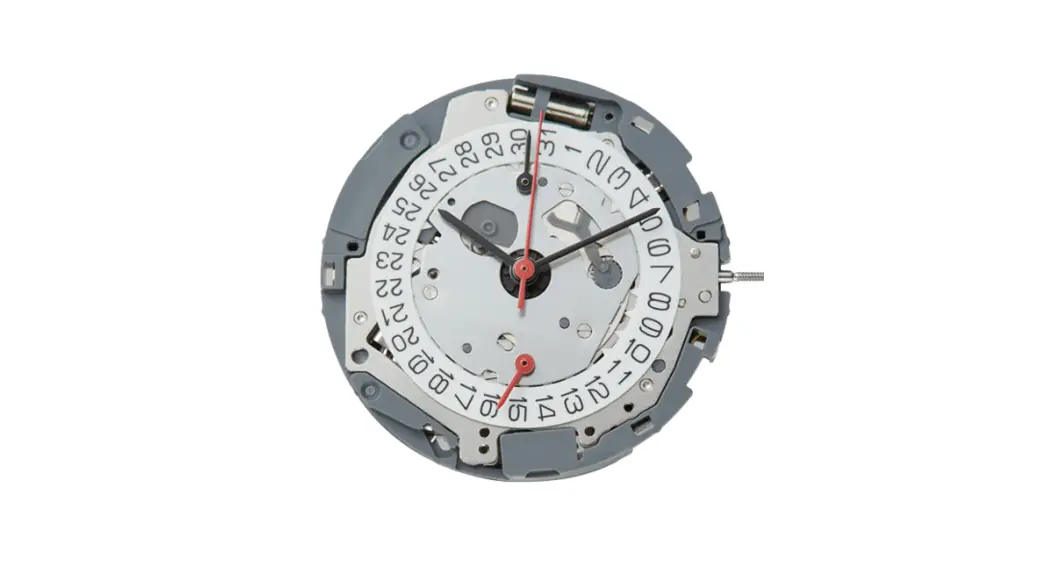
MIYOTA Cal. 91 Series Premium Automatic Watch Movements
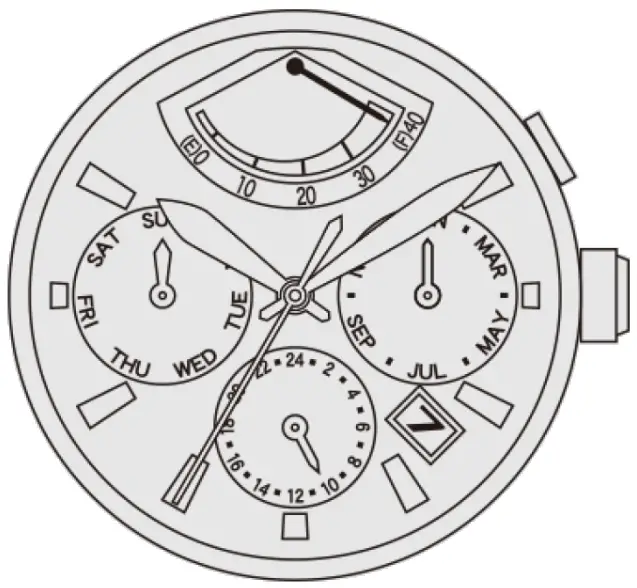
WINDING THE MAINSPRING
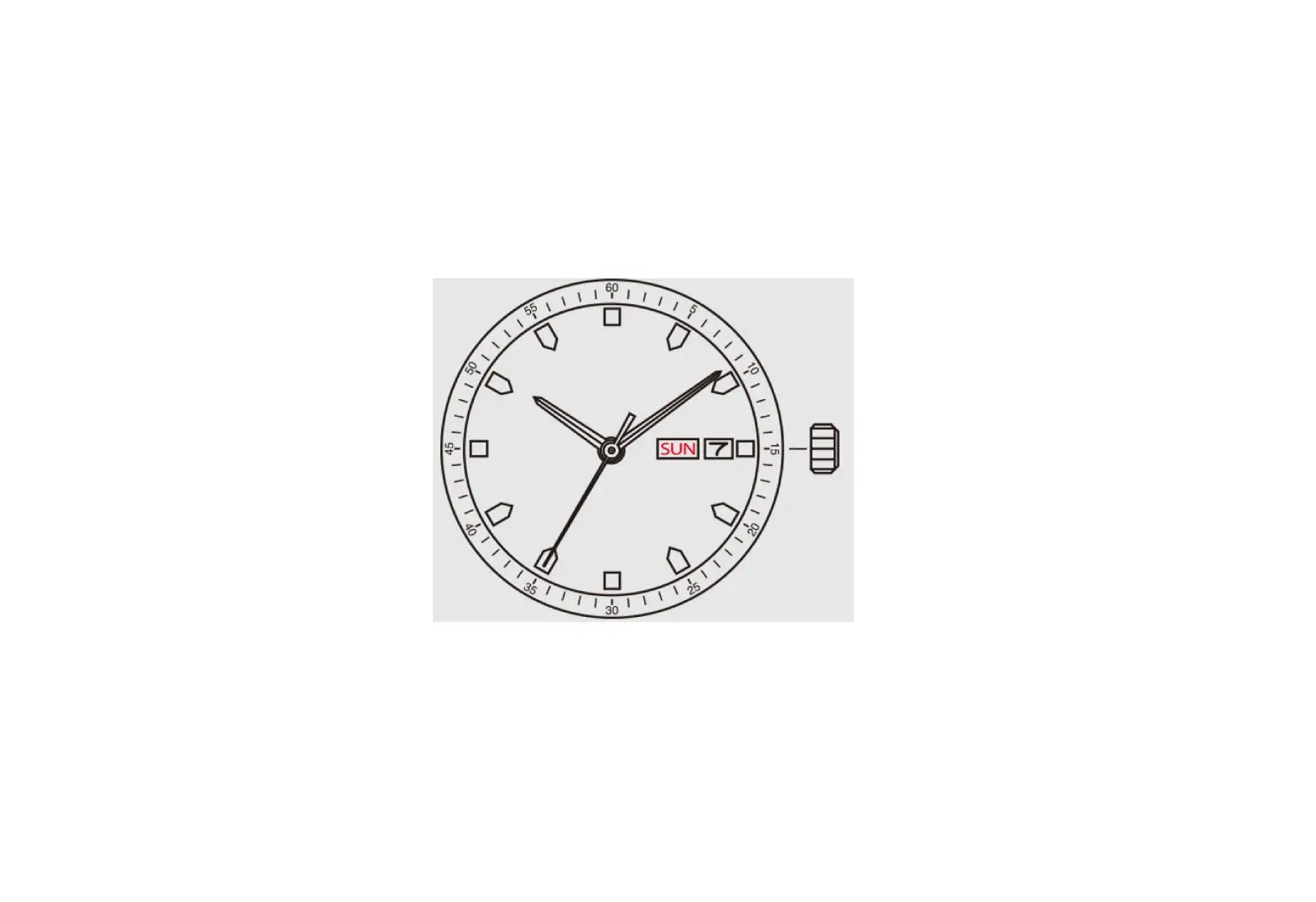
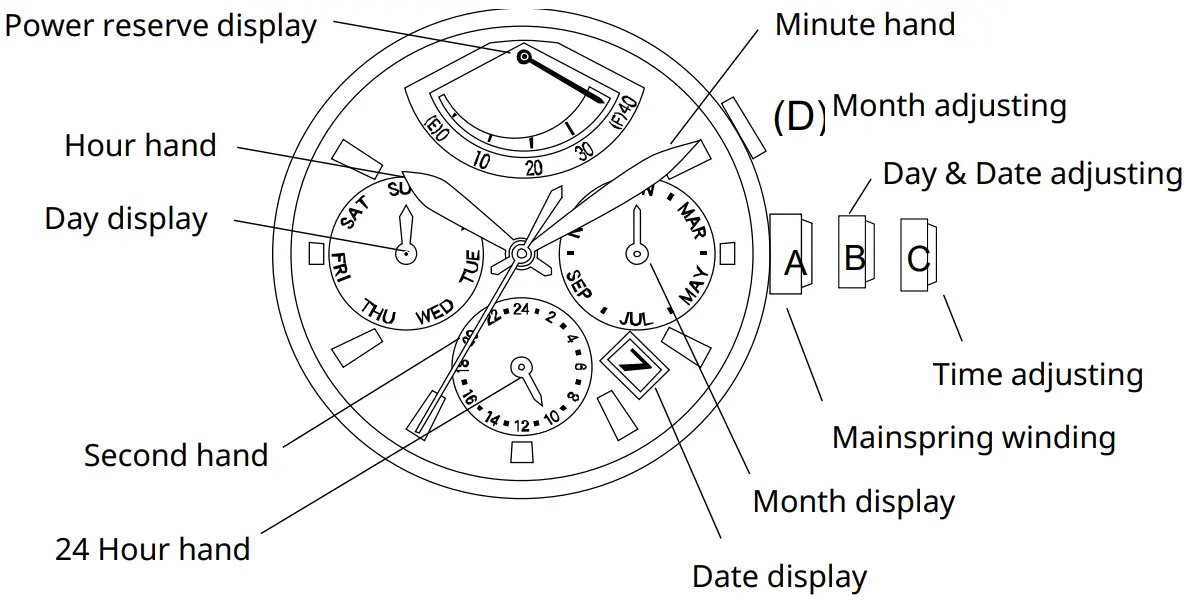
Automatic winding watch can be also manual-winded by turning the crown in “A” position.
Wind 15~20 times clockwise until second hand starts to move naturally.
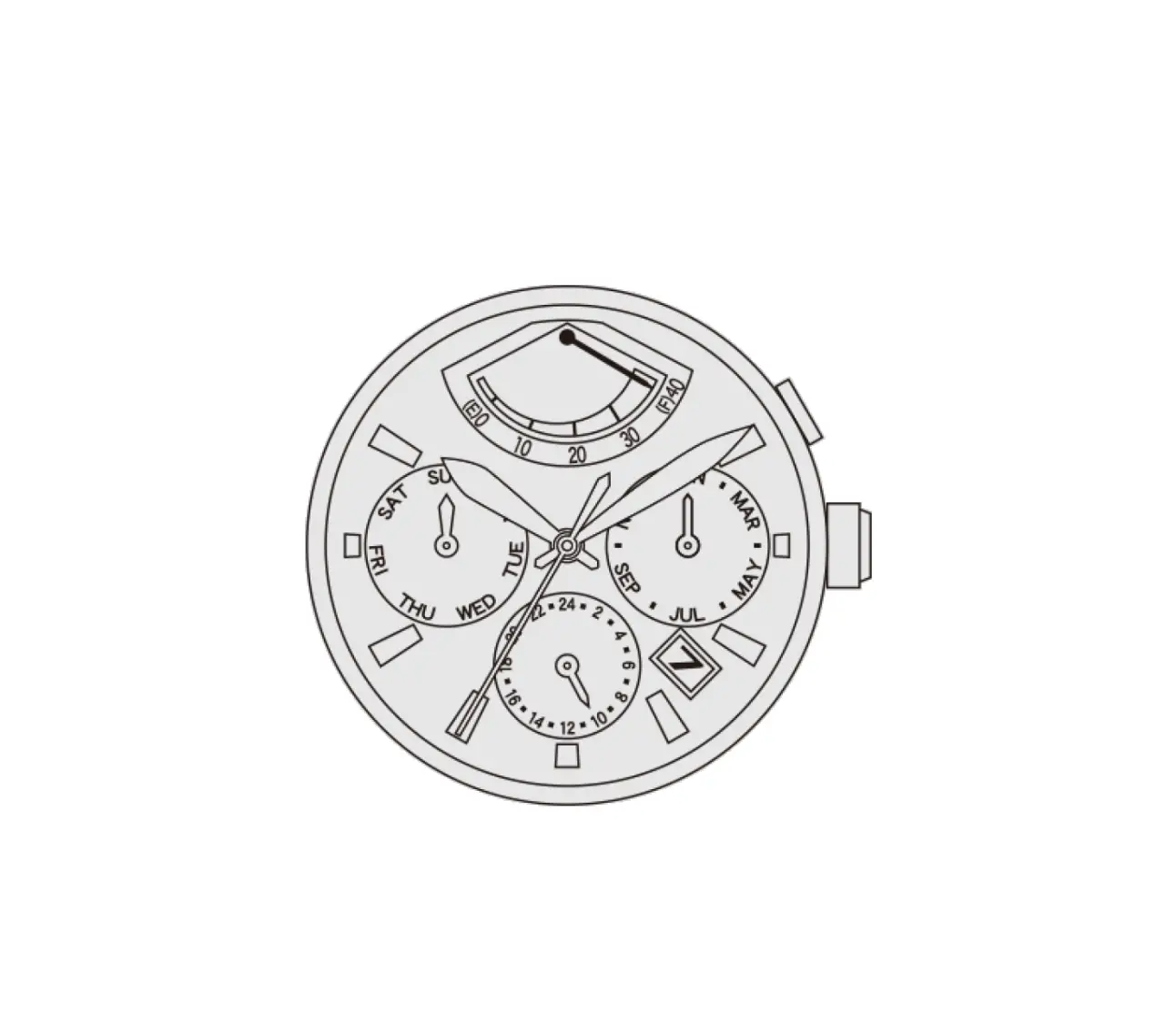
ADJUSTING DAY (Cal. 9100 / 9110 / 9120 / 9122)
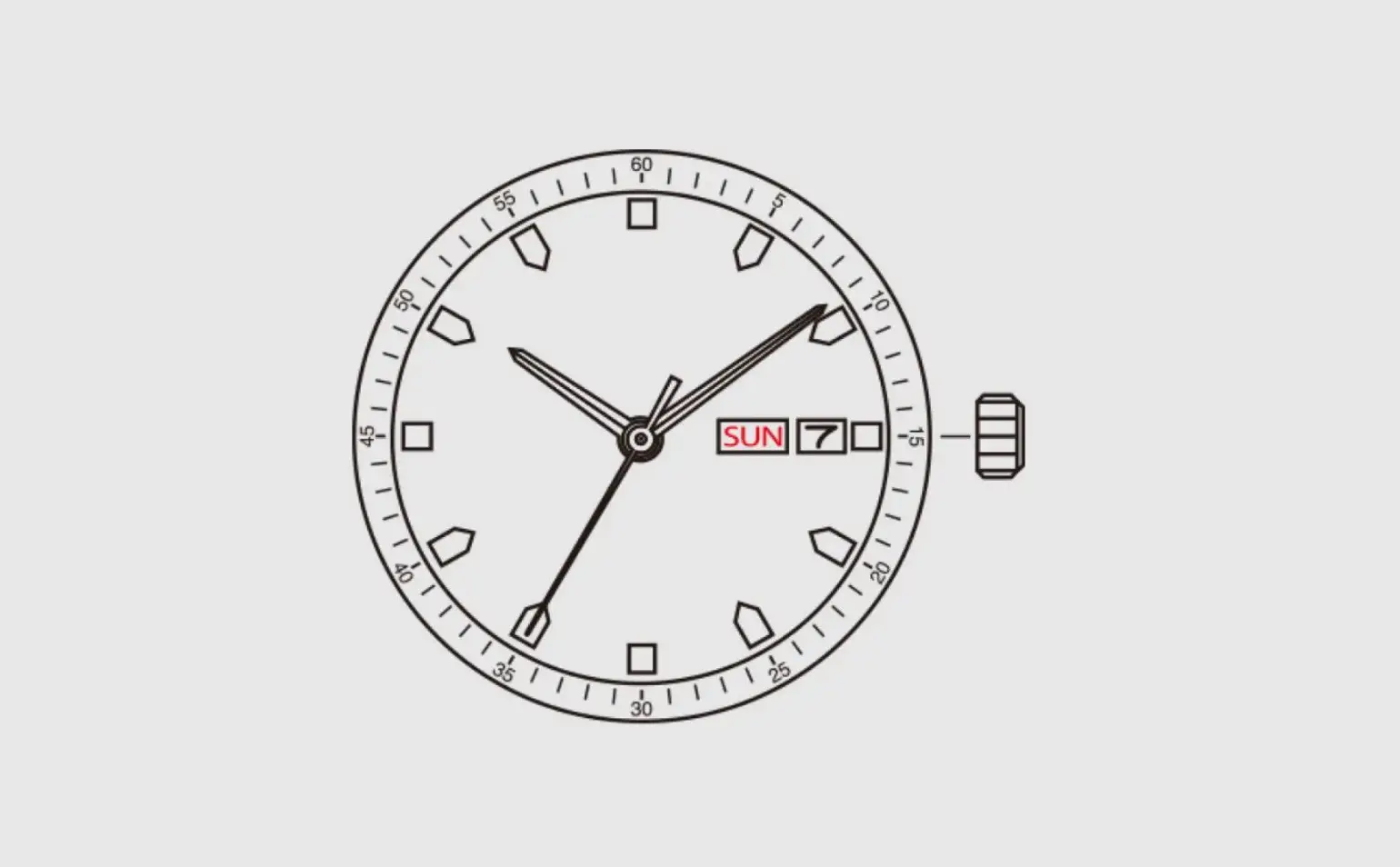
Adjust the day by rotating the crown counter-clockwise in “B” position.
ADJUSTING DATE
Adjust the date by rotating the crown clockwise in “B” position.
ADJUSTING TIME
Rotate the crown in “C” position and adjust the standard time.
Then check if it is morning or afternoon and adjust correctly
ADJUSTING MONTH (Cal. 9100 / 9120 / 9122)
Push the button “D” and adjust the month.
※If the button is not pushed to the end, the month is not changed perfectly
These specifications might be changed without prior notice.