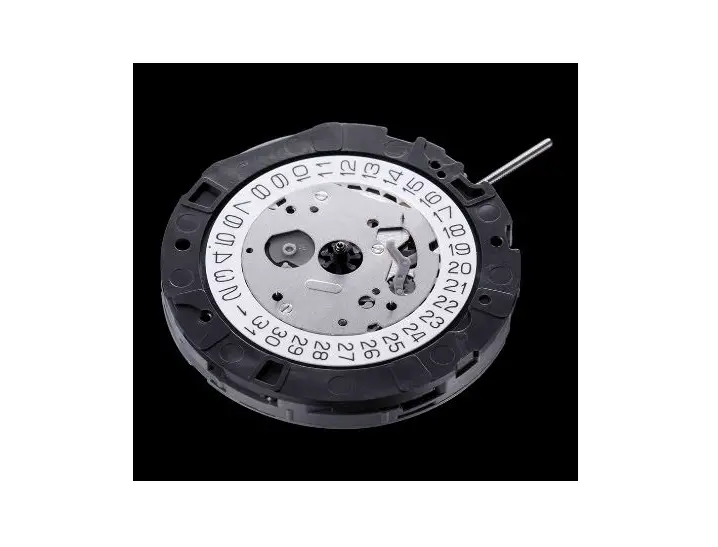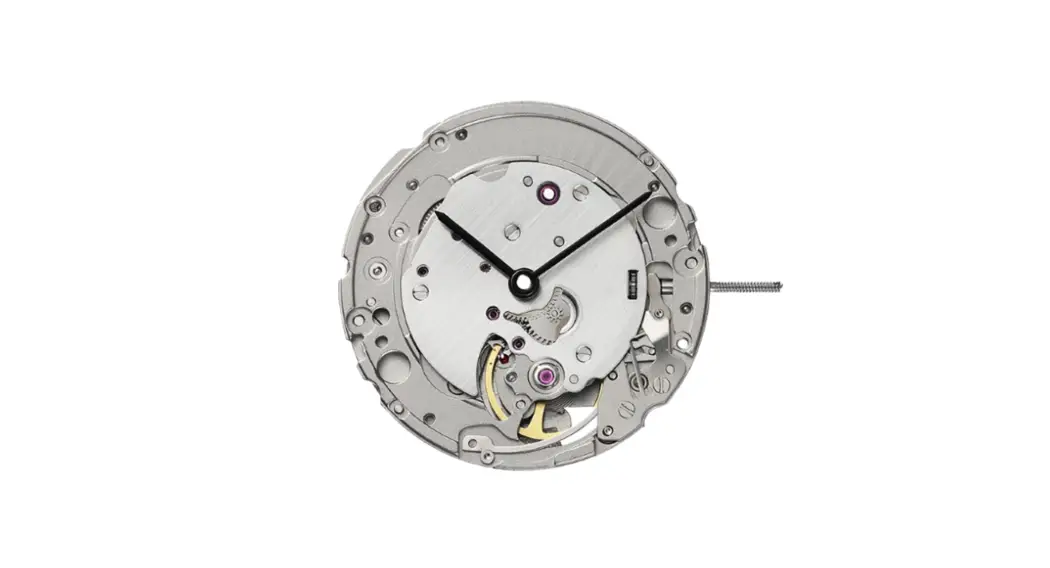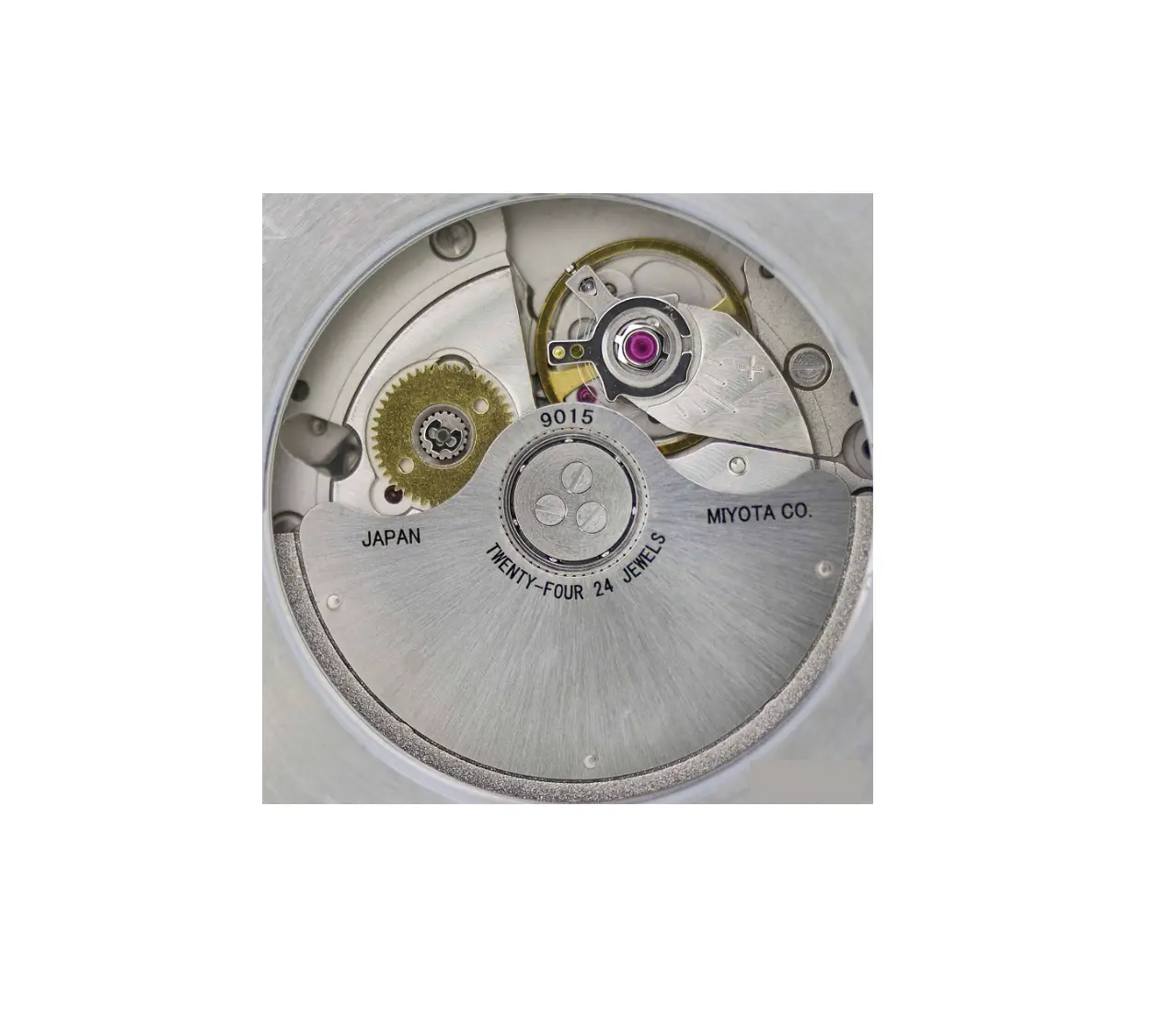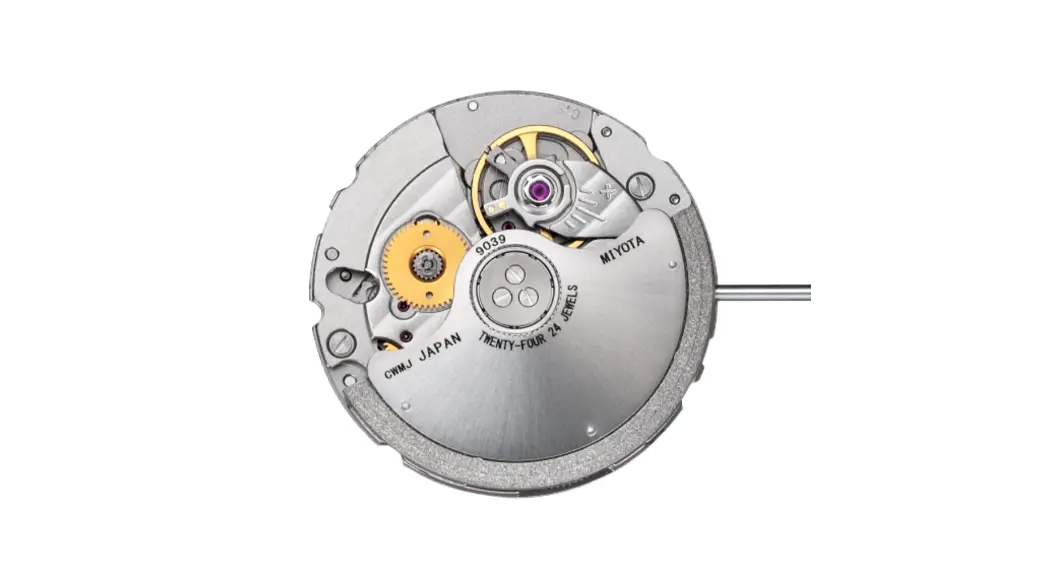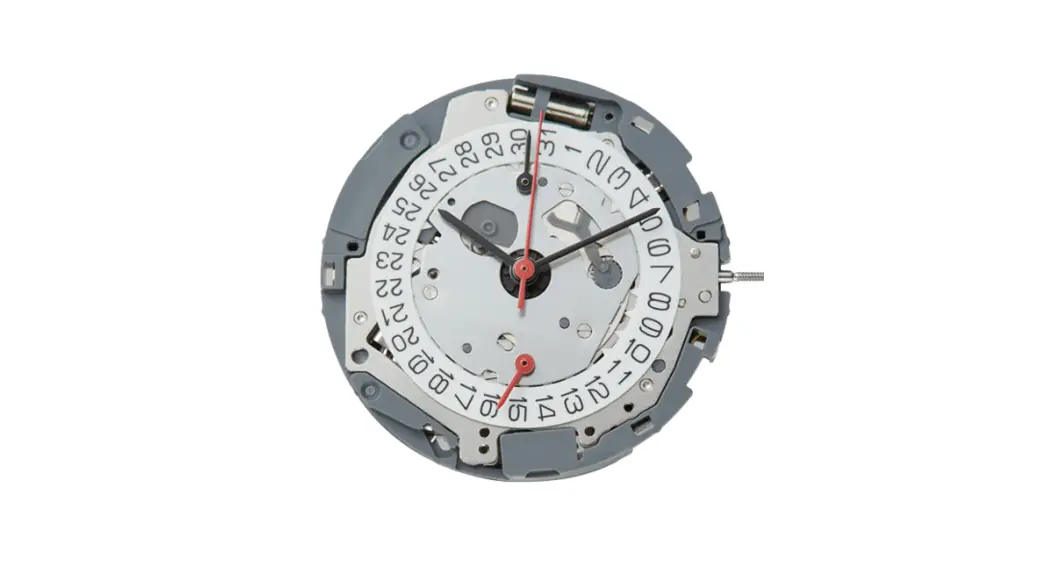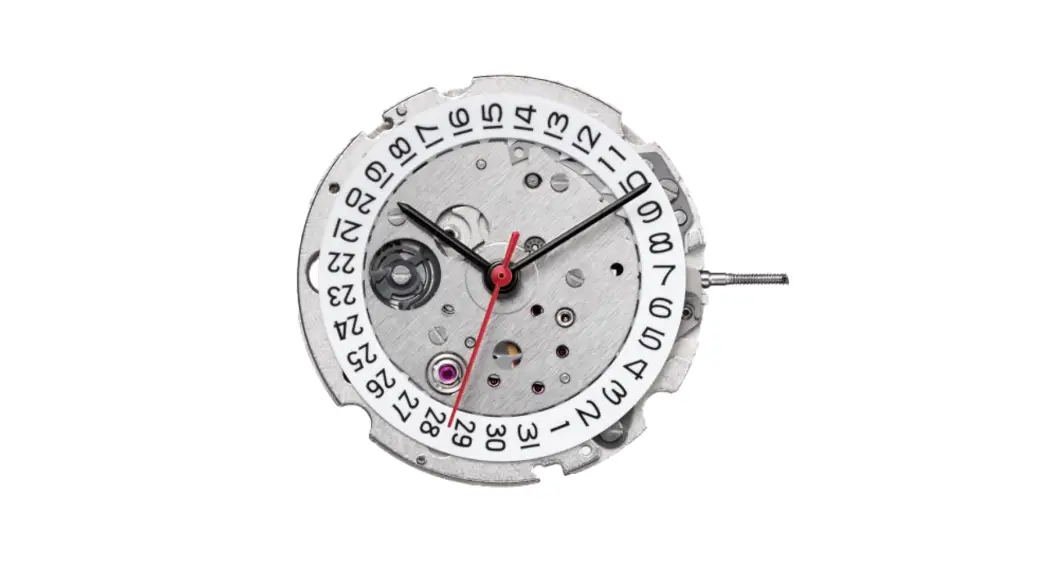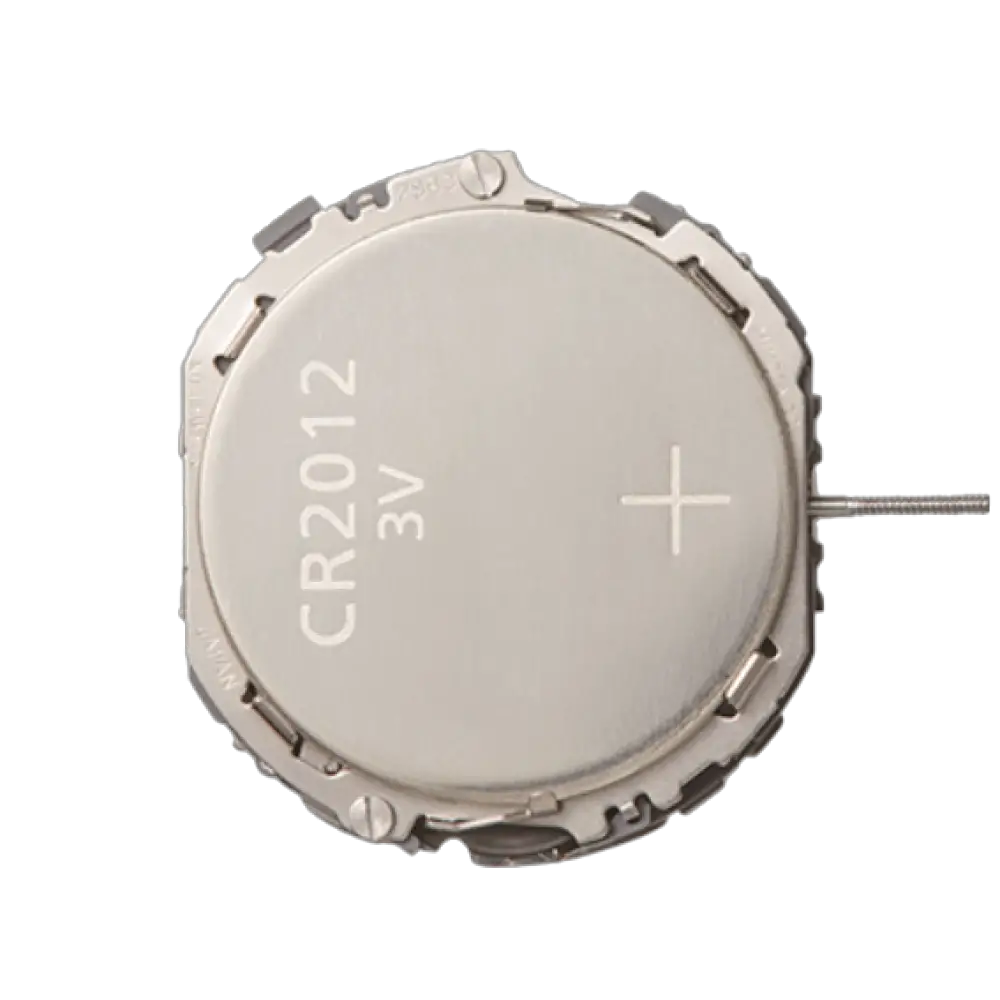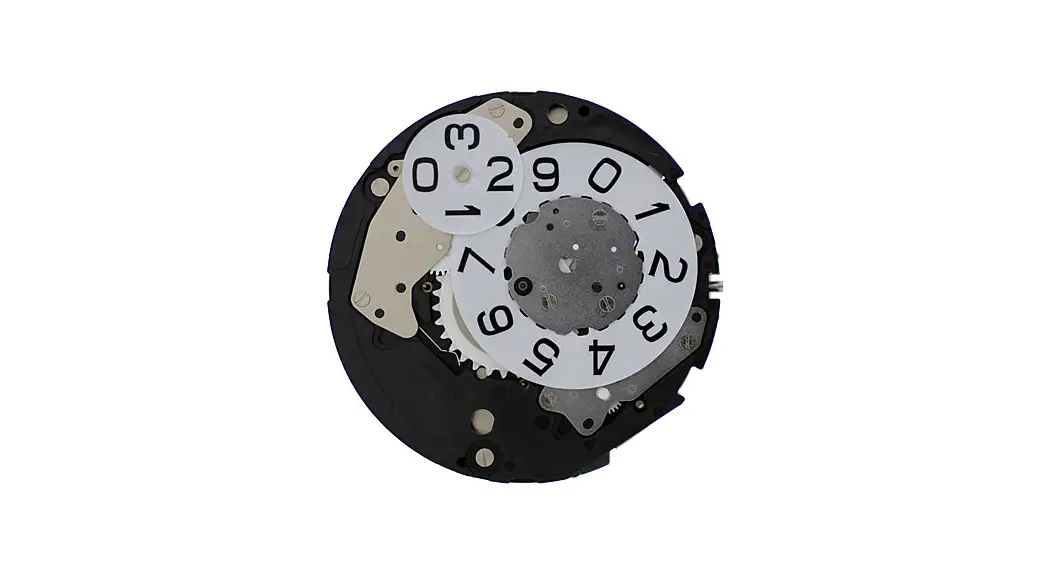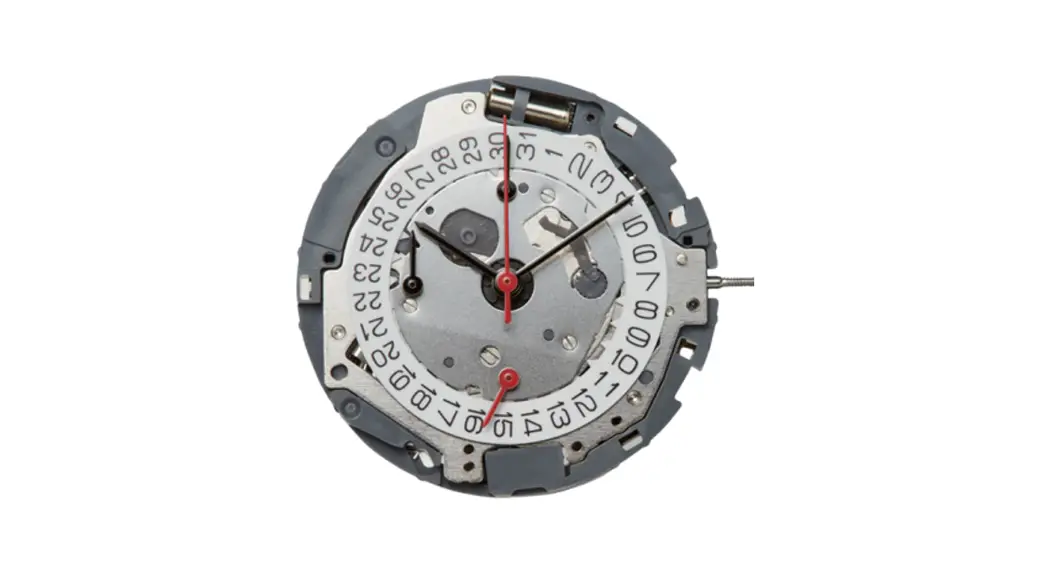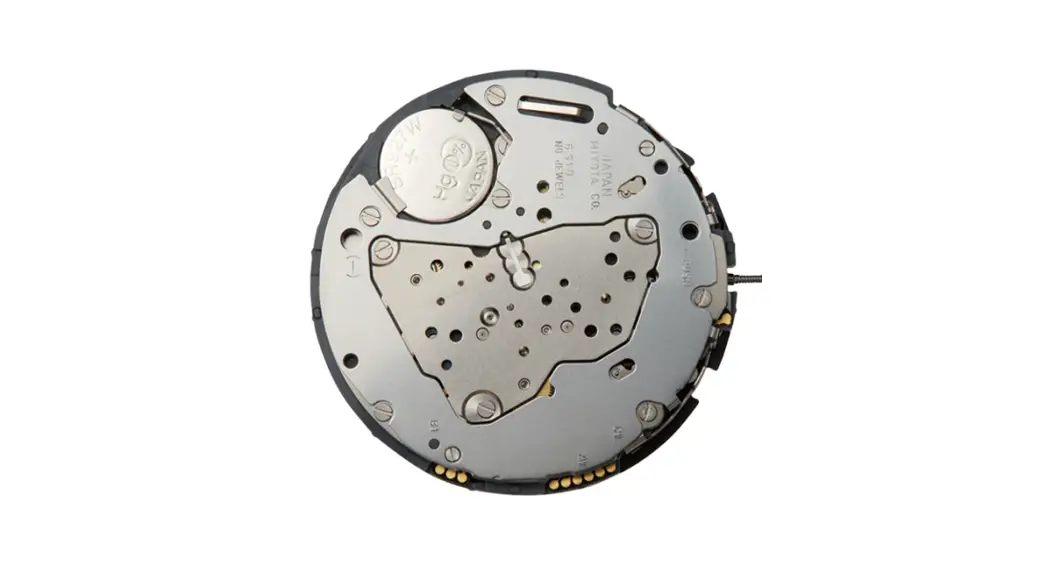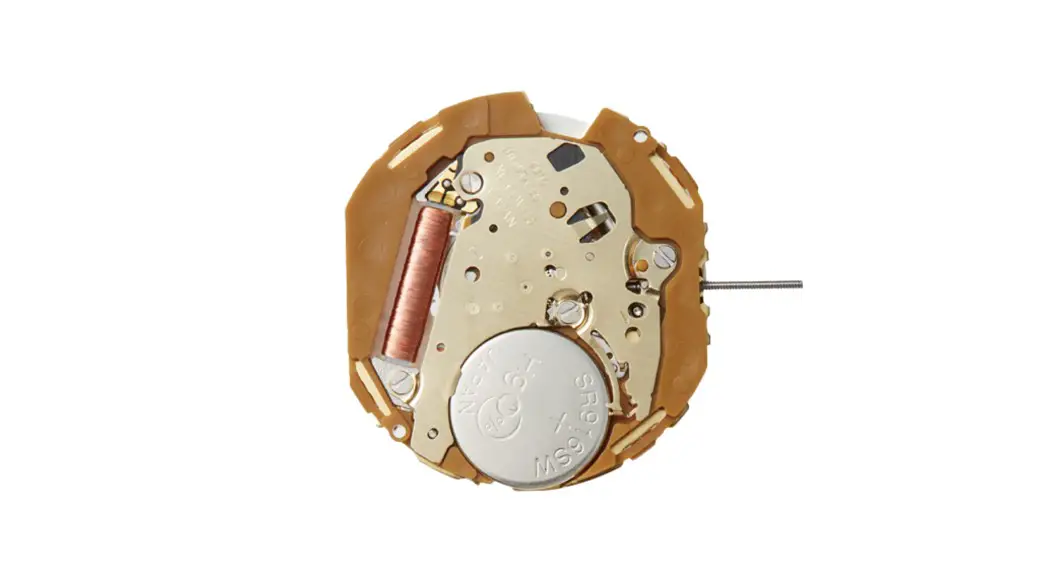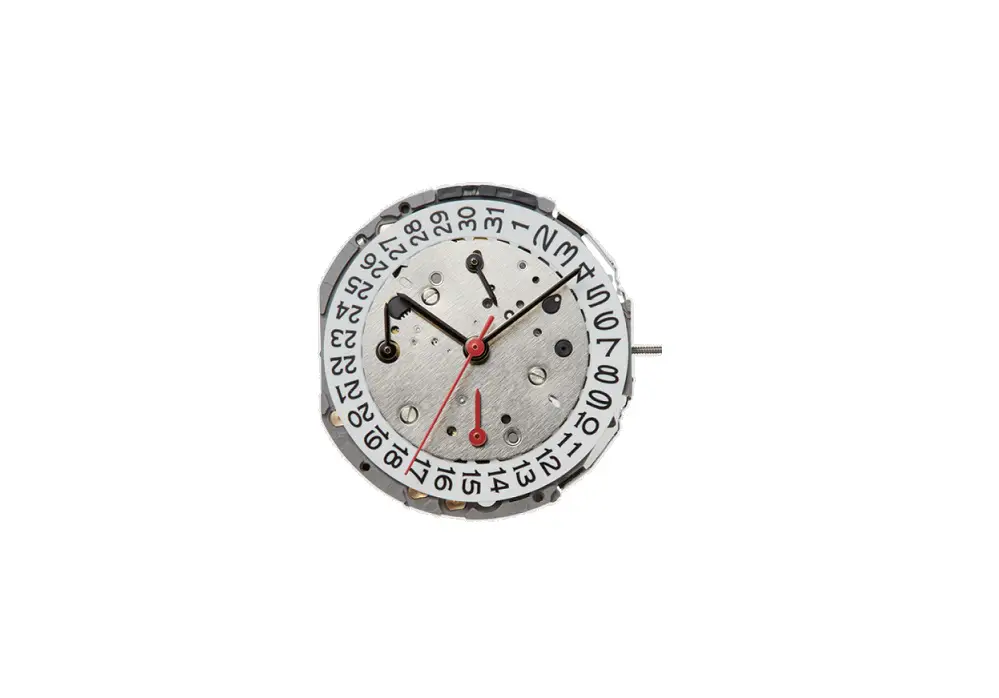
MIYOTA Caliber 0S10 Watch Movement Instruction Manual

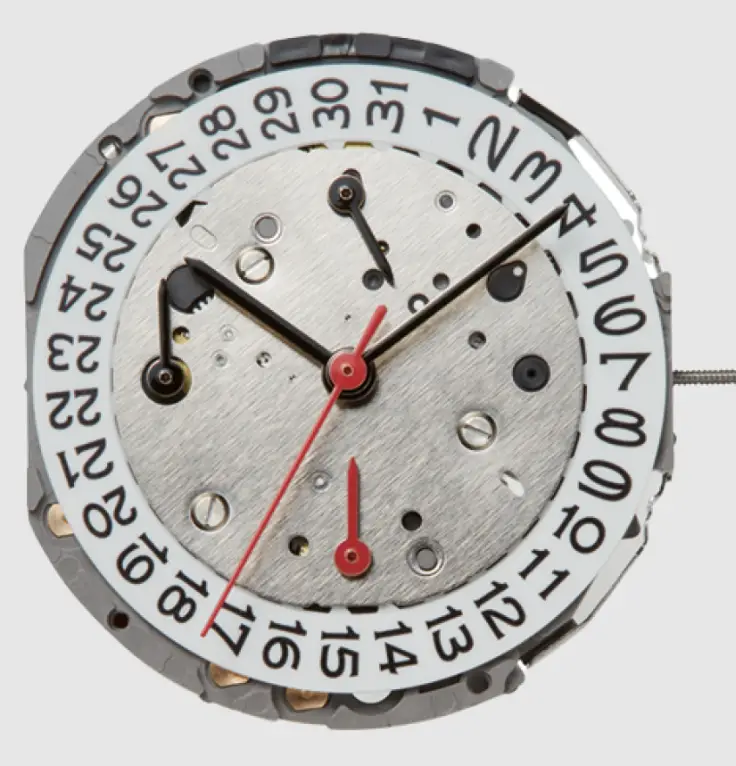
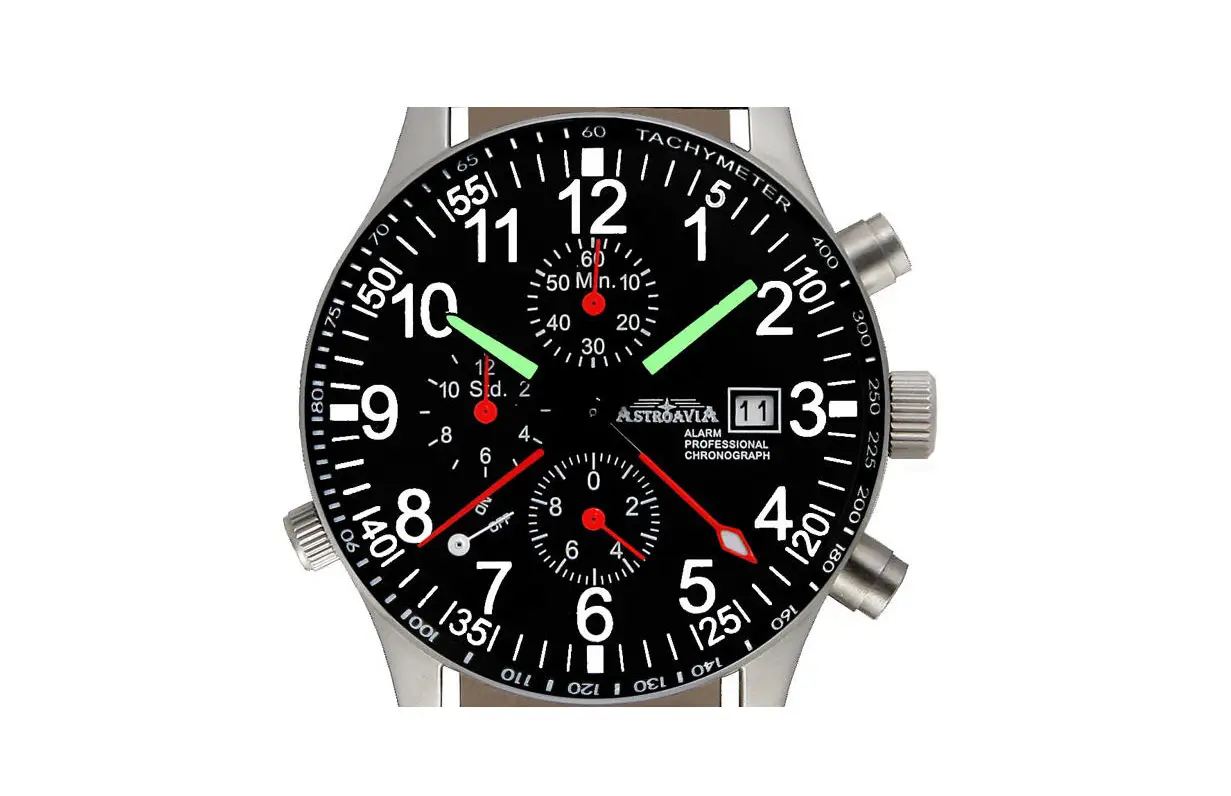
CHRONOGRAPH FUNCTION: CENTER CHRONOGRAPH SECOND HAND 1/1 sec.
Timing up to 11 hours 59 minutes 59 seconds
| A) DISPLAYS AND BUTTONS |
| B) SETTING THE TIME |
| C) SETTING THE DATE |
| D) USING THE CHRONOGRAPH |
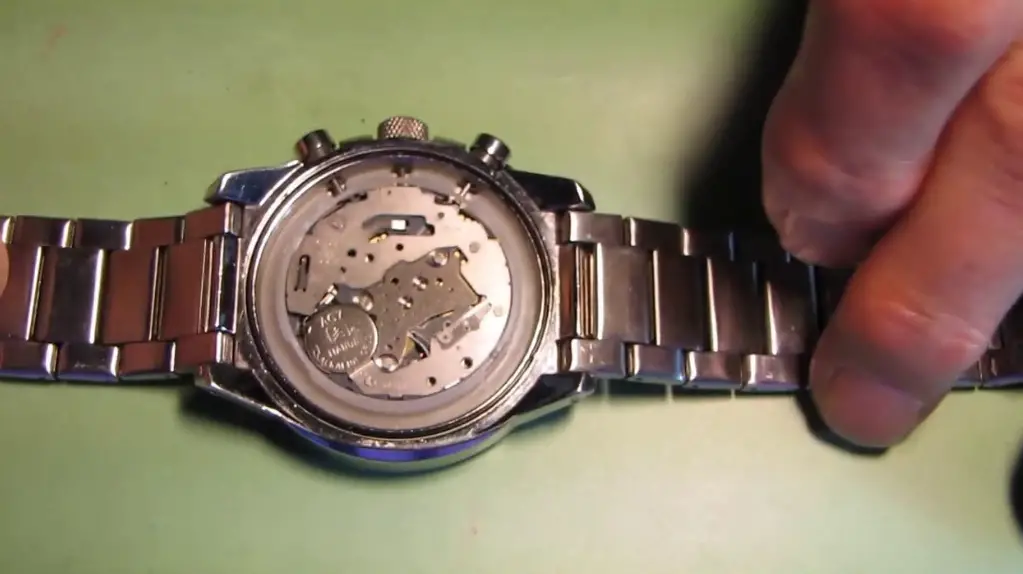
| E) CHRONOGRAPH RESET (INCL. AFTER REPLACING BATTERY) |
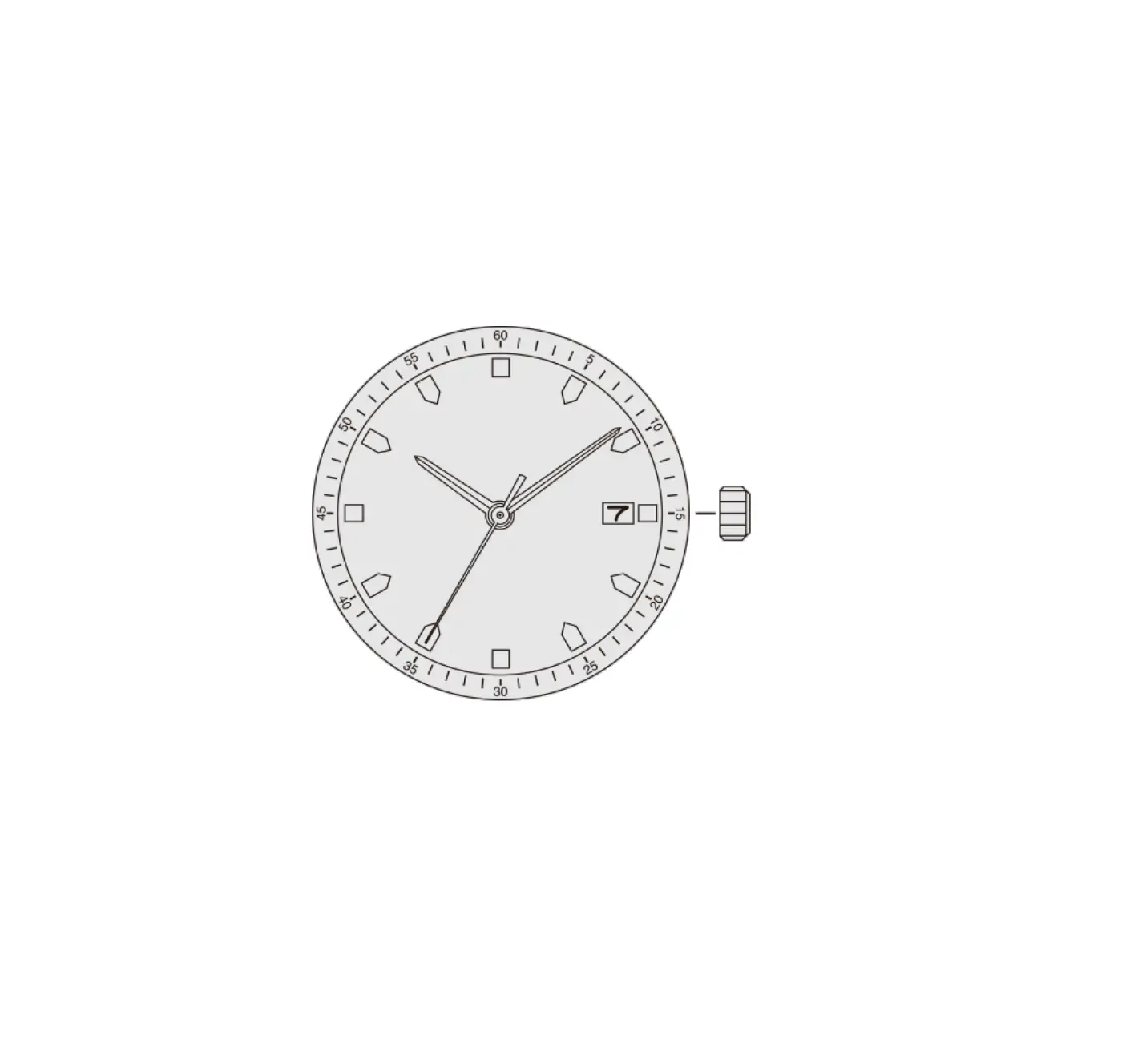
- DISPLAYS AND BUTTONS

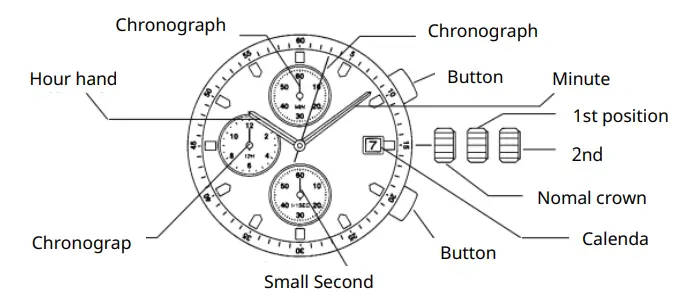
B) SETTING THE TIME
- Pull the crown out to the 2nd position.
- Turn the crown to set hour and minute hands.
- When the crown is pushed back to the normal position, small second hand begins to run.
- SETTING THE DATE
| 1. Pull the crown out to the 1st position. |
| 2. Turn the crown counter-clockwise to set the date. |
| *If the date is set between the hours of around 9:00 PM and 1:00 AM, |
| the date may not change on the following day. |
| 3. After the date has been set, push the crown back to the normal position. |
USING THE CHRONOGRAPH
| This chronograph is able to measure and display time in 1/1 second united up to |
| maxinum of 11 hours 59 minutes 59 seconds. |
| The chronograph second hand keeps continuously for |
| 11 hours 59 minutes 59 seconds after starting. Measuring time with the chronograph |
| Measuring time with the chronograph |
| 1. The chronograph can be started and stopped each time button “A” is pressed. |
| 2. Pressing button “B” resets the chronograph and the chronograph second hand, |
| chronograph minute hand, and chronograph hour hand return to zero position. |