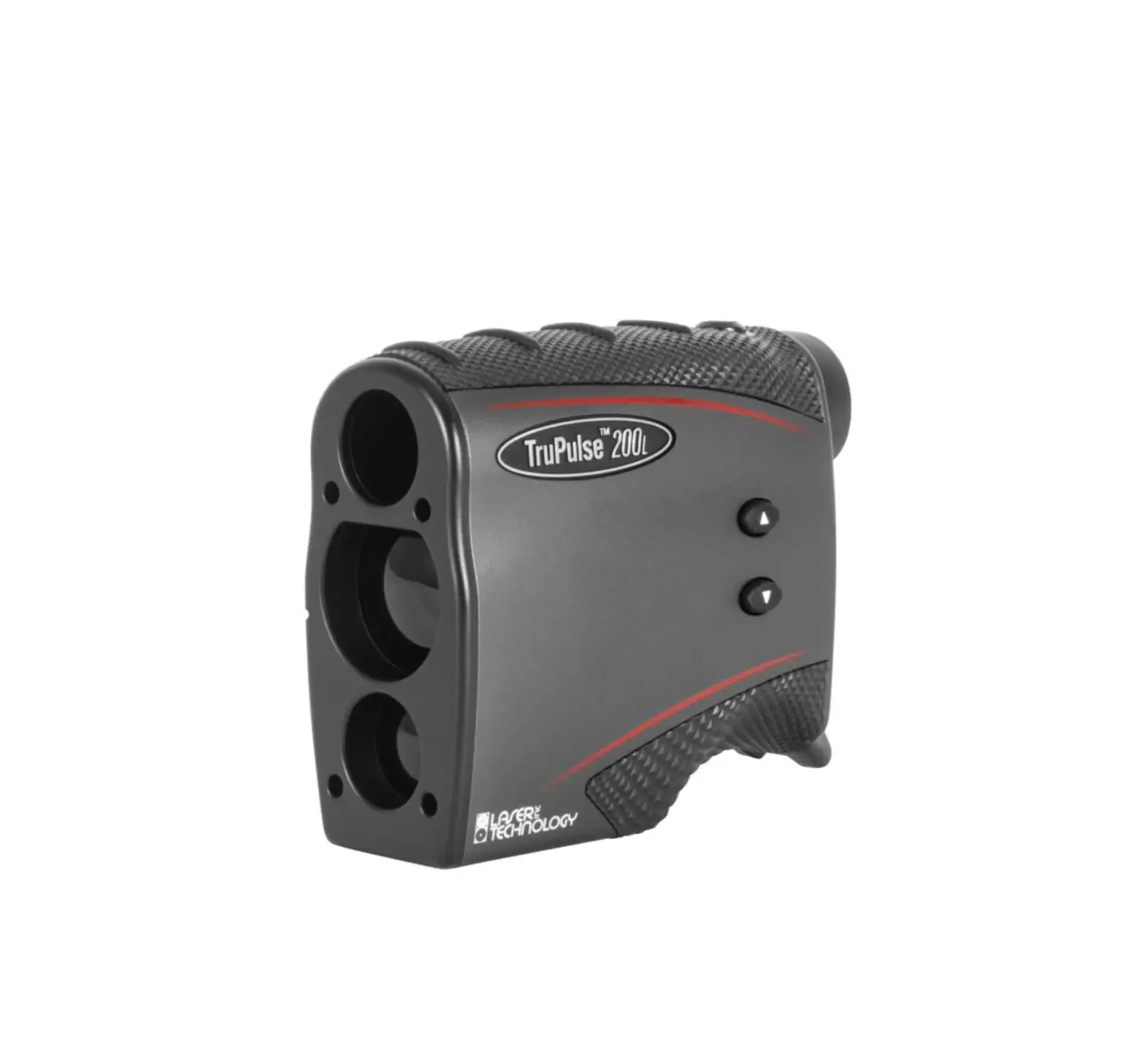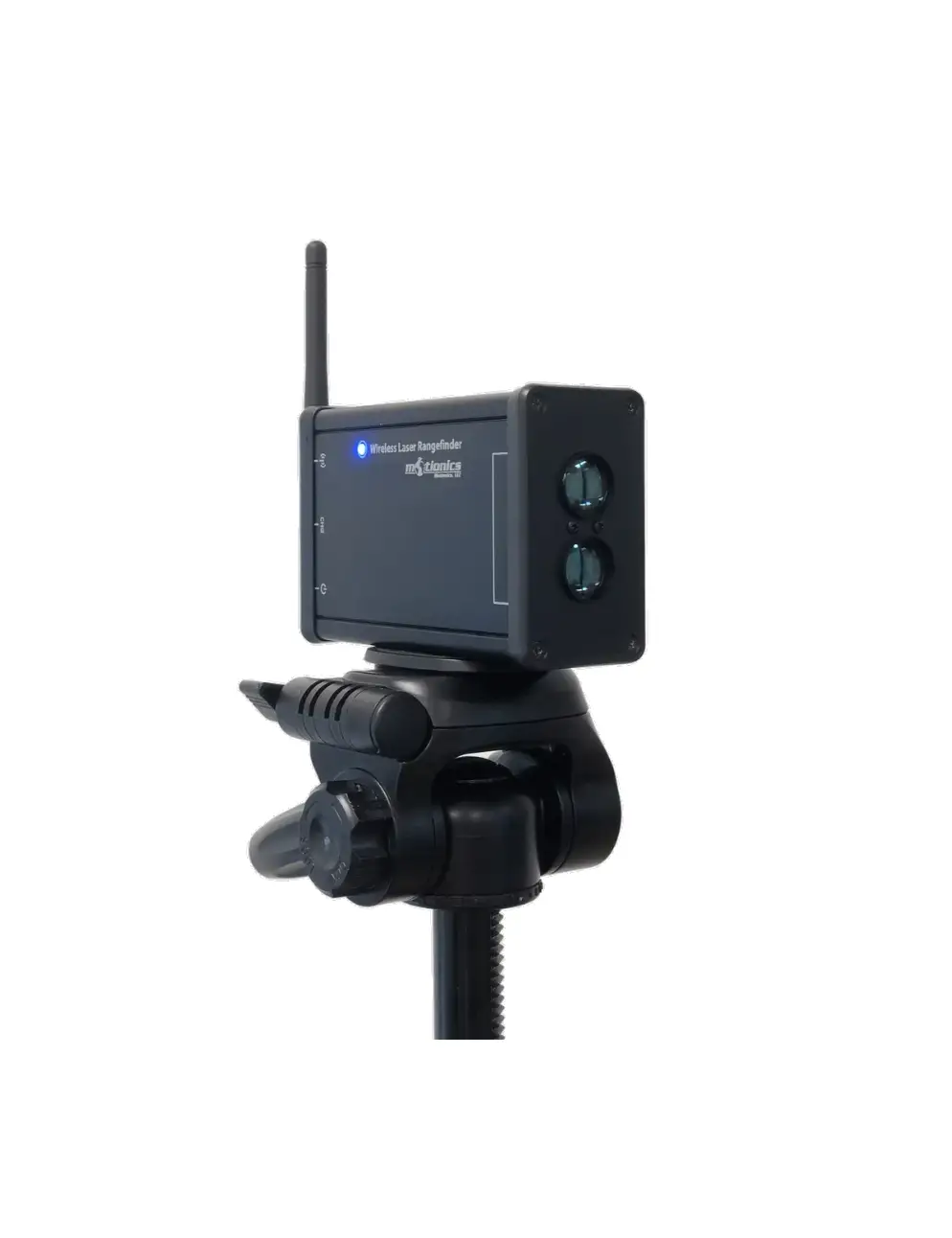
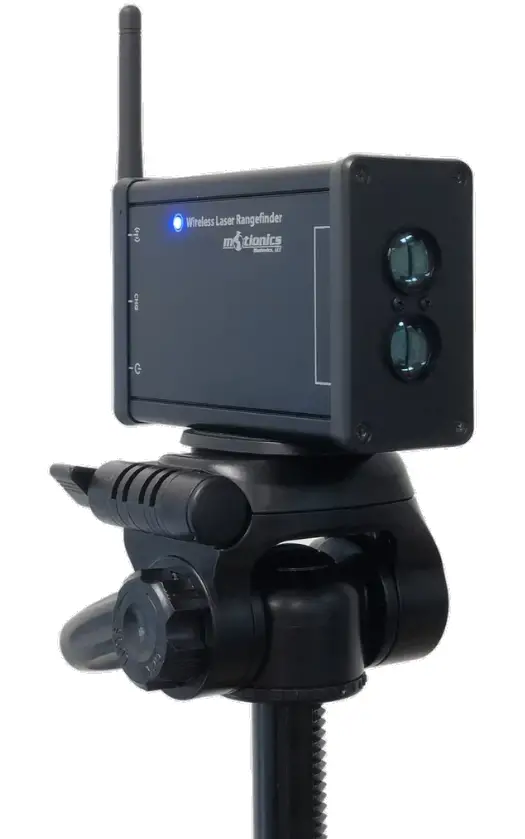
motionics WLRF Wireless Laser Rangefinder
 Important Notes
 Important Notes
- Turn o! the device after use. It will NOT turn o! automatically.
- Do NOT open the device. Opening causes permanent damage and voids the warranty.
- Do NOT stare directly into the apertures of the laser.
Description
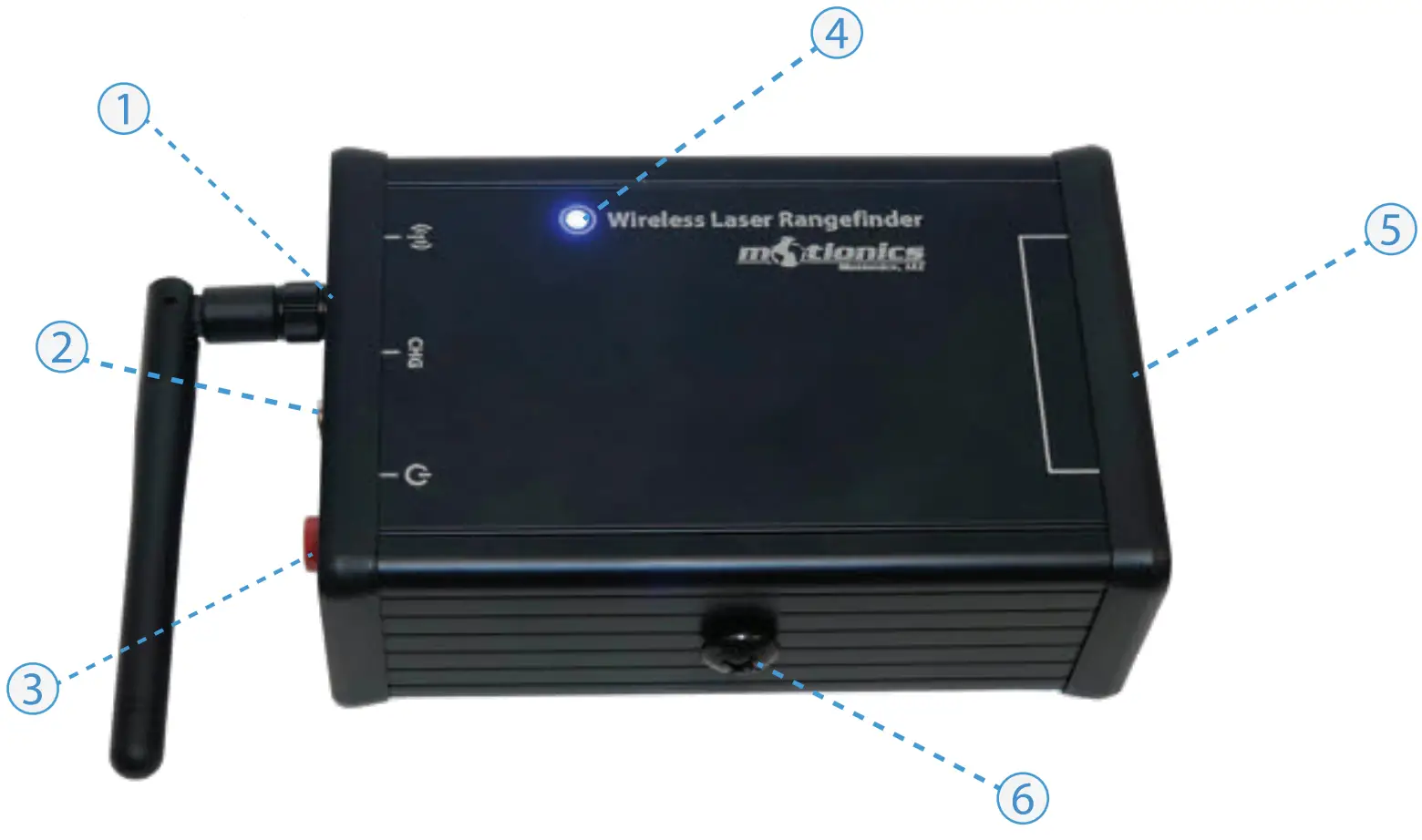
① Antenna
② Charge Port – connect to USB power adapter via provided USB to barrel cable to charge WLRF
③ On/O” Button – press to turn WLRF on/o!
④ Tri-Color LED – Device is on
 – Device is in charge
 – Device is fully charged
⑤ Laser Sensor
⑥ Mounting Hole – remove the cap screw and connect to a tripod or other mounting system with 1/4-20 thread
Included in the box
- WLRF Base 1X
- USB Charging Cable 1X
- USB Power Adapter 1X
- User Guide 1X
Compatible Software
- iOS: MultiGage Reader
- iOS App can be directly downloaded from the App Store for FREE.
Quick Start
- Turn on your WLRF.
- Run Multi Gage Reader App on iPhone or iPad.
- In the main page, tap + button to bring up a new pairing page.
- Wait for the software to “nish scanning nearby devices, select WLRFXXX to connect.
- Connection may take a few seconds, once paired, instrument reading shows in the software.
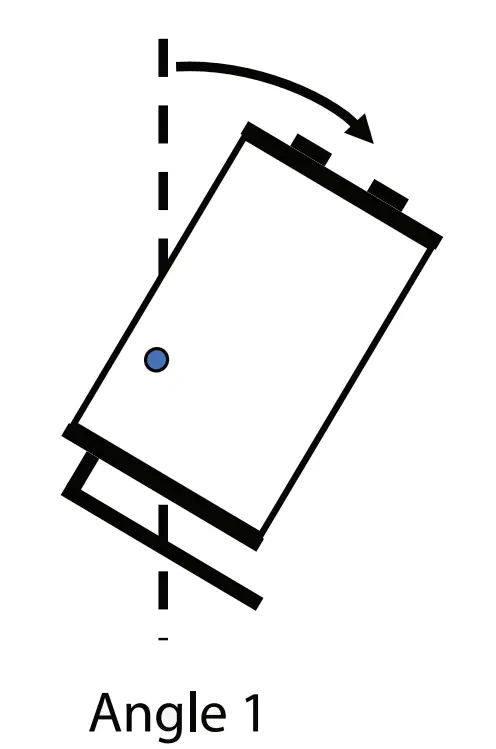
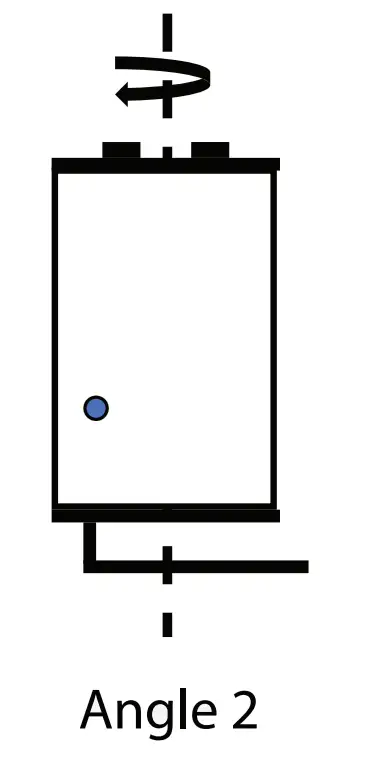
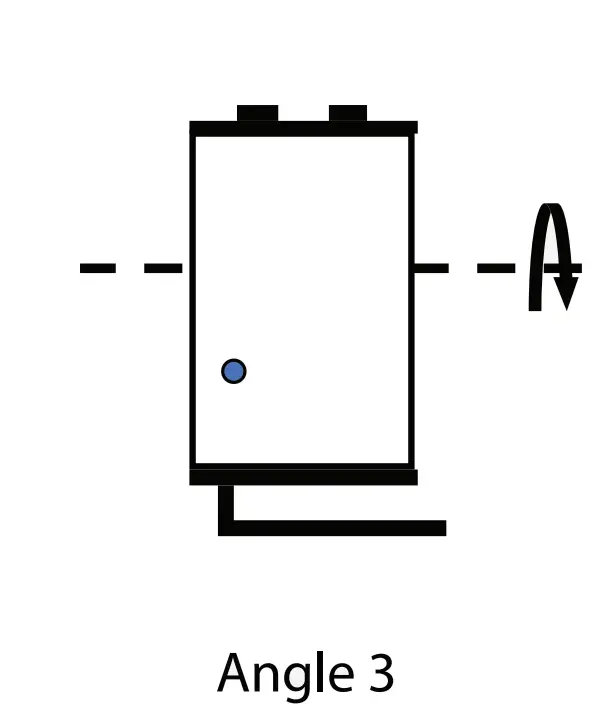
- To activate angle reading, tap More-Setting and toggle activation switch for angle measurement.
- Select corresponding angle based on device rotation direction as illustrated below.


- To view sensor status and change data update rate, tap device name WLRFXXX in the main page.
Motionics, LLC www.motionics.com [email protected]
8500 Shoal Creek Blvd Building 4 Suite 209, Austin, TX, 78757
© 2018 Motionics, LLC. All rights reserved. Made in the U.S.A

 Motionics LLC – Smart Tools for Monitoring and Diagnostics of Machinery