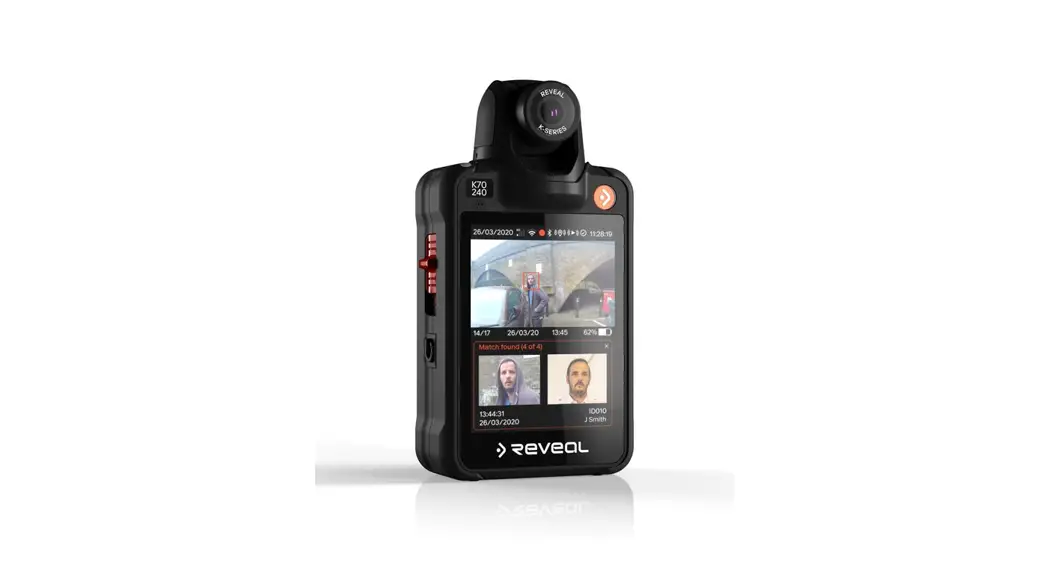
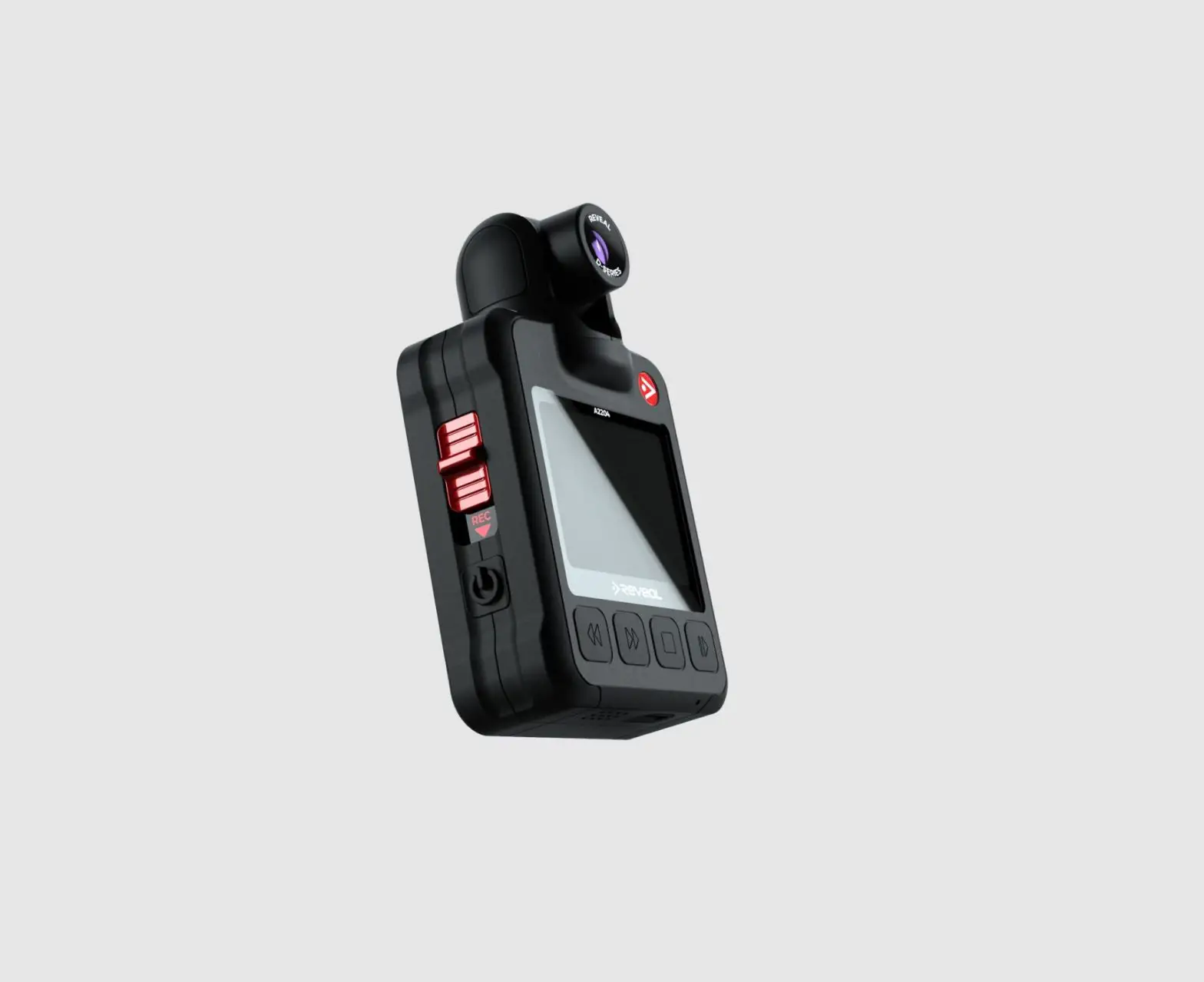
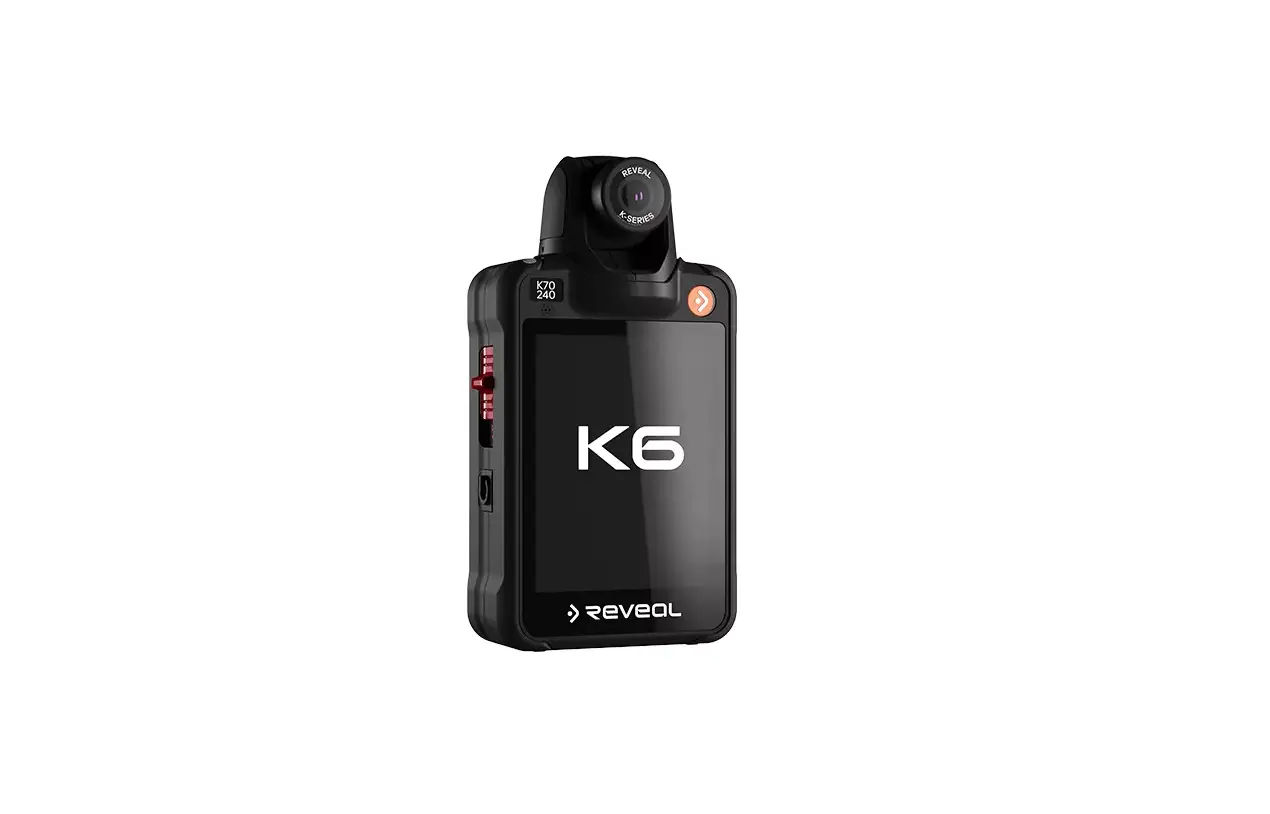
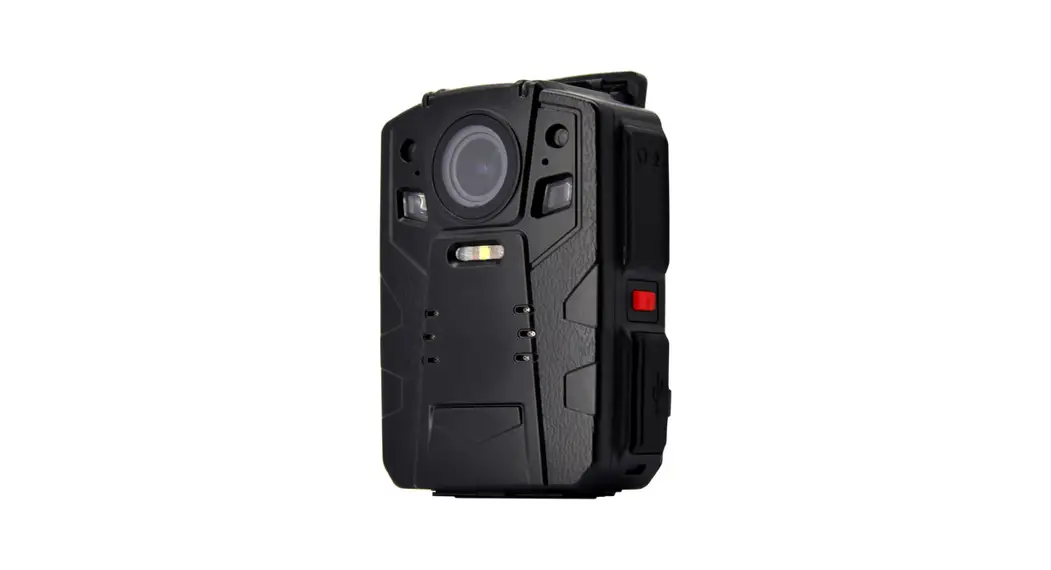
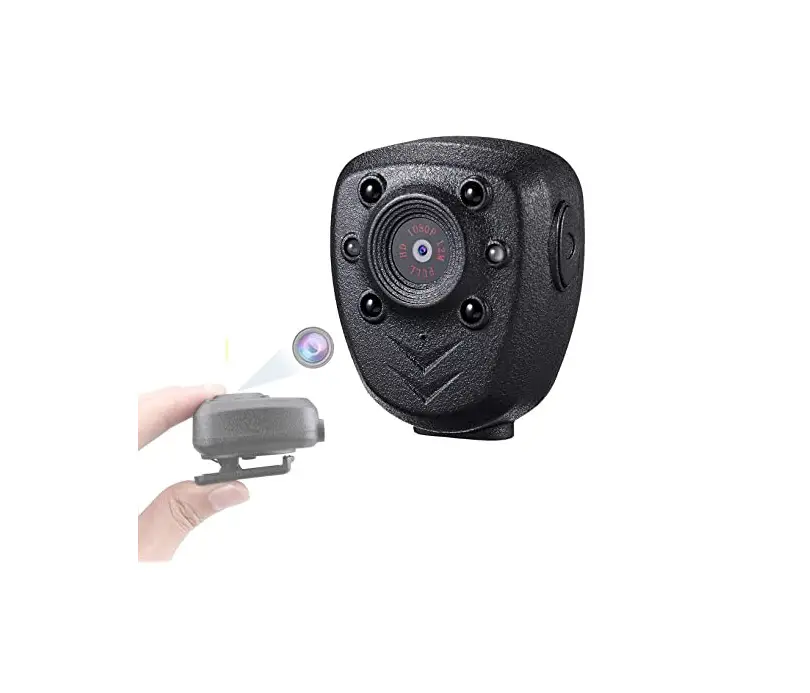
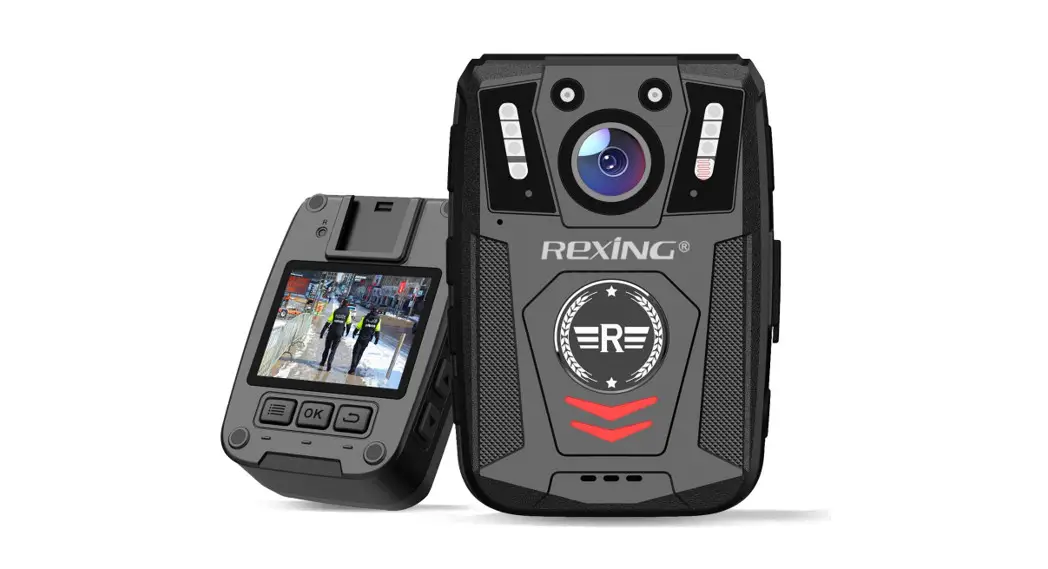
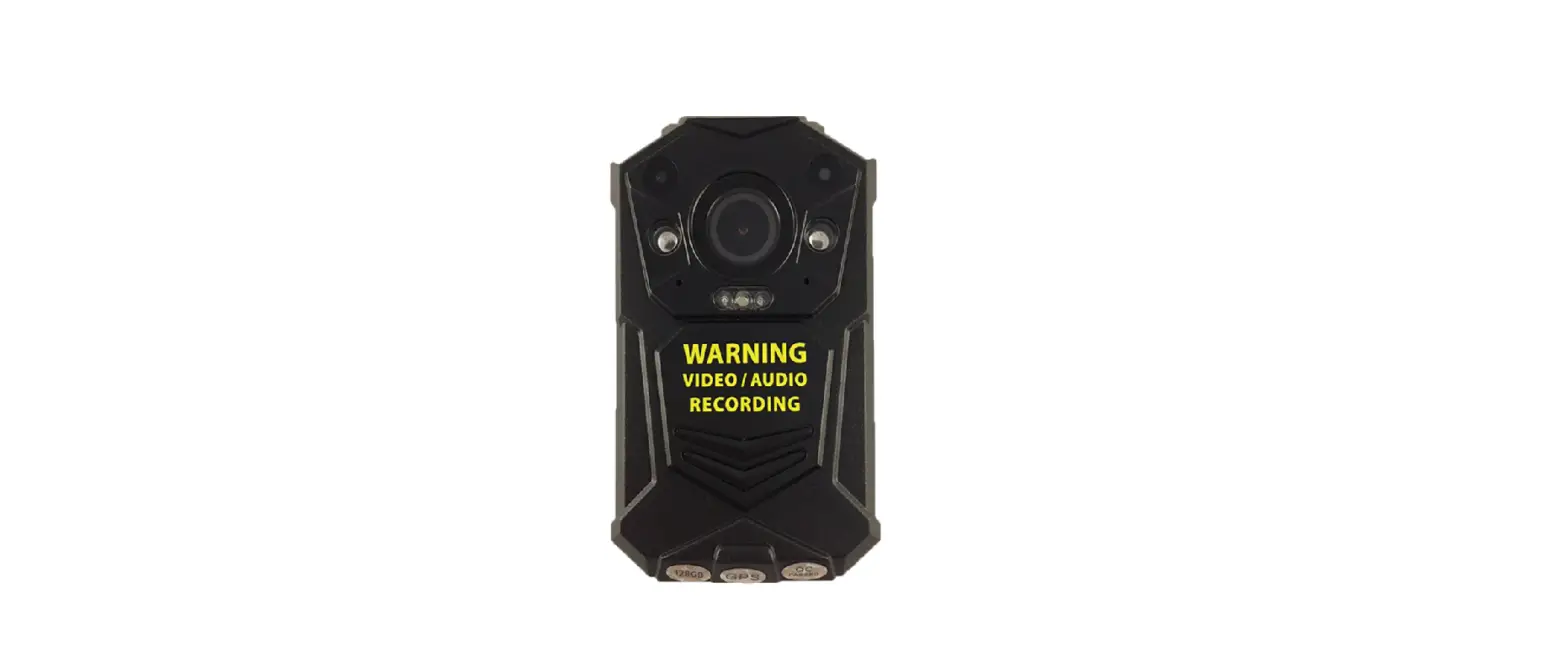
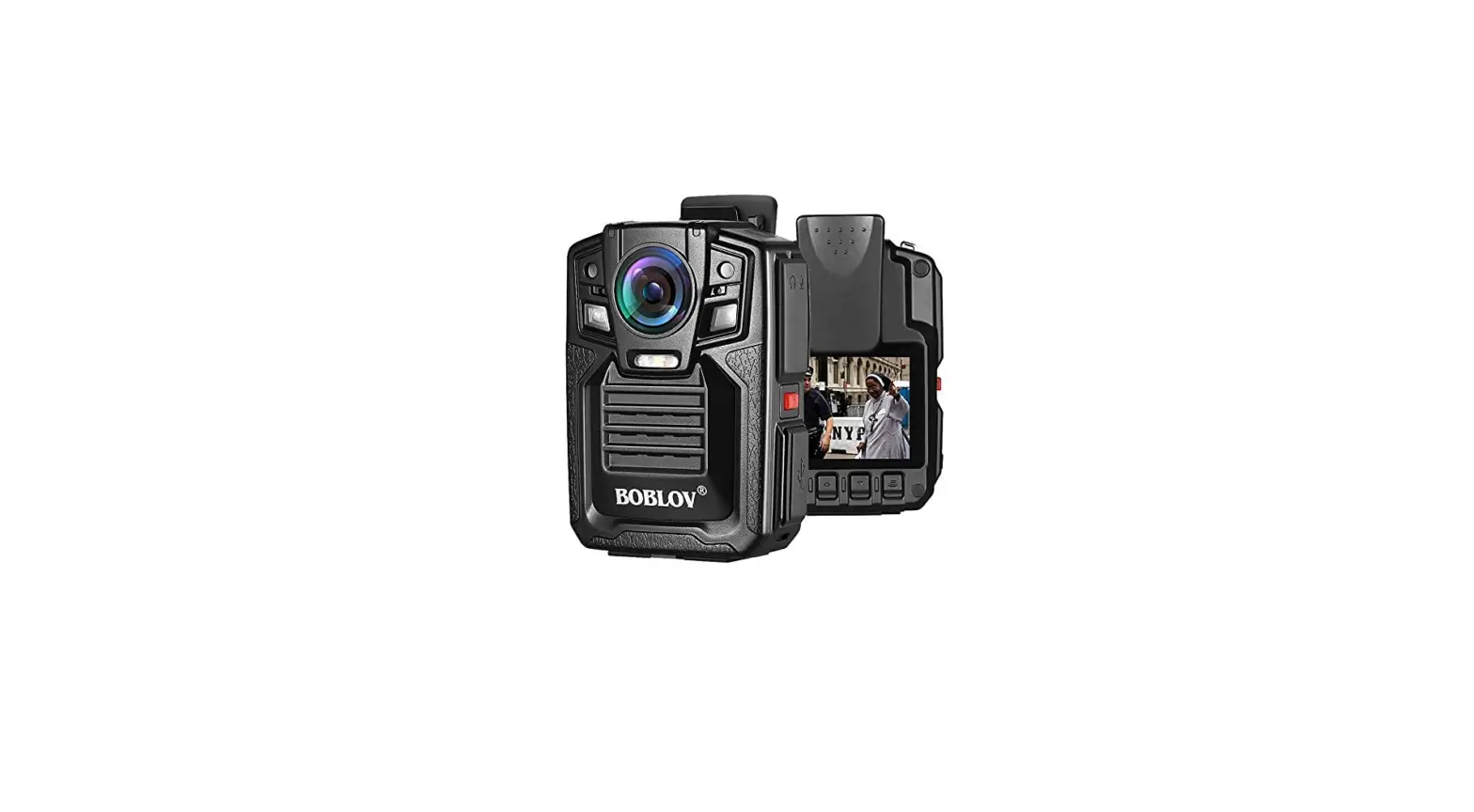
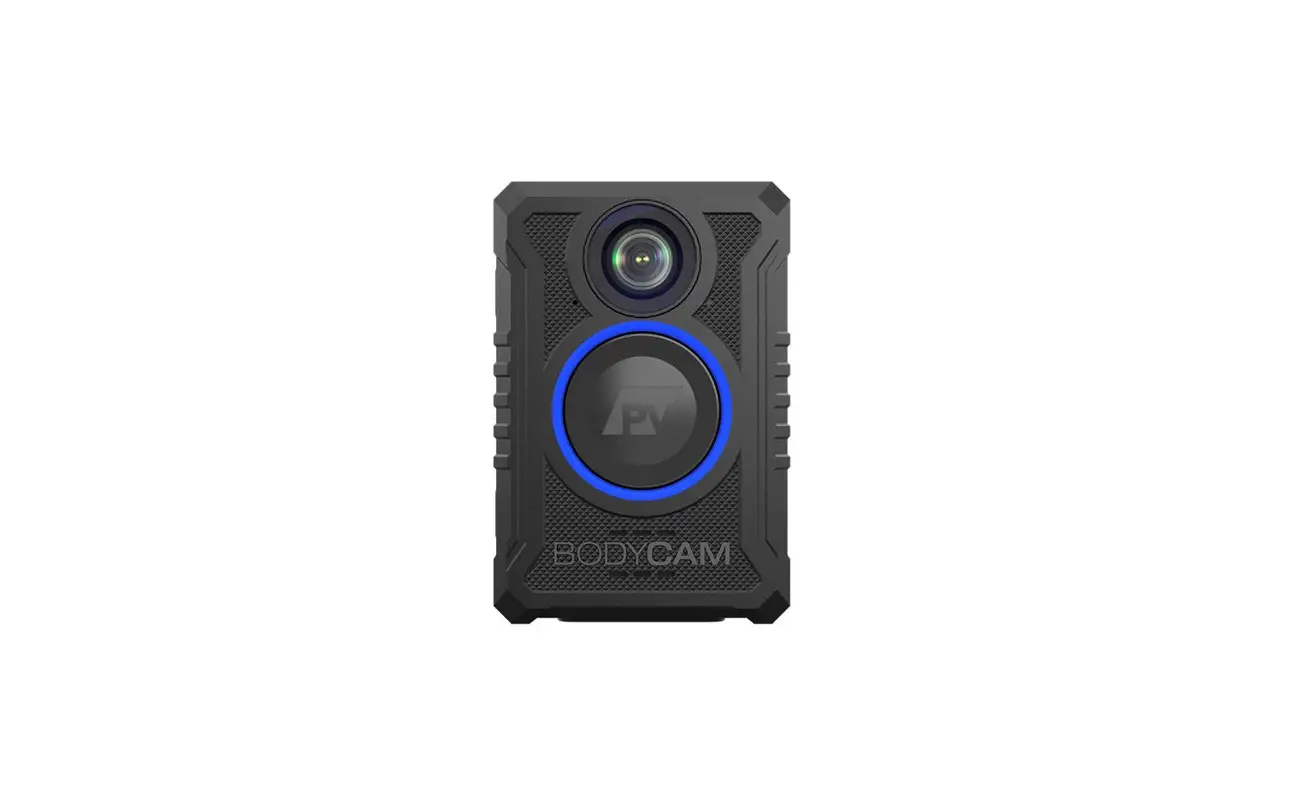
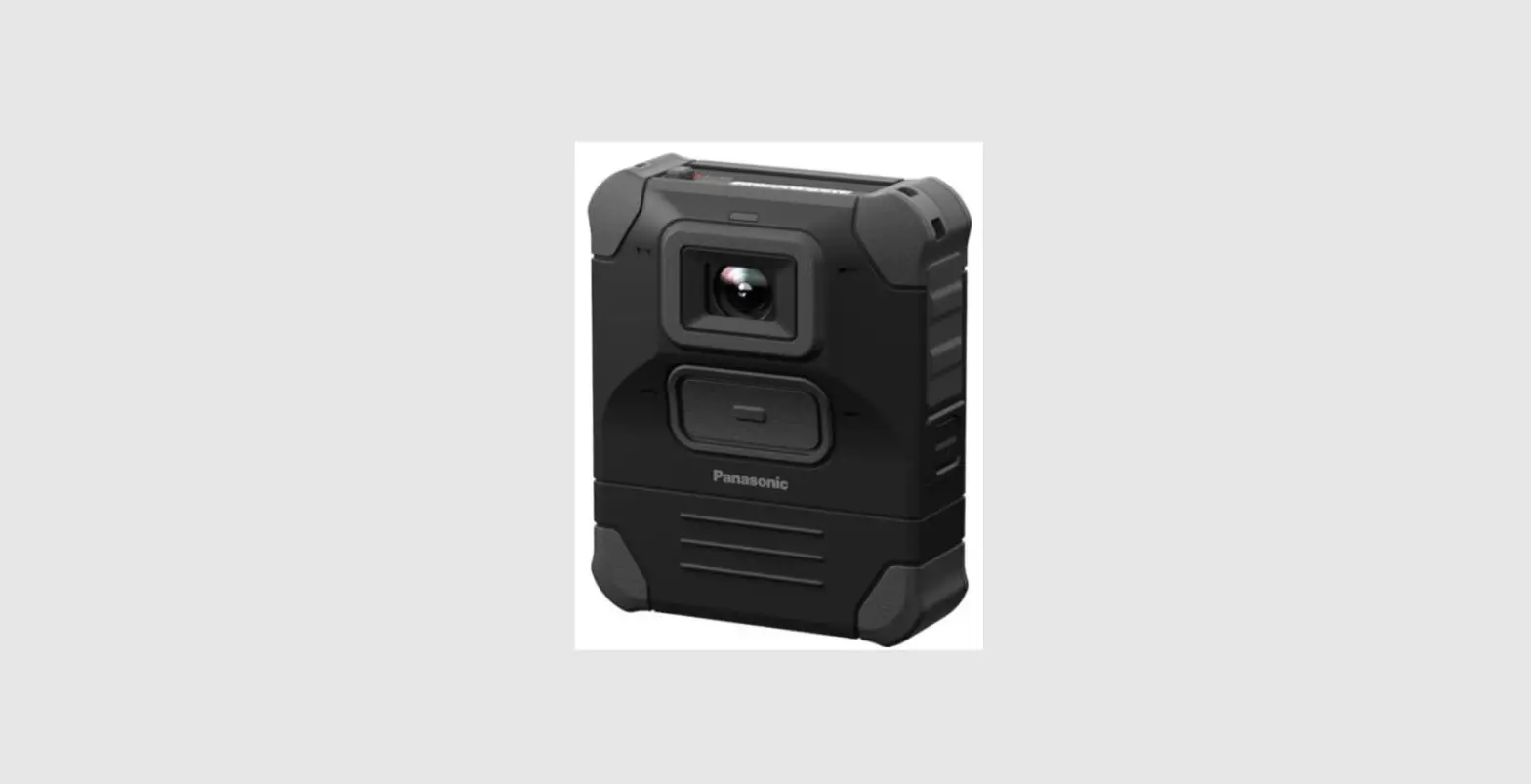
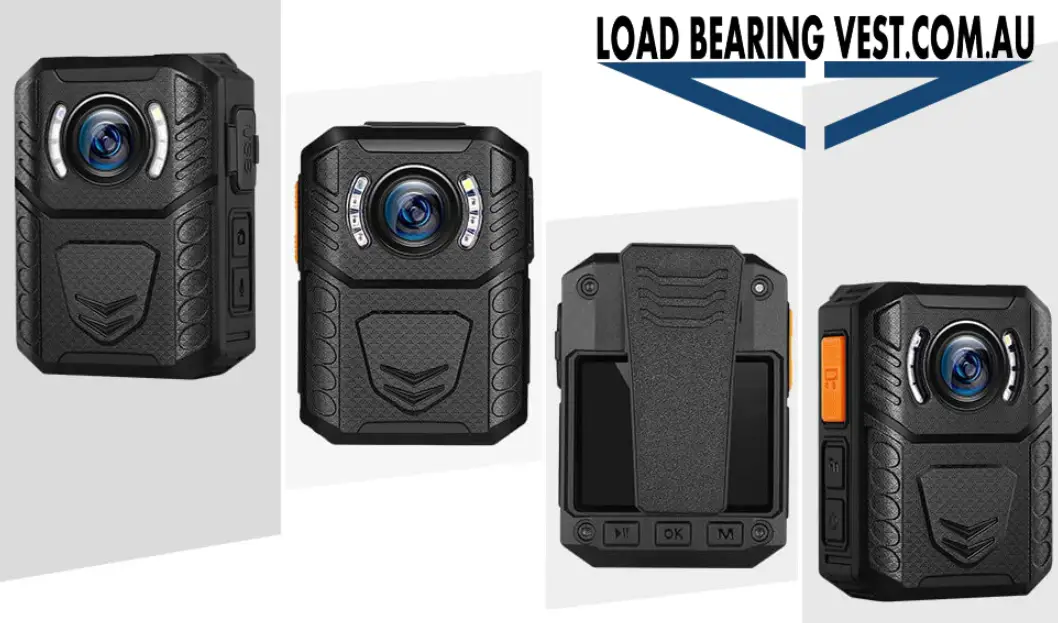
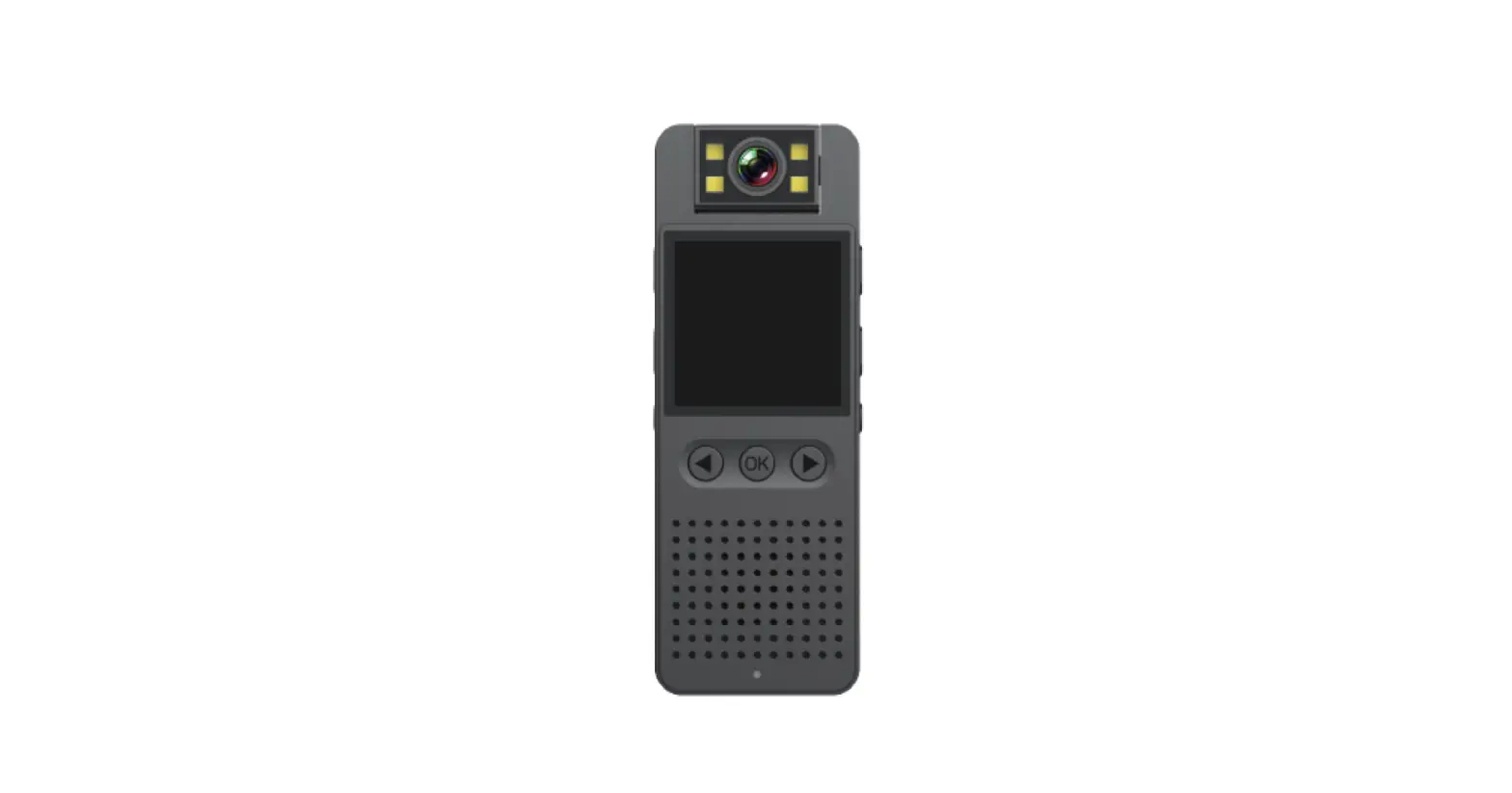
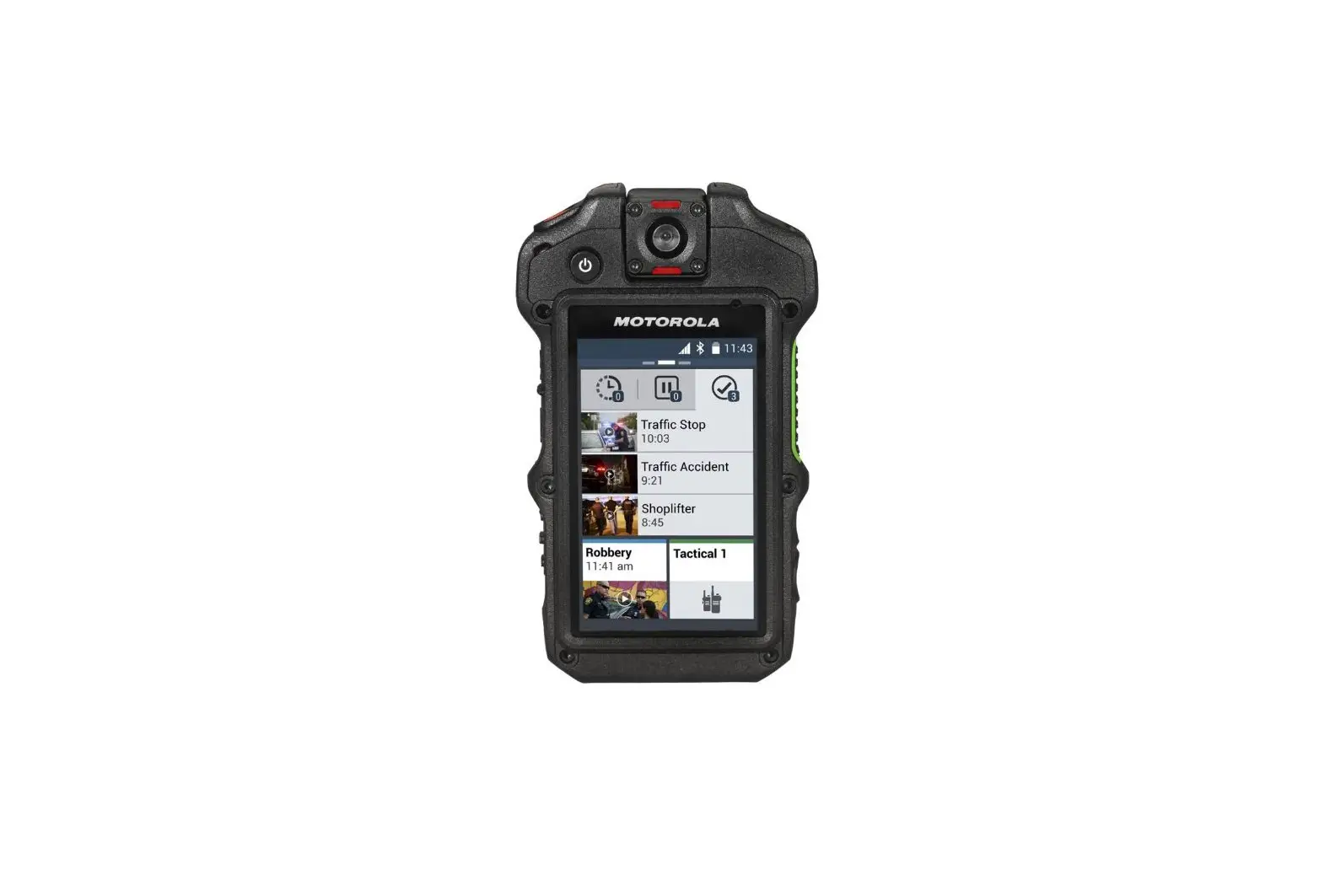
K6 Body Worn Camera
Product Information
Product Name: EUT
Report No.: AGC02762220807AP02
External Photos
- Page 1: View of EUT (Top View)
- Page 2: View of EUT (Bottom View)
- Page 3: View of EUT (Front View)
- Page 4: View of EUT (Back View)
- Page 5: View of EUT (Left View)
- Page 6: View of EUT (Right View)
Product Usage Instructions
- Ensure that the EUT is placed on a stable surface.
- Connect the necessary power cables to the EUT.
- To power on the EUT, locate the power button on the device and
press it. - Wait for the device to boot up and initialize.
- Once the device is ready, you can start using it according to
its intended purpose. - If you need further assistance or have any questions, please
refer to the user manual or contact our customer support.
Report No.: AGC02762220807AP02 Page 1 of 4
EXTERNAL PHOTOS
All VIEW OF EUT
TOP VIEW OF EUT
Report No.: AGC02762220807AP02 Page 2 of 4
BOTTOM VIEW OF EUT
FRONT VIEW OF EUT
Report No.: AGC02762220807AP02 Page 3 of 4
BACK VIEW OF EUT
LEFT VIEW OF EUT
Report No.: AGC02762220807AP02 Page 4 of 4
RIGHT VIEW OF EUT
****************************************End of Report****************************************