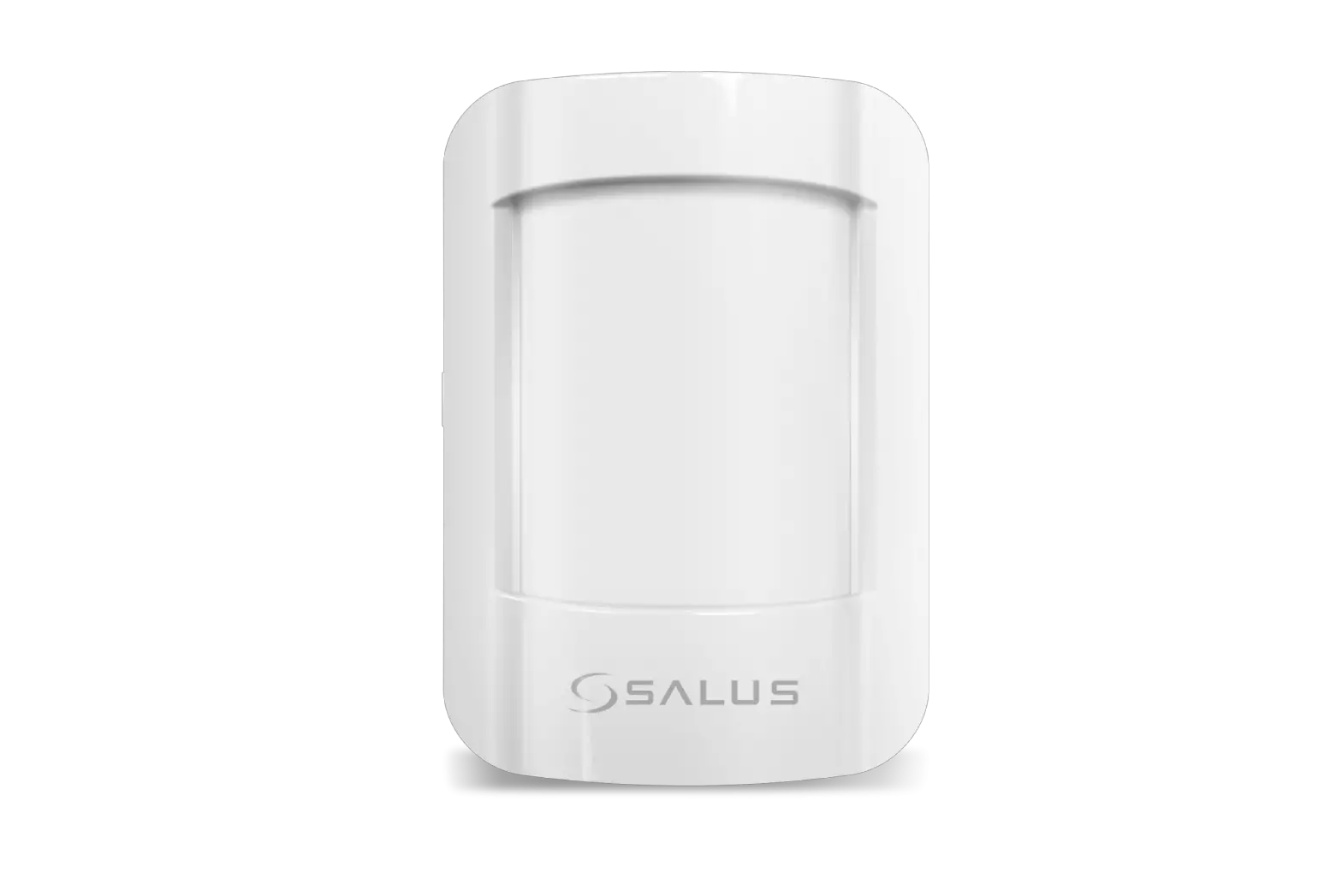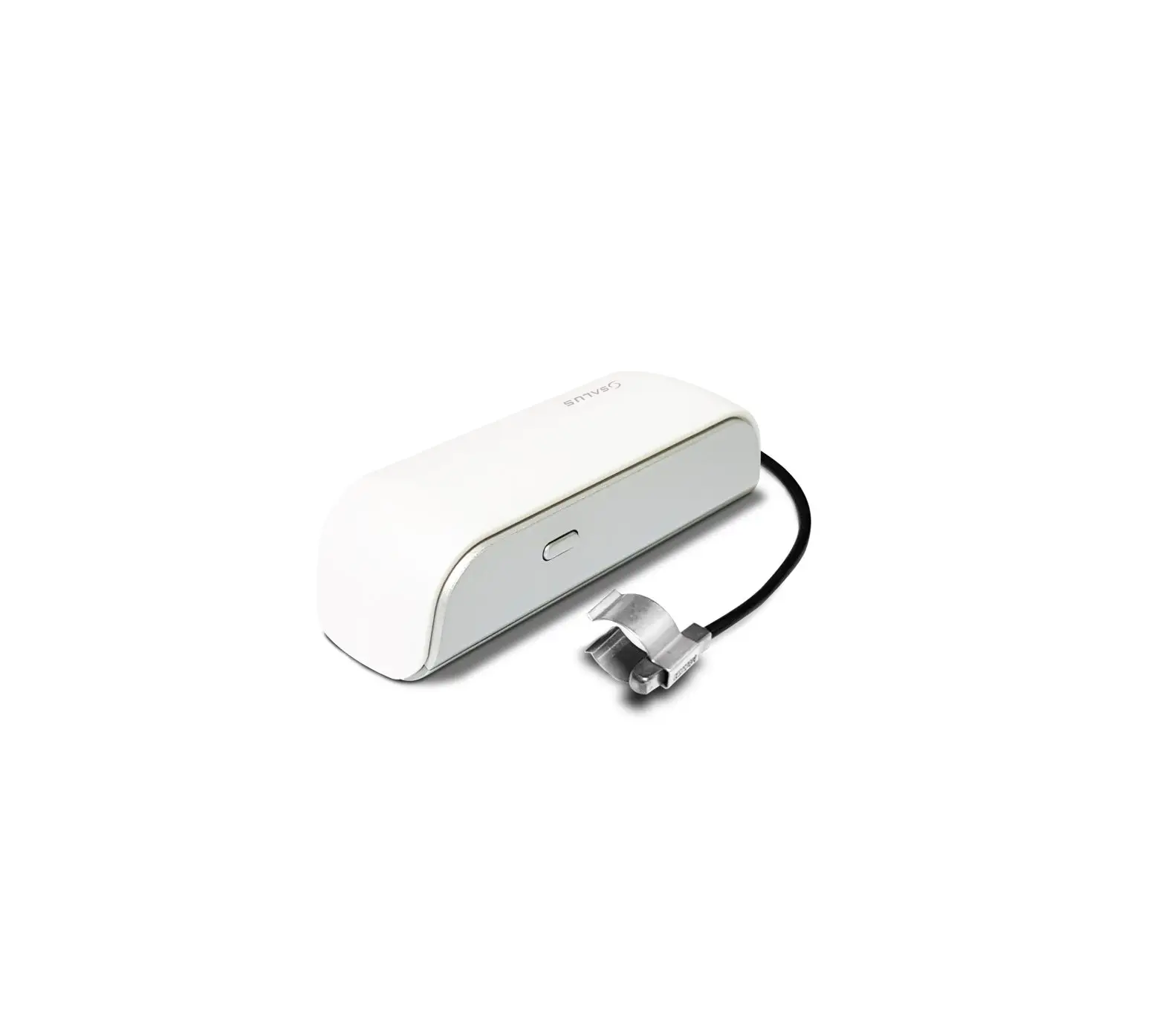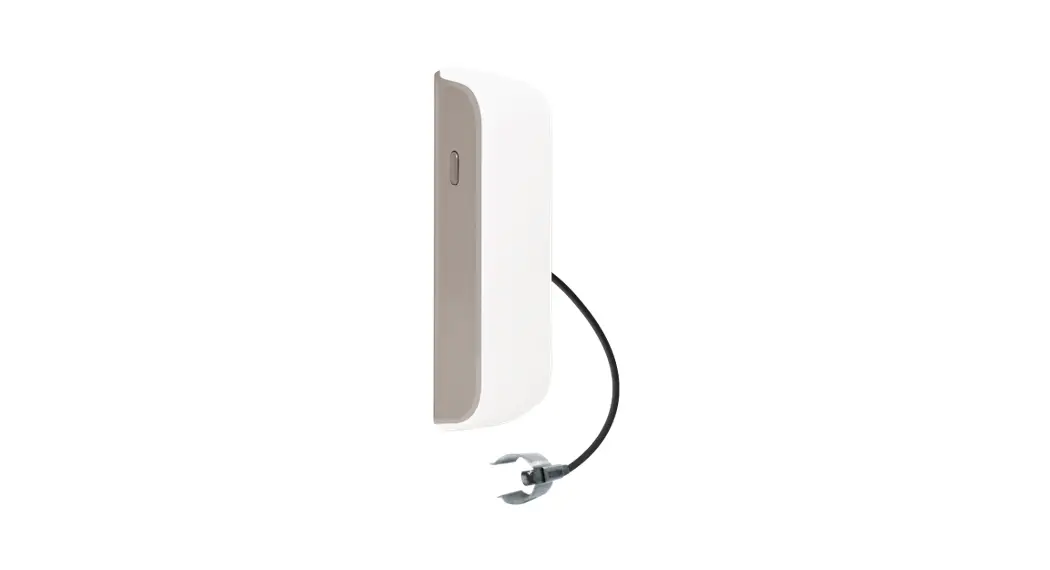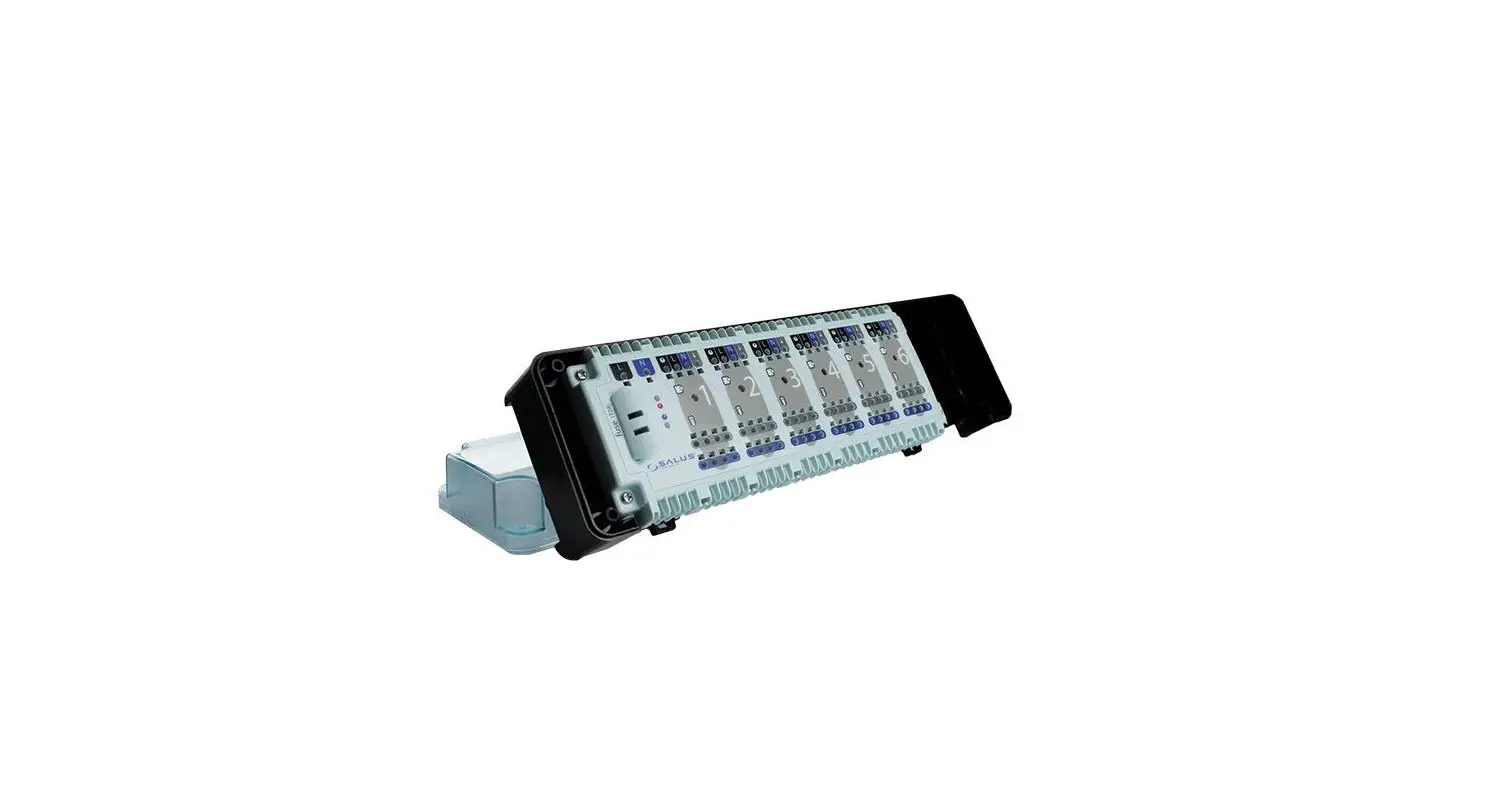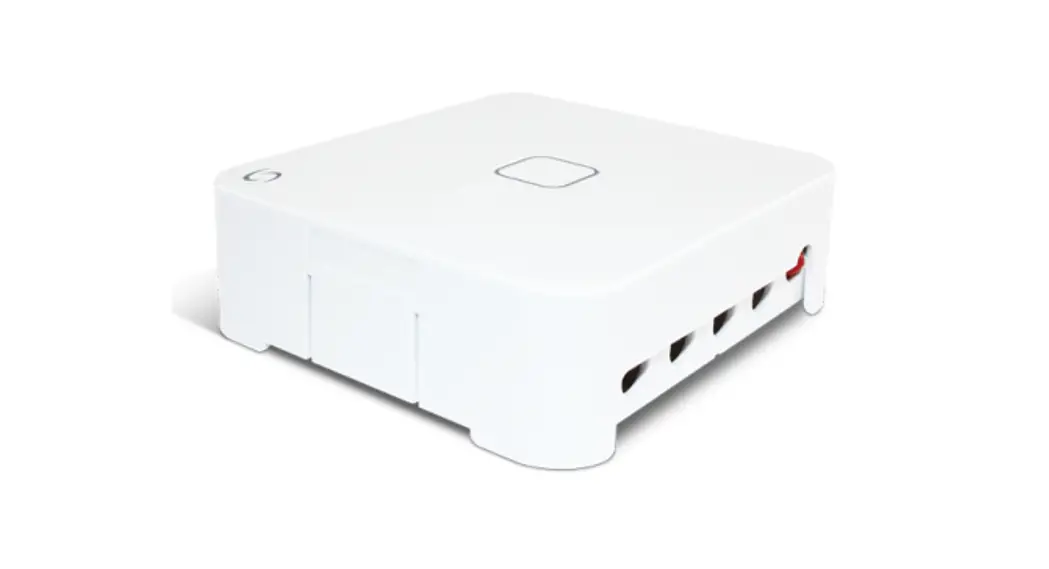
 ECM600 Electric Monitor 6V – Smart Home Range
User Guide
INTRODUCTION
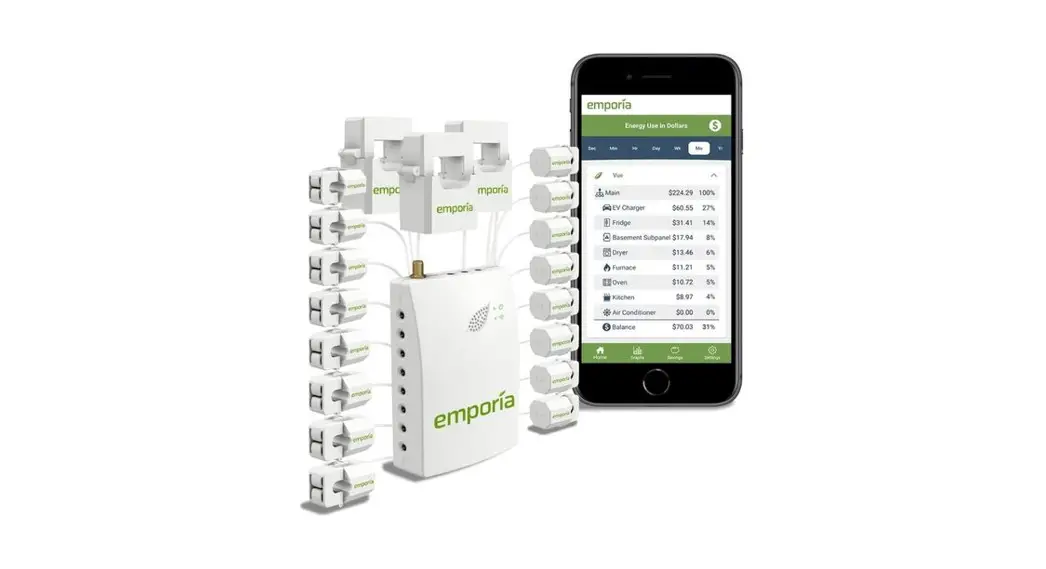
Electric Monitors measure and record electricity consumption to help supplement a user’s understanding of their energy usage on a circuit by circuit basis. This information can e helpful for those wanting to reduce energy usage or adopt energy-saving behaviors by providing deeper insights into areas of their home where more energy is being used
than others. This product must be used with the Universal Gateway (UG600/ UGE600) and the Salus Smart Home App Go to www.salus-smarthome.com for the PDF version of the manual.
Product Compliance
SALUS declares that this product complies with the essential requirements and other relevant provisions of Directive 2014/53/EU and 2011/65/EU. The full text of the EU Declaration of Conformity is available at the following Internet address: www.saluslegal.com.
 Safety Information
Use in compliance with safety regulations. The unit is to be used for measuring the current flow only. This accessory must be fitted by a competent person, and installation must comply with the guidance, standards, and regulations applicable to the city, country, or state where the product is installed. Failure to comply with the relevant standards could lead to prosecution. Always isolate the AC Mains supply before installing or working on any components that require a 230 VAC 50Hz supply. Please use 4 AA Alkaline, non-rechargeable batteries.
One phase fuse box Max 70Amp/clamp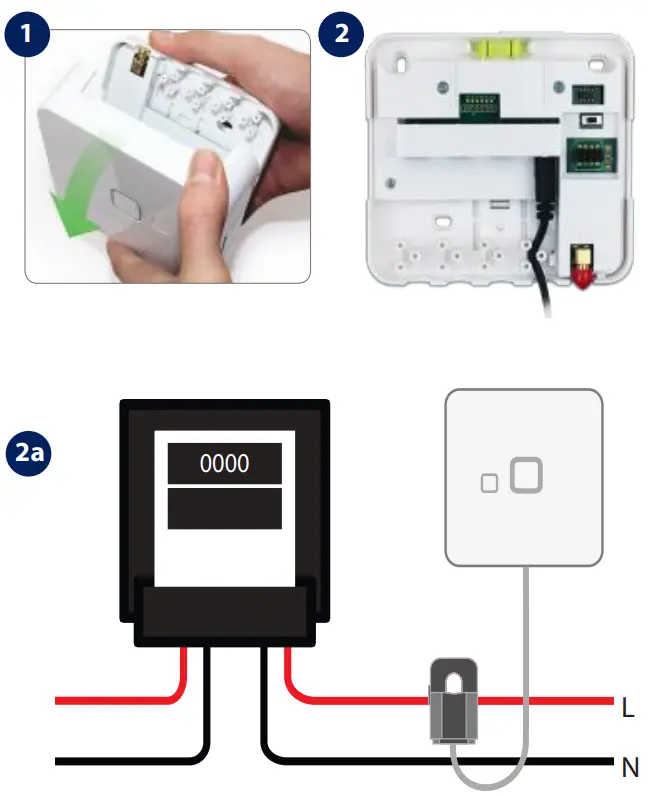
Three-phase fuse box. Max 70Amp/clamp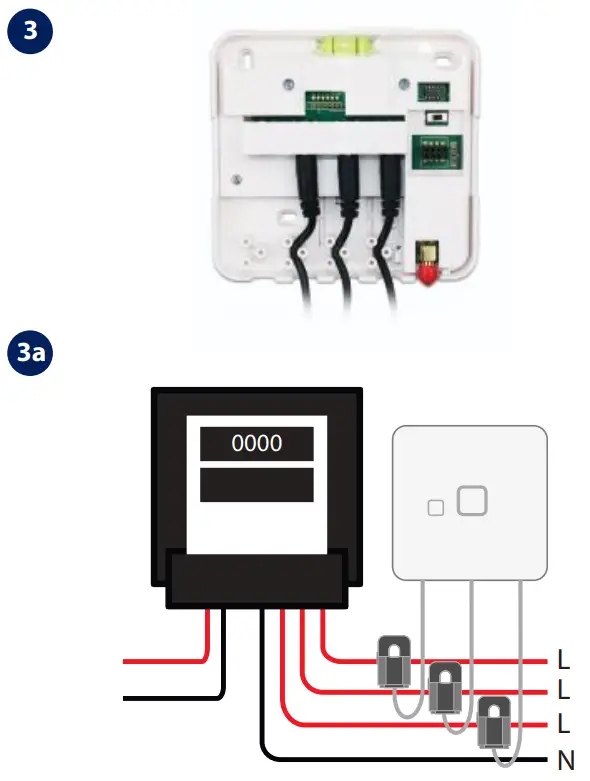
Please use 4 AA Alkaline, non-rechargeable batteries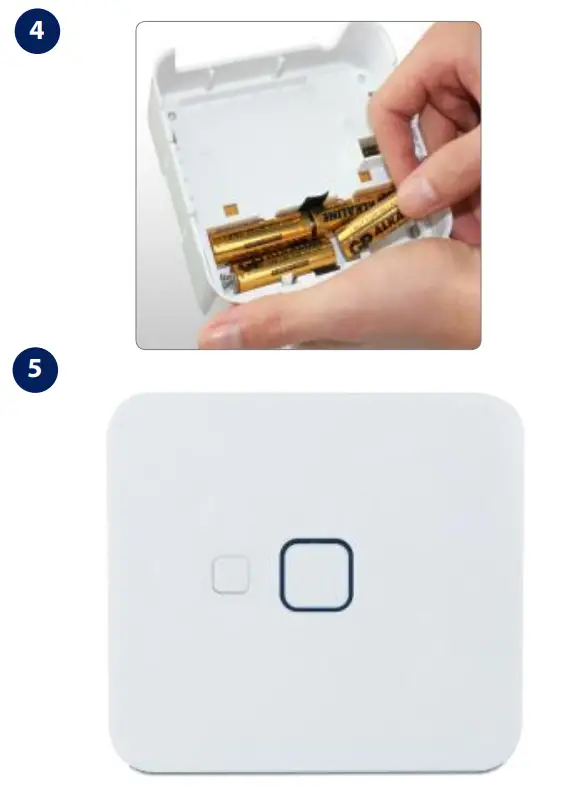
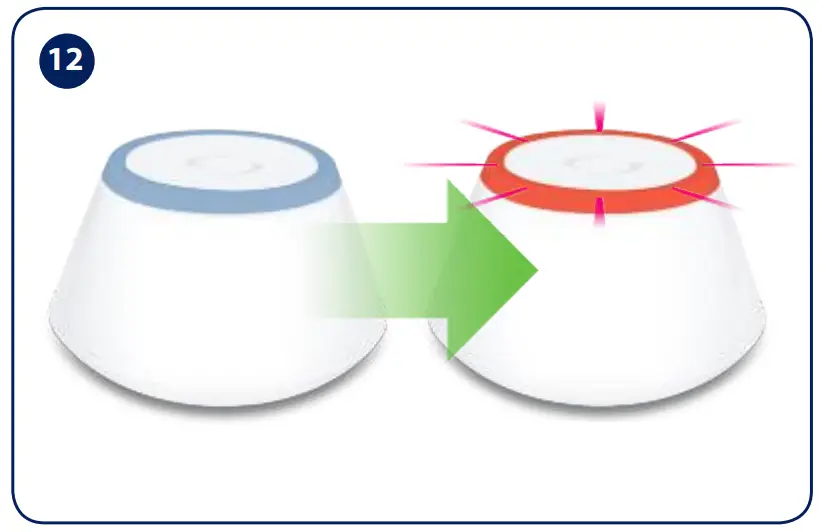
After initialization, the LED will start flashing red.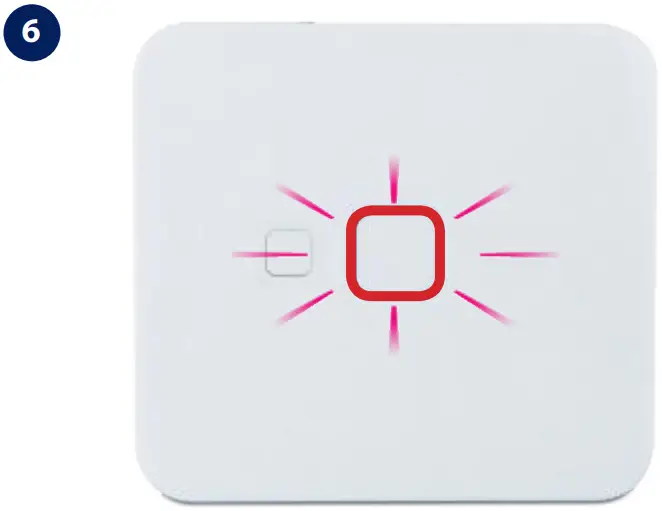
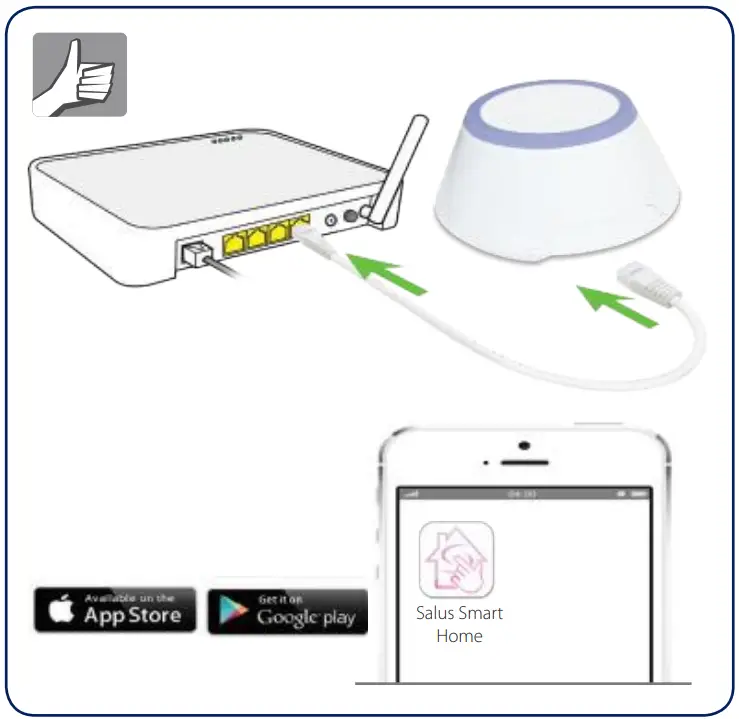
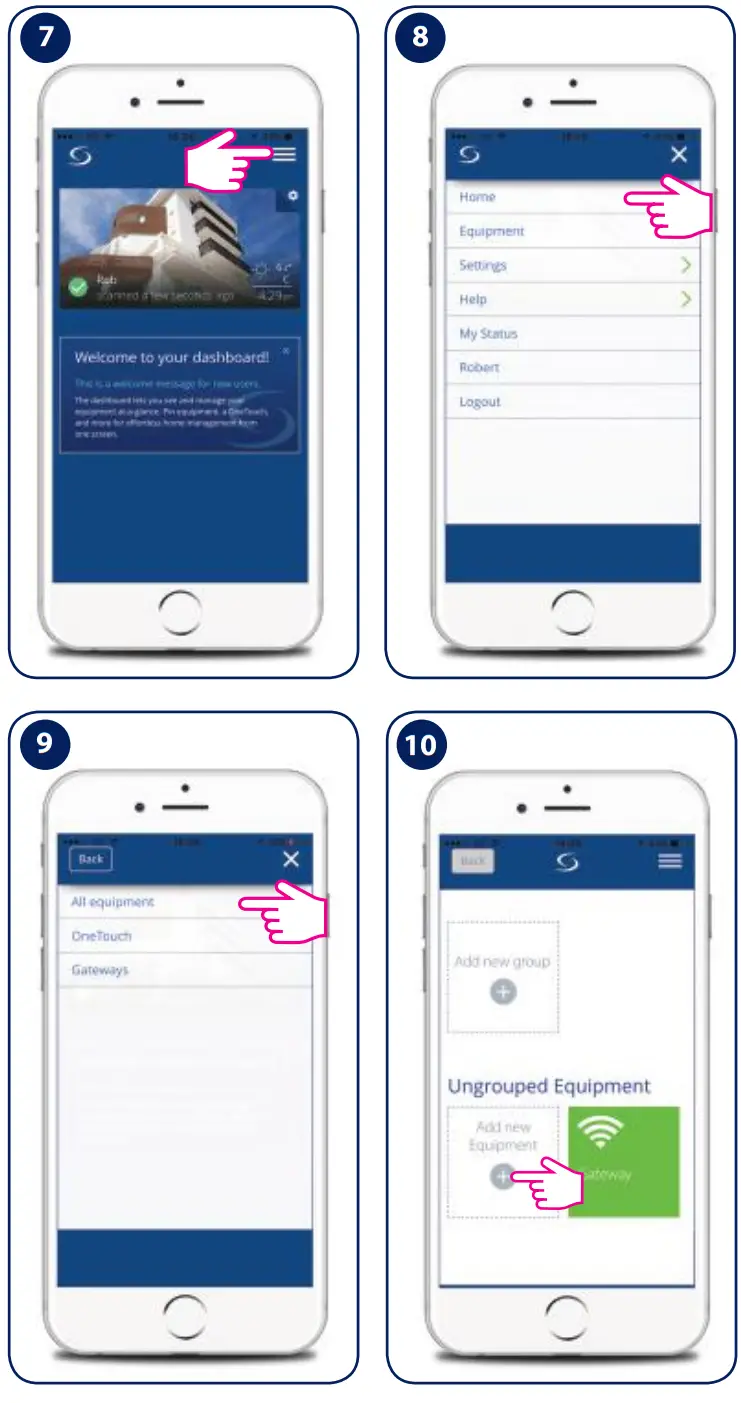

Success! Your Electric Monitor is now connected! You can control it directly from your Dashboard.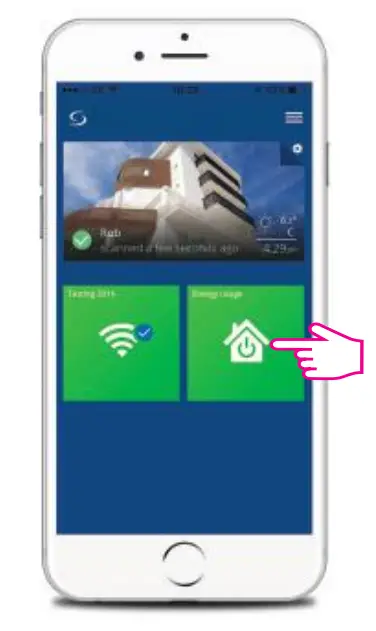

Tap on Connect equipment and follow the on-screen instructions. When you’re done, tap on Finished.
Factory Reset: Use only if you want to reset your device. Press the button for 10 sec. When the process is complete the LED will turn off.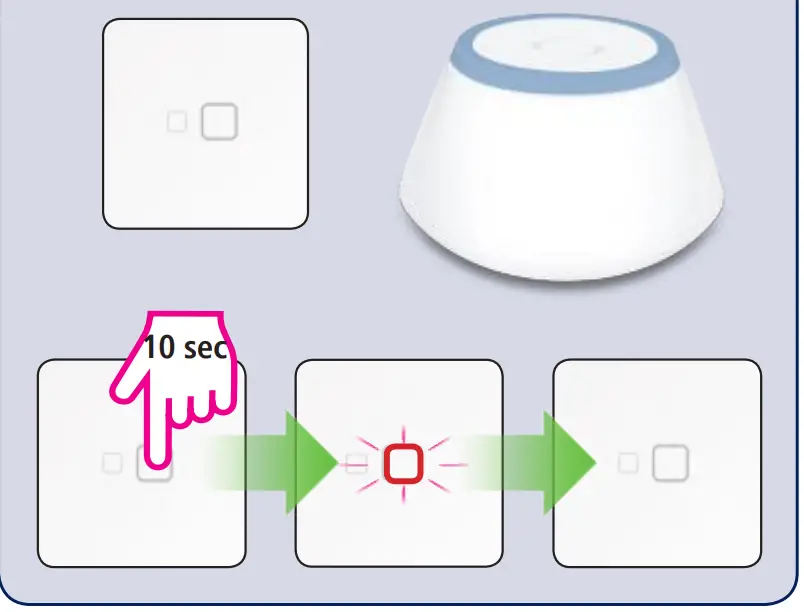
DISTRIBUTOR de SALUS CONTROLS:
Sysclima. Sistemas y Soluciones Climaticas.
Poligono La Serna Calle C,
Nave 6.14 31500
– TUDELA
– Navarra ESPANA
IM PORTER: QL CONTROLS
Sp. z o.o. Sp. k. ul. Rona 4, 43-262 Kobielice
PRODUCER:
Salus Limited 6/F, Building 20E, Phase 3, Hong Kong Science Park, 20 Science Park East Avenue, Shatin, New Territories, Hong Kong
www.Salus-controls.eu
www.sysclima.com

 SALUS Controls - intelligent temperature control
 Salus – Smart Technology for your comfort
 Salus – Smart Technology for your comfort
 Suelo radiante y Soluciones climáticas - Sysclima