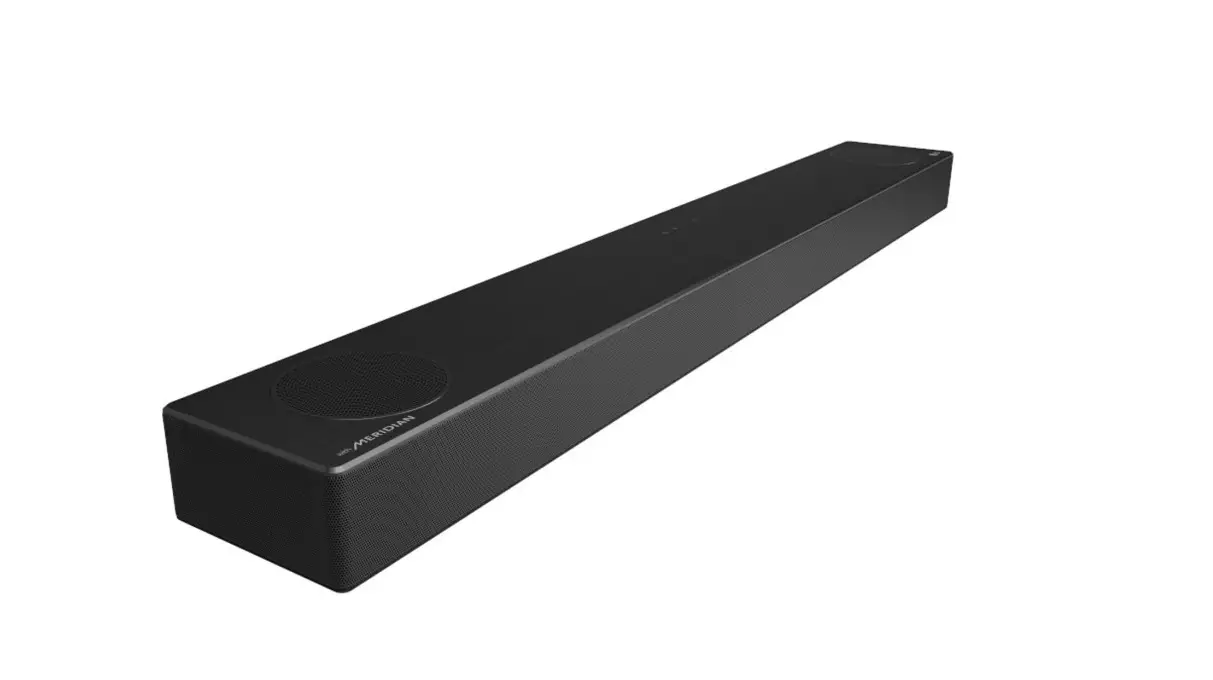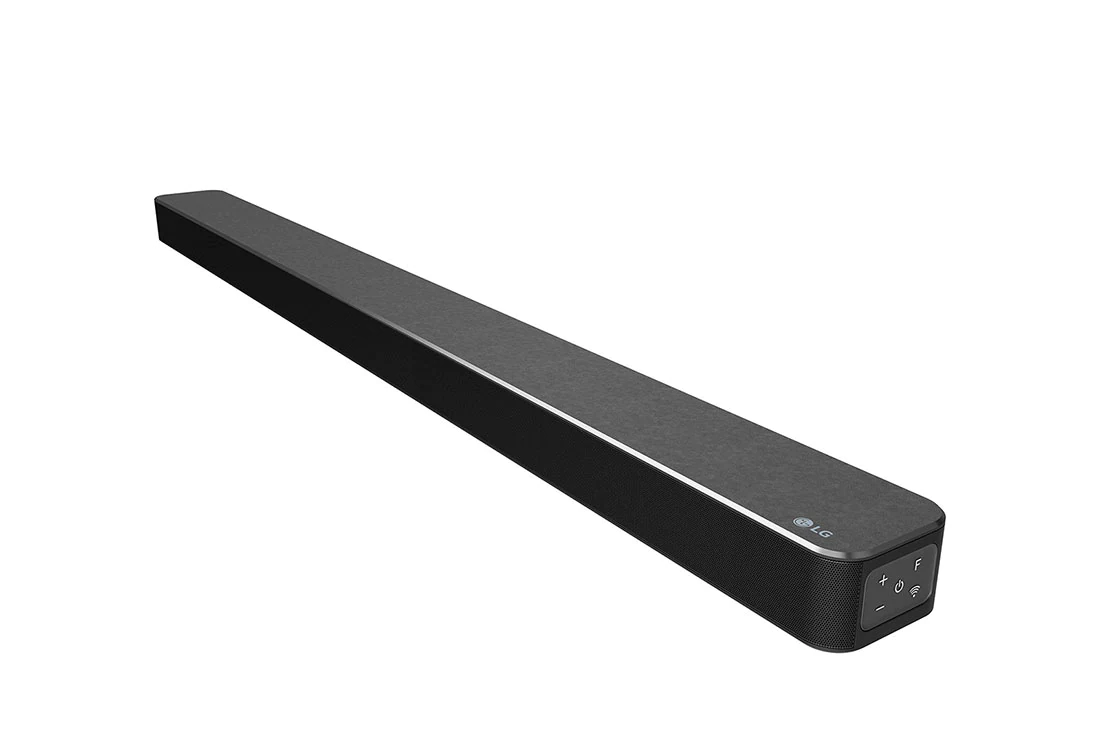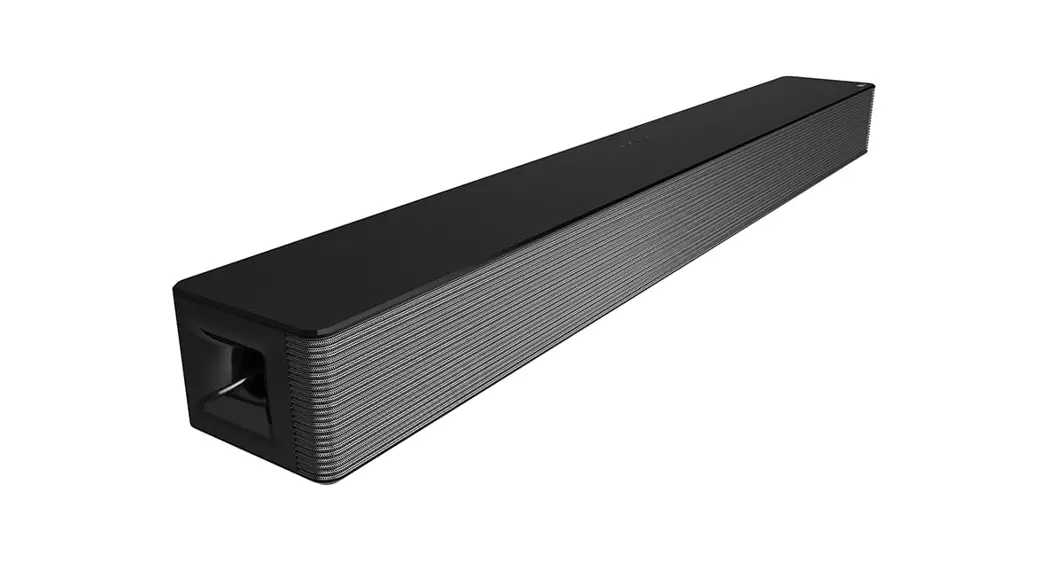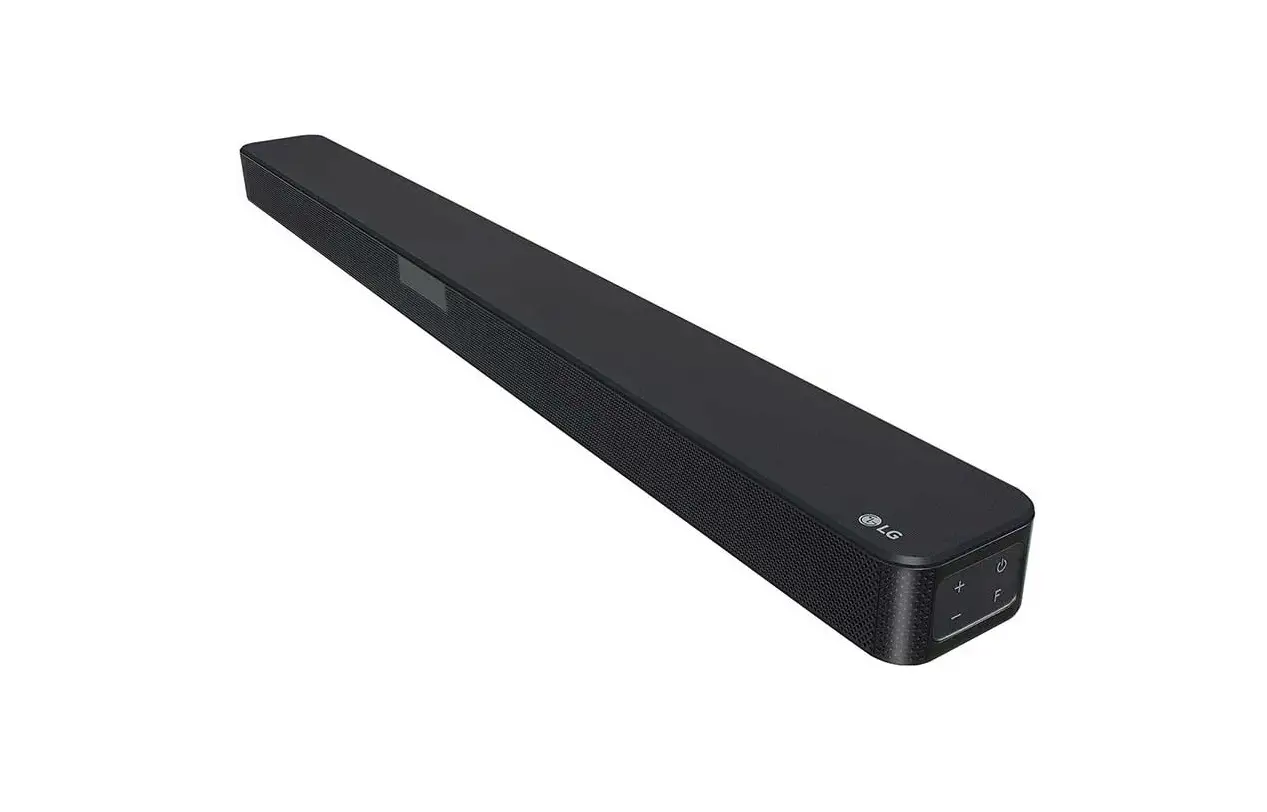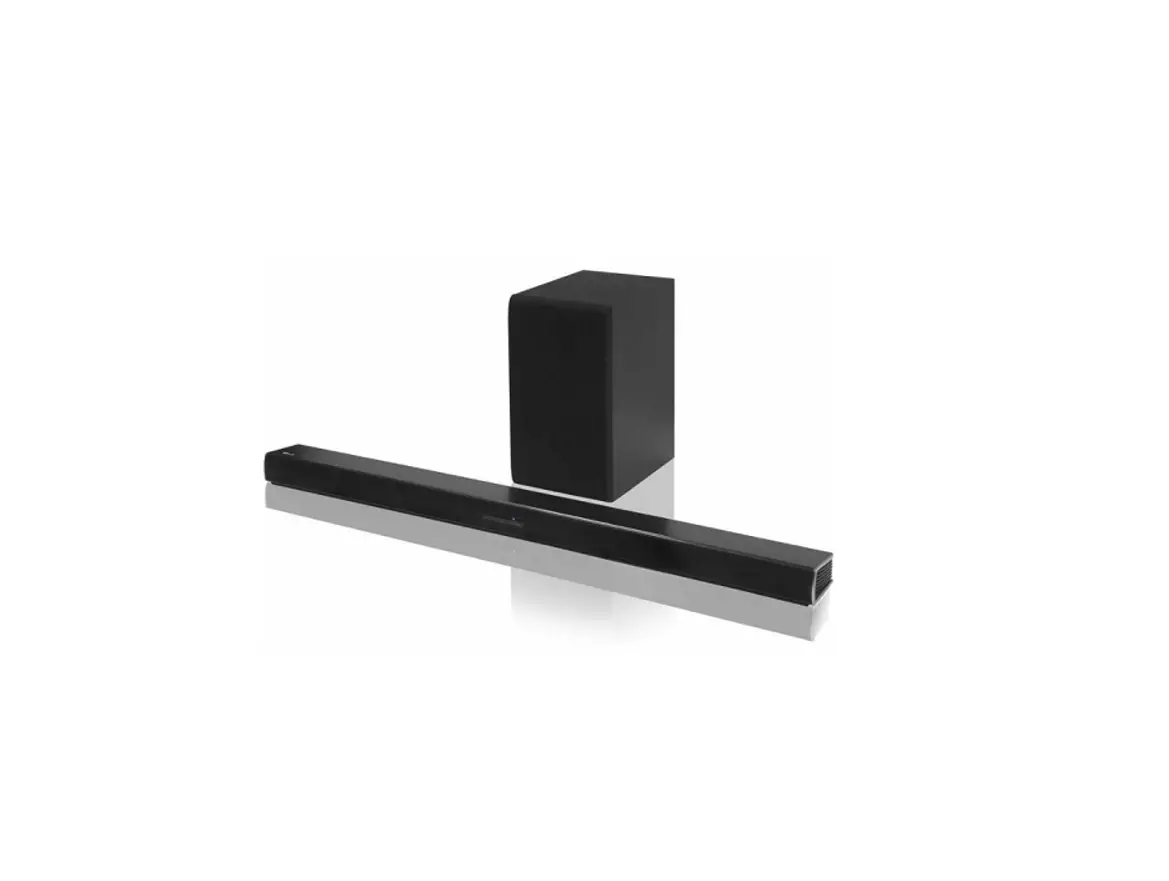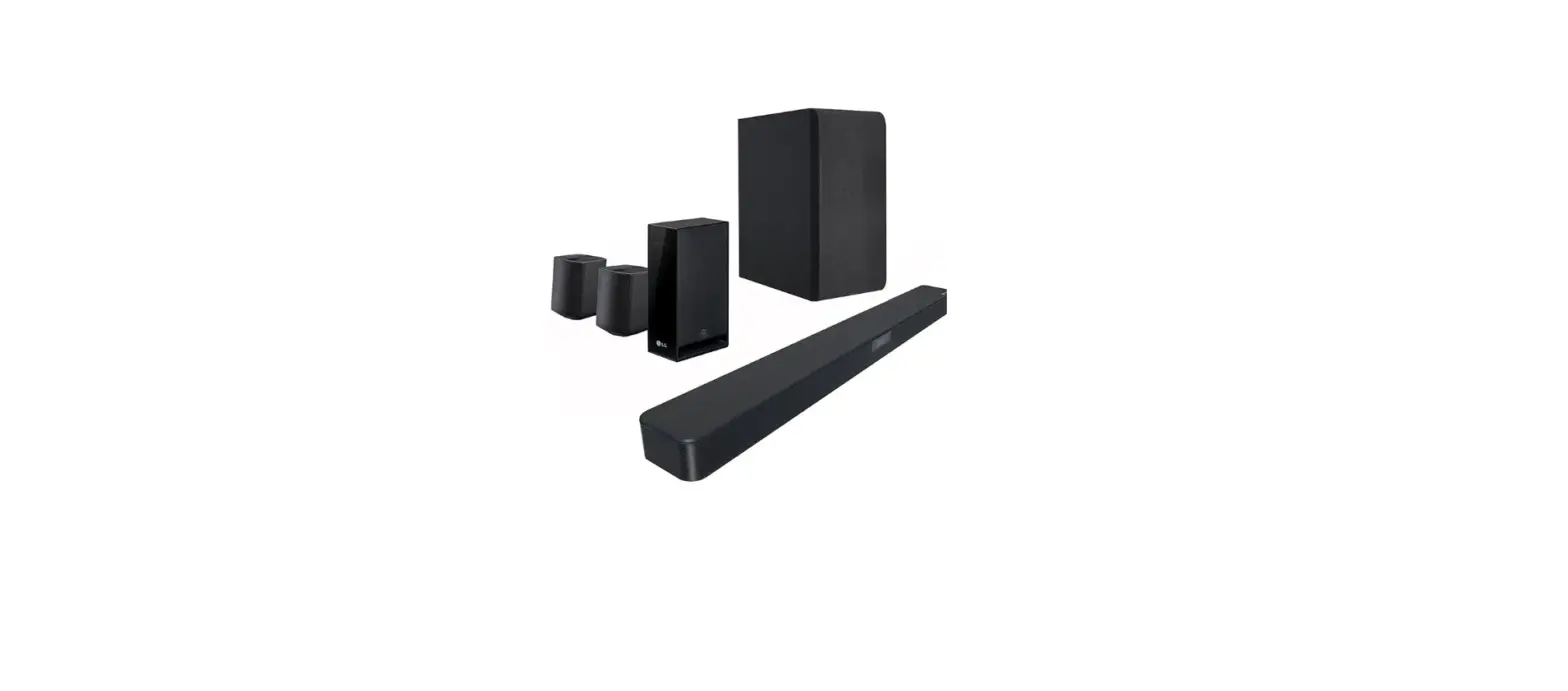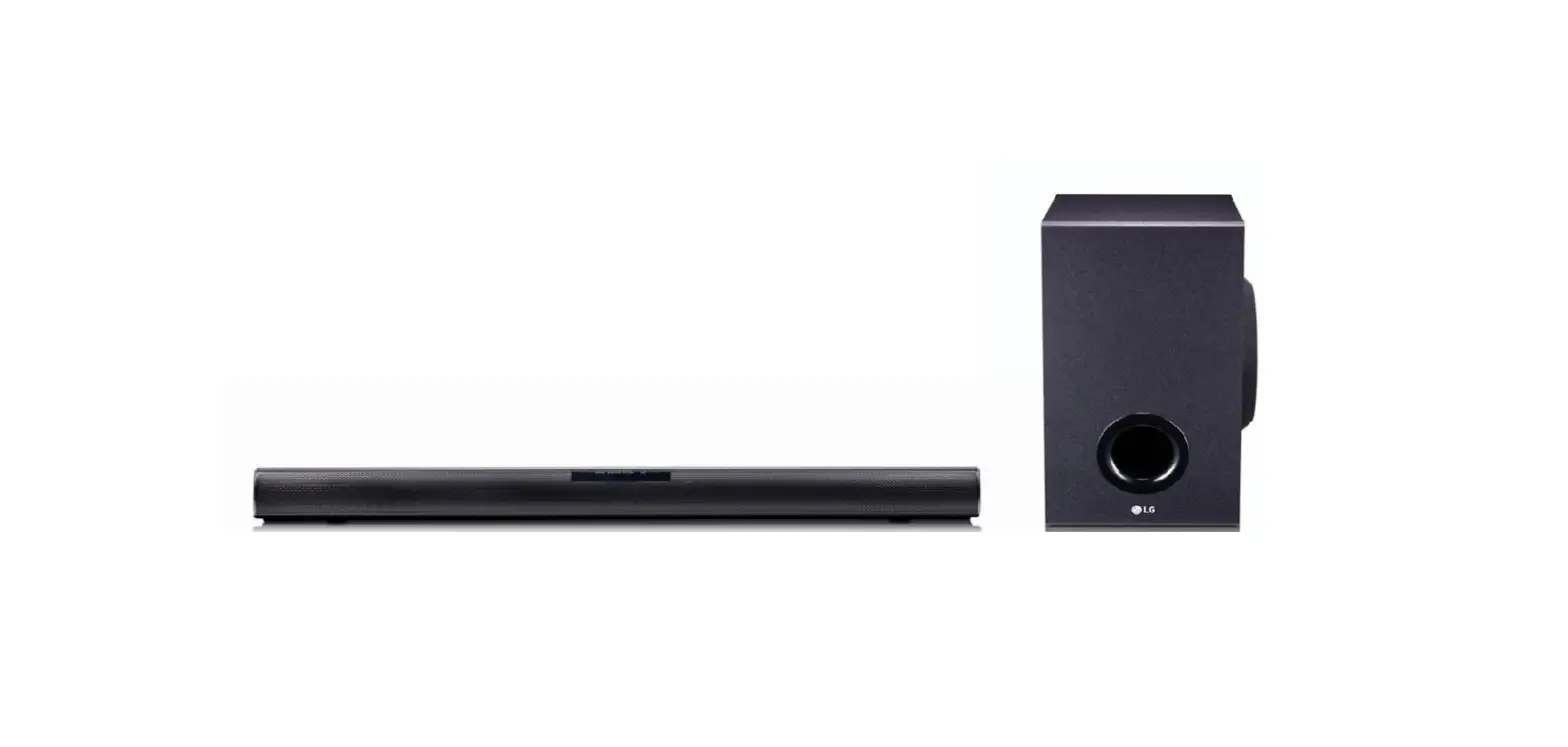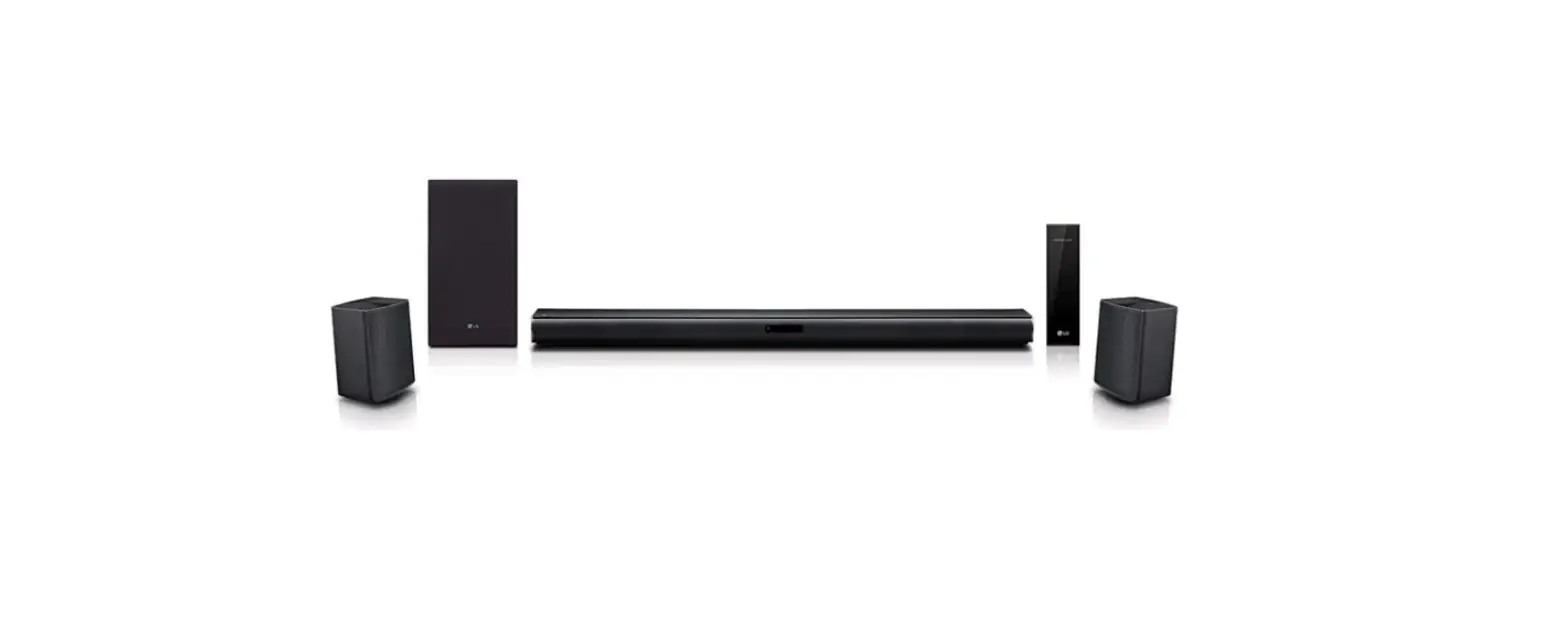

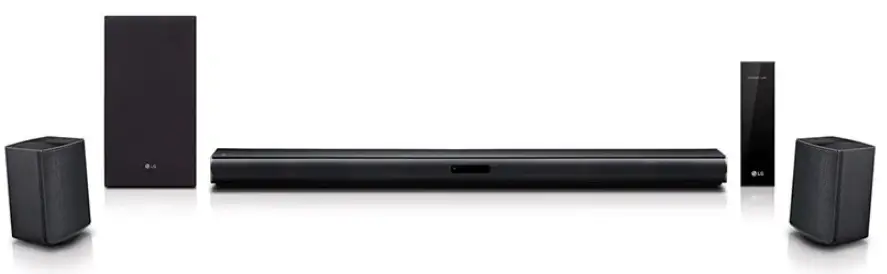
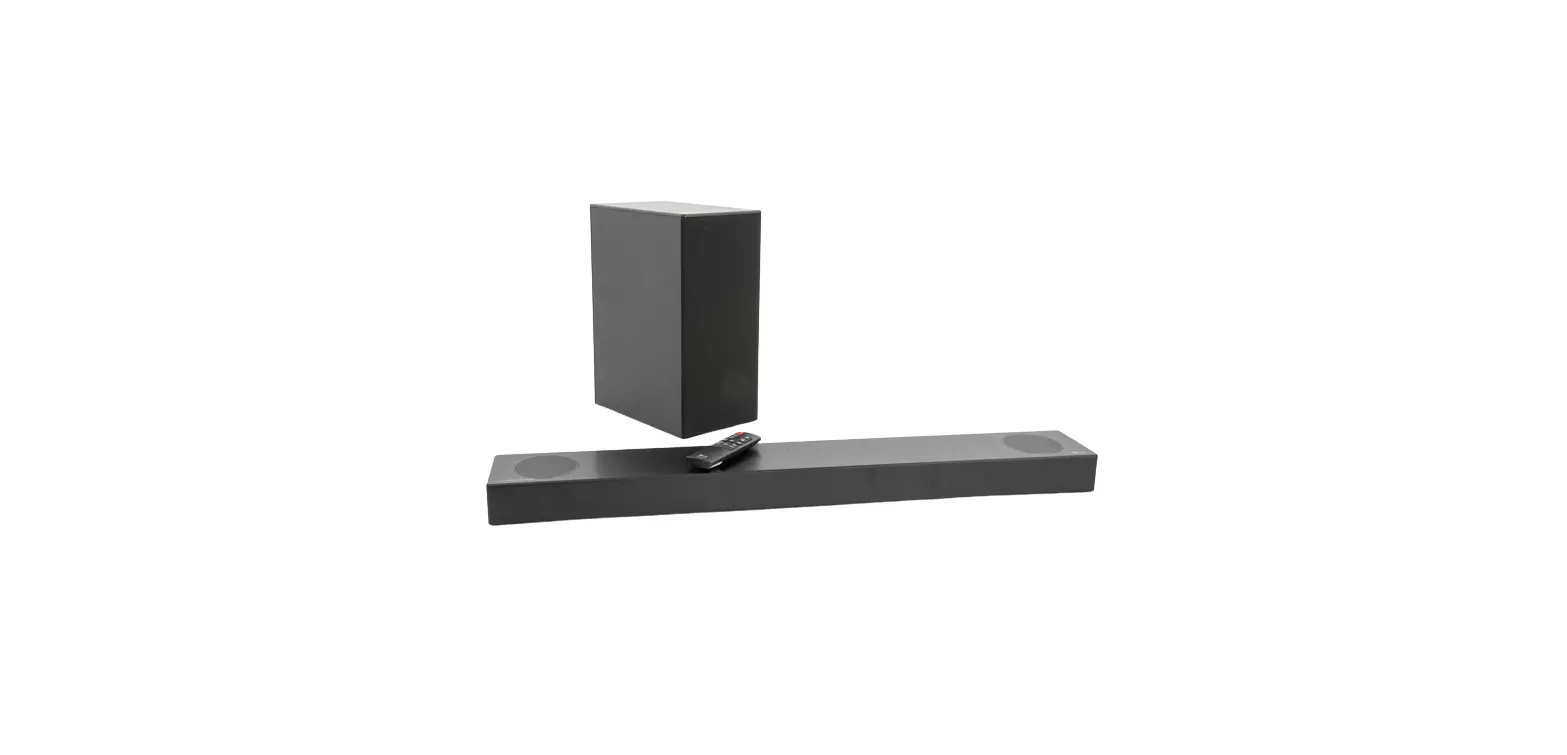
LG SNC4R Wireless Sound Bar
Please read this manual carefully before operating your set and retain it for future reference.
To view the instructions of advanced features, visit http://www.lg.com and then download Owner’s Manual. Some of the content in this manual may differ from your unit.
OVERVIEW
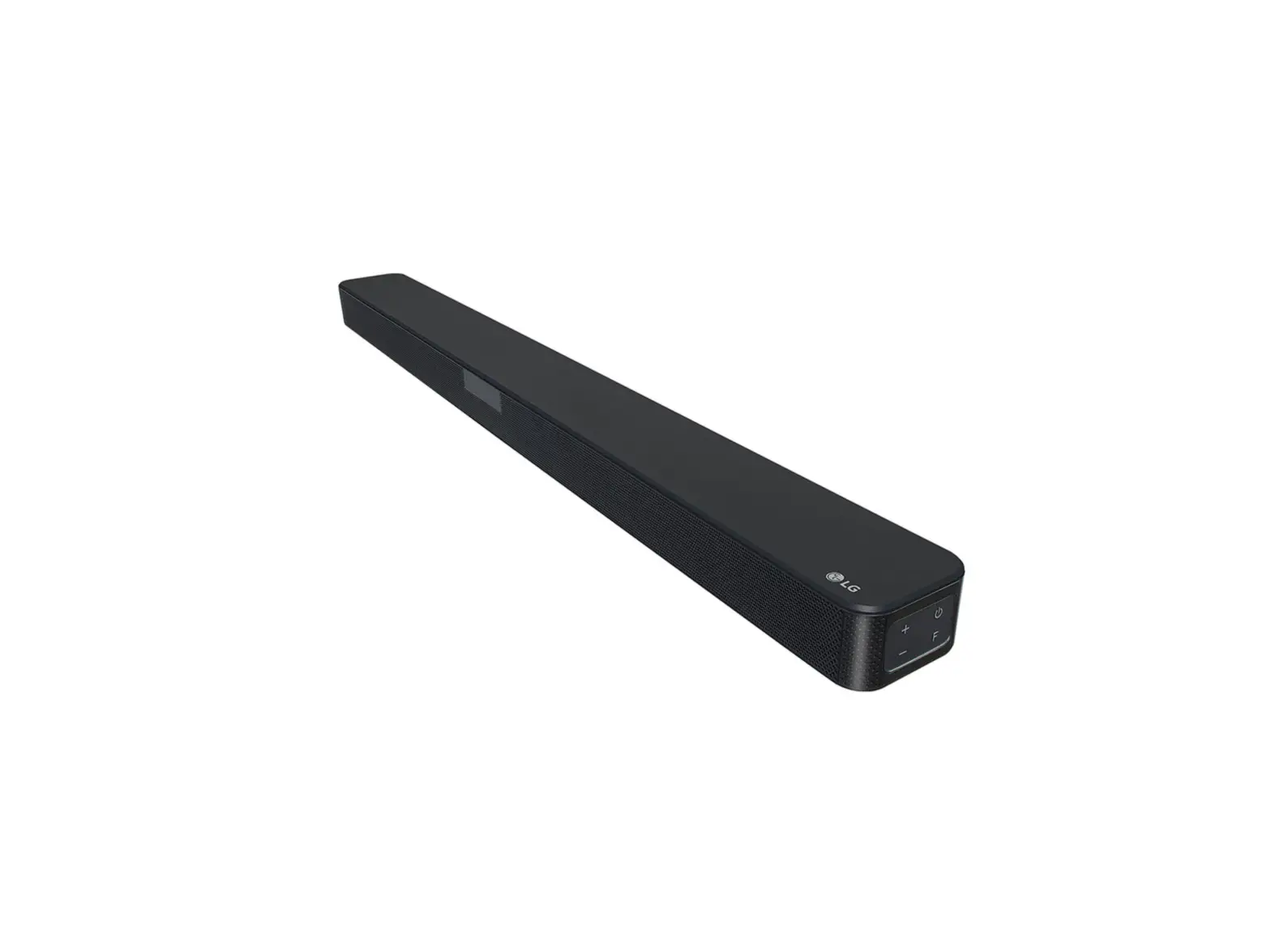
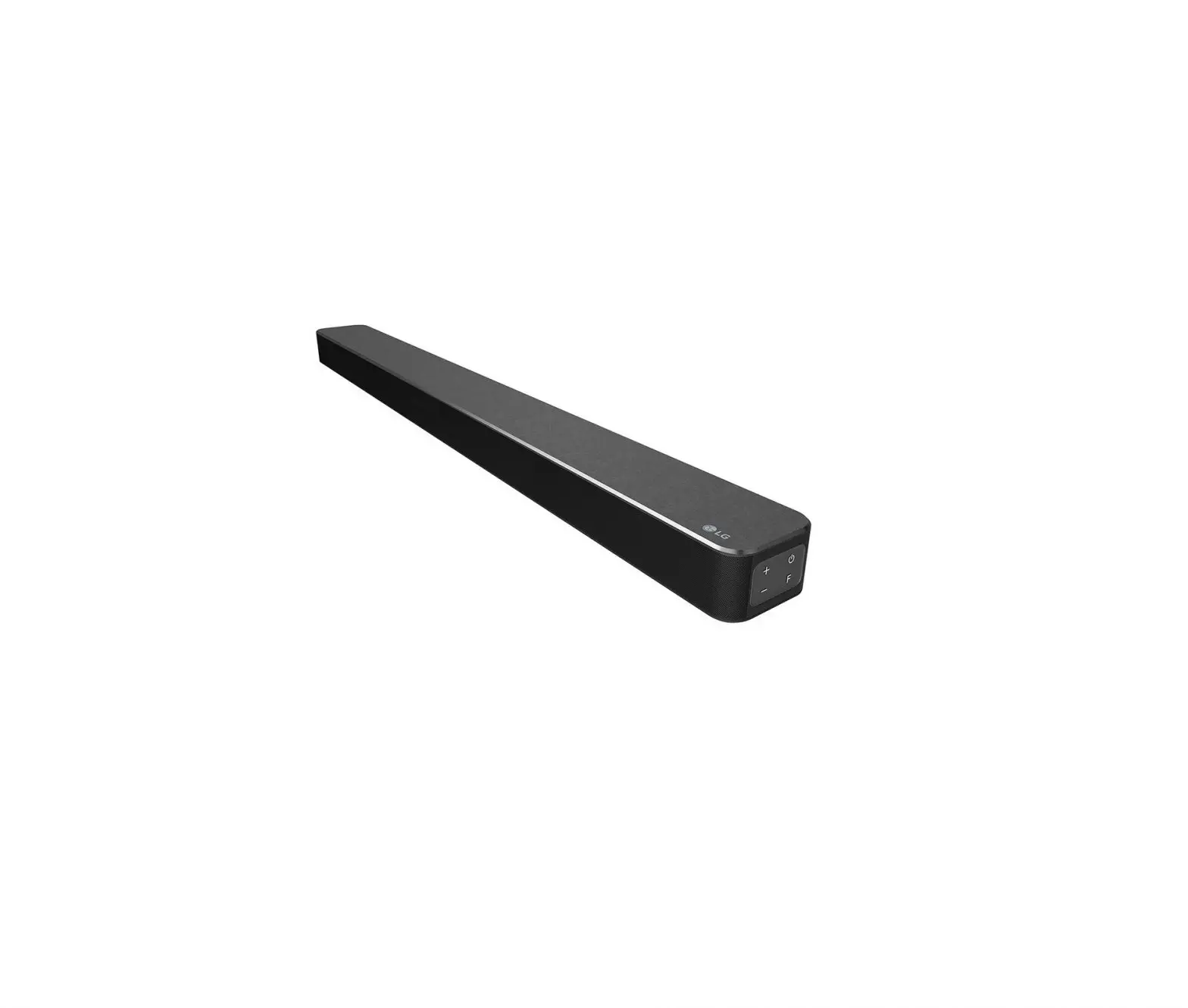
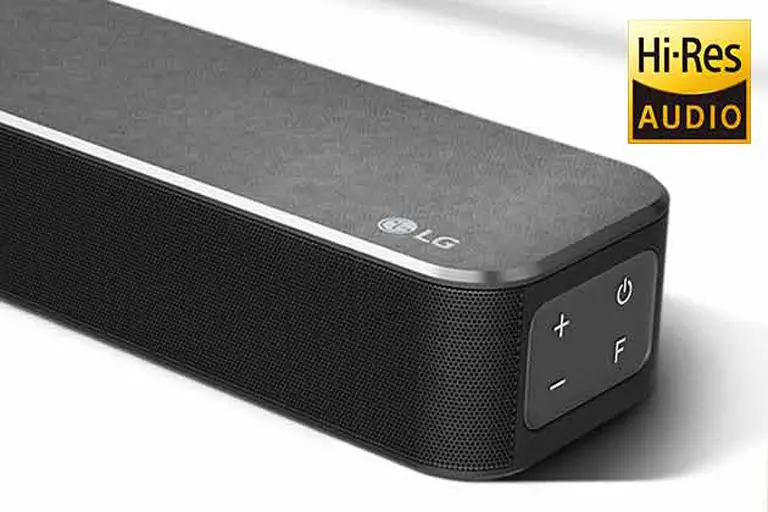
Front Panel
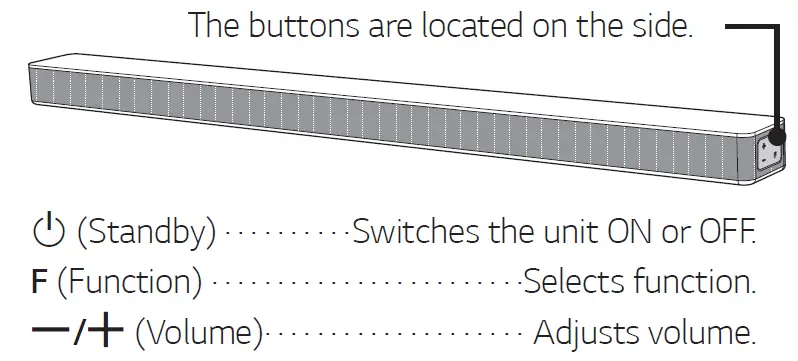
Rear Panel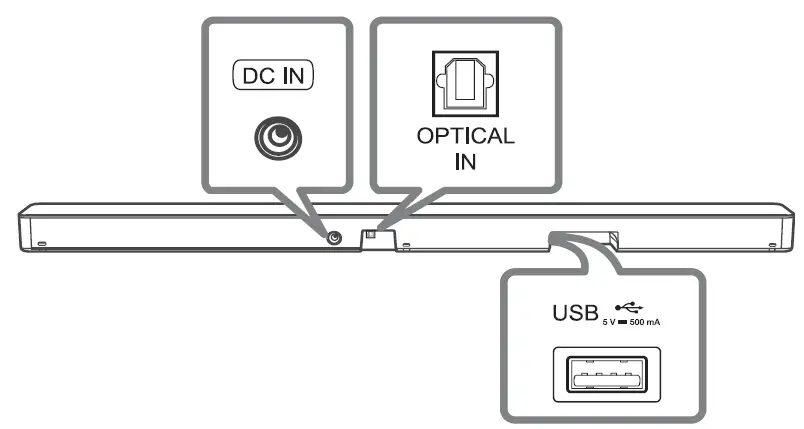
- DC IN Connect to the AC adapter.
- OPTICAL IN · Connect to an optical device.
- USB Port: Connect to a USB device.
Connection
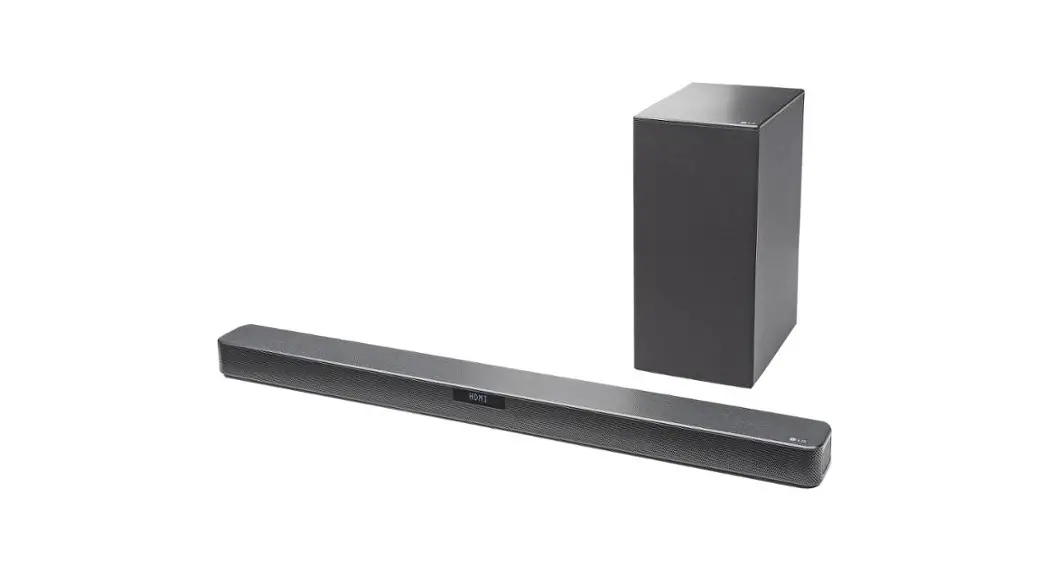
Subwoofer Connection
Place the wireless subwoofer near the sound bar and follow steps below.
- Connect the power cord of the sound bar and the wireless subwoofer to the outlet.
- Turn on the sound bar.
- The sound bar and wireless subwoofer will be automatically connected. The subwoofer’s yellow-green LED turns on.
Manual Subwoofer Connection
If the subwoofer does not make sound, try to connect manually.
- Press PAIRING on the rear of the wireless subwoofer.
- The yellow-green LED on the front of the wireless subwoofer blinks quickly. (If the yellow-green LED does not blink, press and hold the PAIRING.)
- Turn on the soundbar.
- Pairing is completed. The yellow-green LED on the front of the wireless subwoofer turns on.
Keep the sound bar and the subwoofer away from the device (ex. wireless router, microwave oven, etc.) over 1 m to prevent wireless interference.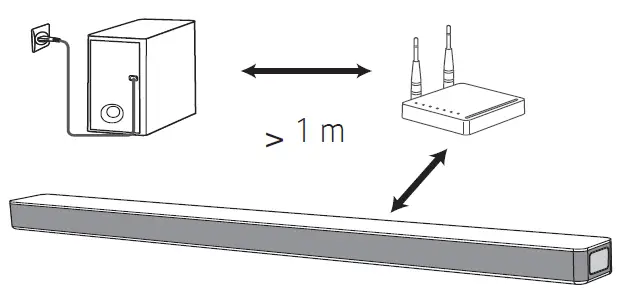
TV Connection
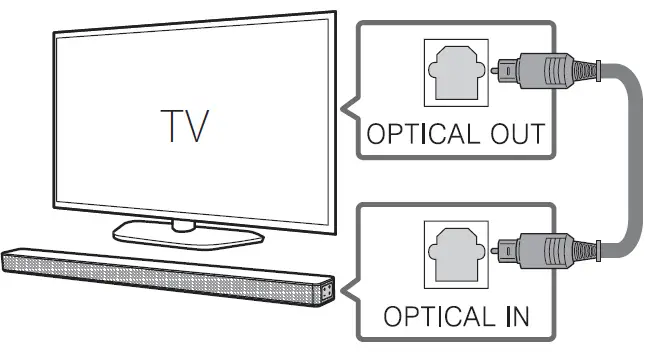
- Connect the sound bar to the TV using Optical cable.
- Set up [External Speaker (Optical)] on your TV setting menu.

Additional Device Connection
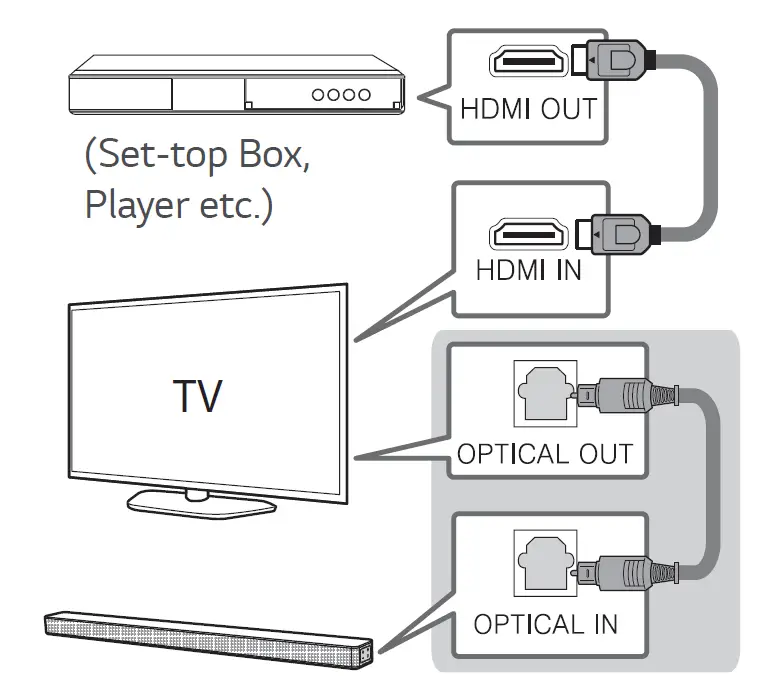
- Connect to the external device like as follow.

- Set the input source by pressing F repeatedly.
Remote control
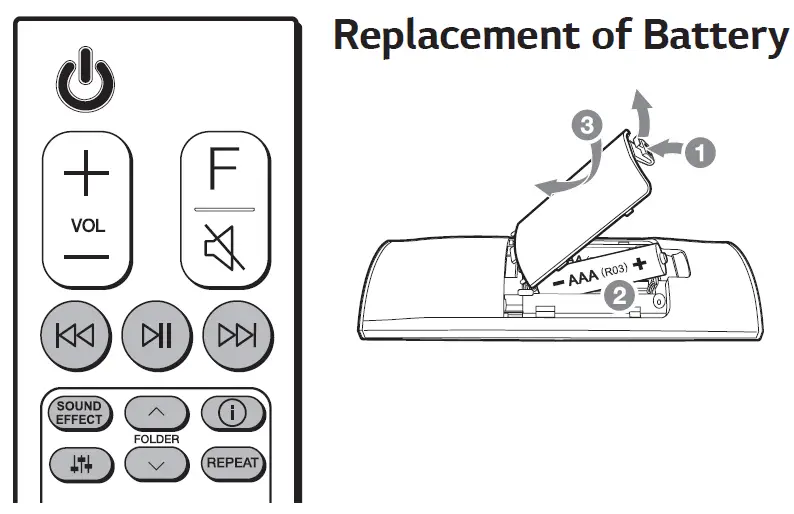
 : Skip/Search
 : Play/Pause
- Bluetooth connection lock (BT LOCK): Select the Bluetooth function by pressing F repeatedly. Long press N and press it again to limit Bluetooth connection to only BT and LG TV.
- SOUND EFFECT: Selects a sound effect mode.
- TV remote: Long press SOUND EFFECT and press it again to use TV remote control.
- FOLDER
 : Searches a folder.
  : Displays the information of a file, an input source or connected Bluetooth device name.
- Auto Power ON/OFF: Long press and press it again.
- Auto Power ON/OFF: Long press
 : Adjusts sound level of each speaker.
- Surround sound: Long press and press it again.
- Surround sound: Long press
- REPEAT: Listens to your files repeatedly or randomly.
 : Skip/Search
 : Play/Pause
 : Searches a folder.
 : Displays the information of a file, an input source or connected Bluetooth device name.
 : Adjusts sound level of each speaker.
Specification
| Power consumption | Refer to the main label. |
| AC adapter | • Model : DA-38A25 • Manufacturer : Asian Power Devices Inc. • Input : 100 – 240 V ~ 50 – 60 Hz • Output : 25 V 0  1.52 A 1.52 A |
| • Model : MS-Z1520R250- 038A0-P • Manufacturer : MOSO POWER SUPPLY TECHNOLOGY CO., LTD. • Input : 100 – 240 V ~ 50/60 Hz • Output : 25 V 0 1.52 A | |
| Dimensions (W x H x D) | Approx. 890.0 mm X 57.0 mm X 85.0 mm With foot |
| Bus Power Supply (USB) | 5 V 0 500 mA |
| Amplifier (Total RMS Output power) | 420 W RMS |
Design and specifications are subject to change without notice.
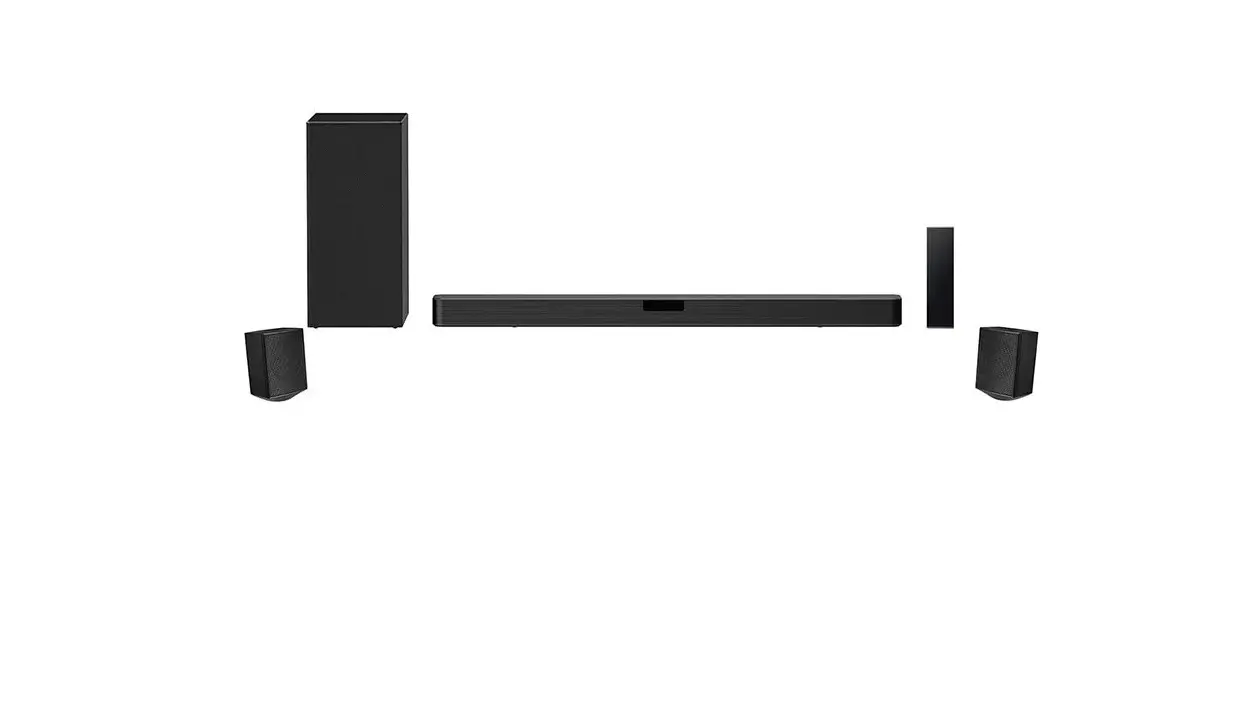
Rear Surround sound: Wireless Rear Speakers Kit included for real surround sound. (SPJ4M-S)
POWER: This unit operates on a mains supply of 100 – 240 V ~ 50 – 60 Hz.
Wiring: This unit is supplied with a BS 1363 approved main plug. When replacing the fuse, always use a fuse of the same rating and approved to BS 1362. Never use this plug with the fuse cover omitted. To obtain a replacement fuse cover contact your dealer. If the type of plug supplied is not suitable for the mains sockets in your home, then the plug should be removed and a suitable type fitted. Please refer to the wiring instructions below:
Warning: A mains plug removed from the mains lead of this unit must be destroyed. A mains plug with bared wires is hazardous if inserted in a mains socket. Do not connect either wire to the earth pin, marked with the letter E or with the earth symbol 6 or coloured green or green and yellow. If any other plug is fitted, use same rating of fuse in the plug.
Important: The wires in this mains lead are coloured in accordance with the following codes:
BLUE: NEUTRAL, BROWN: LIVE – As the colours of the wires in the mains lead of this unit may not correspond with the coloured marking identifying the terminals in your plug, proceed as follows: The wire which is coloured blue must be connected to the terminal which is marked with the letter N or coloured black. The wire which is coloured brown must be connected to the terminal which is marked with the letter L or coloured red.
www.lg.com
Copyright © 2021 LG Electronics Inc. All Rights Reserved.
 LG Electronics & Home Appliances | Shop Now | LG USA
![Lg Wireless Sound Bar [sn6y] User Manual](https://static-data1.manualsee.com/1/img/412/16110/2020/12/LG-Wireless-Sound-Bar-SN6Y-FEATURED-1568x766.png "Lg Wireless Sound Bar [sn6y] User Manual")
![Lg Wireless Sound Bar [sn6y] User Manual](https://static-data1.manualsee.com/1/img/271/17666/2020/12/LG-Wireless-Sound-Bar-SN6Y.jpg "Lg Wireless Sound Bar [sn6y] User Manual")