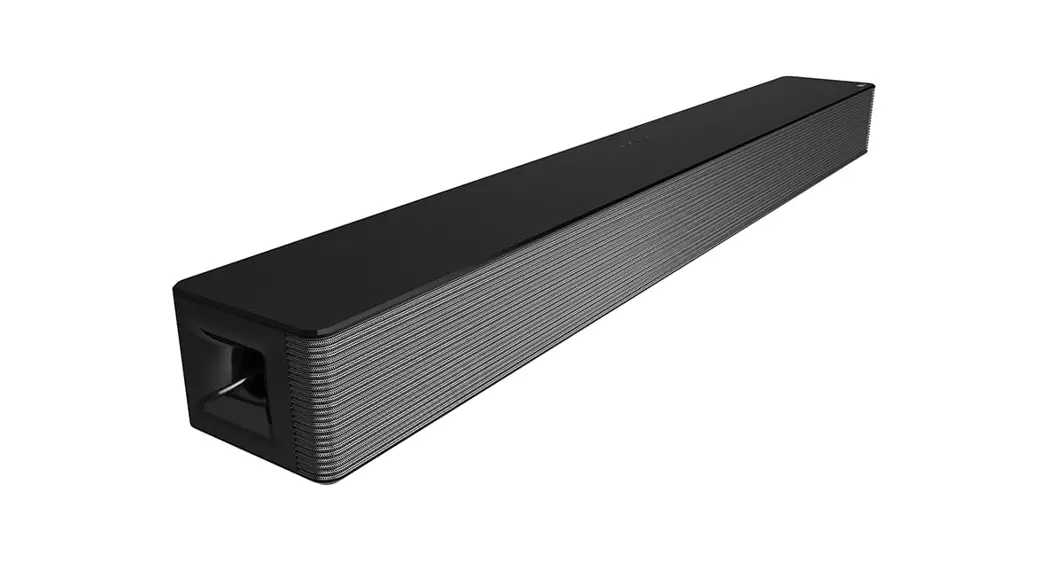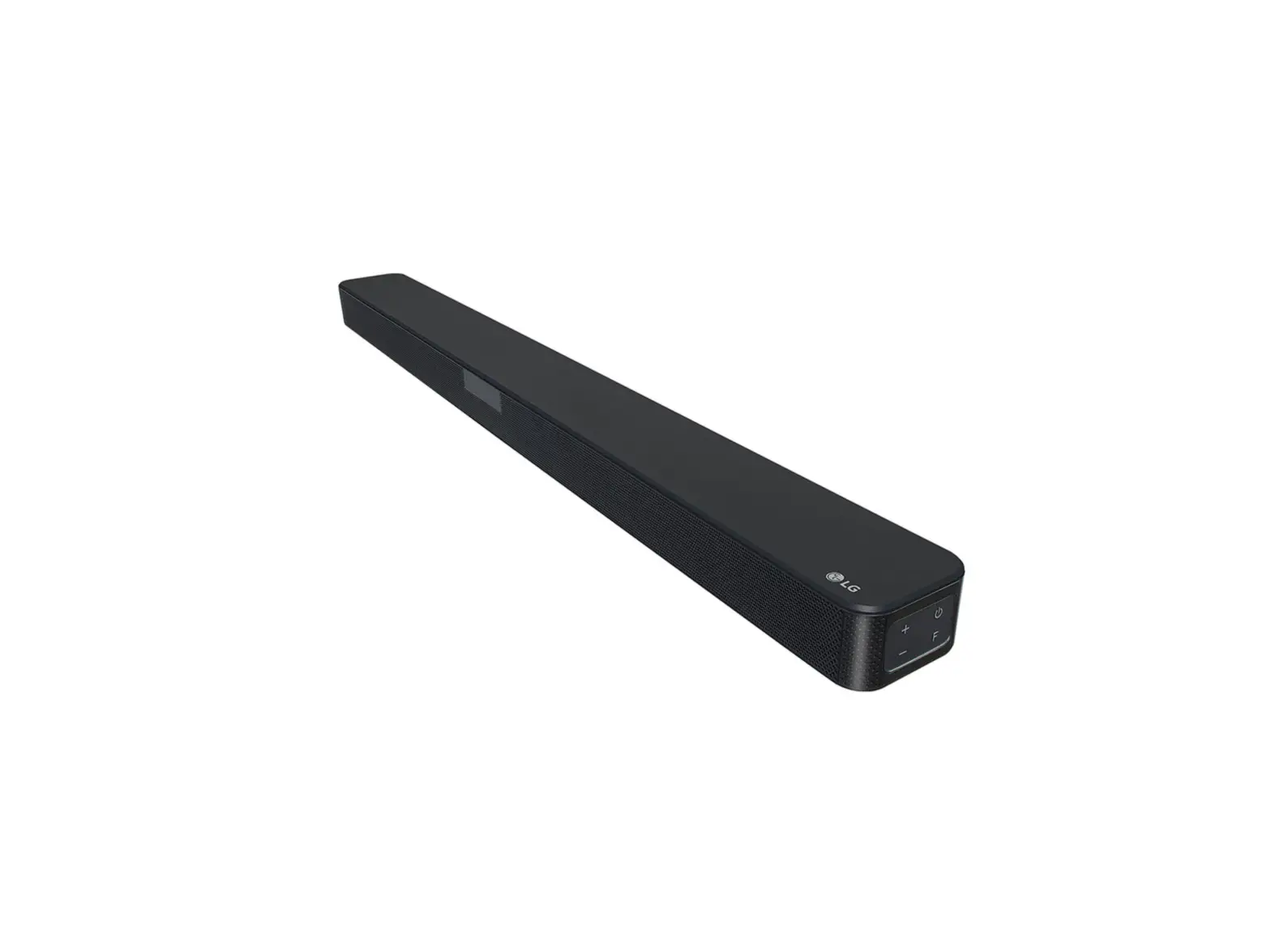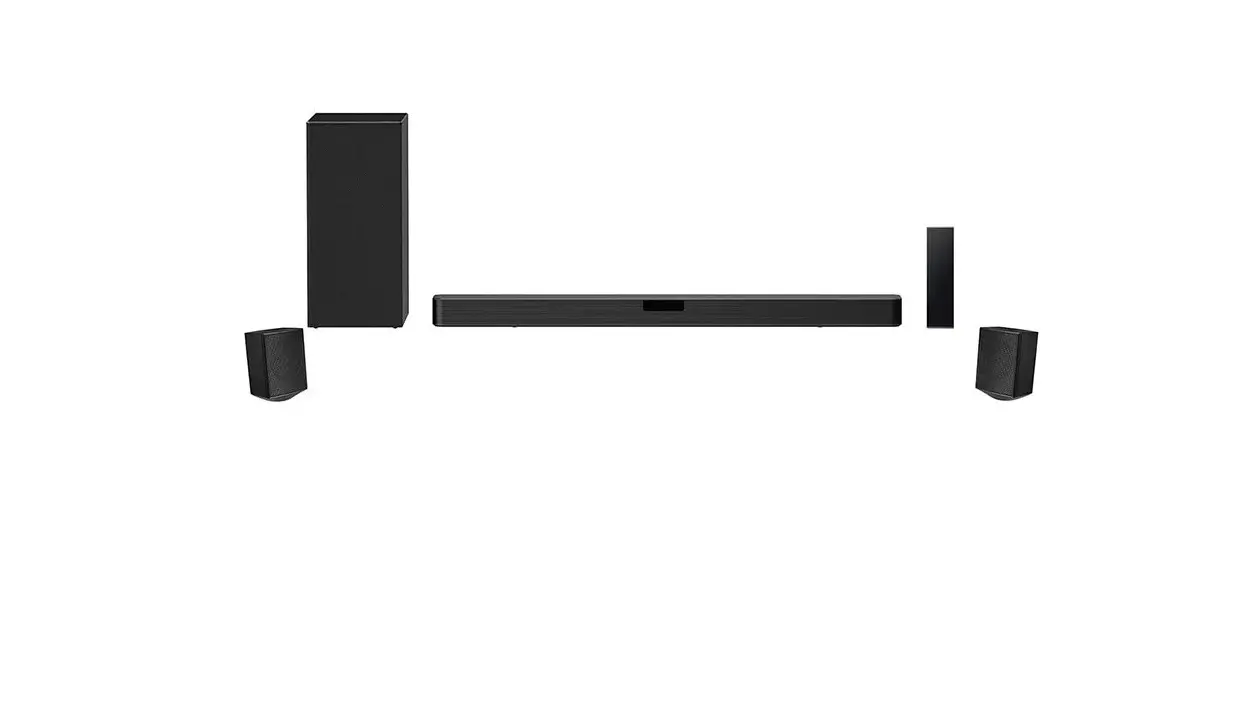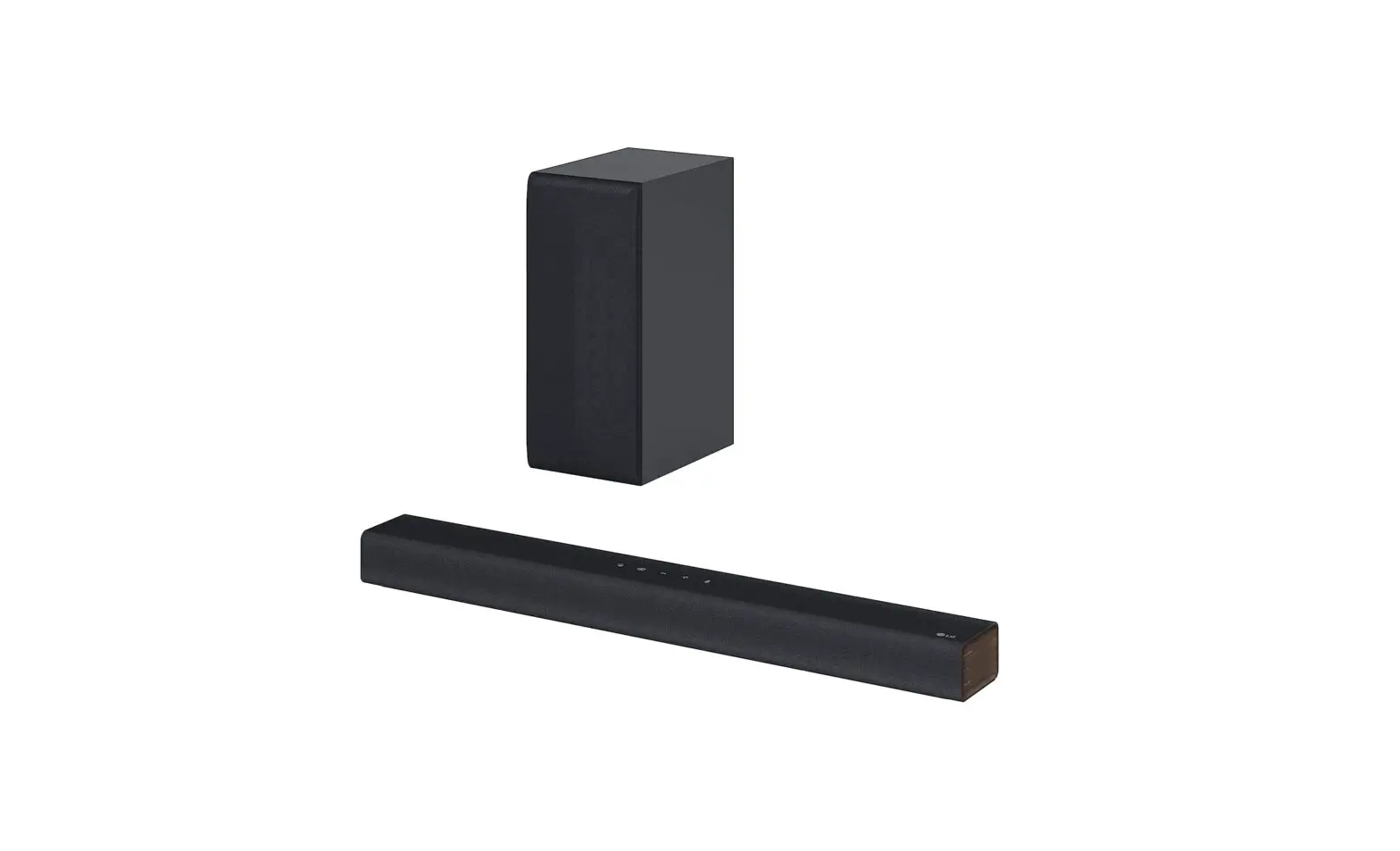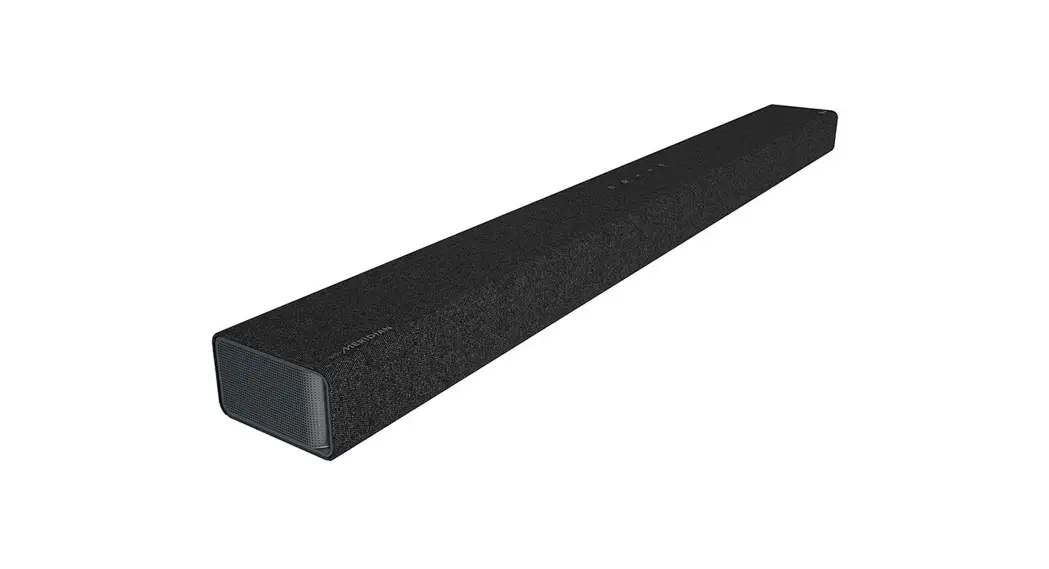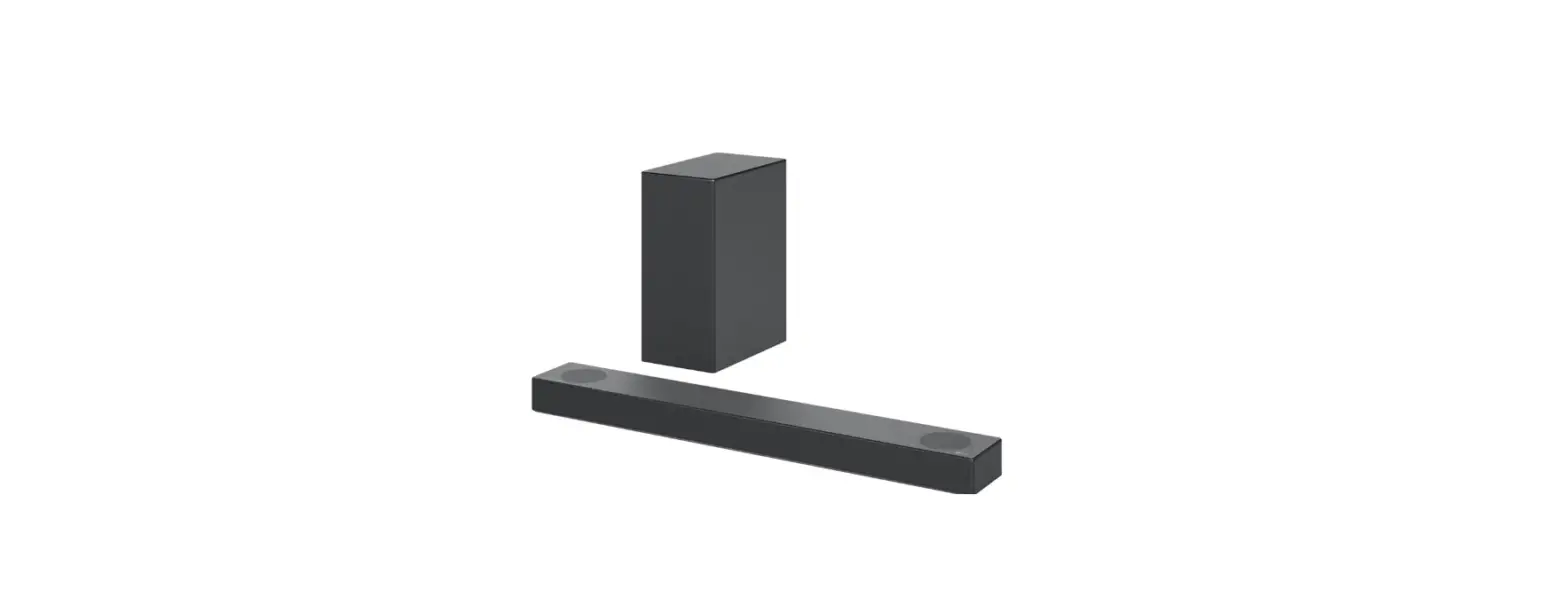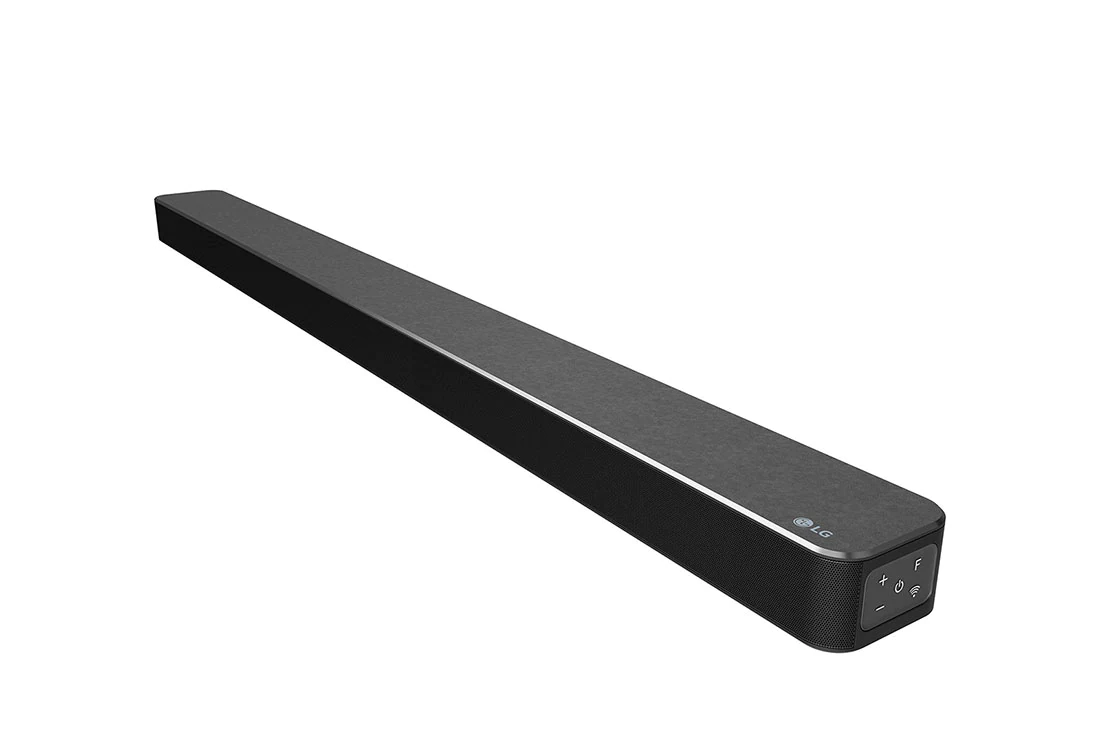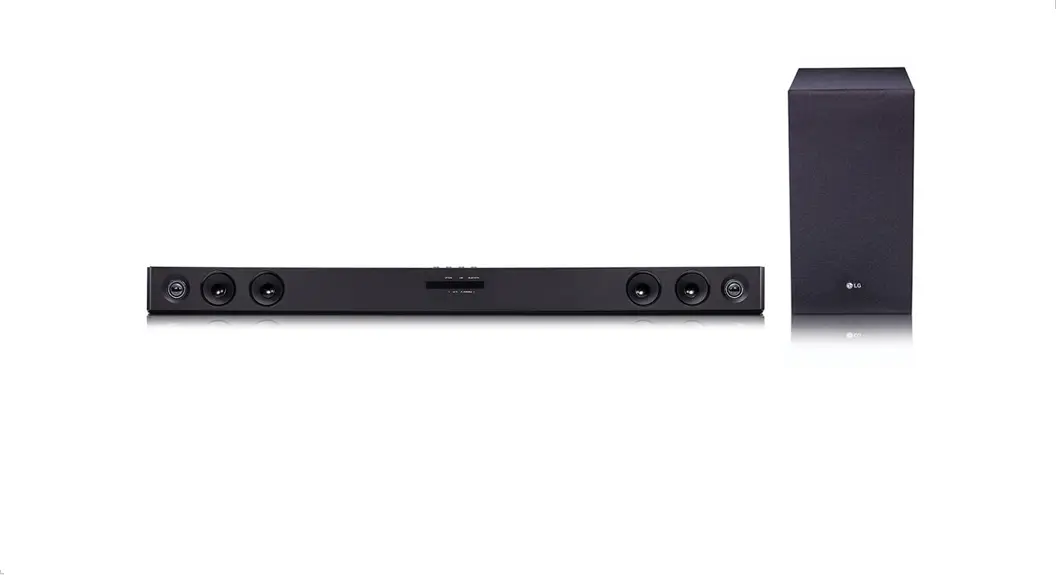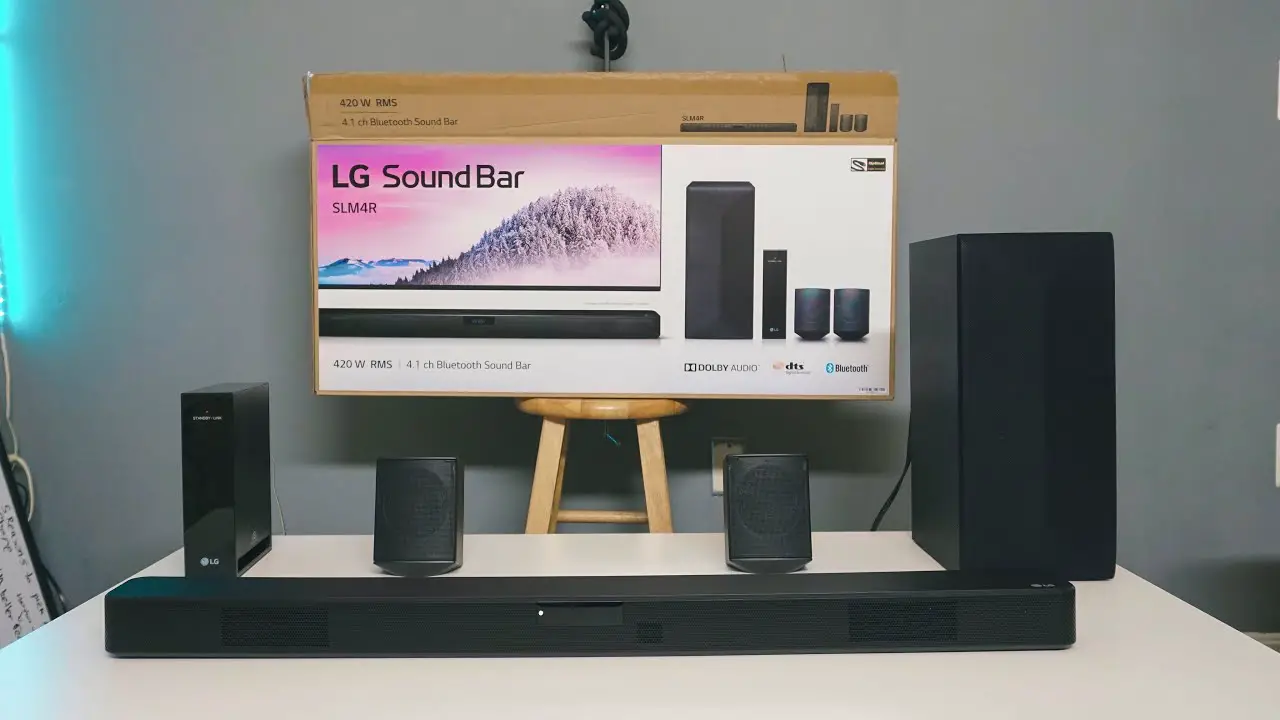

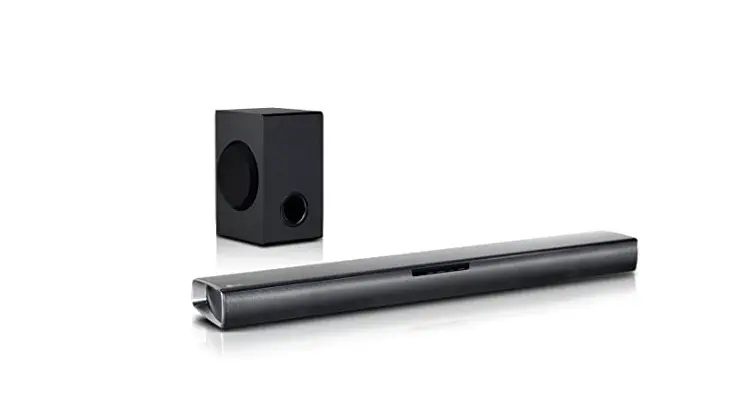
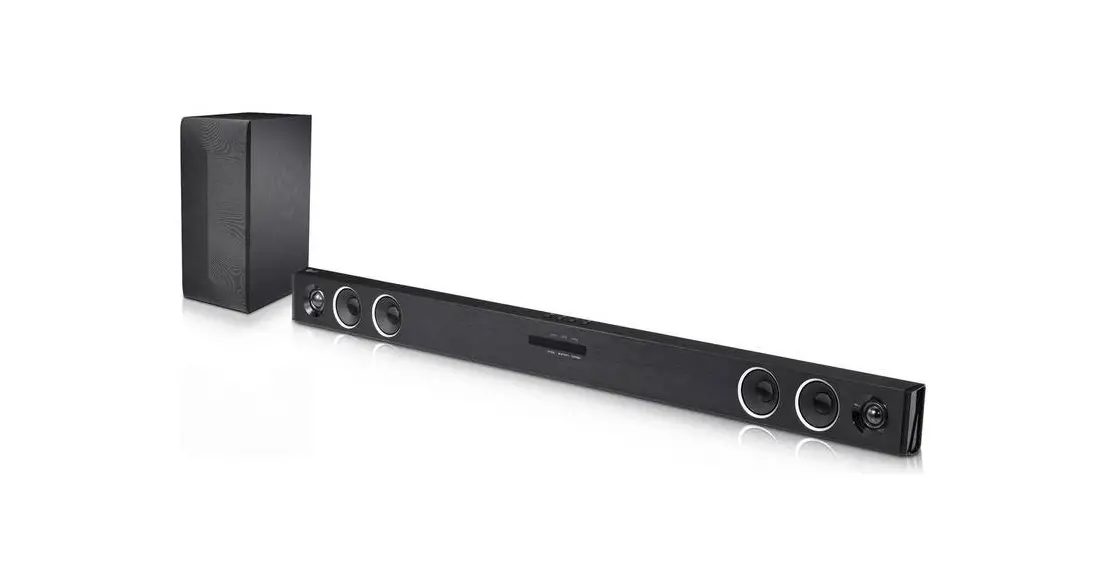
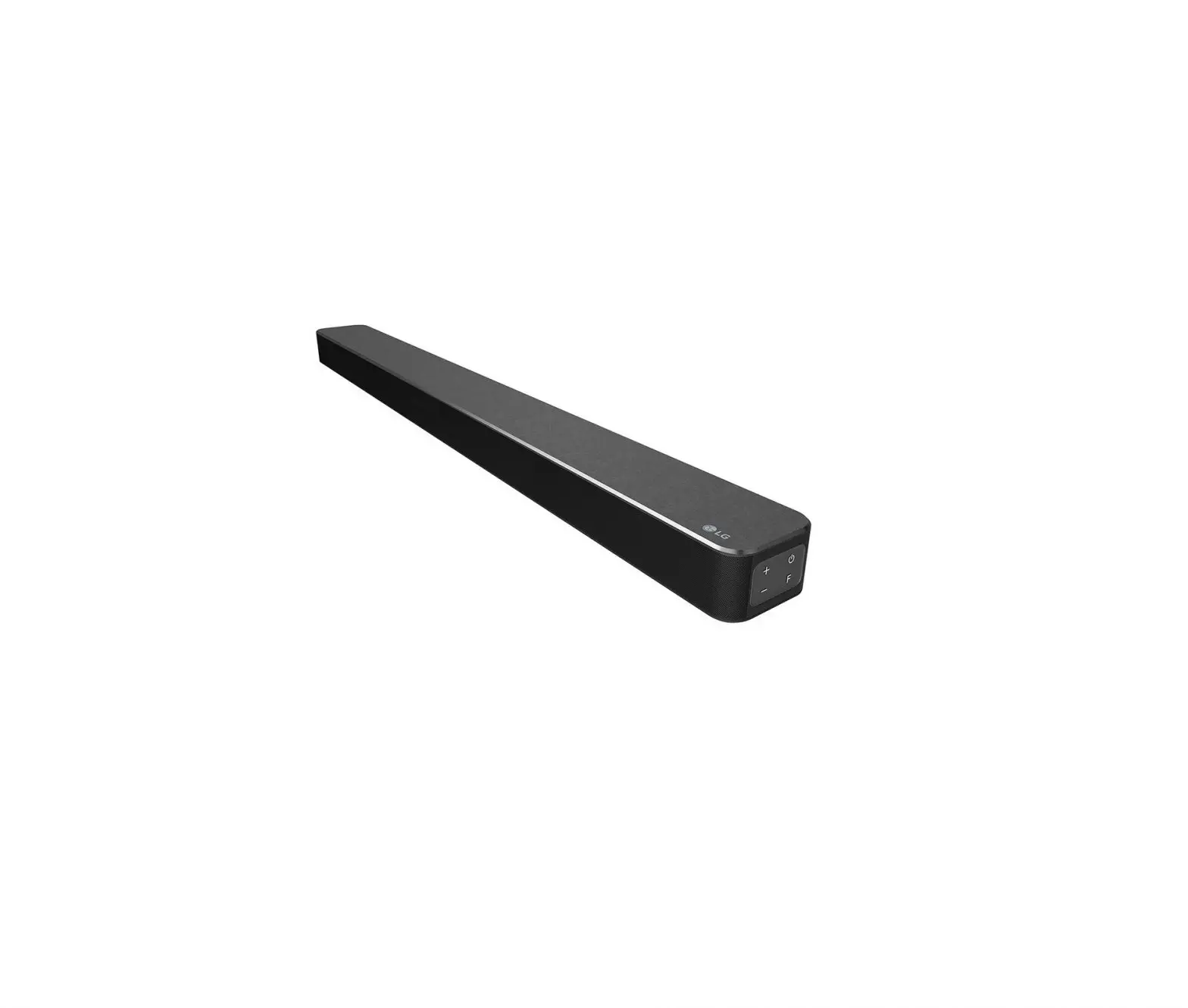
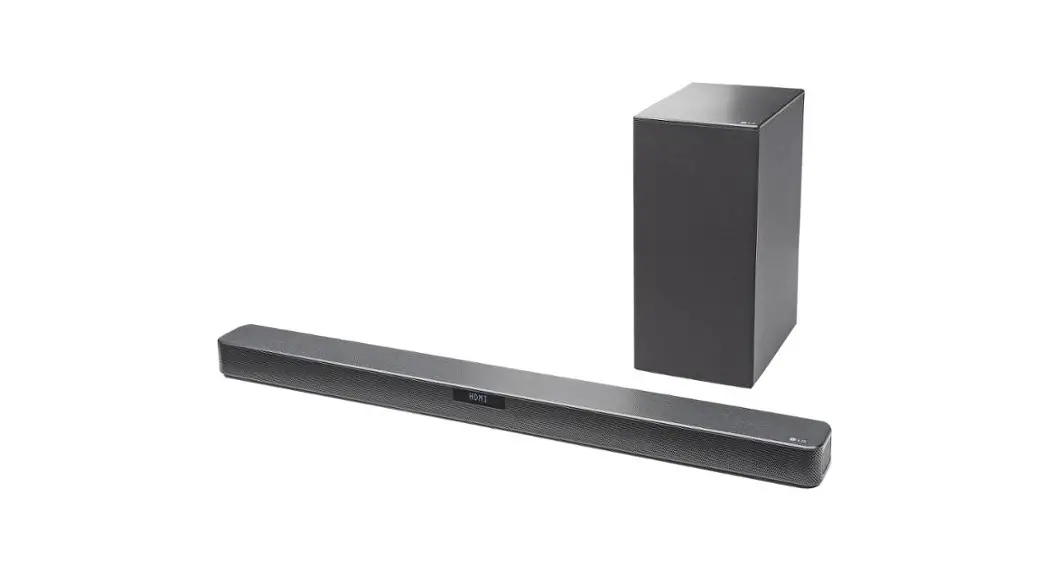
LG SJ2 Wireless Sound Bar
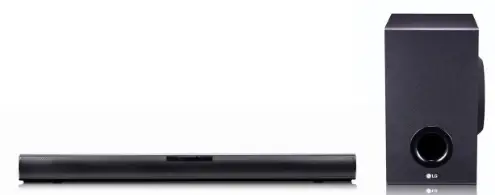
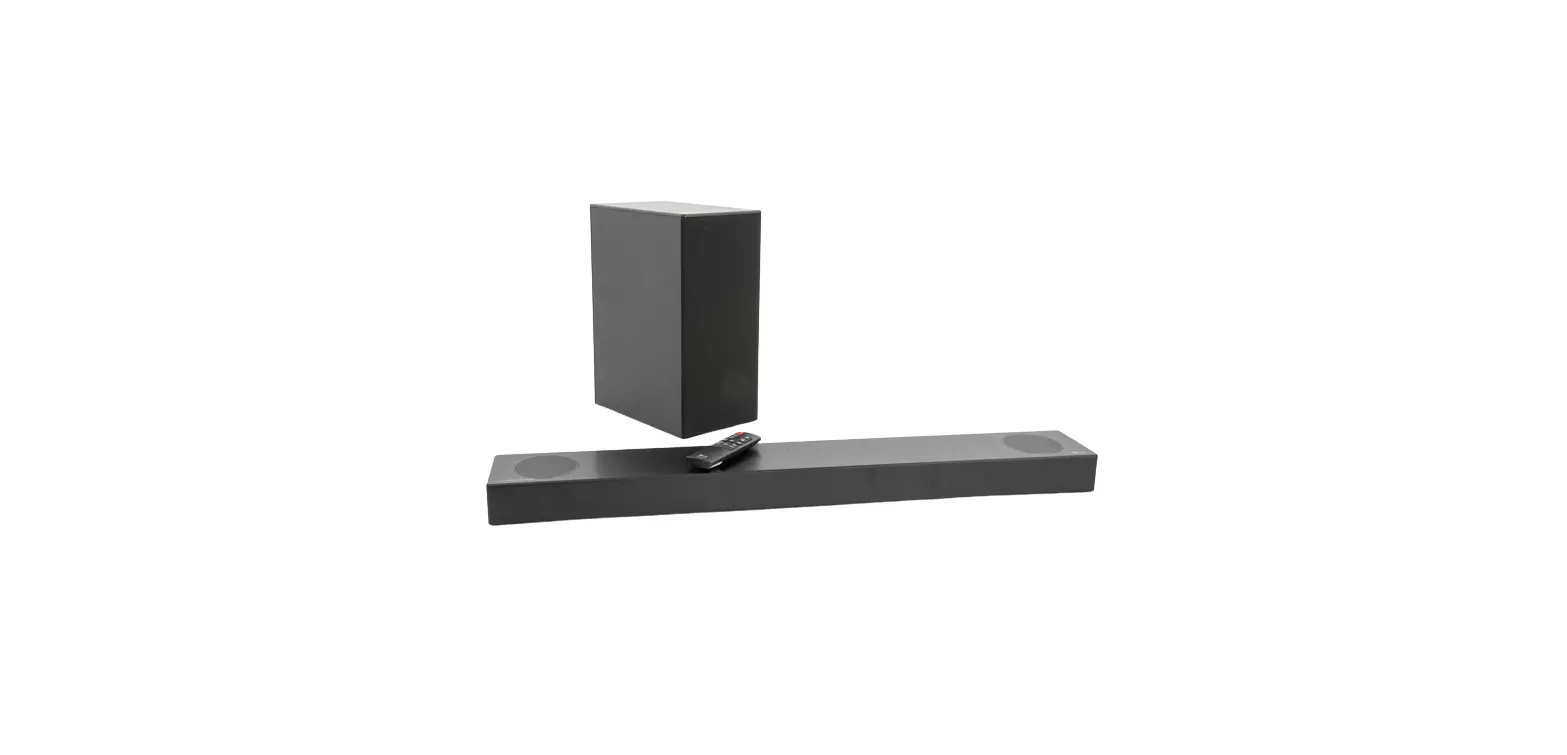
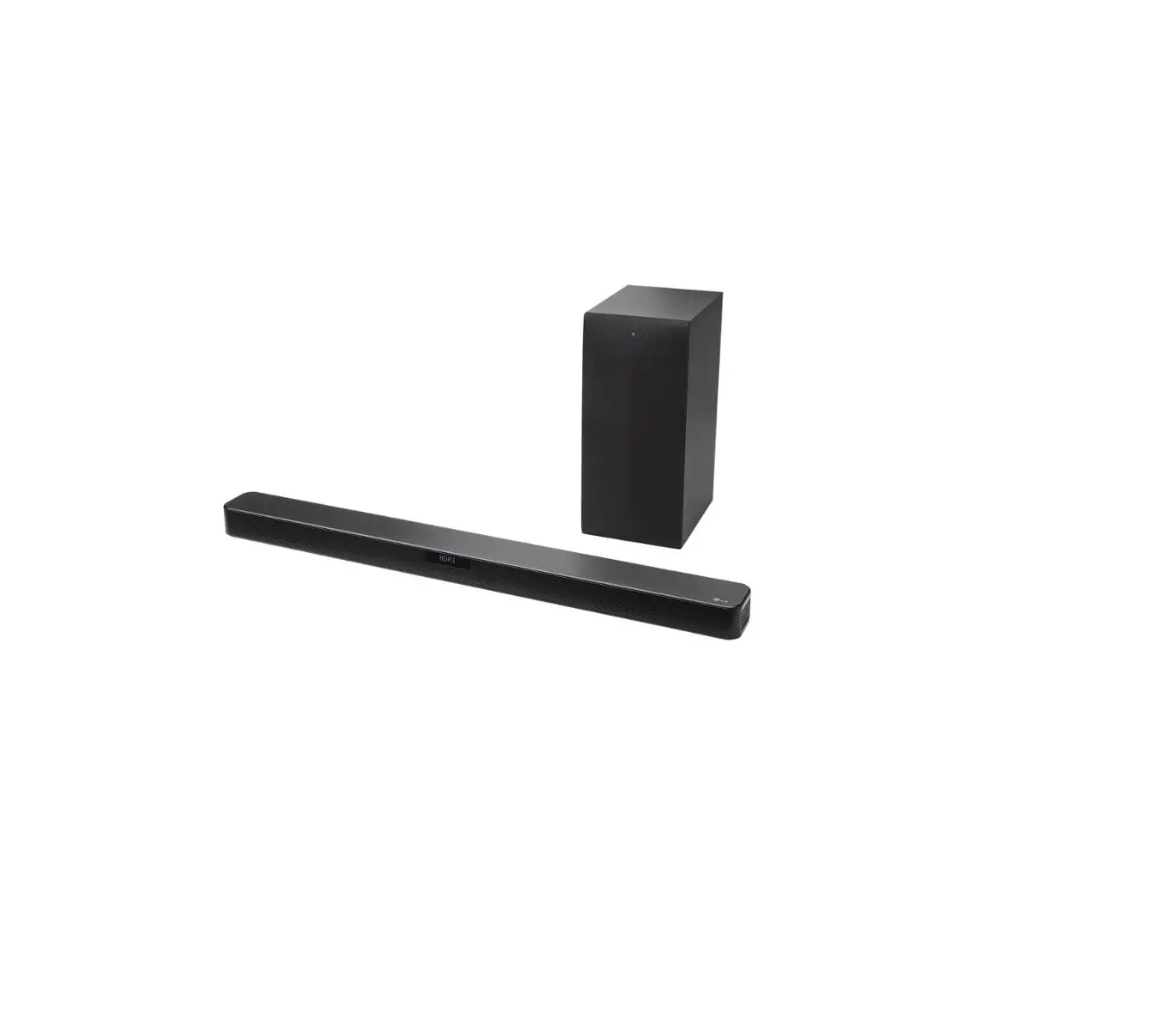
whats in the box

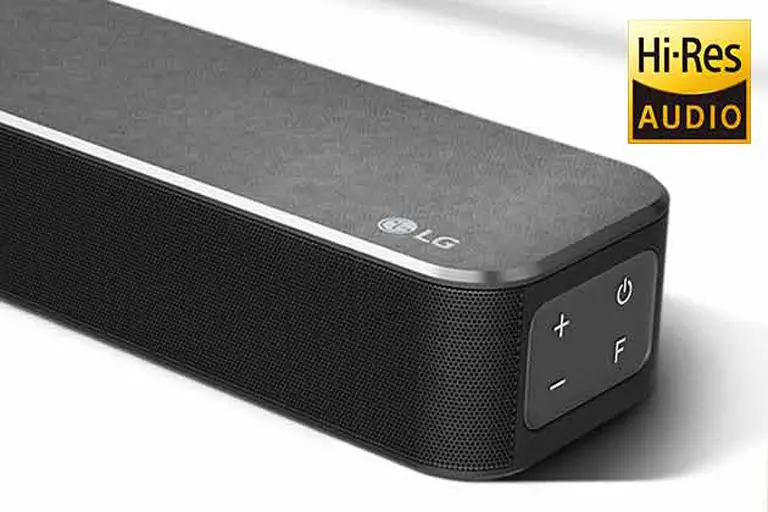
Front Panel
The buttons are located on the rear.
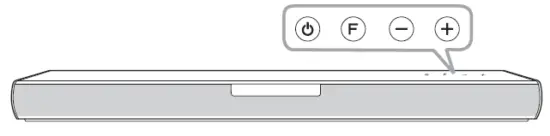
- Standby
- Selects Function.
- Adjusts Volume.
Rear Panel
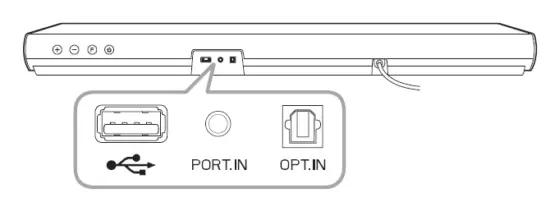
- (USB) Connect to a USB device.
- PORT. IN (Portable) Connect to a Portable device.
- OPT. IN (Optical) Connect to an Optical device
Subwoofer Connection
Place the wireless subwoofer near the sound bar and follow steps below.
- Connect the power cord of the sound bar and the wireless subwoofer to the outlet.
- Turn on the sound bar.
- The sound bar and wireless subwoofer will be automatically connected. The subwoofer’s green LED turns on.
Manual Subwoofer Connection
If the subwoofer does not make sound, try to connect manually.
- Press Pairing button on the rear of the wireless subwoofer.
- The green LED on the rear of the wireless subwoofer blinks quickly. (If the green LED does not blink, press and hold the Pairing button.)
- Turn on the sound bar.
- Pairing is completed.
- The green LED on the rear of the wireless subwoofer turns on.
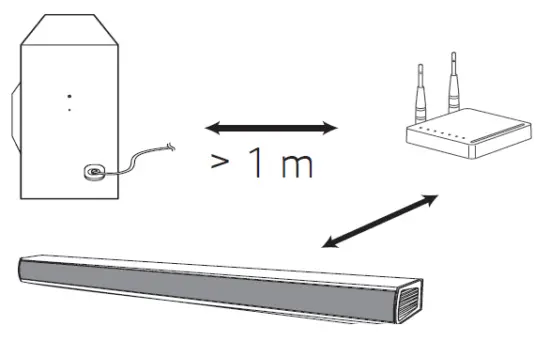
Keep the sound bar and the subwoofer away from the device (ex. wireless router, microwave oven, etc.) over 1 m to prevent wireless interference.
TV Connection
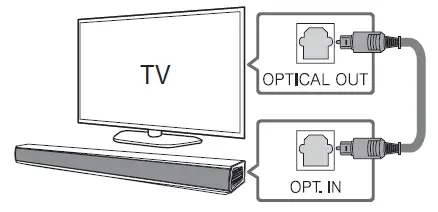
- Connect the sound bar to the TV using an Optical cable.
- Set up [External Speaker (Optical)] on your TV setting menu
 Additional Device Connection
- Connect to the external device as follows.
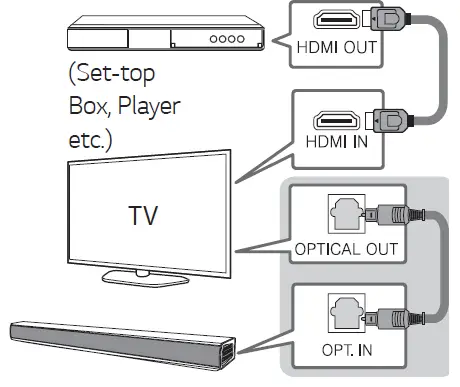
- Set the input source by pressing OPTICAL on the remote control or pressing F repeatedly.
Remote control
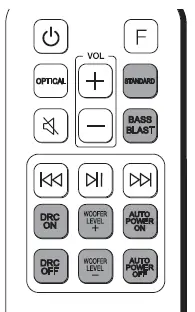
- STANDARD/BASS BLAST: Selects the sound effect.
- DRC ON/OFF: Dynamic Range Control optimizes the volume level of compatible Dolby Digital content.
- WOOFER LEVEL +/-: Adjusts the volume level of subwoofer.
- AUTO POWER ON/OFF: Automatically turns on by an input source.
Replacement of battery
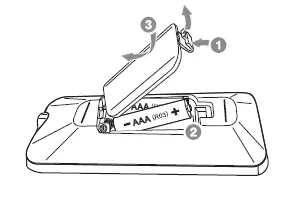
Additional Information
Specification
| Power requirements | Refer to the main label. |
| Power consumption | Refer to the main label. |
| Networked standby : 0.5 W (If all network ports are activated.) | |
| Dimensions (W x H x D) | Approx. 660.0 mm x 56.0 mm x 99.0 mm With foot |
| Bus Power Supply (USB) | 5 V 0 500 mA |
| Amplifier (Total RMS Output power) | 160 W RMS |
Design and specifications are subject to change without notice.
How to disconnect the wireless network connection or the wireless device
Set up the AUTO POWER ON/OFF function to off and turn off the unit.
Declaration of Conformity
Hereby, LG Electronics declares that the radio equipment type Wireless Sound Bar is in compliance with Directive 2014/53/EU. The full text of the EU declaration of conformity is available at the following internet address:
http://www.lg.com/global/support/cedoc/cedoc# For consideration of the user, this device should be installed and operated with a minimum distance of 20 cm between the device and the body.
 LG Electronics & Home Appliances | Shop Now | LG USA
![Lg Wireless Sound Bar [sn6y] User Manual](https://static-data1.manualsee.com/1/img/412/16110/2020/12/LG-Wireless-Sound-Bar-SN6Y-FEATURED-1568x766.png "Lg Wireless Sound Bar [sn6y] User Manual")
![Lg Wireless Sound Bar [sn6y] User Manual](https://static-data1.manualsee.com/1/img/271/17666/2020/12/LG-Wireless-Sound-Bar-SN6Y.jpg "Lg Wireless Sound Bar [sn6y] User Manual")