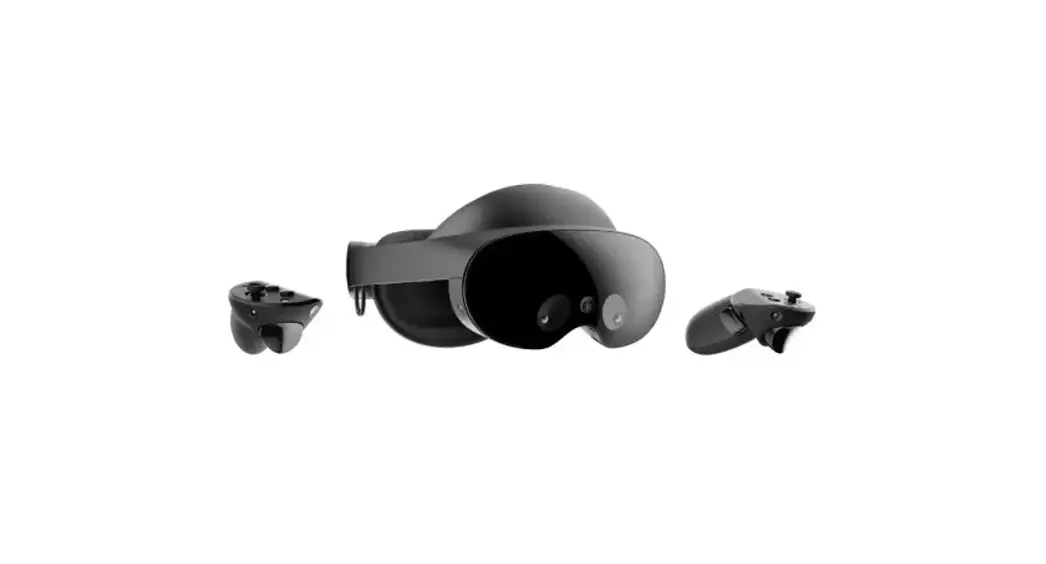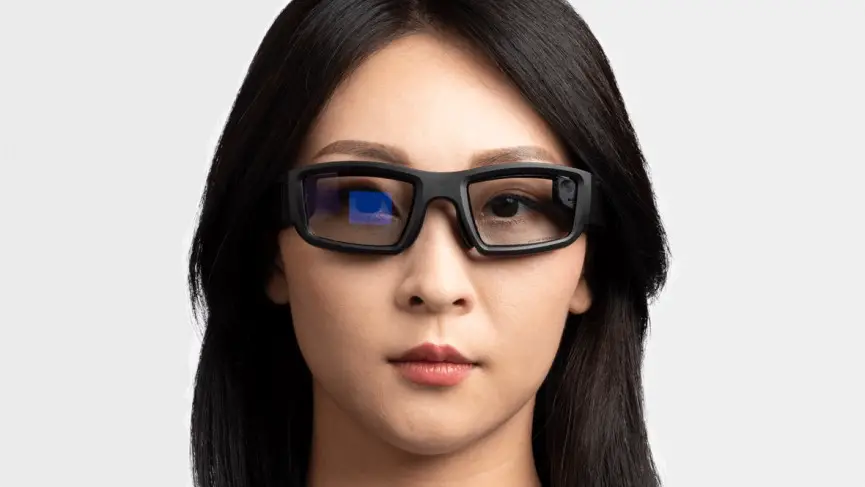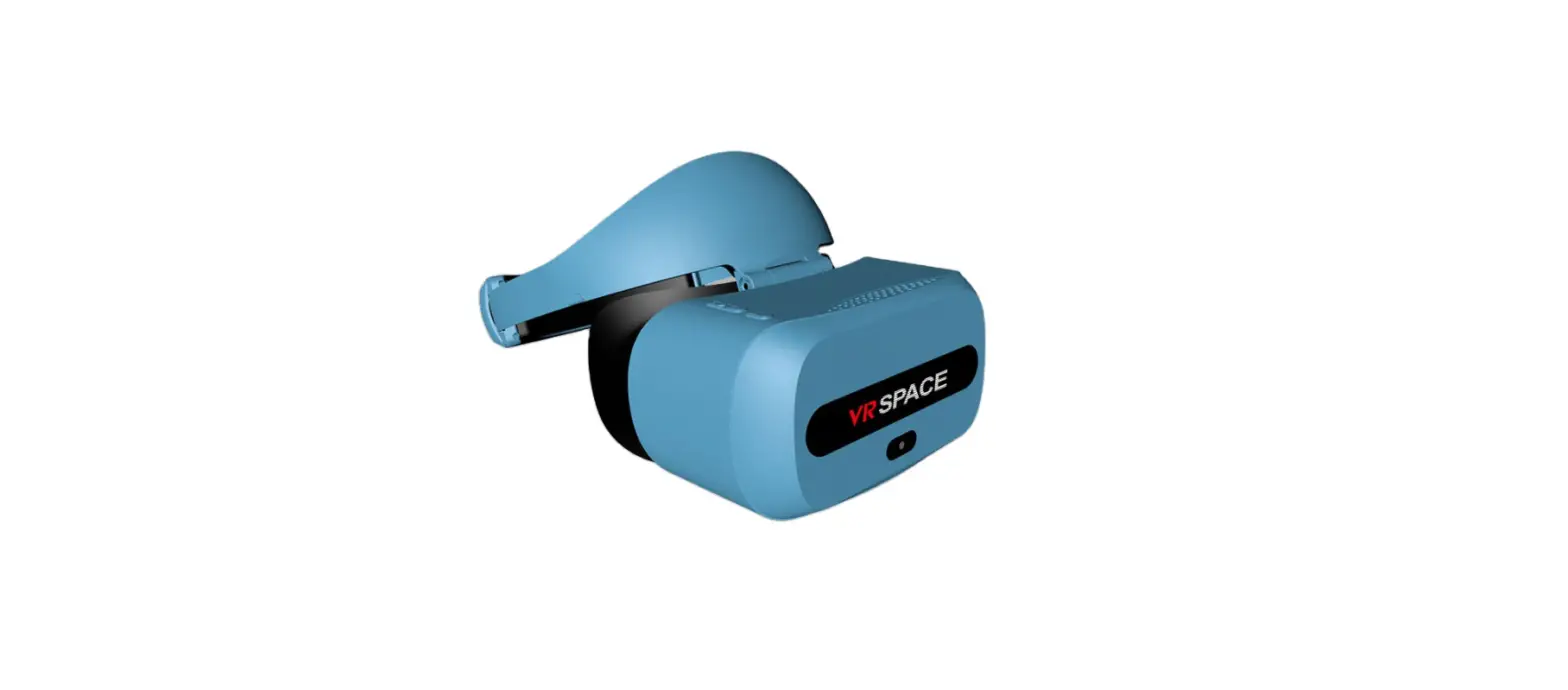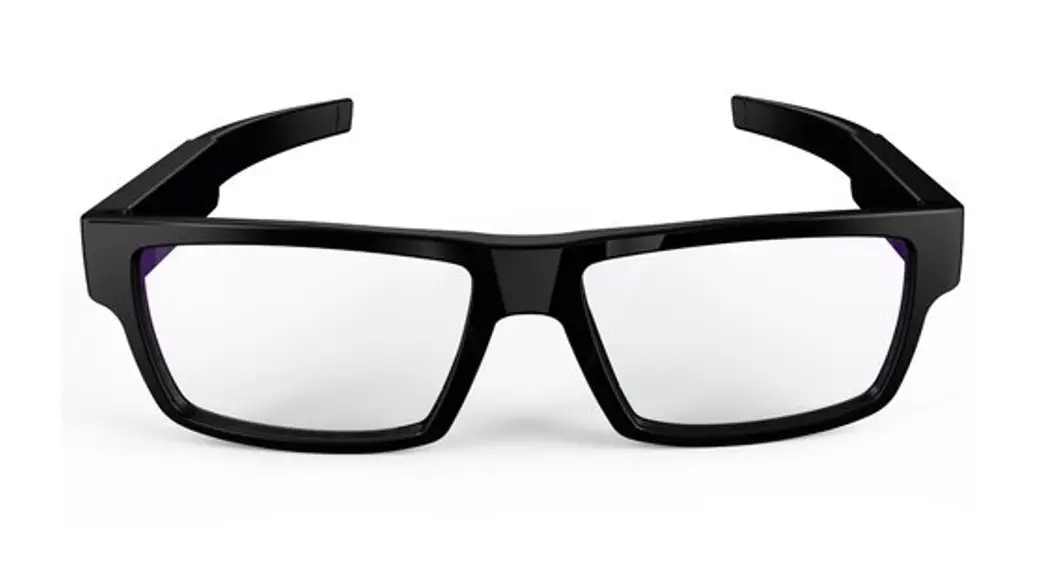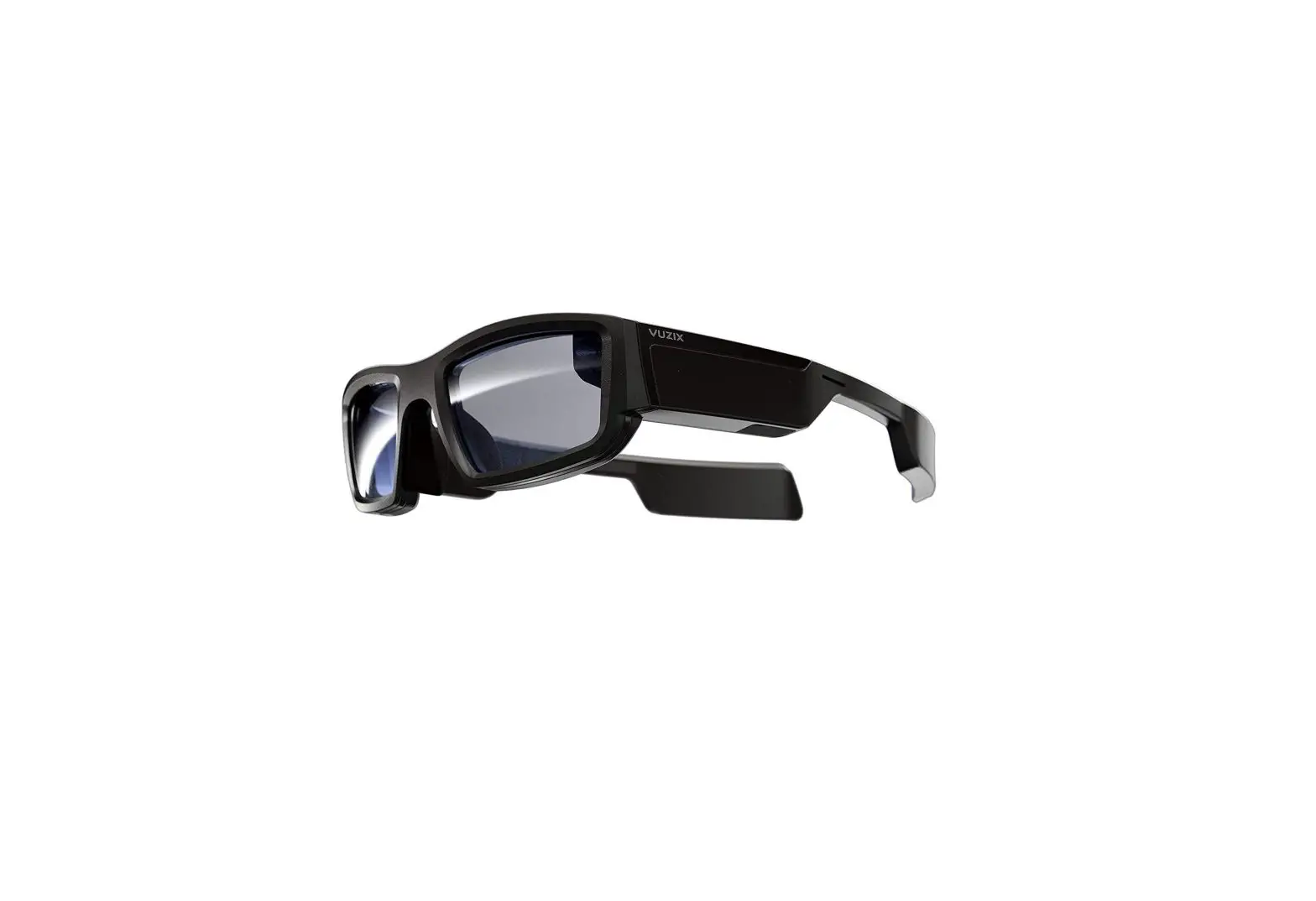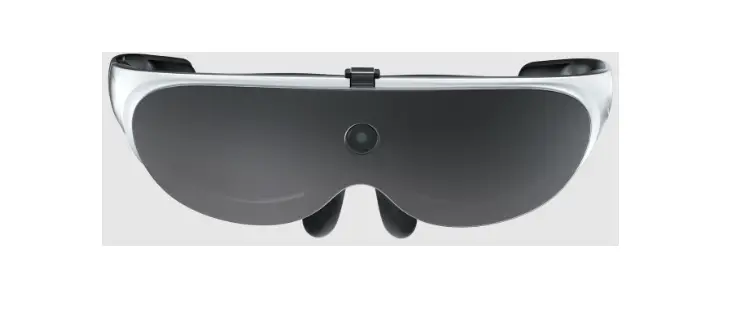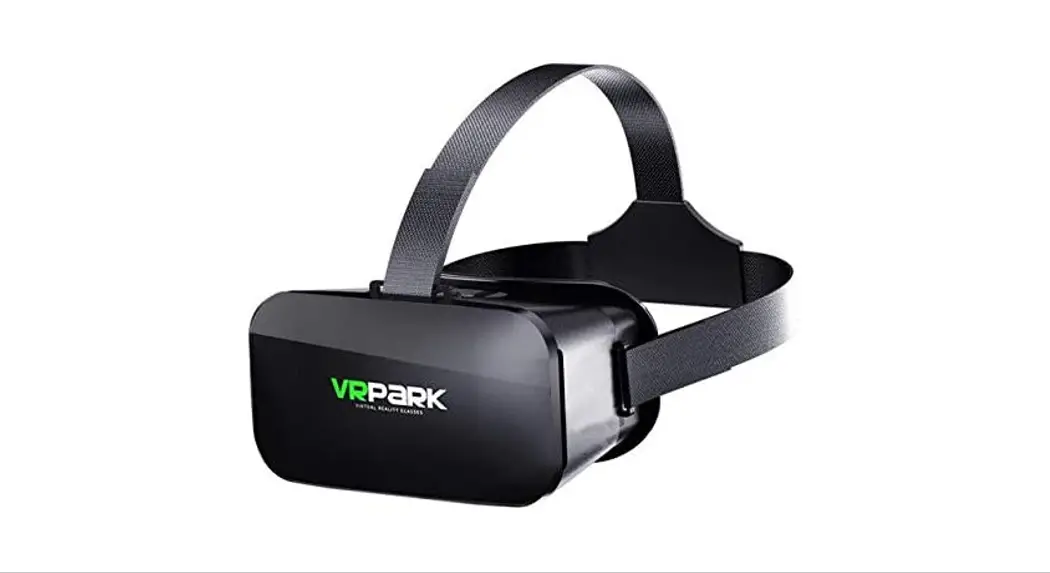

DK94EC Quest Pro Virtual Reality Glasses 256GB
User Guide
WELCOME TO [PLACEHOLDER]
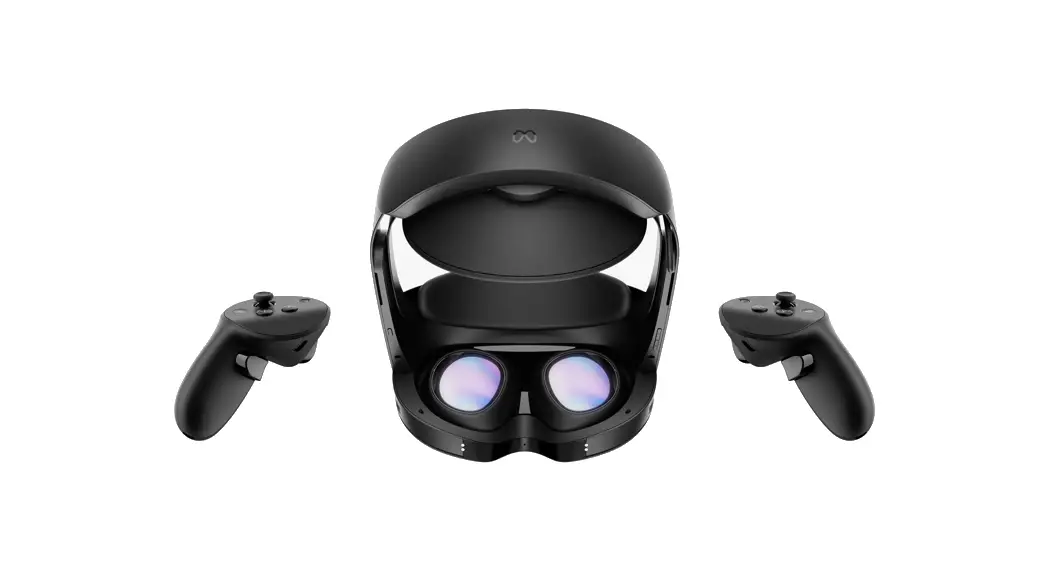
HEADSET
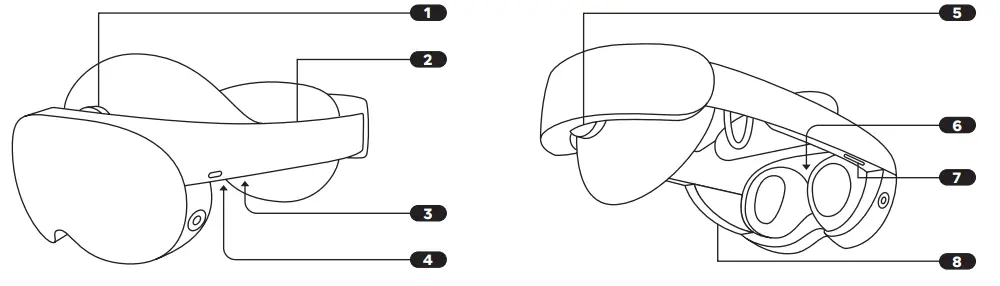
- Depth Wheel
- Spring Loaded Straps
- Power Button
- Audio Jack
- Fit Wheel
- Lens Spacing
- Volume
- Light Blockers (Magnetic)
[PLACEHOLDER] CONTROLLERS
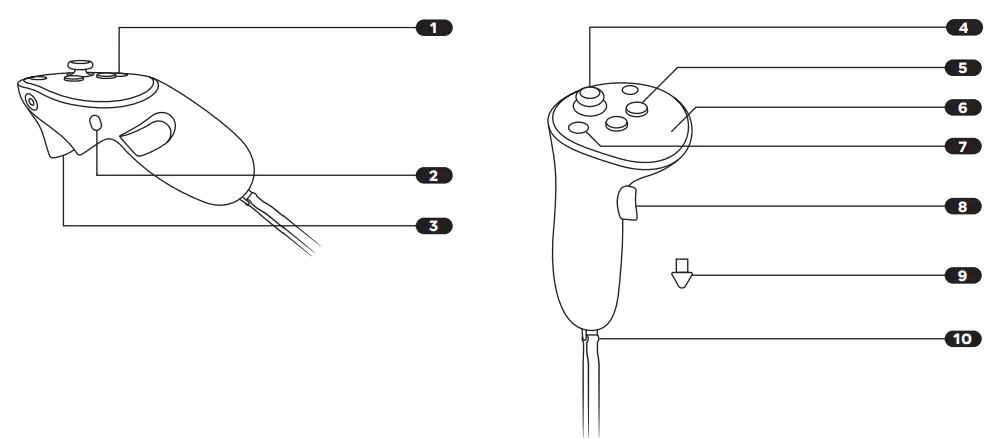
- Quest Button
- Charging Port
- Trigger Button
- Thumbstick
- Action Button
- Thumbpad
- Menu Button
- Grip Button
- [Placeholder name] Stylus Tips
- Wrist Strap
HAND GESTURES: SELECT
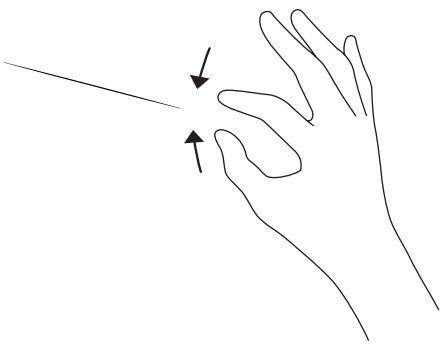
Pinch your thumb and index finger to make a selection.
HAND GESTURES: SCROLL
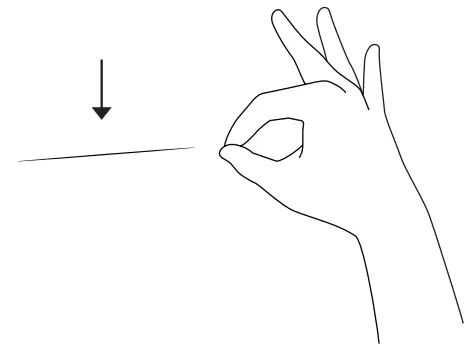
Pinch and hold your thumb and index finger. Move your hand down to scroll.
HAND GESTURES: MENU
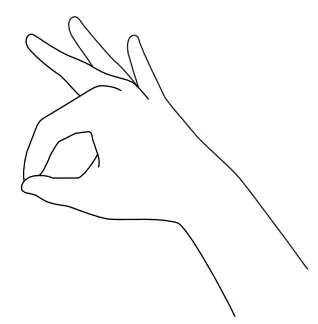
With your palm at eye level, pinch and hold your thumb and index finger to see the menu.
HELP AND SUPPORT
For help setting up: support.oculus.com
For questions and troubleshooting: support.oculus.com/troubleshooting
000-00000-00
LENS SPACING
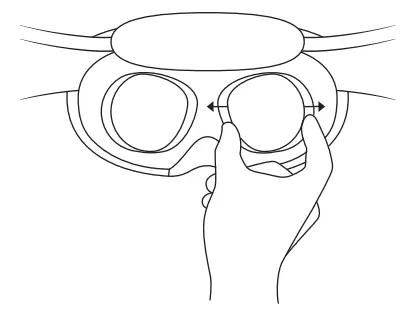
Slide lenses left or right to find clearest view.
[PLACEHOLDER NAME] LIGHT BLOCKERS
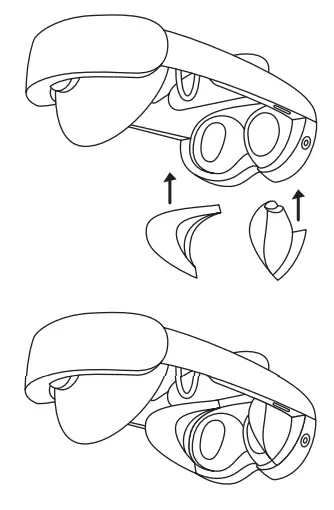
Attach with built-in magnet.
CHARGING DOCK
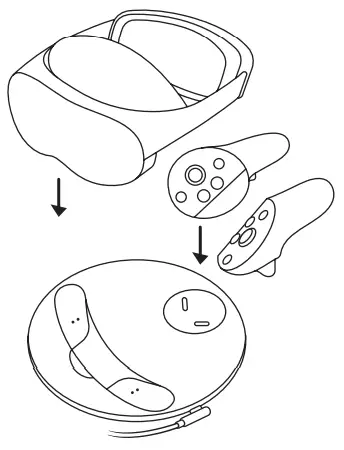
Connect the headset and controller charge ports to the corresponding ports on the dock.
USB-C CHARGING
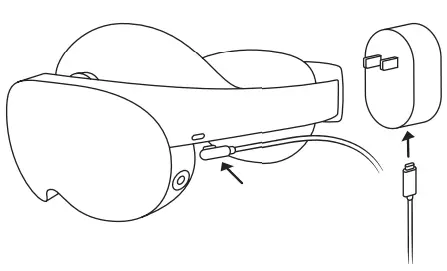
If using Seacliff for extended periods of time or while sitting, the headset can be charged while in use.
Steps: Unplug USB-C cable from charging dock. Insert USB-C connector into USB-C port on the left side of the headset.
Ensure USB-C cable is connected to included power adapter.
USB-C CABLE CLIP
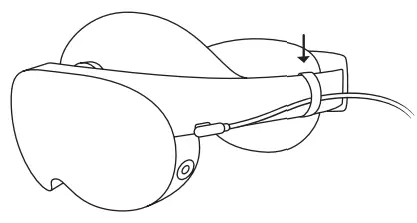
Attach the provided Cable Clip when using the headset and USB-C cable plugged in for long durations, to support the cable and to move it closer to your neck and shoulders.
WRIST STRAP REMOVAL
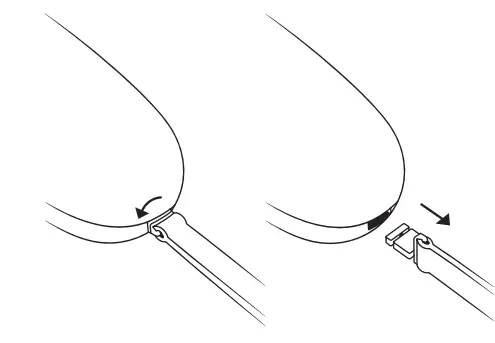
Turn Wrist Strap retainer counter clockwise one half turn and pull out to release from controller.
[PLACEHOLDER NAME] STYLUS TIPS INSTALLATION
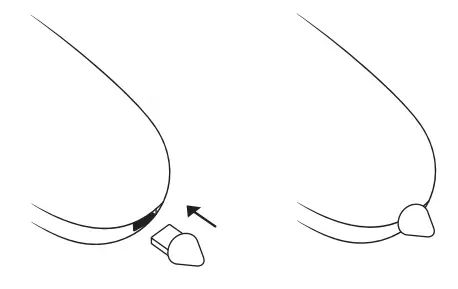
Push Stylus tip into controller until flush.
CARE AND CLEANING
Do not expose lenses to direct sunlight.
Clean with the enclosed cleaning cloth.
Never use strong solvents or alcohol based cleaners.
Note: The use of abrasive cloths or cleaning liquids can damage the tracking cameras.
META APP
Download to manage devices.