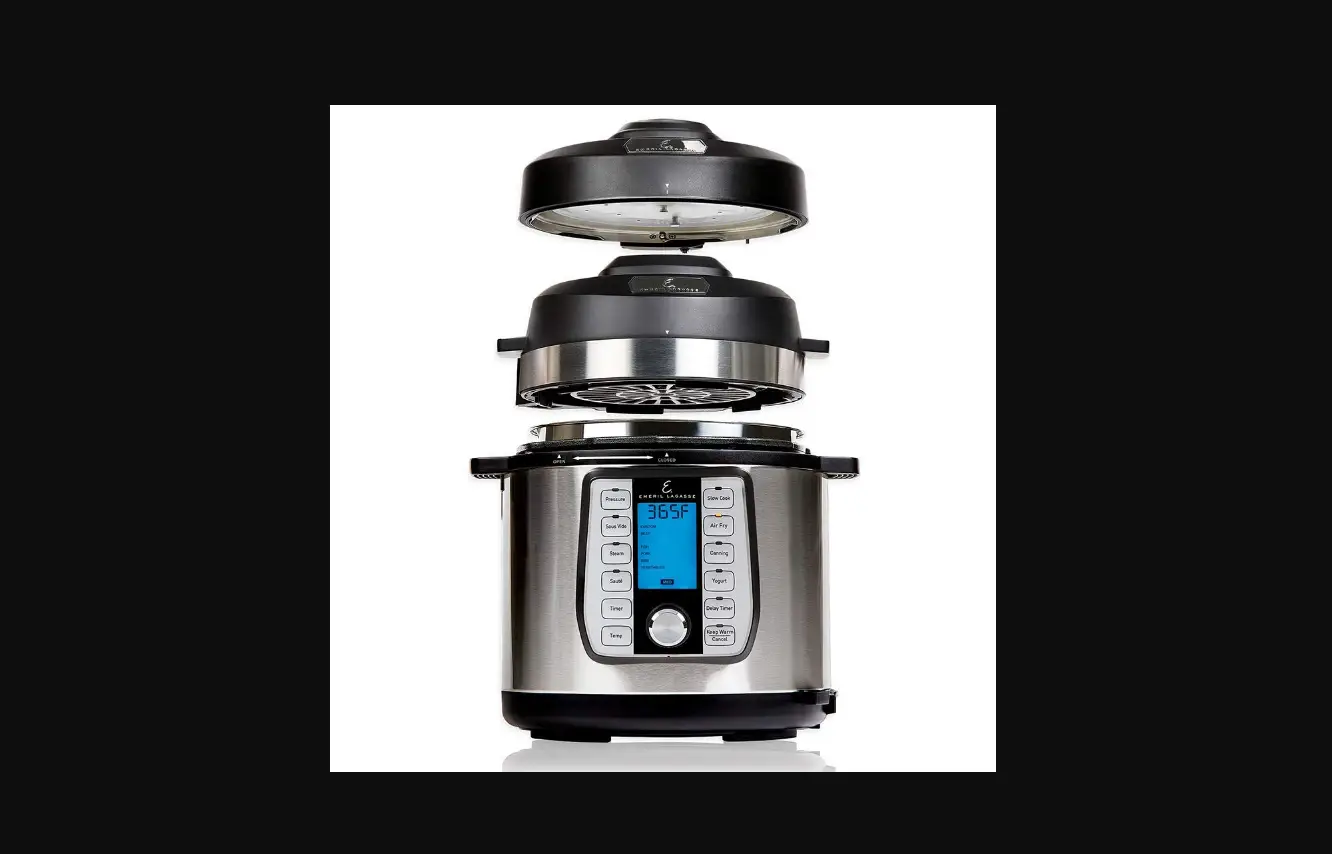
Emeril PC 6-8QT
Quick Start Guide*
* See owner’s manual for complete
instructions and important safety information before using this product.
Step 1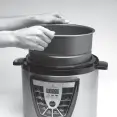 Place the Unit on a clean, flat surface. Remove the Pressure Lid.
Ensure all components are attached to the lid and base as outlined in the owner’s manual. Place the Inner Pot in the Base.
Step 2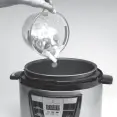 Add ingredients to the
Inner Pot.
Step 3 With the LED Display facing you, place the Pressure Lid on the Unit.
Twist the Pressure Lid counterclockwise about 30° to the Closed position
until the lid clicks into place and a single beep sounds. “LID” will flash on the LED Display if the lid is not completely closed.
Step 4 Rotate the Pressure Release Valve until the symbol aligns with
the arrow on the side of the valve.
Step 5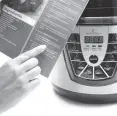 Follow your recipe to set
the appropriate cook time
and temperature.
Step 6 When the cooking cyle is complete, press the Cancel Button. Rotate
the Pressure Release Valve counterclockwise from the Closed
position ( ) to the Open position ( ). Allow all pressure to
escape before opening the Pressure Lid.
Wash All Components Before First Use
Emeril_PC_6-8QT_QUICKSTART_ENG_V1_190610