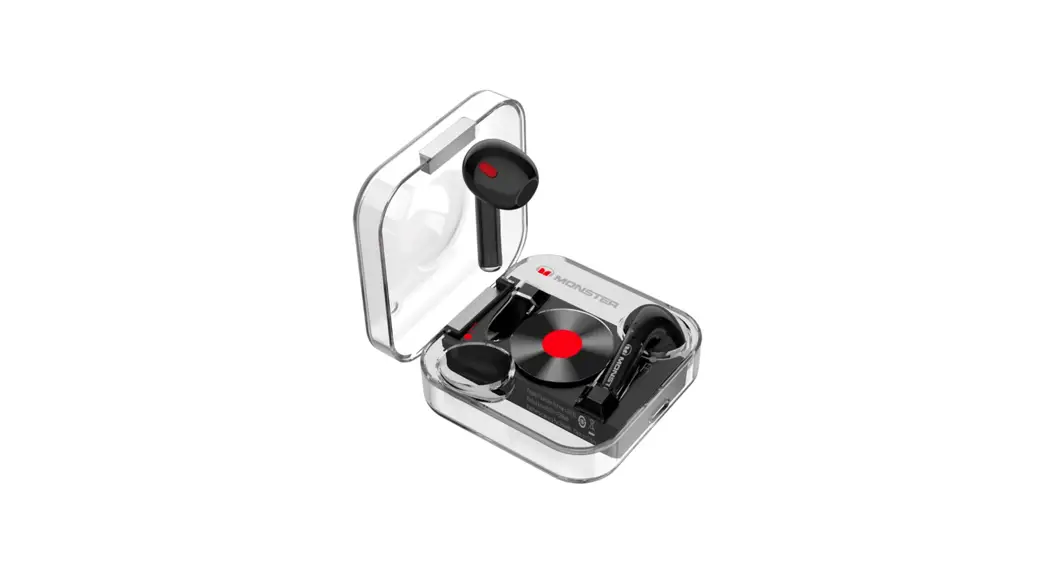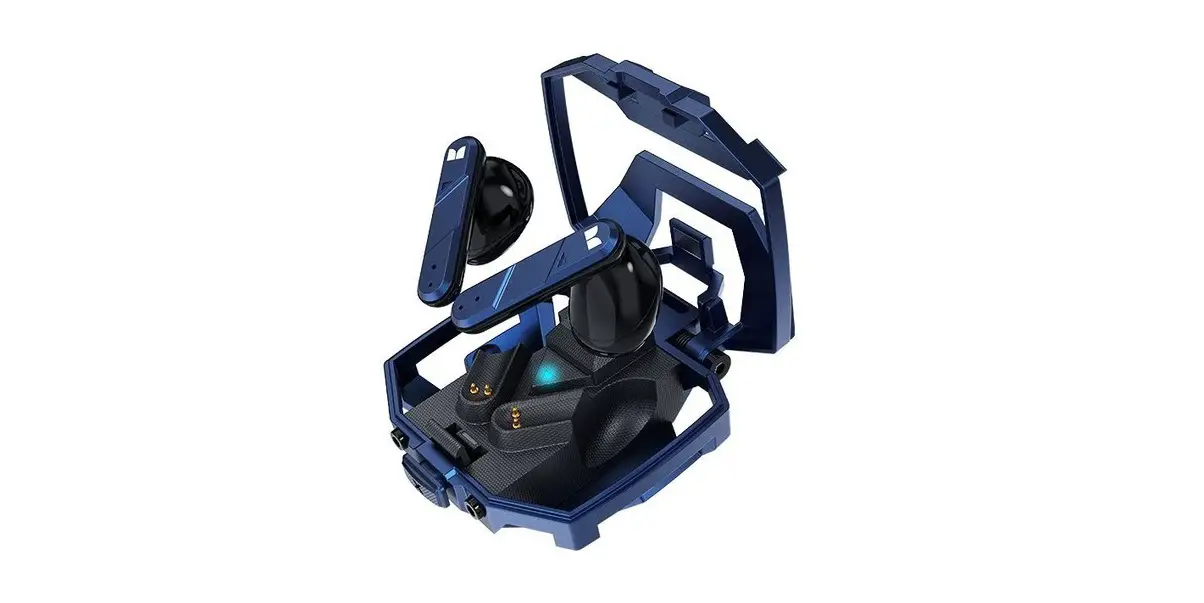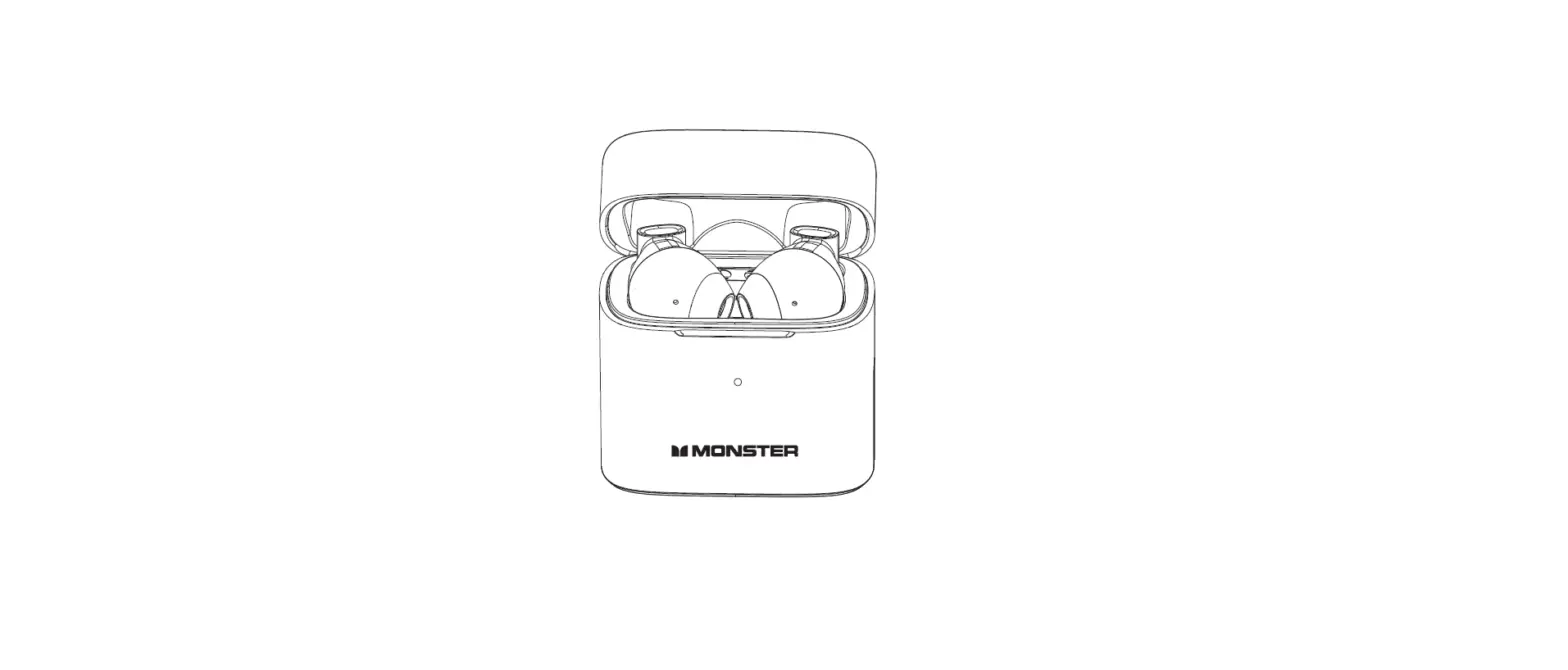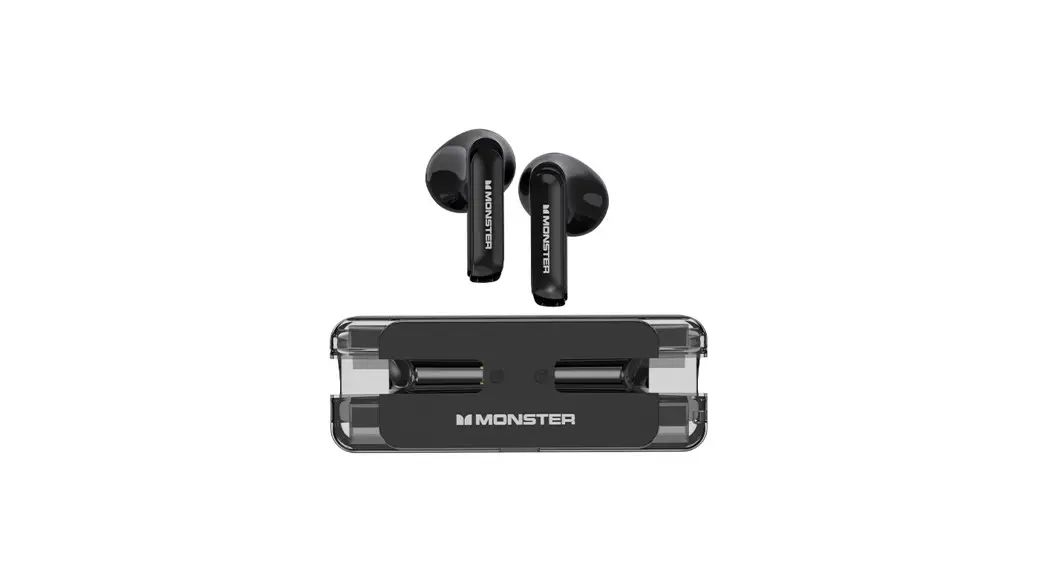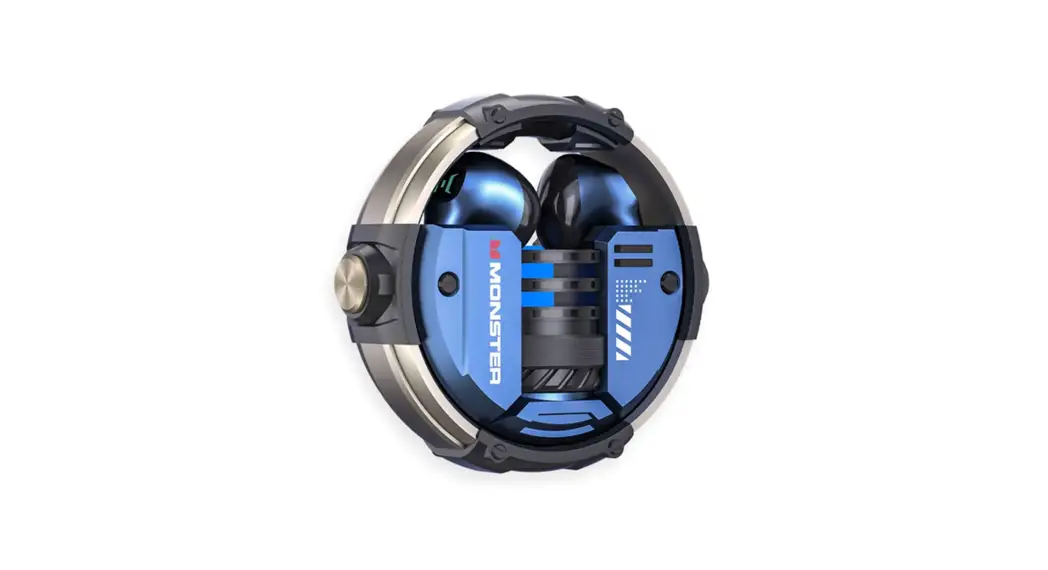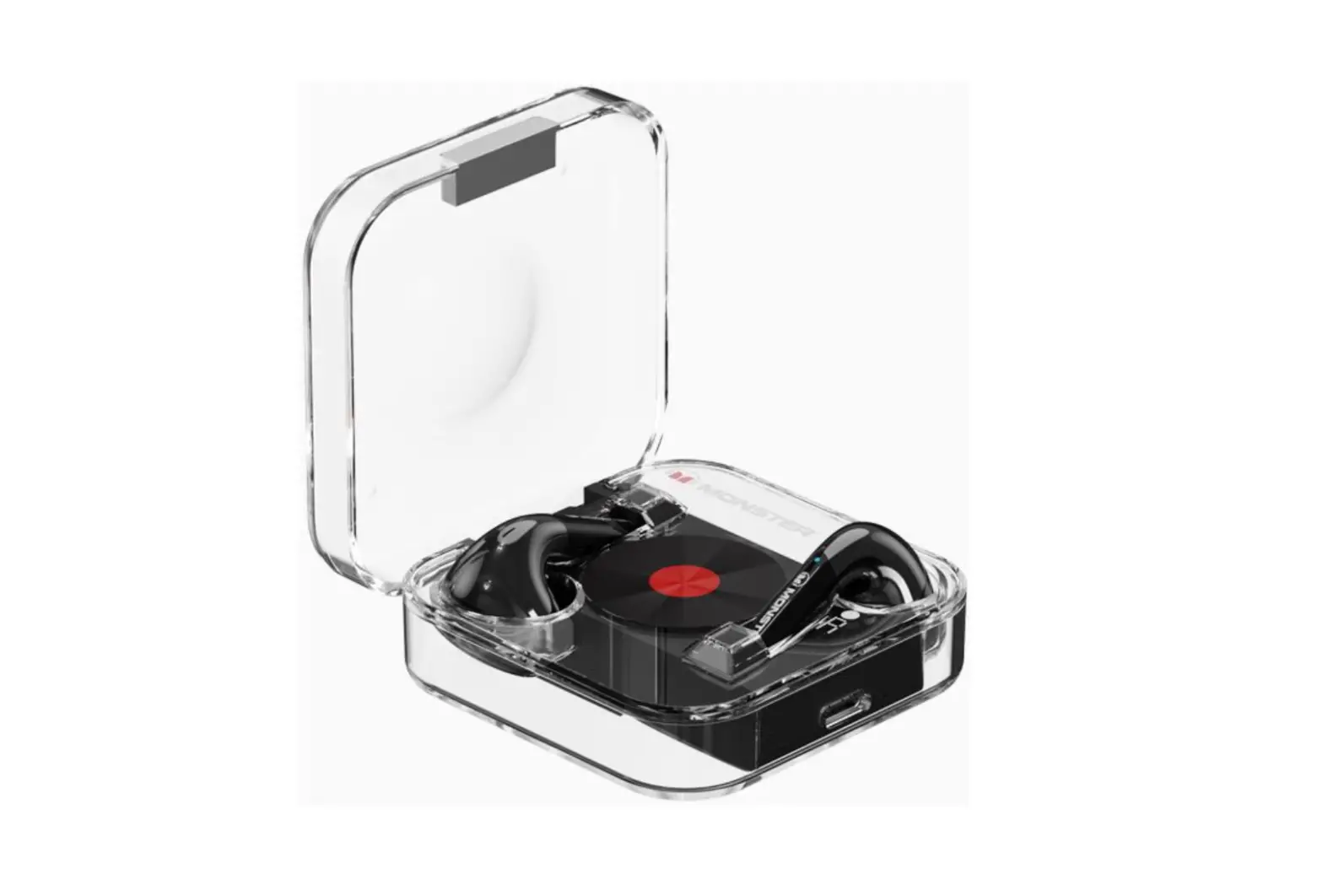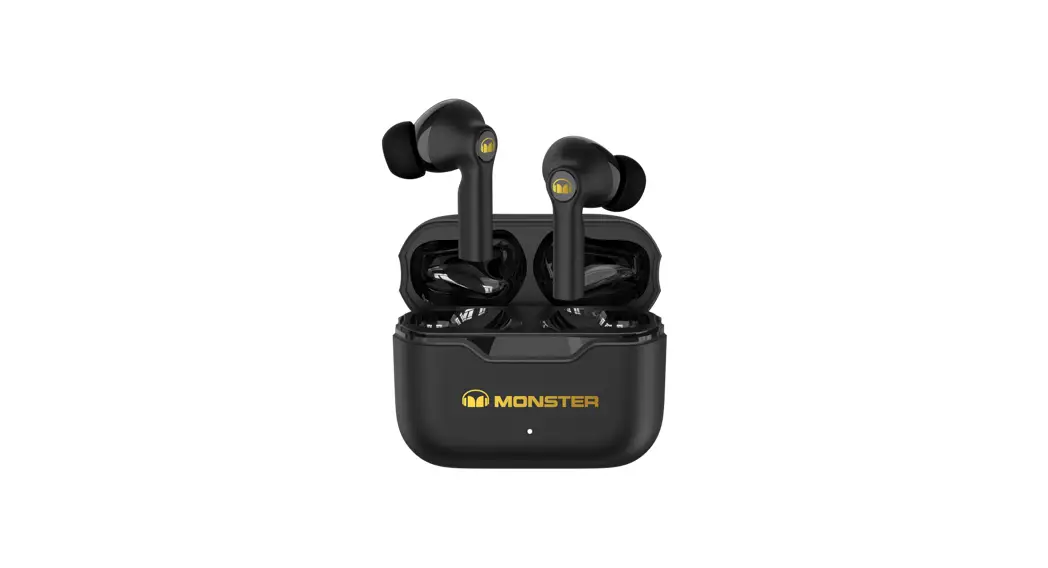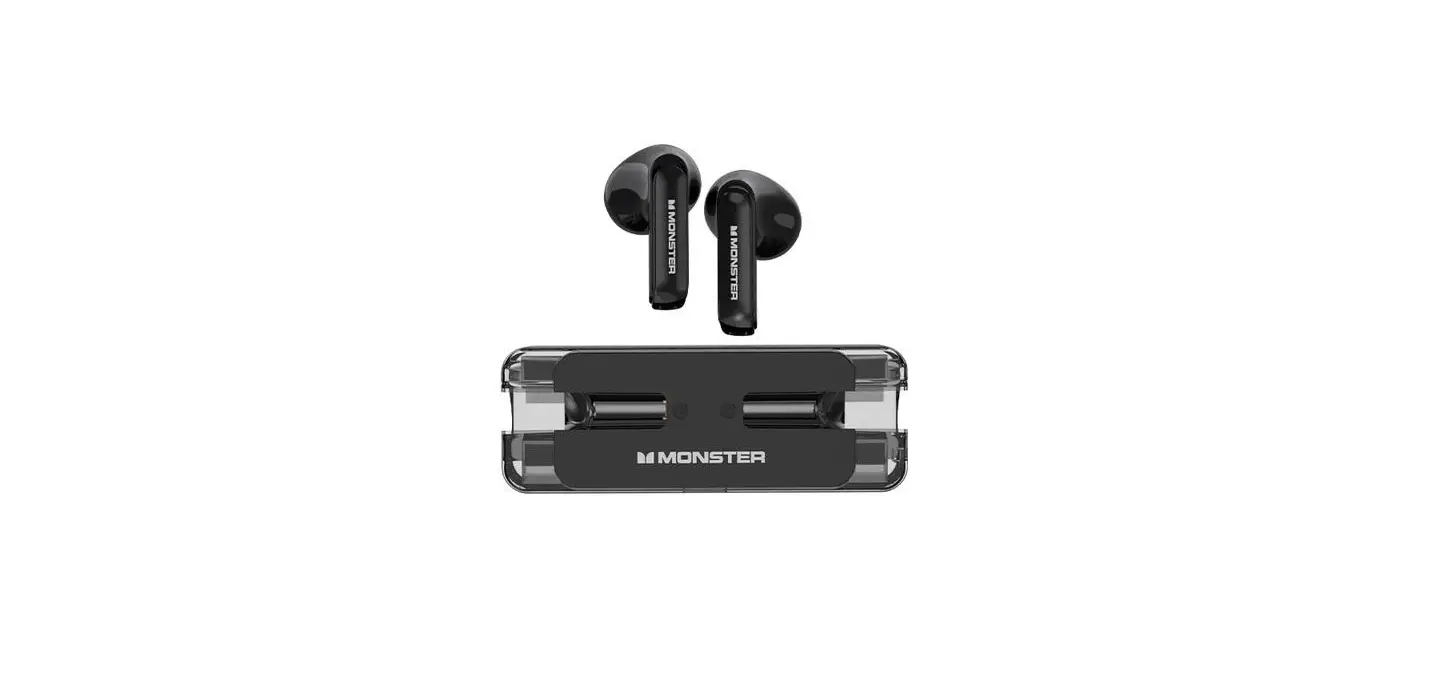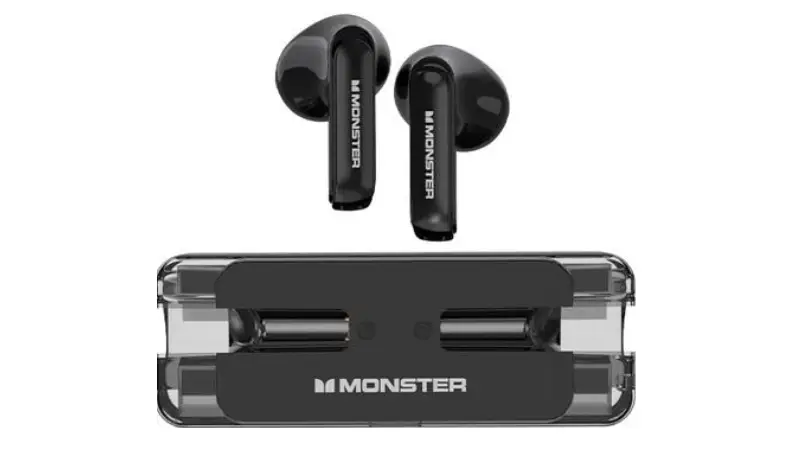
MONSTER XKO01 Bluetooth Wireless Headphones Instruction Manual
Product parameters
- Bluetooth version : V5.3
- Transmission distance : 10m
- Driver diameter : Φ16.2mm
- Driver impedance : 20Ω
- Sensitivity : 106±3dB
- Frequency response : 20Hz-20kHz
- Battery capacity(Charging case) : 400mAh 3.7V
- Battery capacity (Headphone) : 50mAh 3.7V
- Charging time (Charging case) : ≈1.5 hours
- Music playtime (Headphone) : ≈7 hours
- Music playtime with charging case: ≈28 hours
Product Schematic Description
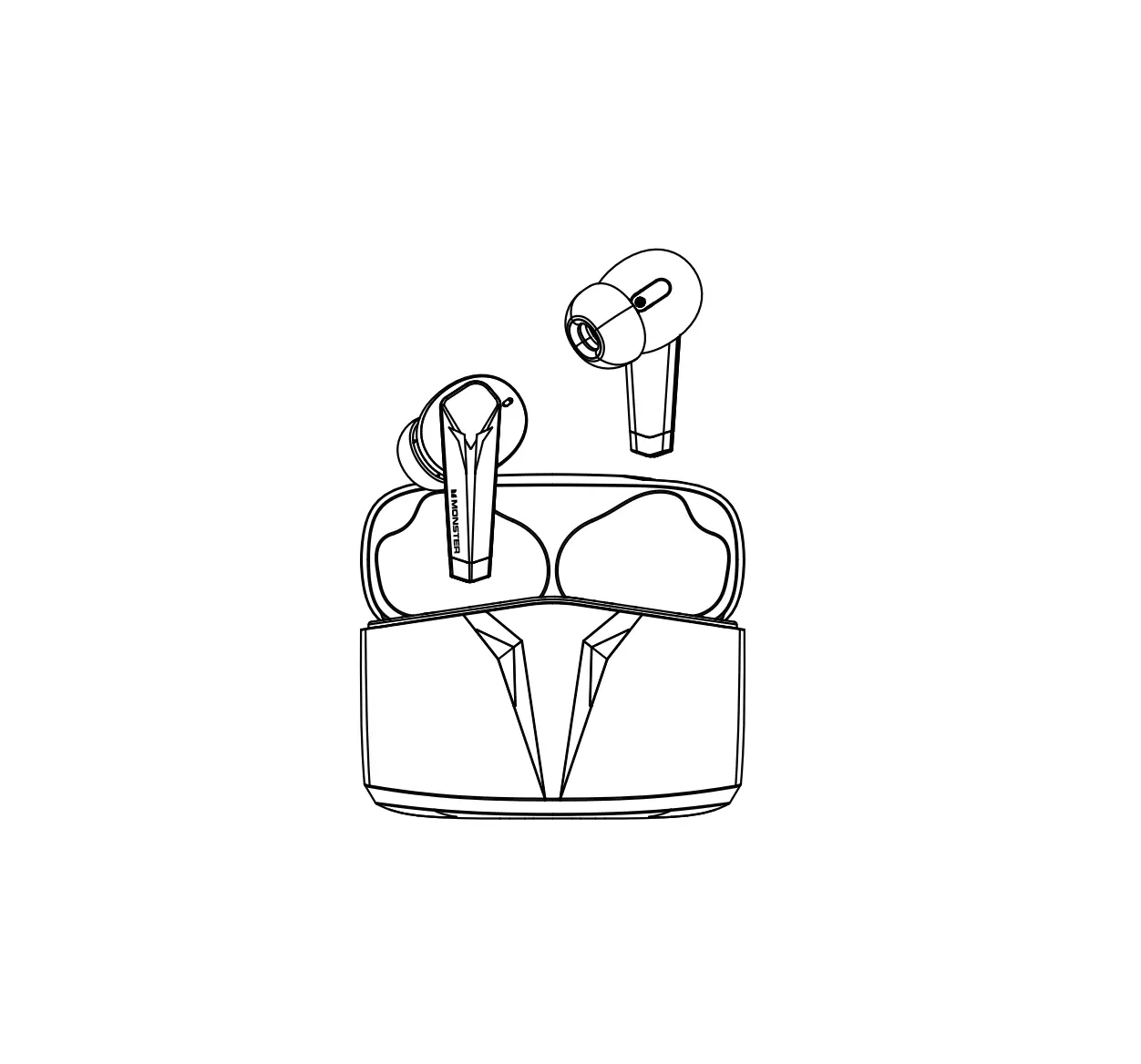
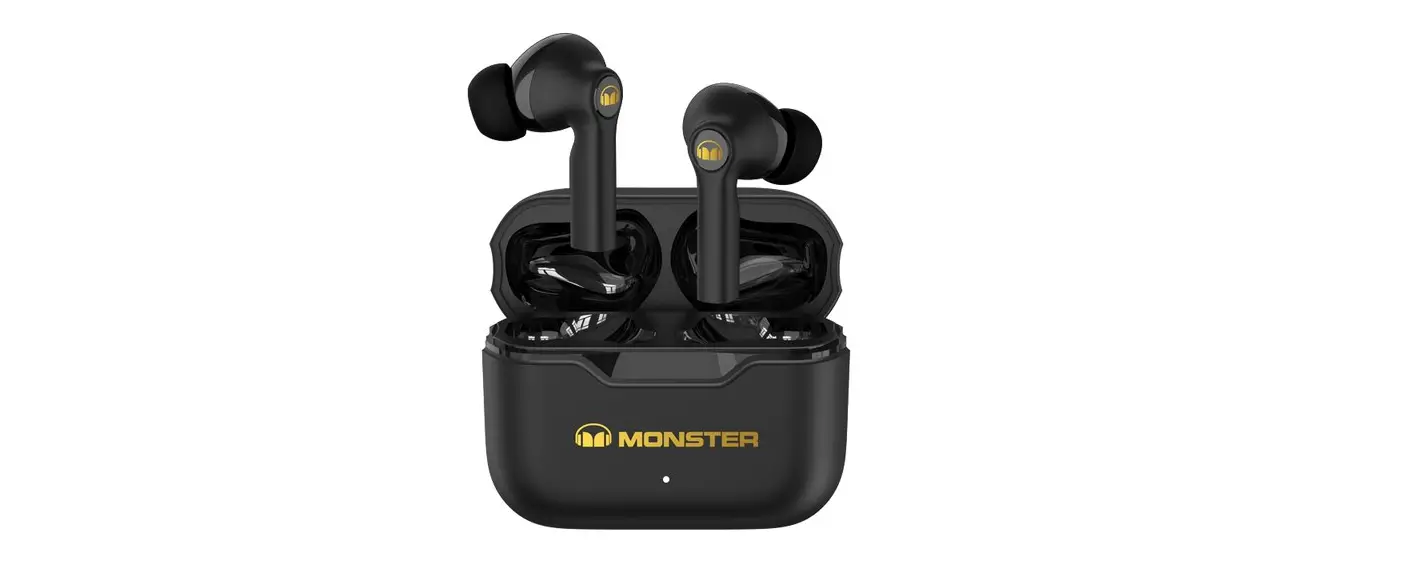
- Headphone*2

- Instructions Manual*1

- Charging case*1

- Type-C Charging Cable*1

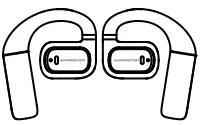
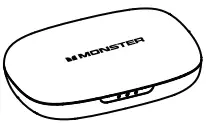
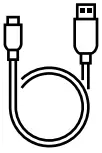
Product Schematic Description
- Headphone

- Charging case

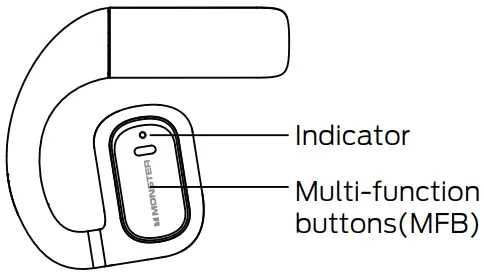
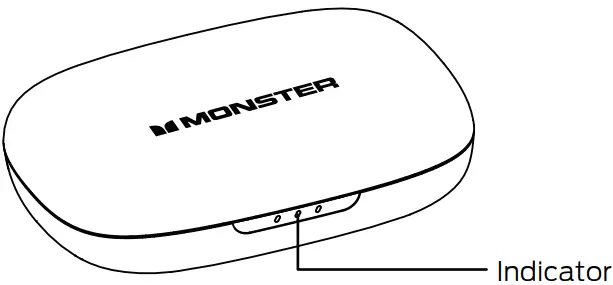
Charge the charging case
Connect the charging case to the 5V power adapter with Type-C charging cable.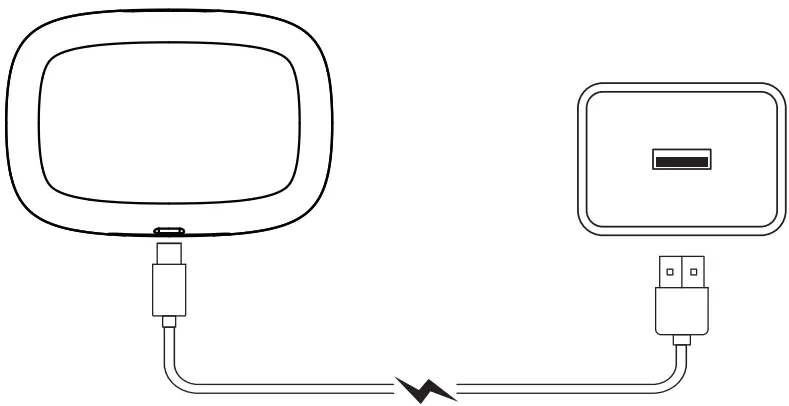
Rated input: 5V  40mA(Headphone)
Rated input: 5V 320mA(Charging case)
Indicator guide
| Mode | Describe | Sound prompt |
| Power On | The headphones LED indicator flash in ice blue lightfor one second. | “Power on” |
| Power Off | The indicator LED of headphones show blue andquickly flash 3 times | “Power off” |
| Pairing | Two headphones are flash blue slowly | “Pairing” |
| Connected | The headphones LED indicator is off. | “Connected” |
| Disconnected | The headphones LED indicator flash in ice bluequickly. | “Disconnected” |
| Low Battery | _____ | “Battery low” |
| Headphones placed in charging case | The indicator LED of headphones stay on blue when fully charged it goes out. | _____ |
| Charging case low power | The left blue LED flashes 5 times continuously , the nturns off. | _____ |
| Charging case charged | According to the the three charging indicators flashfrom left to right. | _____ |
| Charging case fully charged | Three blue lights are always on. | _____ |
Wearing Guide
Step one
Open the upper cover of the charging box and take the headphones out of the charging box.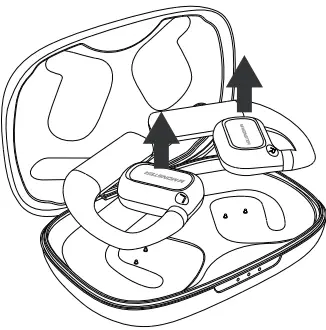
Step one
Keep the second step and slowly rotate the headphone along the inner side of the ear until it fits the ear.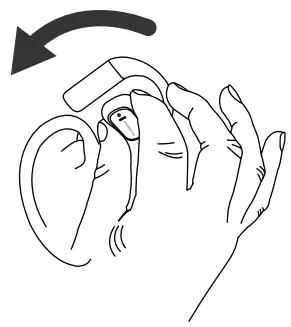
Step two
Use the illustration to hold the main body of the headphone with your thumb and forefinger respectively, and use your middle finger to push the hook , also keep it is in this state.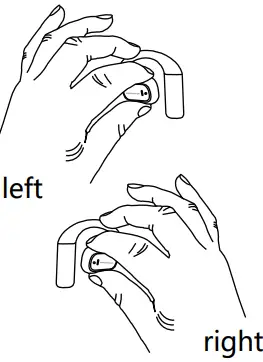
Step four
Wear headphones and enjoy music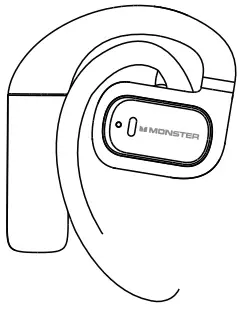
Product operating instructions
- Power on
Method 1: Open the charging case, the headphones will turn on automatically.
Method 2: Long touch the MF button of the headphones for 3s to turn on the headphones. - Power off
Method 1: Put the headphones into the charging case ande close the cover.
Method 2: When the headphones is not connected to the Bluetooth device
long touch the MF button of the headphones for 5s to turn off the headphones.
Method 3: After disconnected from the Bluetooth device for 3 minutes. - Pairing
Step one: Open the charging case, the head phones will start pairing automatically.
Step two: Search and click for” Monster Aircars XKO01”on the Bluetooth list of the smart device, and when connection is successful ,” Connected ”will be heard.
Headphones will try reconnecting to the device within 3 minutes when connection is lost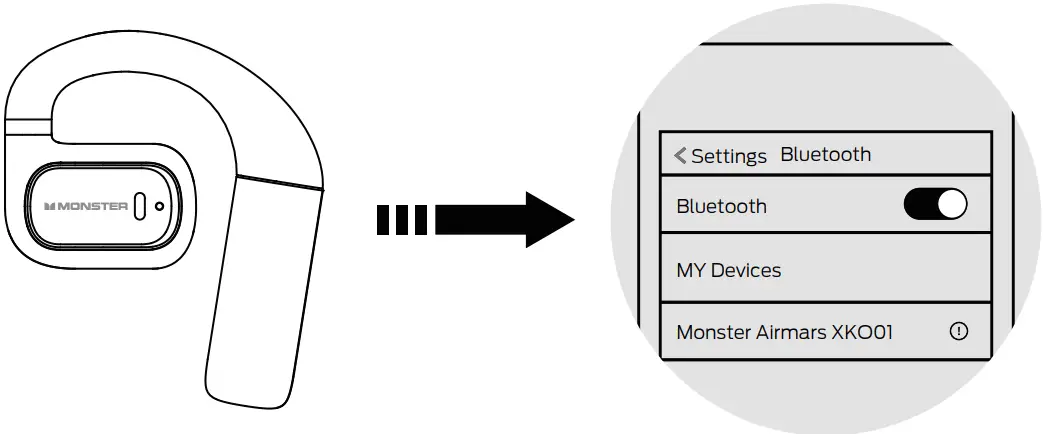
NOTE:
- Fully charge the headphones and power off before an intended not-in-use period.
- Unplug the charging cable after charging
Operation
Normal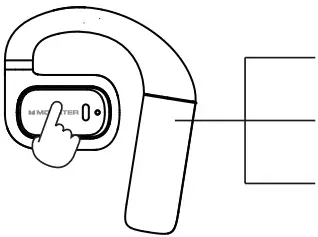
Voice assistant: Press the left MFB for 2 seconds
Volume +: Click right MFB
Volume -: Click left MFB
Music playback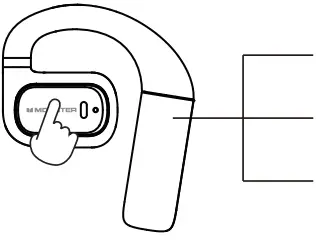
Pause/Play: Double click Left/Right MFB
Last song: Triple click left MFB
Next song: Triple click right MFB
Phone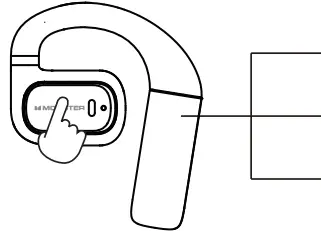
Answer: Double click the left/right MFB
Reiect: Press left/right MFB for 2 seconds
Hang up: Double click the left/right MFB
Game/music switching: device connected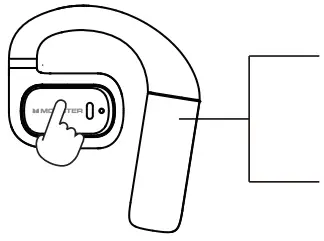
Press right MFB for 2 seconds ro enter game mode Press right MFB for 2 seconds to enter music mode
Restore factory settings
When you turn on the headphone, make sure it does not connect to any Bluetooth device, and click the MF button 5 times to clear the pairing record, then turn off the headphone.
Precautions
- Headphones will turn on automatically(needless to press any button) pair and connect the device when the charging case is opened. After placing the headphones in the charging case, they will turn off and automatic charging will start when the cover is closed.
- Charging every 15 days will extend battery life when not in use often. Cleaning off dirt on the charging contacts by cotton swabs with alcohol will maintain a good contact for charging.
- Keep battery(battery pack)away from inflammables or excessive heat such as direct sunlight.
- Intermittent is normal during playback for wireless products due to environmental factors, device brand, users’ behavior, etc.
Warnings
- Do not use headphones at high volume for an extended perios of time.
- Keep the headphones away from dust and water.
- Do not disassemble the headphones and accessories, otherwise warranty will be voided.
- Keep headphones away from any impact or vibration.
- Do not use any chemical solvents or cleaning agent on the headphones.
| Name of the Parts | Hazardous Substances | |||||
| Pb | Hg | Cd | Cr(VI) | PBB | PBDE | |
| Housing | O | O | O | O | O | O |
| Loudspeakers | O | O | O | O | O | O |
| PCBA | X | O | O | O | O | O |
| Accessories | X | O | O | O | O | O |
This table is compliled according to SJ/T 11364
O: Indicates that this hazardous substance contained in all of the homogeneous materials for this part is below the limit requirement in GB/T 26572.
X: Indicates that this hazardous subatance contained in at least one of the homogeneous materials used for this part is above the limit requirement in GB/T 26572.
FCC Statement
This equipment has been tested and found to comply with the limits for a Class B digital device, pursuant to Part 15 of the FCC Rules. These limits are designed to provide reasonable protection against harmful interference in a residential installation. This equipment generates uses and can radiate radio frequency energy and, if not installed and used in accordance with the instructions, may cause harmful interference to radio communications. However, there is no guarantee that interference will not occur in a particular installation. If this equipment does cause harmful interference to radio or television reception, which can be determined by turning the equipment off and on, the user is encouraged to try to correct the interference by one or more of the following measures:
- Reorient or relocate the receiving antenna.
- Increase the separation between the equipment and receiver.
- Connect the equipment into an outlet on a circuit different from that to which the receiver is connected.
- Consult the dealer or an experienced radio/TV technician for help. This device complies with part 15 of the FCC Rules.
Operation is subject to the following twoconditions:
- This device may not cause harmful interference, and
- this device must accept any interference received, including interference that may cause undesired operation. Changes or modifications not expressly approved by the party responsible for compliance could void the user’s authority to operate the equipment.
The device has been evaluated to meet general RF exposure requirement. The device can be used in portable exposure condition without restriction.
CMIIT ID: 2023DP3136

Environment Friendly Use Period(EFUP)
This logo refers to the period (10 years) during which the hazardous substances in electronic and electrical products will not leak or mutate so that the use of these [substances] will not result in any severe environmental pollution, any bodily injury or damage to any assets.
Warranty Service
Dear user, this warranty card is the proof of your future warranty application, please cooperate with the seller to fill it out and keep it for future use!
| User info | ||||
| User name | ||||
| Contact number | Postal code | |||
| Mailing address | ||||
| Product information | ||||
| Product name | Product number | |||
| Product barcode / Serial number / Batch number | ||||
| Vendor information | |||
| Name | |||
| Address | |||
| Contact number | Postal code | ||
| Sales date | Invoice number | ||
| Remark | |||
Certificate of Approval
Product No: _____
Production Time: _____
QC: _____