Contents hide

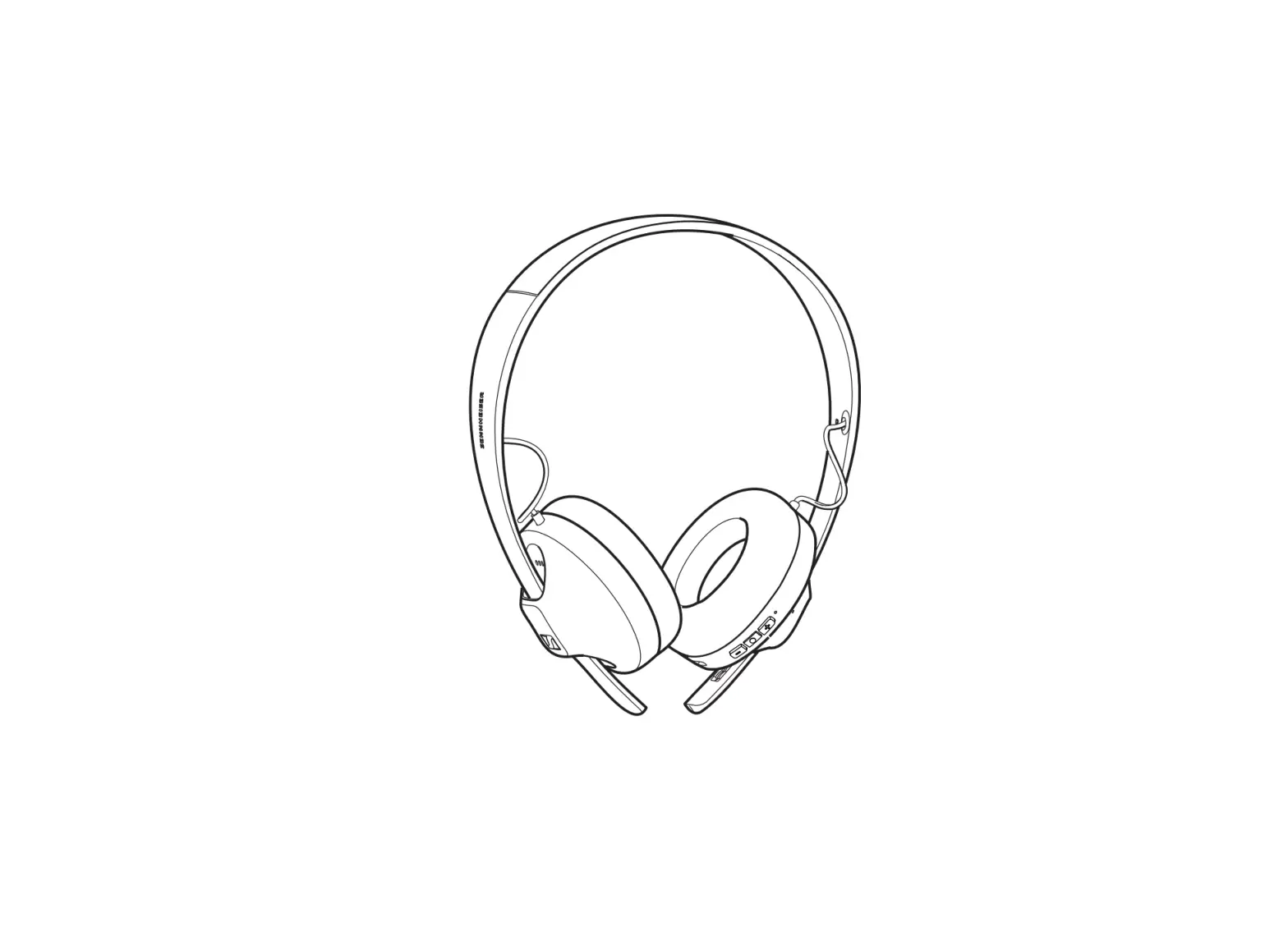
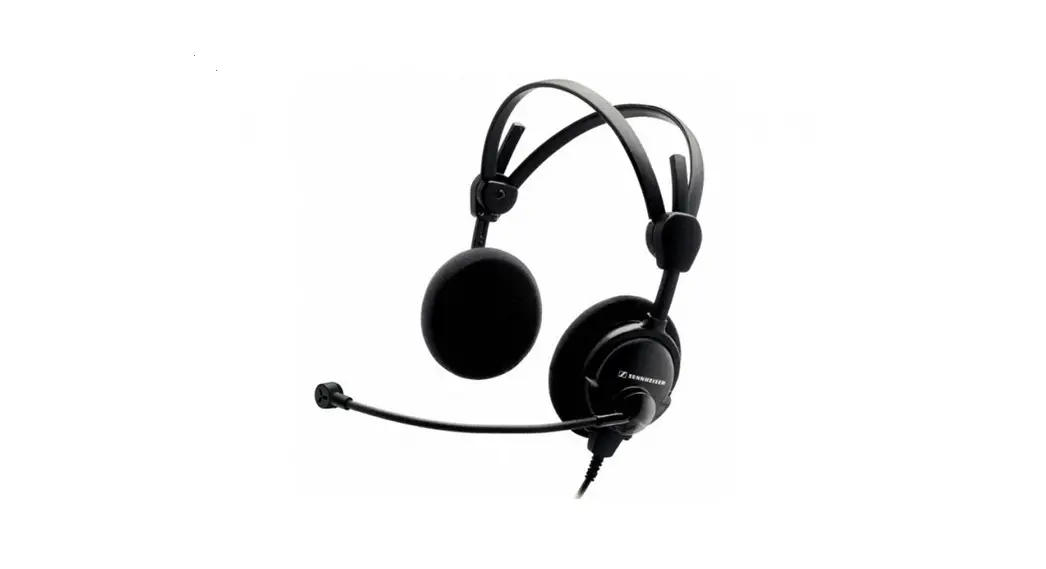
SENNHEISER Headset
Safety Instructions
General
Always check the safety and testing regulations that are currently valid for your country and abide by the following regulations:
- Repair-related (e.g. in accordance with VDE 0701 in Germany).
- Device-related in accordance with IEC 60950-1.
- Unauthorized alterations and modifications are not permitted for safety and certification reasons. The person who performs unauthorized modifications is liable for any resulting damage.
- Comply with ESD regulations when working around components that are susceptible to electrostatic discharge.
- Modifications and repairs may only be performed by skilled personnel (e.g. in accordance with VDE 1000 in Germany)
- When repairing a device or replacing single components you have to use the original parts from the device‘s current spare parts list. When other than the original parts are used the approval/ the certification of the device becomes invalid!
- Observe the safety instructions and the disposal regulations of the Lithium-Polymer battery pack.
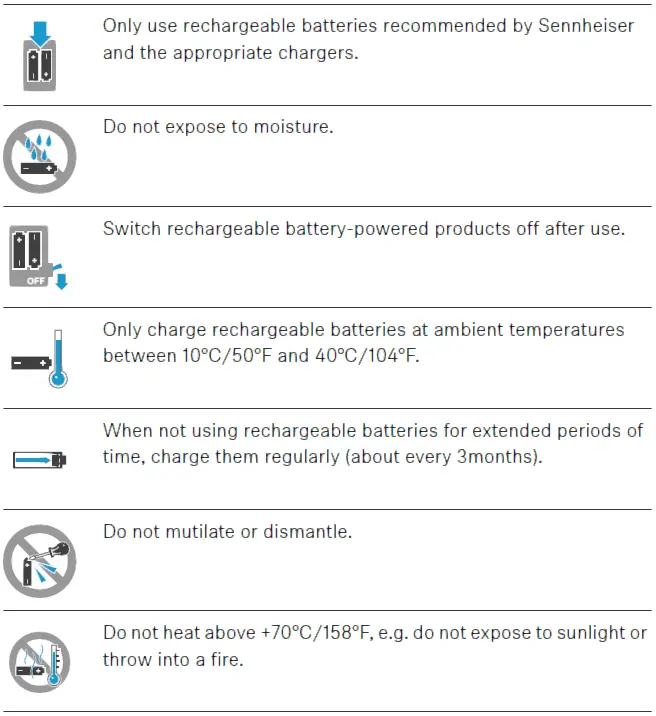
Safety Instructions for Rechargeable Batteries
- Only use the battery pack for designated product(s).
- Read instructions in the product Safety Guide before using the battery.
- Keep battery out of reach of children and in original package until ready to use. Never put batteries in mouth.
- Recycle or dispose of used batteries according to instructions.
Disassembly / Assembly
Required Material
- New Battery pack for SDW 10 HS – ID No. AHB552826TPC
- Pointed object (e.g. small screwdriver) to open the battery compartment
Disassembling the Rechargeable Battery Pack
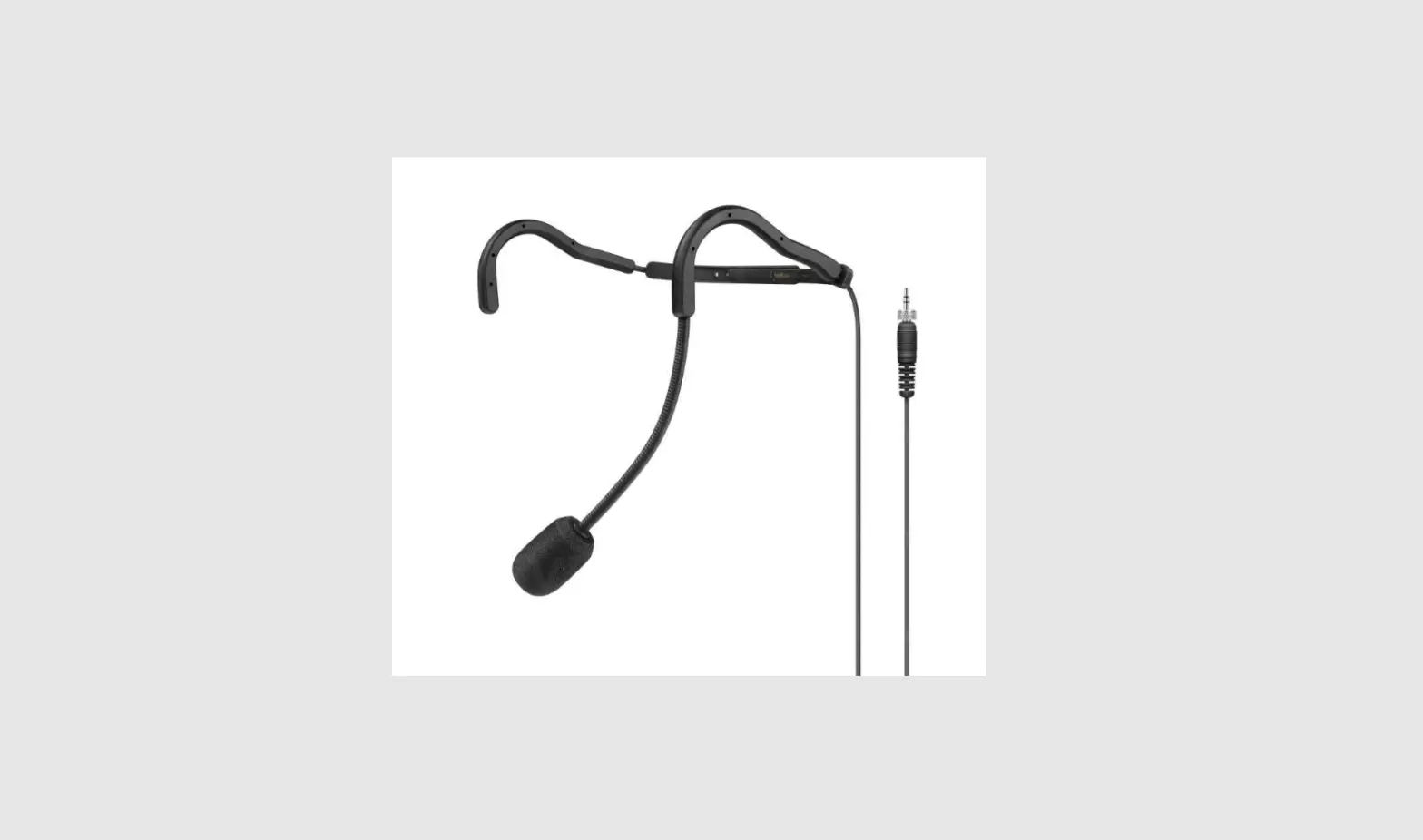
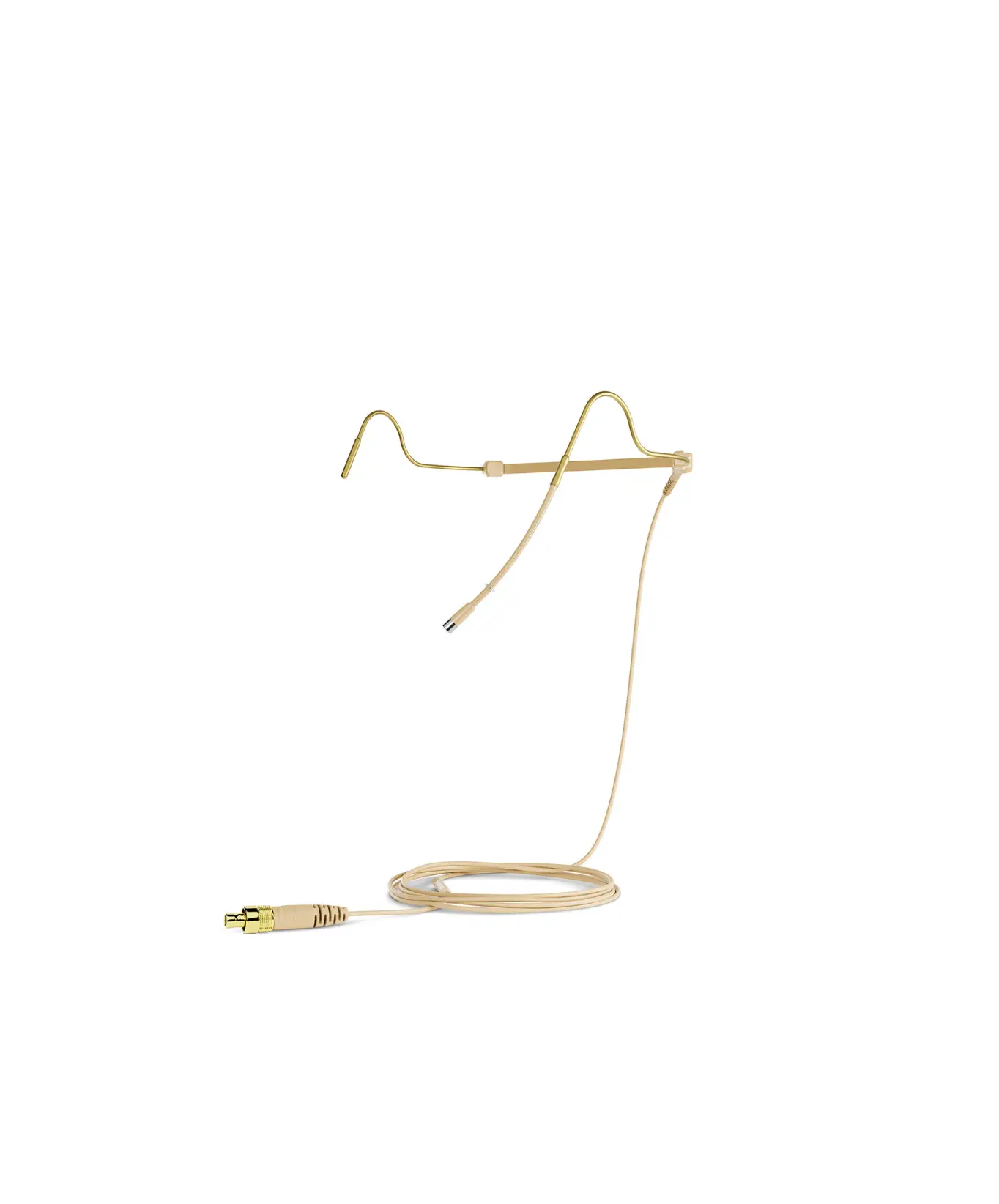
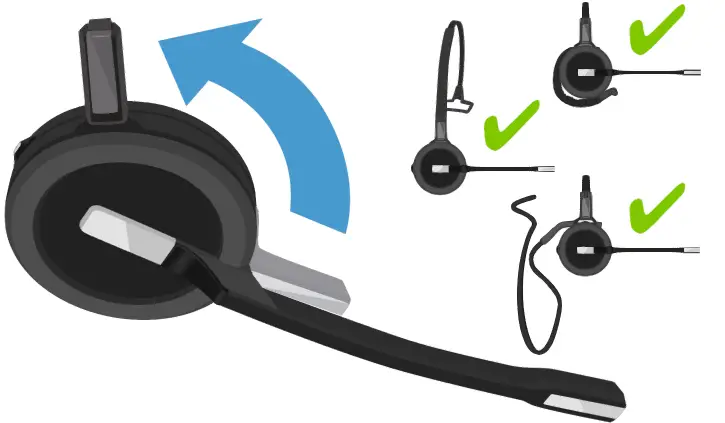
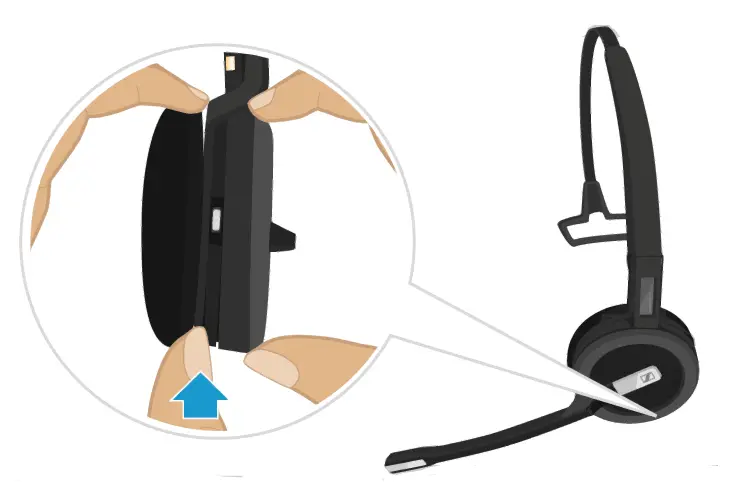
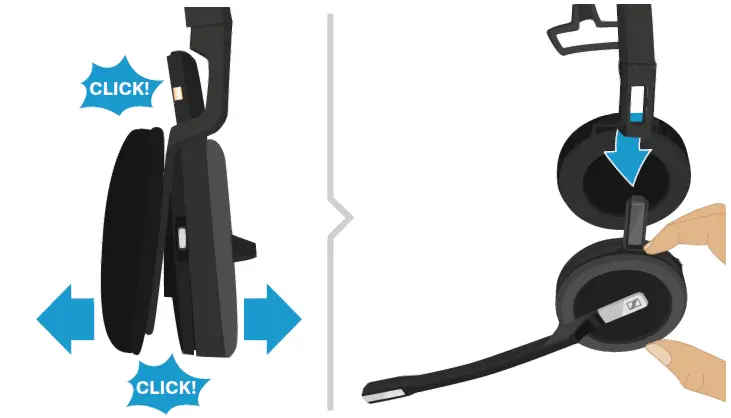
Removing the ear hook or the headband
- Rotate the holder with the charging pin away from the microphone boom.

- Hold the headset with the one hand.
- Slide one finger of the other hand into the small recess on the headband or wearing style adapter.

- Pull the two units apart from each other.
The headset loosens and you hear a click.
- Remove the headset from the holder.
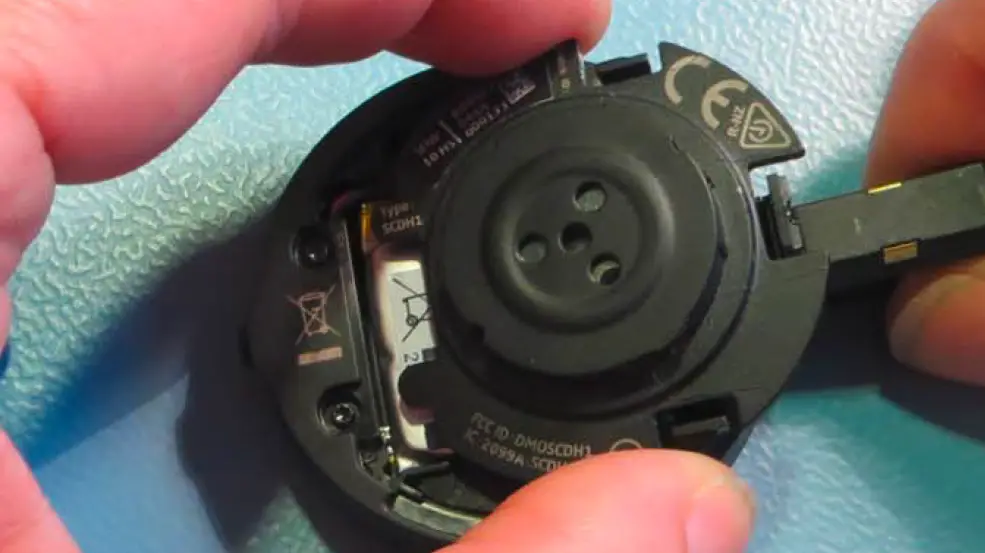
Opening the Battery Compartment
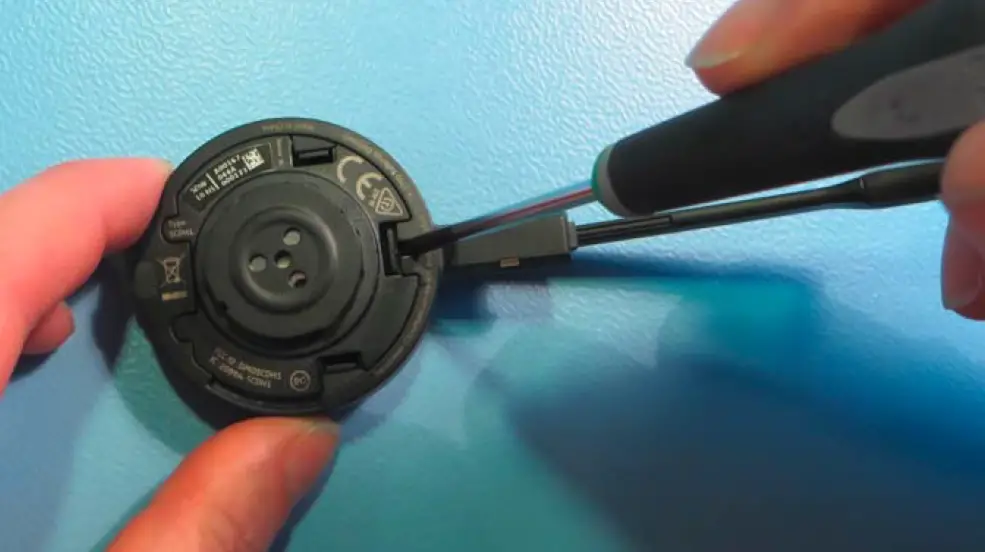
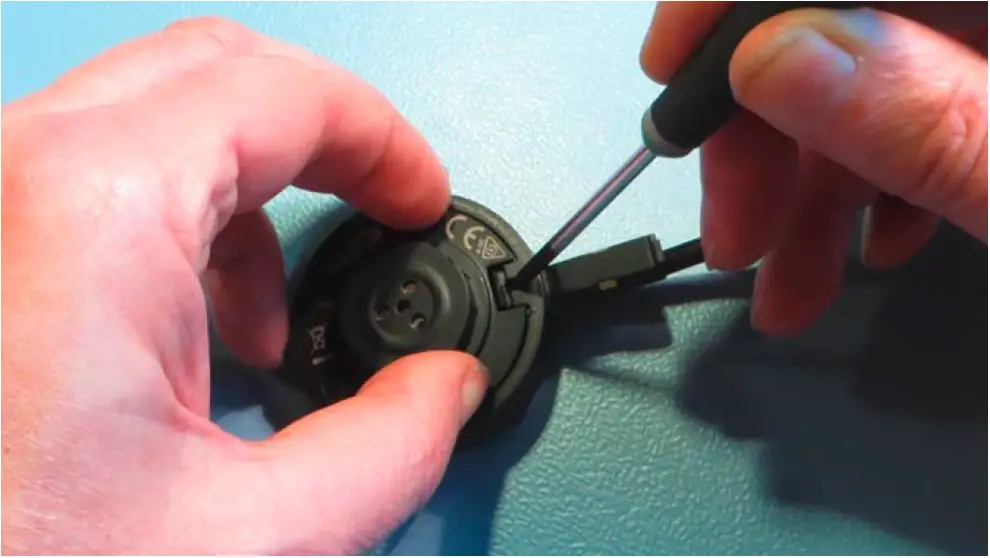
- Press the first clamp with a screwdriver.
The battery compartment lifts a bit.
- Press the other two clamps with your fingers.

- Gently move the battery compartment cover in direction of the headset holder until you overcome a slight resistance.

- Open the battery compartment cover as shown.

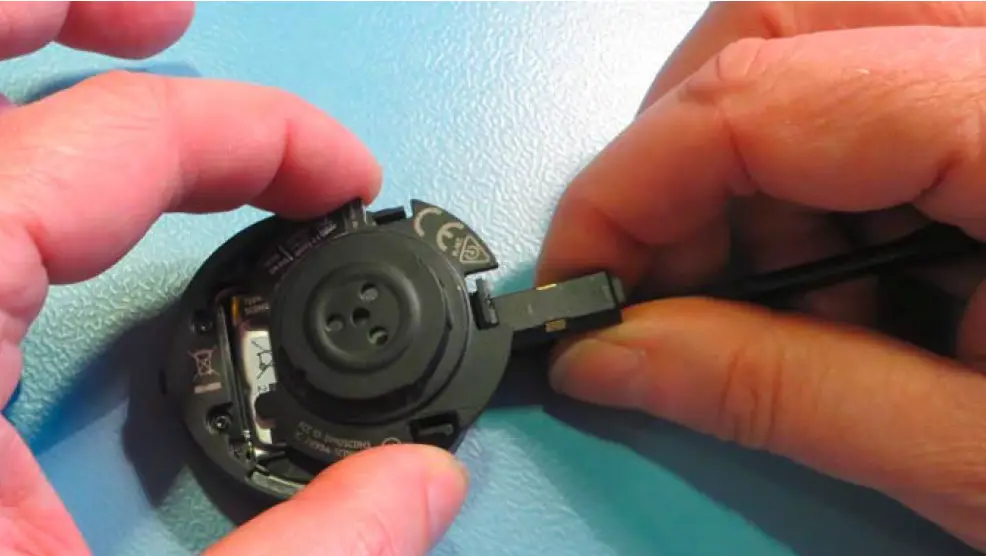
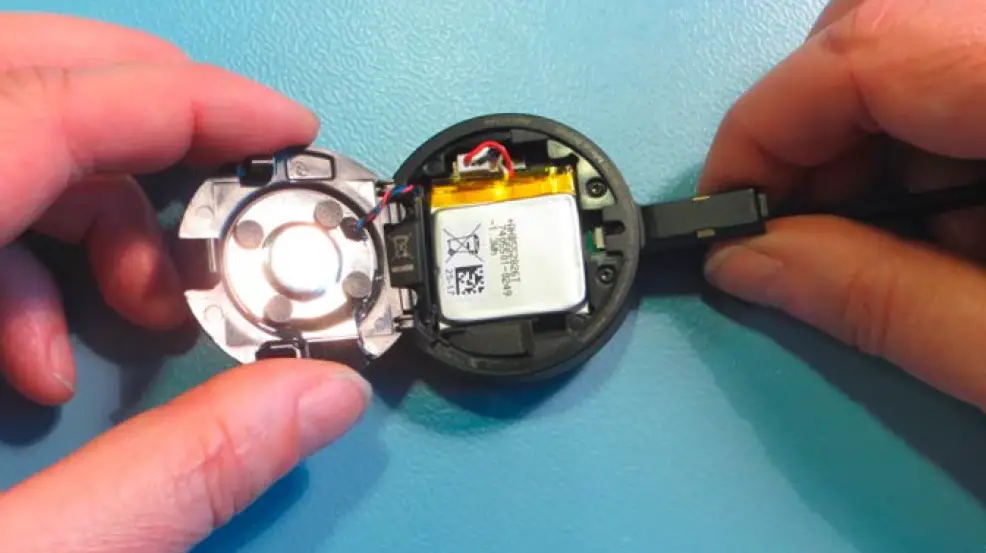
Removing the Rechargeable Battery
- Lift the rechargeable battery.

- Carefully loosen the connector plug. Do not pull on the wires.

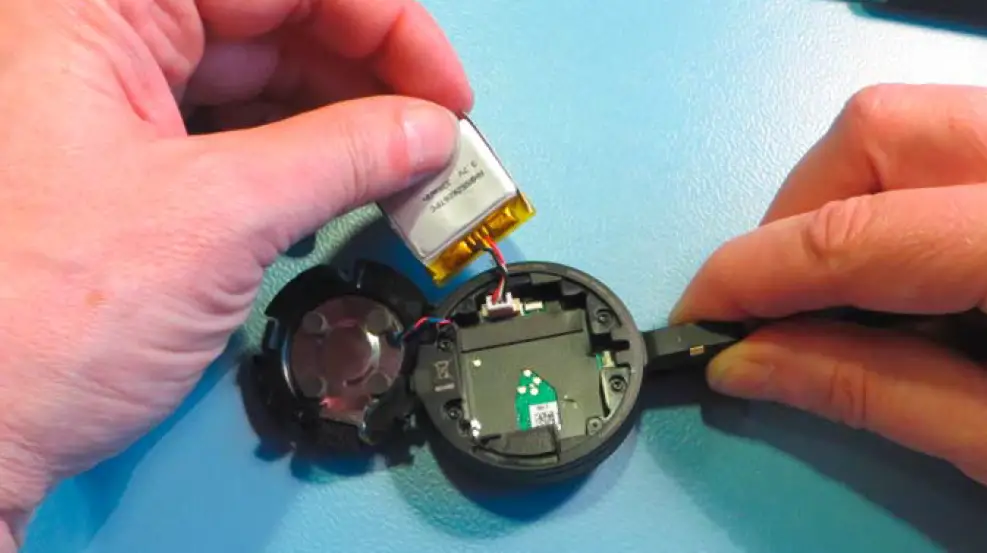
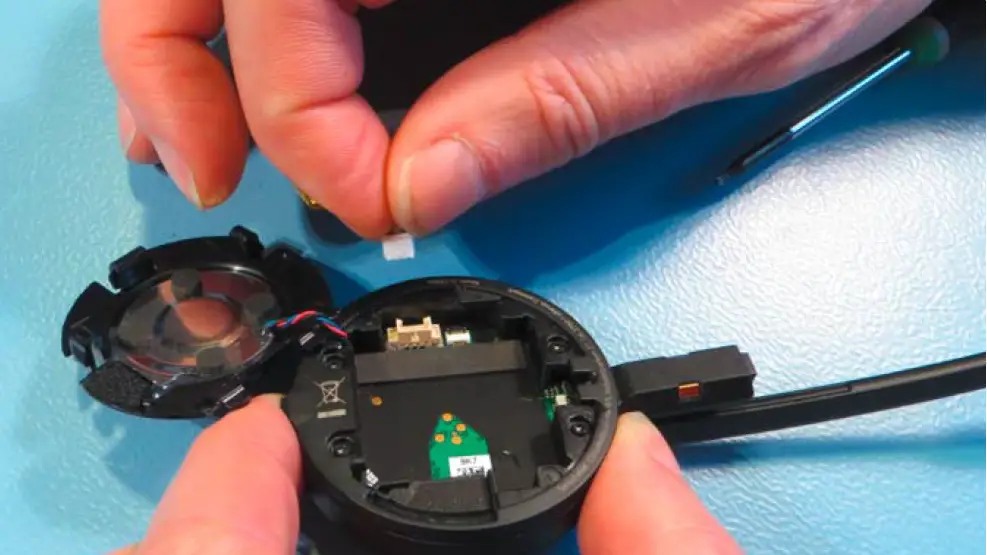
Assembling The New Battery Pack
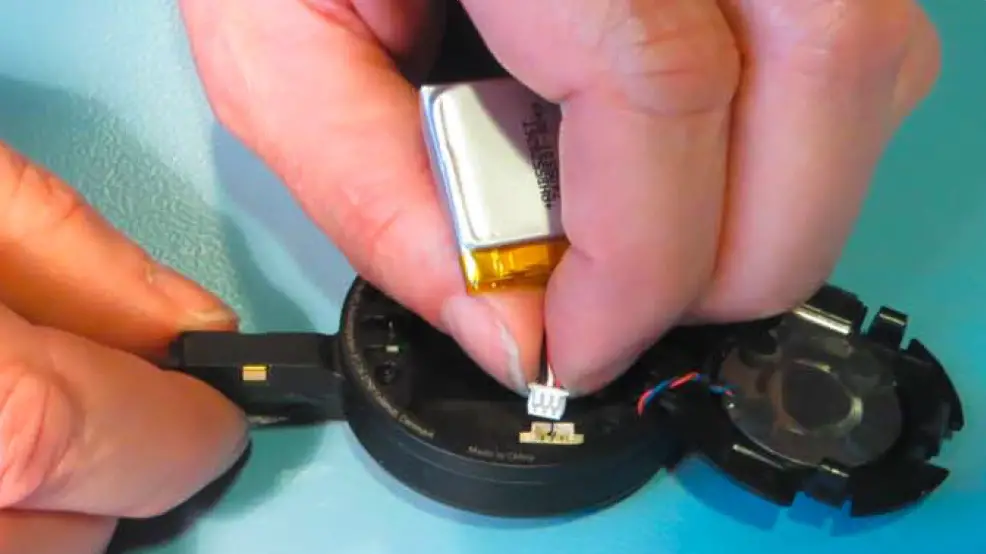
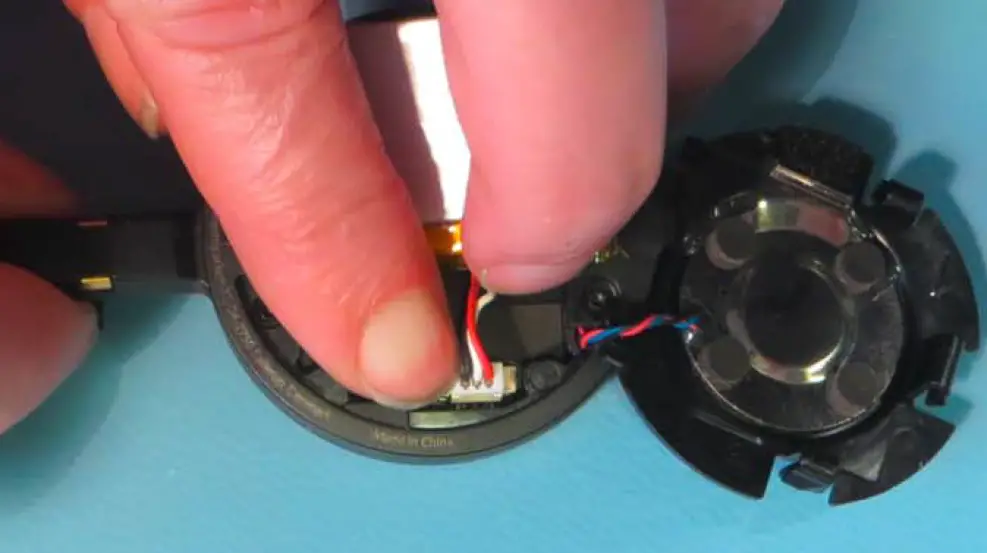
- Rotate the battery so that the marking signs are visible at the top. Insert the connector plug of the new rechargeable battery into the connection socket. Observe correct orientation of the connector plug.

- Press on the plastic parts to securely lock the connector plug.
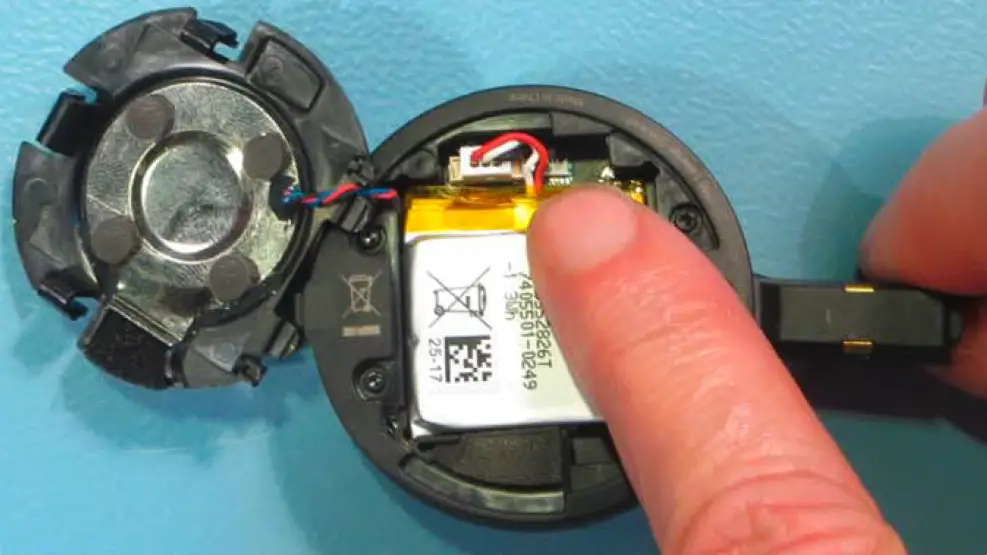
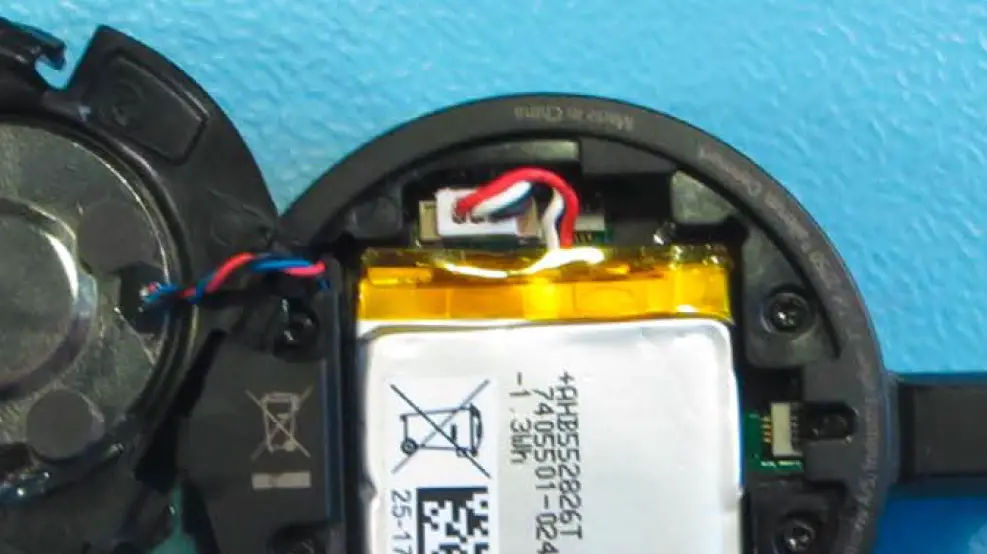
- Insert the battery and assure that the marking signs are visible at the top.
- Make sure that the wires are aligned and not crossing over each other. Gently press down the three wires.

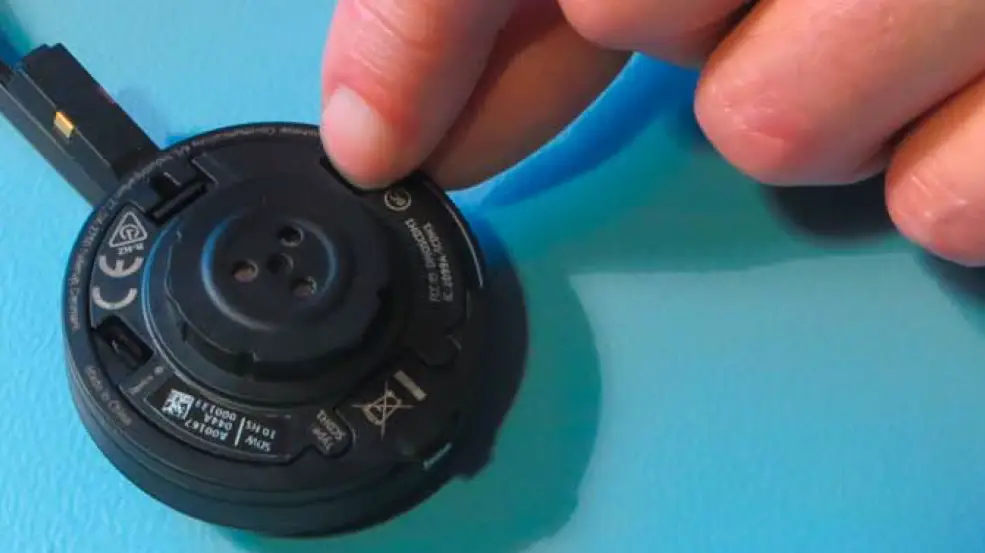
- Slide the battery compartment cover in the two small locking pins.

- Close the battery compartment. You hear a click. Make sure the two small holders are closed.
Testing and Further Information
Testing the Battery and Final Adjustments
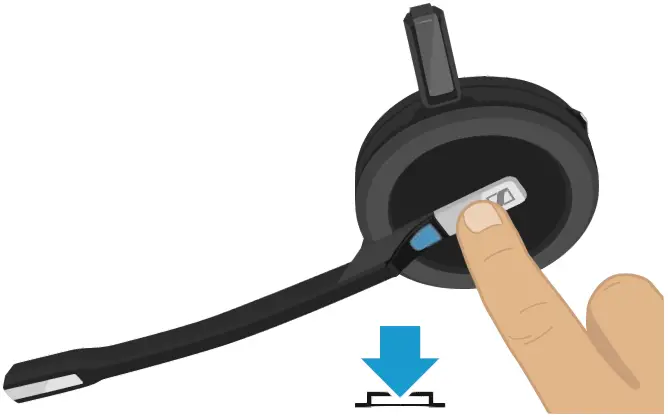
- Test the function of the headset: Press the Hook button to switch on the headset. The LED lights up blue.

- Remount the headband or earhook. See User Guide for further information.
- Charge the battery for at least 20 minutes before using the headset. See User Guide for further information.
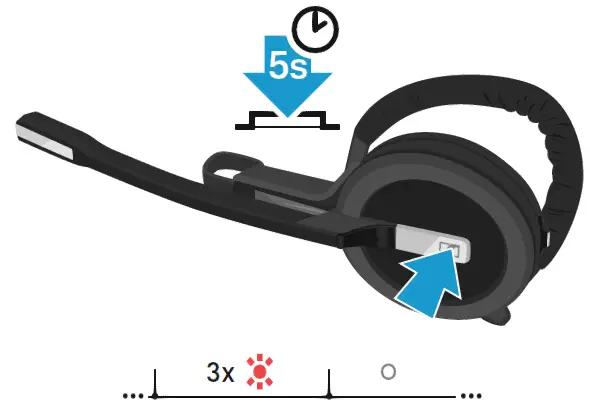
- Switch off the headset before sending it to the customer. Press and hold the Hook button for 5 seconds. The headset switches off. The Headset LED flashes red 3 times and turns off.