Smart Lighting Controls App
Product Information
Rako Controls is a fully featured lighting control system with a
modular design that offers both simple retro-fittable wireless
installation and centralised wired solutions. The system is
designed to seamlessly work together, providing users with the
ability to control any number of lighting circuits from a single
button.
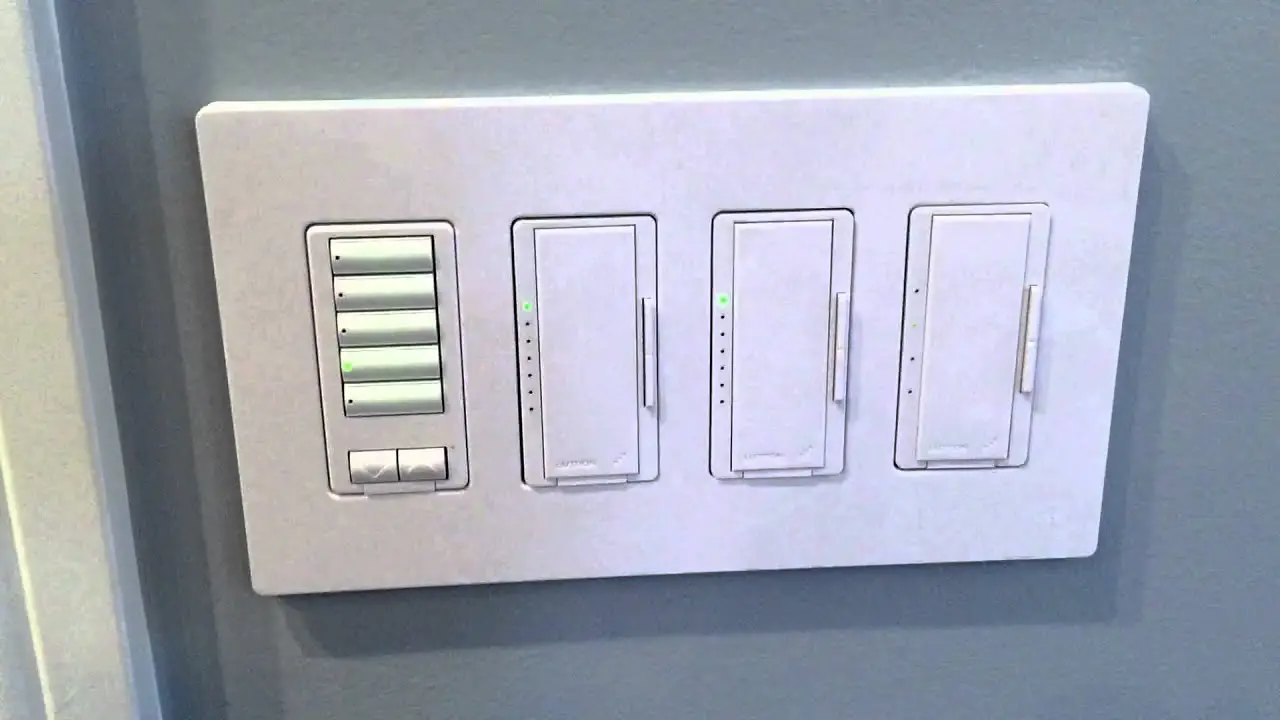
Scene-setting is a core principle of Rako lighting systems. It
allows users to recall a lighting mood by pressing one button,
eliminating the need to adjust multiple dimmers. This feature has
been widely used in commercial settings such as restaurants and
conference facilities. Rako systems offer digital scene-setting or
mood systems with 2-way control, handhelds, app and voice control,
as well as integration with curtain and blind control.
Rako systems can be categorized into two types: wireless and
wired. Wireless systems use one-way RF communication for long-range
and reliable transmission from keypads to dimmers. They are ideal
for installations where dedicated cabling is not feasible. Rako’s
wireless system allows dimmer modules to be fitted into standard
domestic wiring scenarios, making retrofitting easy. On the other
hand, wired systems use dedicated data cabling to connect system
elements with centralised RAKs in one or more locations. Wired
systems offer additional features such as backlit LED keypads,
active feedback, and unlimited system range.
Rako dimmers can refer to either wireless modules or RAKs.
Wireless modules are individual controllers that can be mounted
remotely. They are used when lighting circuits have not been run
back to a single point. Available in various load capacities,
wireless modules offer simple installation with the full feature
set of RAK systems.
Product Usage Instructions
To use the Rako lighting control system, follow these steps:
- Decide whether you want to install a wireless or wired system
based on your project requirements. - If you choose a wireless system, ensure that the dimmer modules
are compatible with your existing wiring setup. Retrofitting can be
done by incorporating the dimmer into the existing wiring for
downlight circuits or by wiring a dimmer into a flex for
free-standing lamps. - If you choose a wired system, connect the system elements using
dedicated data cabling. Ensure that the keypads are connected on
the data cable. - For scene-setting, familiarize yourself with the different
lighting moods available. Button 2 selects the “Entertain” setting,
button 3 activates the “Cosy” setting with a cross-fade effect, and
button 4 activates the “Read” setting. - Experiment with different control options such as handhelds,
app control, and voice control. Rako systems also support
integration with third-party systems for added convenience. - To ensure security, consider incorporating timed events and
utilizing the multi-way control feature.
For more information or assistance, you can contact Rako
Controls at telephone +44 (0) 1634 226666 or visit their website at
www.rakocontrols.com.
application sheet
RAKO CONTROLS
OVERVIEW – WHAT IS SCENE SETTING?
OUR AIM
To provide a fully featured lighting control system with modular design giving both simple retro-fittable wireless installation or centralised wired solutions, which all work seamlessly together.
SCENE-SETTING – WHAT IS IT?
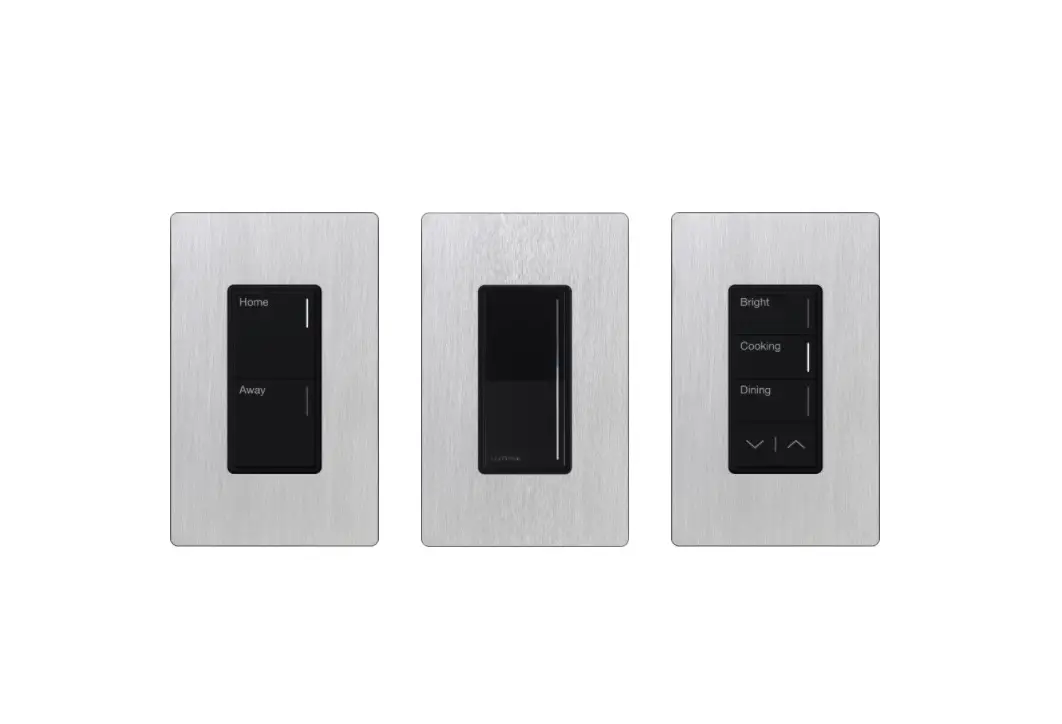
Rako lighting systems allow any number of circuits to be controlled from a single button. The core principle by which this is achieved is by “scene” or “mood” setting.
Scene lighting has long been used in the commercial world for restaurants, conference facilities etc. Gaining its name from the theatre where complex lighting changes are needed for each Scene, it allows users to recall a lighting mood by pressing one button rather than adjusting many rotary knob type dimmers.
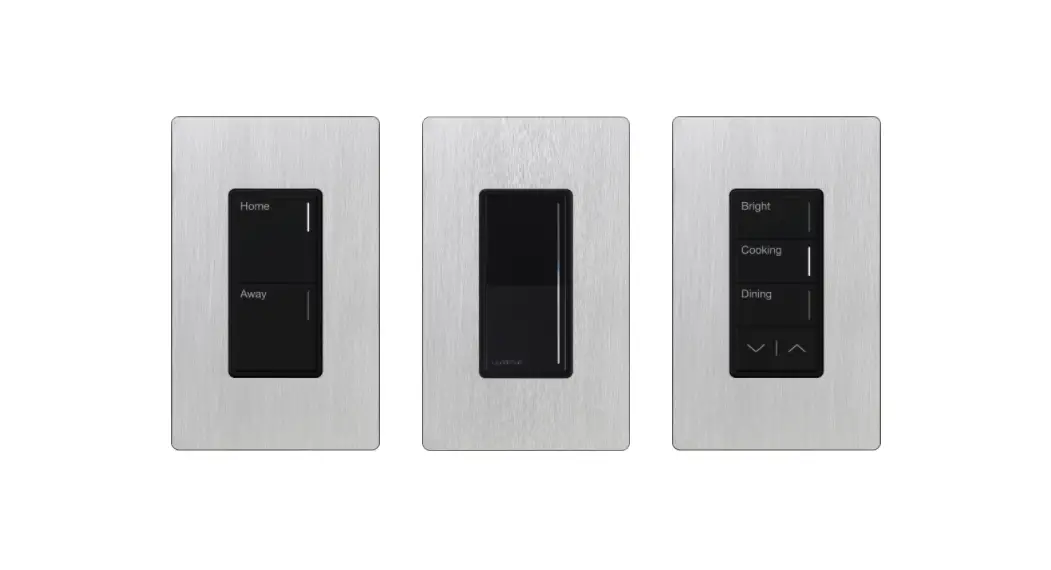
Button 2 selects this setting – `Entertain’
Press button 3 and all lights cross-fade to this setting – `Cosy’
Button 4 gives this setting – `Read’
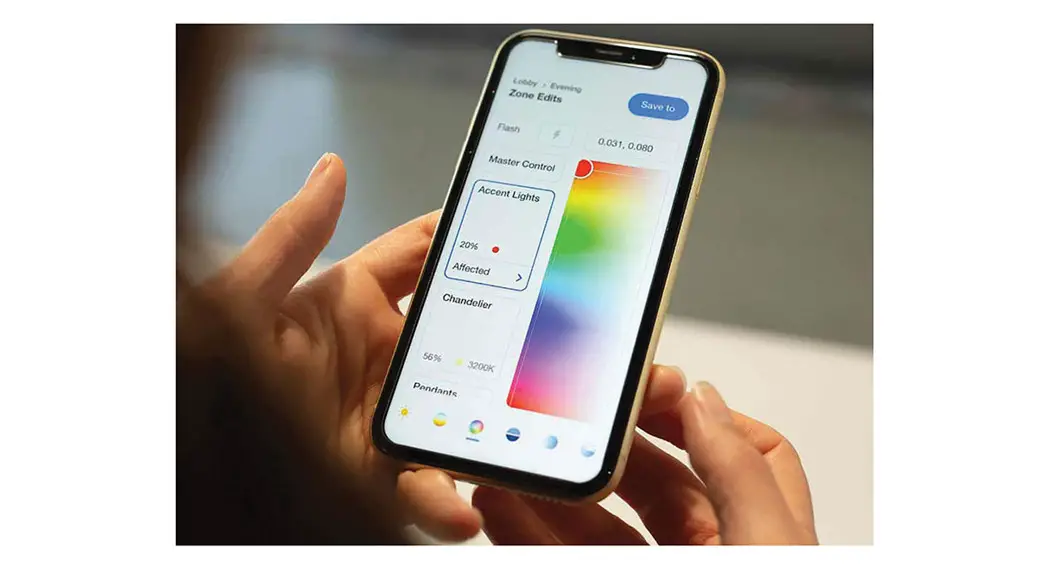
Unlike simpler controls, digital scene-setting or mood systems offer 2-way control, handhelds, App and voice control and can also link easily with curtain and blind control.
App control
Curtain & Blind Control
Voice Control
3rd Party System Integration
Timed events
Multi way
telephone +44 (0) 1634 226666 www.rakocontrols.com
Security
application sheet
RAKO CONTROLS
OVERVIEW – WHAT IS SCENE SETTING?
WIRELESS OR WIRED
Rako systems can be broadly divided into two types: “Wireless” and “Wired”
The basics of wireless communication
One way RF communication allows for long range, reliable transmission from keypads (or other devices) to dimmers.
Wireless systems make the installation of a lighting control system possible in projects where the option of dedicated cabling is not feasible. Rako’s Wireless system is designed so that the dimmer modules can be fitted into a standard domestic wiring scenario.
Wireless control is equally viable in new installations where it offers a more cost effective and simple installation than the Wired system.
Rako uses 433MHZ radio communication giving much better transmission distances than higher frequency signalling such as WiFi.
Simple retrofit of a downlight circuit Rako dimmer fits in existing wiring.
Incorporate a free standing lamp by wiring a Rako dimmer into a flex.
Battery powered keypads send wireless message to dimmers
Wired systems use dedicated data cabling to connect the system elements with centralised RAKs in one or more locations.
The basics of wired communication Centralised RAKS
The Wired system also offers additional features including: backlit LED keypads, active feedback and unlimited system range.
To Lights
Keypads connected on Data cable
telephone +44 (0) 1634 226666 www.rakocontrols.com
application sheet
RAKO CONTROLS
OVERVIEW – WHAT IS SCENE SETTING?
MODULES OR RAKS
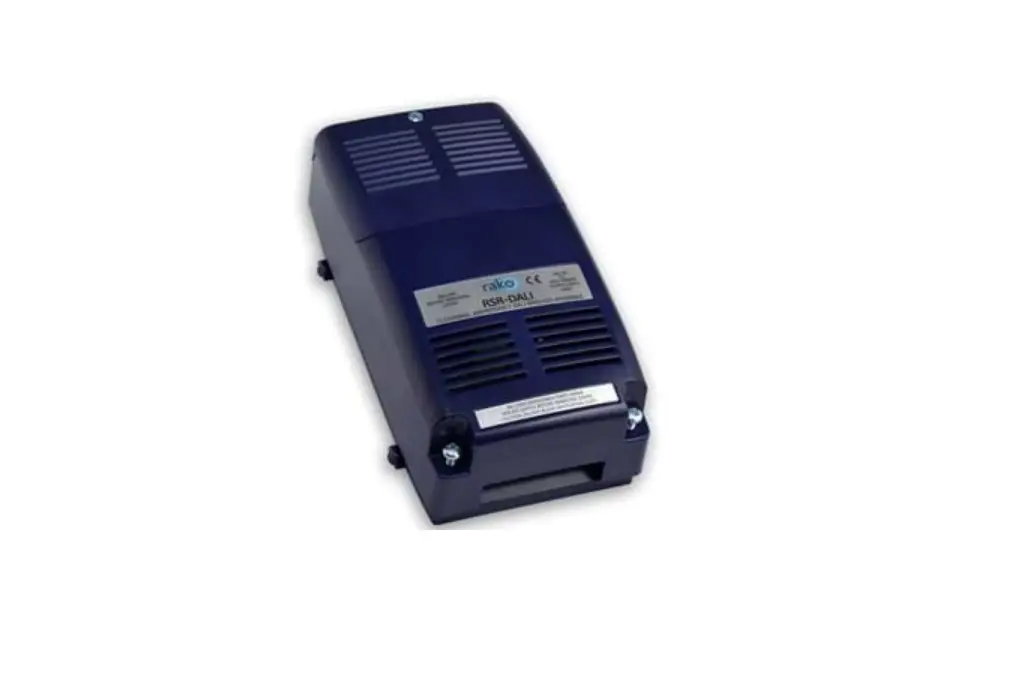
When referring to a Rako “dimmer” this will refer to either “Wireless Modules” or “RAKs”.
Wireless Modules are typically used when the lighting circuits have not been run back to a single point.
Wireless modules are individual controllers which can be mounted remotely.
Available to suit all loads, modules offer the simplest instal but still with the full feature set of RAK systems.
Wireless Module application sheet
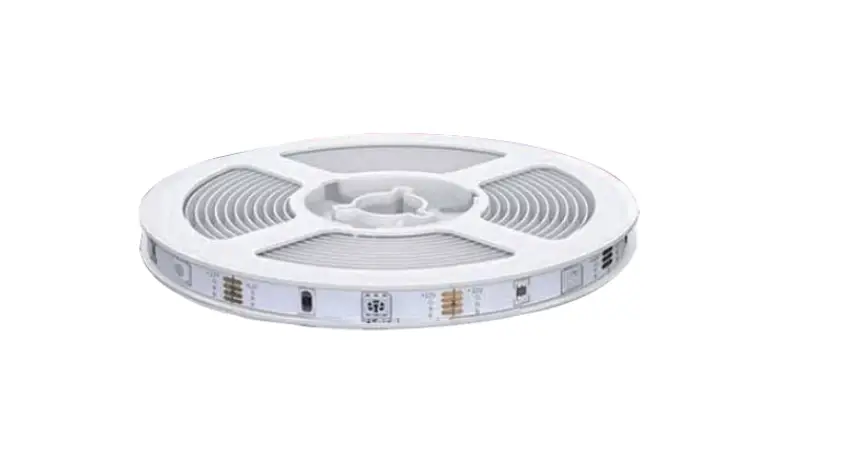
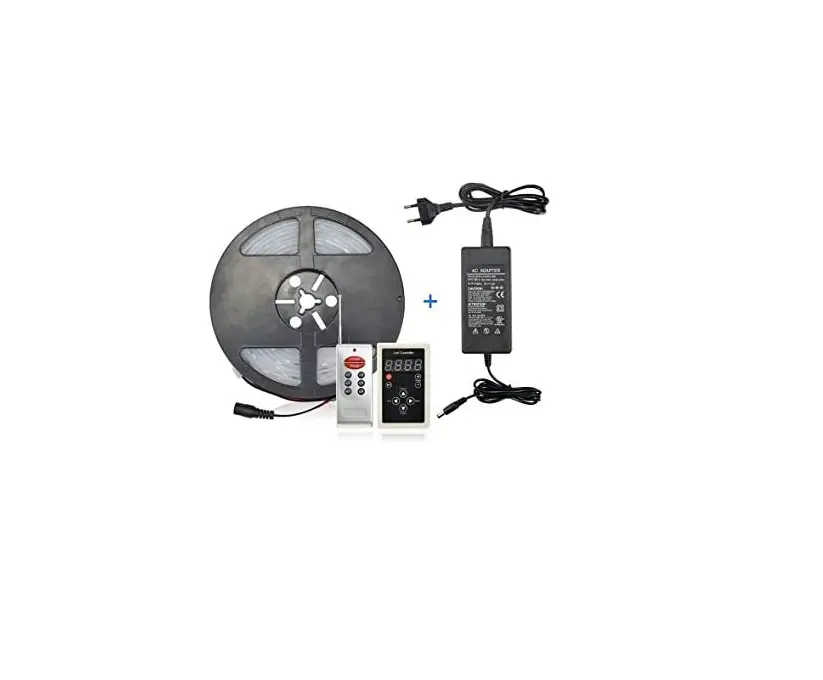
Dimmers for all loads including RGB LED tape Backbox dimmer
RAKs offer a neater instal if lighting circuits are wired to a central point. They require a receiving device to enable communication (RX-LINK wireless / RAK-LINK – wired).
Wireless RAKs with a RX-LINK are arranged into blocks of up to16 lighting circuits and communicate exclusively with wireless devices.
Wireless RAK application sheet
Wired RAKs with a RAK-LINK are arranged into blocks of up to 32 lighting circuits and communicate exclusively with wired devices.
Wired application sheet
RX-LINK Wireless link to RAKS
RAK-LINK Wired link to RAKS
telephone +44 (0) 1634 226666 www.rakocontrols.com
application sheet
RAKO CONTROLS
OVERVIEW – WHAT IS SCENE SETTING?
LINKING WIRELESS AND WIRED
While usually systems will either be Wireless or Wired it is simple to transmit wired messages wirelessly and vice versa.
This is usually done via the HUB which is connected to the wired network but also transmits and receives wireless communication.
As a result of this, it is also possible to create systems with wired keypads but wireless modules.
The HUB also provides access to system for programming, interfacing and system linking.
A combined system might be used in the following scenarios;
– When certain areas require an element of retrofit.
– Damaged cable or an afterthought leave no option.
A combined system gives the perfect `Get out of jail’ soluton.
Combined application sheet
CONTROL FROM EXTERNAL DEVICES
In a smarter world integration is key and Rako offers interfaces for all eventualities.
Control from the Rako App and third party control systems is performed through the HUB.
This same device also gives timing functionality and many other features as required.
Combined The HUB acts as link between wired and wireless creating a seamless combined system.
Router
Control 4 Elan Crestron
RTI
Amazon Alexa Google Home Apple Homekit
telephone +44 (0) 1634 226666 www.rakocontrols.com
 Smart Lighting Controls | Rako Lighting Solutions