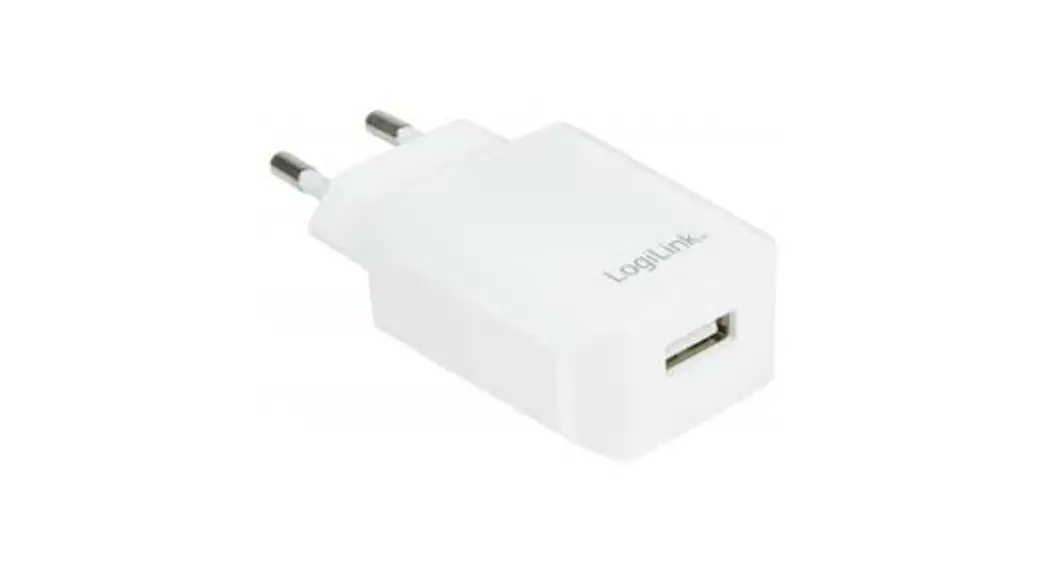
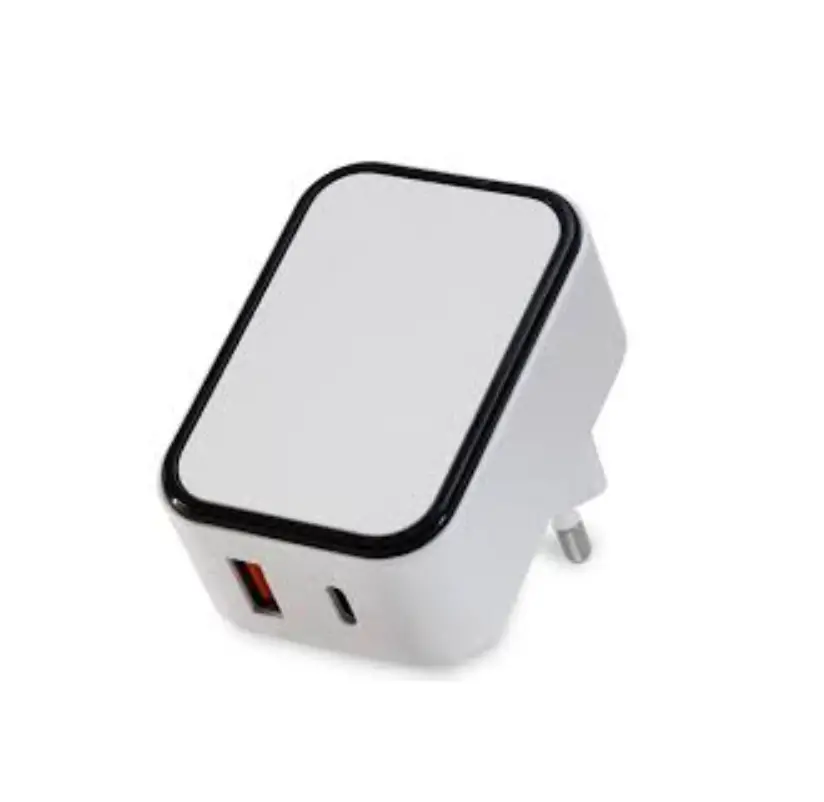
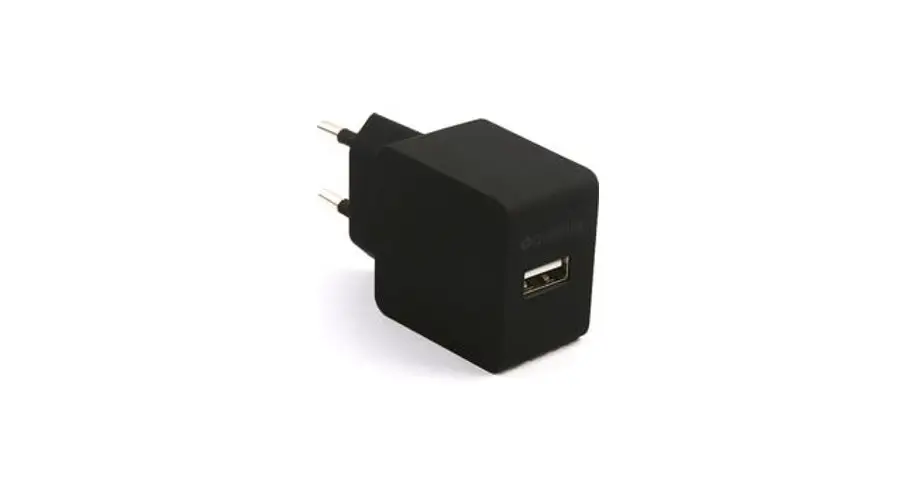
10W USB Charger
Product Information: The product is a device that provides various
functionalities. It is designed with advanced technology to offer
efficient and convenient usage. The product has a sleek and compact
design, making it easy to handle and carry. It is made of
high-quality materials that ensure durability and longevity. The
device features a user-friendly interface with intuitive controls
for easy operation. It also includes a built-in rechargeable
battery that provides long-lasting power. Product Usage
Instructions: 1. Initial Setup: – Before using the device for the
first time, ensure that it is fully charged. Connect the provided
charging cable to the device and a power source. – Once fully
charged, disconnect the charging cable from the device. – Power on
the device by pressing and holding the power button for a few
seconds until the indicator light turns on. 2. Basic Functions: –
The device offers multiple functions that can be accessed through
the control panel. – Use the navigation buttons to scroll through
the menu options. – Press the enter button to select an option. –
To go back to the previous screen, press the back button. 3.
Connectivity: – The device supports wireless connectivity via
Bluetooth. – To connect the device to a Bluetooth-enabled device,
enable Bluetooth on both devices. – On your Bluetooth-enabled
device, search for available devices and select the device name
displayed on the screen. – Follow the on-screen prompts to complete
the pairing process. 4. Maintenance and Care: – Keep the device
clean by wiping it with a soft, dry cloth. – Avoid exposing the
device to extreme temperatures or moisture. – Do not disassemble or
attempt to repair the device yourself. Contact customer support for
any technical issues. 5. Troubleshooting: – If you experience any
issues with the device, refer to the troubleshooting section in the
user manual. – If the problem persists, contact customer support
for further assistance. Please refer to the complete user manual
for detailed instructions and additional information.
86%&+$5*(5
)($785(6
,QSXW$&9a+] $YDOLDEOHSOXJ86(8SOXJ 3RZHU9$9$VHUHLV 2YSRFSVFSDQG2YHUORDGSURWHFWLRQ 5LSSOHP9 (IILFLHQFOHYHO9, ‘LPHQVLRQ
PPH[FOXGHSOXJ $SSOLFDWLRQ&RQVXPHUHOHFWURQLFV7HOHFRP DQGRIILFHHTXLSPHQW
6$)(7<
6$)(7< 6DIHW6WDQGDUG 6DIHW$SSURYDO (0&6WDQGDUG
07%)
8/,(&(1,(&,(& 8/F8/&()&&8.&$36(&%6$$.&789
(0&(0,66,21(1FODVV%&,635(1($&737& (0&,0081,7<(1(1OLJKWLQGXVWUOHYHOFULWHULD$($&737& .KUVPLQ0,/+’%.)
02′(//,67
::$//02817(‘6(5,(6
02′(/,138792/7$*(
6:6] 6:6]
9$& 9$&
0HFKDQLFDO’LDJUDP
32:(5
287387 92/7$*(
:
9
:
9
287387 &855(17
$
$
3/8*7<3(
86(8$8 86(8$8