User’s Manual
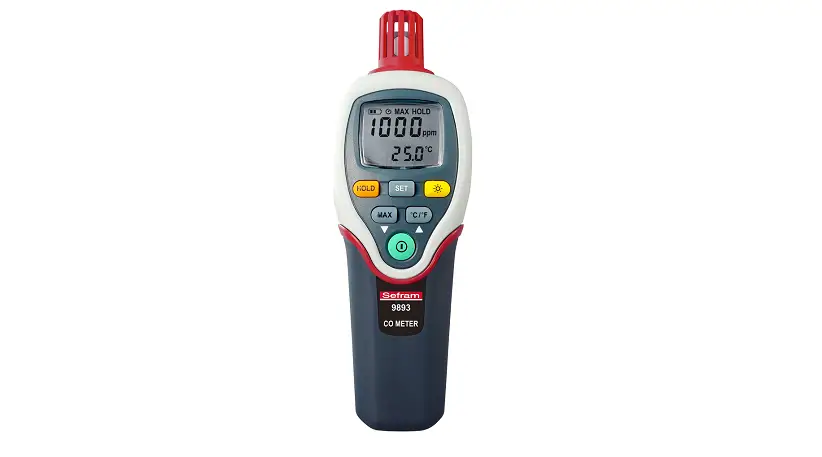
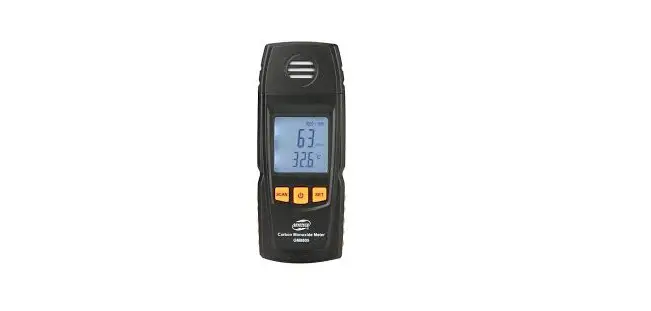
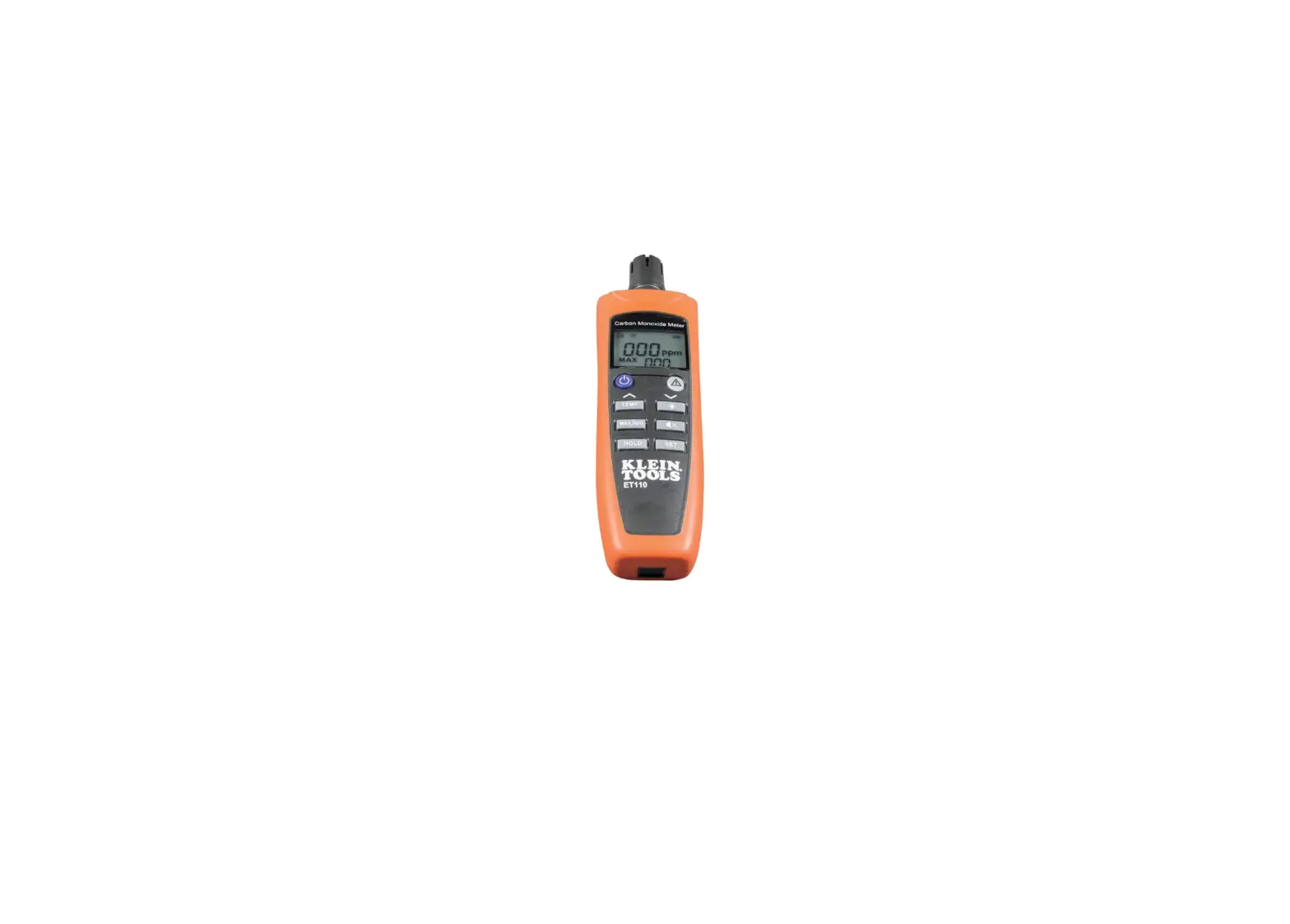
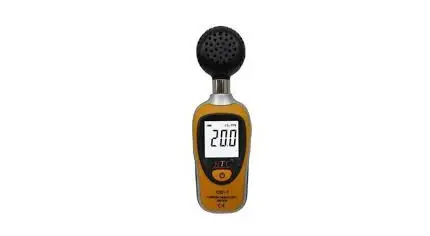
Carbon Monoxide Meter
CO-01
Please read this user’s manual thoroughly before using this unit and keep it properly for your future reference.
Safety
Read the following safety information carefully before attempting to operate or service the meter. Use the meter only as specified in this manual; otherwise, the protection provided by the meter may be impaired.
◆ Environment conditions:
Operating Humidity ≤90%(Non-Condensation)
Storage Humidity: -20℃~ 80℃
Operating Temperature: -20℃~ 60℃
Storage Temperature: -30℃~60℃
◆ Maintenance
Repairs or servicing not covered in this manual should only be performed by qualified personnel.
Wipe the unit with a dry soft cloth. Do not use abrasives or solvents on this instrument.
◆ Safety Symbol Comply with EMC
General Description
The Carbon Monoxide Meter is designed with a high accuracy CO sensor, providing high accuracy, fast response and stable readings. It is used to detect the presence of carbon monoxide in wide applications:
- Poorly maintained furnaces, gas heaters, or fireplaces.
- Dirty or plugged chimneys, or flue exhausts.
- Poorly maintained gas, oil, or kerosene appliances.
- Internal combustion engines (e.g., automobiles, lawnmowers, blowers).
The Meter indicates the presence of CO by a reading on the LCD and a beeper tone. The beeper functions much like clicking of a Geiger counter: - Above 200 PPM, the beeper sounds continuously with the concentration of CO.
- From 35 PPM to 200 PPM, the beeper sounds discontinuously with the concentration of CO.
Features
- Sensor: Stabilized electro-chemical Gas-specific
- Measurement range: 0 ~ 1000 PPM
- High accuracy
- Large LCD display
- Accuracy is not affected by humidity
- Sensor drift is small so that the measurement reading is stable
- Compact, light, and easy to carry
- Low battery consumption, long battery life
Specifications
| Accuracy | 51%±10PPM |
| Measurement Resolution | 1 PPM |
| Data update | 2 times/second |
| Fast sampling Time | 2 times/second |
| Response Time | < 30S |
| Zero Drift | < 5PPM |
| Repeatability | ±2% |
| Long-time stability | <5%/year |
| Operating Conditions | -20~50 C; 15% ~90%RH |
| Storage Conditions | -30~50°C; 0%~80%RH |
| Audible Alarm | ≥35PPM and ≥200PPM |
| Auto zero | √ |
| Backlight | auto shut off after 30 secs of inactivity |
| Auto power off | after 15 minutes of inactivity |
| Typical sensor life | About 5 year |
Meter Description
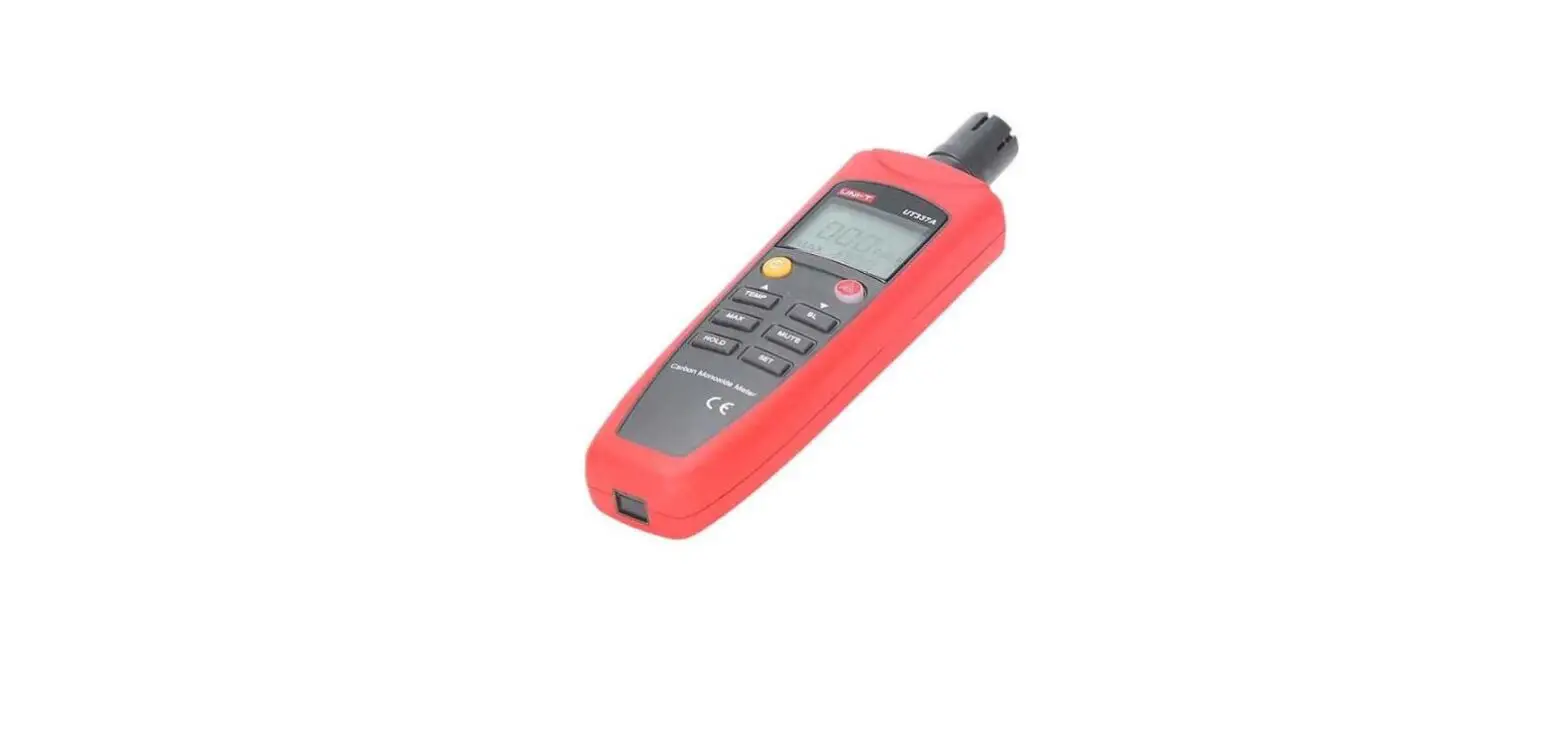
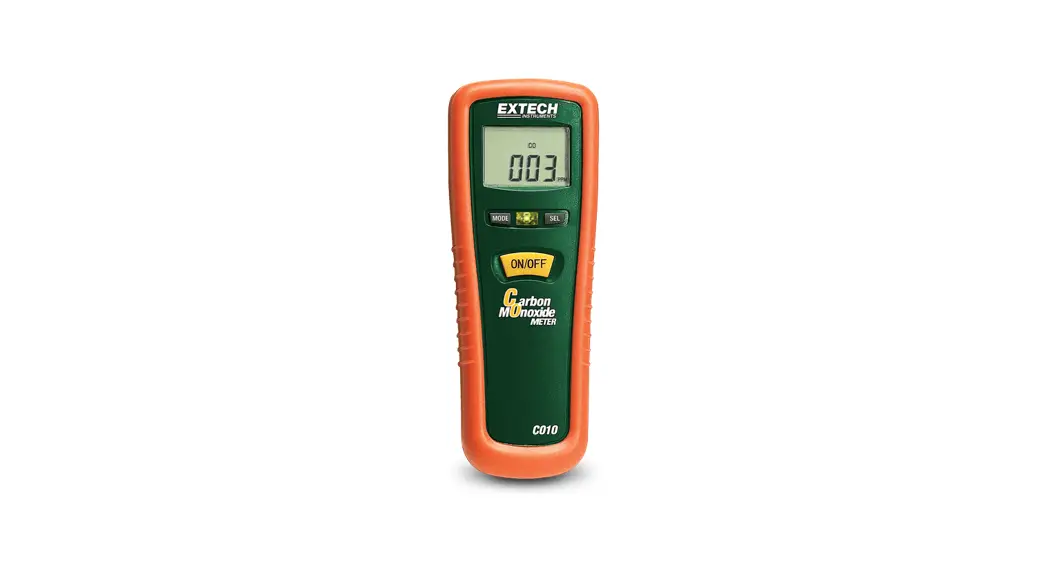
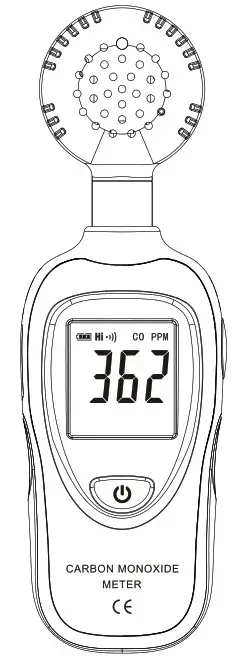
- CO sensor
- MODE/MAX/DATA hold button
- LCD display
- Power/Backlight button
- Tripod nut
- Battery cover
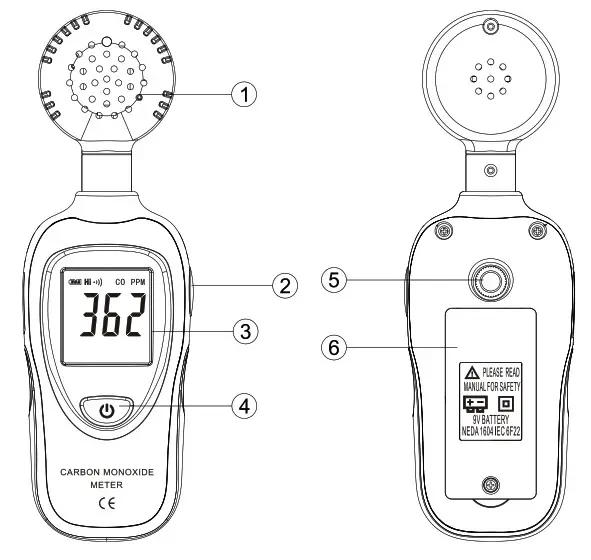
LCD Display Description
- “
 ” battery icon: When the low battery icon “
 ” appears, replace the meter’s battery;
 - “Hi” icon: when the measurement reading is over 200PPM, this icon appears along with a continuous audible alarm.
- “Lo” icon: when the measurement reading is between 35PPM and 200PPM, this icon appears along with a discontinuous audible alarm.
- “CO”: carbon monoxide icon
- “PPM”: carbon monoxide unit
- Measurement reading display
- MAX icon
- HOLD icon
 ” battery icon: When the low battery icon “
 ” appears, replace the meter’s battery;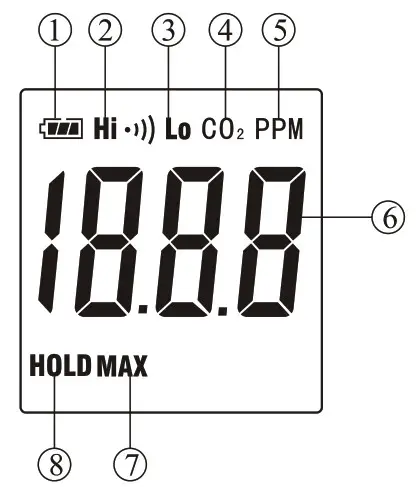
Operation Instruction
a. Open the battery cover and install a 9-volt battery in the battery compartment.
b. Power ON: Turn the meter on by pressing the”  ” button. Hold the meter and point the sensor to the site to be measured, the measurement reading will be displayed on the LCD. If the reading is above 35PPM, the audible alarm will be heard.
c. Backlit: After turning the meter on, momentarily press ” ” button, the backlit will be on/off.
d. HOLD/MAX function: Press the “MODE” button once, the “HOLD” icon will appear on the LCD, which indicates the data is frozen. Press the button again to exit the HOLD mode and enter into MAX mode to view the current MAX reading, the “MAX” icon appears on the LCD. Press the button once more to return to the normal measurement.
e. Power OFF: Turn the meter off by pressing and holding the” ” button for approx. 3 seconds until the LCD is switched off, then lose the button. The meter will automatically power off after 15 minutes of inactivity.
Accessories
- User’s manual
- 9V battery