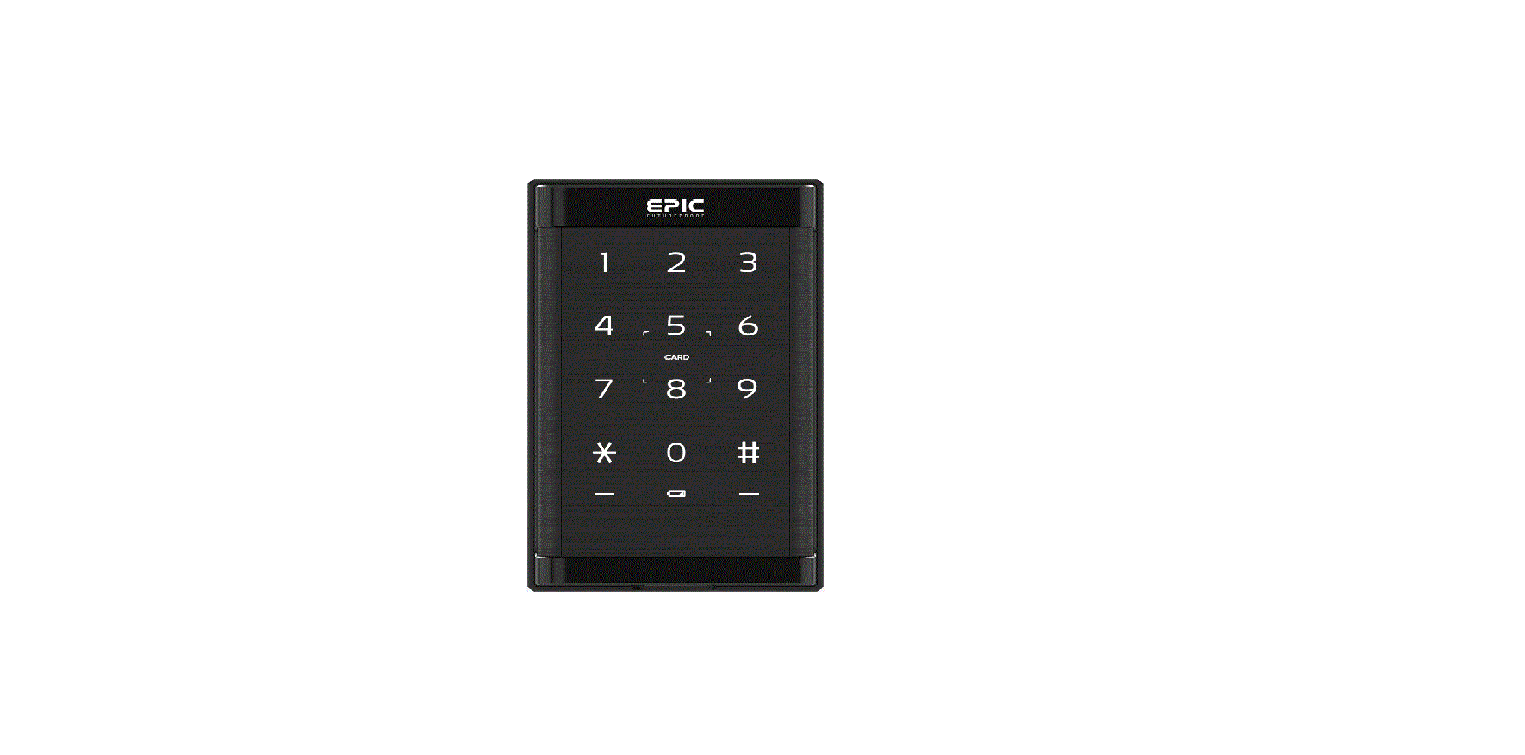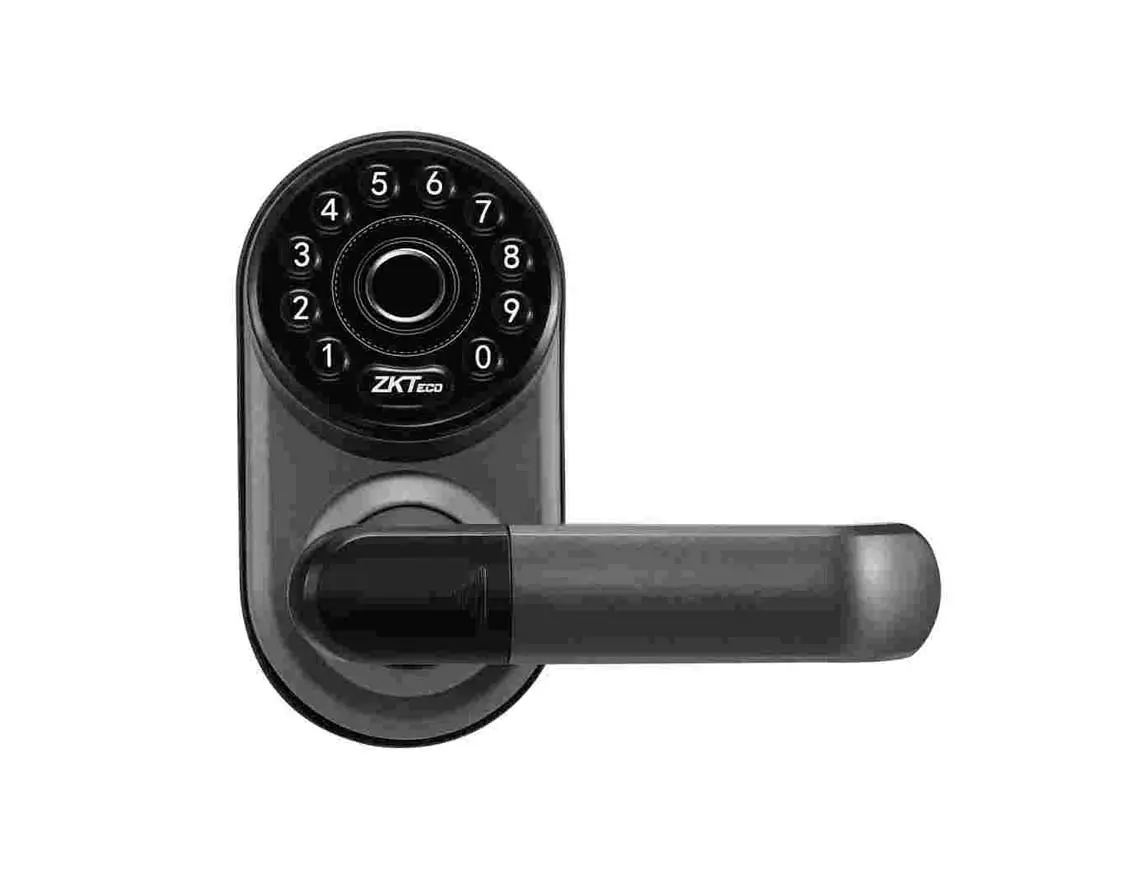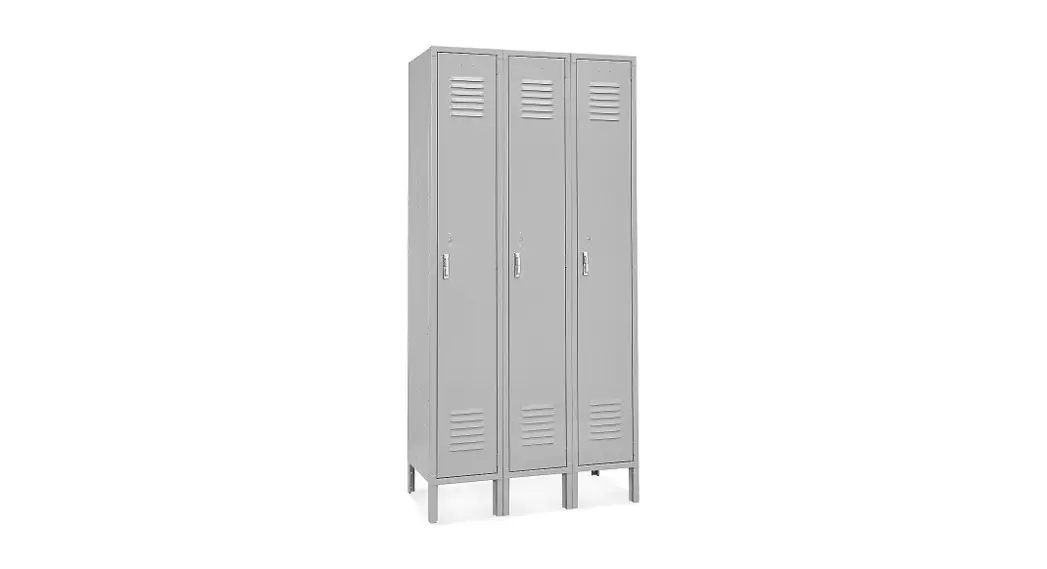

ZKTeco LockerPad-7B Intelligent Locker System
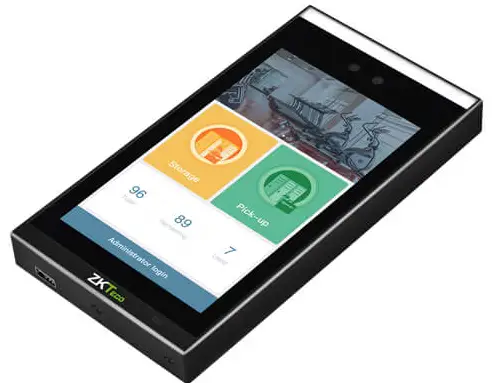
Overview
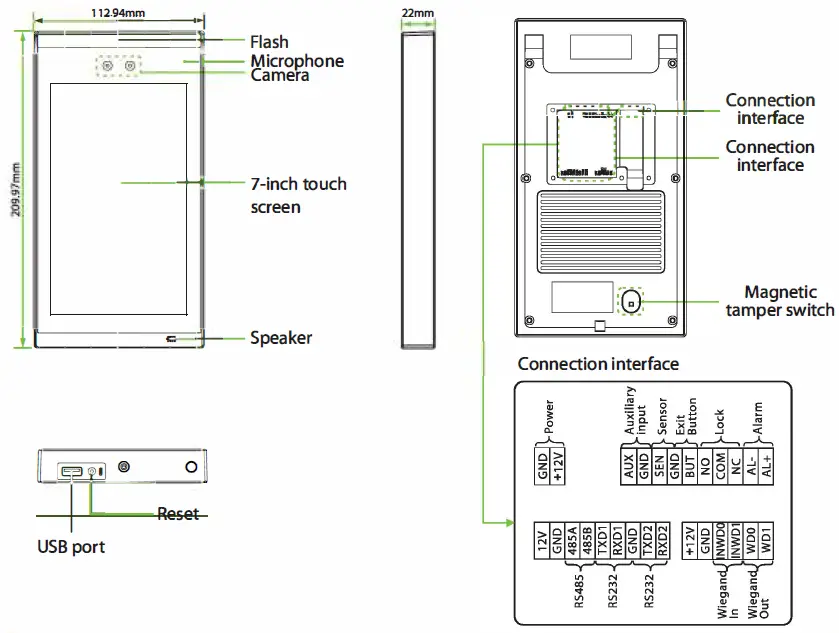
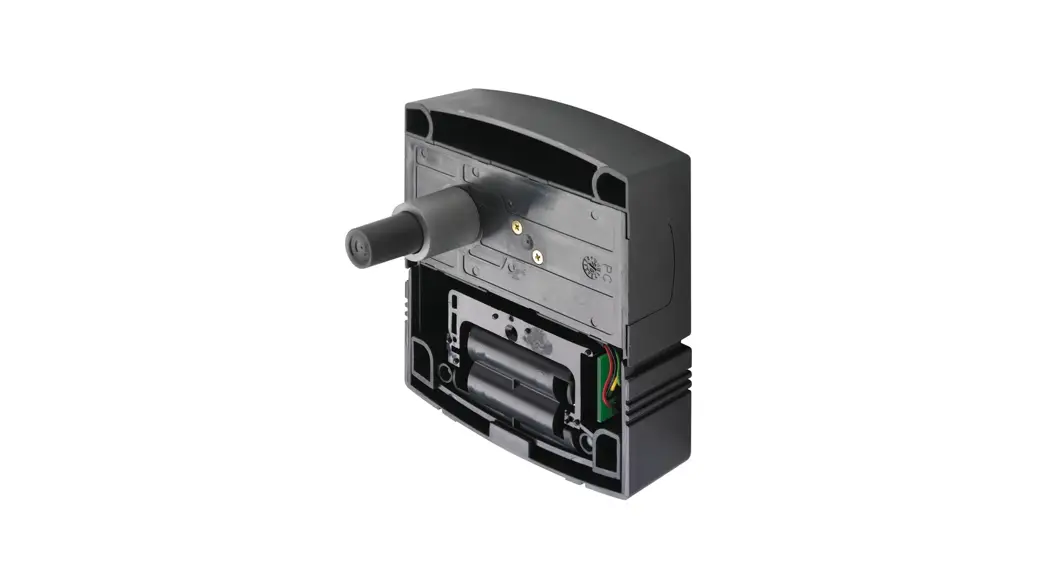
RS485 Connection of Lock Control Board
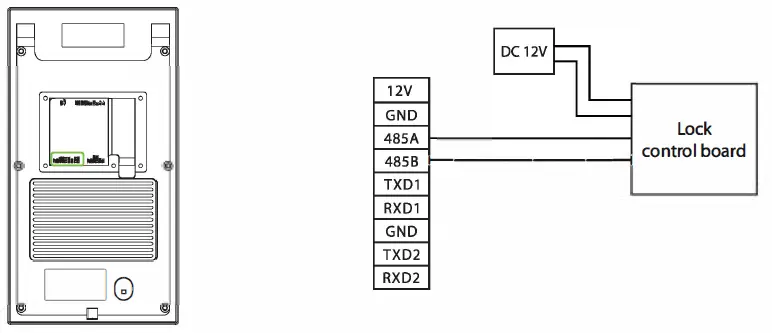
Notice: One lock control board could be powered by LockerPad-7B, but more than one board, they need be powered by independent power.
Lock Control Board Address Code Settings
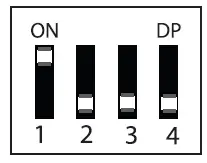
| Board ID | Lock Range | Switch1 | Switch2 | Switch3 | Switch4 |
| 1 | 1– 1 2 | 1 | 0 | 0 | 0 |
| 2 | 13–24 | 0 | 1 | 0 | 0 |
| 3 | 2 5–36 | 1 | 1 | 0 | |
| 4 | 37-48 | 0 | 0 | 1 | 0 |
| 5 | 49-60 | 1 | 0 | ||
| 6 | 61 – 72 | 0 | 1 | 1 | 0 |
| 7 | 73-84 | 1 | 1 | 1 | 0 |
| 8 | 85-96 | 0 | 0 | 0 | 1 |
Notice: When the Compartment cannot be unlocked after verification, or the lock is unlocked incorrectly, please check whether the lock control board address code is set correctly.
Wiegand Input Connection
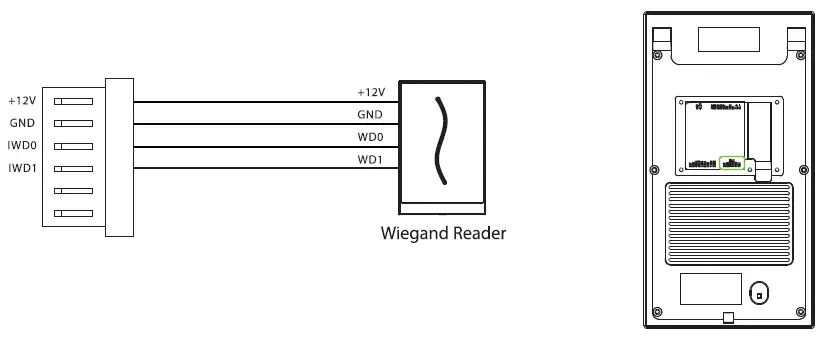
Power Connection
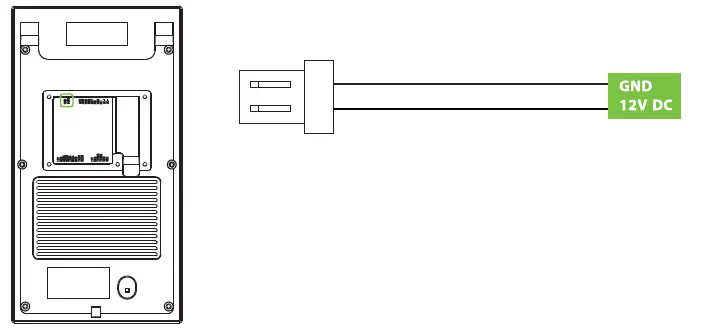
Recommended power supply
- 12V ± 10%, at least 3000mA.
- To share the power with other devices, use a power supply with higher current ratings.
Parameter Settings
| Parameter Name | Default Value | Other Value |
| Allow Visitor to Use | Open | Close |
| Allow Sharing the Compartment | Close | Open |
| Allow Halfway Out | Open | Close |
|
Wiegand Format |
Wiegand26 | Wiegand26 26a; Wiegand34 34a; Wiegand36 36a; Wiegand37 37a; WiegandSO |
| Wiegand Input Bits | 26 | 34;36;37;50 |
| Compartment Size | Small Compartment | Medium Compartment Large Compartment |
| Number of Compartment | 12 | 1-96 |
Notice: On this document, we just guide you the basic parameters, if you want more details about settings, please check user manual document.
Storage and Pick-up
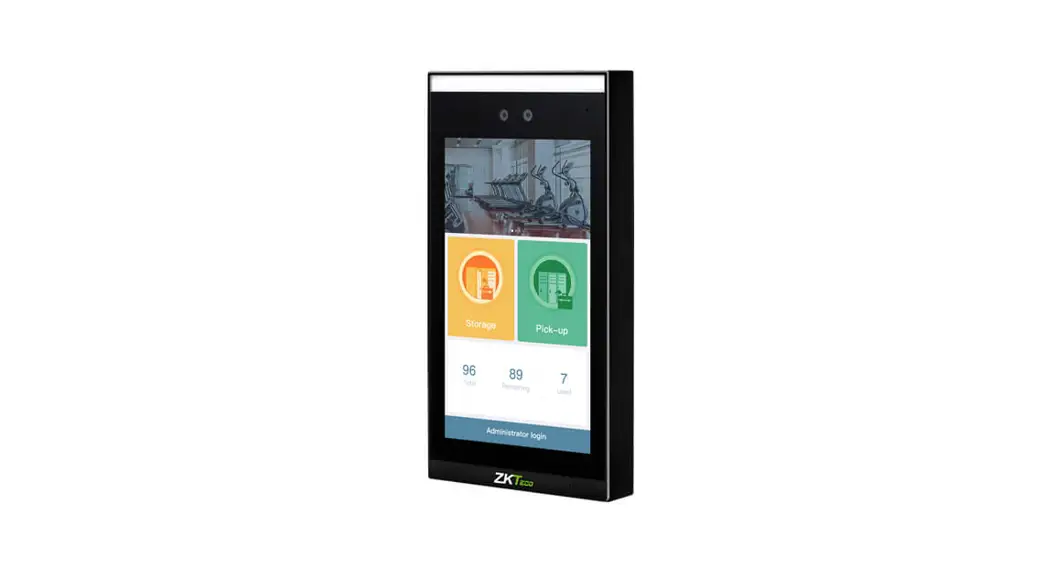
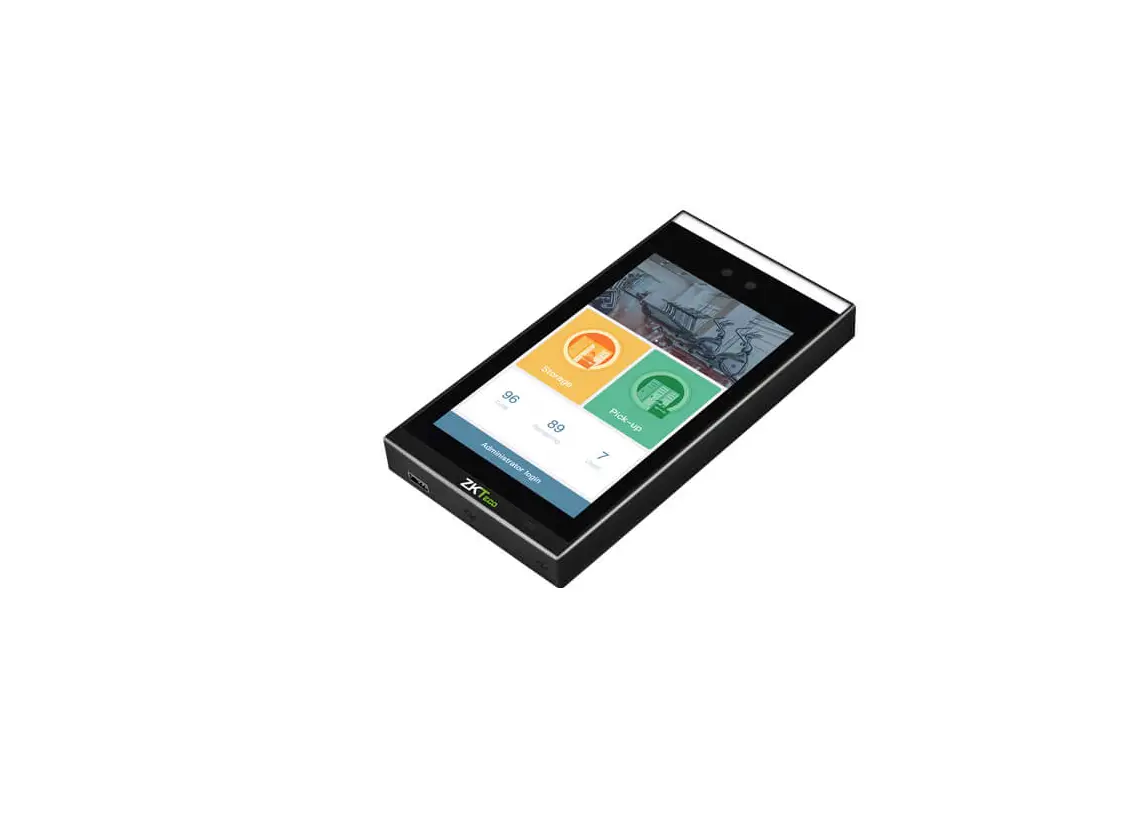
Storage: Click this icon to enter the storage process. When there are multiple types of compartments, the user successfully authenticates and selects the desired type of compartment, and the compartment is automatically unlocked.
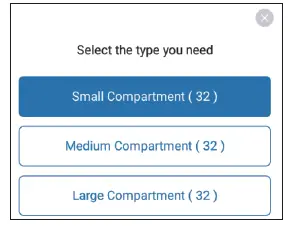
Pick-up: Click this icon to enter the pick-up process.
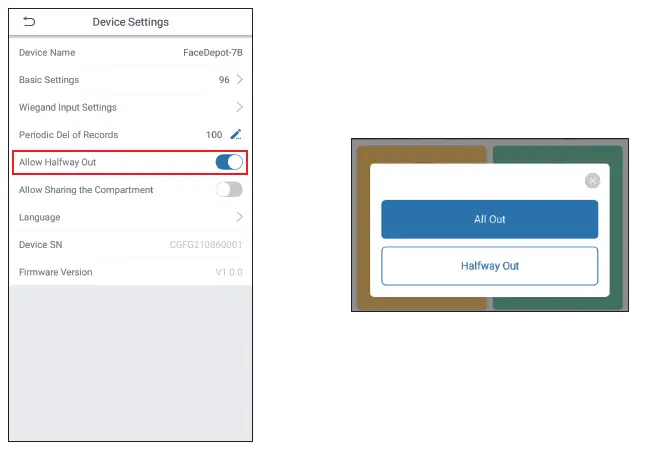
- If the administrator has set “Allow Halfway Out” after clicking the pickup, the system will prompt a question asking whether to set as [All Out] or [Halfway Out].
- If the administrator does not set to Allow Halfway Out, the user can only pick up once and must take out all items at one time.
View Records
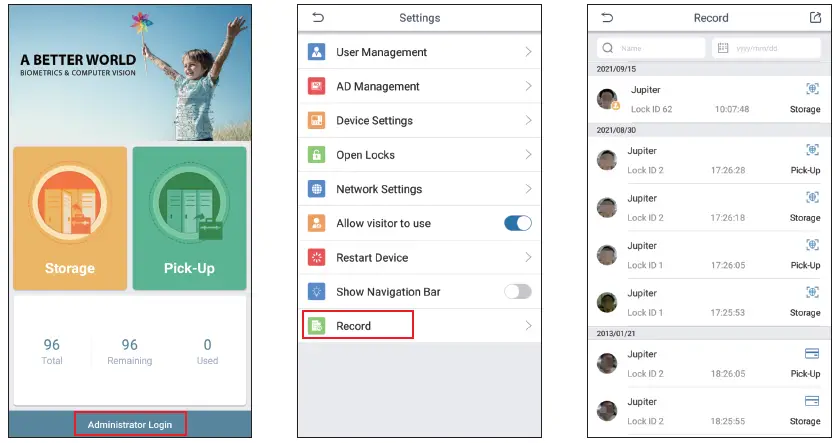
Click [Administrator Login] > [Settings] > [Record] on the device to view the records.
ZKTeco Industrial Park, No. 32, Industrial Road, Tangxla Town, Dongguan, China.
Phone : +86 769-82109991 Fax : +86 755 -89602394 www.zkteco.com Copyright e 2021 ZKTECO CO., LTD. All Rights Reserved.