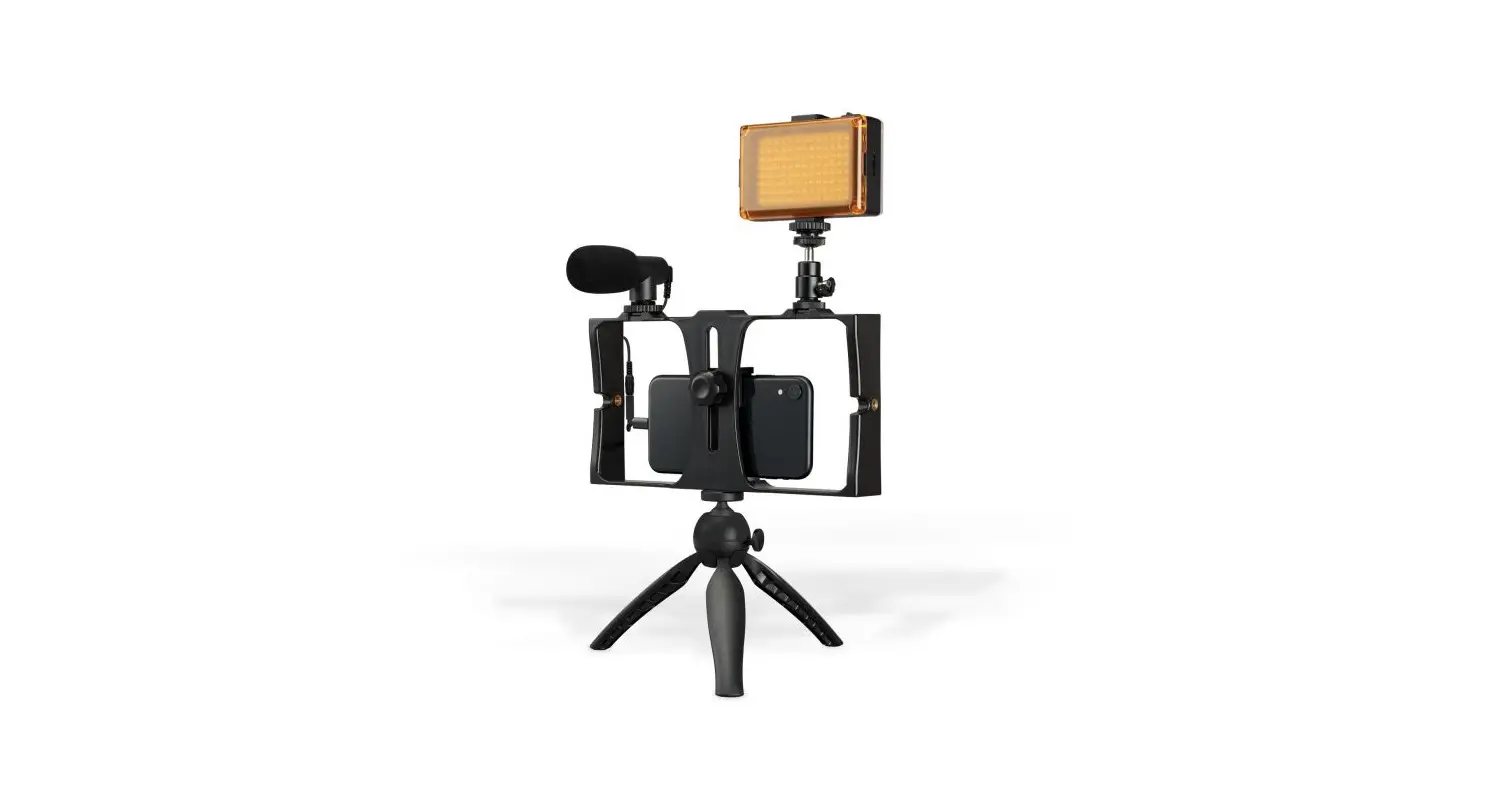

All-in-One Vlogging Kit
User’s Guide for Model
TPDL900-v2502-01
Overview
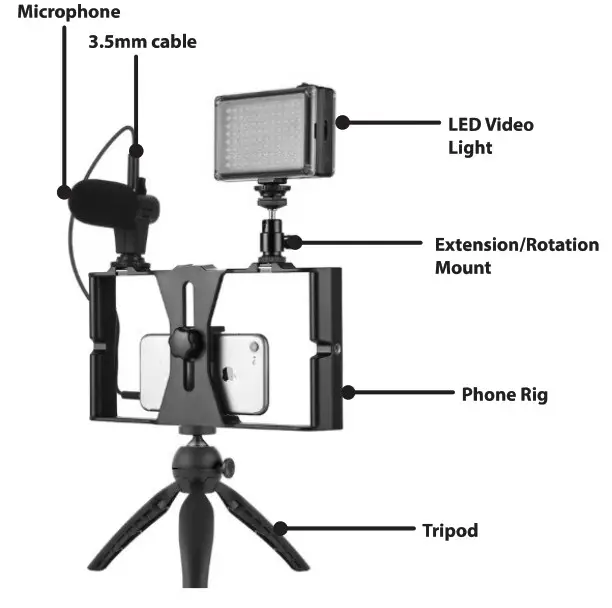
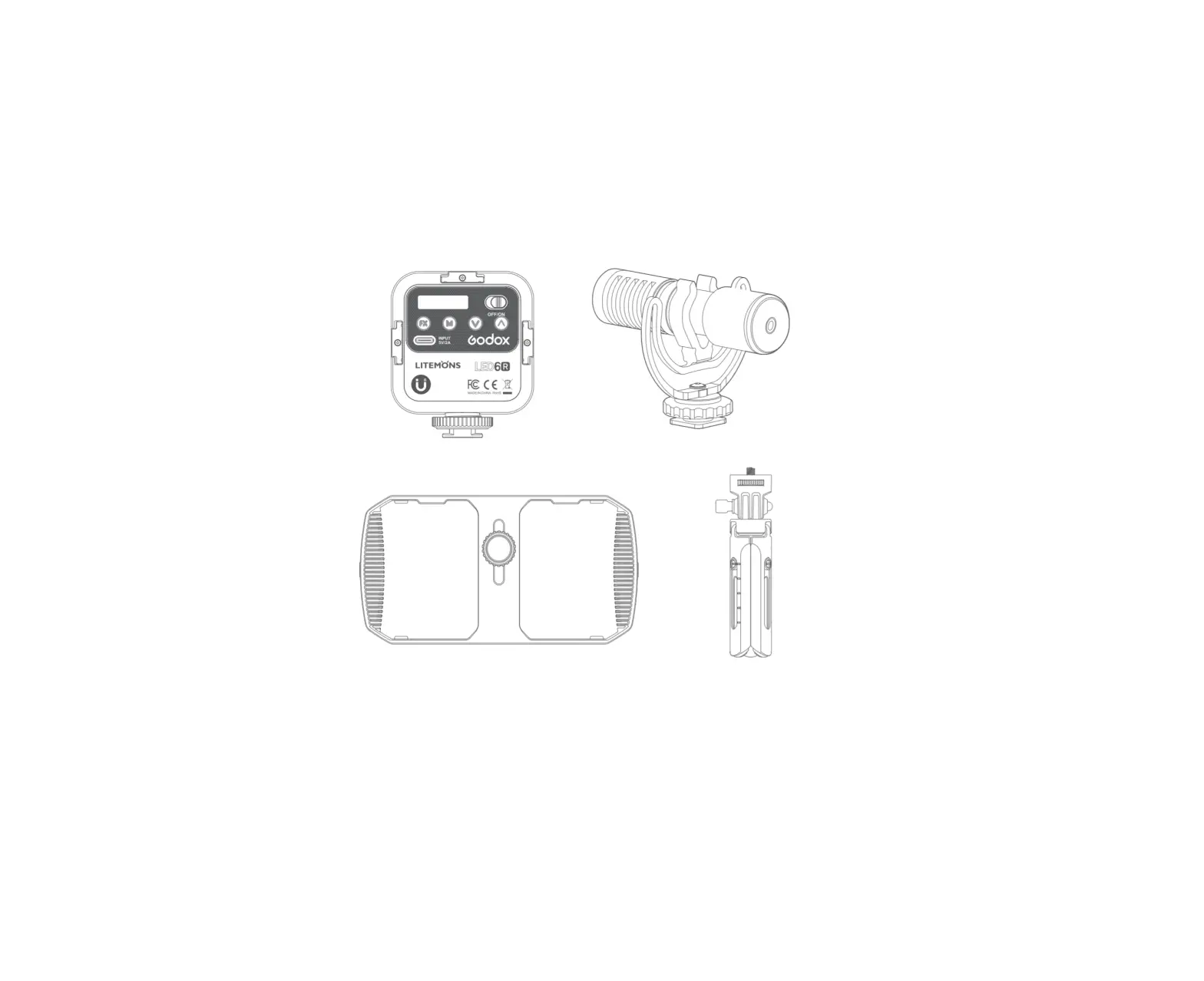
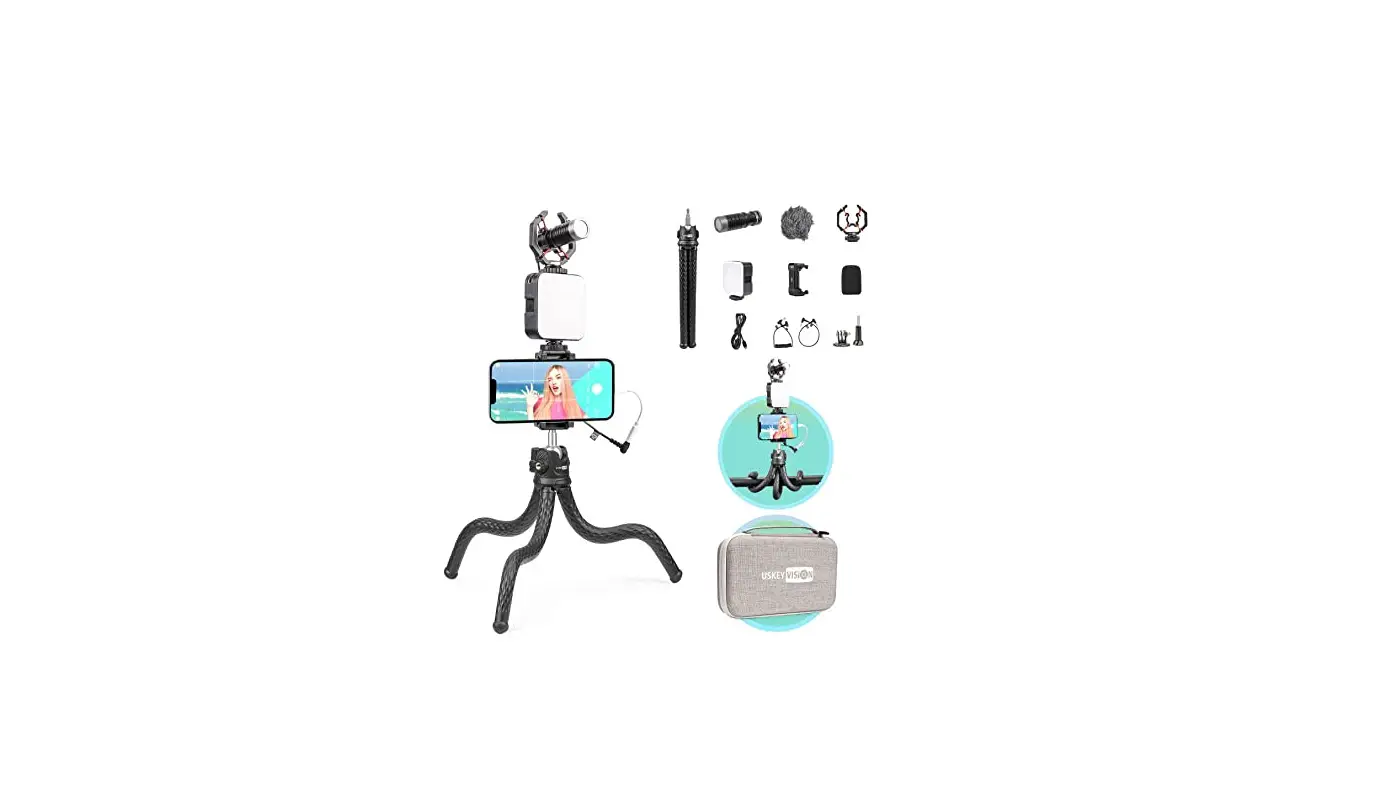
Includes
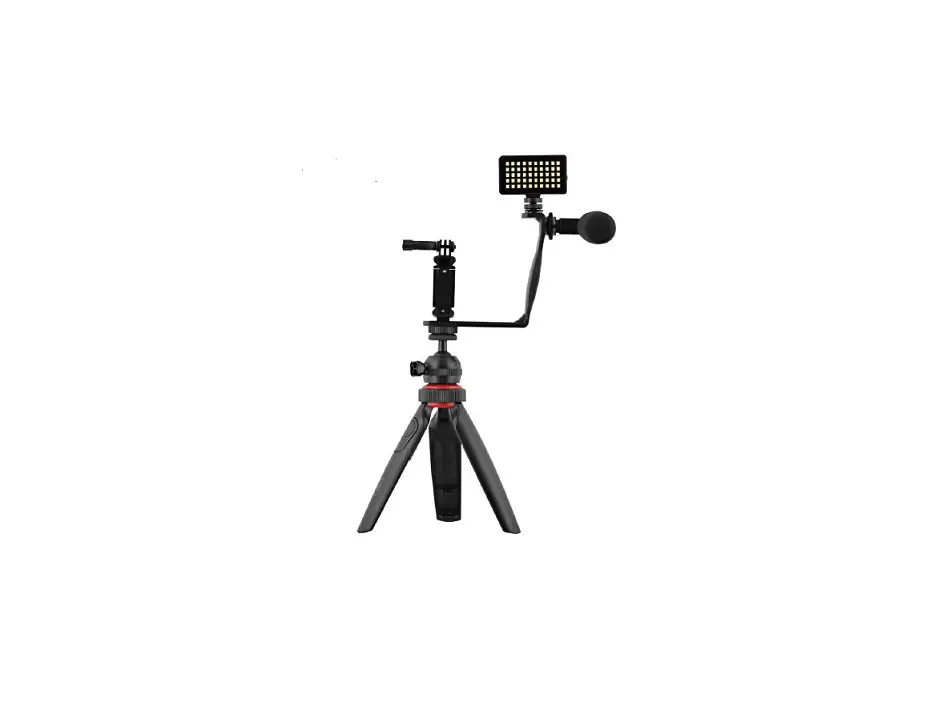
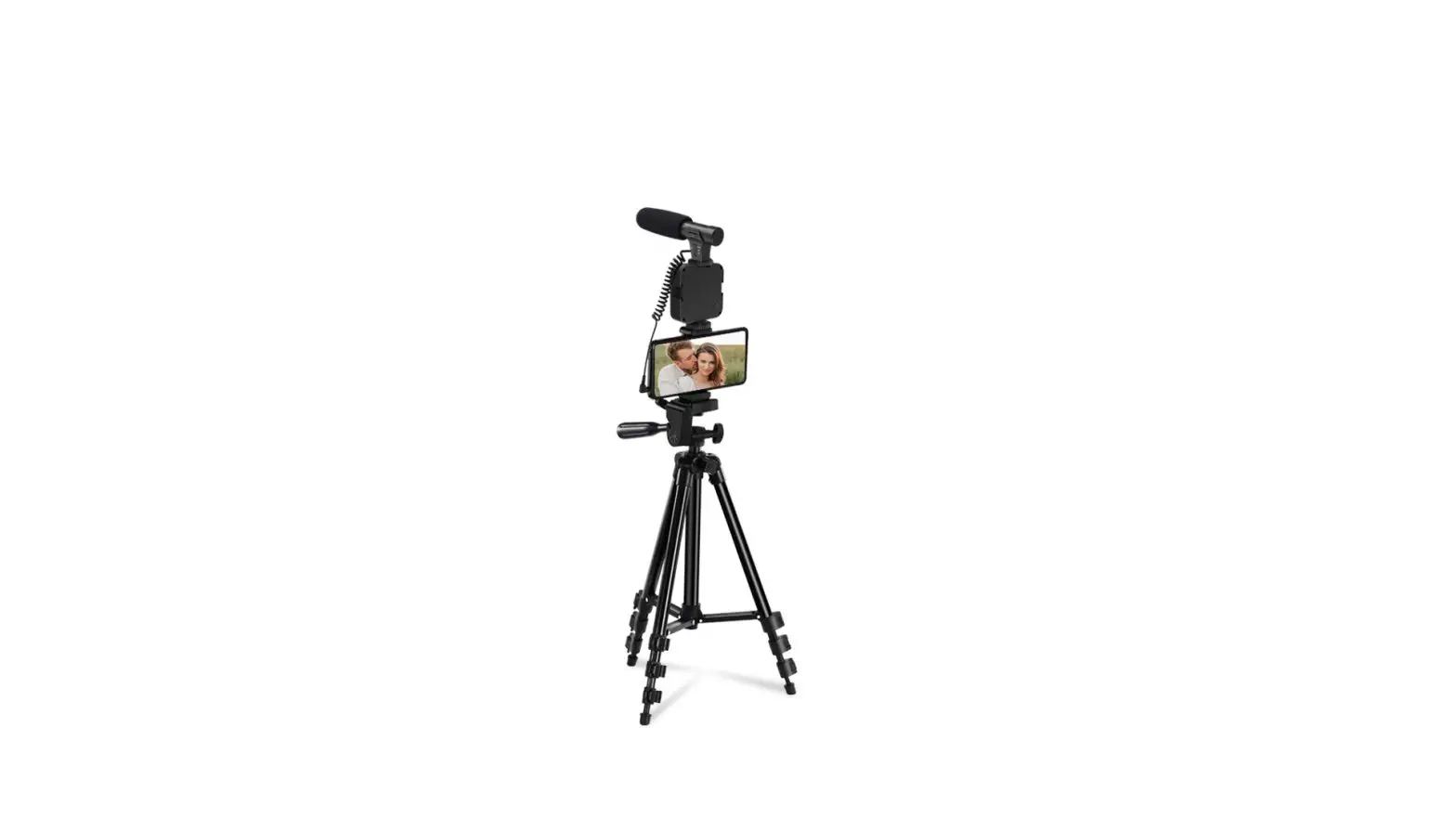
- Vlogging rig
- LED video light
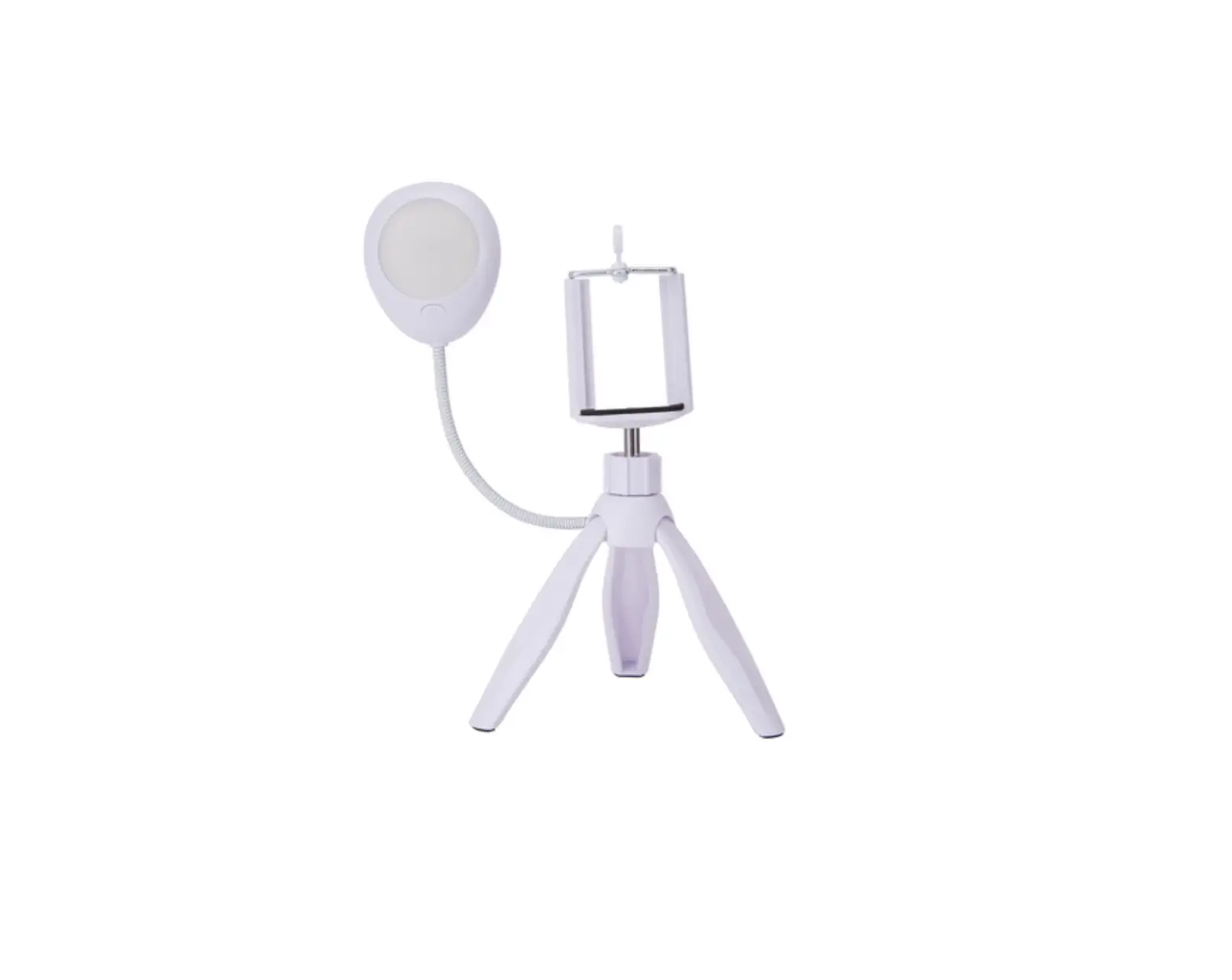
- Tripod/Grip
- Microphone
- Foam windscreen
- 3.5mm cables (2)
- Extension/Rotation mount
- LED light carrying case
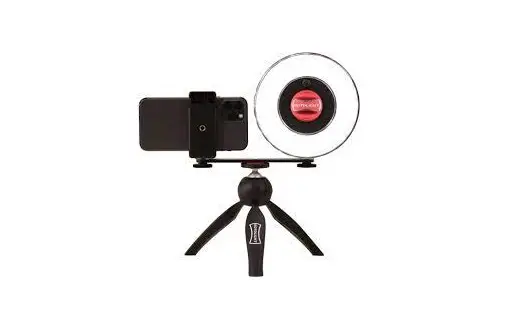
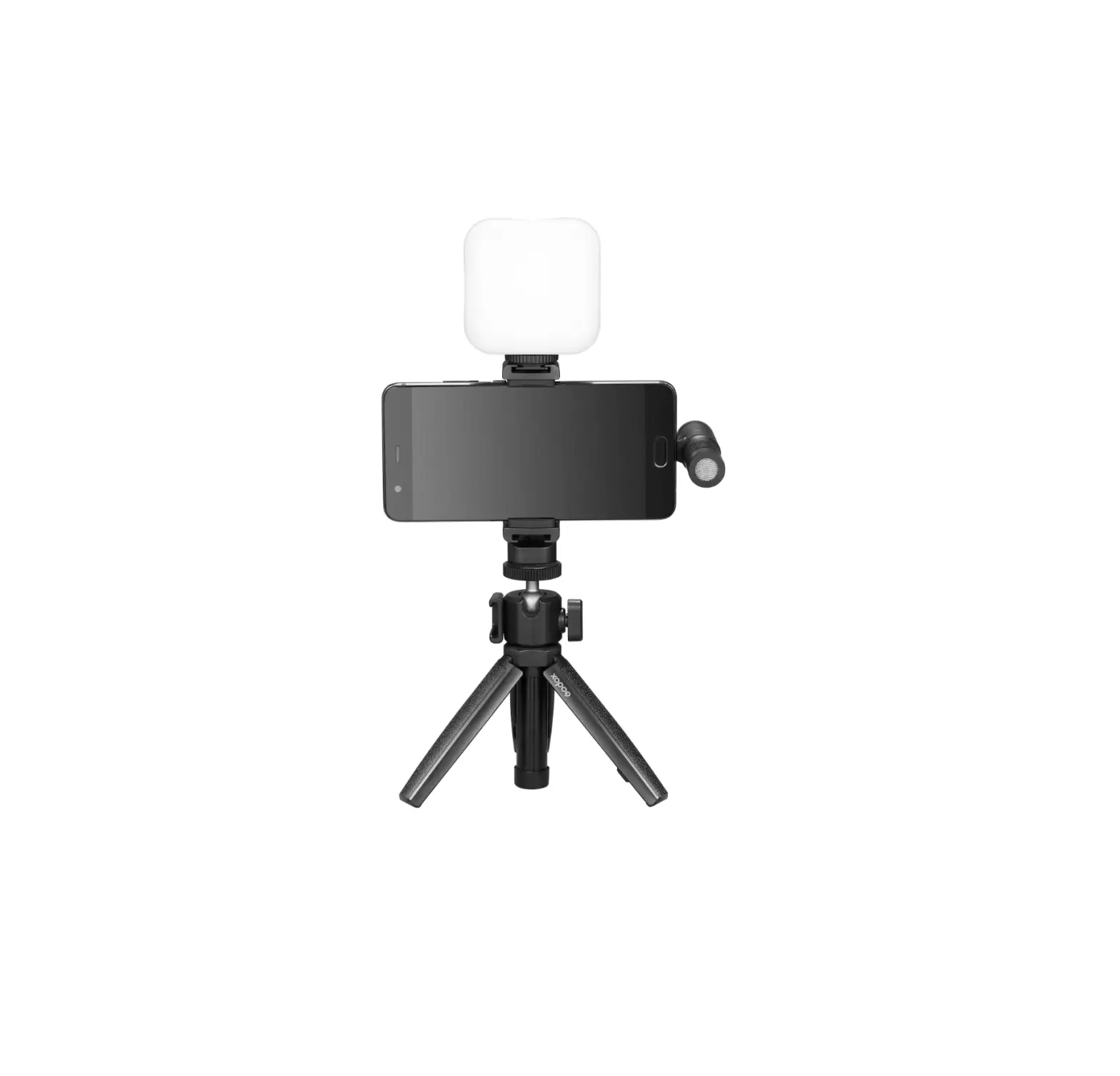
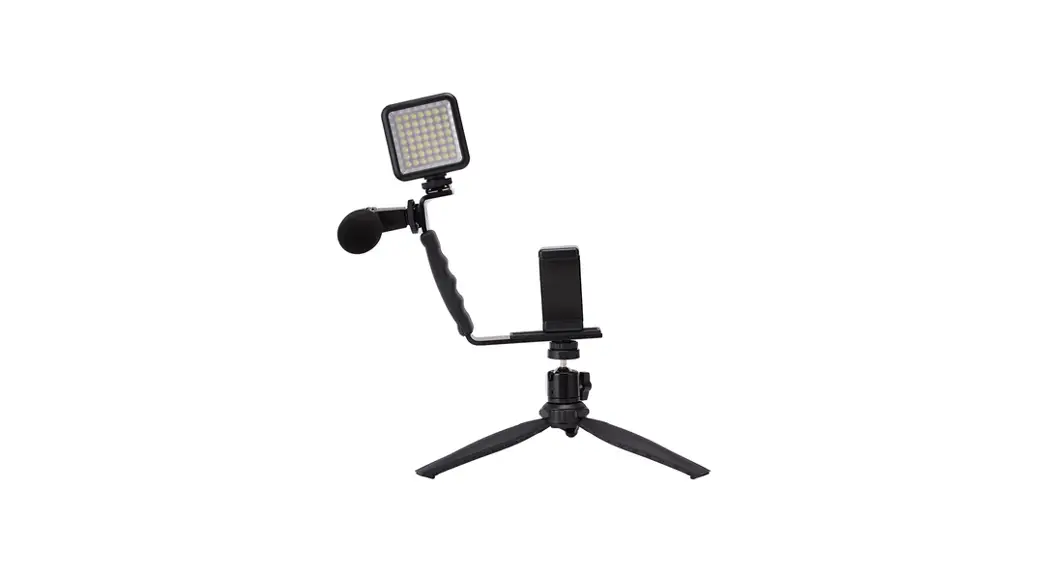
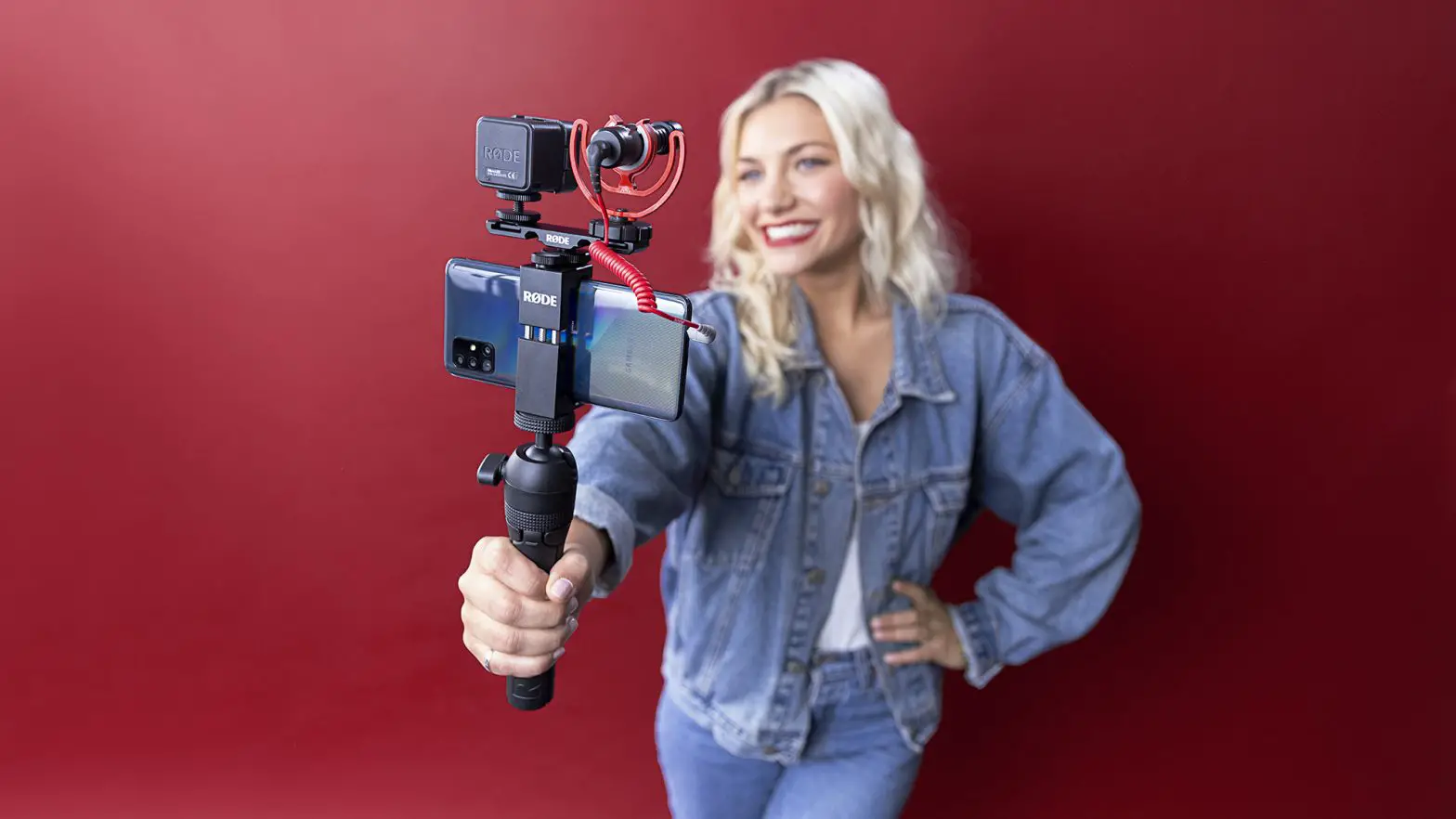
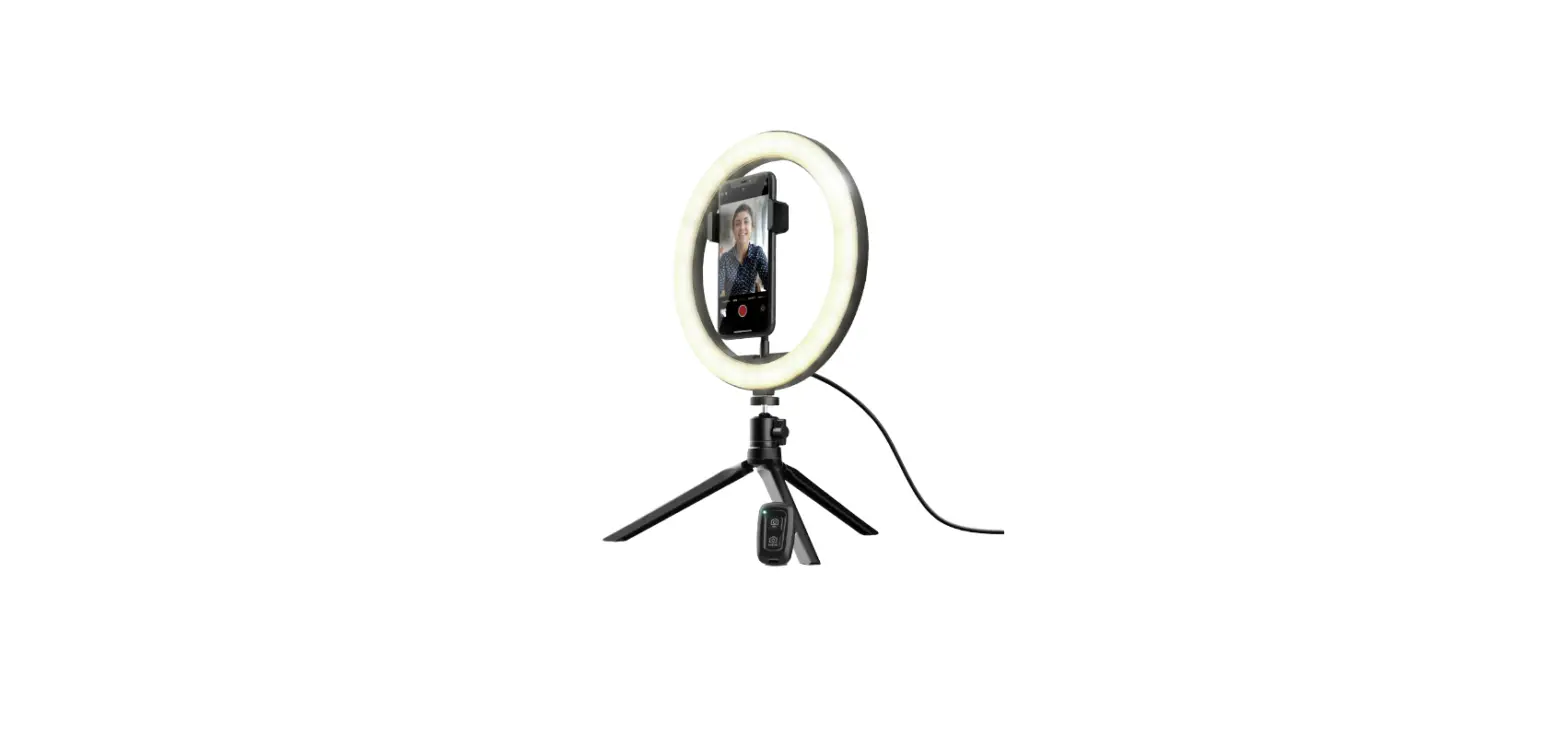
Using the Phone Rig
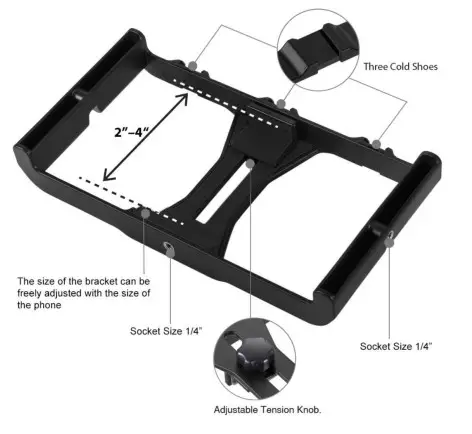
This rig has multiple customization options.
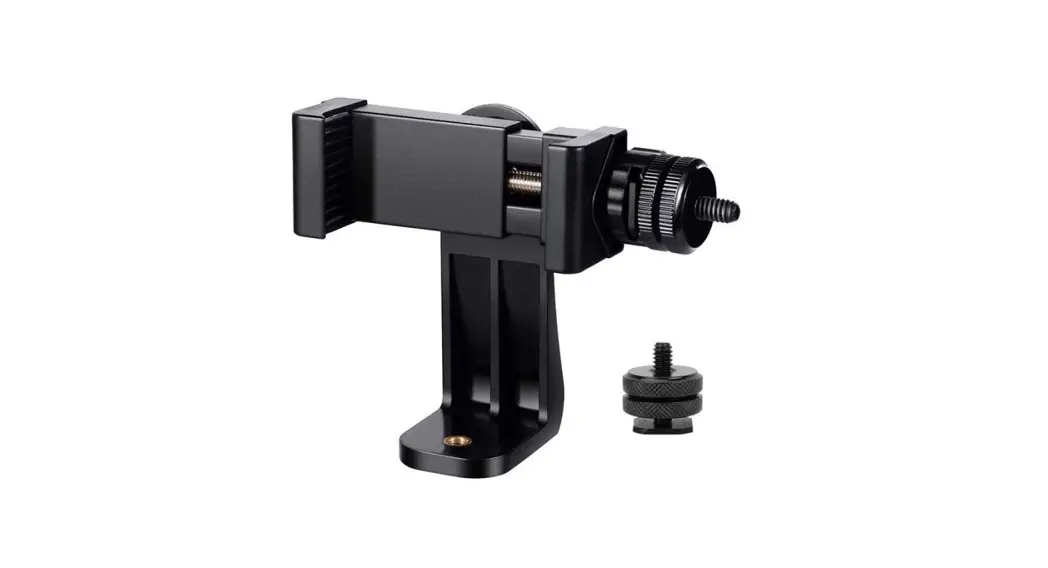
- The 3 shoe attachments allow you to slide the included accessories on. The 1/4″ Sockets also allow you to screw in accessories at additional positions
- The adjustable phone bracket has a maximum range of 4″ and can be adjusted to keep your phone in place.

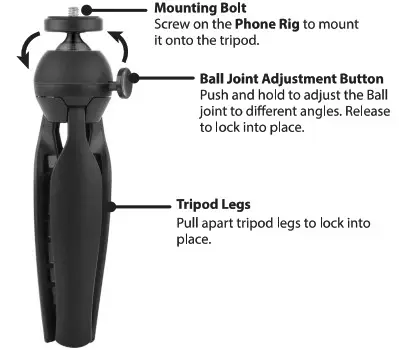
Using The Tripod
Mounting A DSLR
The Tripod Mounting Bolt allows you to screw a DSLR camera onto the tripod (up to 1 KG).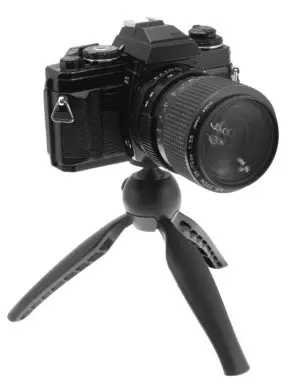
Using the LED Video Light
Powering Your LED Video Light
The LED Video Light requires 4 AA batteries (not included). Insert batteries and press the ON/OFF switch to power ON. Note: The light filters can also be used as a cover to secure the batteries.
The LED light can also be powered by plugging in a USB-C cable into the LED Video Light and a power source.
Warning: Please remove batteries before using the USEI-C cable to power the light.
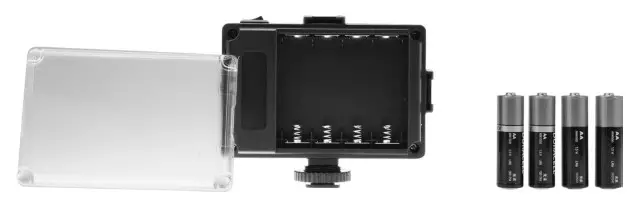
Using the Light Filters & Brightness Adjustment
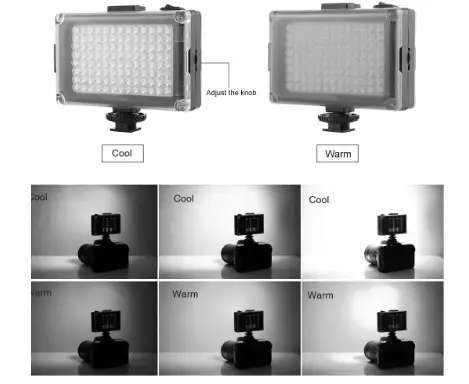
The LED Video Light has two light filters ( cool & warm). Use the brightness Adjustment Knob to increase and decrease the light intensity.
Using the Microphone
The 2 included 3.5mm audio cables that can be used to plug the microphone in either a DSLR camera, mobile phone or laptop.
Note:
- The 4 section cable is used for phones and laptops (Windows or Mac).
- The 3 section cable is only for DSLR cameras.
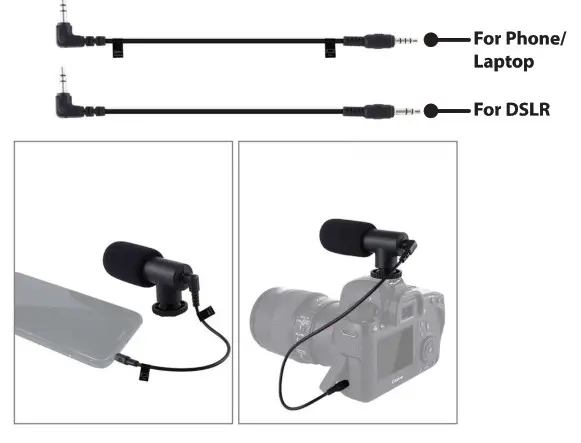
Note: Newer phones may require an adapter In order to use the microphone. (Lightning to 3.5mm audio adapter for iPhone and USB-C to 3.5mm audio adapter for Android).
Mounting the Microphone
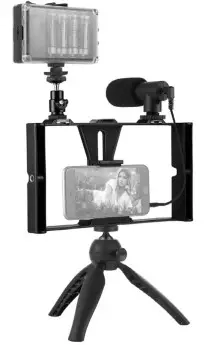
The microphone can be mounted onto the rig using one of the 3 Shoe Mounts or the Extension/ Rotation Mount for greater stabilization.
Warnings & Procedures
- Do not exceed the maximum specified load capacity.
- Always ensure that cameras and gear are tightly engaged before using the tripod.
- Do not use a tripod below -4°F/-20t or above 158°F/70°C.
- Do not leave the tripod in direct sun for extended periods.
- Clean with a damp cloth and dry with a dry cloth. If needed a mild soapy solution may be used to remove built-up dirt, sand, dust, and the like.
- Do not leave the tripod unattended where others might trip over it and get injured.
- Remove camera and gear when transporting.
- Avoid contact with electrical sources.
- WARNING: This product may contain chemicals known to the State of California to cause birth defects, or other reproductive harm (California Prop 65). Wash hands after handling.
- This product meets and complies with all Federal regulations.
Customer Support
For Warranty Information, the most up-to-date version of this User’s Guide or to download this User’s Guide in English, French or Spanish, please go to: www.gpx.com
Customer Service: 1-888-999-4215
Email Support: [email protected]
Email Parts: [email protected]

Copyright 0 2020 Digital Products International (DPI, Inc.) All other trademarks appearing herein are the property of their respective owners. Specifications are subject to change without notice.