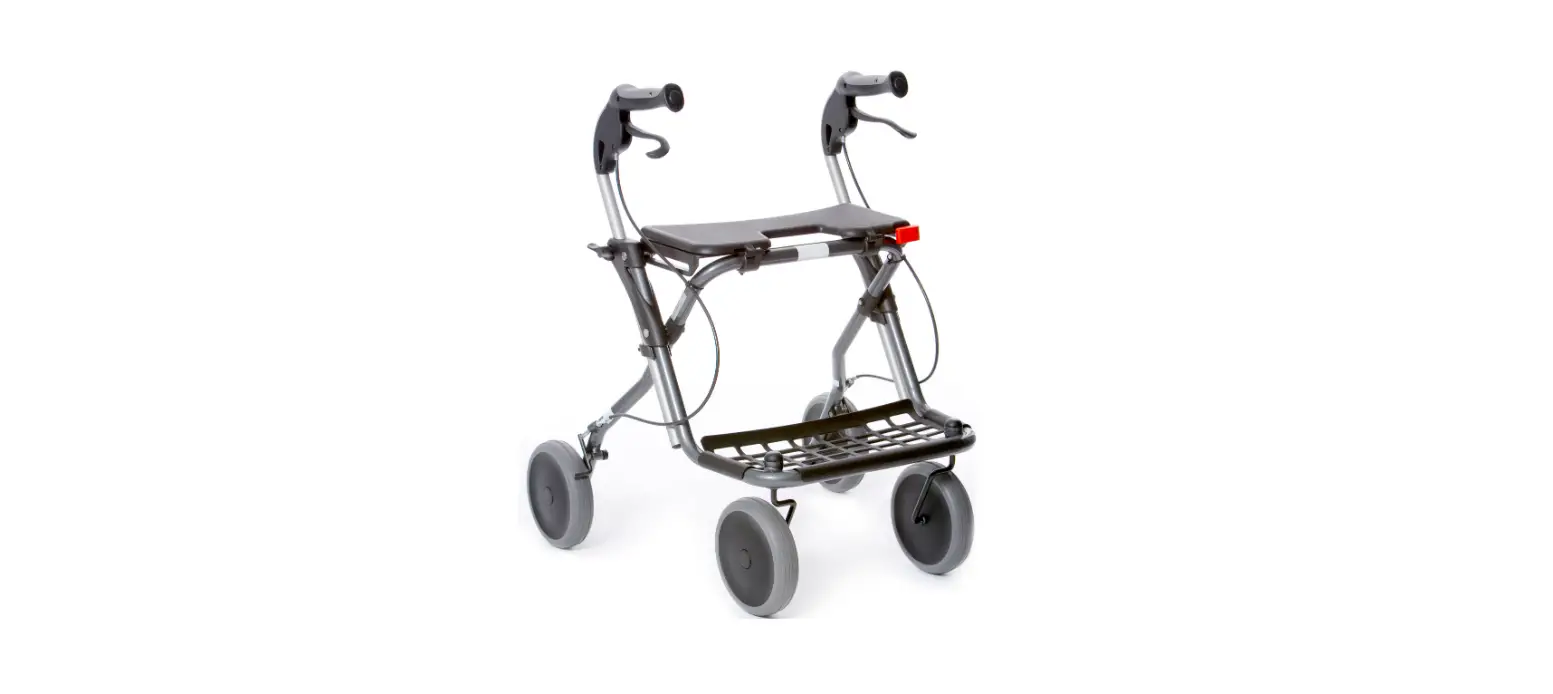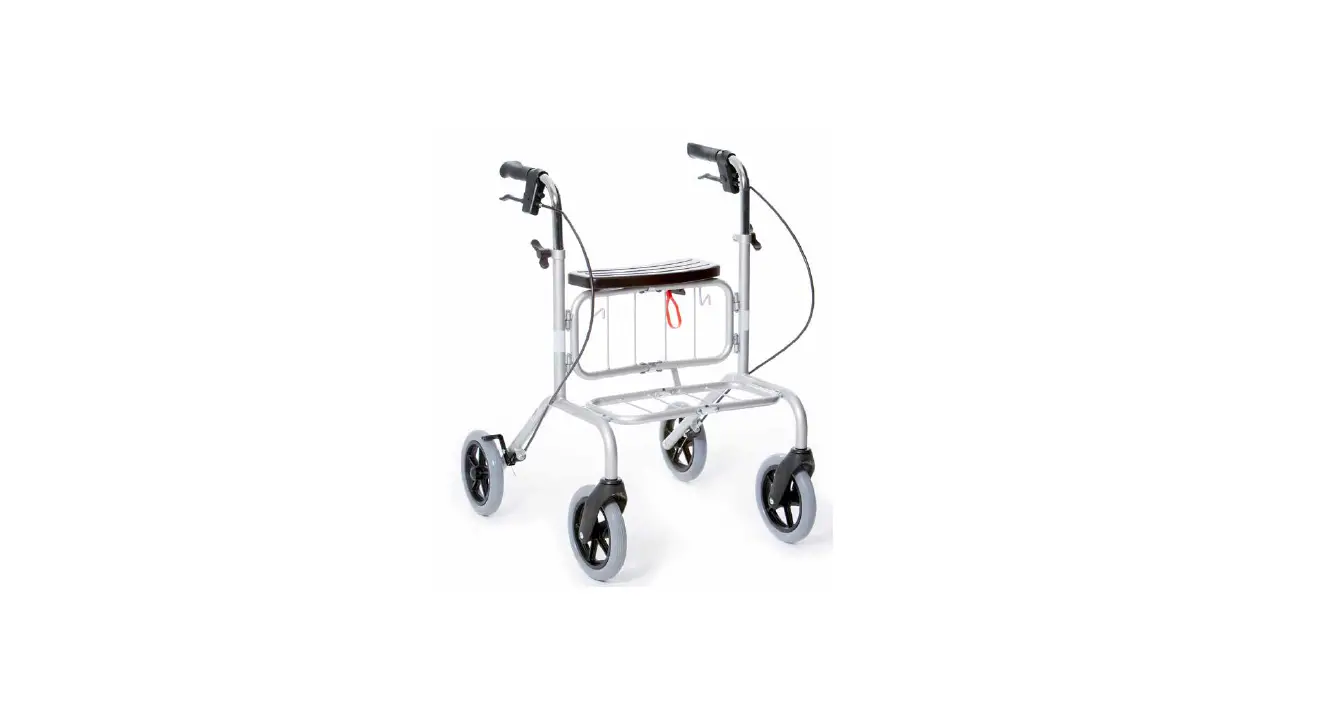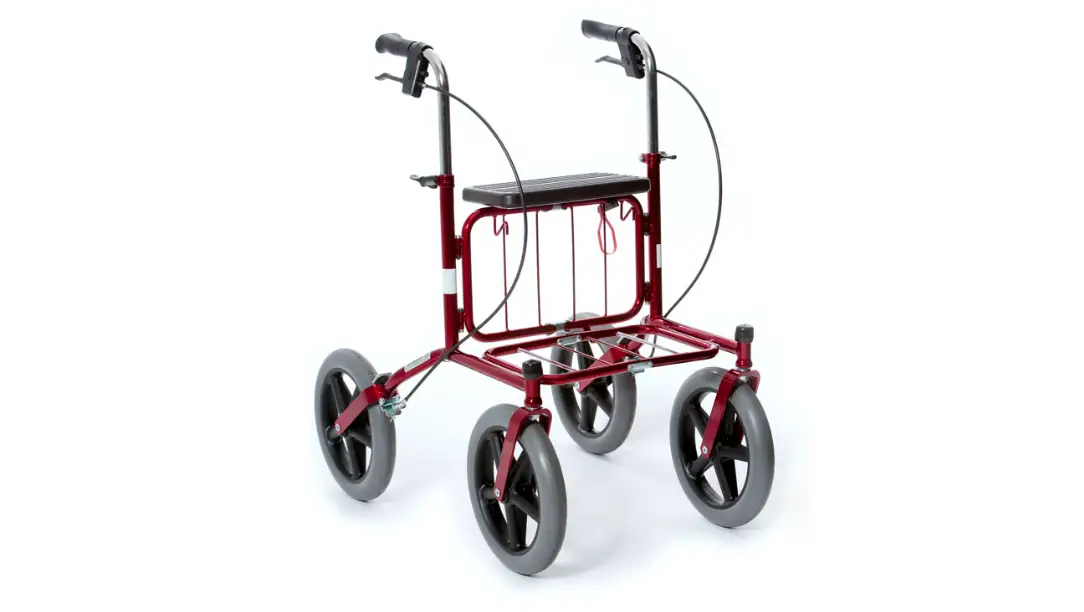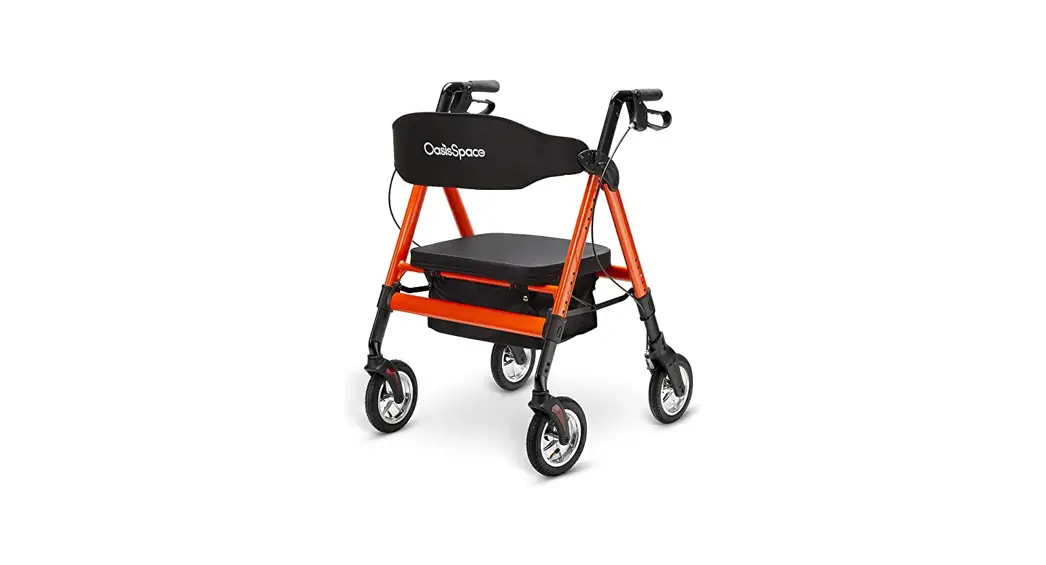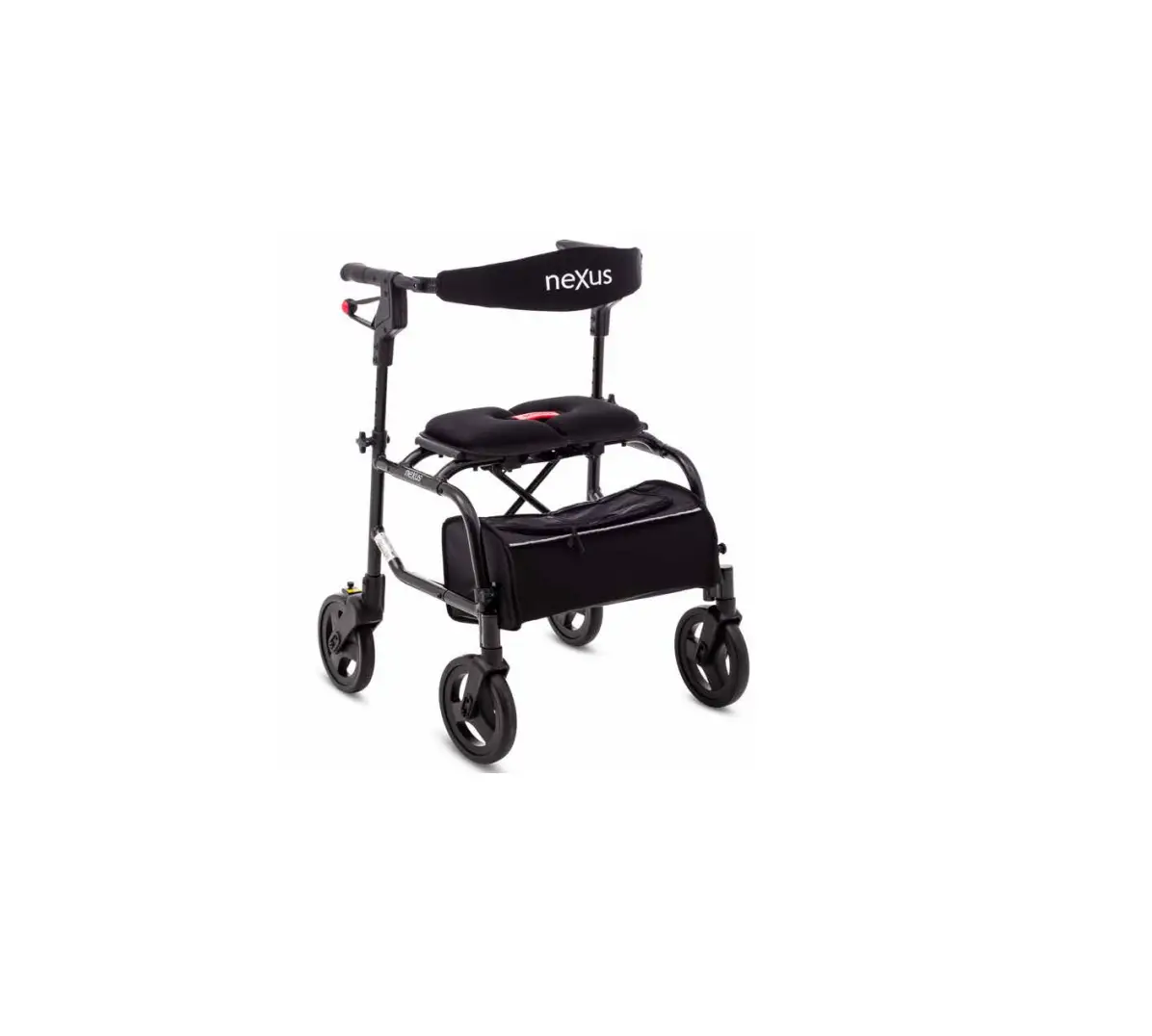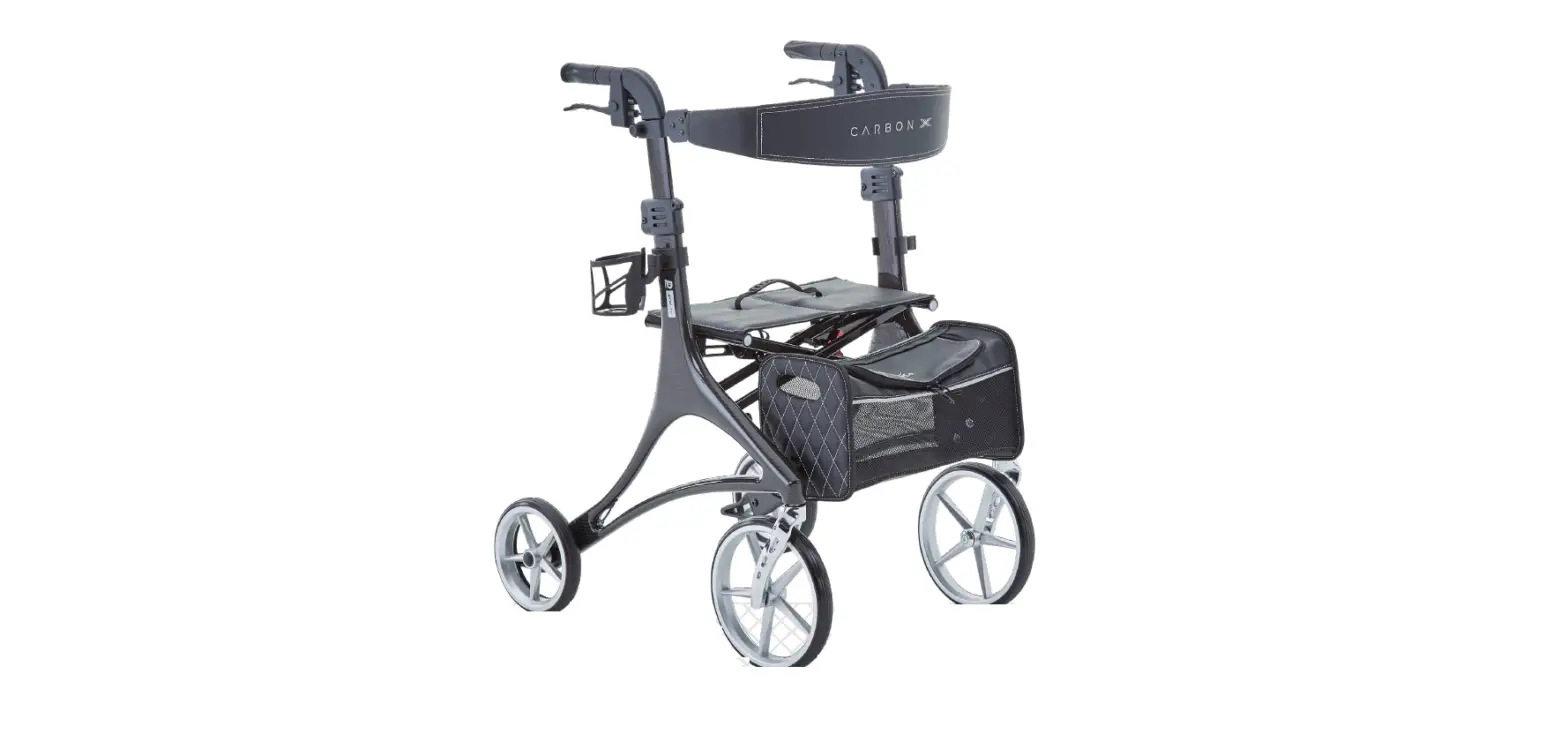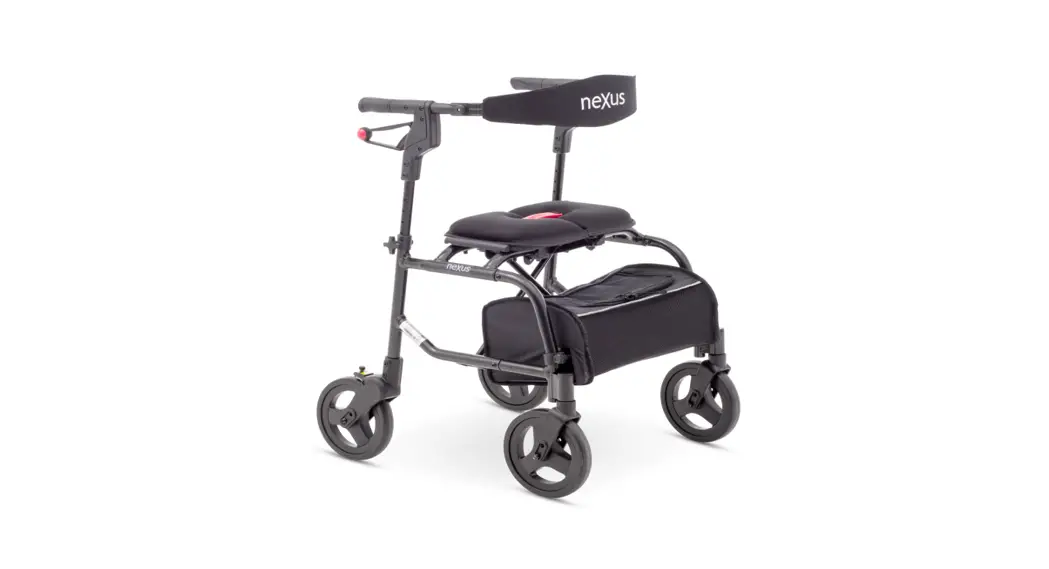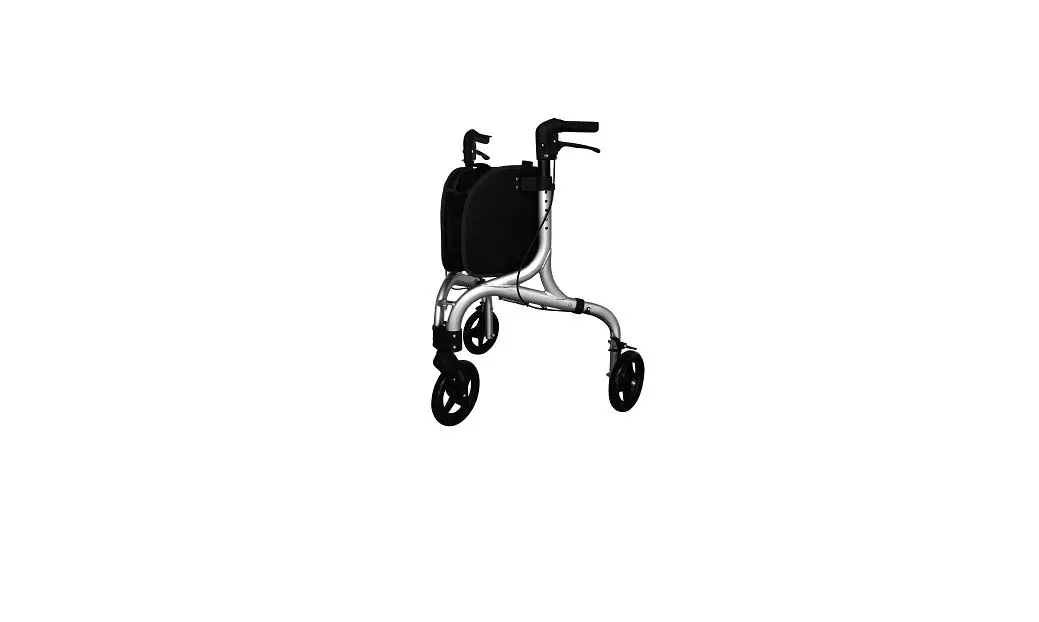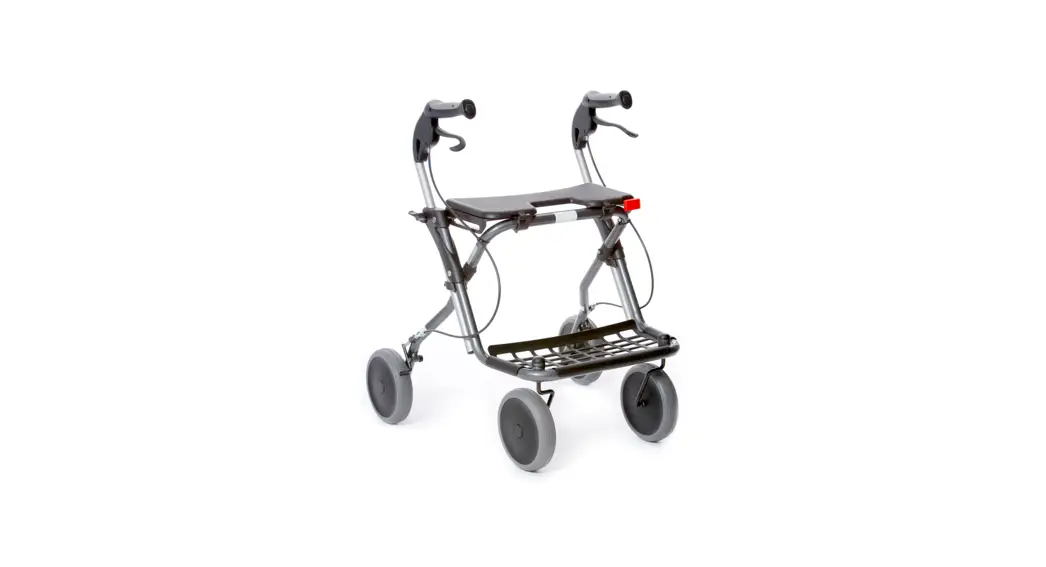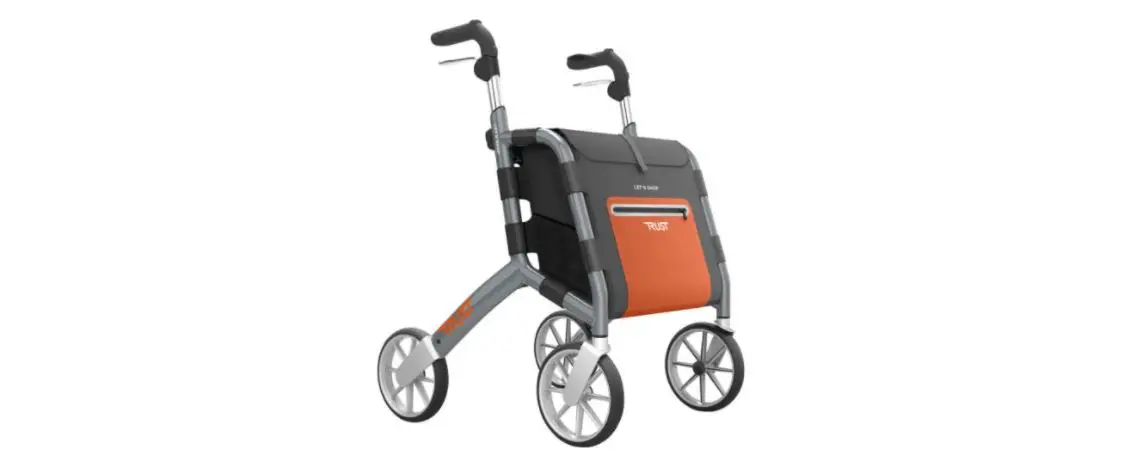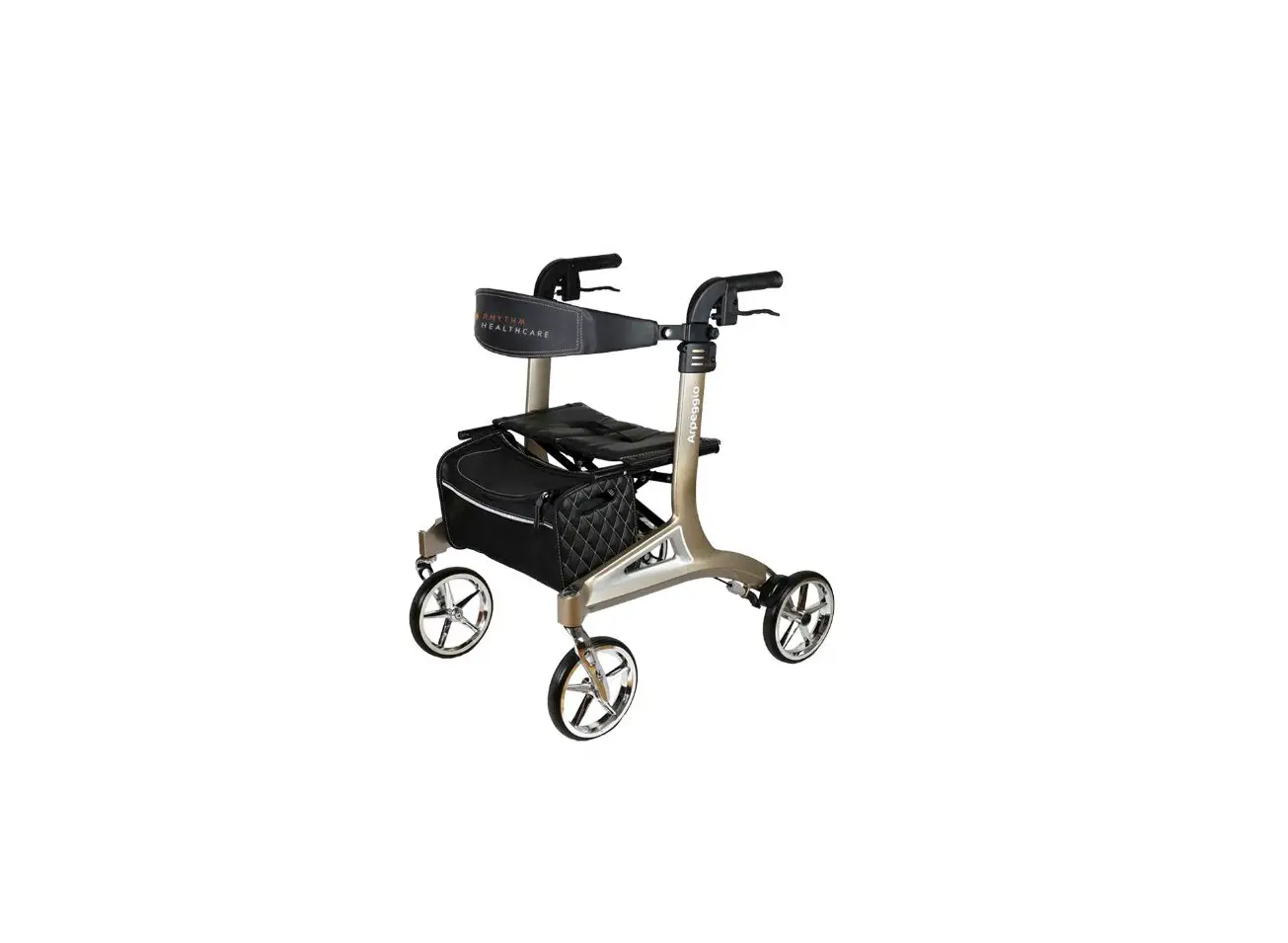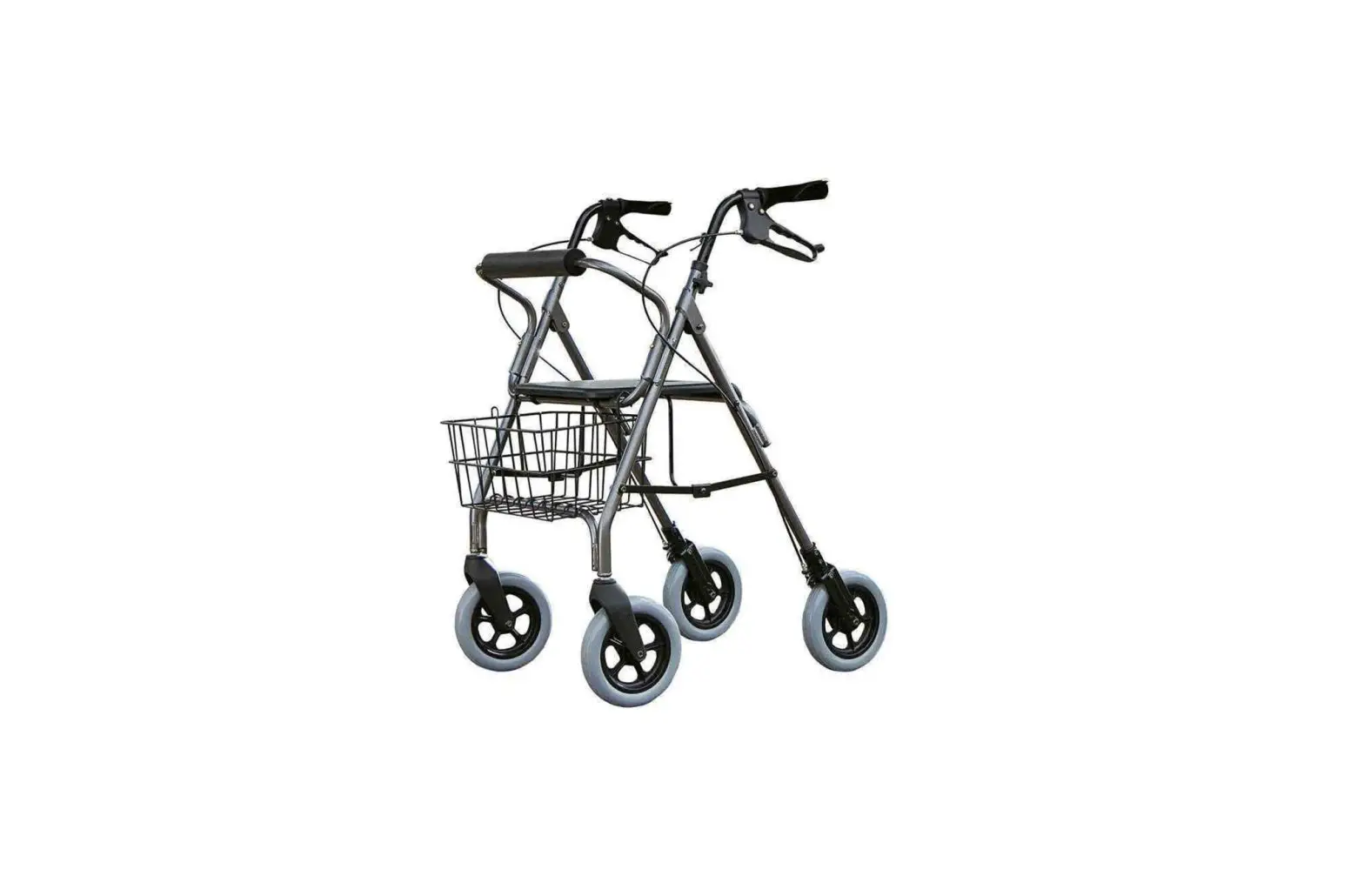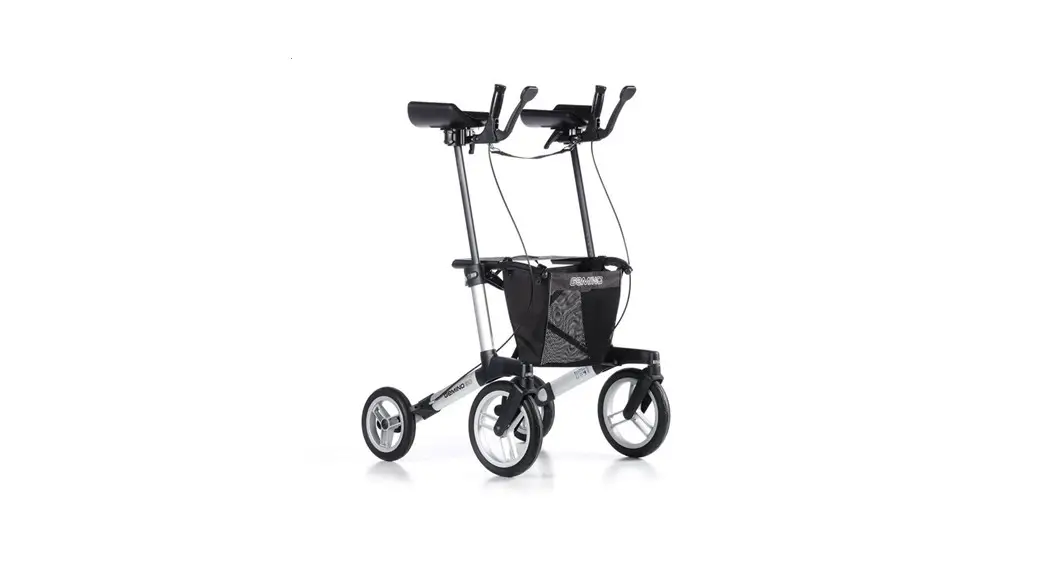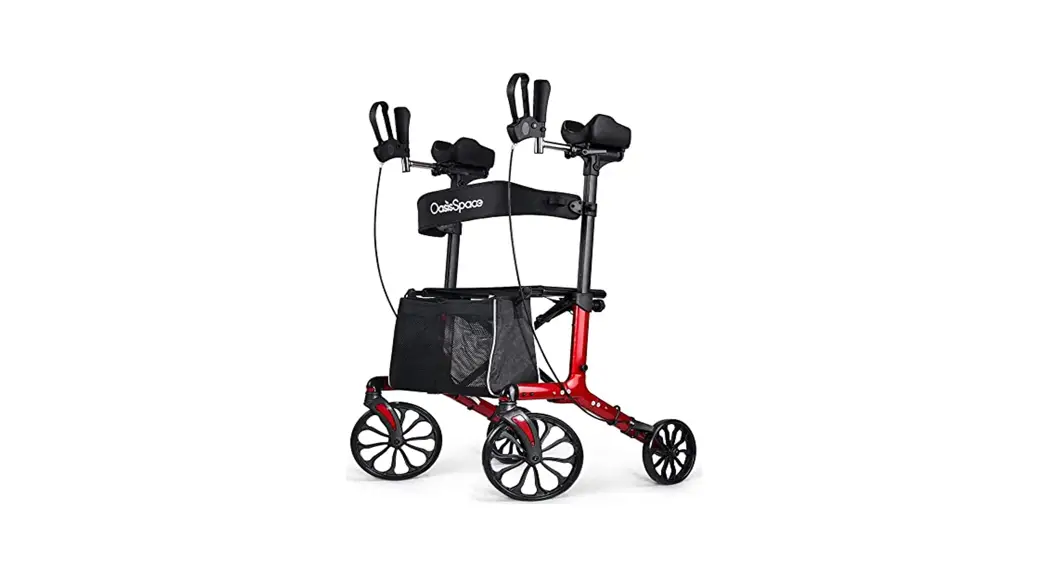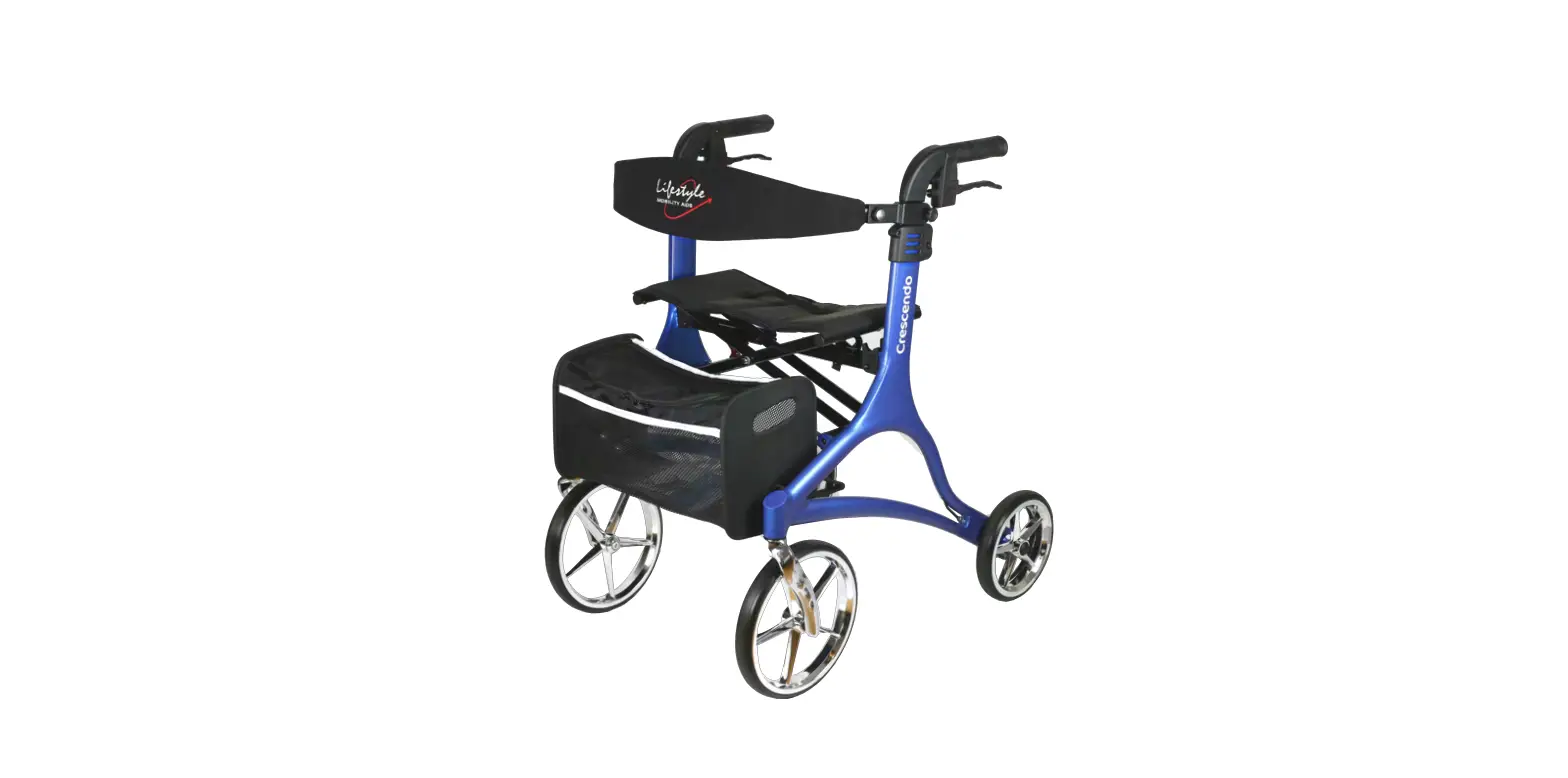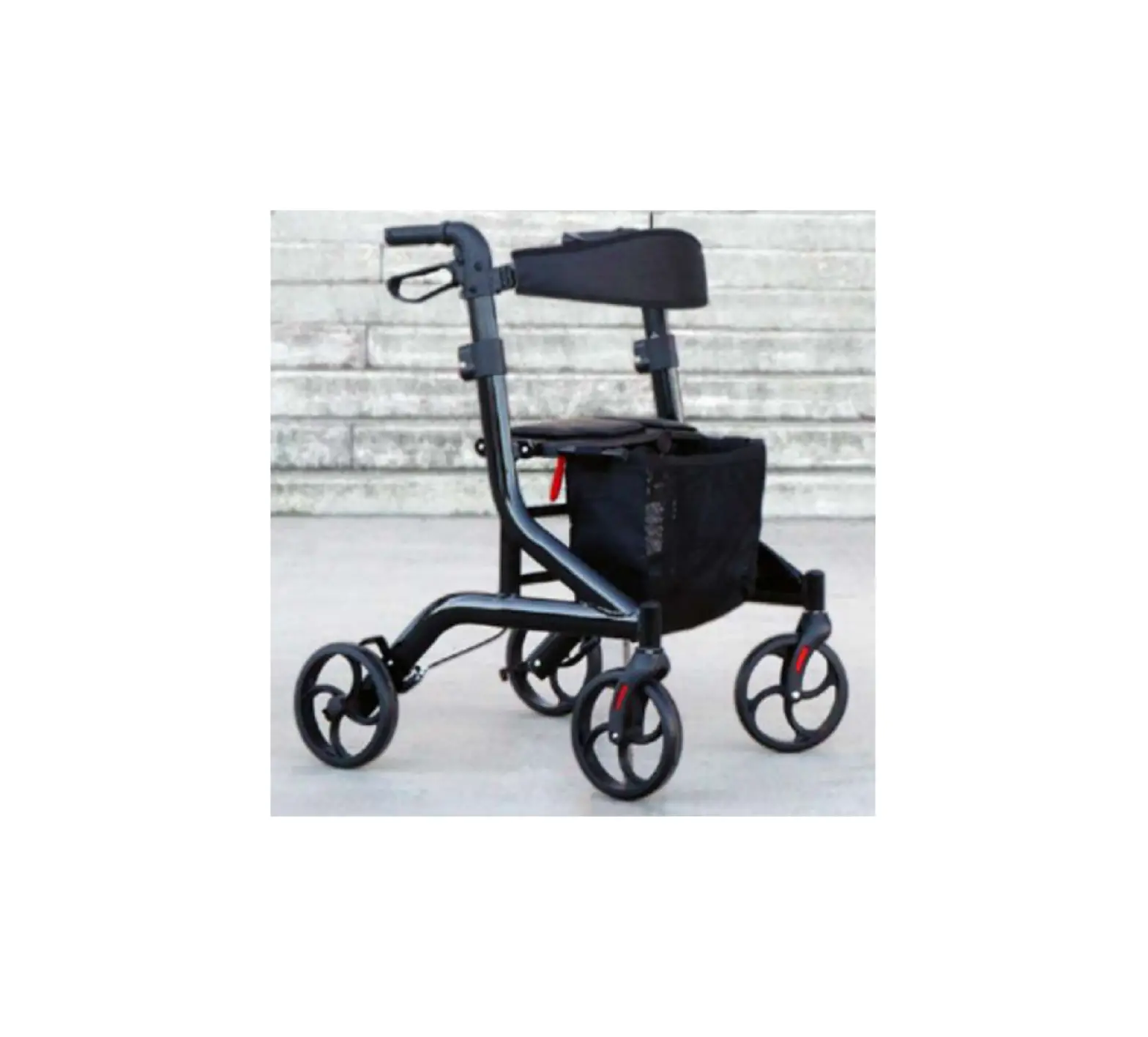
HUMAN CARE Crossover 90222 Rollator
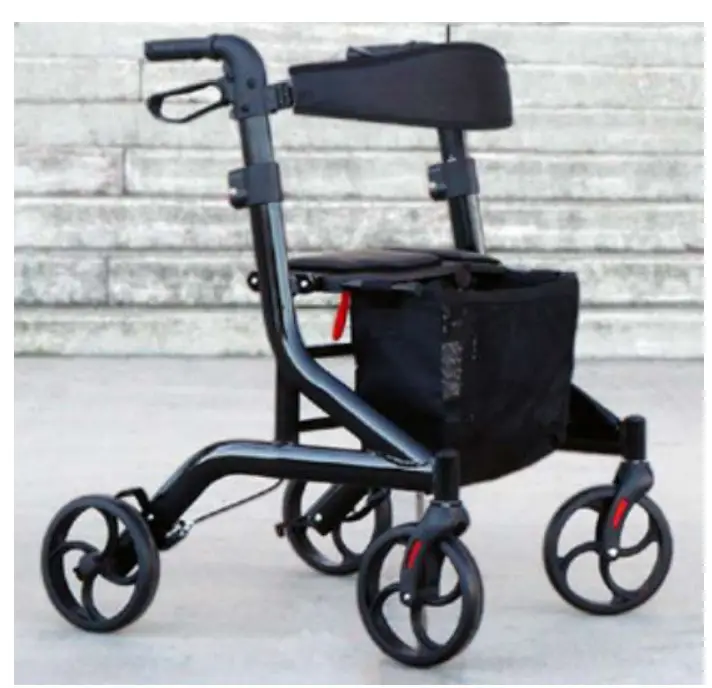
Please read this user manual before assembling and using this rollator
Instruction for use of the rollator
Parts Lists
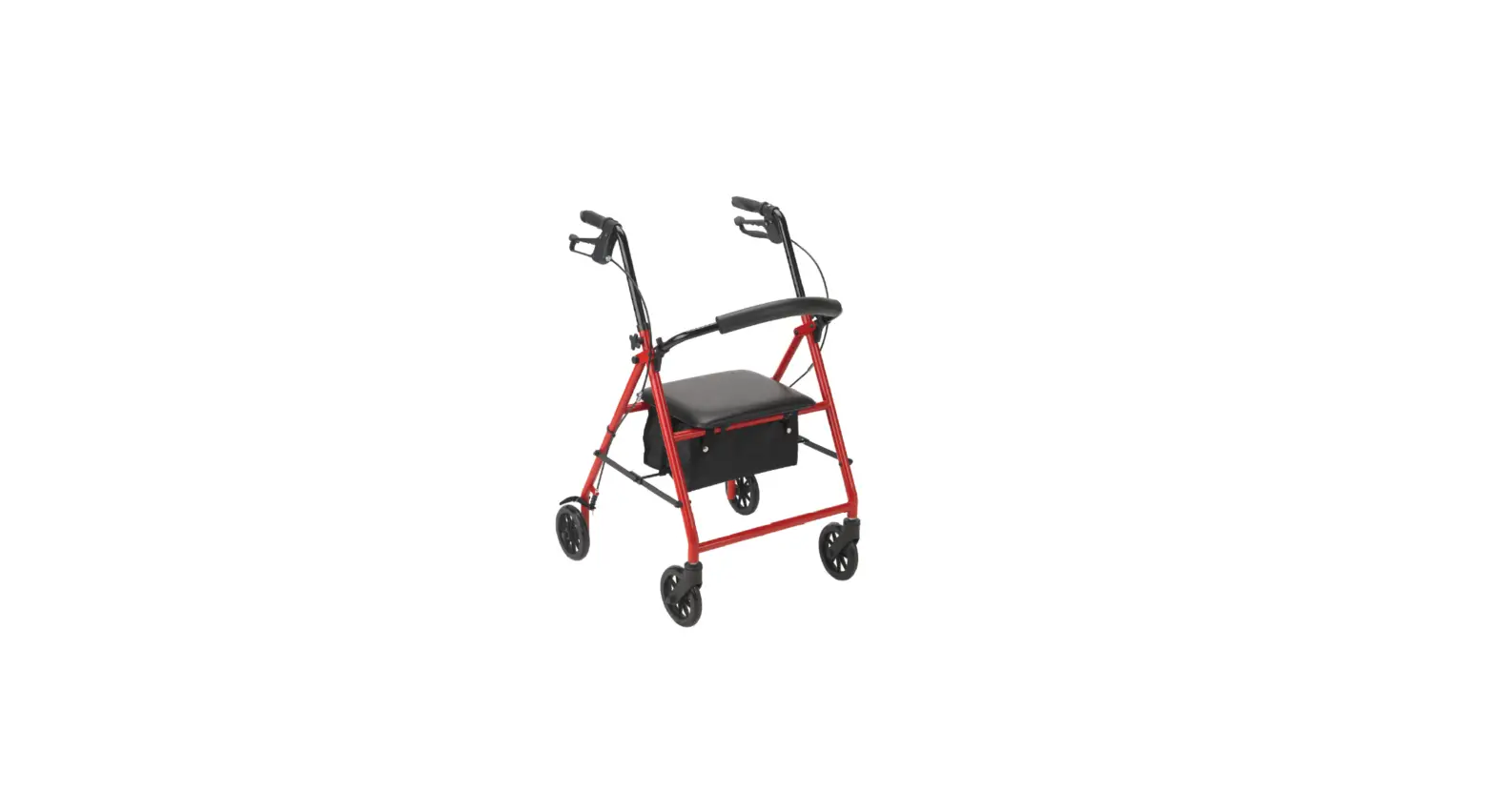
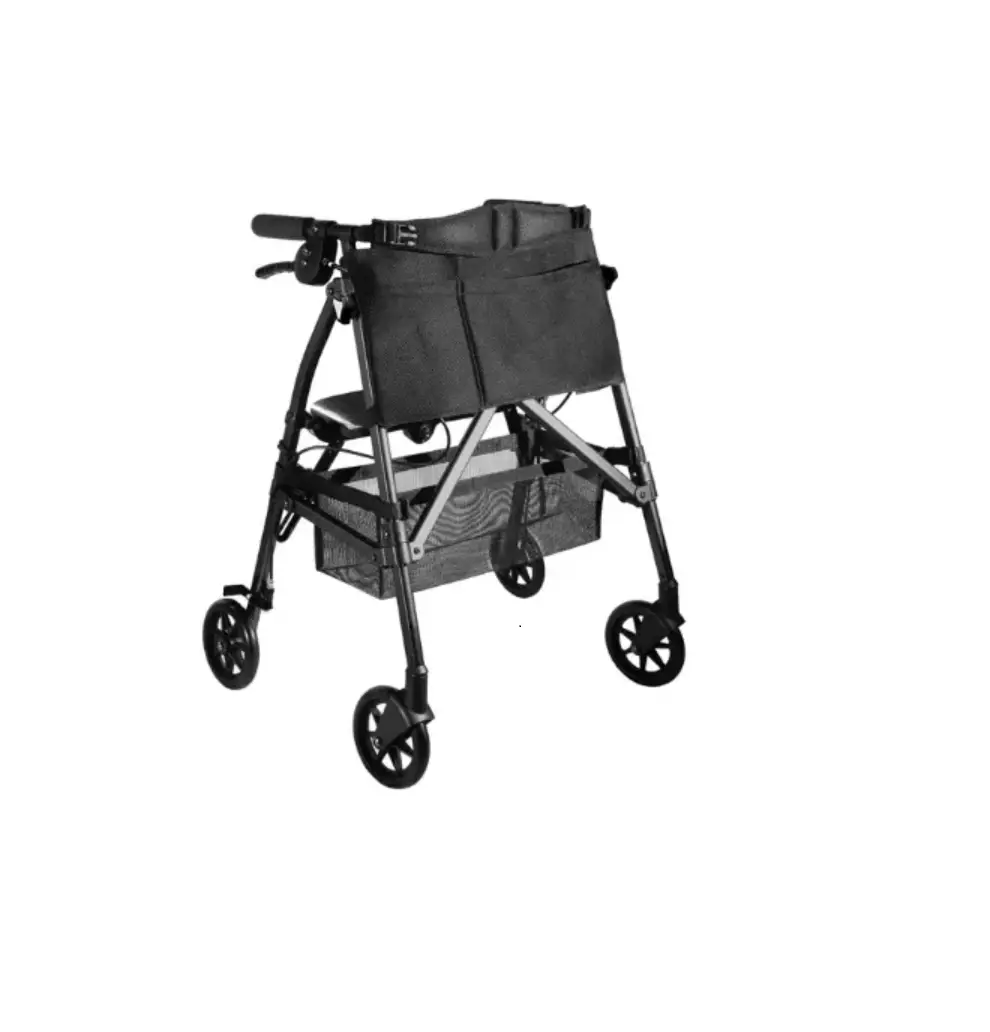
The rollator includes
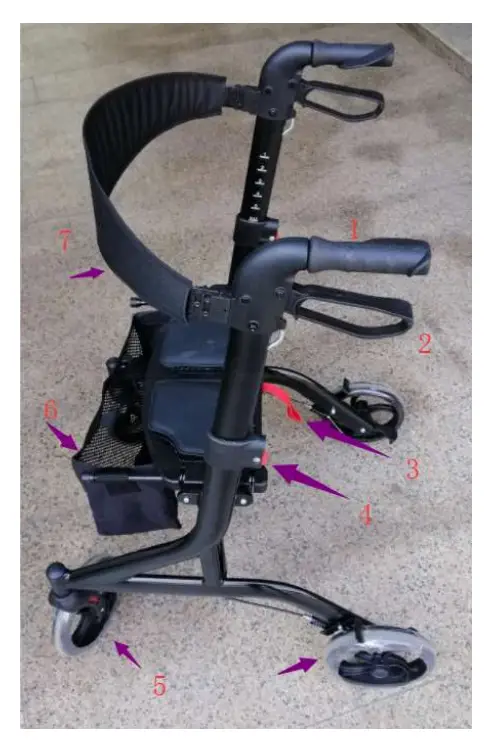
- Height Adjustment Handle
- Brake Lever
- Red Pull Strap (Seat)
- Red Height Adjustment Button
- Wheels
- Soft Bag
- Backstrap
This rollator offers a sturdy seat for the user.
The rollator can be folded, making it easier for carrying or storage.
Folding and Unfolding the Rollator
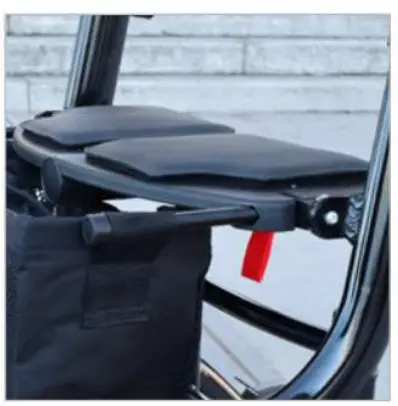
To fold the rollator, grip the red pull strap that is attached to the seat, and pull towards you and upwards.
To unfold / open the rollator, push the handles apart and press down firmly on the seat platform until it is flat and locked.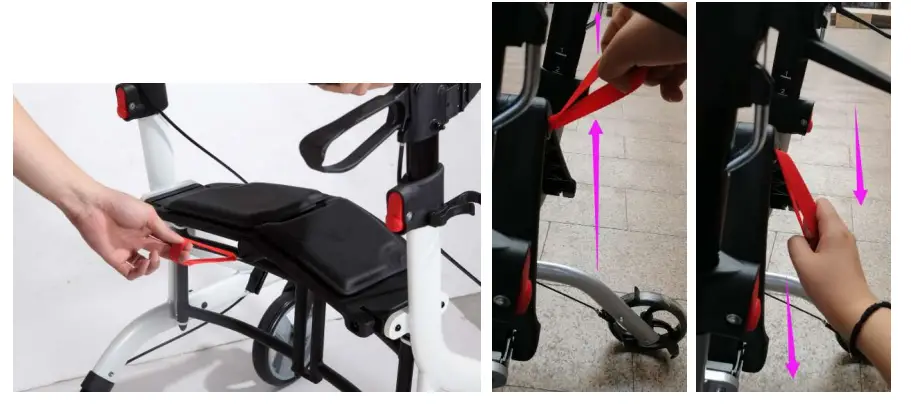
Using the Brakes
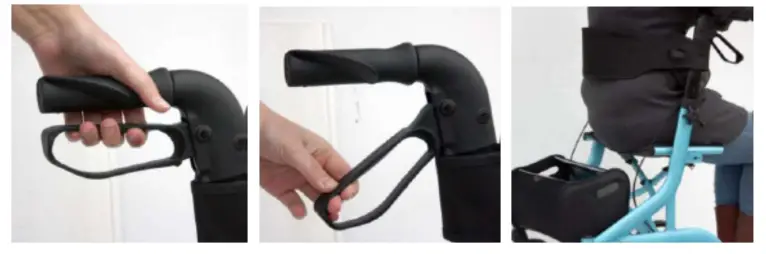
The rollator is equipped with both a walking brake and a parking brake.
Walking Brake
To slow down the pace or to come to a stop, use the walking brake Squeeze the brake levers up to the handles to stop. The wheels will move freely once you release the brake levers.
Parking Brake (Engage/Disengage)
To secure the rollator from rolling away or to sit down on the seat, push the brake lever down until they lock and with an audible “click” sound. Pull up on the brake lever to unlock the parking brake.
While you are sitting on the rollator, always ensure the parking brake is engaged.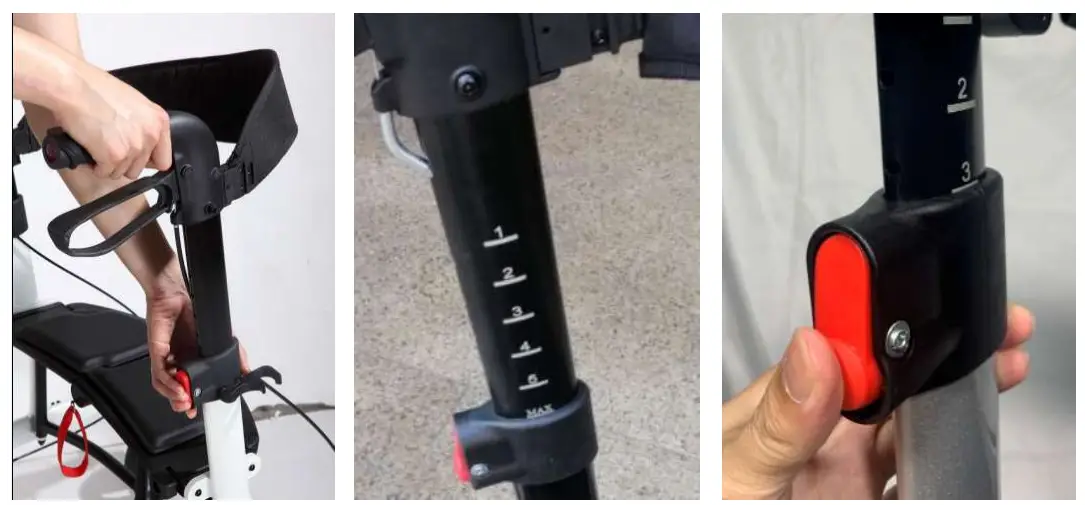
Handle Height Adjustment
To adjust the handles, press the red button firmly, to disengage the lock. The handle height can be adjusted in 1” increments. While pressing the red button, pull the handle upwards or press downwards to the next height adjustment. As you are pulling up or pushing downthe handle, release the red button, and it will lock, with an audible “click”, when it reaches the next height increment. Repeat this step until you reach your optimal hand position when using the rollator. Ensure both handles are set to the same height.
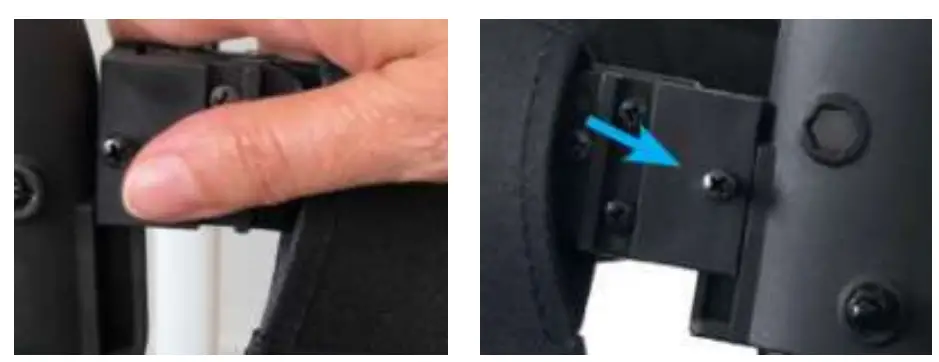
Backstrap Installation
Insert the backstrap end onto rollator handle mount. To remove, slide the backstrap up and out of the handle mount.
By tightening the screws, the backstrap can be fastened permanently. Now the backstrap is fixed and cannot be easily removed.
Soft Bag Installation
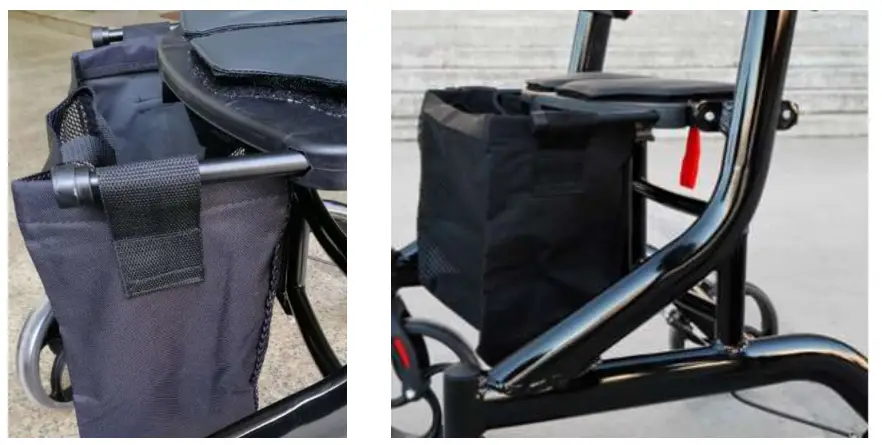
Hang the straps of the bag over the mounted rods on the side of the seat.
Accessories
- Form Cushioned Pads Part.no 90232

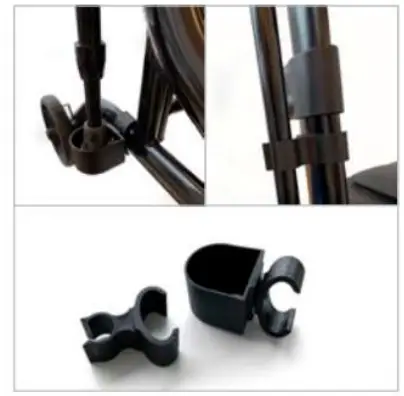
- Cane / Umbrella holder Part.no 90230

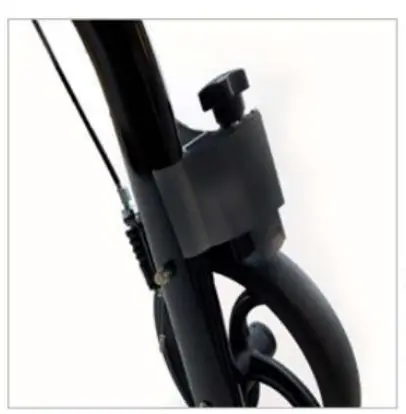
- Slow-Down Brake Part.no 90231

Specifications
| Crossover / 90222 | |||
| 1 | Overall Length | 73 | cm |
| 2 | Overall Width | 66 | cm |
| 3 | Handle Height min | 86 | cm |
| 4 | Handle Height Max | 98.5 | cm |
| 5 | Seat height | 53cm/21in | cm/in |
| 6 | Seat size | 45×20 | cm |
| 7 | Fold width | 24 | cm |
| 8 | Width between handles | 48 | cm |
| 9 | Front wheel | 20cm/8in | cm/in |
| 10 | Rear wheel | 20cm/8in | cm/in |
| 11 | Net weight | 8 | kgs |
| 12 | Carton size | 74x25x88 | cm |
| 13 | Max user weight | 136 kgs/3001bs | kgs/lbs |
| 14 | Bag loading | 5 | kgs |
Care and Maintenance:
- Occasionally wipe the rollator with a soft cloth, do not use harsh abrasive chemicals.
- Do not store the rollator in damp environments.
- During assembly of the rollator, pay attention to possible pinch points to avoid injury.
- While adjusting the handle height, do not grip the adjusting tube.
- Regularly check to ensure brake operation is normal.
- Periodically check that all the screws, nuts, and bolts are securely tightened.
- Do not hang anything on the handles or backstrap.
- Make sure the brakes are engaged and locked while seated.
- Use only authorized parts for repair of this product.
- Never use this rollator for any other reason than its intended purpose.
Distributed by
Manufacturer:
Ralon Medical Equipment CO., Ltd.
Add: XiLian Development Zone, Danzao, Nanhai, Foshan, Guangdong, China.
Distributed by:
Human Care Canada
Phone: – 613.723.6734
Email: [email protected]