
Introduction
Dear Customer!
Thank you for purchasing this NAVITEL® product.
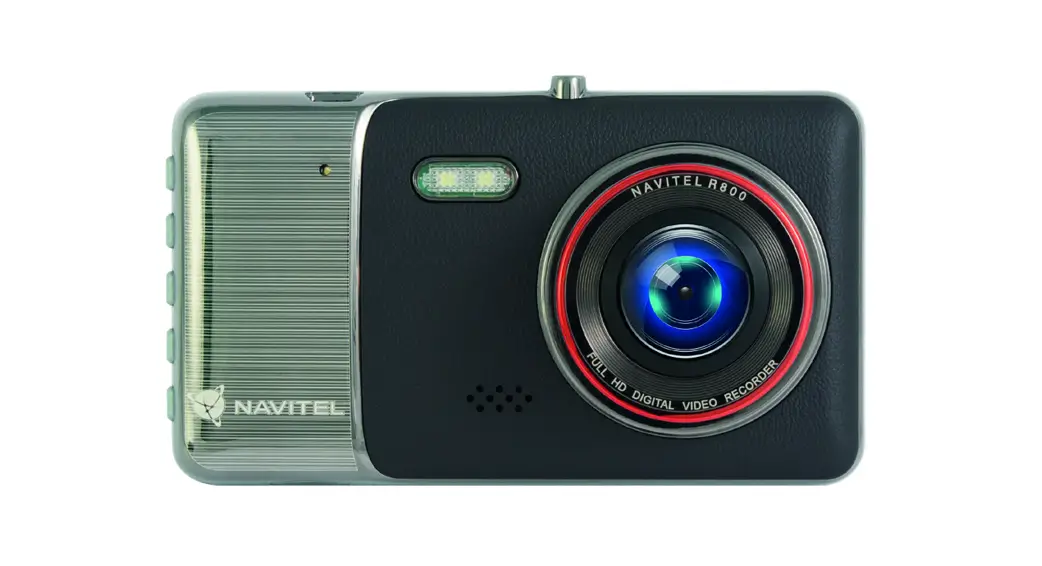
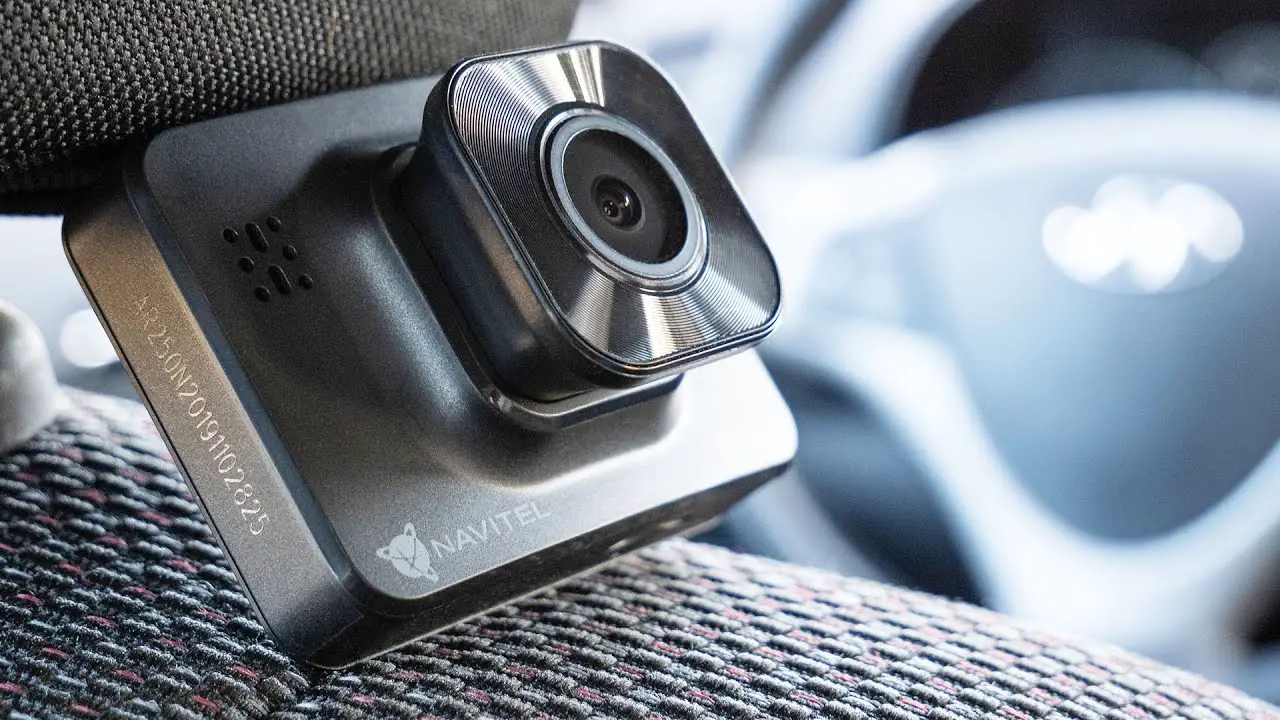
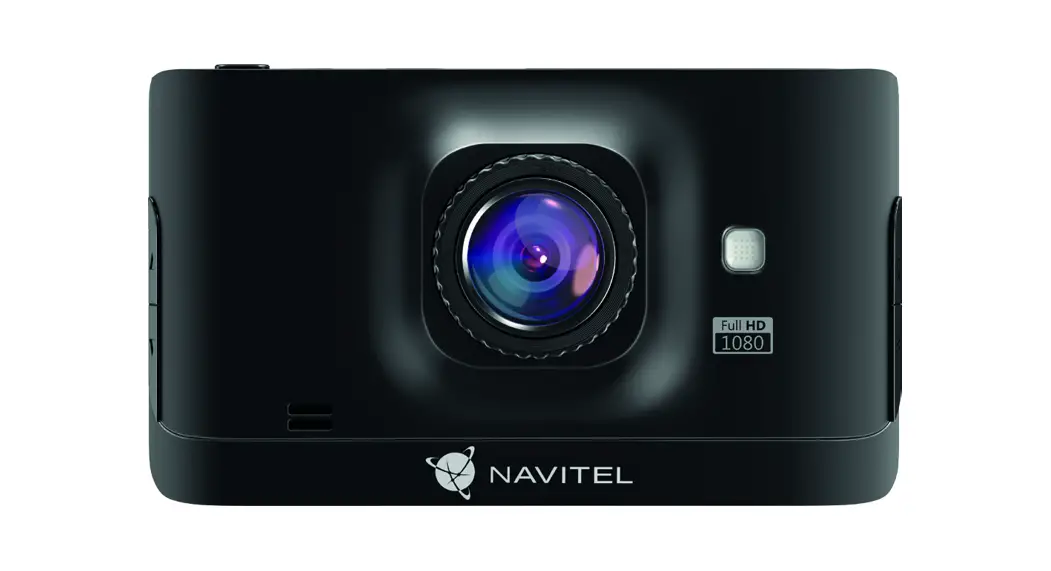
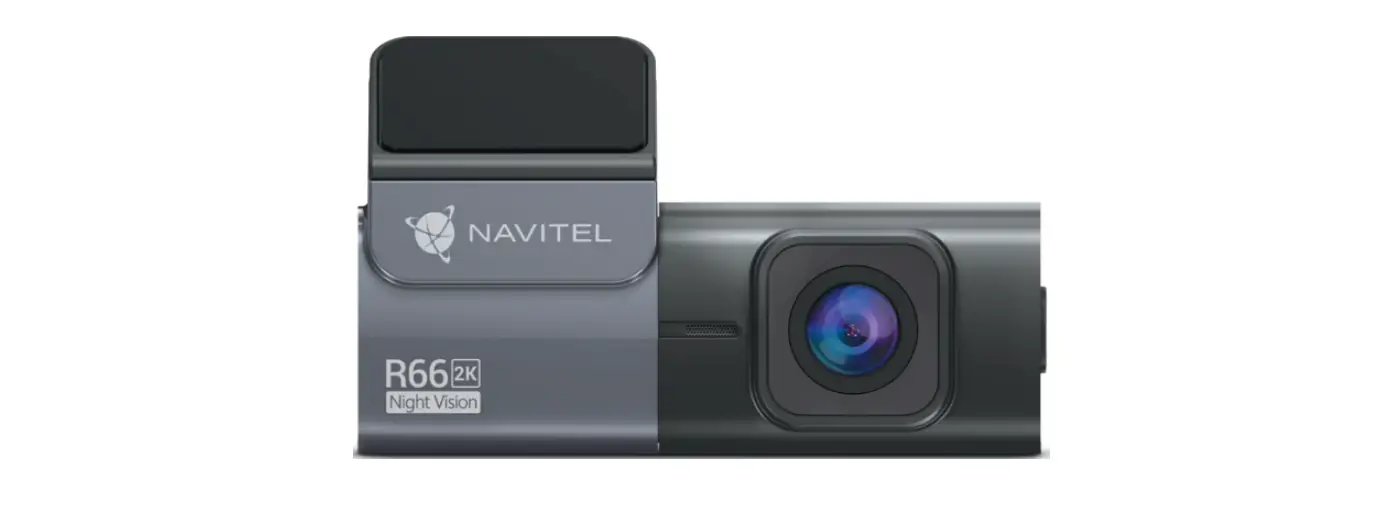
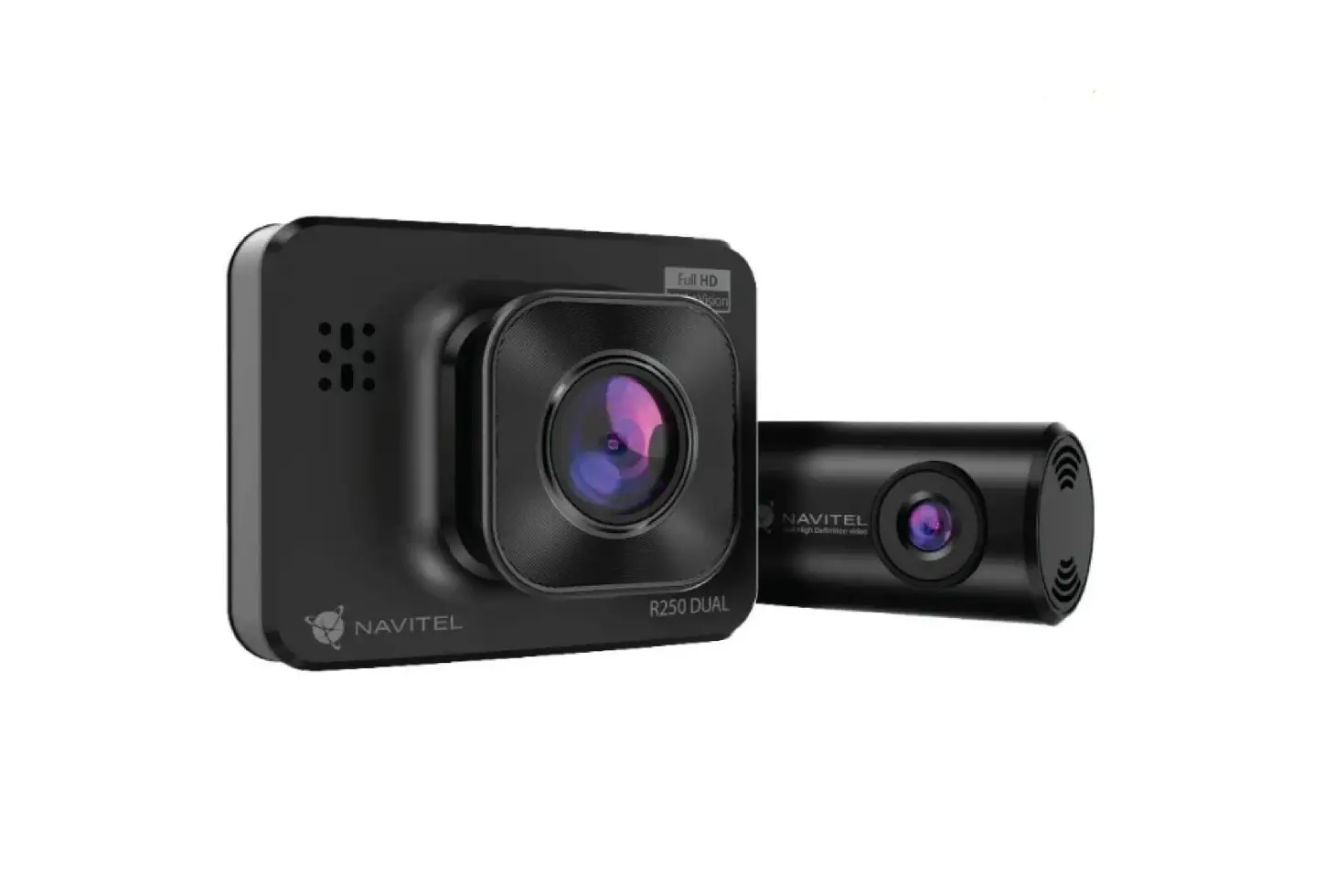
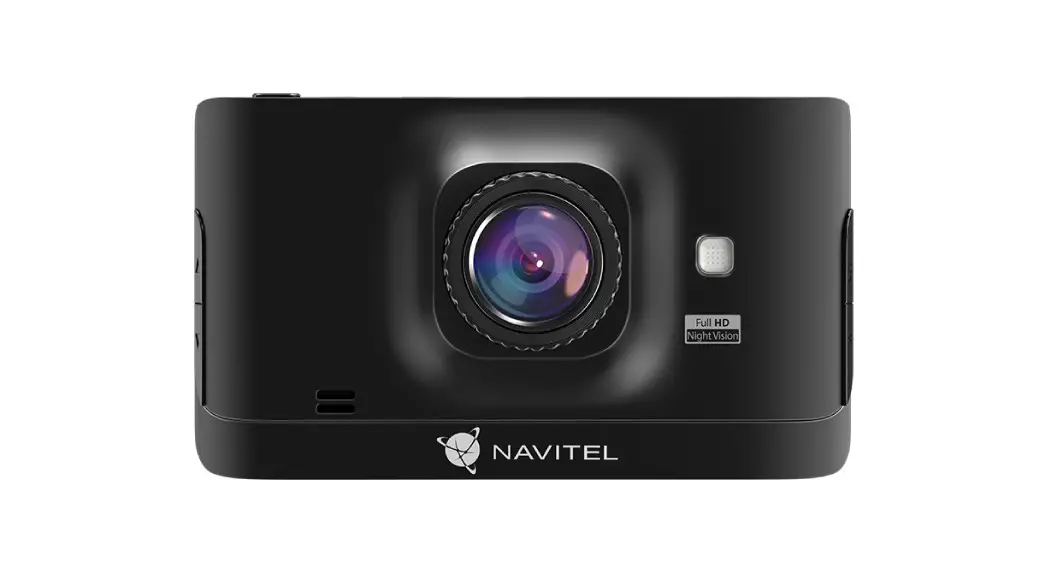
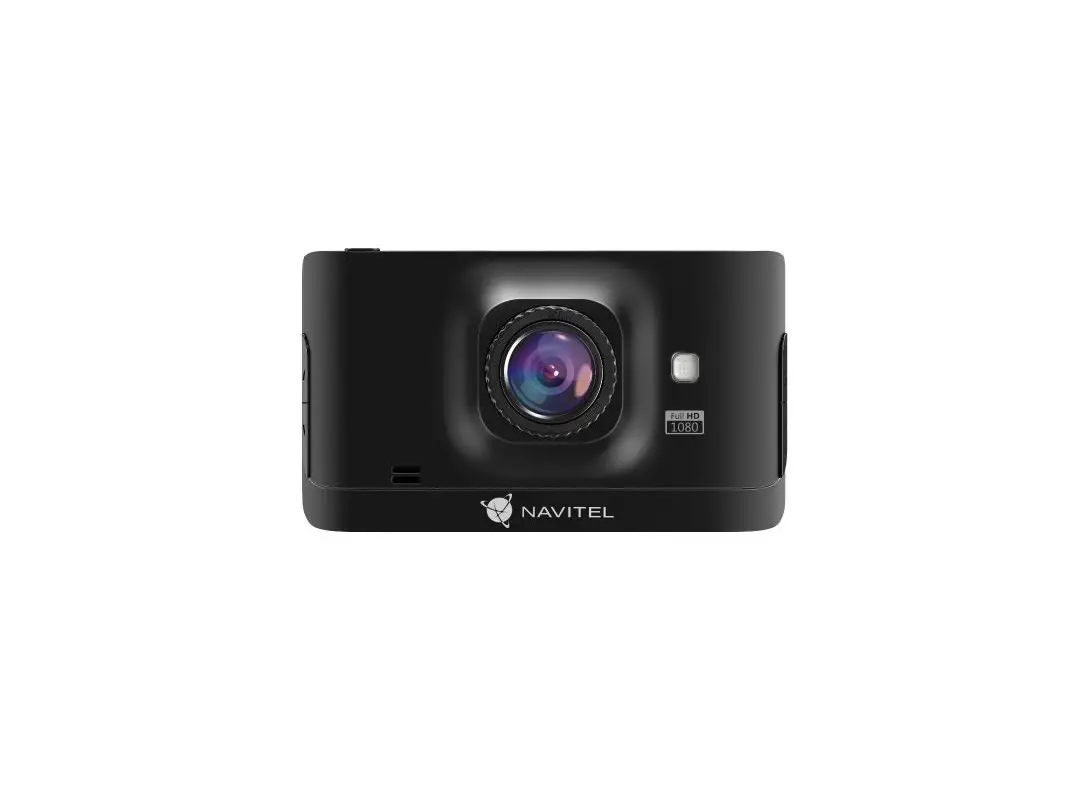
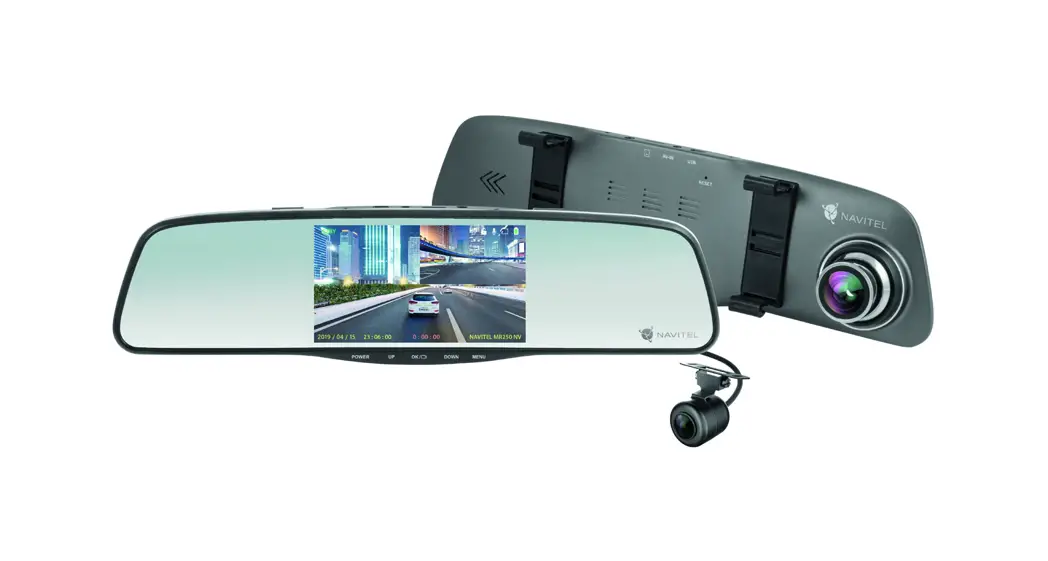
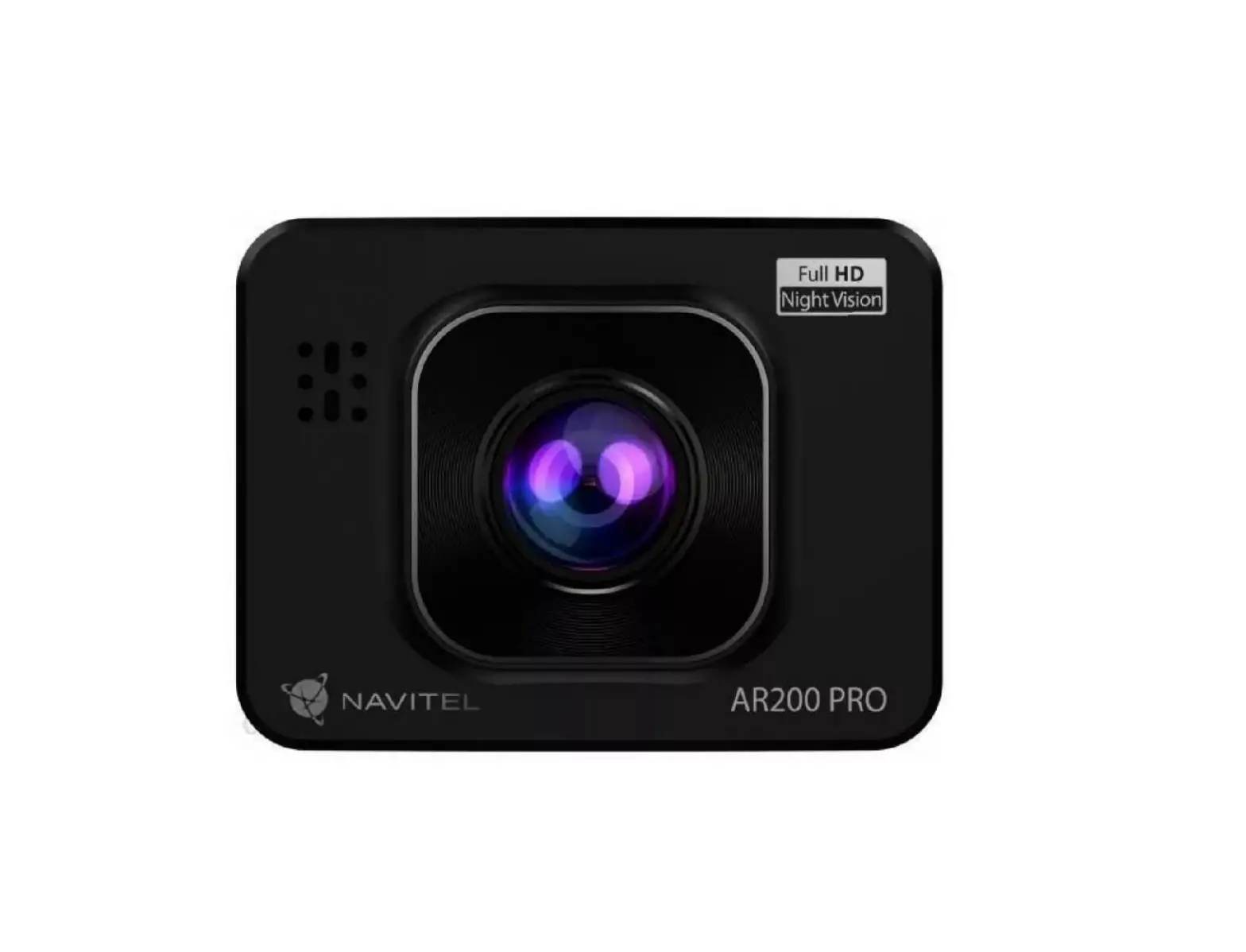
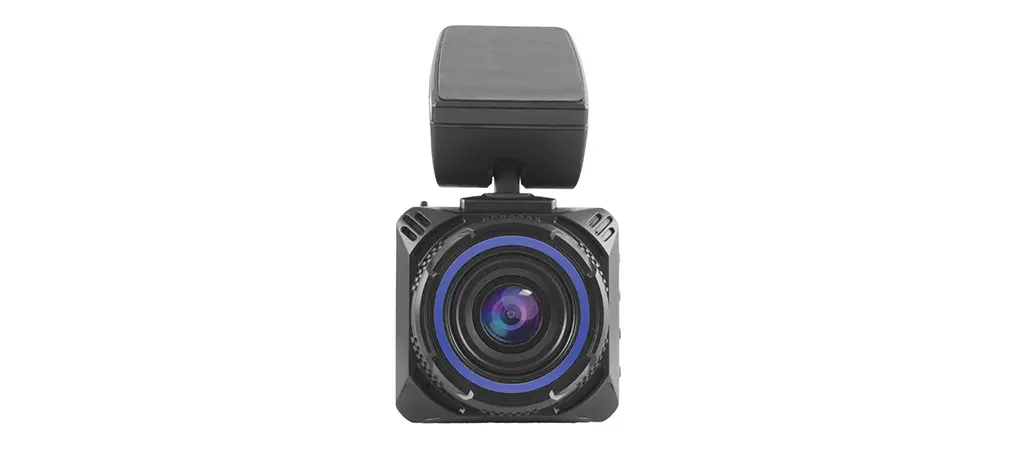
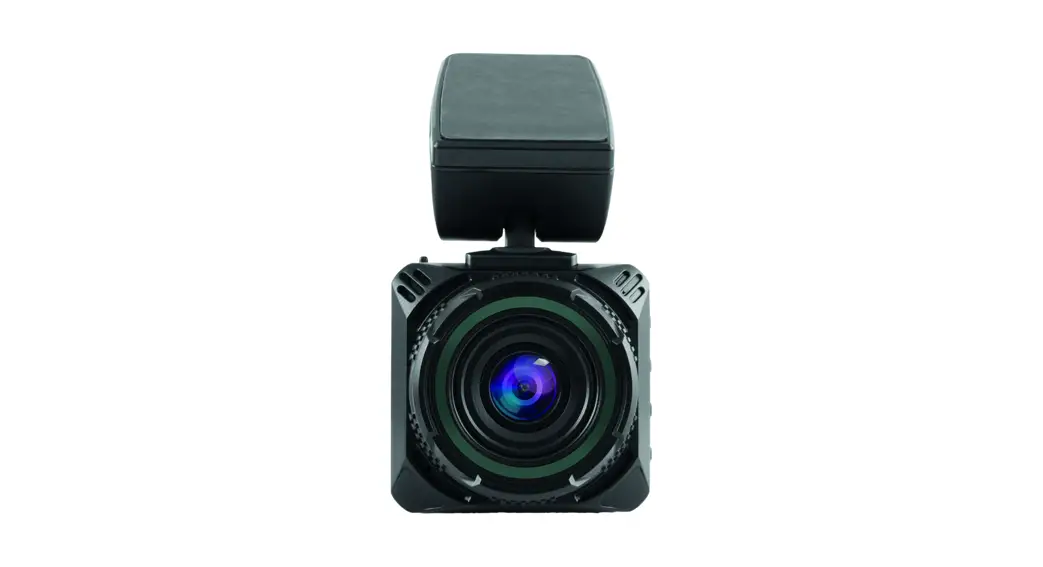
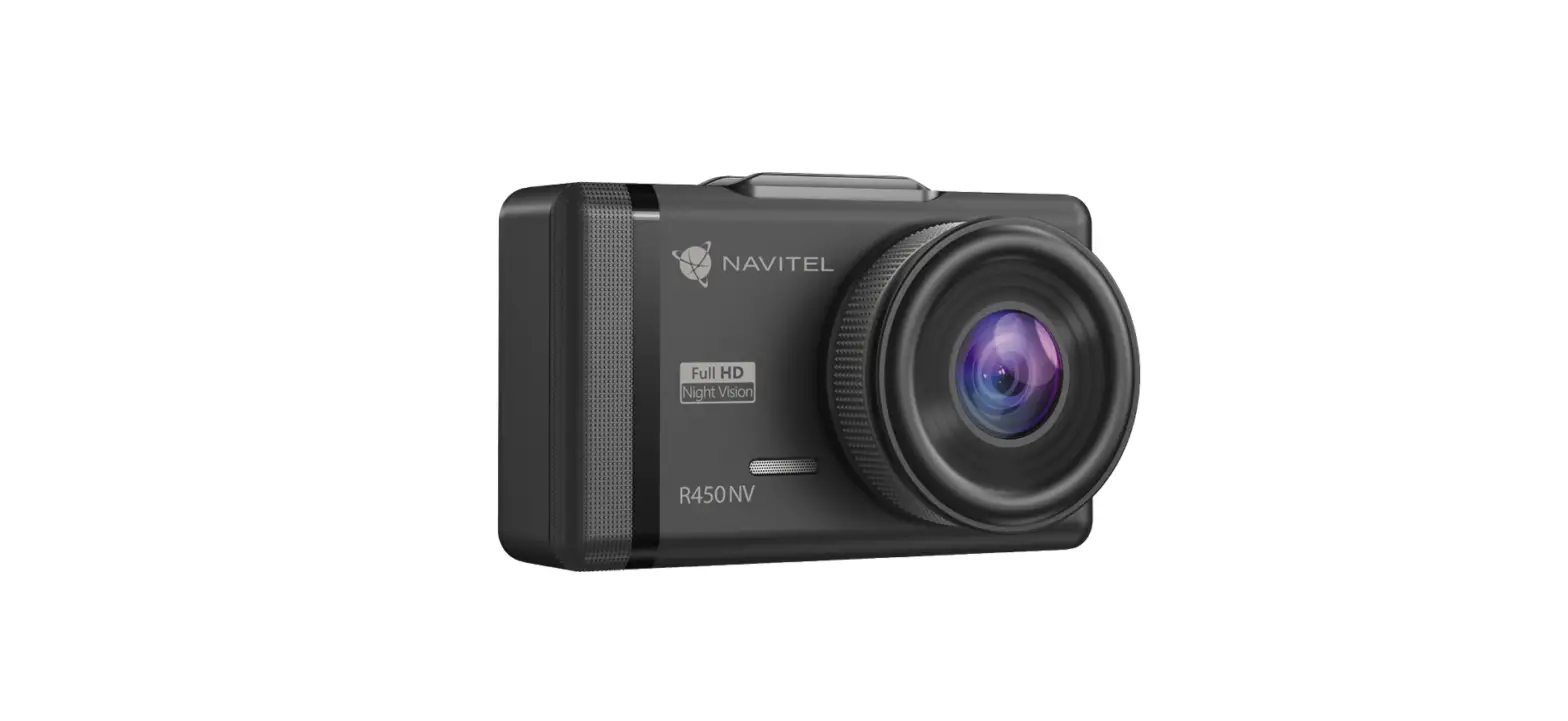
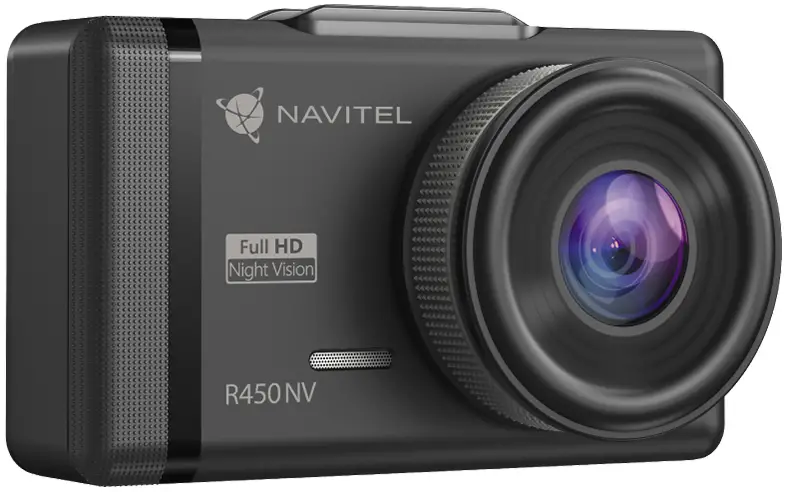
NAVITEL R450 NV is a multifunctional high-definition DVR with many functions and features that are described in this User Manual. Please read the manual carefully before using the device and keep it for future reference.
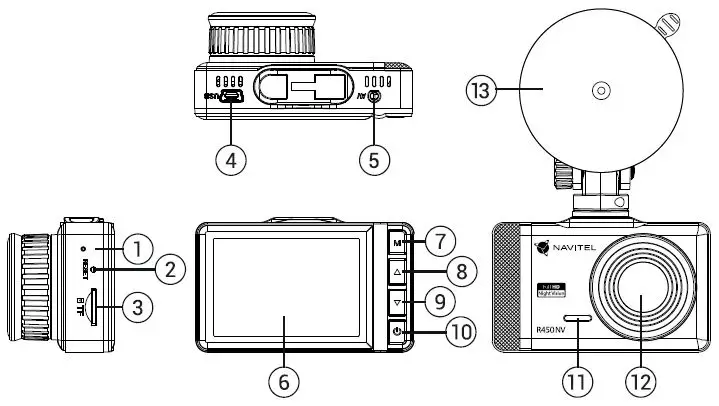
Device layout
- LED indicator (charge)
- Reset
- MicroSD slot
- Mini-USB port
- Rear camera port
- Display
- Menu
- Up
- Down
- Power
- Microphone
- Lens
- Windshield mount
Package contents
- DVR NAVITEL R450 NV
- Car charger 12/24 В
- Card reader
- Windshield mount
- Microfiber cloth
- User manual
- Warranty card
- Gift voucher
Specifications
| Processor | GP6248 |
| Display | 2.35”, 480×320, IPS |
| Camera | GC2053 (night vision) |
| Recording format | AVI |
| Video resolution | 1920×1080, 1080P |
| Image resolution | 12 MP |
| View angle | 130° |
| Lens | 4-layer glass |
| Rear camera | Support |
| AV-IN | micro-jack(2.5mm) |
| Storage | microSD card |
| MicroSD card capacity | Max. 128 GB |
| USB | mini-USB |
| Battery | Supercapacitor 1,5 F |
| Power | 5 V, 1,5 A |
| Microphone/speaker | Yes |
| Language | Czech, Deutsch, Estonian, English, Hungarian, Latvian, Lithuanian, Polish, Romanian, Russian, Slovak, Ukrainian |
Note: the specifications may change due to upgrades.
Installation
- Put the microSD card into the DVR. Use a high-speed SD card (Class U3 or above); capacity should be within 8-128 GB.
- To avoid malfunctions of the DVR and/or SD card, don’t insert and remove the SD card during DVR operation.
- Before using a microSD card, please format it inside the DVR to avoid data errors. For formatting the SD card in Menu mode select Format SD-card and confirm it.
- Secure the device on the windshield with the holder.
- Connect the car charger to the cigarette lighter socket.
- Connect the car charger to the DVR (mini-USB).
- Adjust the camera position.
- Turn the power on; check whether the device is installed correctly. If the device is installed correctly, the indicator will glow red; the device will start up and begin recording (indicated by a flashing blue light).
Precautions
- Use only the original charger adapter. Using another adapter may negatively affect the device’s battery. Use accessories only approved by the manufacturer.
- Permissible ambient temperature in operating mode: 0 to +35 °С. Storage temperature: +5 to +45 °С. Relative humidity: 5% to 90% without condensation (25 °С).
- Put the device away from fire sources to avoid explosion or fire.
- Do not expose the device to physical impacts.
- Avoid contacting the device with sources of electromagnetic radiation.
- Keep the lens clean. Do not use chemicals or detergents to clean the product; always turn off the device before cleaning.
- Strictly follow the laws and regulatory acts of the region where the device is used. This device can not be used for illegal purposes.
- Do not disassemble or repair the device by yourself. In case of device failure, contact the service center.
| Button | Functions |
 | Press to enter Menu mode. In Record mode, press to switch between Record, Capture and Playback modes. |
 | In Record mode, press to lock a file (protected file cannot be deleted or overwritten). In Record mode, press Up to turn the microphone on / off. In Menu, press to select the previous menu item. In Playback mode, press to select the previous file. |
 | In Capture mode, press to take a picture. Click to view the rear camera image.* In Menu, press to select the next menu item. In Playback mode, press to select the next file. |
 | Press and hold for 3 seconds to turn the device on / off. In Record mode, press to start recording; press again to stop recording. In Playback mode, press to select a file, or pause/resume the video. |
NAVITEL s.r.o. hereby declares that the device NAVITEL R450 NV is compatible with the European directive EMC 2014/30/EU.
Device functions
| Format SD-card | Formatting a microSD card in the DVR is necessary for the correct operation of the device. Before using a microSD card or in case of data error, please format the microSD card. For formatting the SD card in Menu mode select Format SD-card and confirm it. |
| Record | Connect the device to an external power supply and it will start recording automatically (indicated by the flashing blue light). Press the button to stop recording. Press again to record another video. Each video will be saved automatically. |
| Capture | In Record mode, press the button to take a photo (it will be saved automatically). |
| Playback | In Record mode, press to switch between Record, Capture, and Playback modes.; press the Up and Down buttons to select a file; press the button to play a file. During playback, press pause/unpause. |
| Loop recording | This feature allows you to save a video as a set of files given in the duration menu. If the memory card runs out of space, the unprotected files will be overwritten in the order in which they were created. |
| Record audio | Record video with or without sound. |
| Lock file | In Record mode, press to protect the current recording. A key symbol will appear at the bottom of the screen. Protected files cannot be deleted or overwritten. |
| G-sensor | If the vehicle is hit by something, the DVR will automatically lock the current video. |
| Parking monitor | In the shutdown state, if the vibration is detected, the device will turn on automatically and start recording. The file will be protected (locked). |
| Battery | A red indicator lights up when the device is plugged into an external power supply; as the battery is charging, the red light becomes green. |
| LCD OFF | The device can automatically shut off the screen to reduce power consumption; time intervals can be set in the LCD OFF menu. |
Rear camera
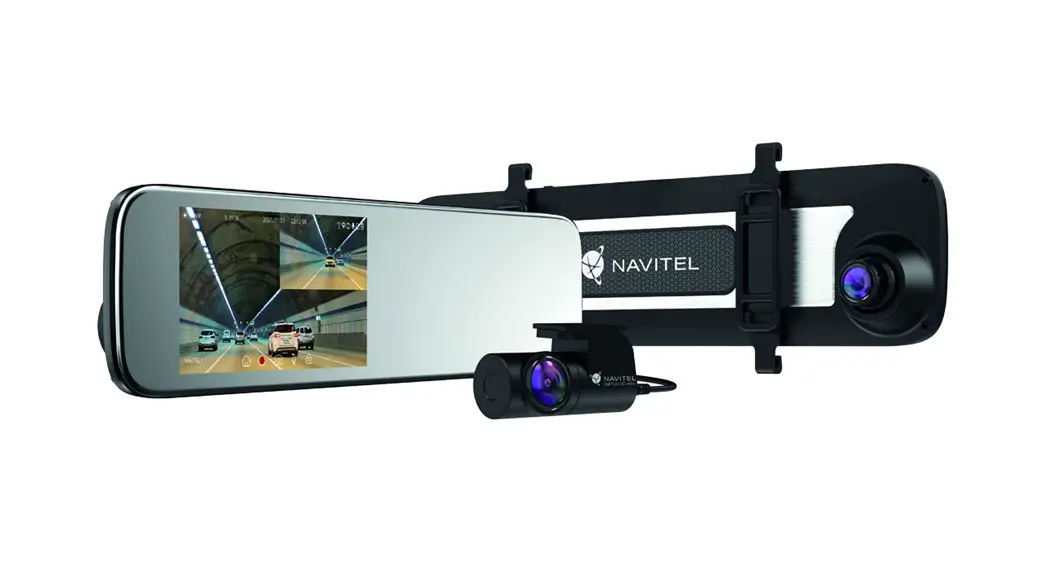
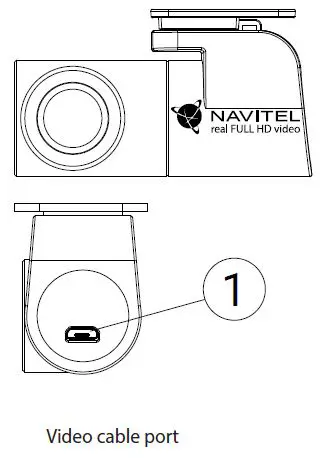
With the help of a rear camera, you can get a high-resolution image behind your car for safe parking or recording while driving. Modern double recording technology allows saving recordings both in front and behind the car for fixing any unforeseen situation.
Rear camera installation
- Install the camera on the rear window inside the car and adjust the shooting angle.
- Put the wire through the cabin.
- Connect the wire to the rear camera port.
Note:
It is strongly recommended that work on installing the camera should be done by qualified personnel with the necessary skills. Cable routing may require special tools or attachments. Make sure these works are safe.
The rearview camera is sold separately.
Rules of storage, transportation, sale, and disposal
- The device must be stored and transported in a dry place. The device requires careful handling, to protect it from exposure to dust, dirt, impacts, moisture, fire, etc.
- The implementation of the device must be carried out in accordance with the current legislation of Ukraine.
- At the end of its service life, the device must be disposed of at the appropriate electrical and electronic collection point equipment for further processing and disposal in accordance with legislation.
Contact
- Device type: Video recorder.
- Product name: NAVITEL R450 NV.
- Manufacturer: NAVITEL s.r.o.
- Manufacturer’s address: U Habrovky 247/11, 140 00, Praha 4, Czech Republic. Phone: +420 225 852 852 / +420 225 852 853.
- Made in China by NAVITEL s.r.o. at the factory of Dongguan Digi-in Digital Technology Co., ltd.
- Importer in Ukraine: LLC “NAVITEL UKRAINE”, 02183, Kyiv, M. Kybalchicha Street, bldg. 13A.
 NAVITEL detailed offline maps for iPhone, iPad, Android