Contents hide
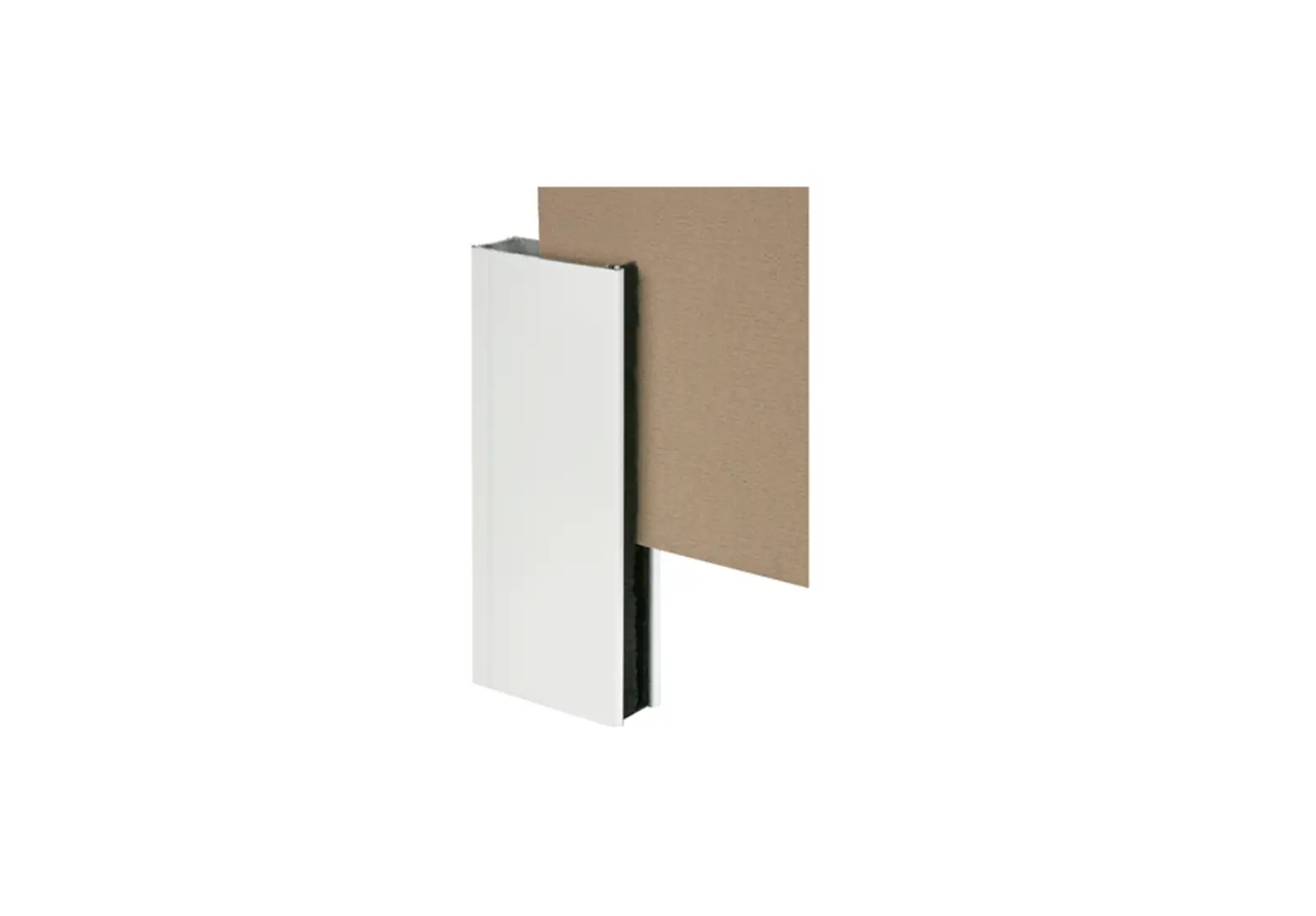
OUTWATER INDUSTRIES ALU 5164-S Aluminum Corner Channel Molding Instructions

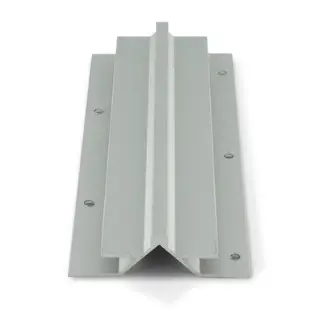
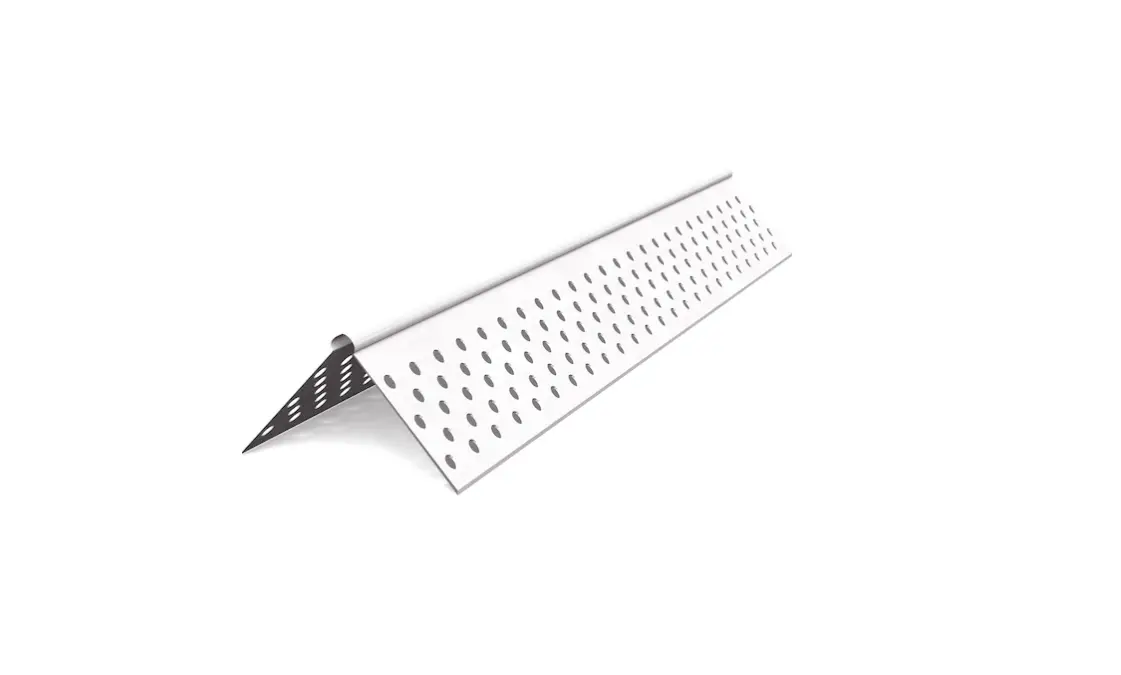
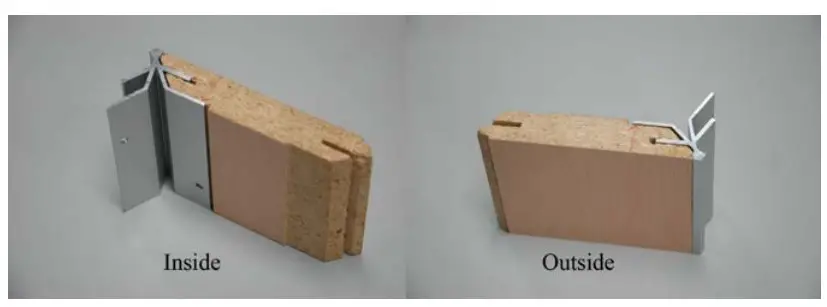
ALUMINUM OUTSIDE CORNERS CUTTING INSTRUCTIONS
FOR USE WITH PART#s: ALU5164-S, ALU5299-S, ALU5116-S, ALU5163-S, ALU5272-S, ALU5162-S, ALU5165-S
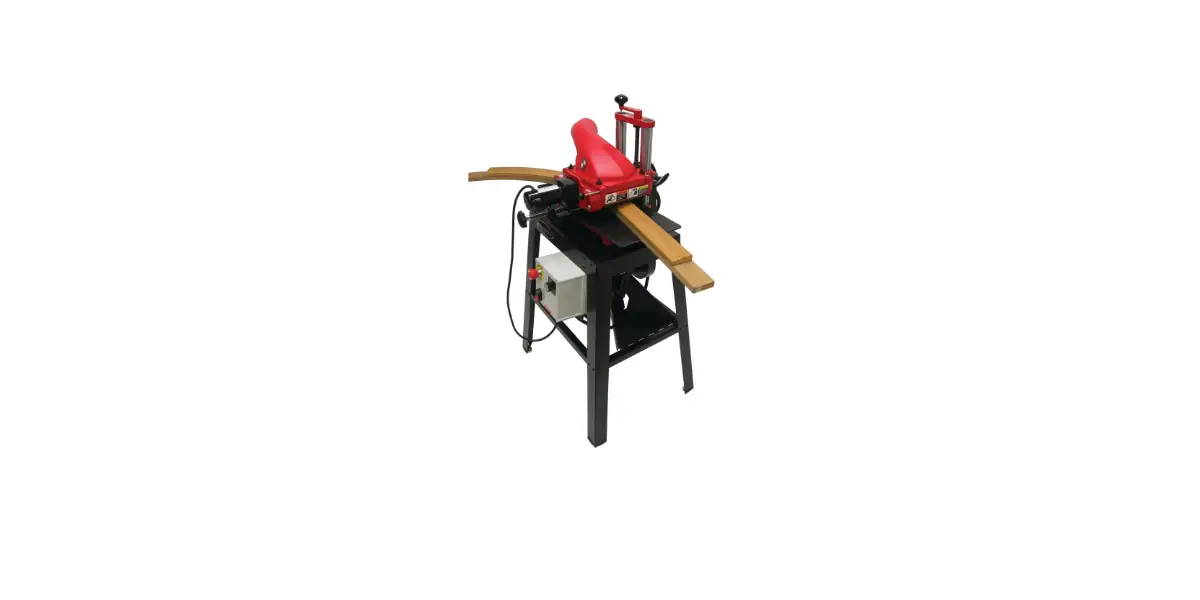
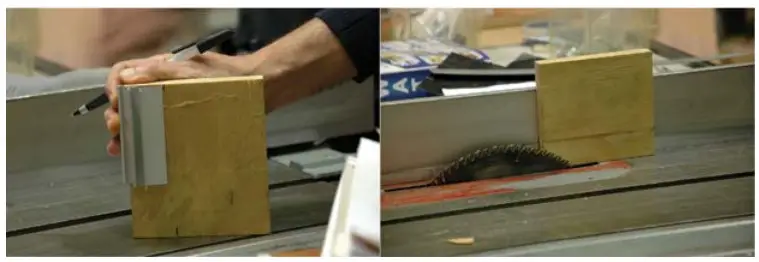
The CW Systems cutter head set (Part # CW-TOOLS) creates cuts for all of our corner extrusions. For those interested in the CW system, yet not prepared to purchase a cutter head set, there is an alternative, using a table saw.
USING THE TABLE SAW FOR 3/4” BOARD
Before cutting the actual boards, it is recommended that a 3/4” sample board be used for the following steps to ensure adequate fit of the corner.
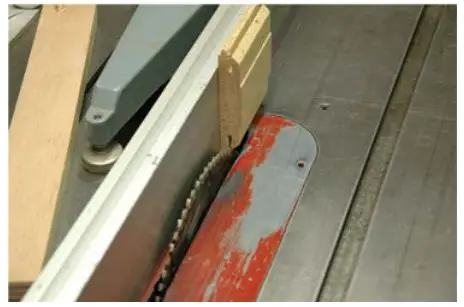
- To make the outside cut, set the height of the saw blade to 1-5/16”. Put the finished side of the board towards the fence and shave off 1/16” by adjusting the saw blade

- To make the inside cut, adjust the blade 3/8” from the fence, with the finish side against the fence. This cut is critical.
Any variance will not allow a proper fit for the extrusion.
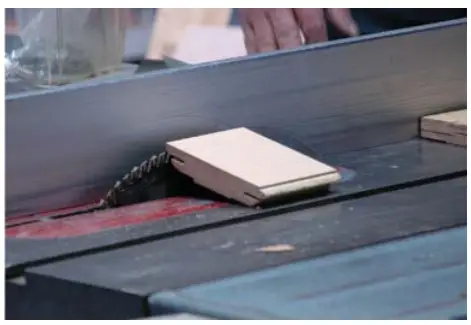
Outwater Plastics Industries, inc. assumes no liability for improper installation. - To make the final cut, set the saw blade at a 45° angle and 1/2” from the fence. Place the exterior of the finished side up and cut. Be cautious of kick back.

NOTE: To use corners on material less than 3/4” thick, simply glue a wood strip or cleat to the panel edge prior to shaping.

24 River Road • Bogota, NJ 07603 • 1.800.631.8375
Outwater Plastics Industries, inc. assumes no liability for improper installation.