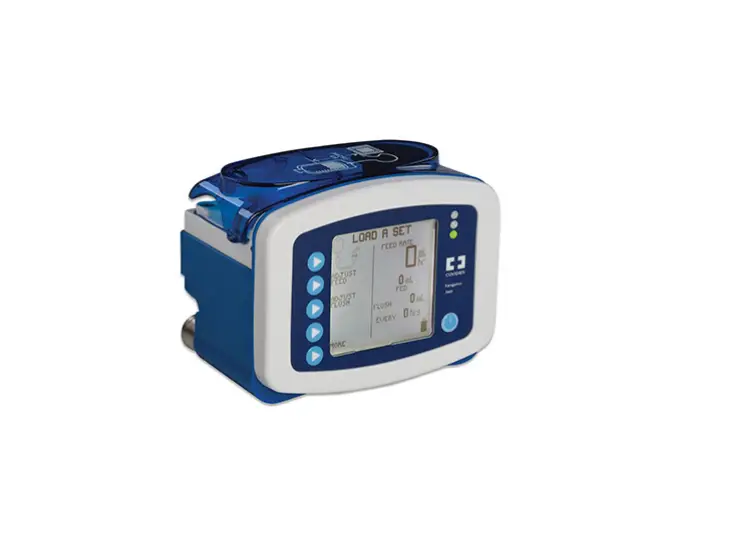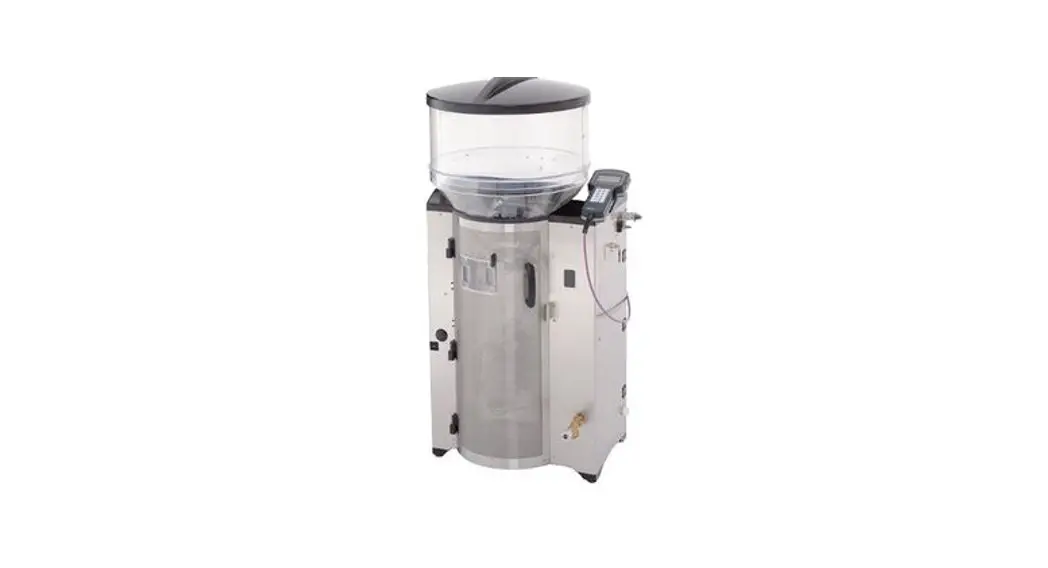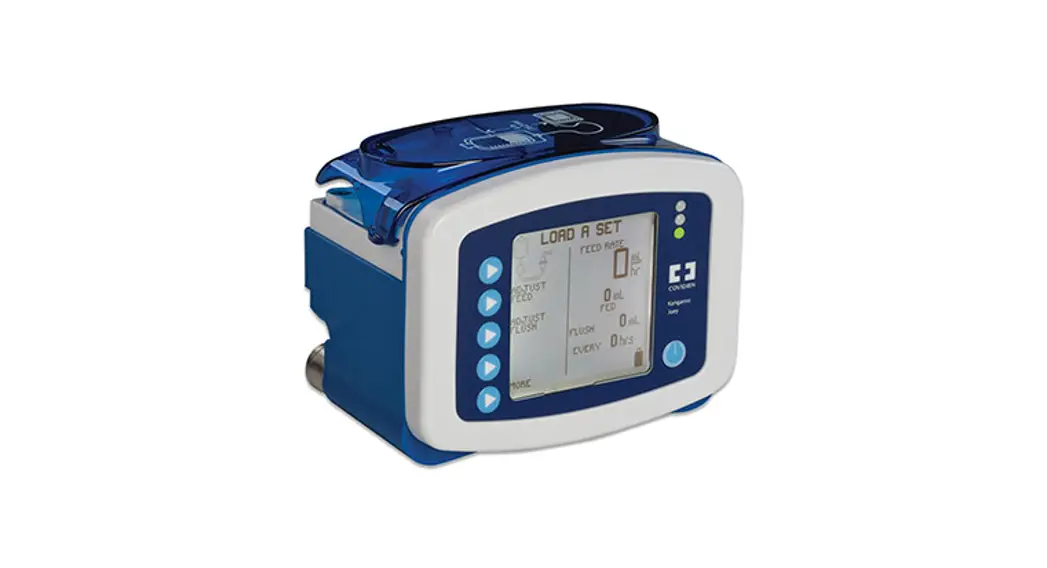
 Kangaroo™ Joey Enteral Feeding Pump
(Feed & Hydration Mode)
User Guide
Pump Set Loading Procedure.
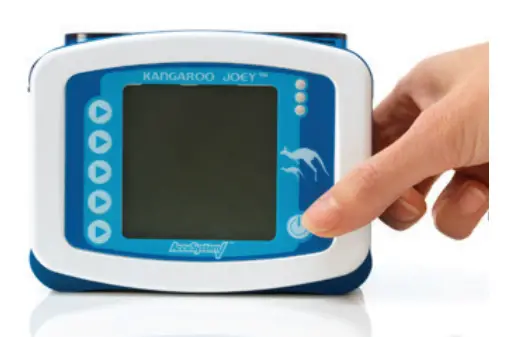 | 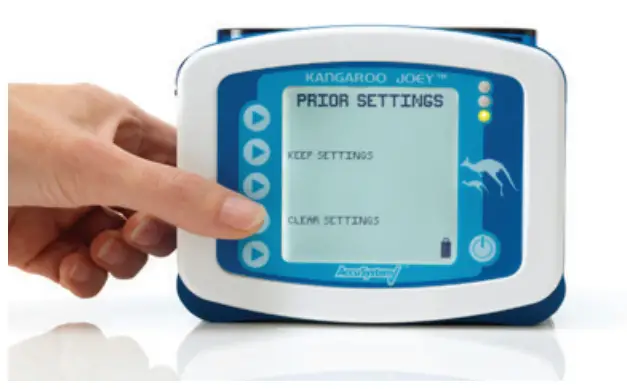 |
| 1. Locate power button on lower right hand corner of control panel. Press to turn pump on. | 2. Confirm if you want to KEEP or CLEAR any prior pump settings. |
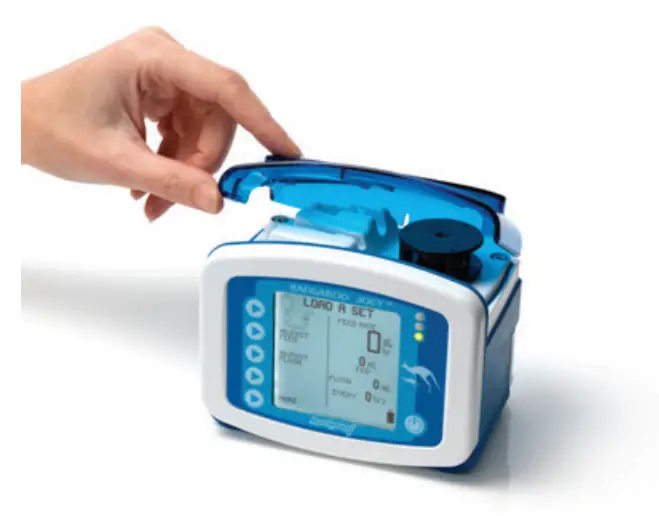 | 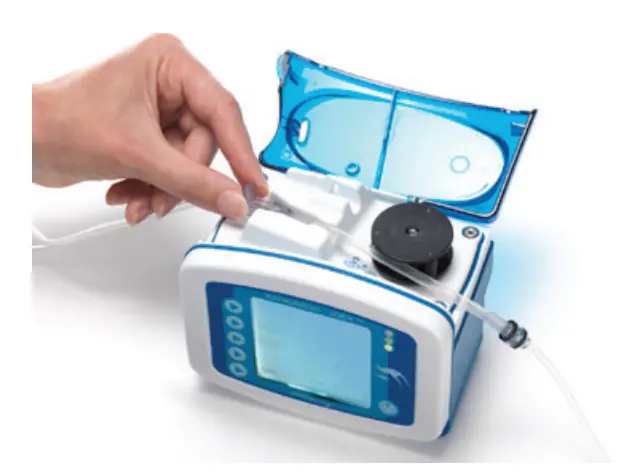 |
| 3. With pump display facing you open blue door at top of pump. | 4. Grasp finger tab on valve and insert valve into valve slot on the left. |
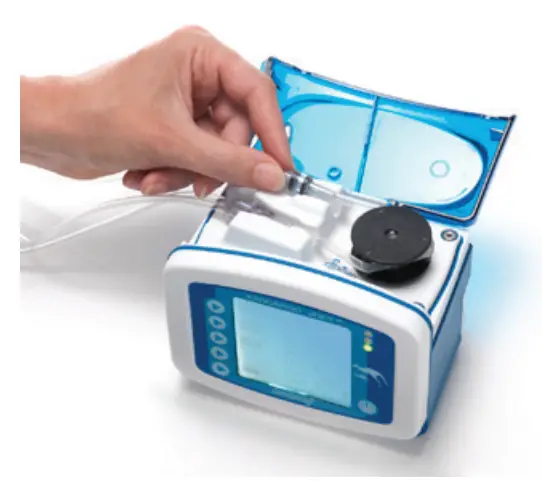 | 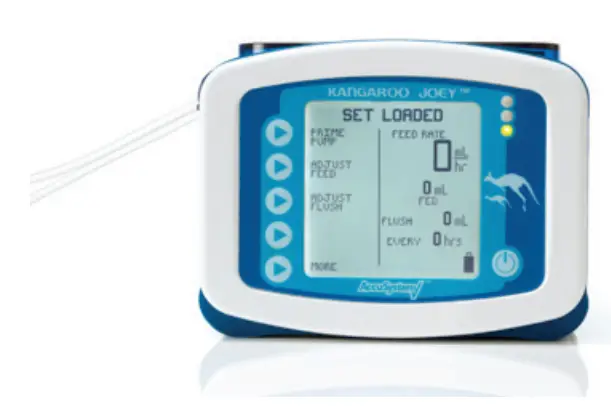 |
| 5. Grasp black ring retainer, and gently wrap tubing anti-clockwise around rotor. Pull up retainer and insert into slot. | 6. Close blue door. Display shoul read SET LOADEO. |
Set Priming and Pump Programming Procedure.
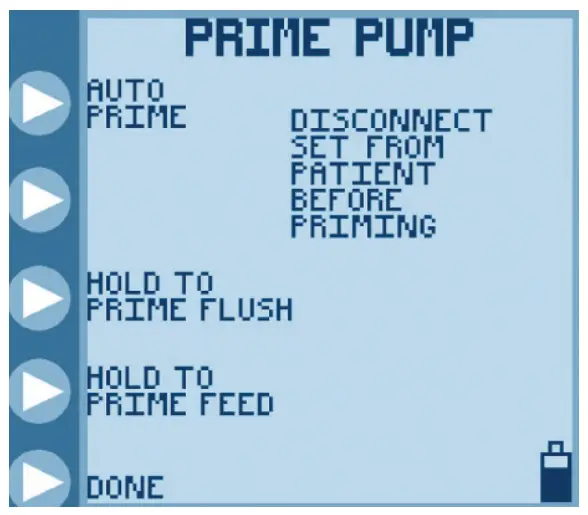 | 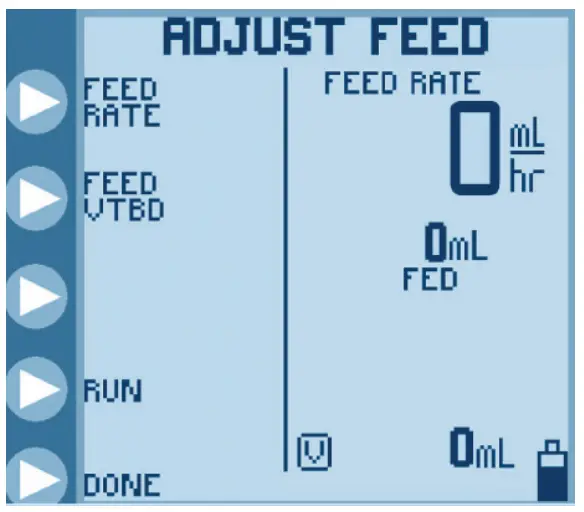 |
| 1. Press PRIME PUMP followed by AUTO PRIME to automatically prime or HOLD TO PRIME to manually prime both feed and flush lines. Press DONE when complete. | 2. Press ADJUST FEED followed by FEED RATE to adjust hourly delivery rate. |
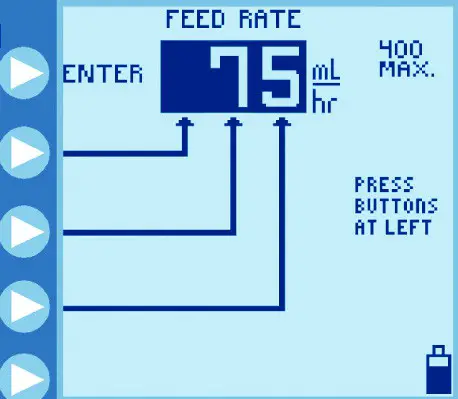 |  |
| 3. Press buttons on left to program hourly feed rate. Press ENTER to confirm rate. | 4. Press FEED VTBD to program feed Volume To Be Delivered if desired. |
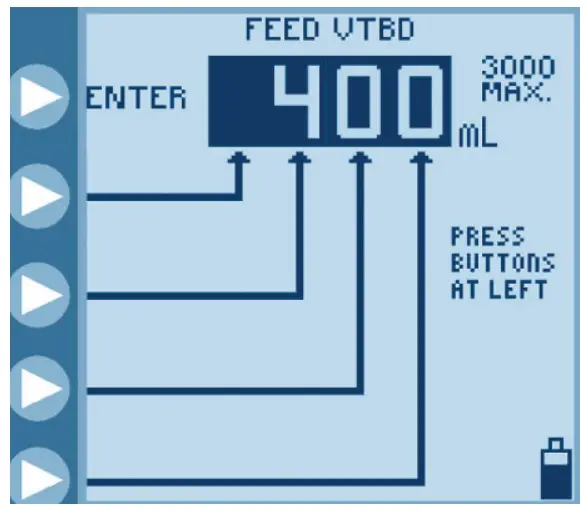 | 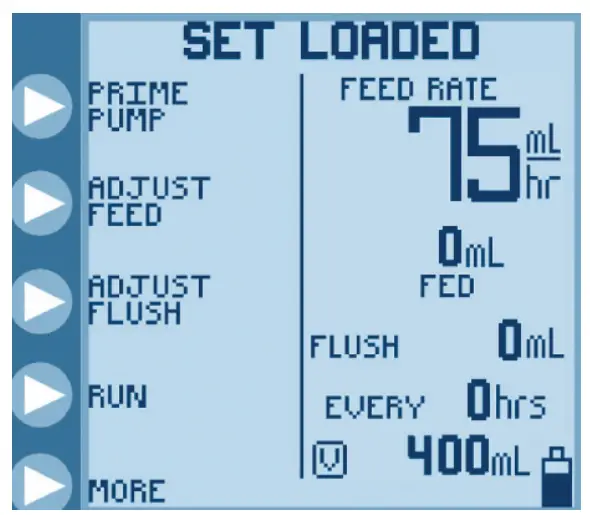 |
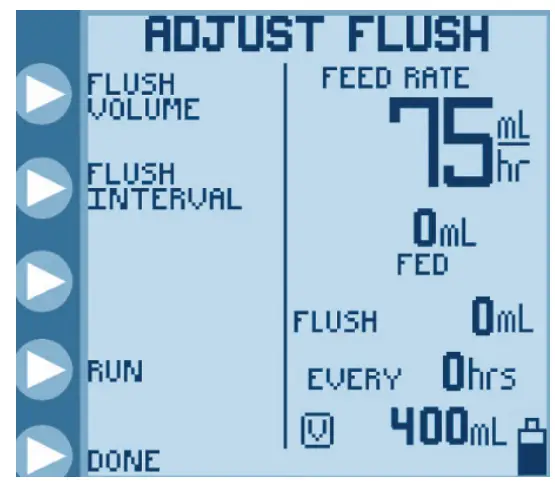
| 5. Press buttons on left to program volume of feed to be delivered. Press ENTER to confirm rate, followed by DONE to return to main screen. | 6. Press ADJUST FLUSH to program flush volume and interval. |
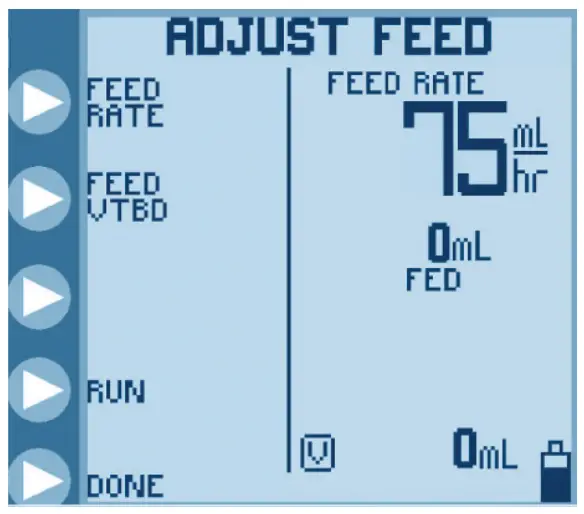 | 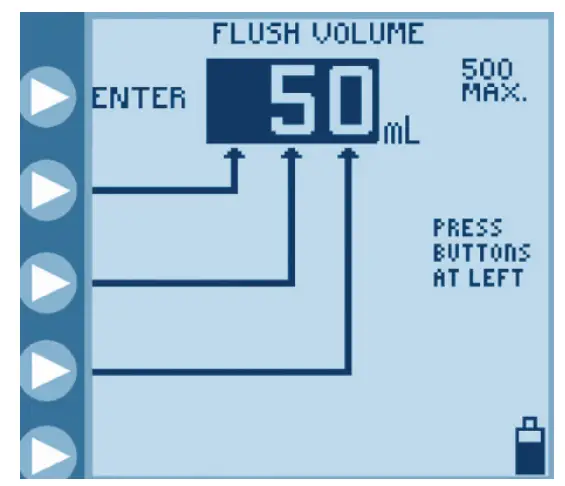 |
| 7. Press FLUSH VOLUME to program flush volume. Press FLUSH INTERVAL to program interval between each flush. | 8. Press buttons on left to program volume of flush to be delivered. Press ENTER to confirm volume. |
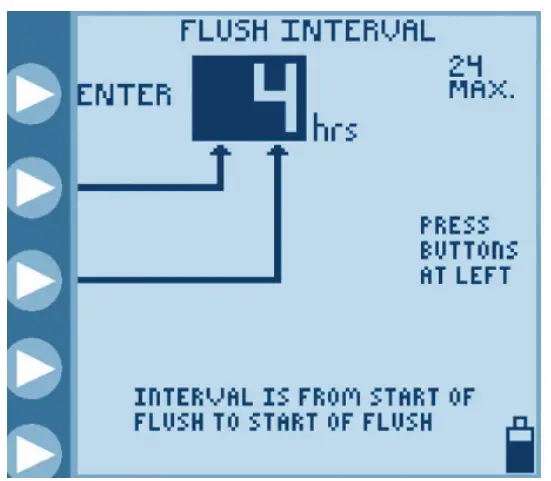 | 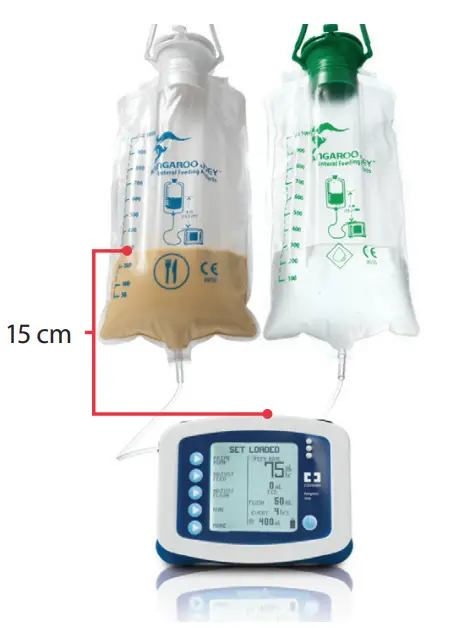 |
| 9. Press buttons on left to program flush interval. Press ENTER to confirm interval, followed by DONE to return to main screen. | 10. Press RUN to commence feeding regime. In order to achieve proper accuracy, the initial fluid line in the feeding set container must be 15 cm above the top of the feeding pump when initiating the feeding cycle. |
* IMPORTANT NOTE. Kangaroo™ Joey Pump will automatically flush an additional 25mL of water after completing the programmed delivery of formula, as long as at least one flush has occured during formula delivery.
POWER DOWN PROCEDURE Locate power button on lower right hand corner of control pane. Press and hold power button until the pump display turns off.
Alarm and Error Code Information.
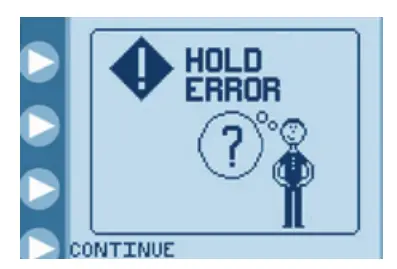 | 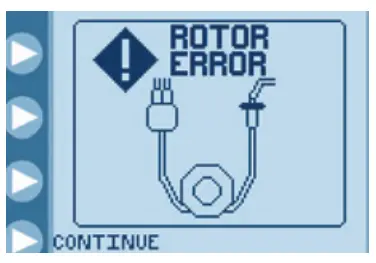 | 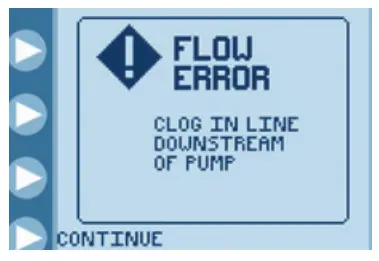 |
| HOLD ERROR Pump left in Hold for more than 10 minutes. Press CONTINUE followed by RUN to start pump running or power down pump. | ROTOR ERROR Problem with pump set tubing around the rotor. Ensure silicone tubing is correctly loaded around rotor. | FLOW ERROR Obstruction in line downstream from pump. Check for kinked or blocked tubing below pump and rectify. |
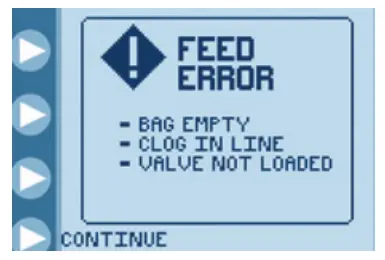 | 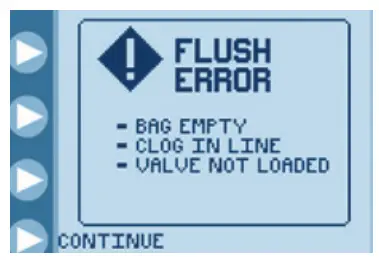 | 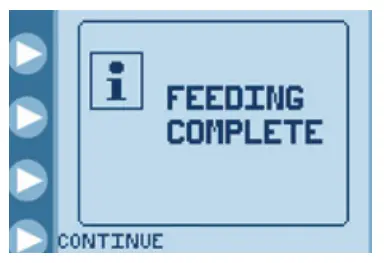 |
| FEED ERROR Feed container empty or obstruction in the line upstream from pump. Check for kinked tubing or obstruction in line above pump or attach new/refilled feed container. | FLUSH ERROR Water container empty or obstruction in the line upstream from pump. Check for kinked tubing or obstruction in flush line above pump or refill flush container. | FEEDING COMPLETE Programmed feed has been delivered. Power down pump. |
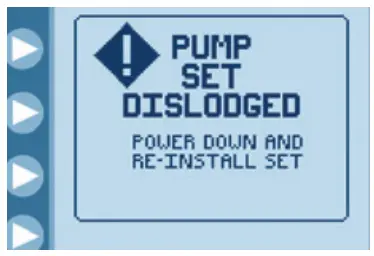 | 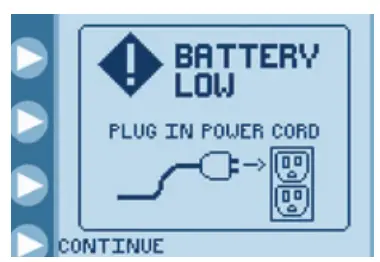 | 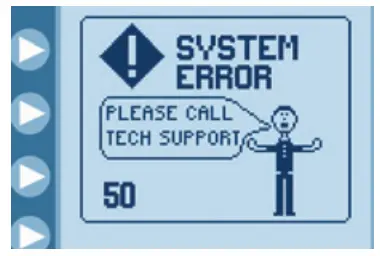 |
| PUMP SET DISLODGED Black retainer ring (MISTIC) is not properly loaded in MISTIC pocket. Ensure pump set is correctly loaded. | BATTERY LOW Battery must be recharged immediately. Plug power cord into AC outlet. | SYSTEM ERROR General error – see pump manual. Send pump for service. |
For complete operation information please refer to Kangaroo™
Joey enteral feeding pump operation and service manual cardinalhealth.com.au
Cardinal Health Australia
Level 2, 5 Eden Park Drive, North Ryde NSW 2113
© 2019 Cardinal Health. All Rights Reserved. CARDINAL HEALTH, the Cardinal Health LOGO and ESSENTIAL TO CARE are trademarks of Cardinal Health and may be registered in the US and/or in other countries.
All other marks are the property of their respective owners. 1432-03-19
 Cardinal Health Australia