
FW MURPHY G3AD M-VIEW Touch Adapter Panels
INTRODUCTION
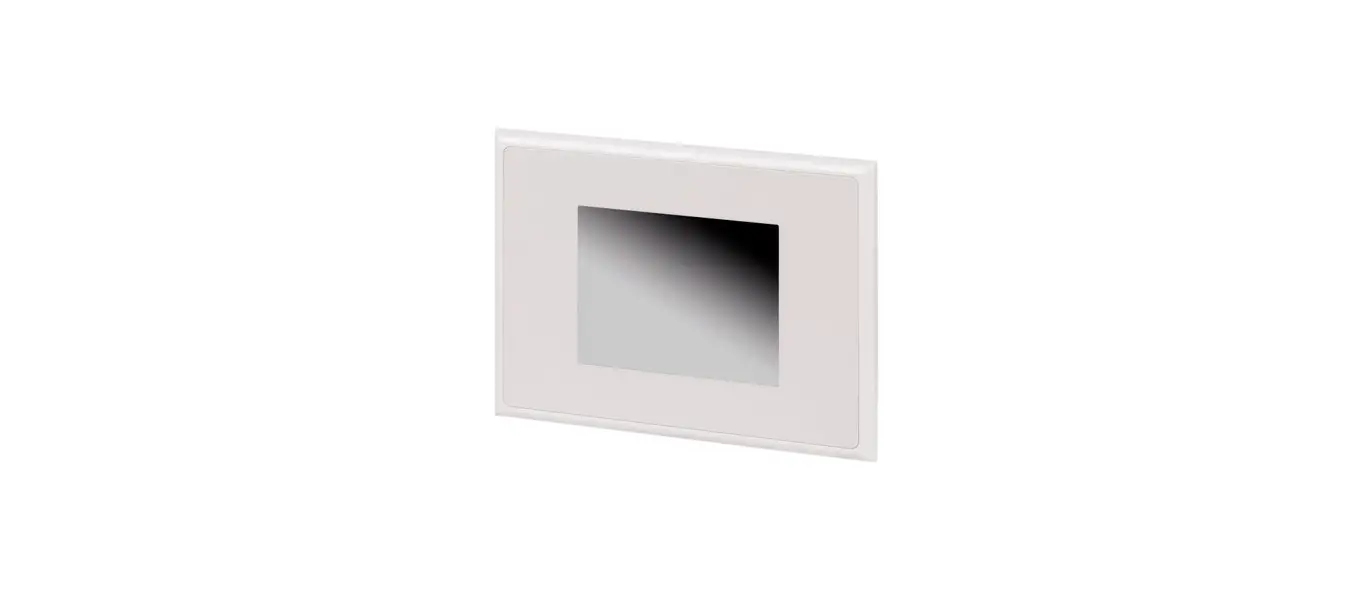
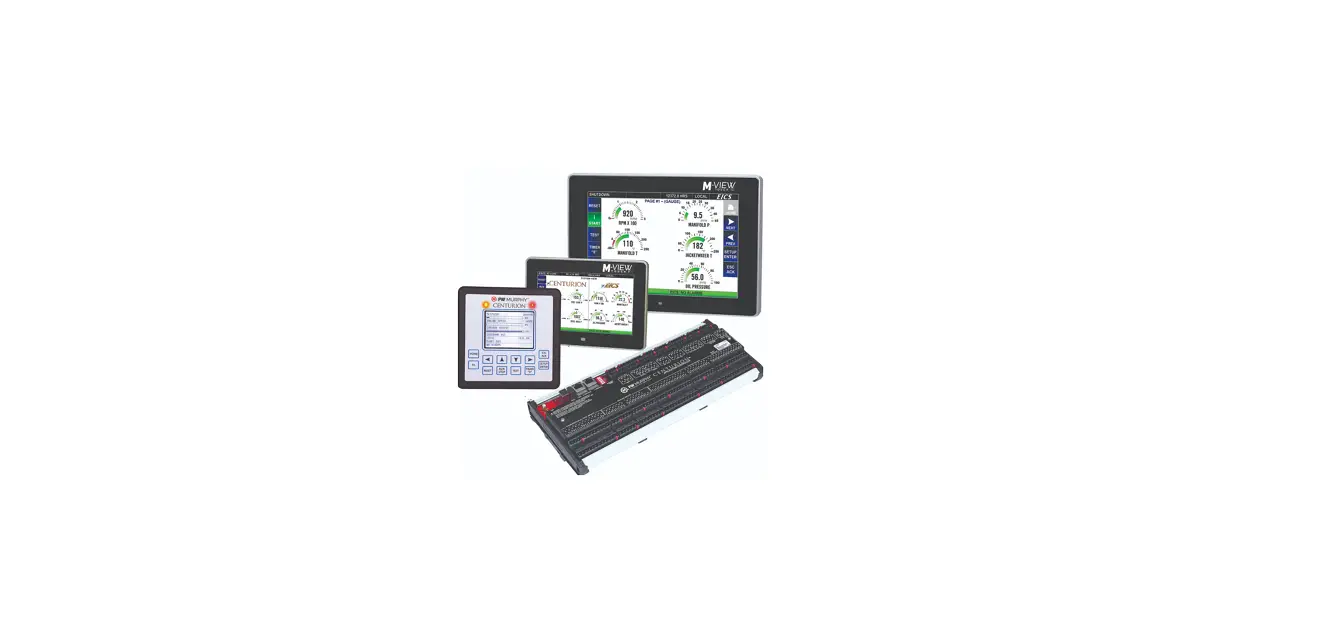
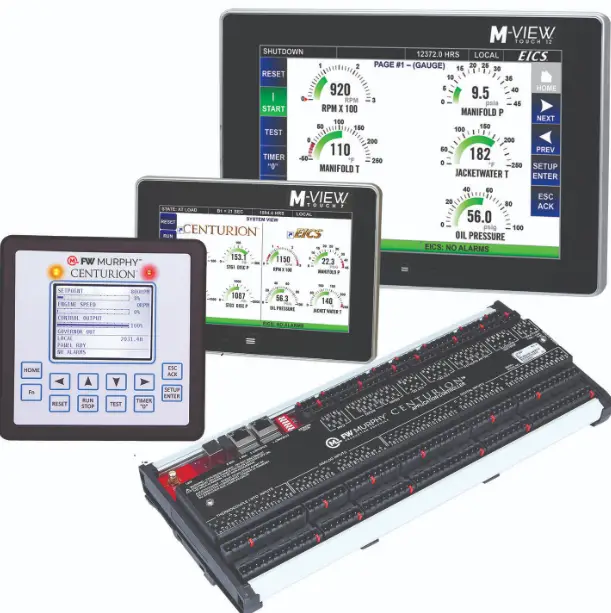
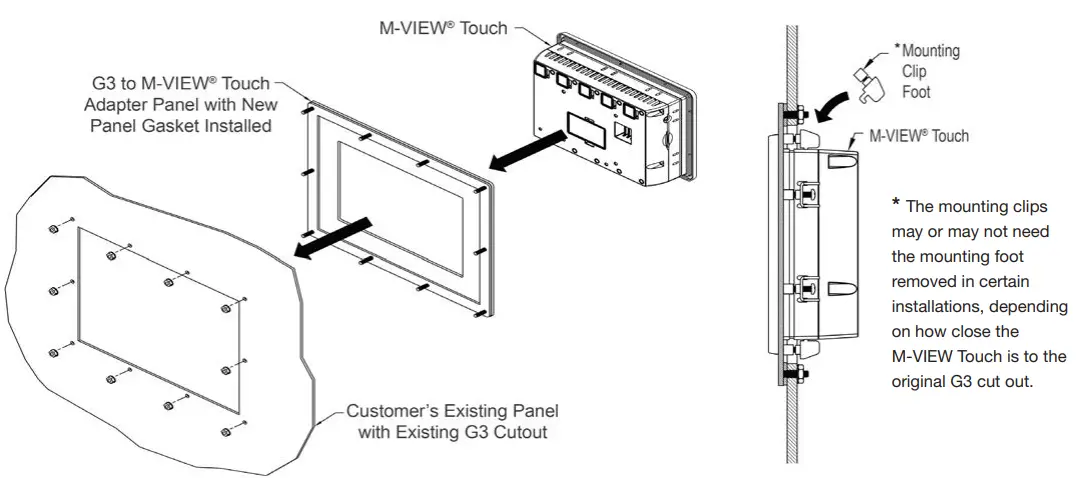
The model G3AD adapter panels provide the necessary hardware to install an M-VIEW® Touch into an existing cutout where a G3 unit once resided. These panels are coated with a durable silver finish that match the powder coat used on the M-VIEW Touch series HMI. Also included in the kit are the necessary KEPS nuts and panel gasket required to meet any NEMA 4X/IP66 (face only) application.
Mounting Procedure
- Remove existing G3 HMI from panel.
- Install new G3 to M-VIEW Touch adapter panel into existing G3 cutout using the supplied panel gasket.
- Install new KEPS nuts (supplied) onto new panel and tighten evenly for uniform gasket compression.
Note: Tightening the KEPS nuts beyond a maximum of 17 inch-pounds (1.92 N-m) may cause damage to the front panel. - Install new M-VIEW Touch into adapter panel using the mounting clips supplied and tighten to 6.0 pound-force inch (96 ounce-force inch) evenly for uniform gasket compression
Adapter Panel Dimensions

| Existing G3 Unit | Replacement M-VIEW Touch | A | B | C | D |
| G306A | MV-7T | 8.83 | 7.08 | 7.06 | 4.89 |
| G310S | MV-10T | 12.83 | 9.50 | 10.197 | 7.931 |
| G310S | MV-12T | 12.83 | 9.50 | 11.458 | 7.561 |
Ordering Information
| Model NO | Description | Part Number |
|
G3AD | G306A to M-VIEW Touch 7 Cutout Adapter | 00034621 |
| G310S to M-VIEW Touch 10 Cutout Adapter | 00034620 | |
| G310S to M-VIEW Touch 12 Cutout Adapter | 00034622 |
 Warranty and Terms of Sale | FW Murphy Production Controls