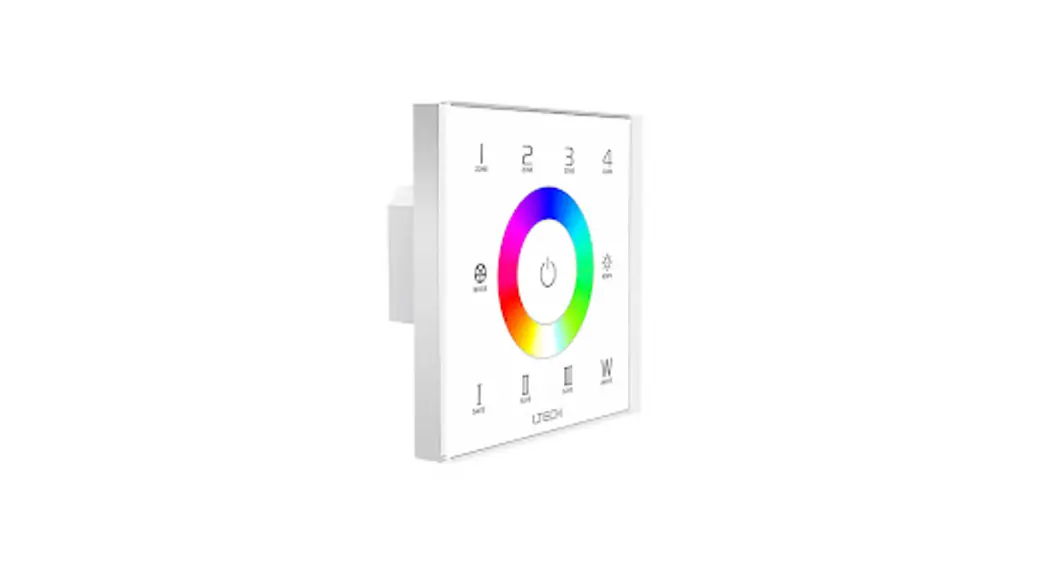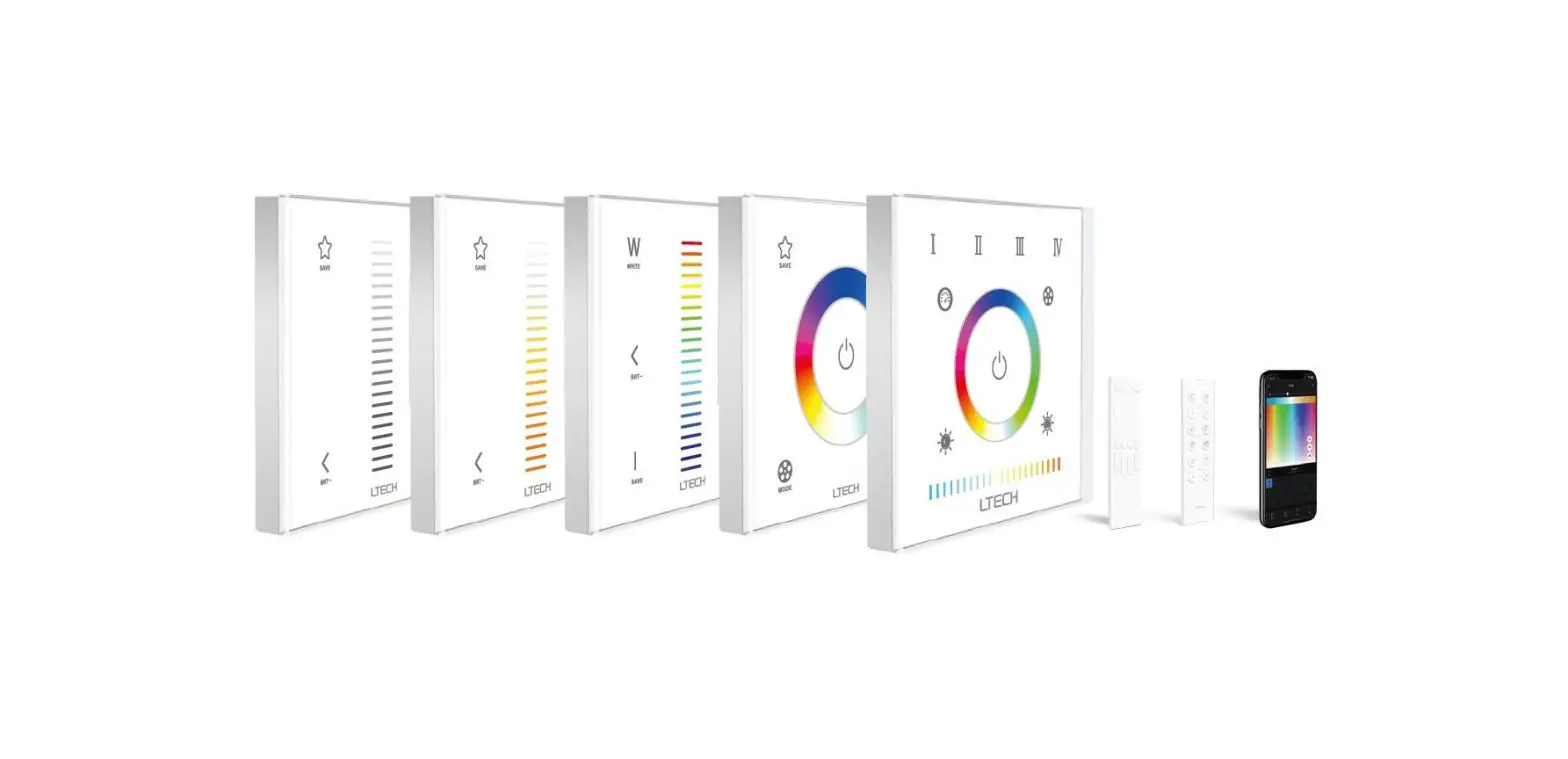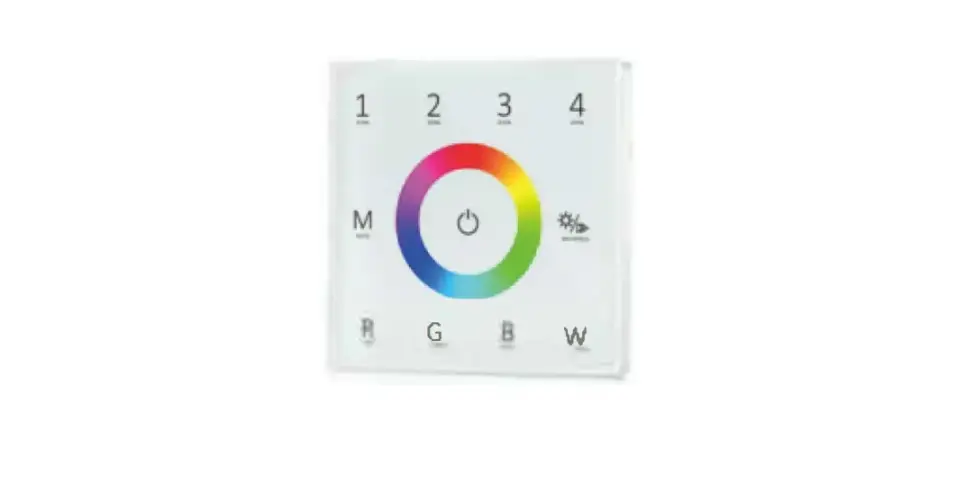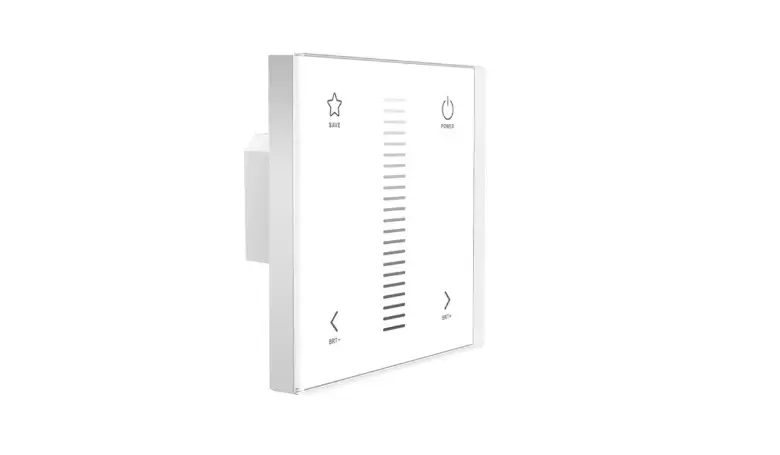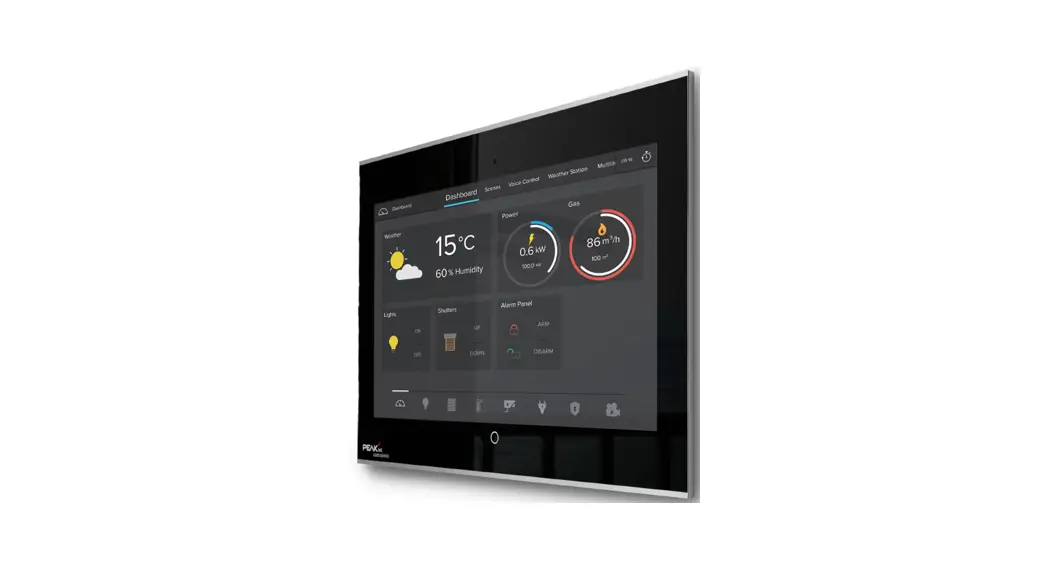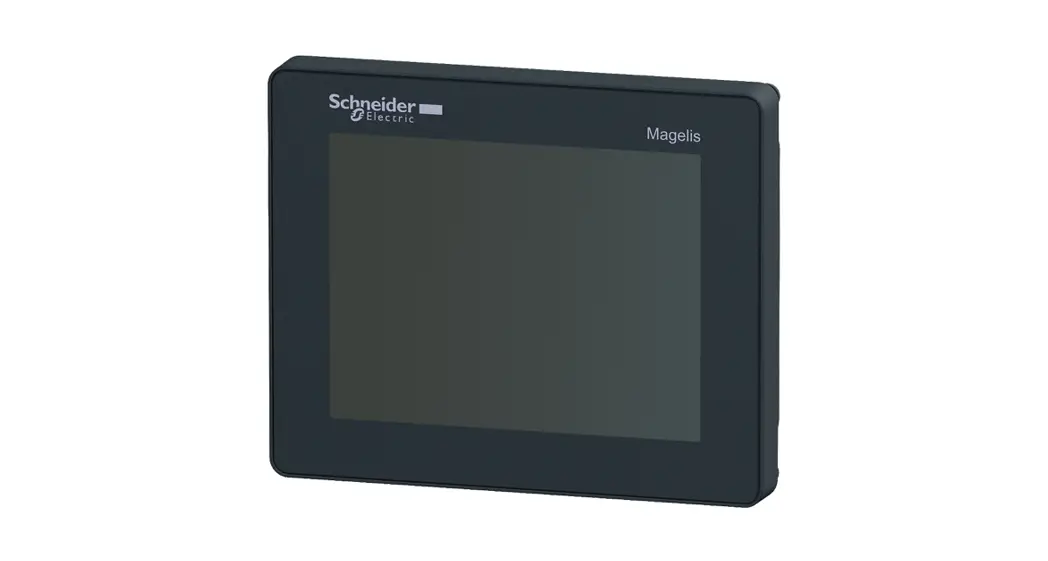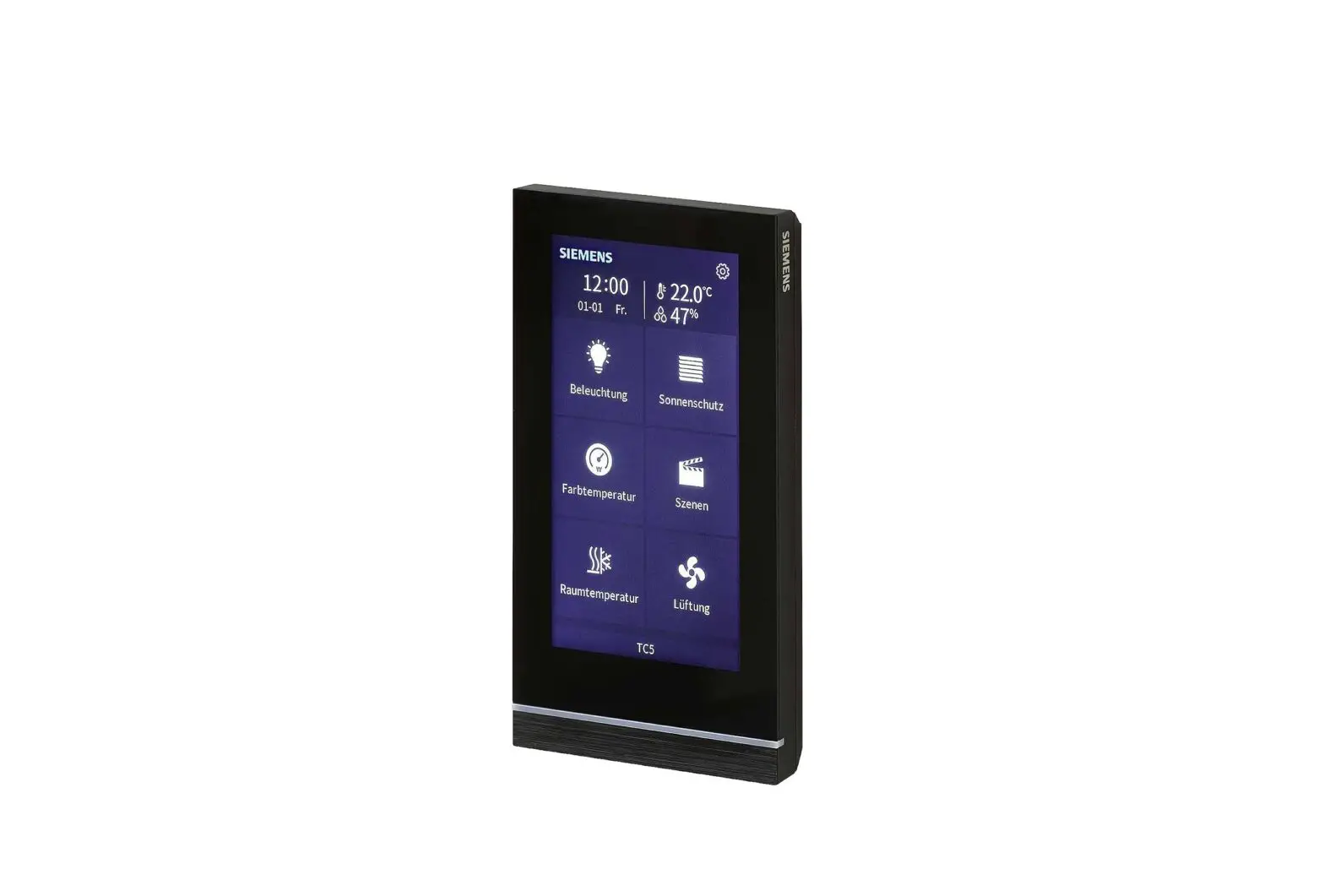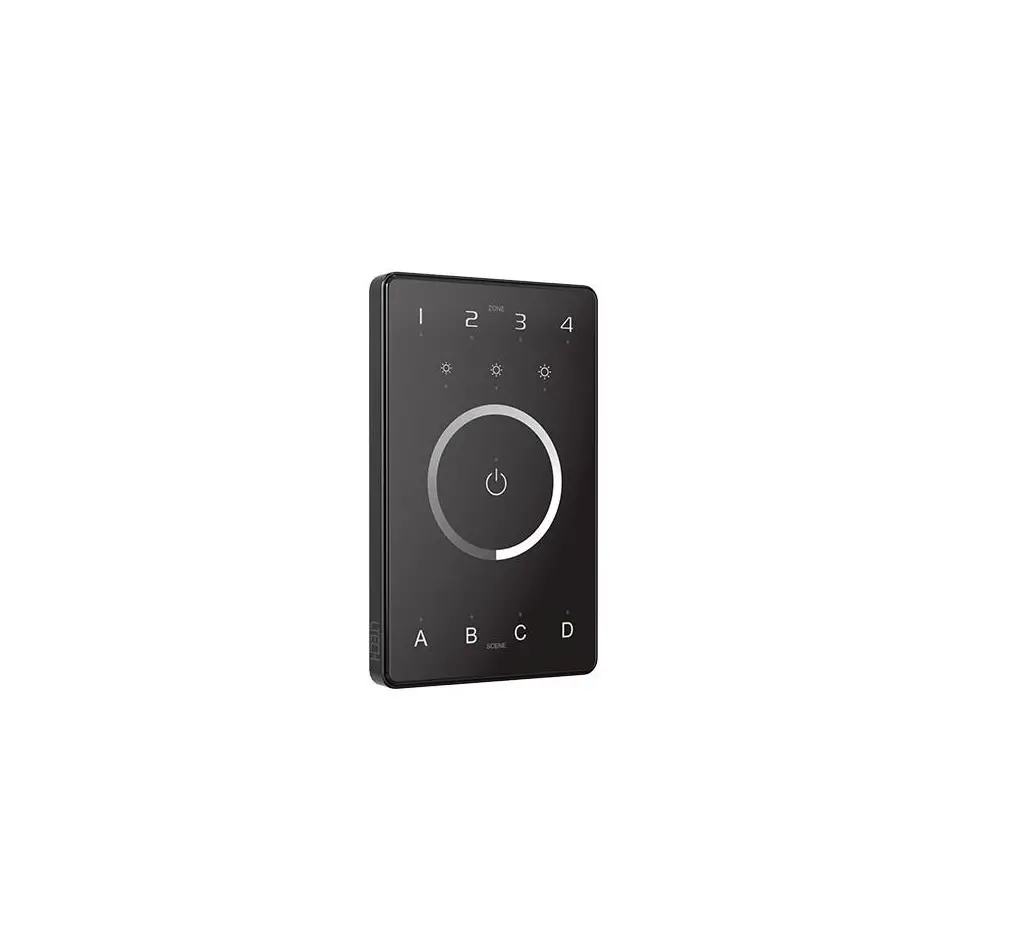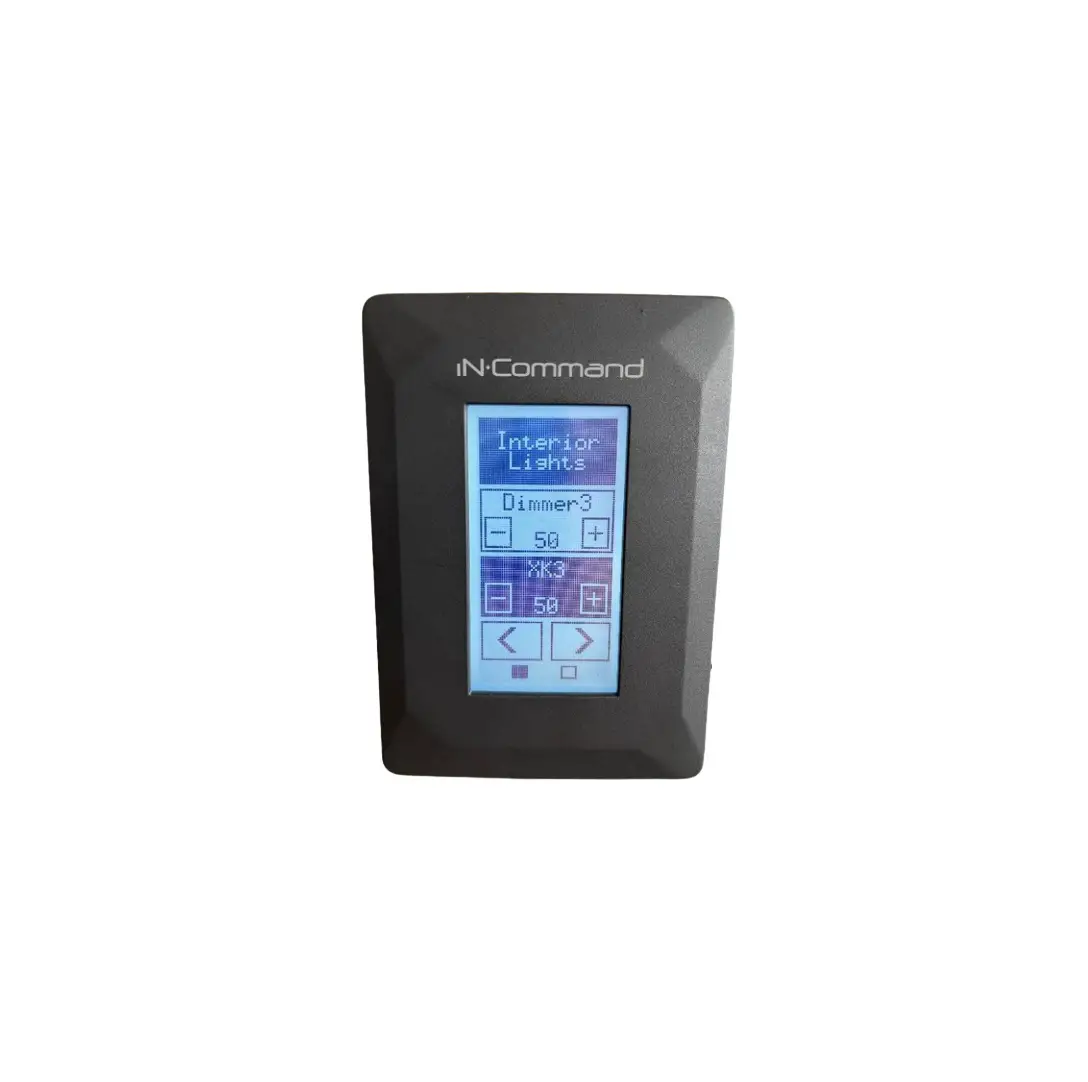
asa ELECTRONICS NCSTS9 Touch Panels
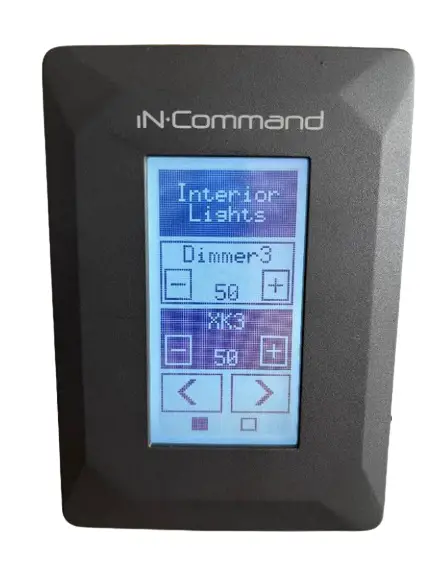
How to Replace iNˑCommand NCSTS9 Touch Panels
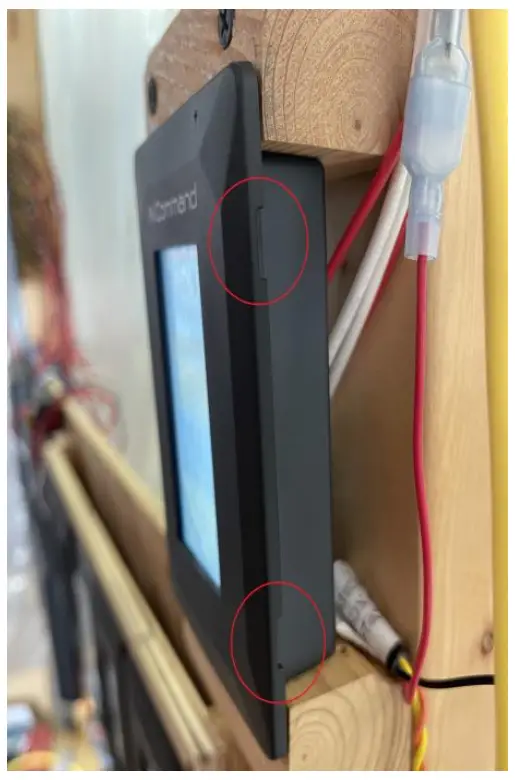
- Side View – showing where to pull to remove trim ring

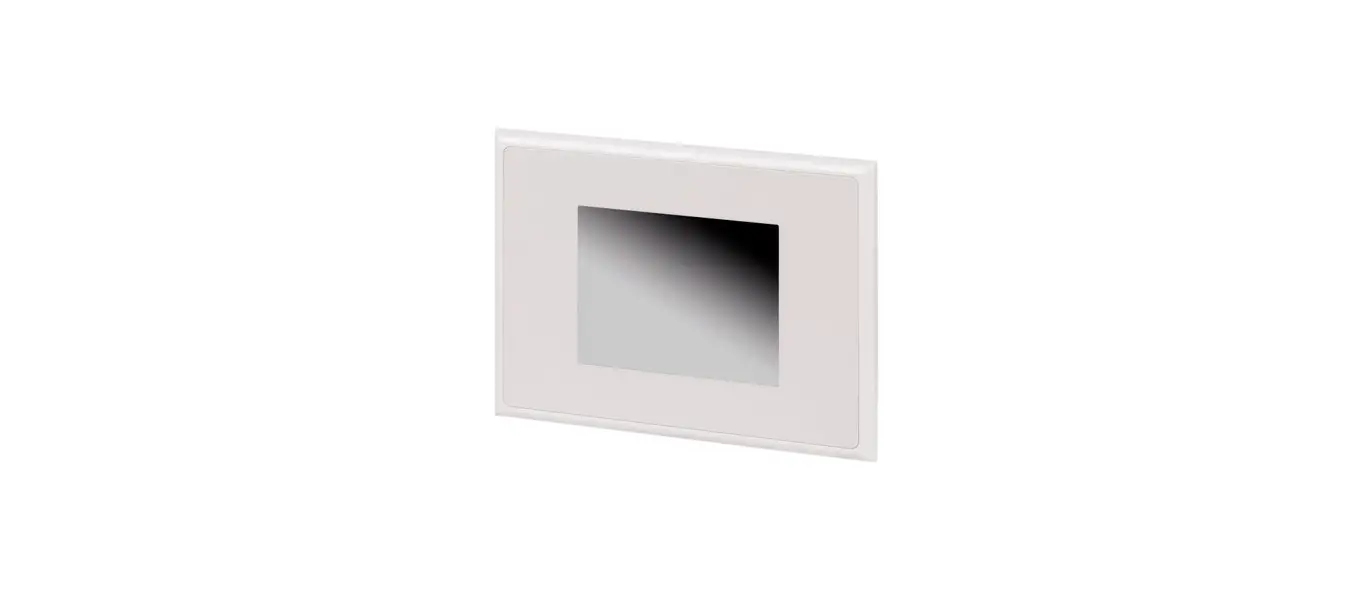
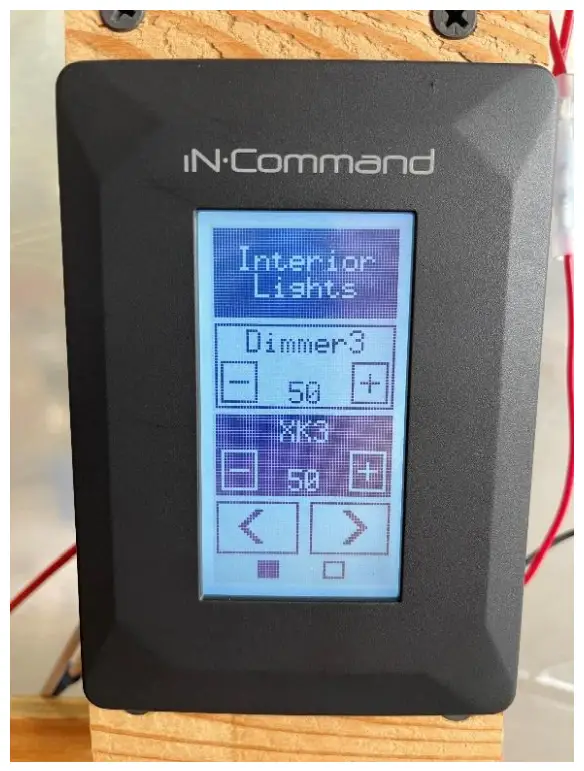
- Mounted View

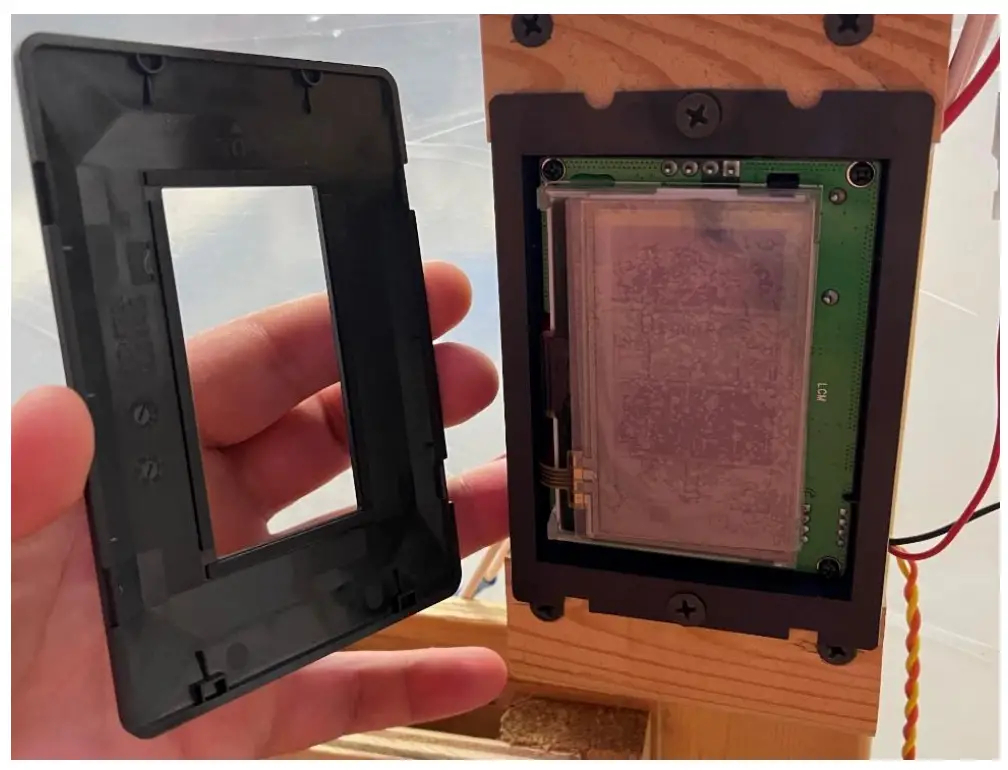
- Trim Ring Removed

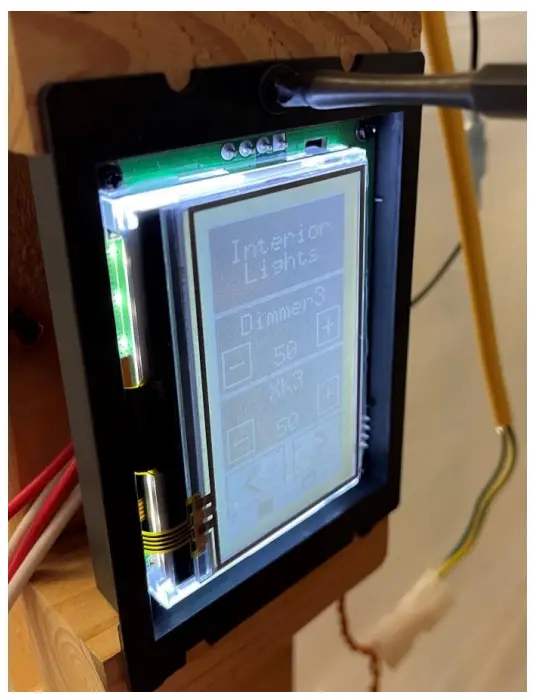
- Remove screws from top and bottom

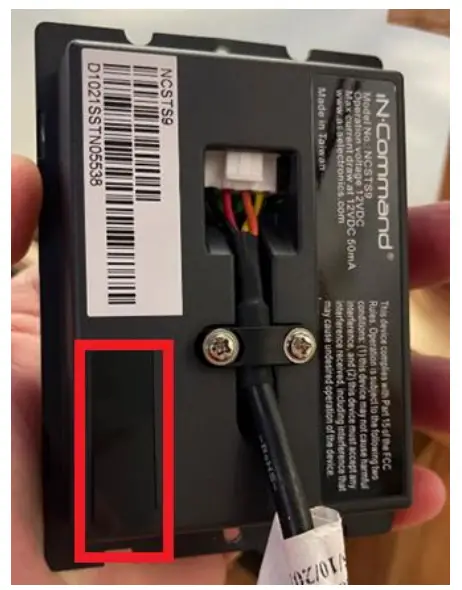
- Back of Panel View – selected in red is a sticker that can be pulled back

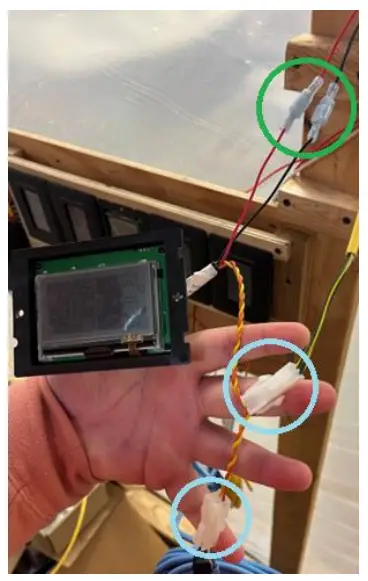
- Wiring coming from NCSTS9, in green power & ground, in blue RVC connections into the network

- Remove screws to remove black clip to gain access to the pigtail. Pinch on white harness and pull out.

- Peeling back sticker to reveal dip switches, match these settings exactly to those on the original NCSTS9 being replaced.


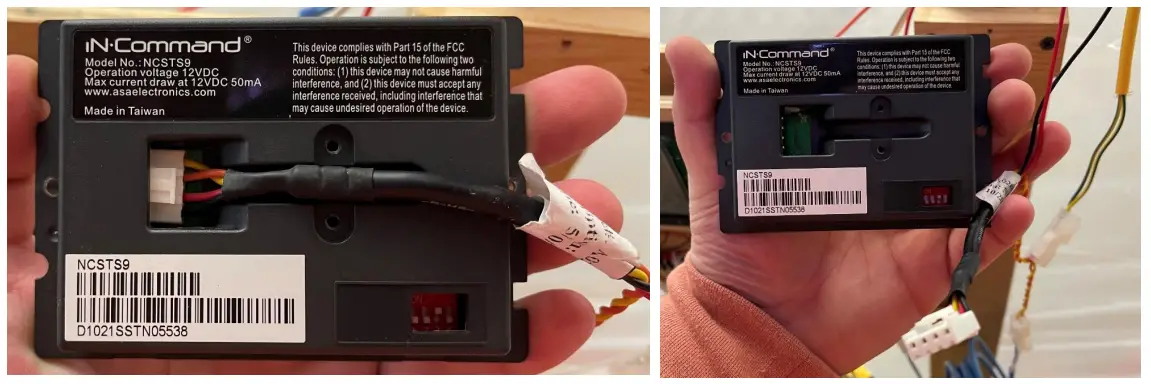
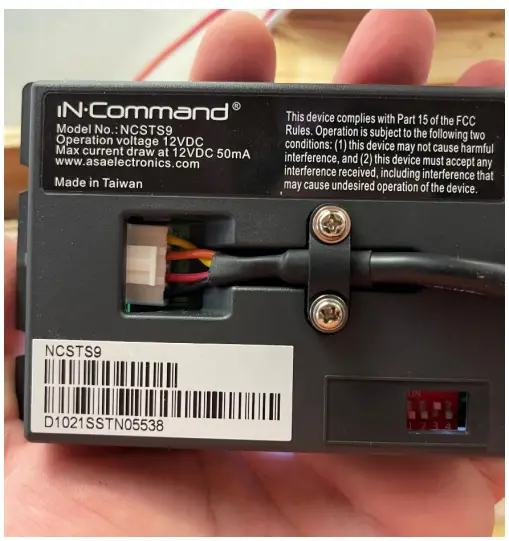
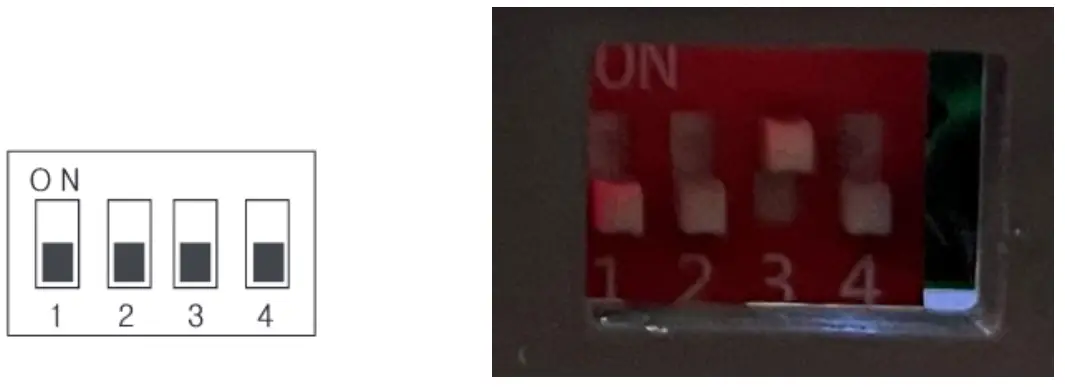
The DIP switches mapping with device name.
| 1 | 2 | 3 | 4 | DEVICE NAME |
| NA | OFF | OFF | OFF | SWITCH PLATE 1 |
| NA | OFF | OFF | ON | SWITCH PLATE 2 |
| NA | OFF | ON | OFF | SWITCH PLATE 3 |
| NA | OFF | ON | ON | SWITCH PLATE 4 |
| NA | ON | OFF | OFF | SWITCH PLATE 5 |
| NA | ON | OFF | ON | SWITCH PLATE 6 |
| NA | ON | ON | OFF | SWITCH PLATE 7 |
| NA | ON | ON | ON | SWITCH PLATE 8 |
How to Load Floor Plan NCSP3/NCSP35
- Place the floor plan (,json) on an empty flash drive 16GB or smaller, do not put it inside of a folder
- Insert the drive into the bottom of the Display Commander
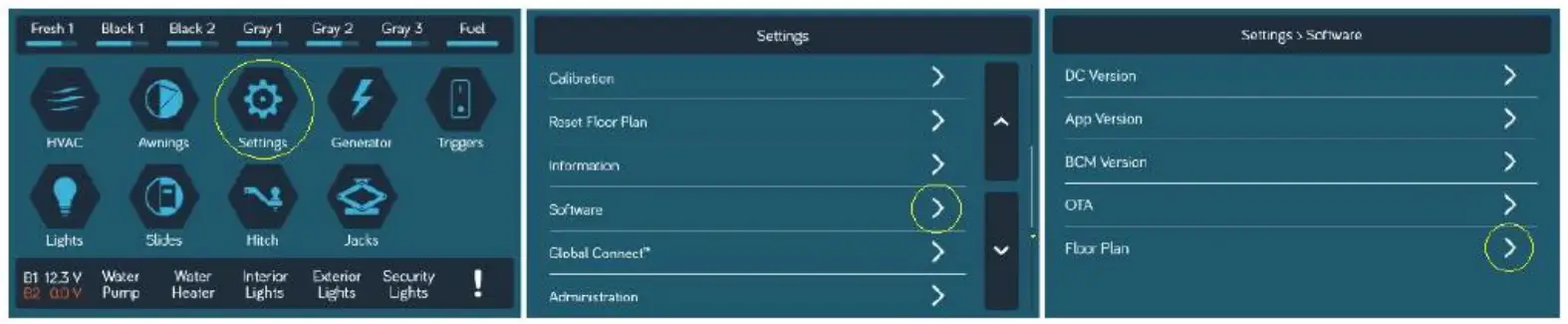
- On the DC, press Settings, then arrow down and press Software, next to Floor Plan press the arrow( >), and then select the floor plan file name ( .json)
- Press the House below the display to return to the Home Page
The functions of the RV should now be appropriately named for the specific RV you are in. A DC can function without a floor plan loaded to it:, but you will notice options that are not functional because they will not be equipped to your RV’s iN•Command system.
After replacing all NCSTS9 touch panels and matching the dip switch settings, you will need to load the floor plan for the RV to the iNˑCommand display using the provided USB flash drive and instructions
Customer Support
If you have any questions, please let us know.
We are available Monday to Friday 7a–7p Est
877-845-8750
[email protected]