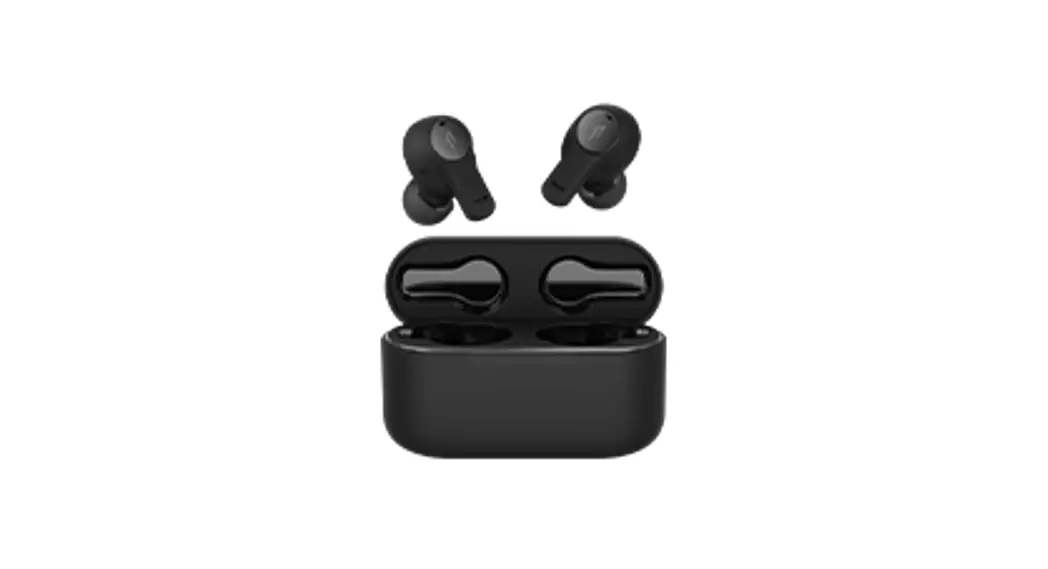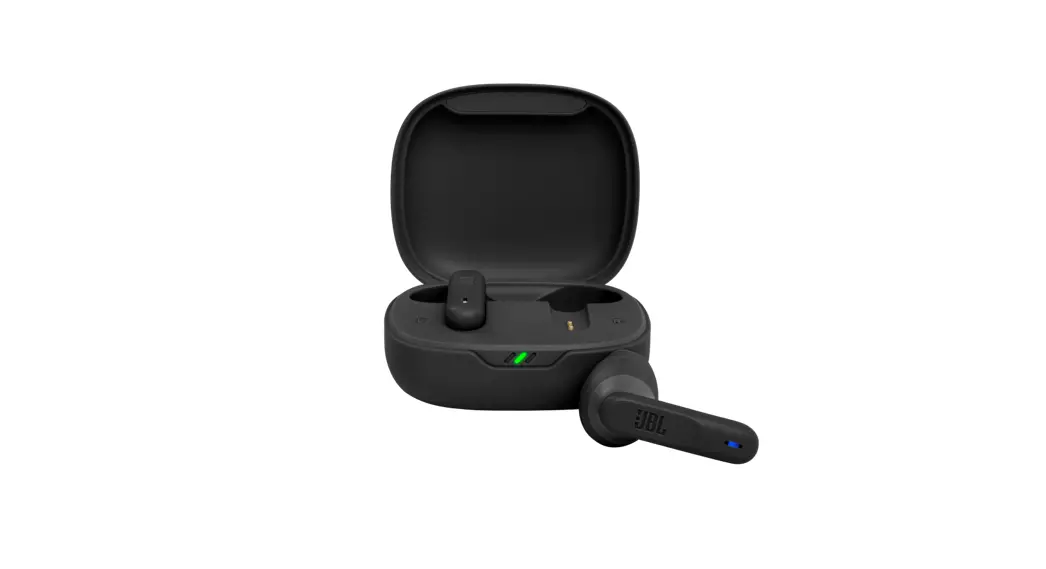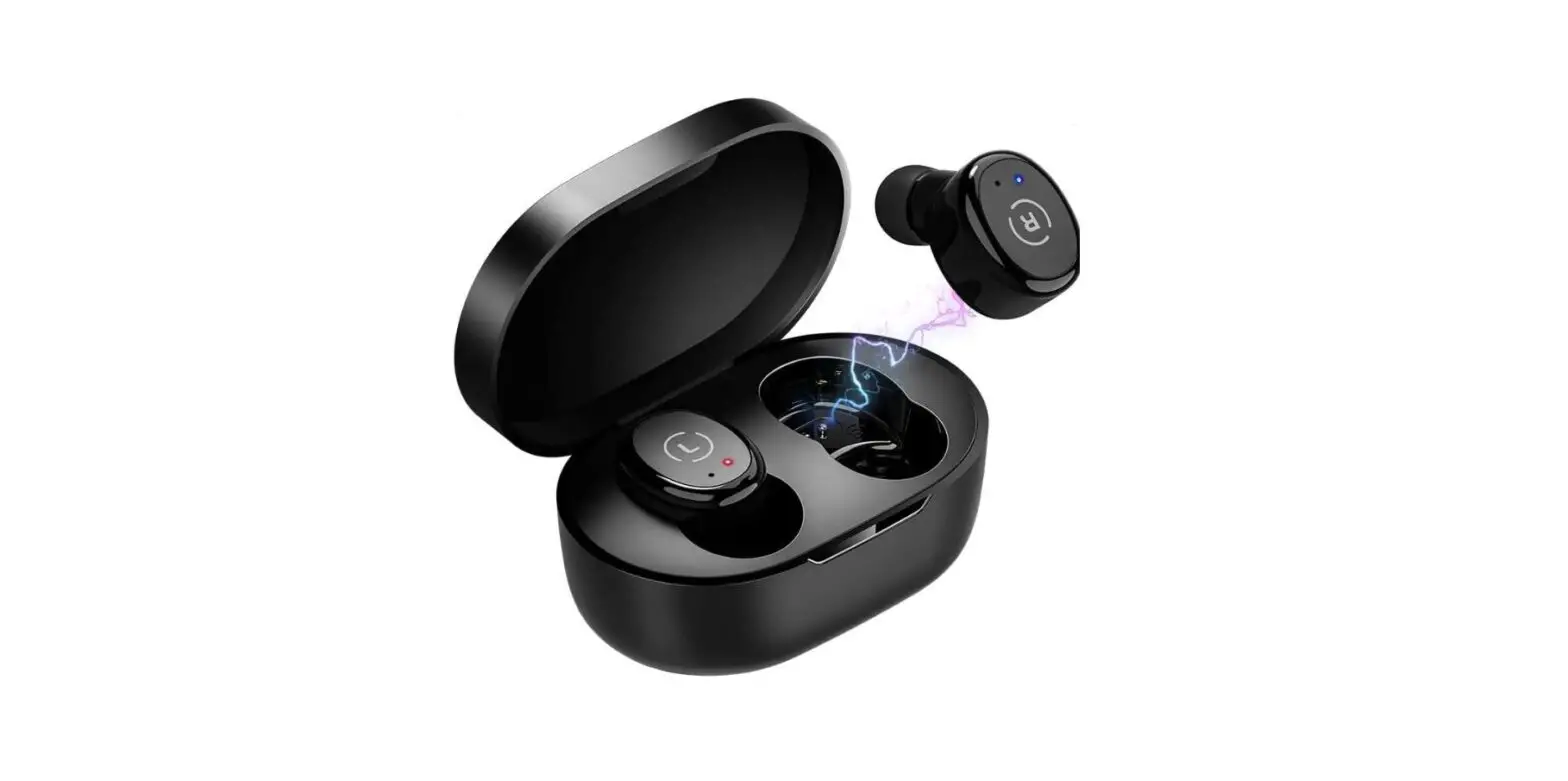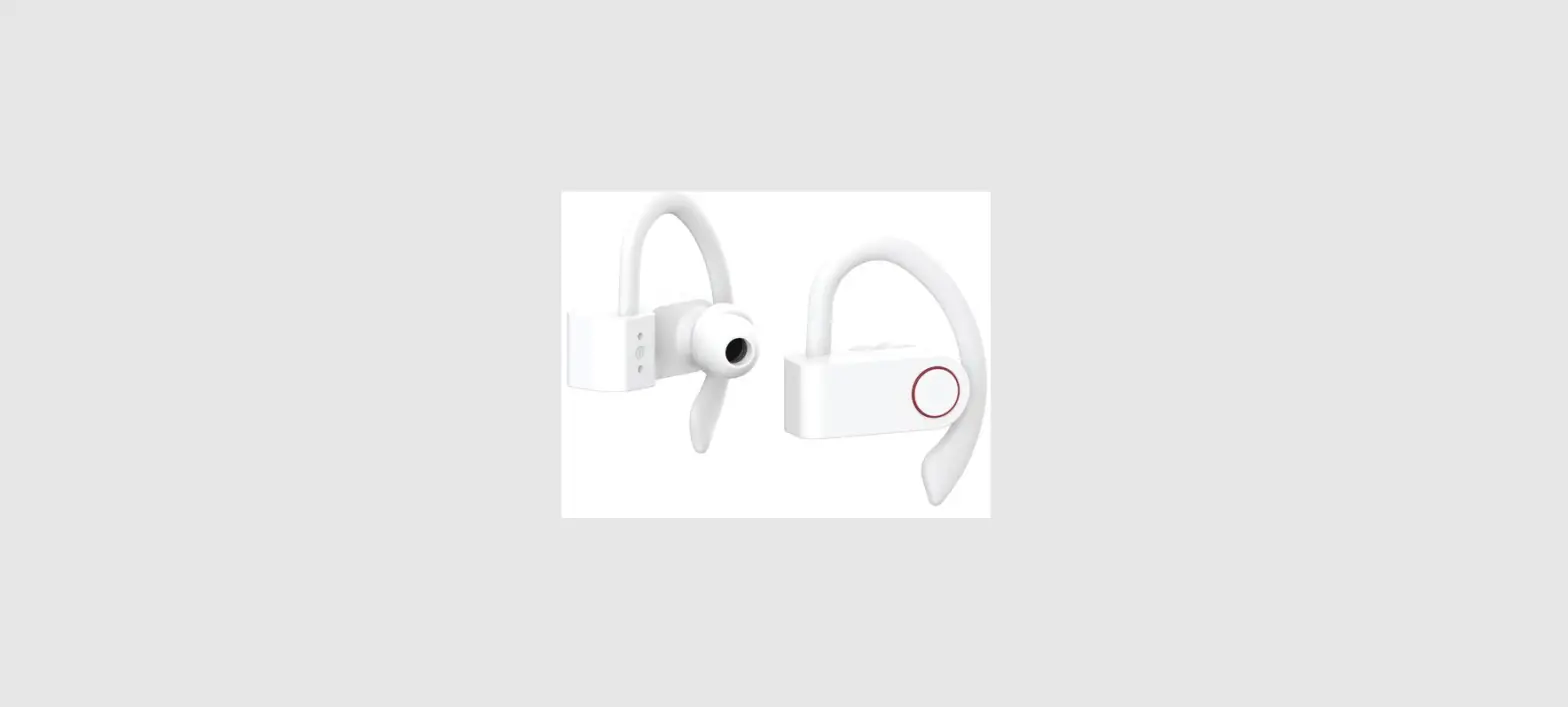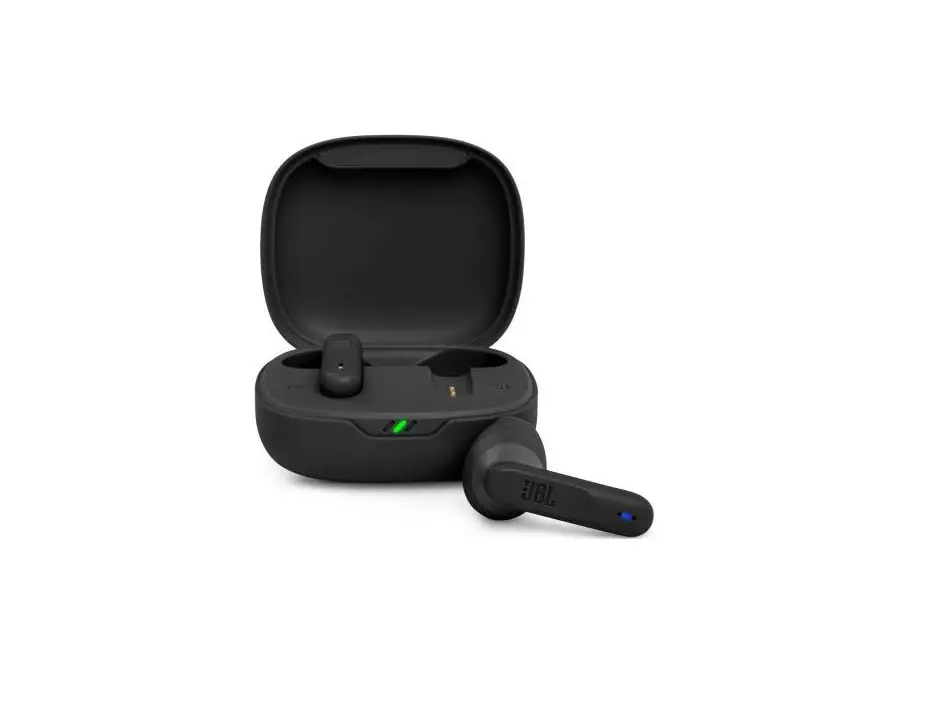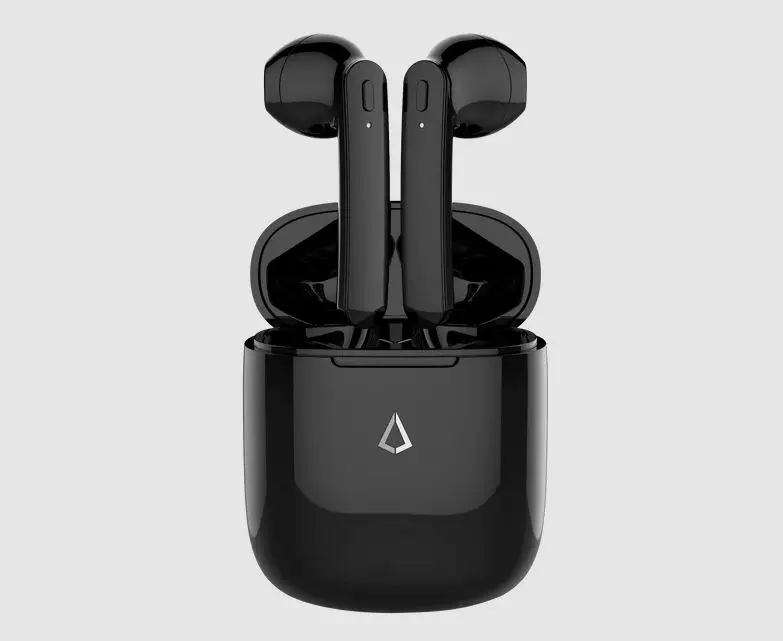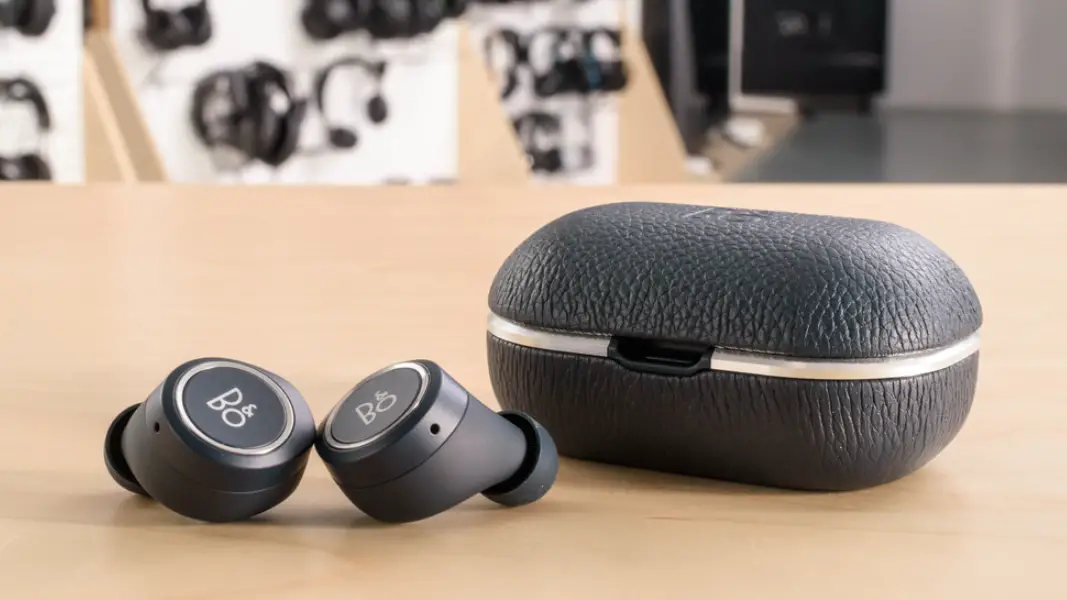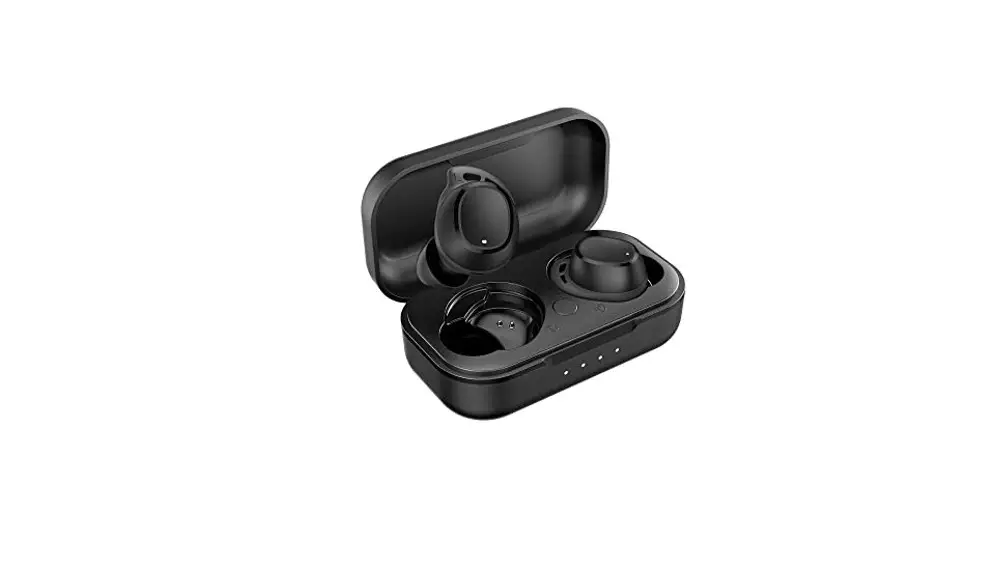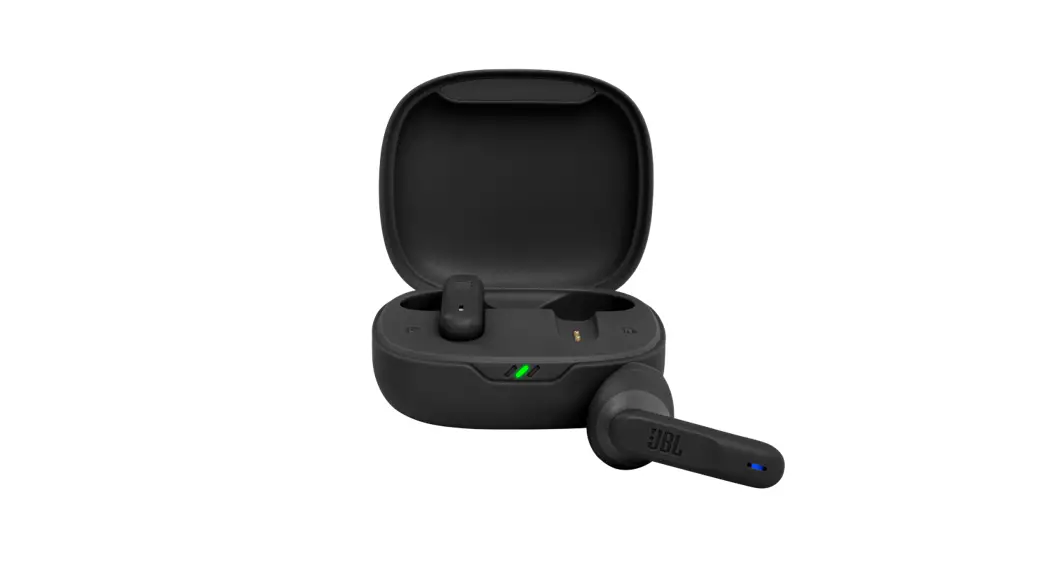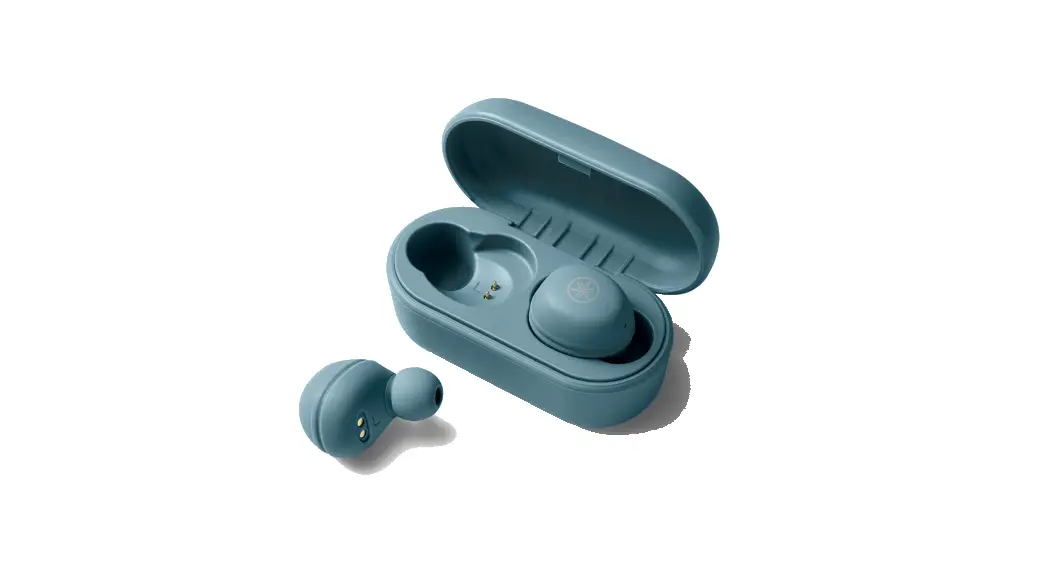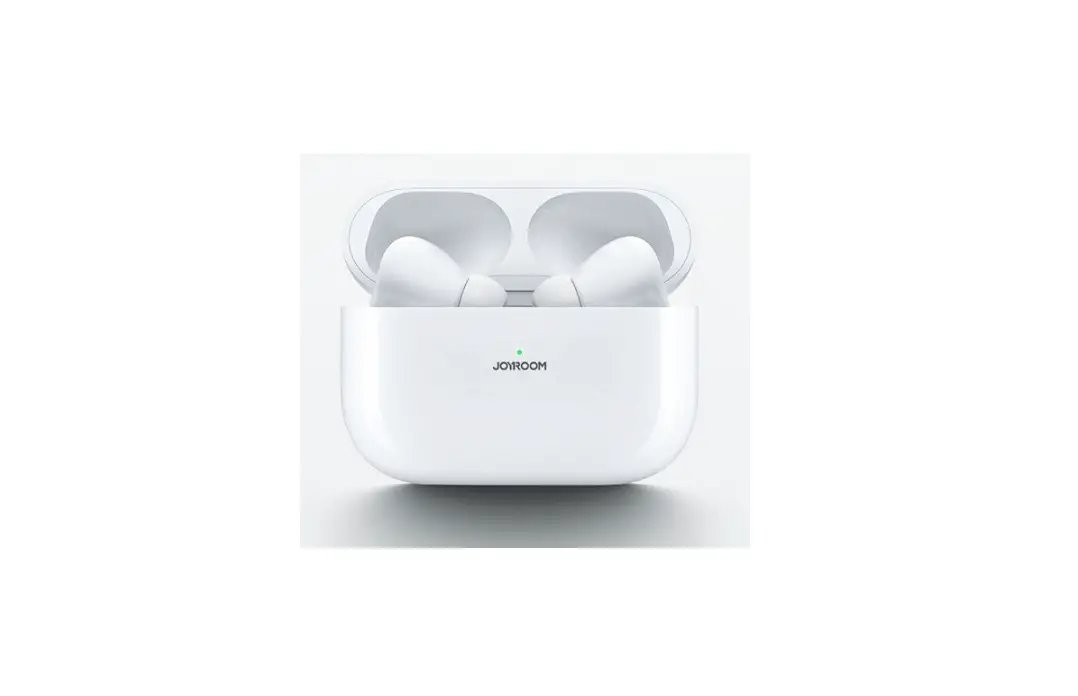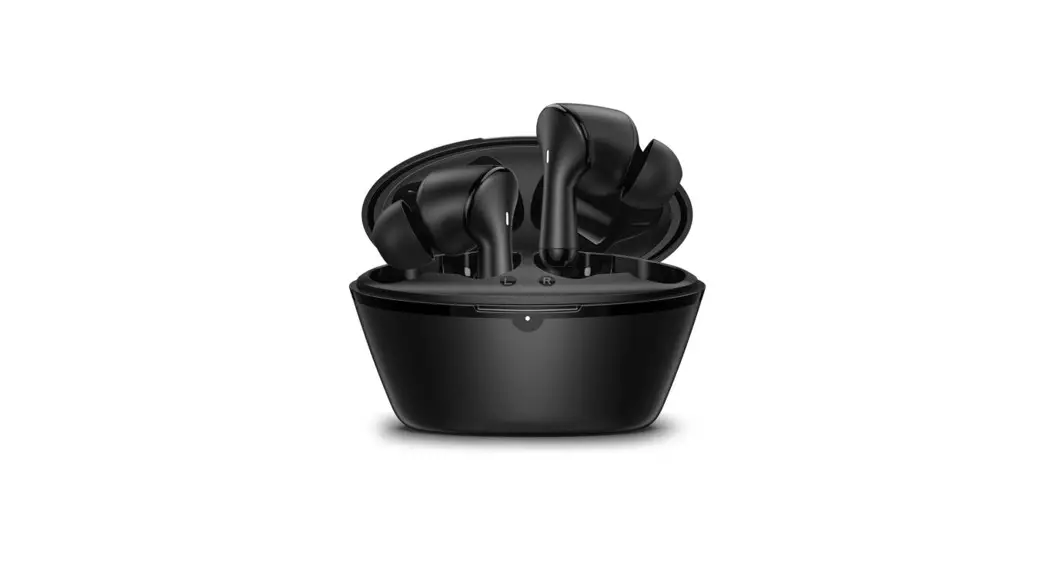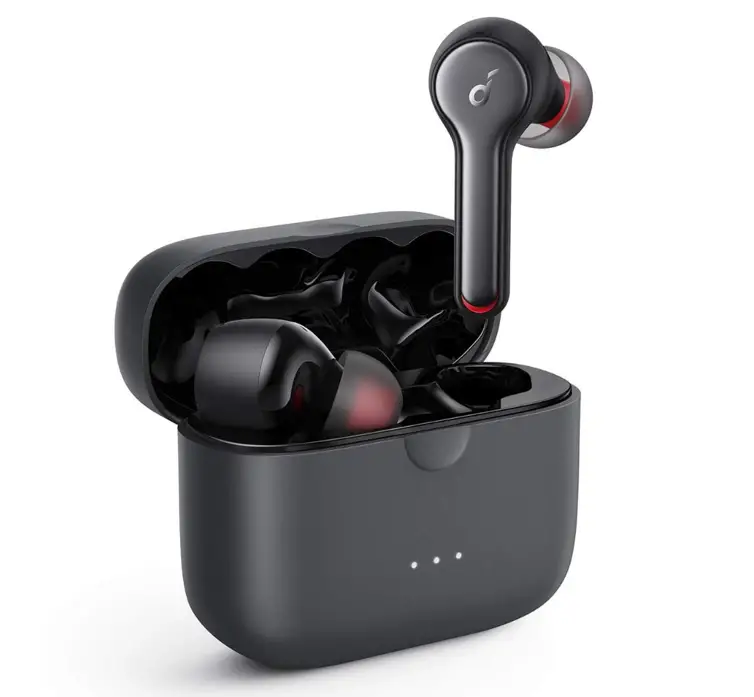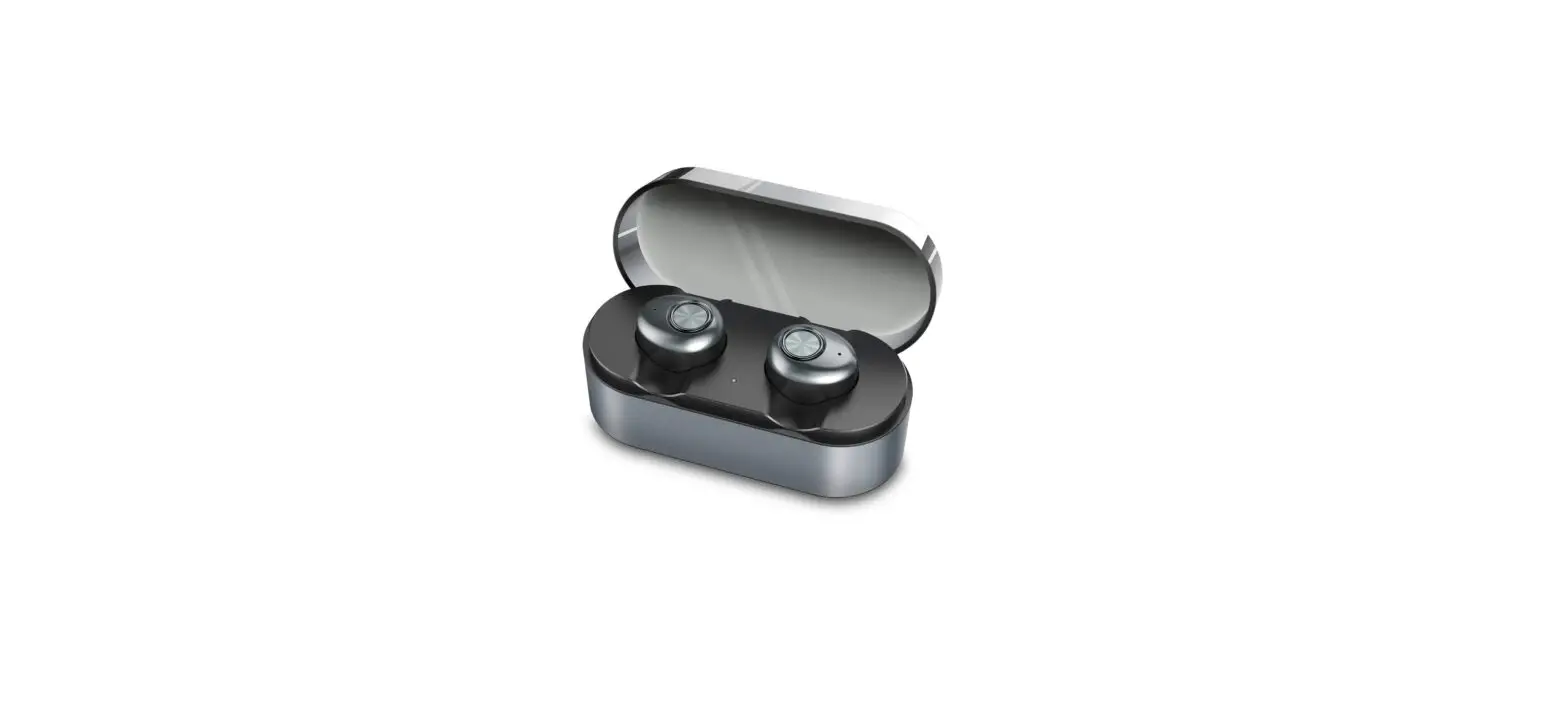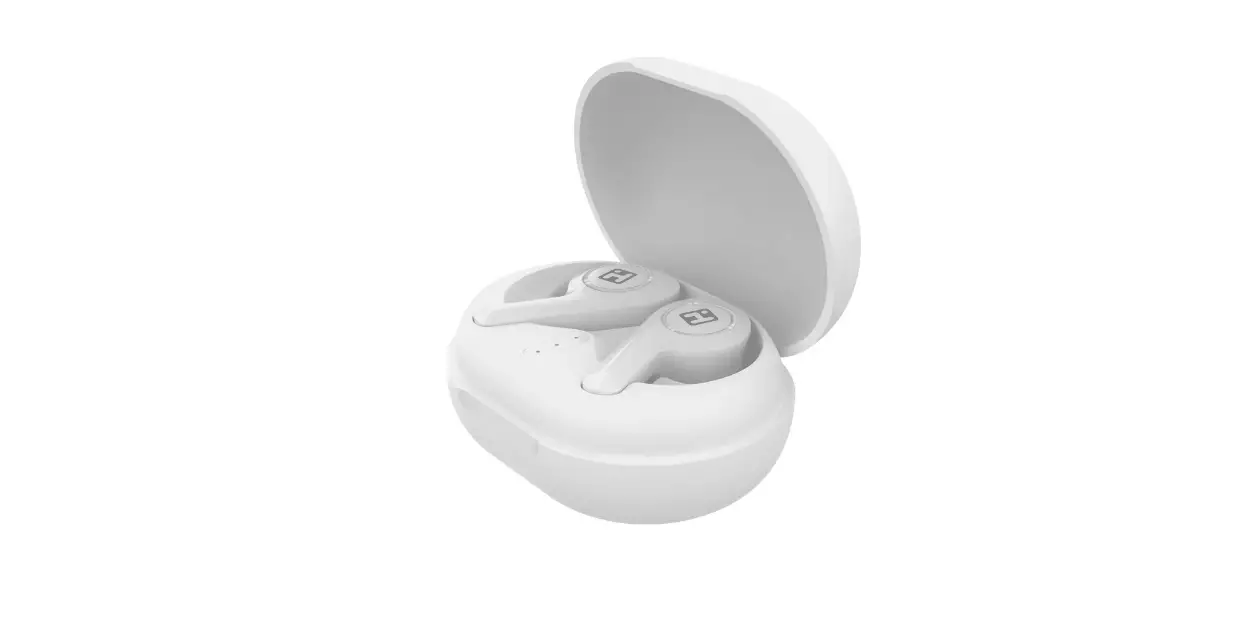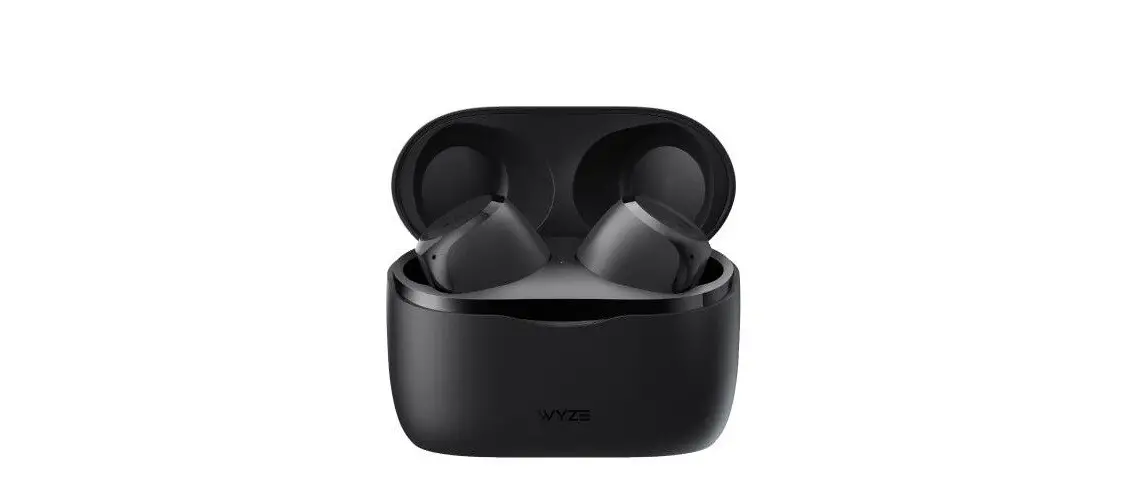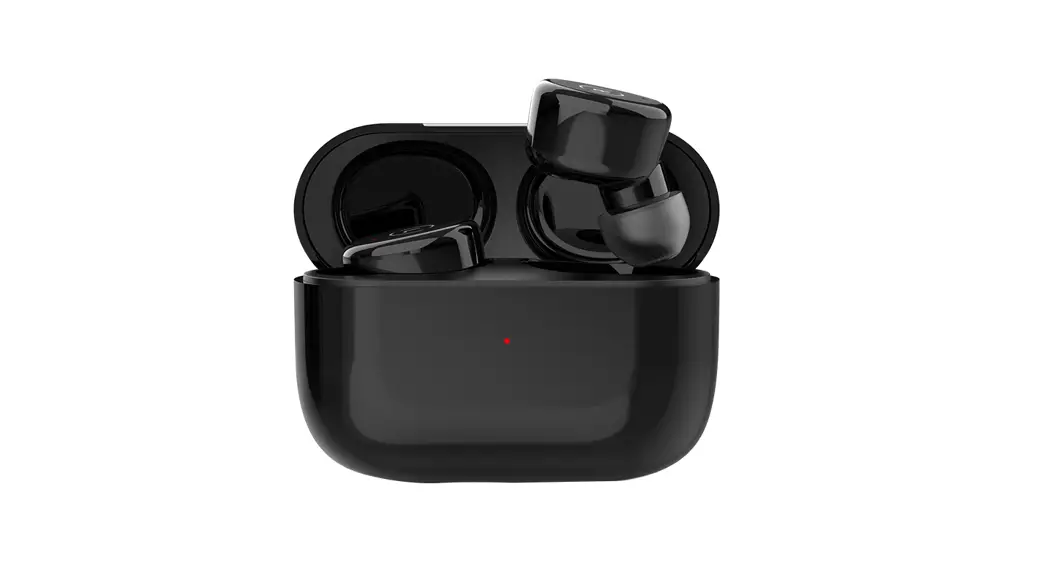


True Wireless Earbuds
User Guide
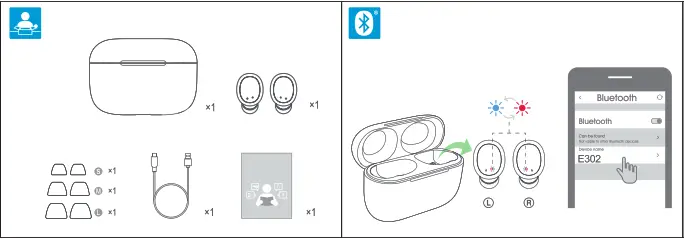
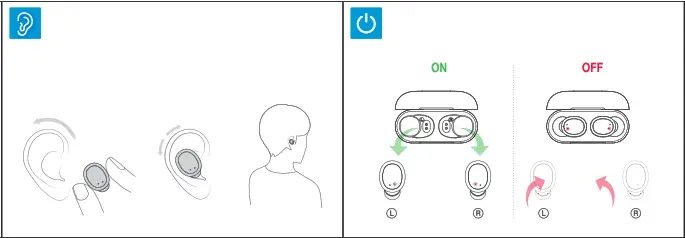
 Take the earbuds out of the charging case and it turns on automatically. If the earbuds are off status after taking It out press and hold the earbuds button for 3 • seconds until the blue light flashes 3 times. Remove the isolation film from charging Isolation film contacts and fully charge the battery before using the earbuds for the first time.)


|

 web:
web: