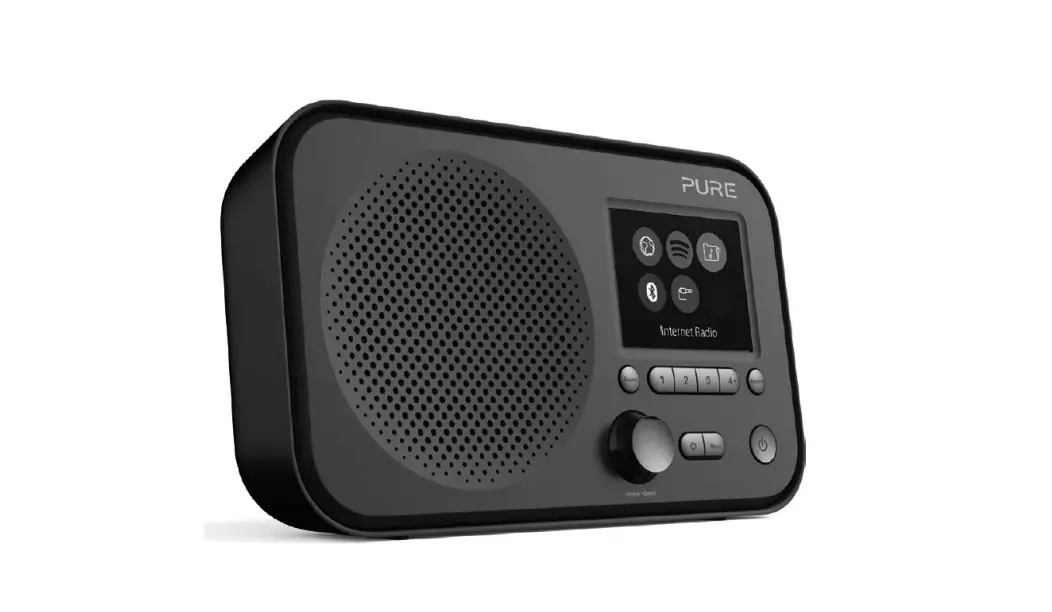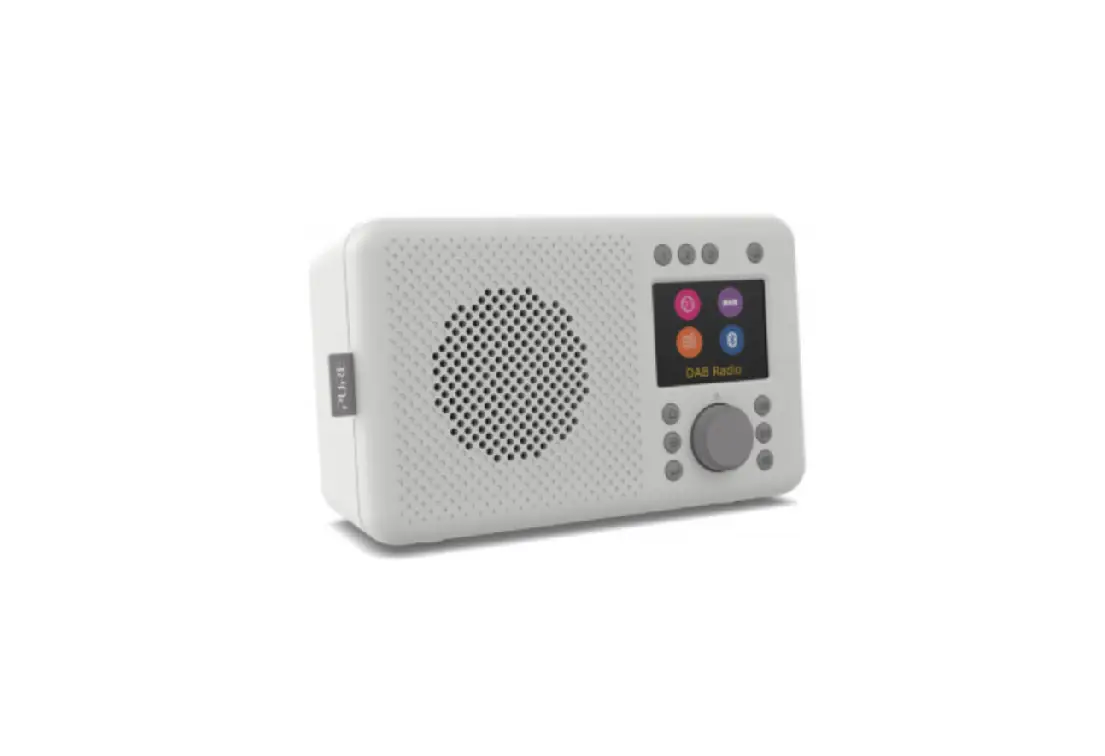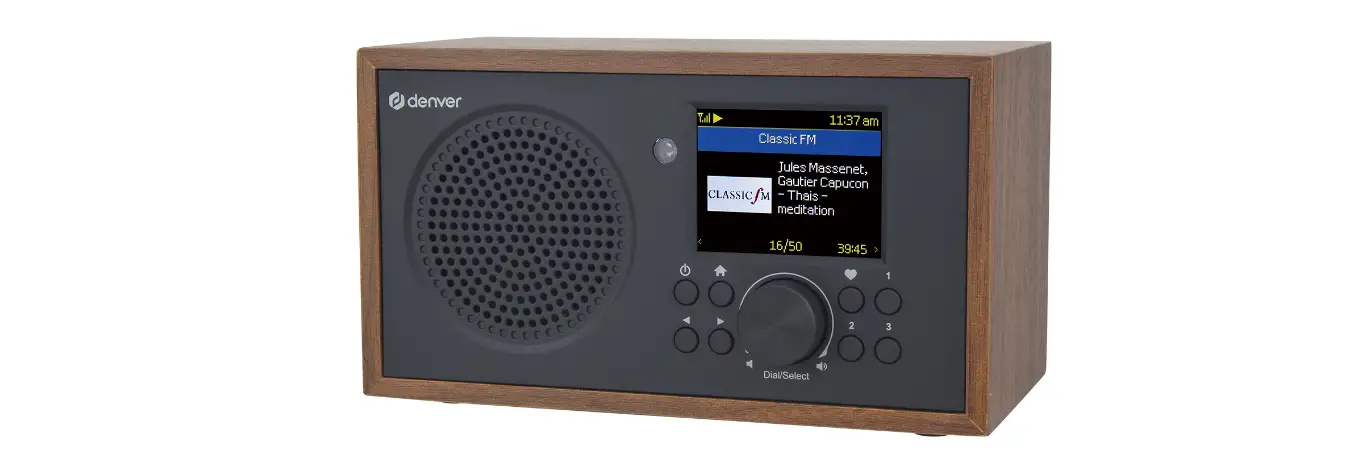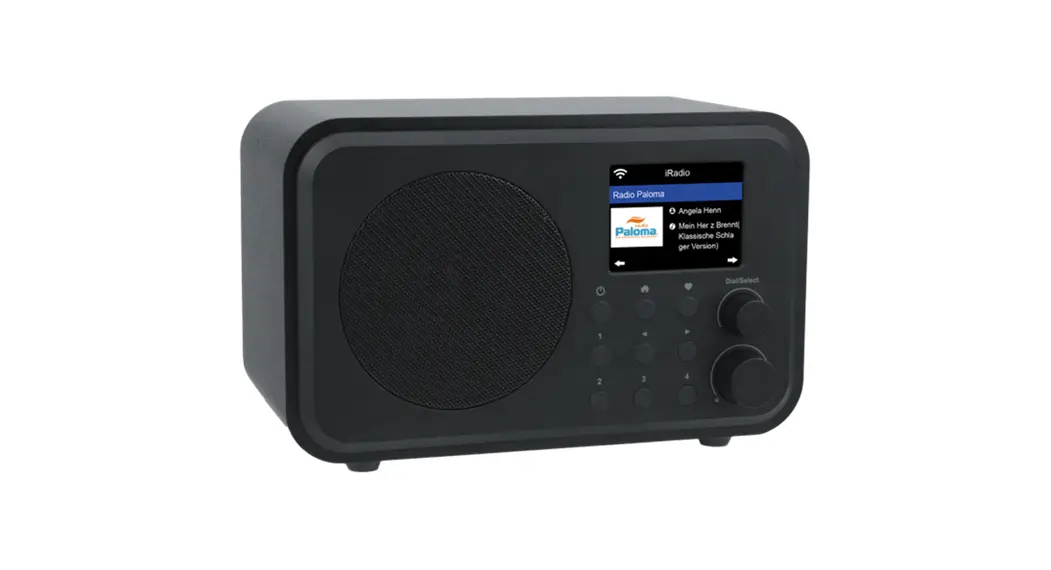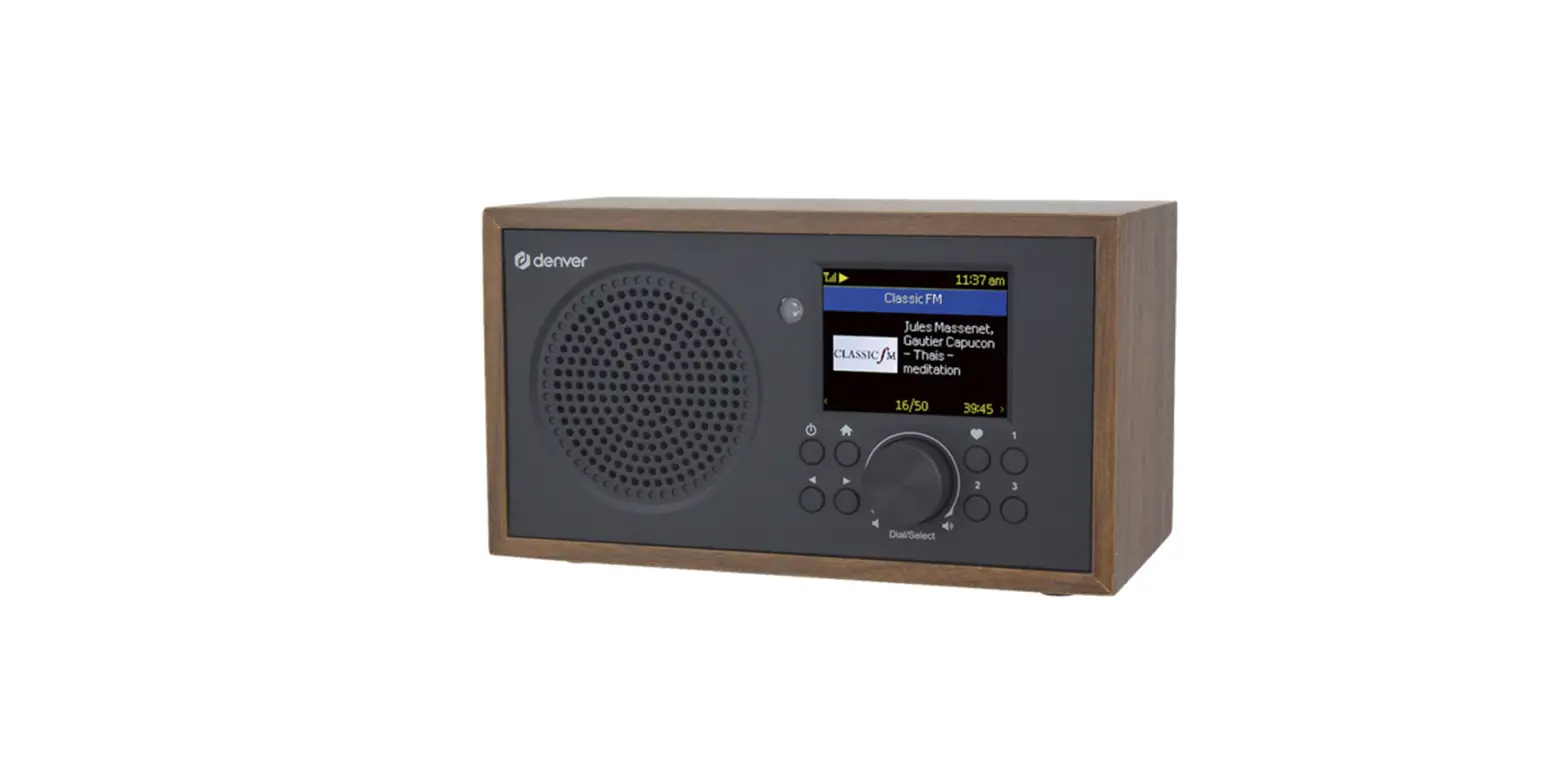

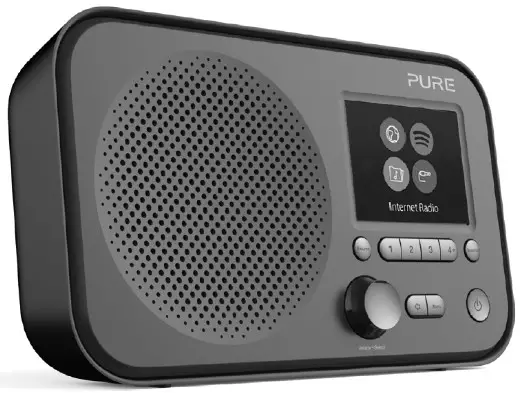
Elan IR3
Overview
Rear panel connections
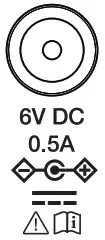 | Power input | 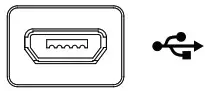 | USB input (software updates only) |
 | Aux input for listening to music from your mobile or tablet |  | Stereo headphone/line output |
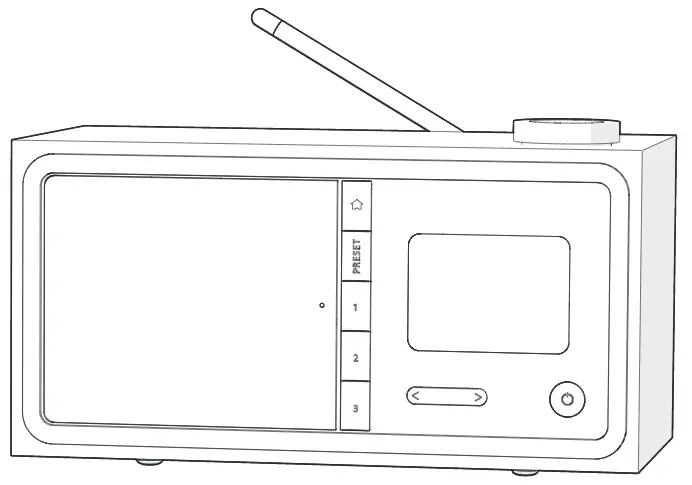
Controls
 | Switch Elan between on and standby (off when powered by batteries) |  | Switch between Internet radio, Spotify Connect, Music Player and Aux input |
 | Set and recall radio presets, Control music playback in Spotify Connect. |  | Change settings (Including language) |
 | Press to return to the previous screen |  | Press to open station list |
 | Turn and press to select menu options. If listening to content, turn to adjust the volume. |
Quick setup
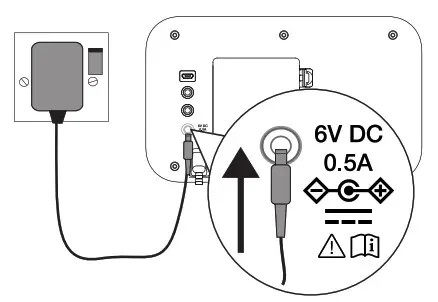
- Connect power

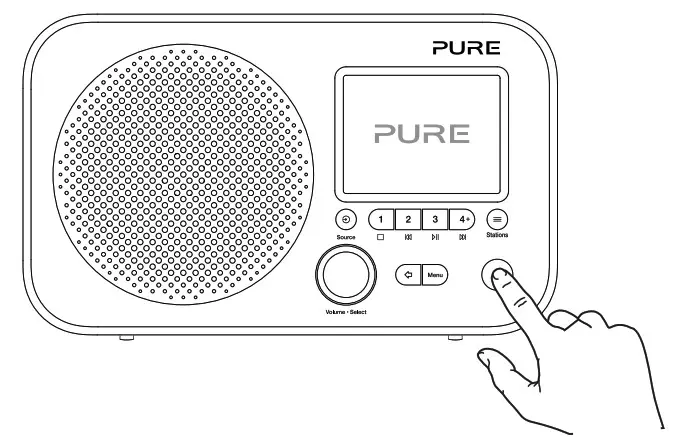
- Push (
 ) to switch on
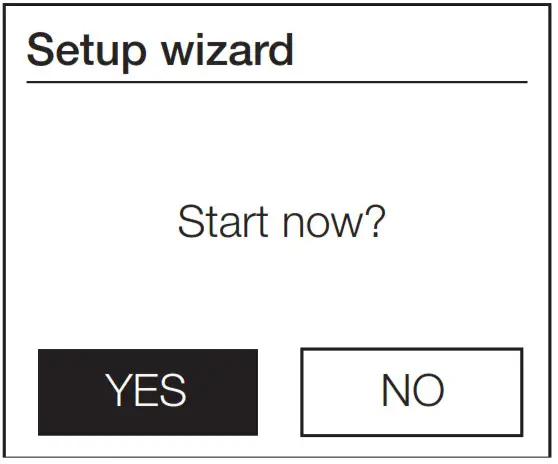
- Follow the on-screen instructions to connect Elan to your wireless network

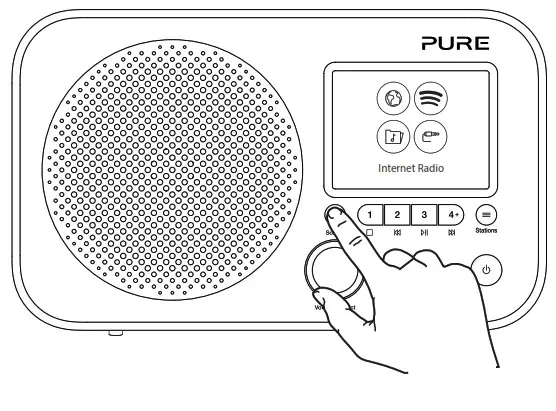
- Press Source button to display Source menu

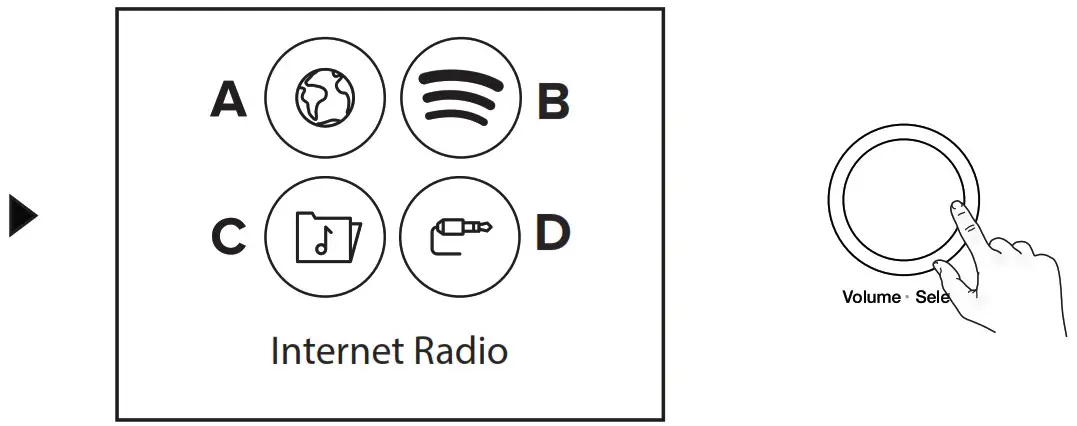
- Turn and press Select dial to switch between (A) Internet radio, (B) Spotify Connect, (C) Music Player and (D) AUX in (See `Choose Source; for more info)

Choose source
 Internet radio
Choose an Internet radio station or podcast
Internet radio
Change internet radio station
 Spotify Connect
Listen out loud with Spotify Connect-see over for details
www.spotify.com/connect
 Music player
If you have a media server installed on your network your Elan will find it.
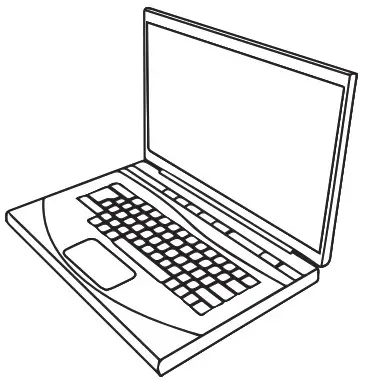
 AUX in
Plug in 3.5mm cable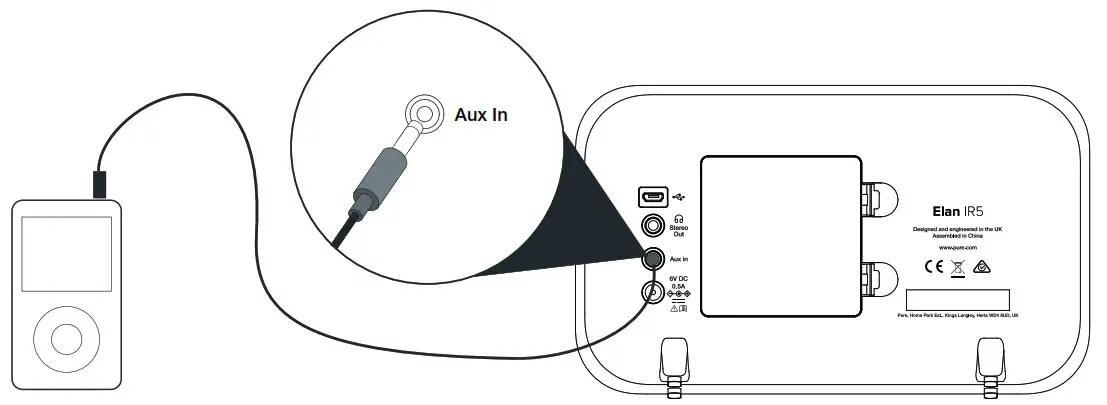
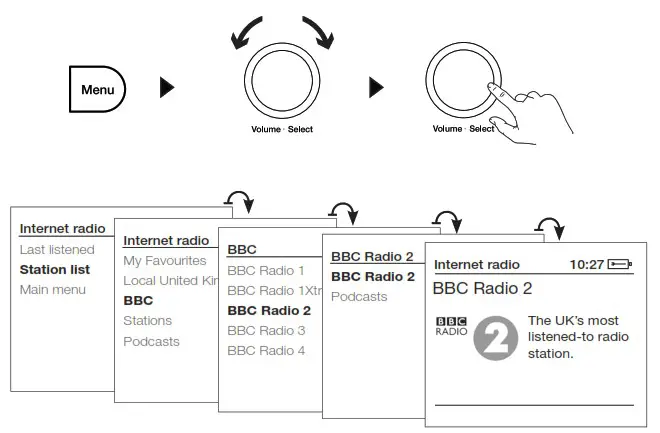
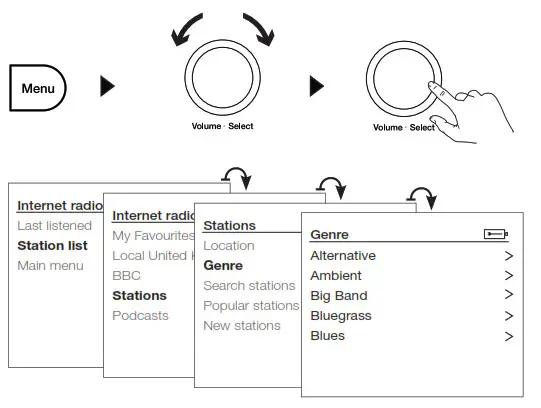
Internet radio
Change internet radio station
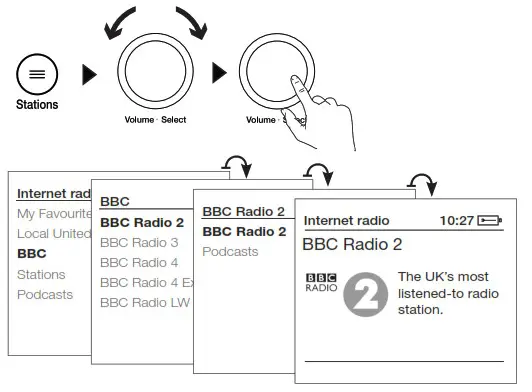
Search by name
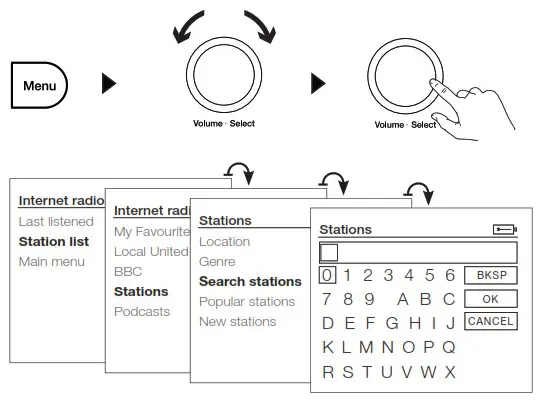
Search by genre
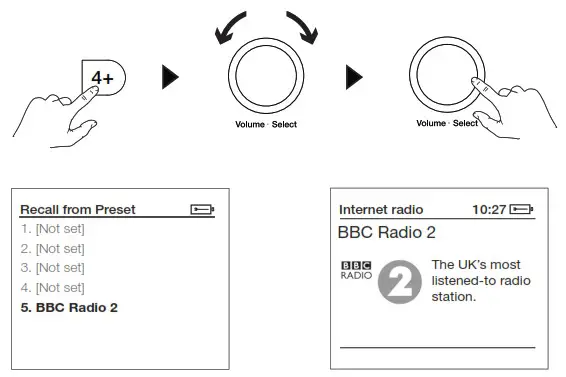
Preset 1-3
Store
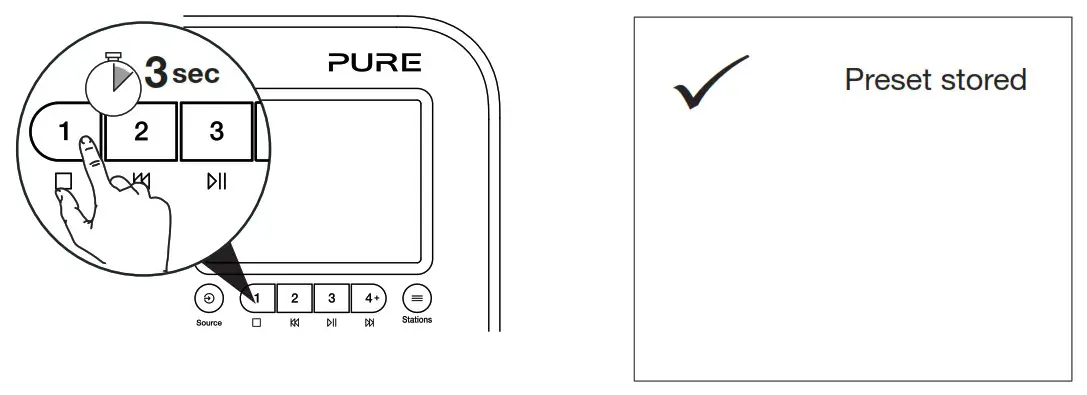
Select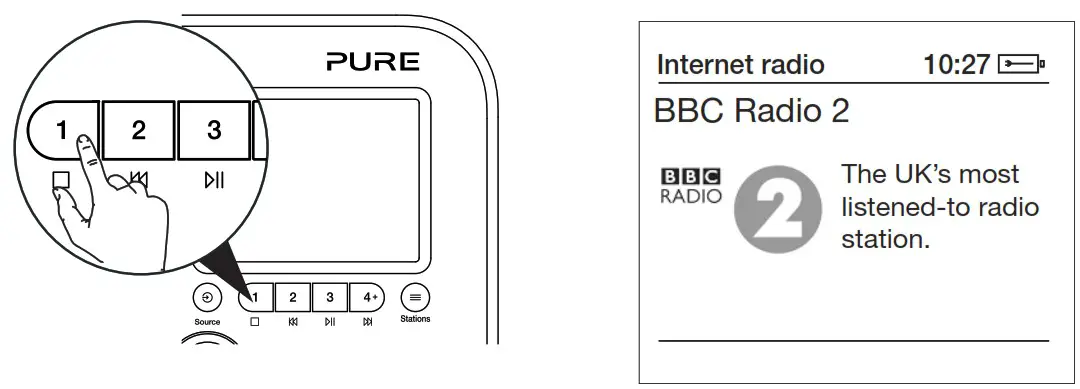
Preset 4-12
Store
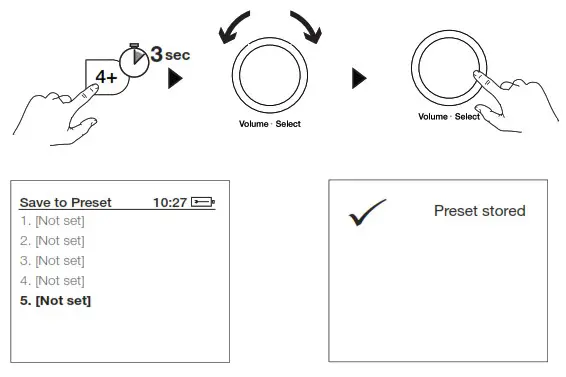
Select
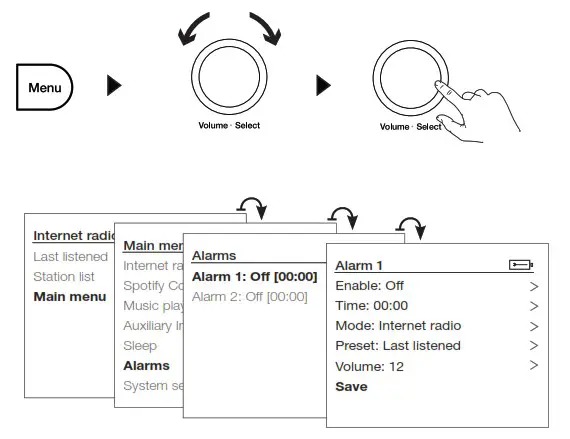
Alarms
Set an alarm
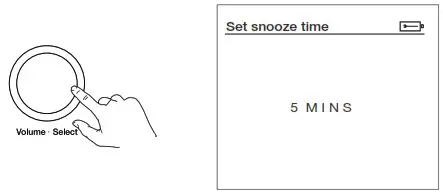
Snooze an alarm
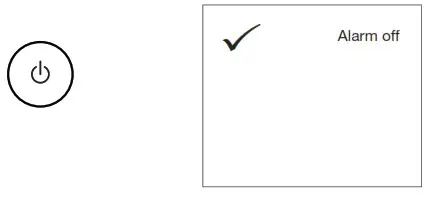
Cancel an alarm
Remote Control
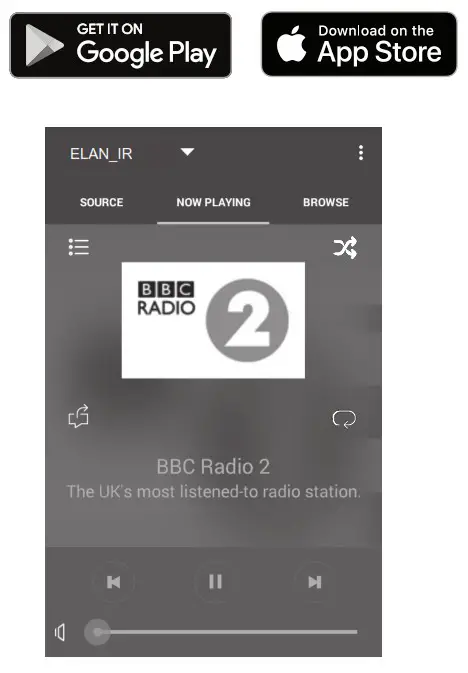
Download the Pure select or UNDOK app and control Elan with your smartphone
Spotify Connect
- Connect your Elan to your wifi network.
- Open up the Spotify app on your phone, tablet or laptop using the same wifi network.
- Play a song and select Devices Available.
- Select your Elan and start listening.
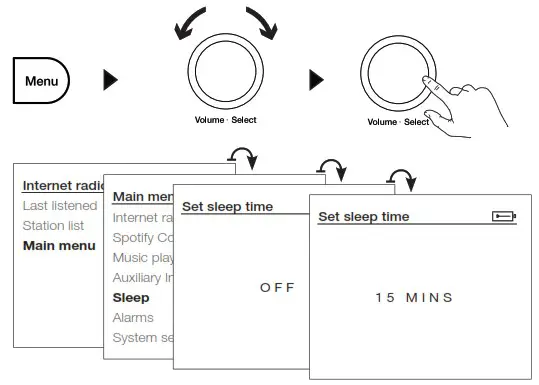
Sleep timer
Set sleep timer
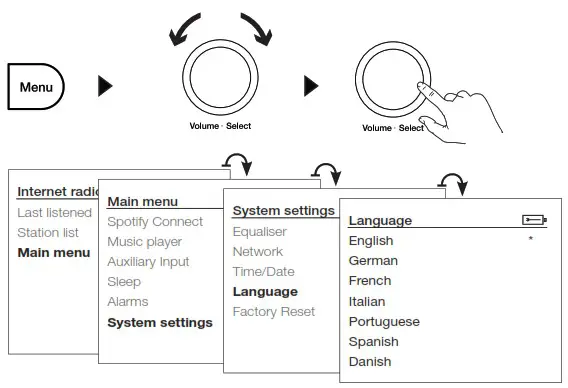
Language
Set language
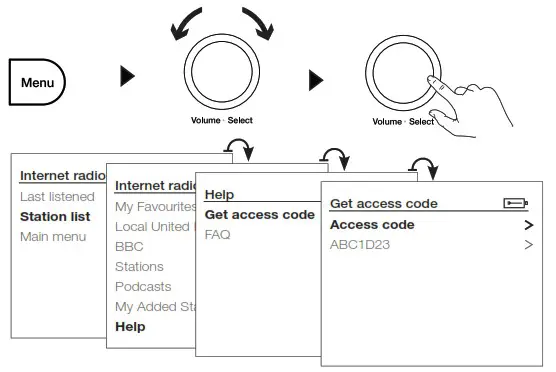
My Favourites
Save favourite podcasts/internet radio stations
Code
Warranty information
Pure International Limited warrants to the end user that this product will be free from defects in materials and workmanship in the course of normal use for a period of two years from the date of purchase. This guarantee covers breakdowns due to manufacturing or design faults; it does not apply in cases such as accidental damage, however caused, wear and tear, negligence, adjustment, modification or repair not authorised by us. Please visit www.pure.com/register to register your product with us. Should you have a problem with your unit please contact your supplier or contact Pure Support at the address shown on the rear of this manual.
Approvals
 CE marked. Hereby, Pure International Limited declares that this radio model Elan IR3 is in compliance with the essential requirements of RED 2014/53/EU. The full text of the EU Declaration of Conformity is available at the following internet address: http://www.pure.com/about/red
Specifications
Internet radio via network Wi-Fi: 802.11b, 802.11g and 802.11n supported with WEP and WPA/WPA2 encryption, WPS, 2.4GHz WiFi frequency range: 2412-2472MHz, maximum power: 16.24dBm (EIRP), 5GHz WiFi frequency range : 5260-5320MHz & 5500-5700MHZ, maximum power: 12.47dBm(EIRP), Media streaming requires UPnP server/DLNA « Display 2.8’, 320 x 240, TFT cotour display + Software version: 1.0 – Speaker 3” full range driver, 2 Watts output – Input connectors 6 V DC power adapter socket (adapter supplied) Output connectors 3.5 mm stereo headphone/line out socket. » Power supply 6 V DC, 500 mA or 4 x AA batteries . – Dimensions 200m wide x 53mm deep x 115mm high » Weight 420g
Restrictions of Use : 5.15 – 5.35 GHz band is restricted to indoor operations only in the following countries
| AT | BE | EIG | CZ | DK | EE | FR | DE | IS | IE | IT | EL | ES | CY | LV | LI | LT |
| LU | HU | AT | MT | NL | NO | PL | PT | RO | SI | SK | TR | Fl | SE | CH | UK | HR |
The Spotify Software is subject to third party licenses found here: https://www.spotify.com/connect/third-party-licenses Google Play and the Google Play logo are trademarks of Google LLC.
Note: “Under the environment with electrostatic discharge, the sample may maifunction and need user reset to recover sometimes.”

www.pure.com
support.pure.com
Pure International Limited
Concept House
Home Park Road
Kings Langley
Herts, WD4 8UD
United Kingdom
 Explore - Spotify | Connect at home