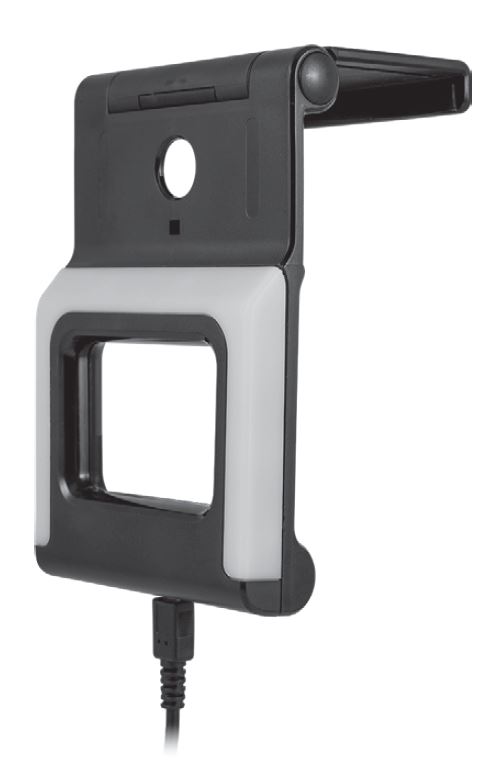
 Ultrapro 58664 Bias Lighting Backlight Bracket
 Ultrapro 58664 Bias Lighting Backlight Bracket
Bias Lighting
Backlight Bracket
Connect
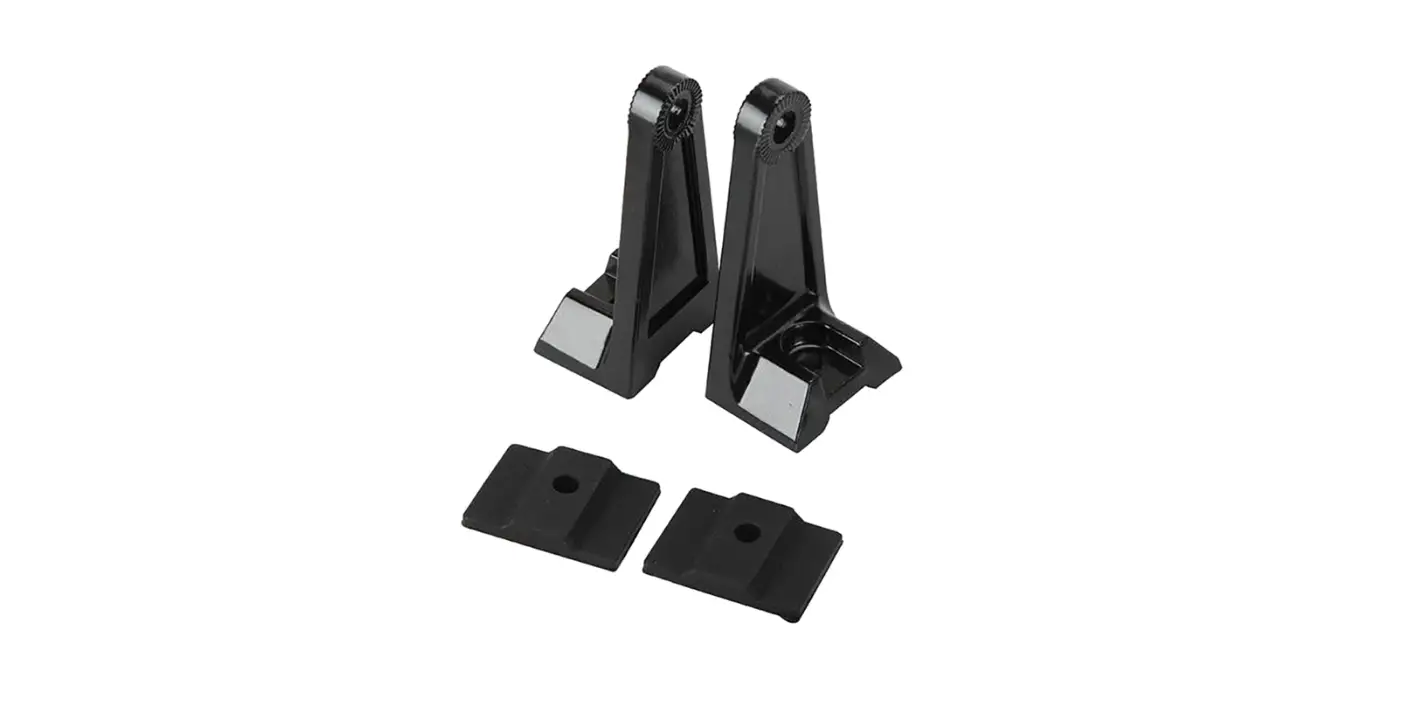
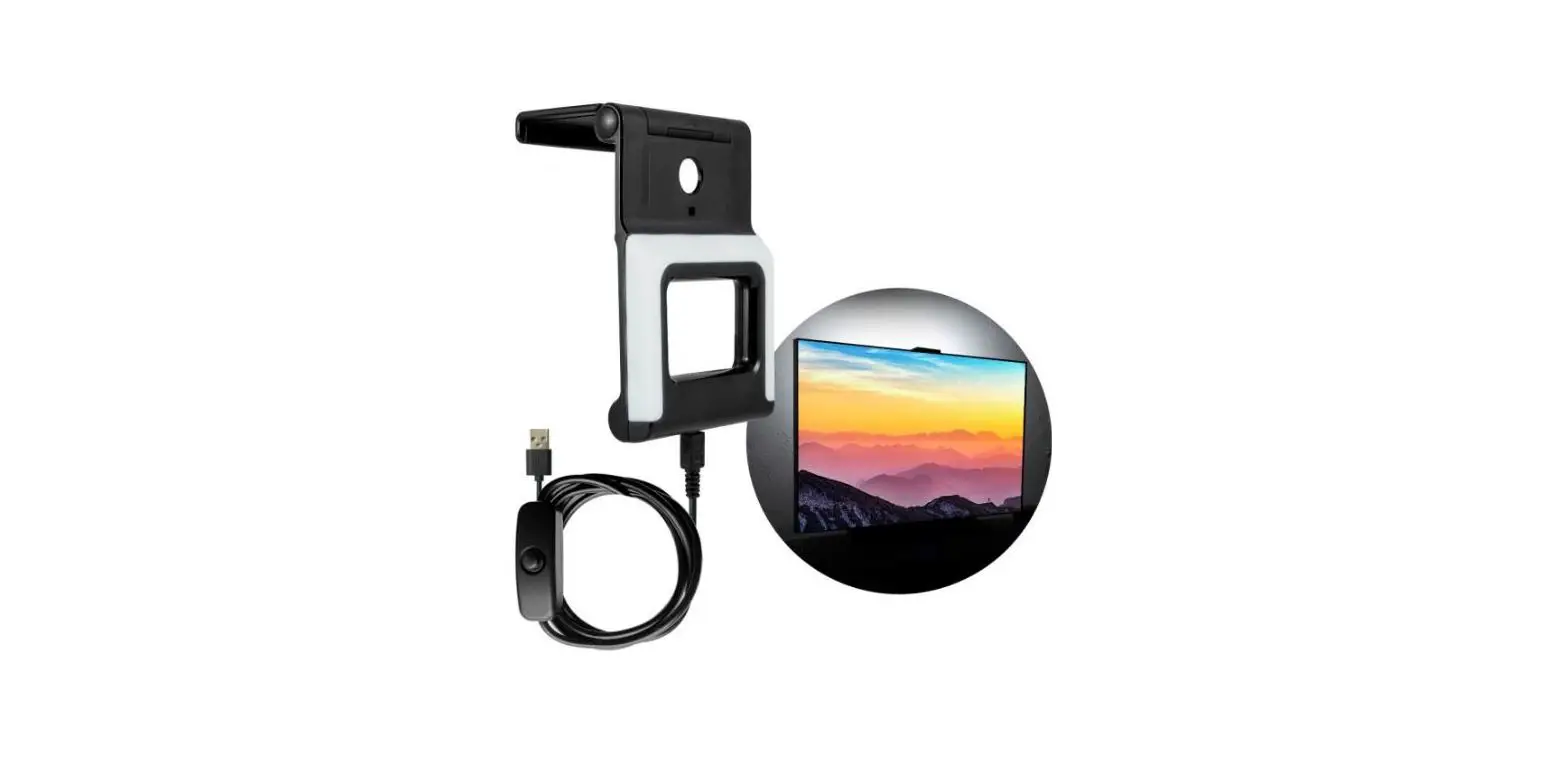
Connect the Micro USB cable to the bracket. Insert the USB-A connector into the TV’s USB-A port or a USB-A power adapter (not included). Backlight bracket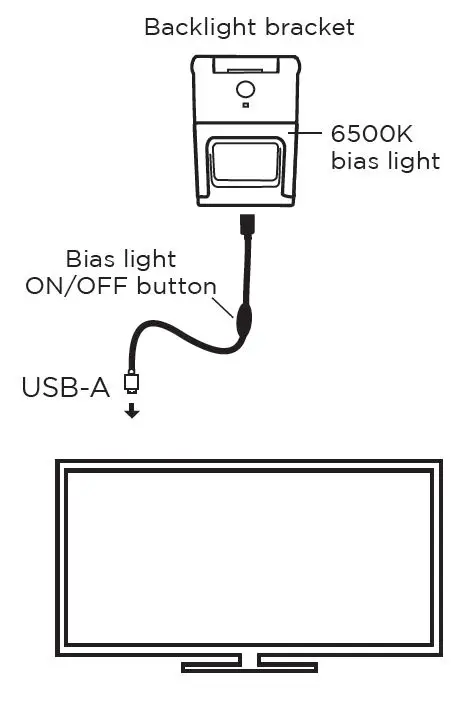
Place
Use provided hook-and-loop tape to place lighting control switch in desired location.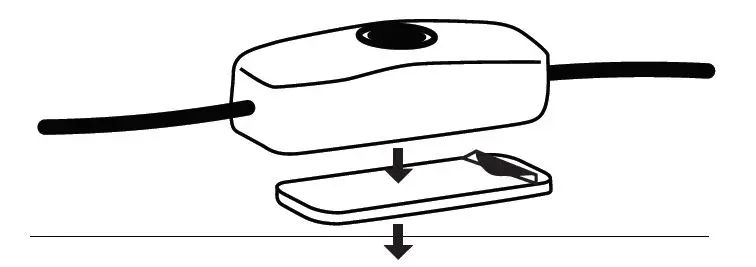
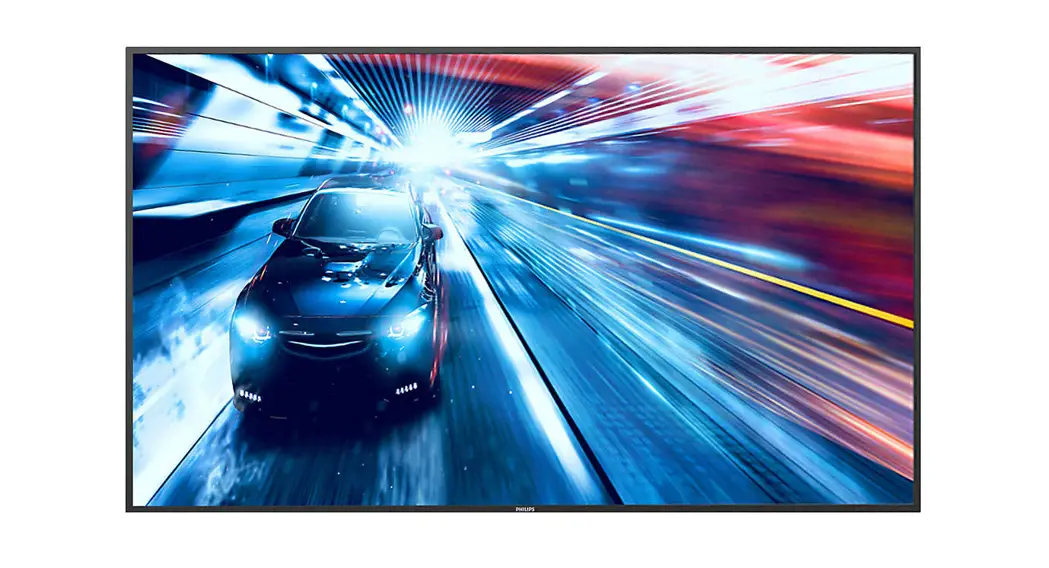
Place the bracket on top of the TV with the light facing the wall.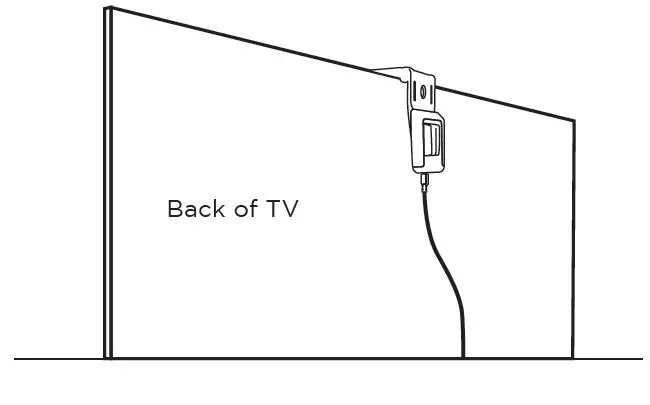
PureBias Lighting Operation
To operate the bias light, press and release the ON/OFF button.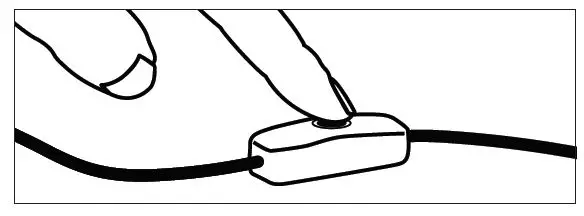
PureBias Lighting
At 6500K, the white light produced by this bracket is scientifically proven to reduce eye strain and enhance picture quality as it reflects off the wall behind your TV or monitor.
58664 V1 02/21
MADE IN CHINA: Distributed by Jasco Products Company LLC, 10 E. Memorial Rd., Oklahoma City, OK 73114. This Jasco product comes with a limited lifetime warranty.
Visit: www.byjasco.com for warranty details.
Questions? Contact our U.S.-based Consumer Care at 1-800-654-8483 between 7 AM-8 PM, M-F, Central Time.
Read instructions or watch the easy-to-follow video. Scan code or visit byjasco.com/58664i
Exclusive deals: For deals, to register your purchase and to tell us how we’re doing, simply scan the code or visit byjasco.com/deals
Enhance your home entertainment experience at byjasco.com/ce
 58664: UltraPro Enlighten™ Bias Lighting Backlight Bracket Overview - YouTube
 Jasco
Jasco