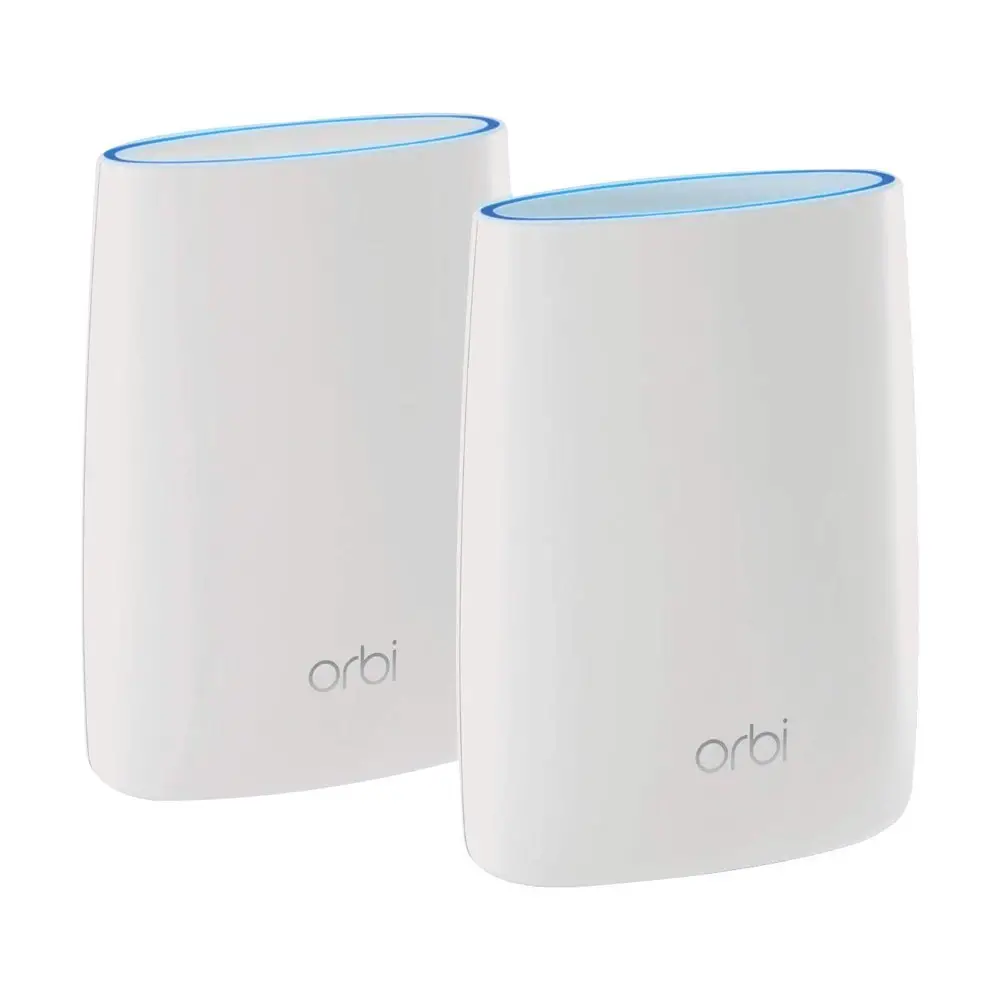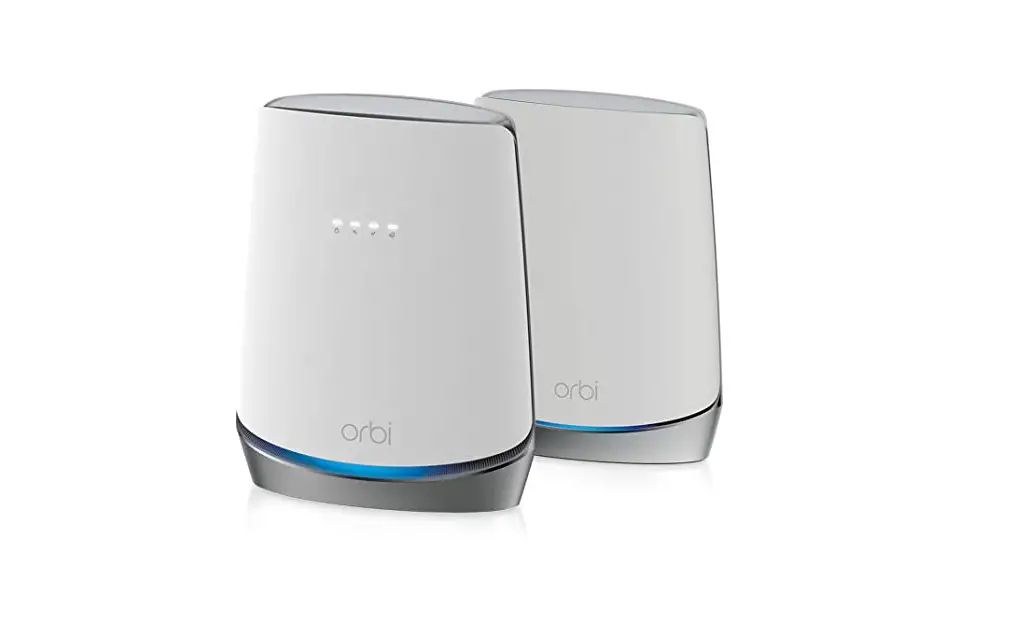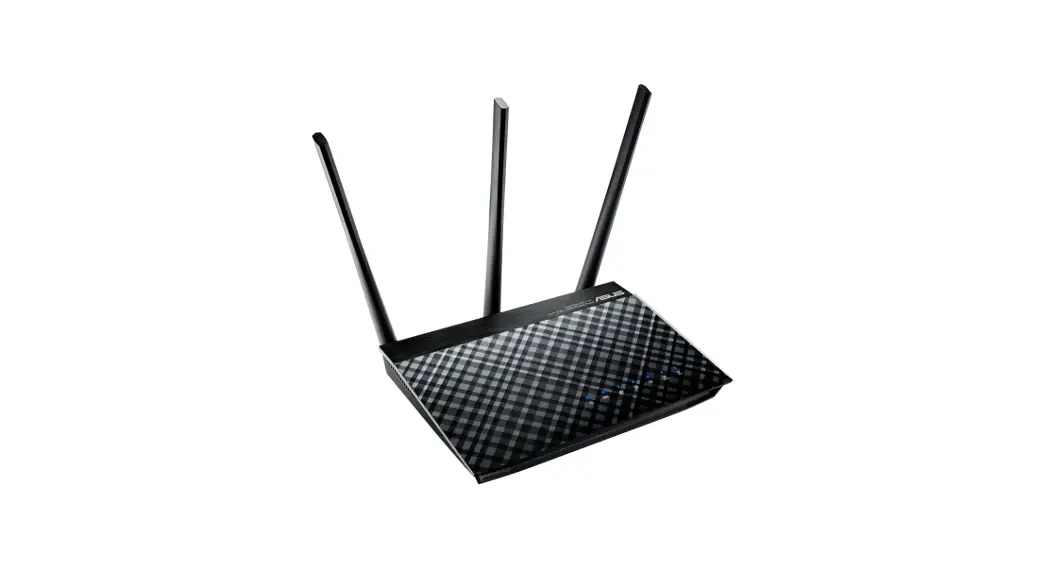

Quick Start Guide:
Setting up your Wi-Fi system (for DSL)
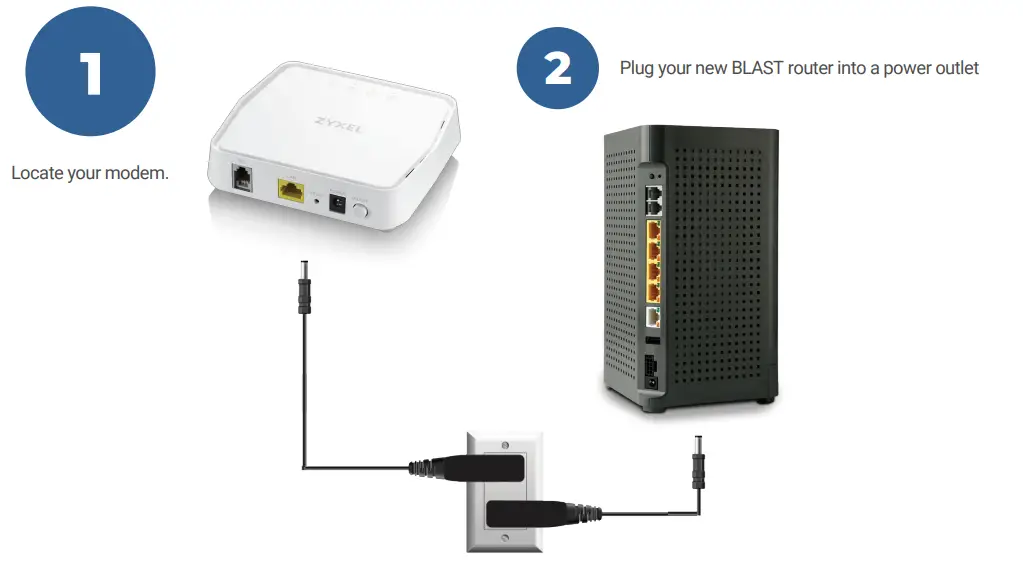
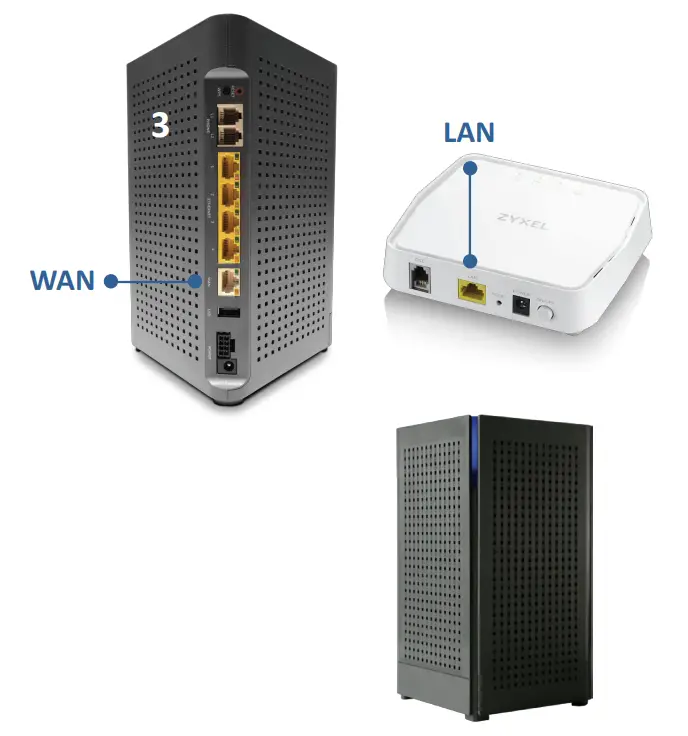
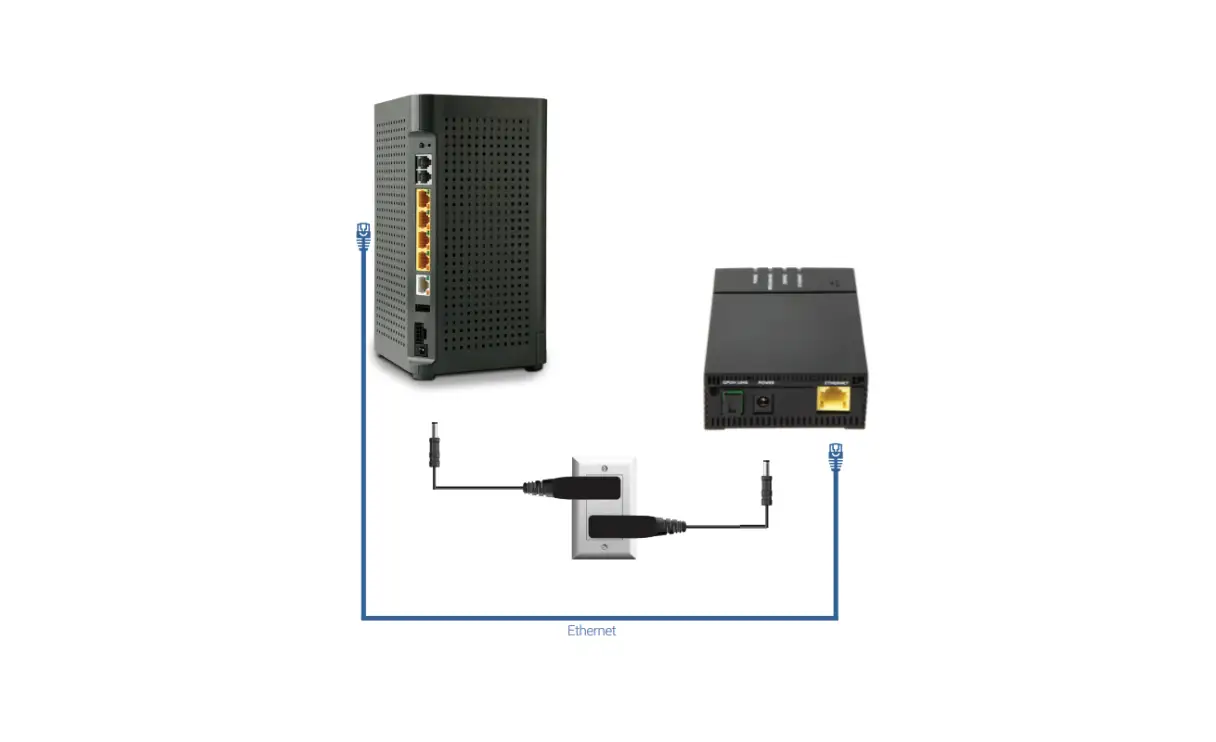
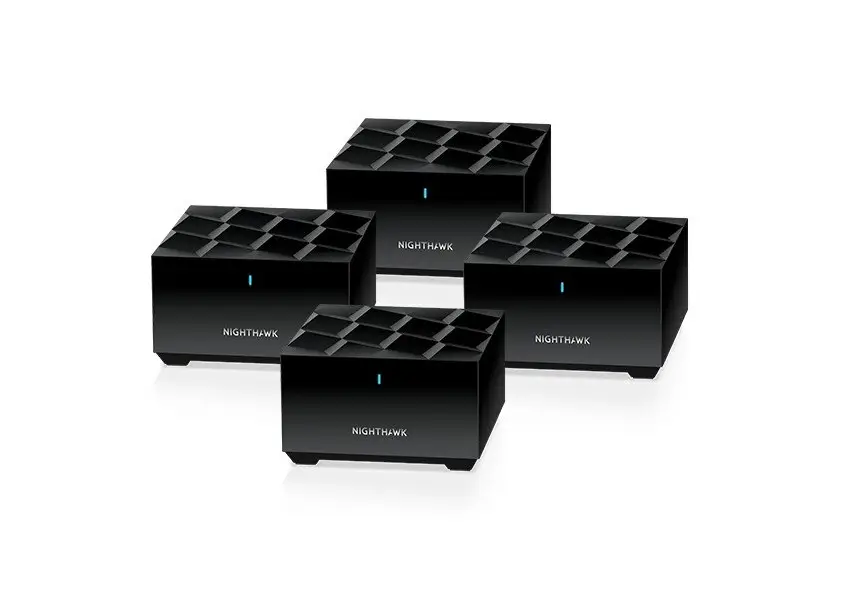
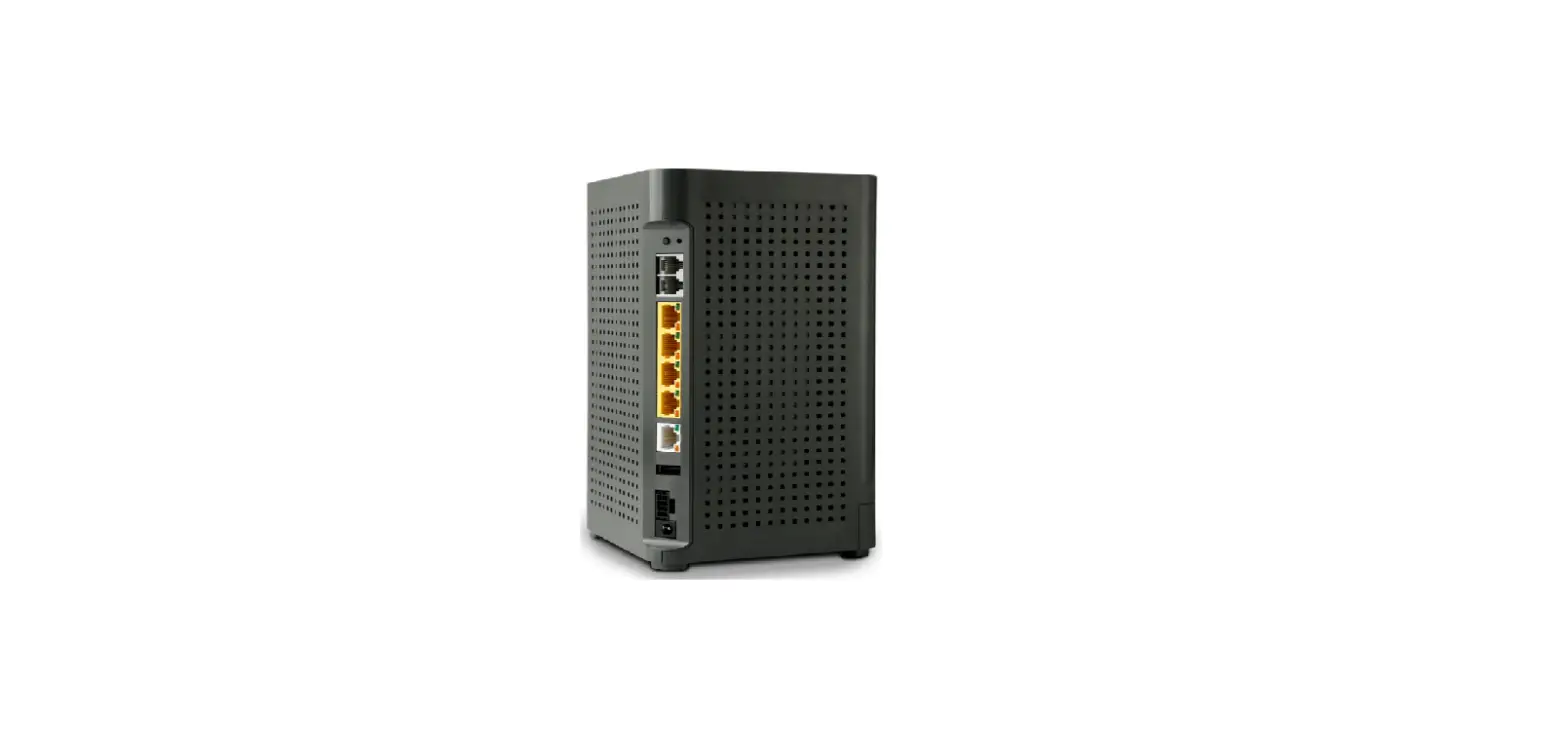
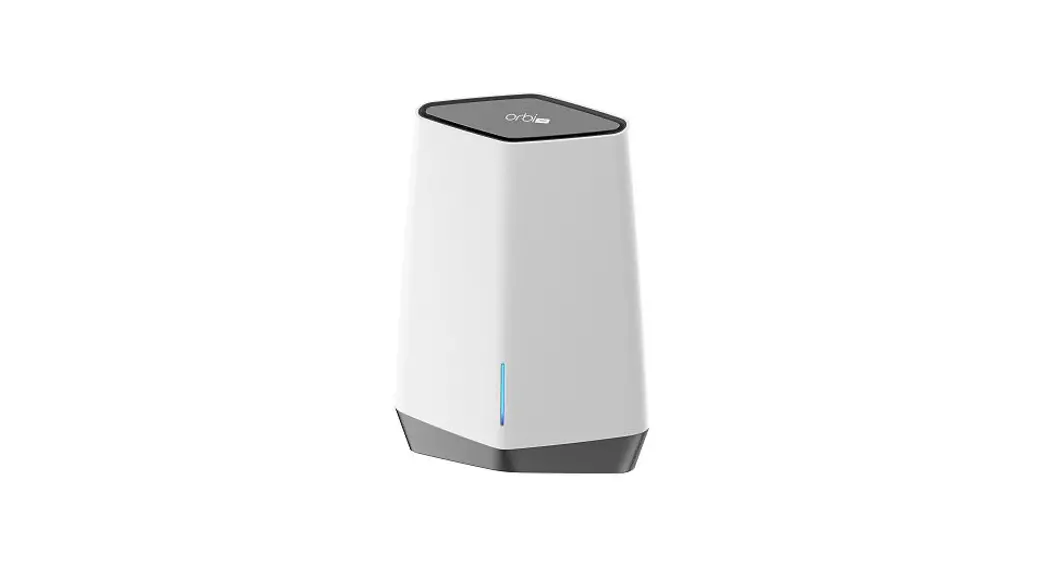
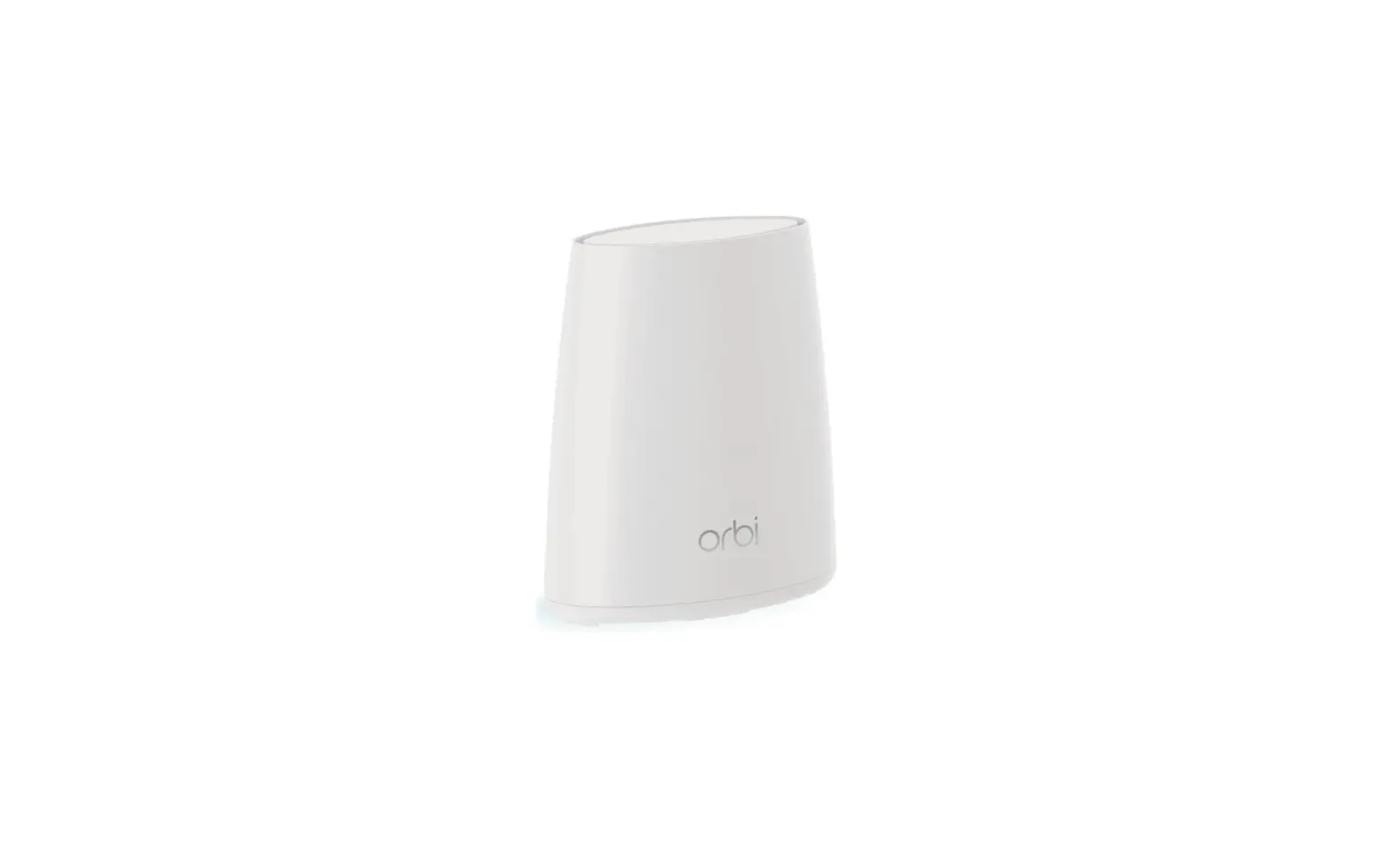
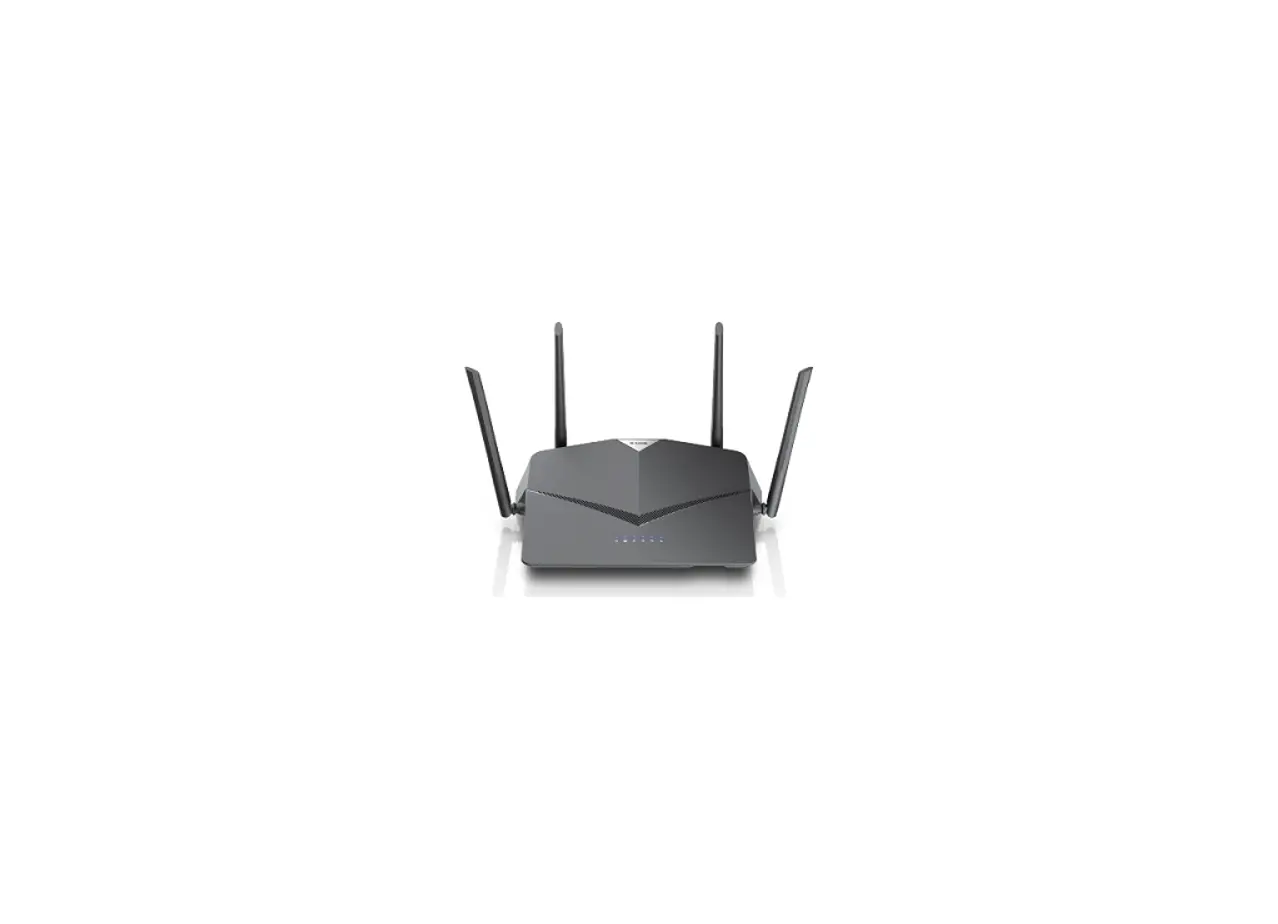
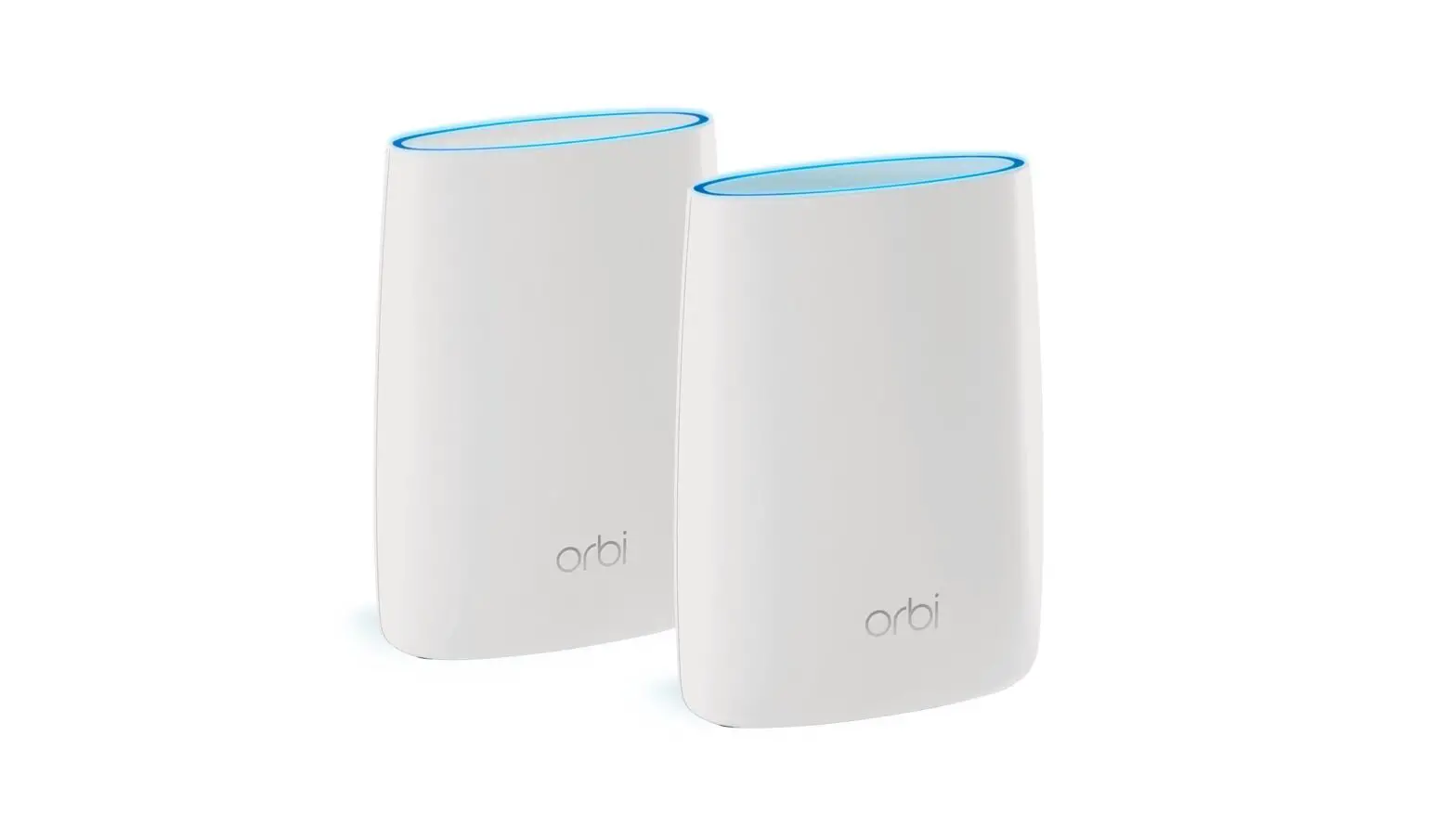
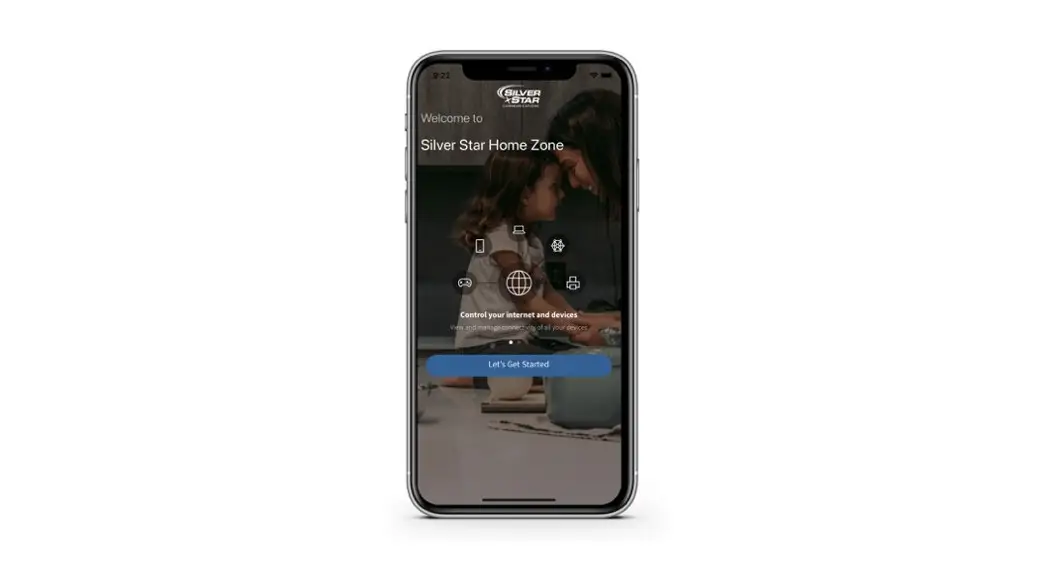
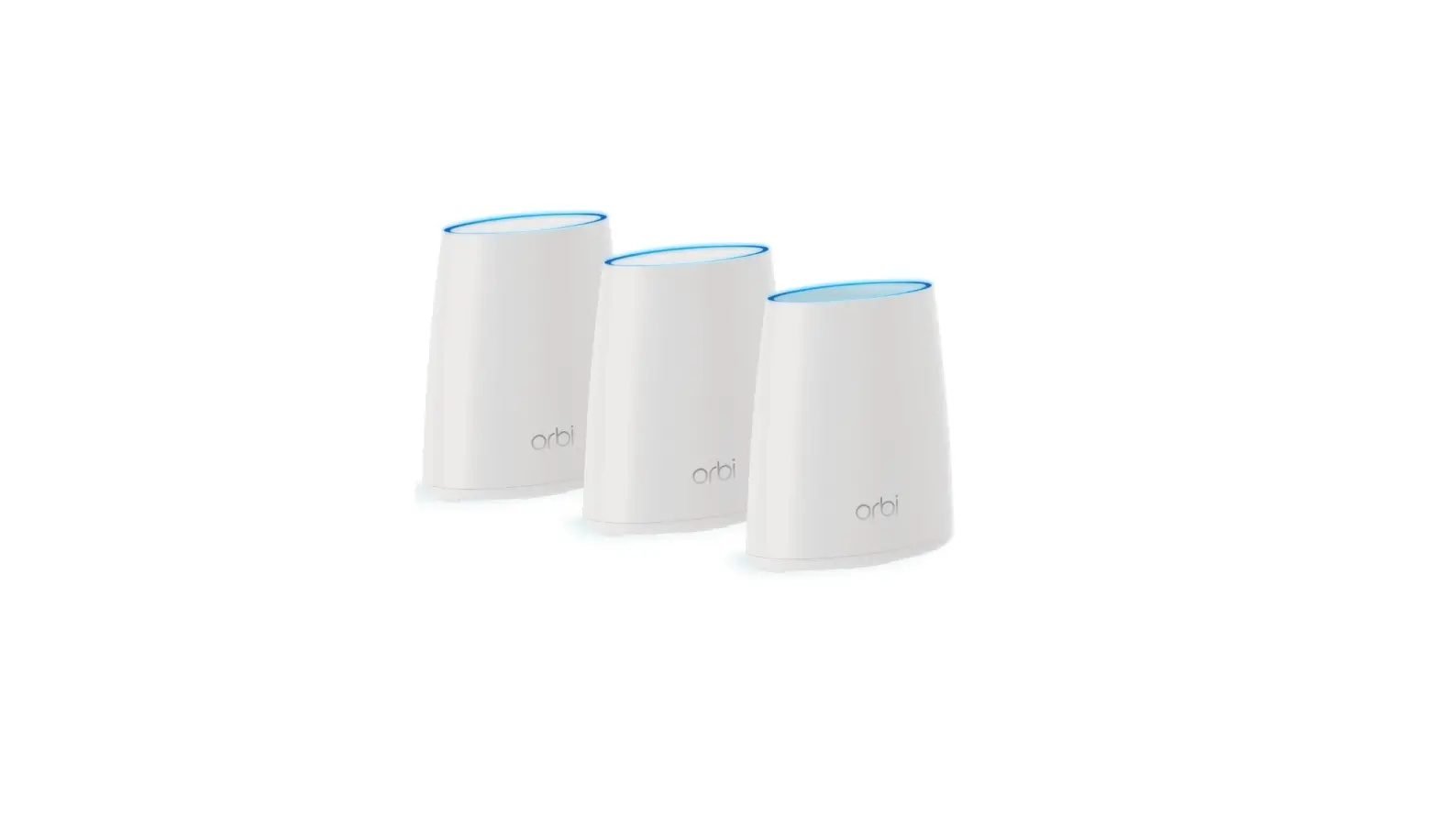
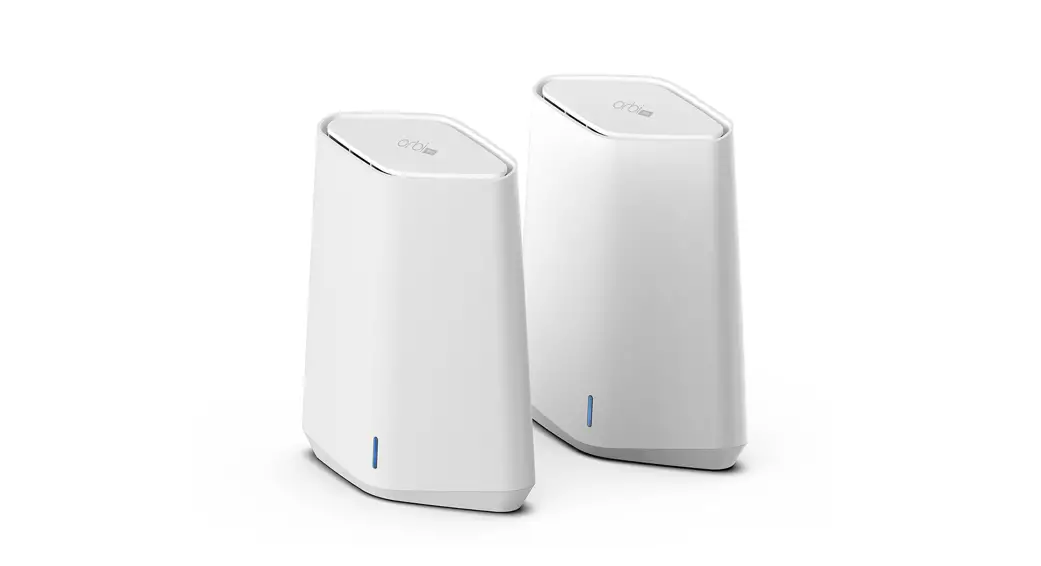
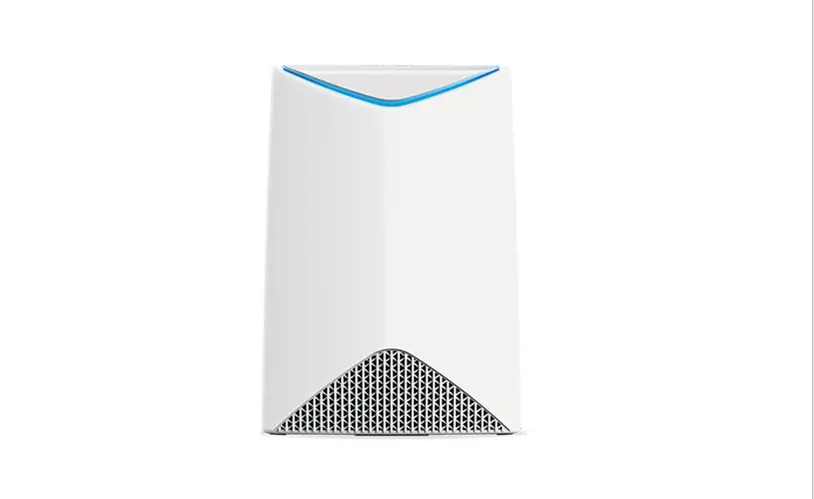
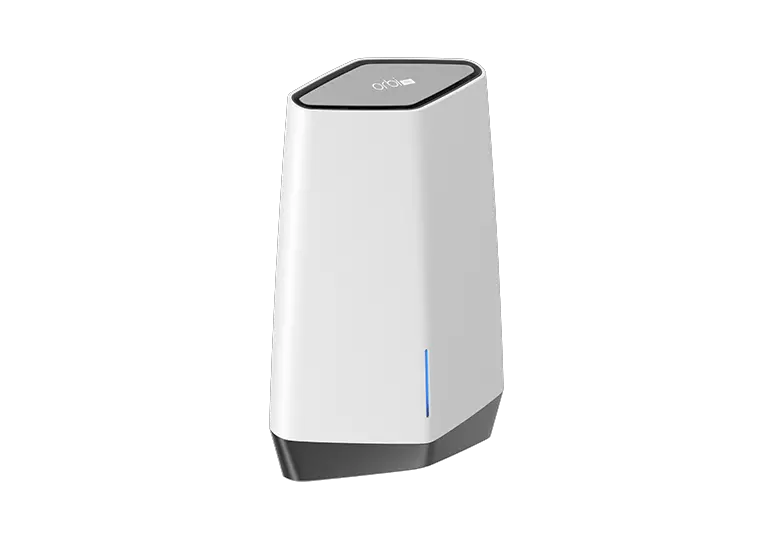
3 Connect the Ethernet cable from the port labeled LAN on your modem/ONT to the port labeled WAN on your new BLAST router. Wait 10 minutes for your router to boot-up.4 When completed, the LED light bar will be solid blue, letting your know that the internet connection has been established.5 Refer to the Quick Start Guide for the Silver Star Home Zone app to set up your Wi-Fi.
Need help?
Contact support: 877.883.2411 or visit SilverStar.com
April 2021
 Silver Star Internet Service Provider | Idaho & Wyoming