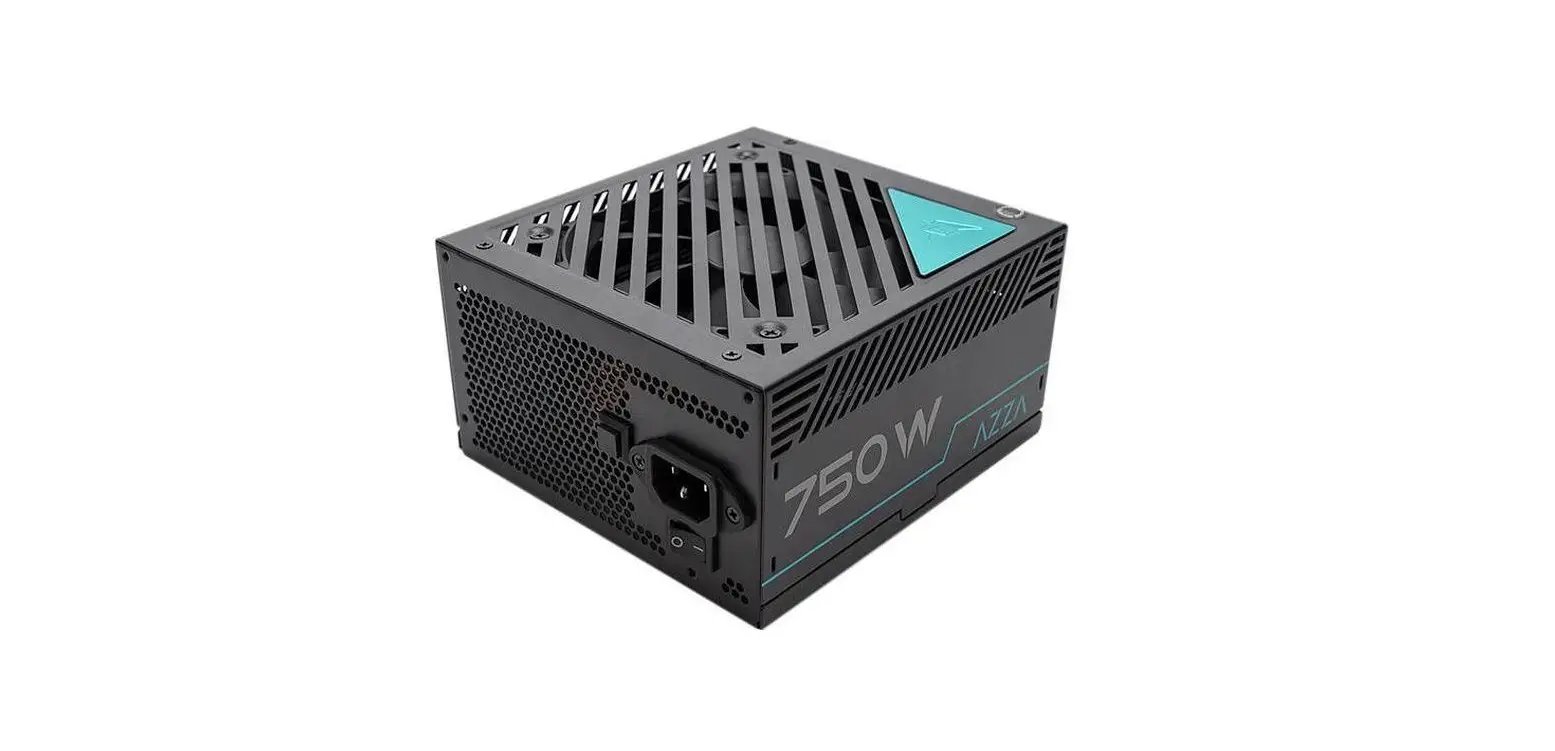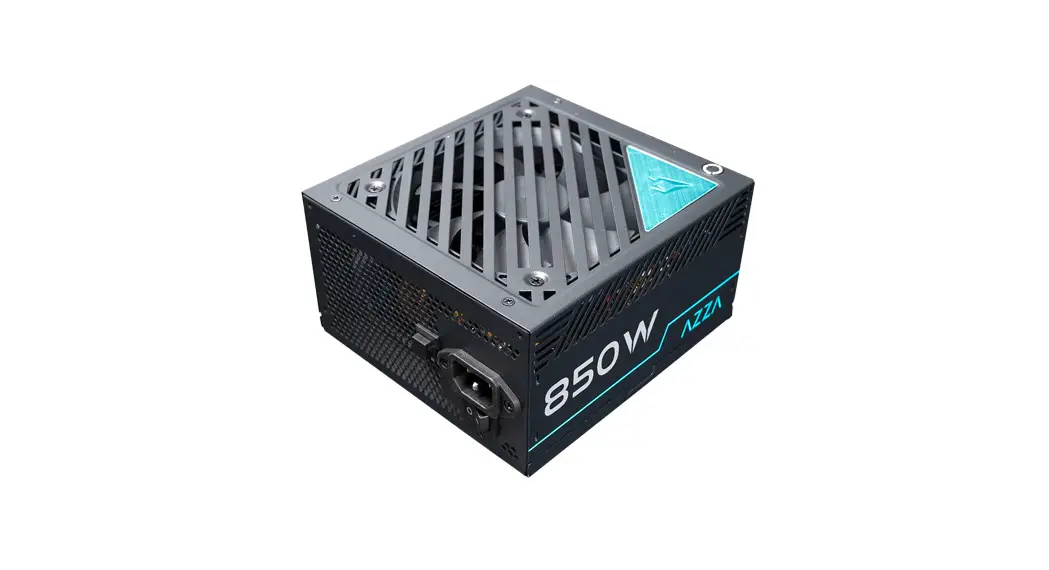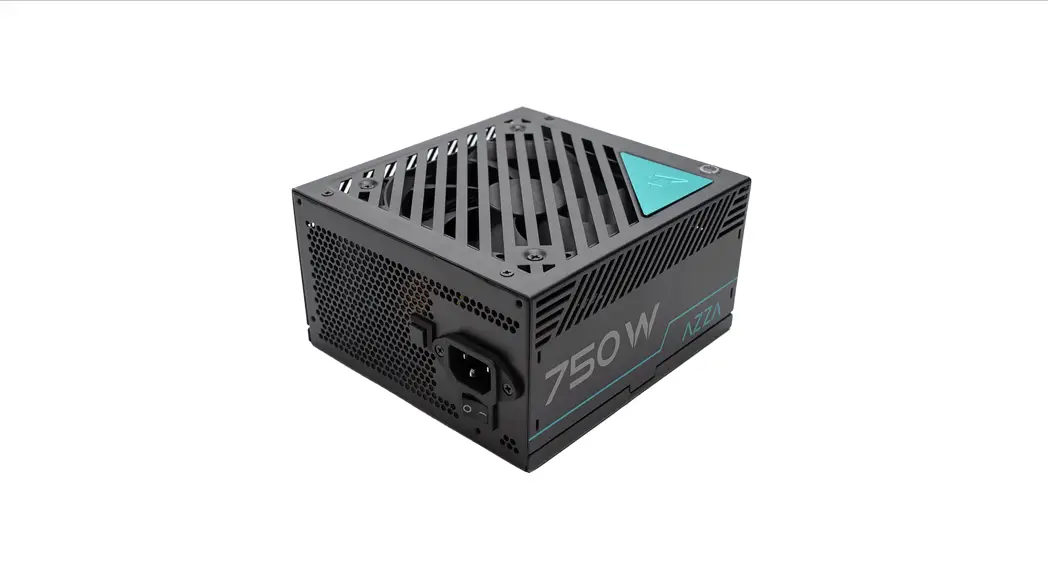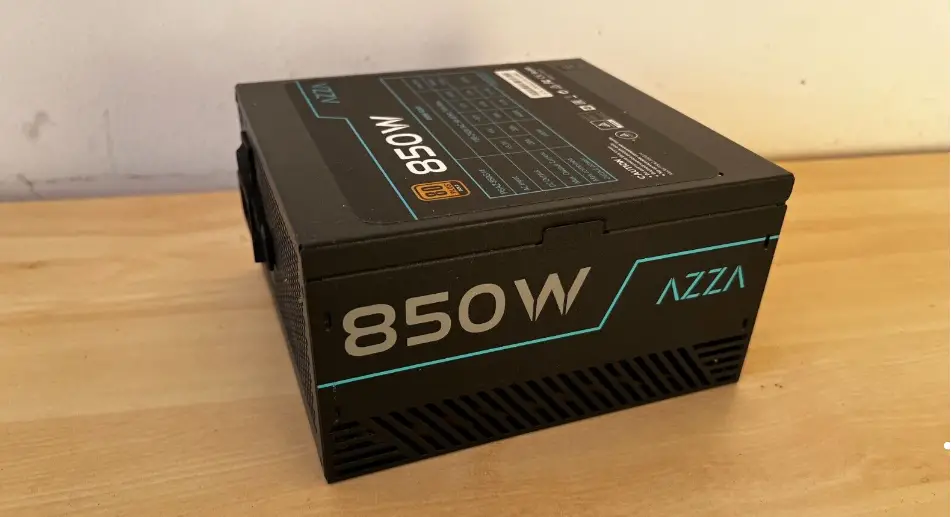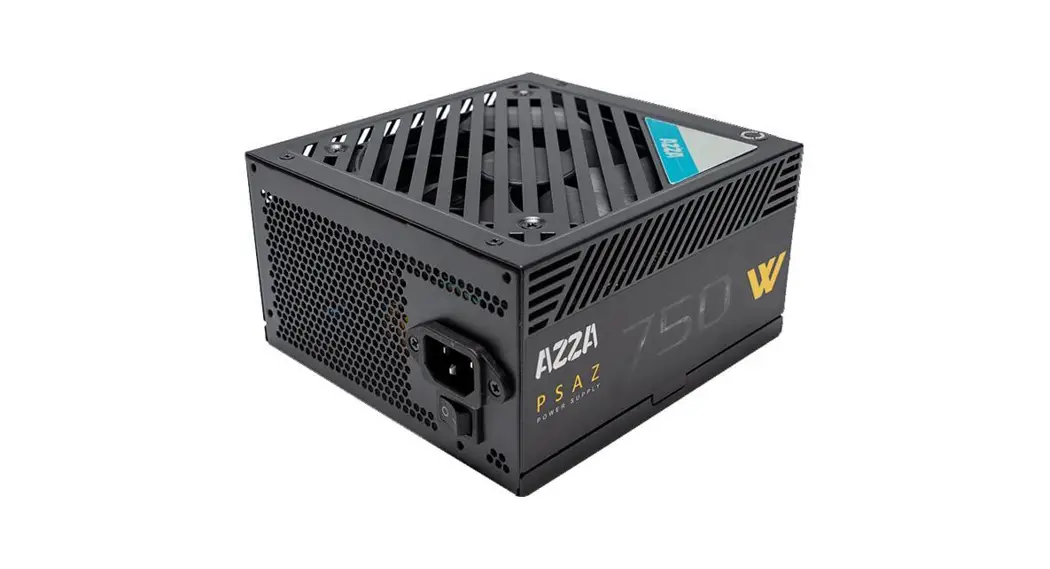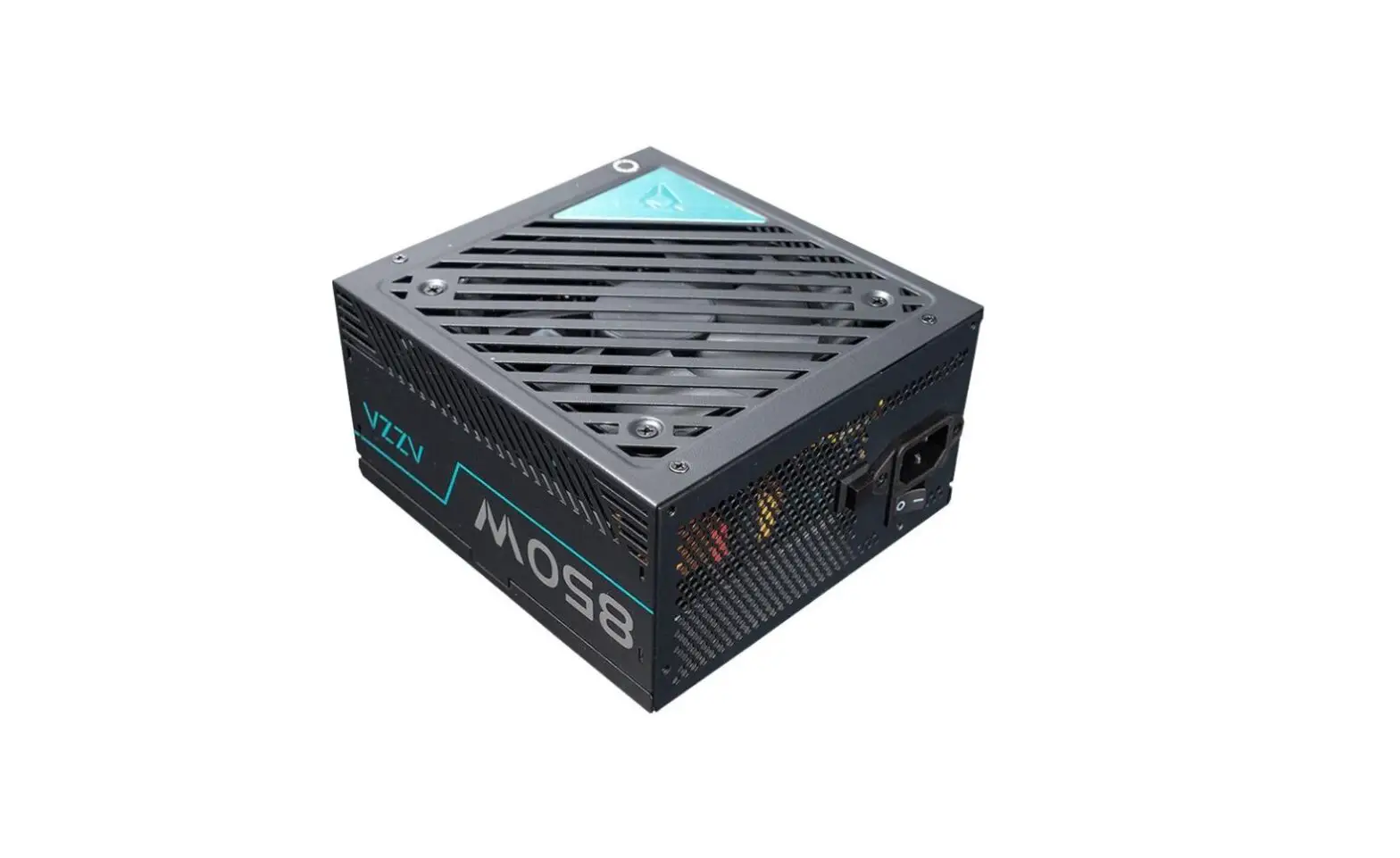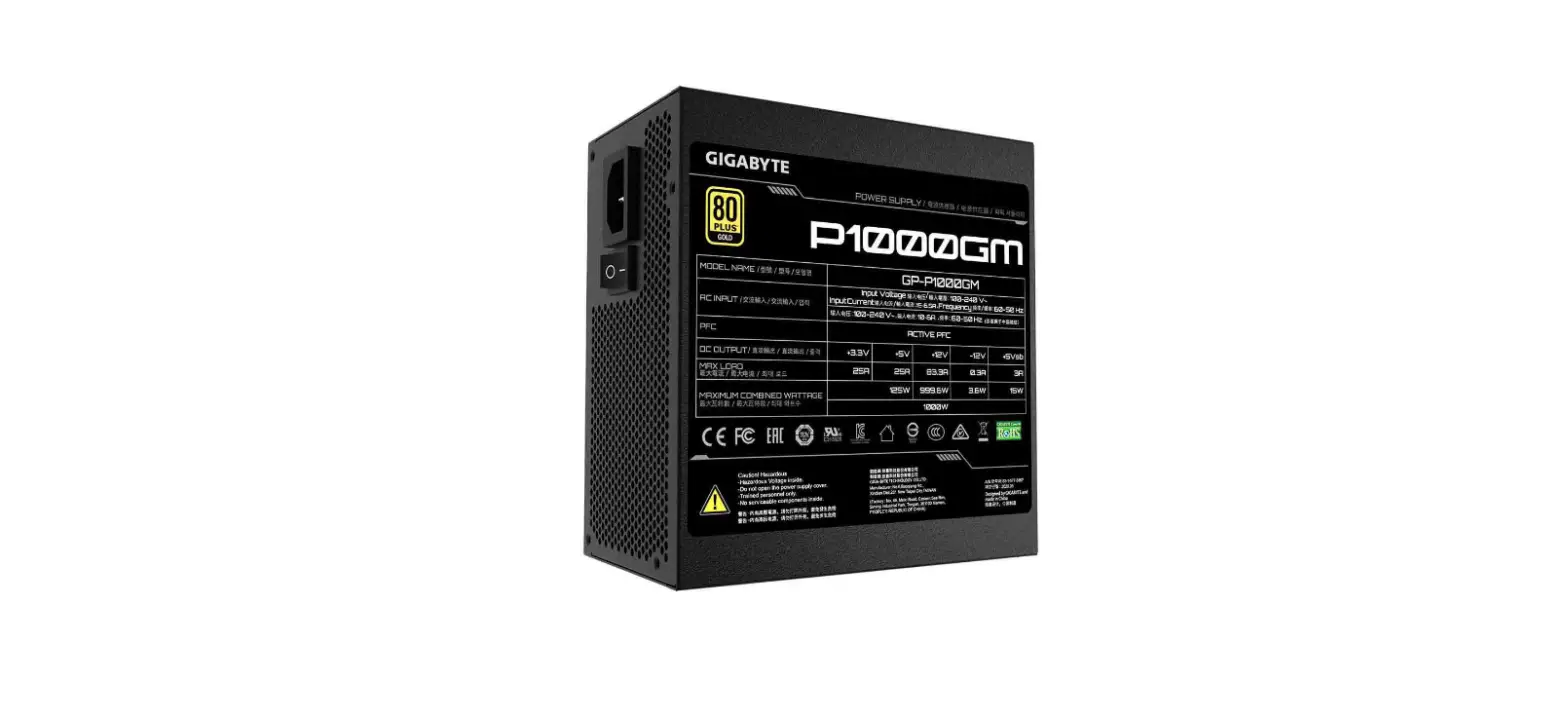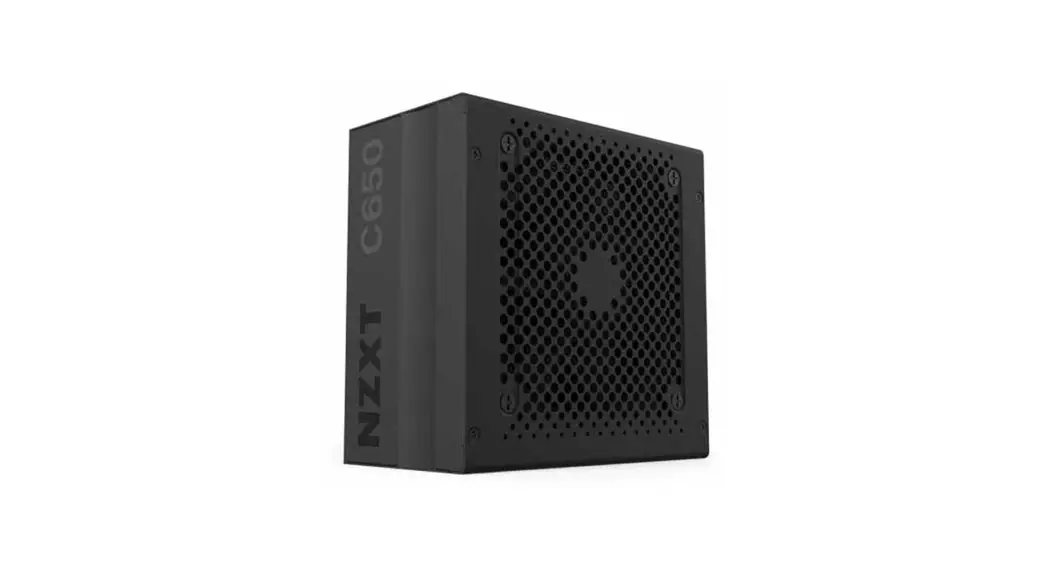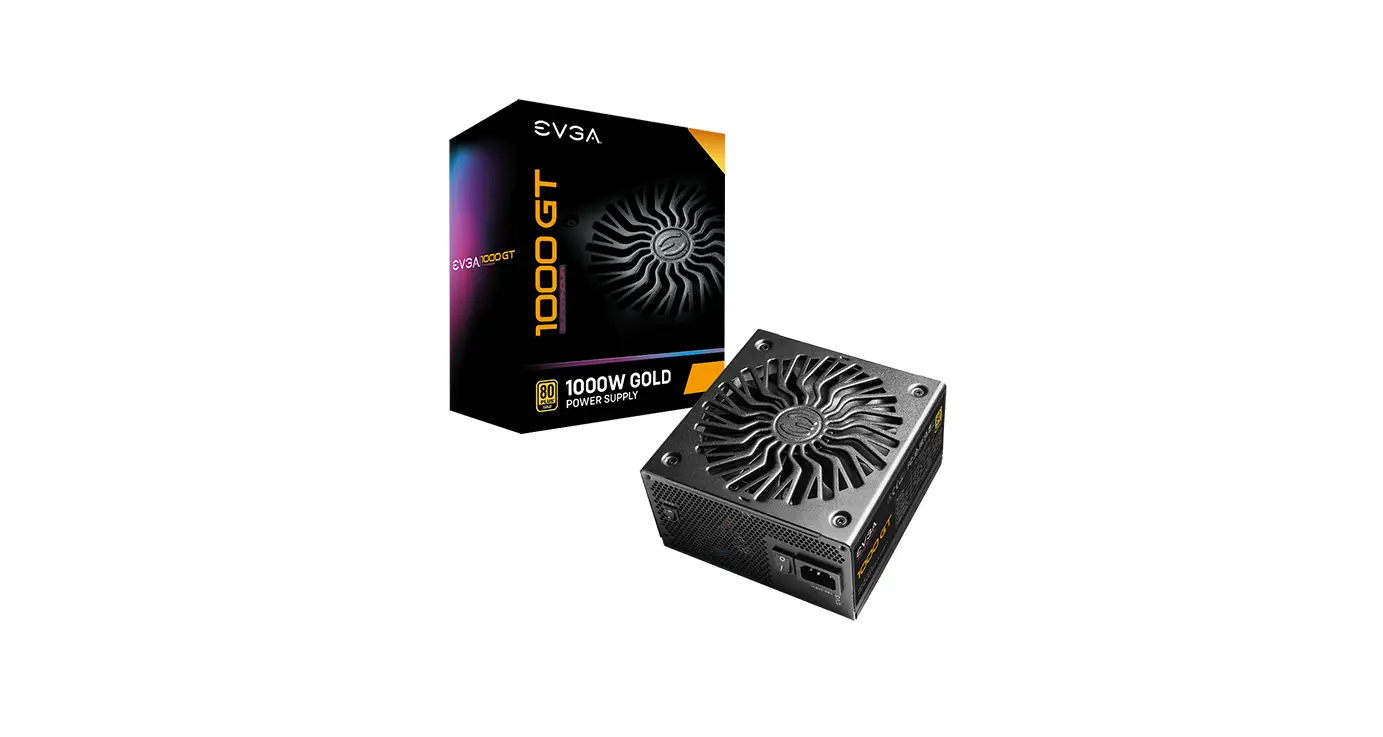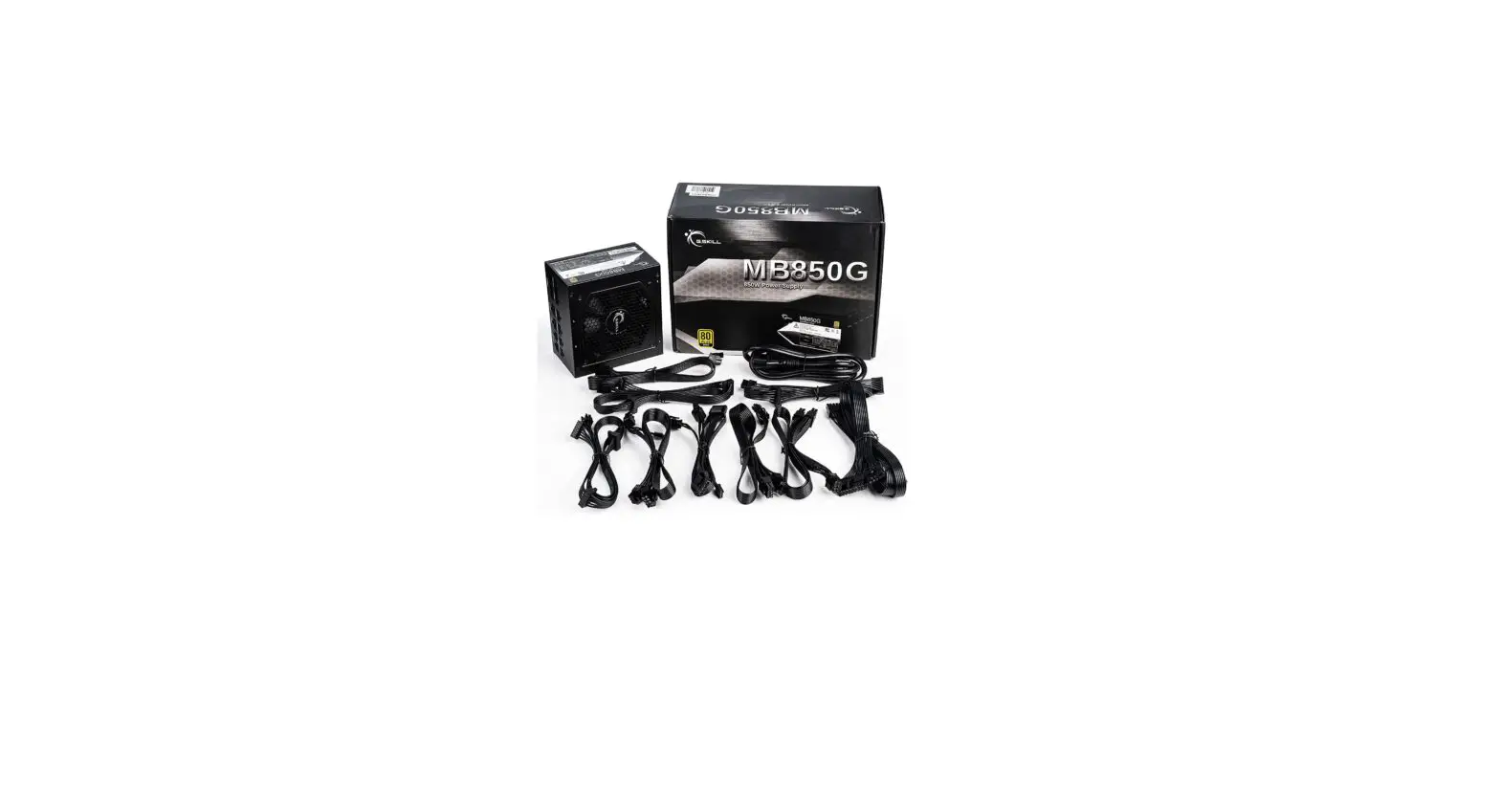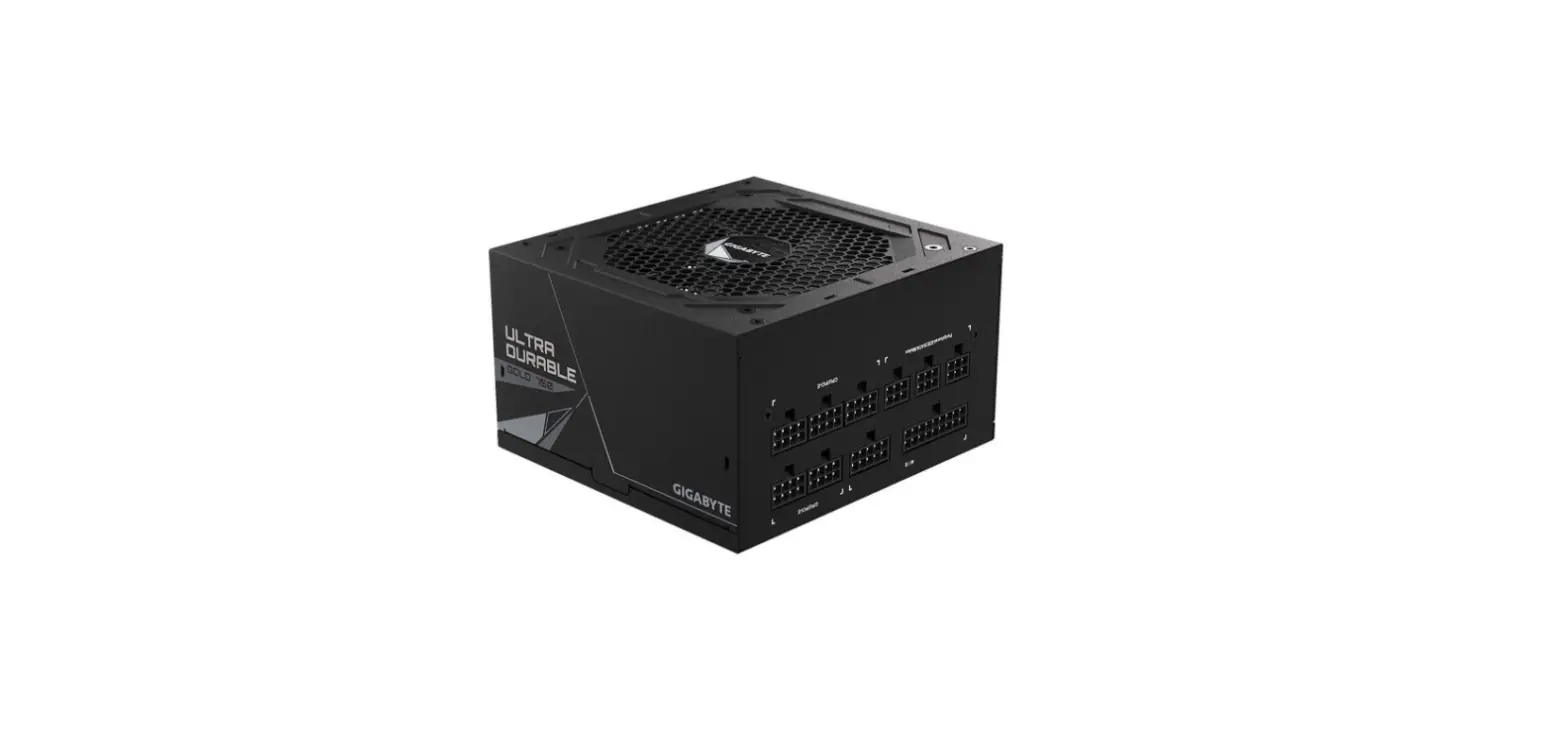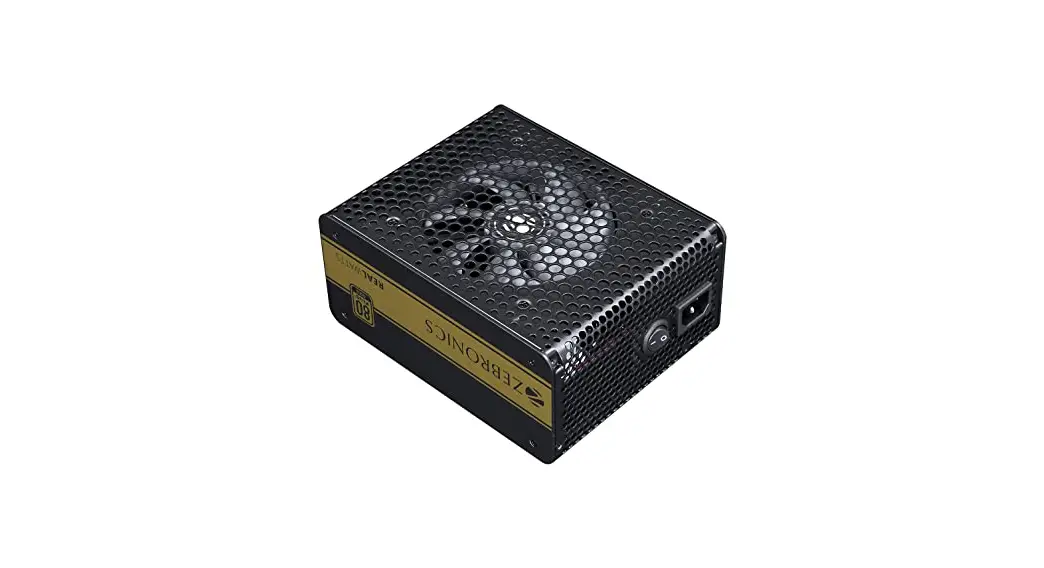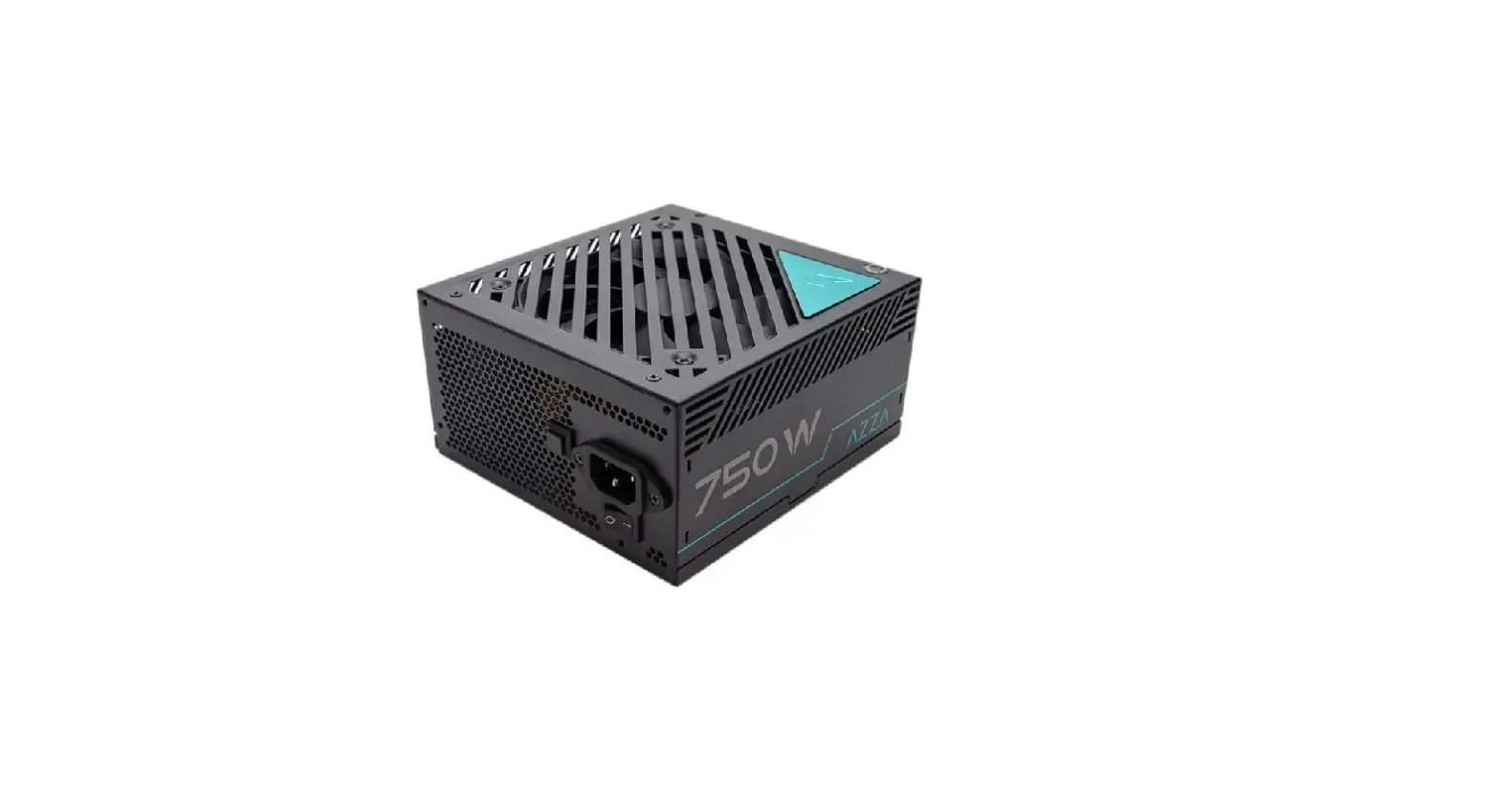

AZZA PSAZ-750G 750 W ATX 80 Plus Gold Certified Full Modular Power Supply
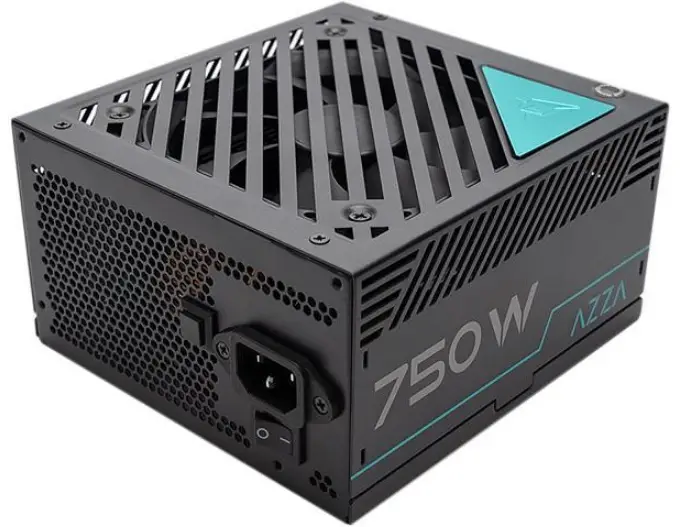
Product Information
- The all-new PSAZ-750G is an 80Plus Gold Certified gaming power supply.
- Fully Modular Cables for Quick and Easy Installation.
- Fan Quiet operation across a wide range of loads.
Features
- Complied with ATX12V V2.4,EPS12V V2.92 Standard
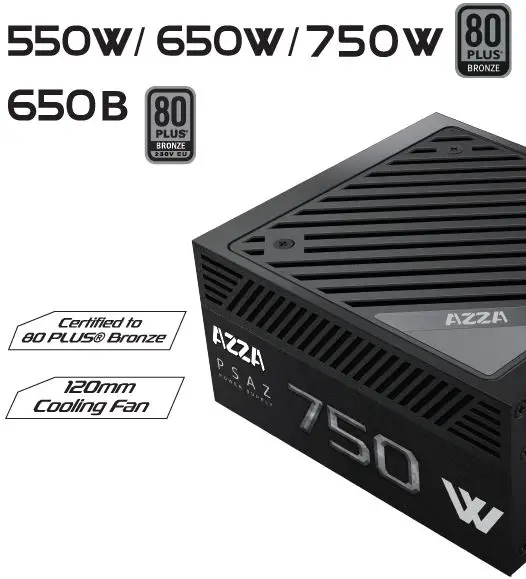
- 80 PLUS Gold certified, with 90% (115VAC) / 92% (230VAC) efficiency or higher under typical loads.
- High-Quality Components.
- Universal AC input from 1 00V-240V.
- 120mm fan: Quiet operation across a wide range of loads.
- Fully Modular to reduce clutter and improve airflow.
- Protection: UVP,OVP, OPP,OCP,SCP.
- Safety: FCC,CE,RoHS, CB,TUV,cTUVus.
- 3-Year Warranty.
Specifications
| Model Number | PSAZ-750G | |
| Output | 750W | |
| Type | ATX 12VV2.40/ EPS 12VV2.92 | |
| Cable Management | Fully Modular | |
| Efficiency | 80 PLUS Gold (UP to90%) | |
| AC Input | 100-240V AC,50-60Hz,10A Max. | |
| Fan | 120mm HYB | |
| Typical Load Fan Noise(dBA) (50% Loading) | <35dBA | |
| Full Protection | UVP/OVP/OPP/OCP/SCP | |
| Safety Certifications | FCC/CE/RoHS/CB/TUV/cTUVus | |
| Dimensions (L x W x H) | 150x160x86mm | |
| Package Dimensions | 350x225x115mm | |
| Net Weight | 2.40kg | |
| Gross Weight | 2.53 kg | |
| Warranty | 3 Years | |
|
Connectors | 20+4 Pin Motherboard | 1 |
| 8 (4+4) Pin CPU | 2 | |
| 8 (6+2) Pin PCI-E | 4 | |
| Molex | 3 | |
| SATA | 6 | |
| FDD | 0 | |
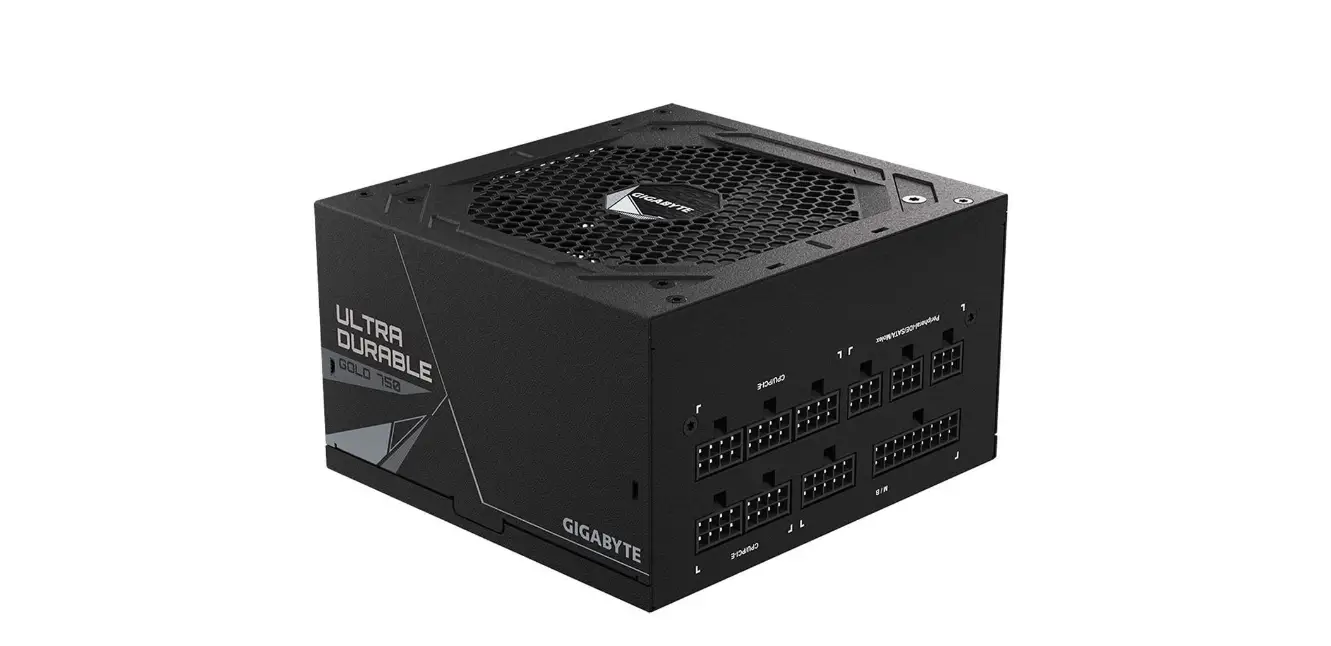
Connector Diagram
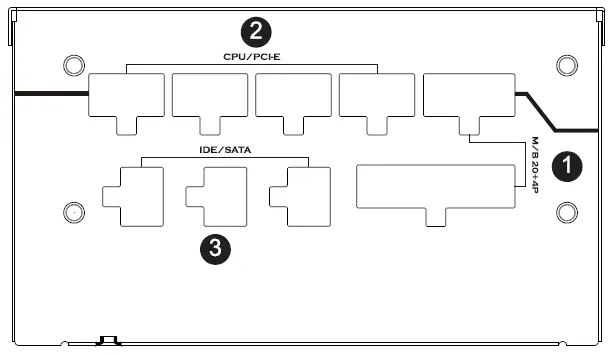
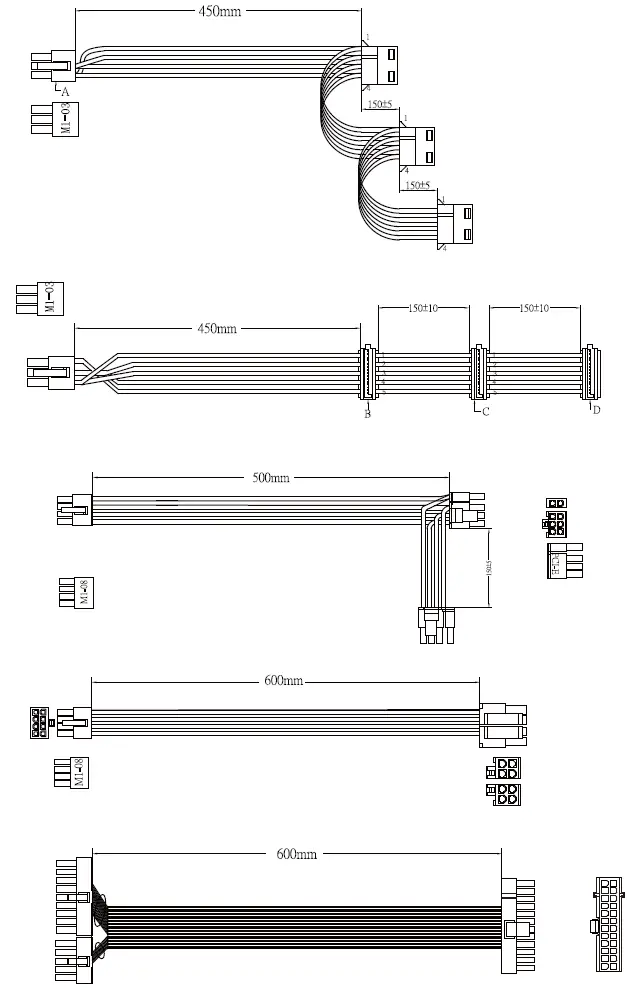
- M/8 Connector-For Main board used only.
- CPU&PCI-E-For CPUs or PCI-E used.
- Peripheral-lDE/ SATA-For HDD, optical drives, and all other internal devices.
Package Contents
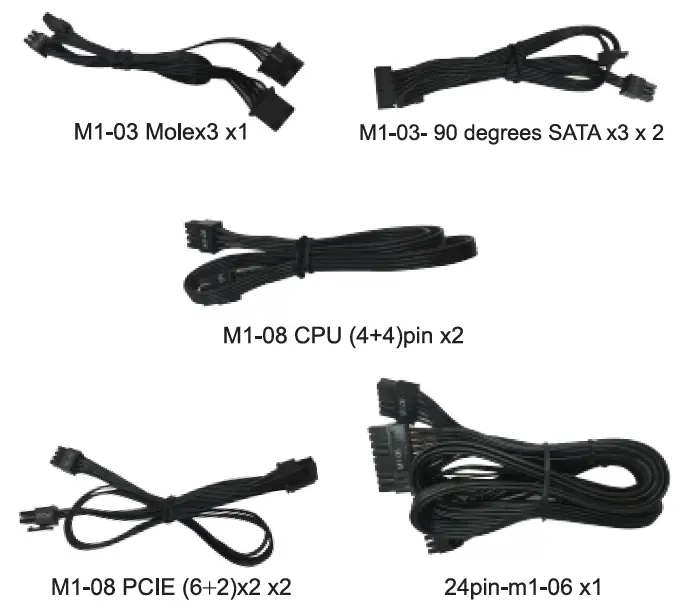
Cables
Smart Fan Control
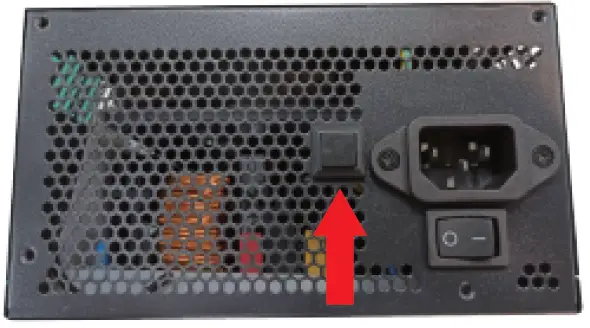
- Fan voltage varies with the ambient temperature and or output power.(when Switch ON)
- Zero RPM mode (when Switch OFF)
- Zero RPM mode allows the fan to remain off during low to medium loads. This technology uses various temperatures from inside the PSU and the power output level to determine when active cooling is needed for the PSU.When you’re pushing it hard the fan will turn itself on to ensure that it gets the cooling it needs without any extra noise.
Installation
- Make sure the power supply’s AC power cable is not connected before installation.
- Place the power supply unit into the space provided in the case and secure the power supply unit with the screws.
- Connect 24pin power to the 24pin socket on the motherboard.
- Connect the 8pin +12V cable to motherboard.
- If your motherboard has an 8pin +12V socket, connect the 8pin cable directly to your motherboard.
- If your motherboard has a 4pin +12V socket, detach the 4pin from the 8pin cable and plug the 4pin cable directly to your motherboard.
- Connect the peripheral cables. PCI Express cables, and the SATA cables to the appropriate socket.
- Make sure all the cables are tightly connected and save any unused modular cables for future usage.