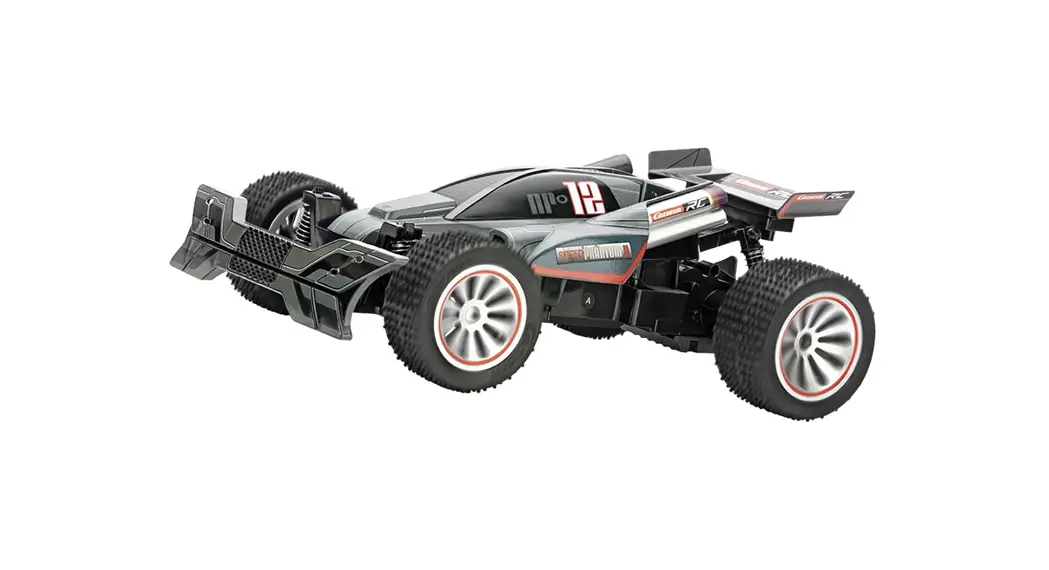
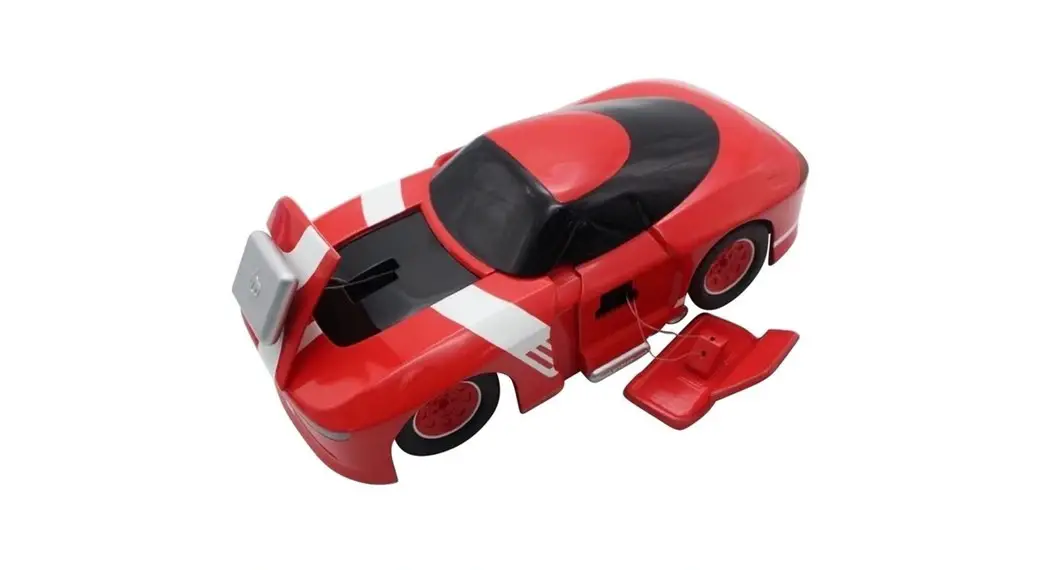
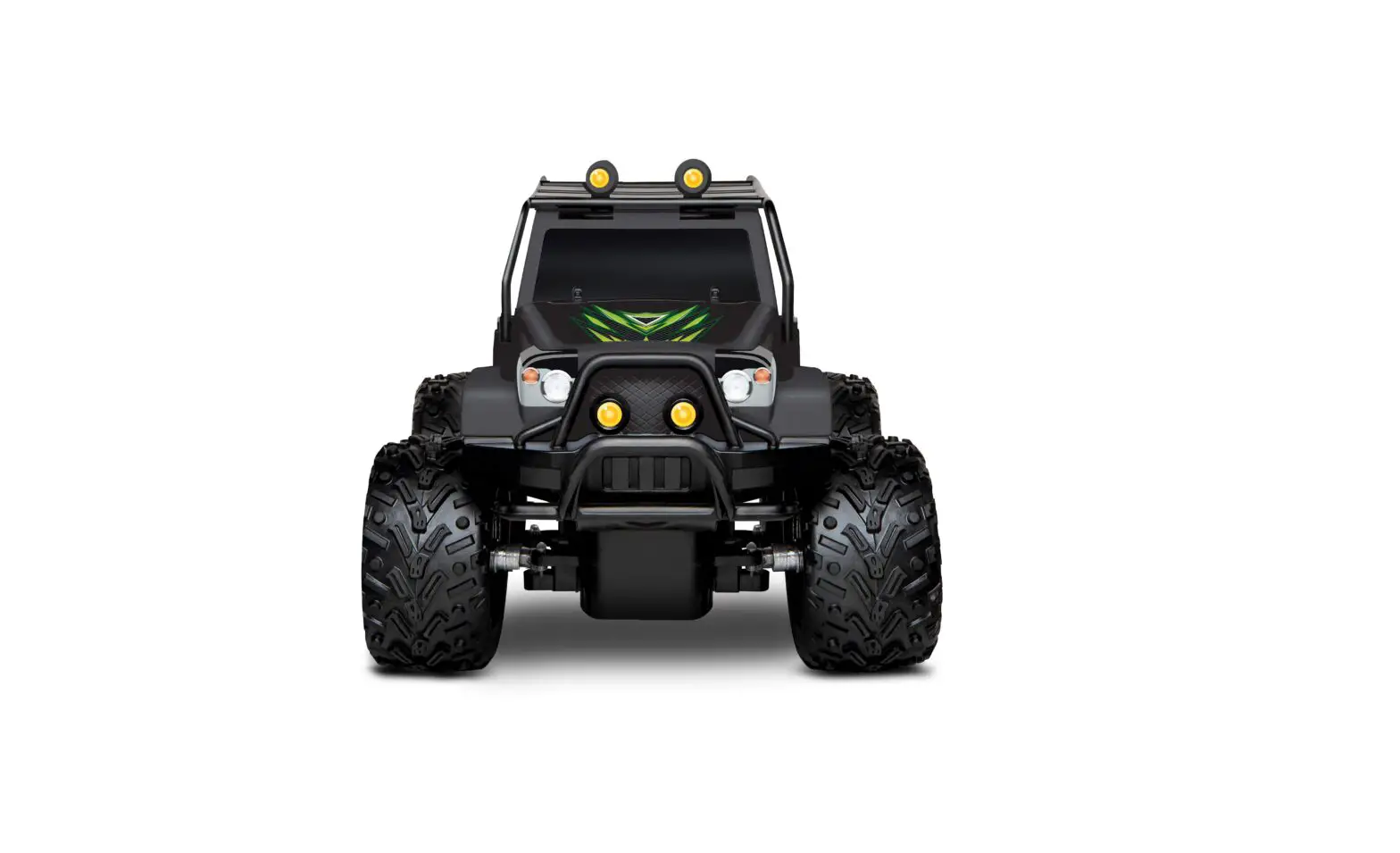
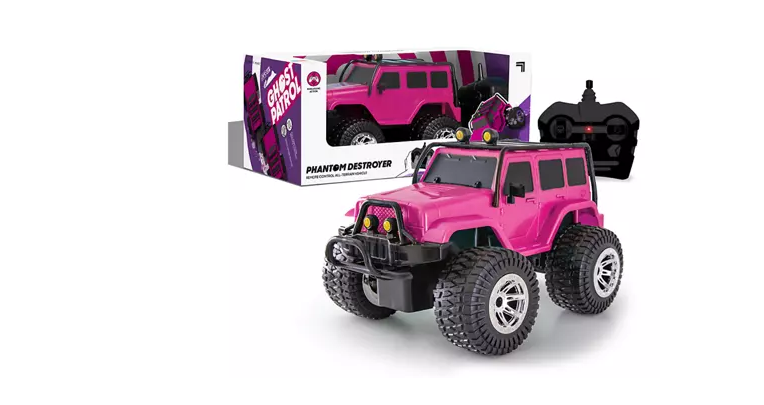
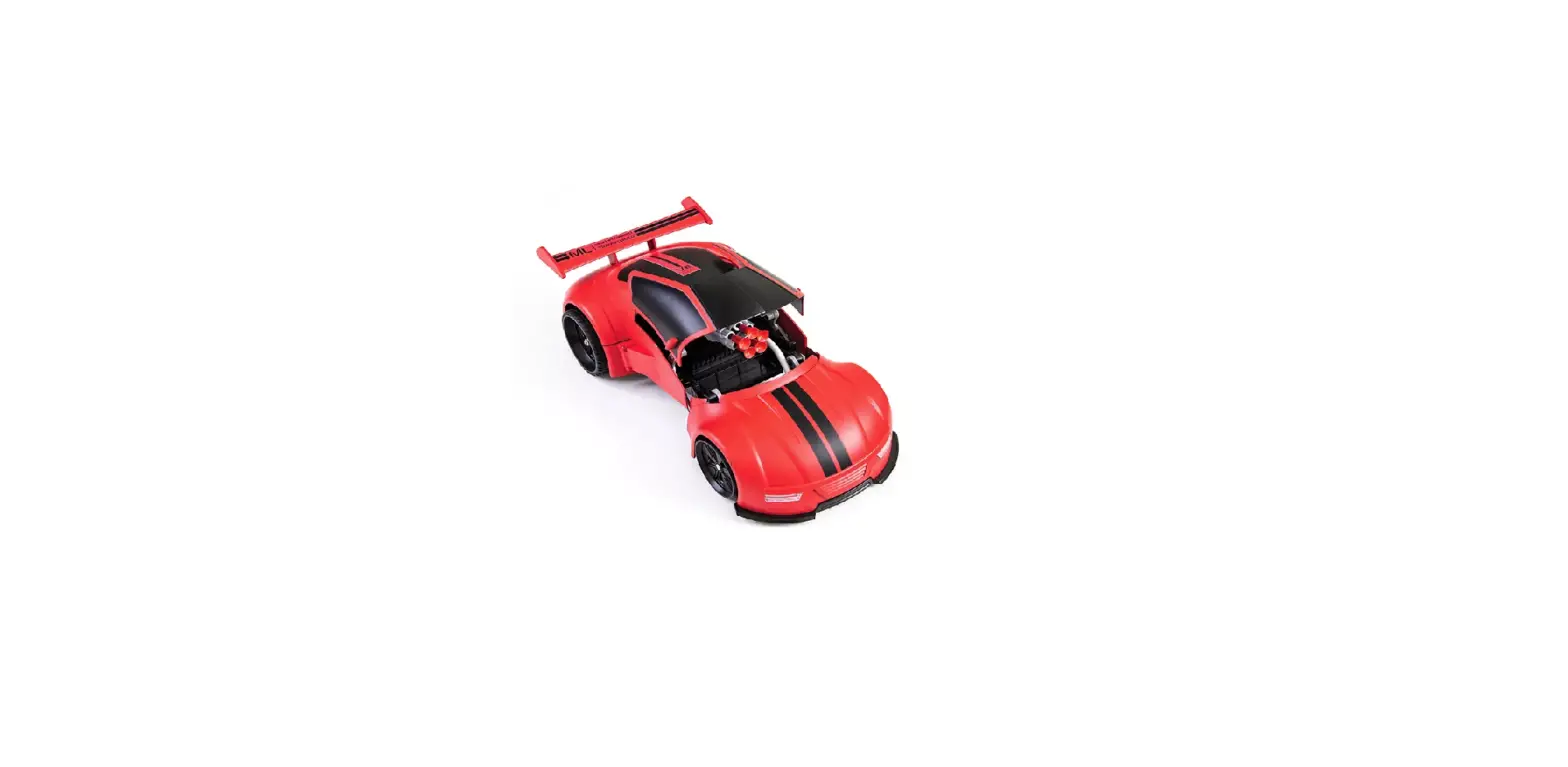
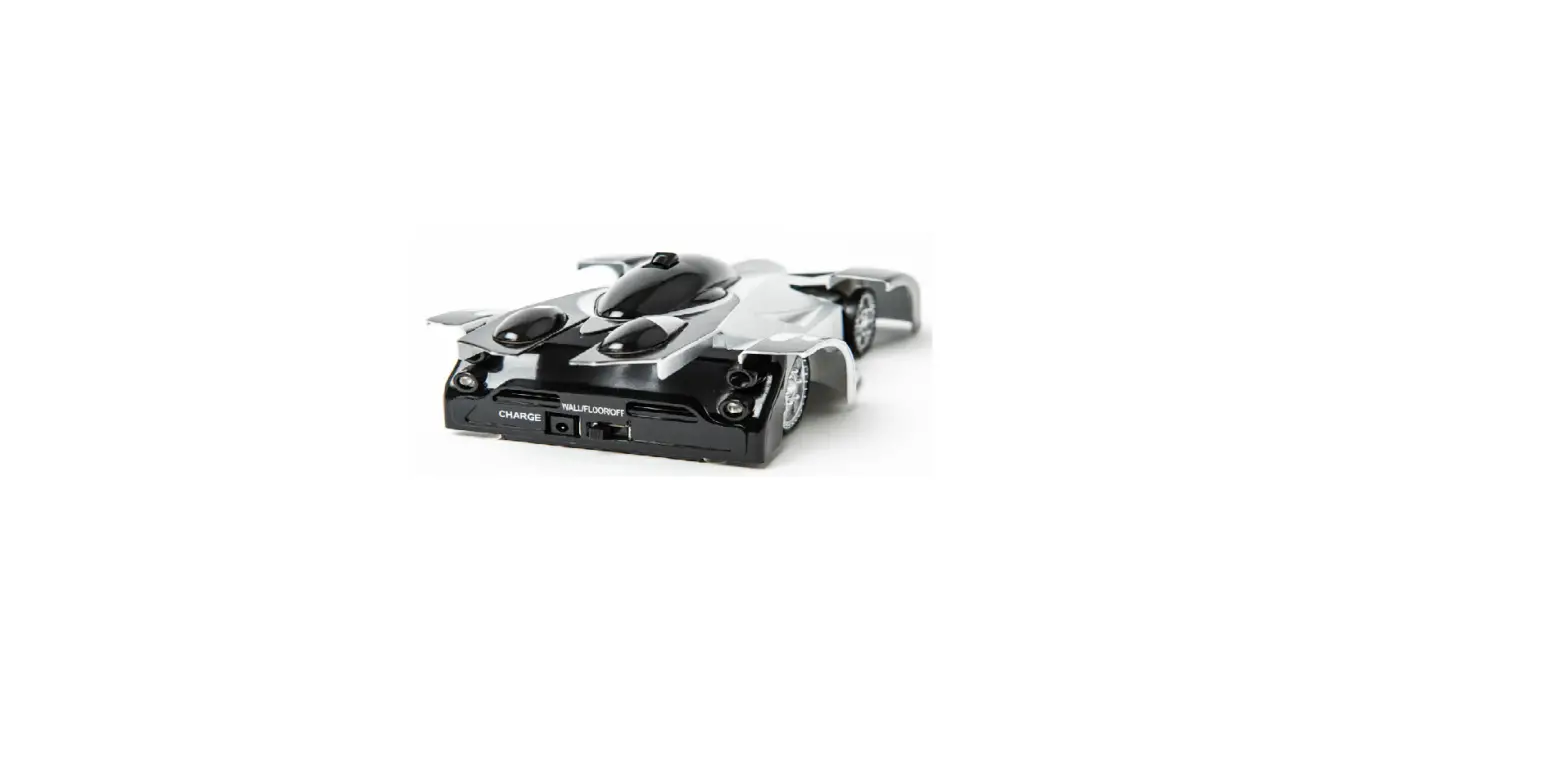
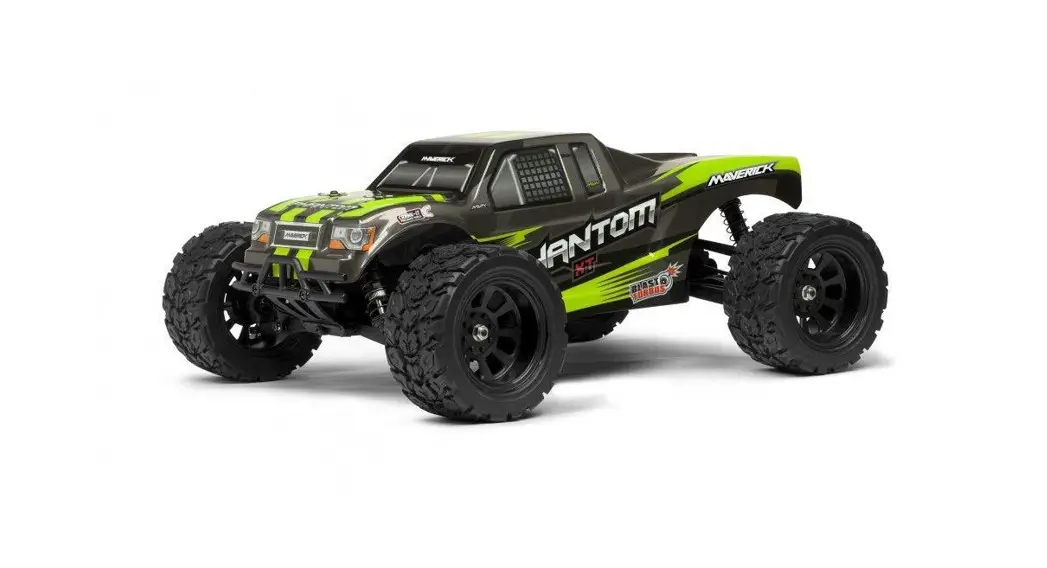
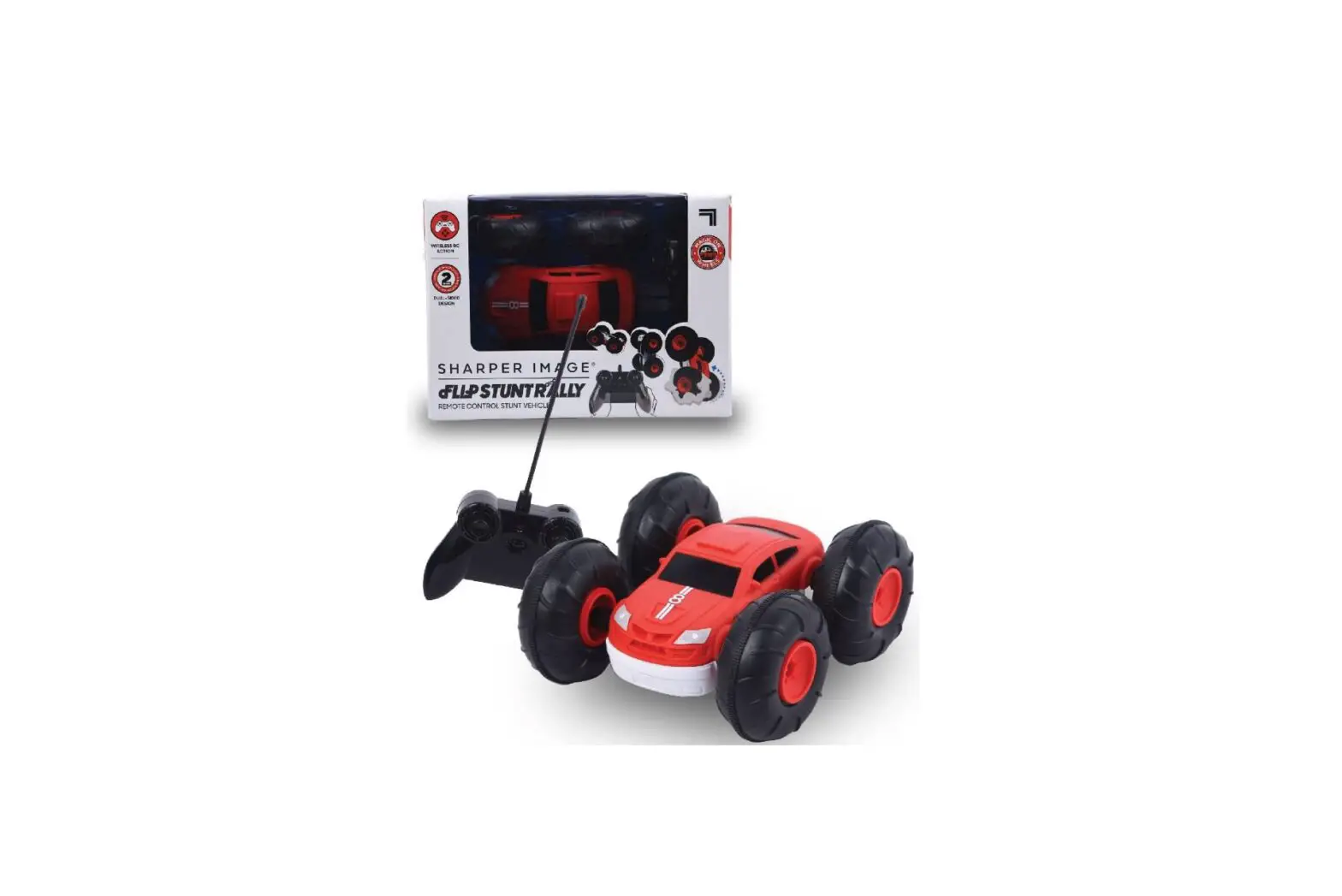
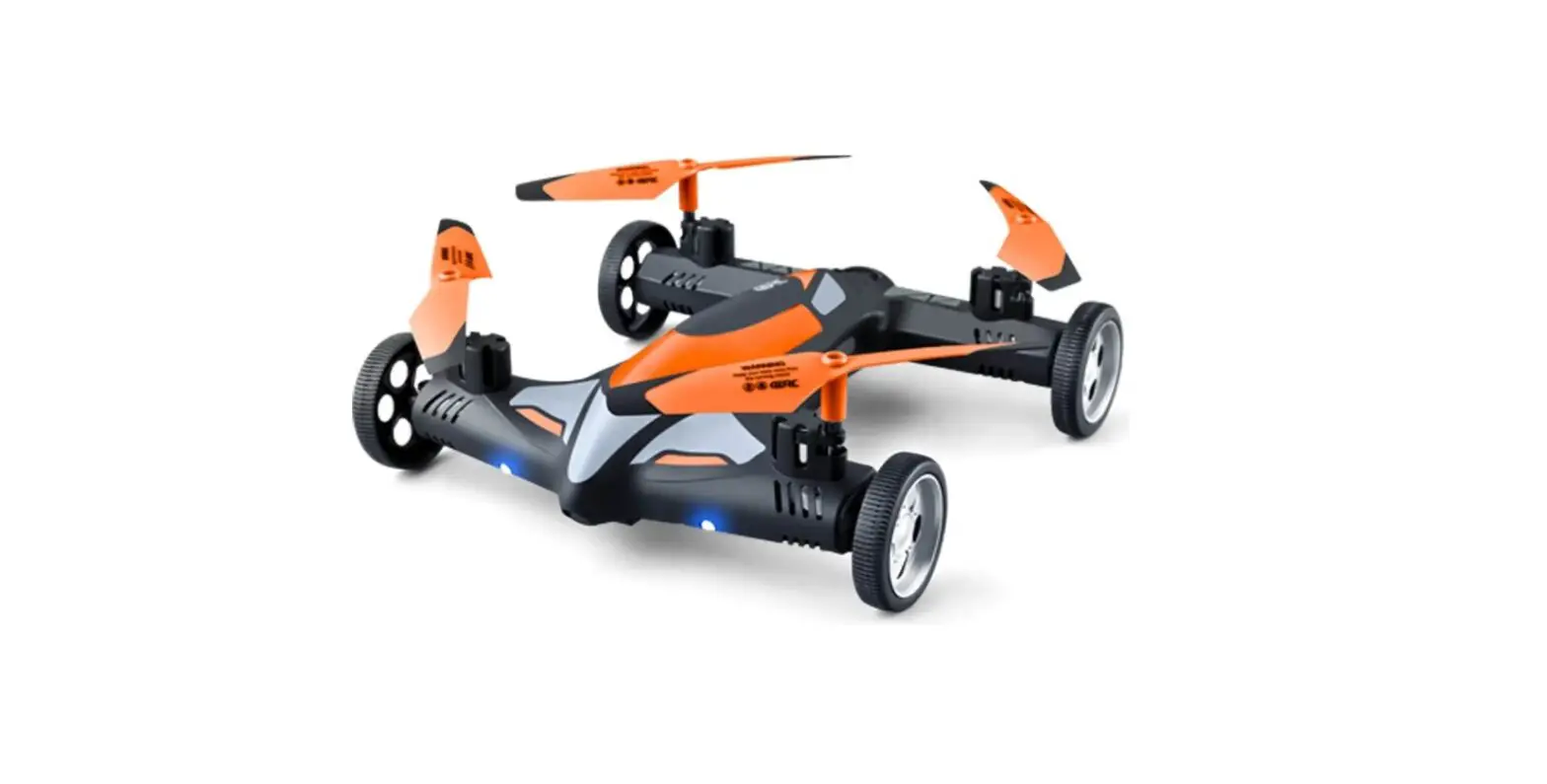
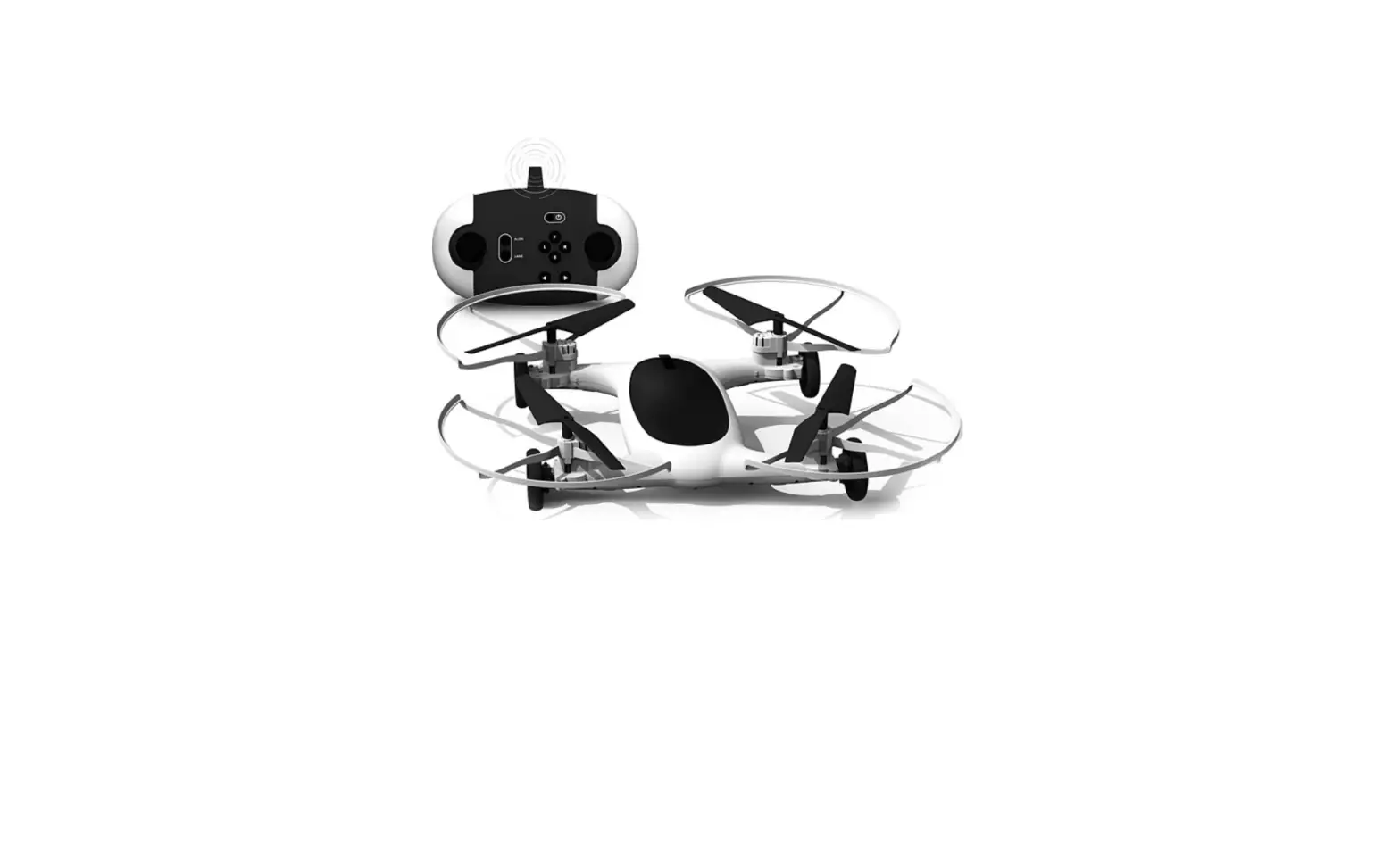
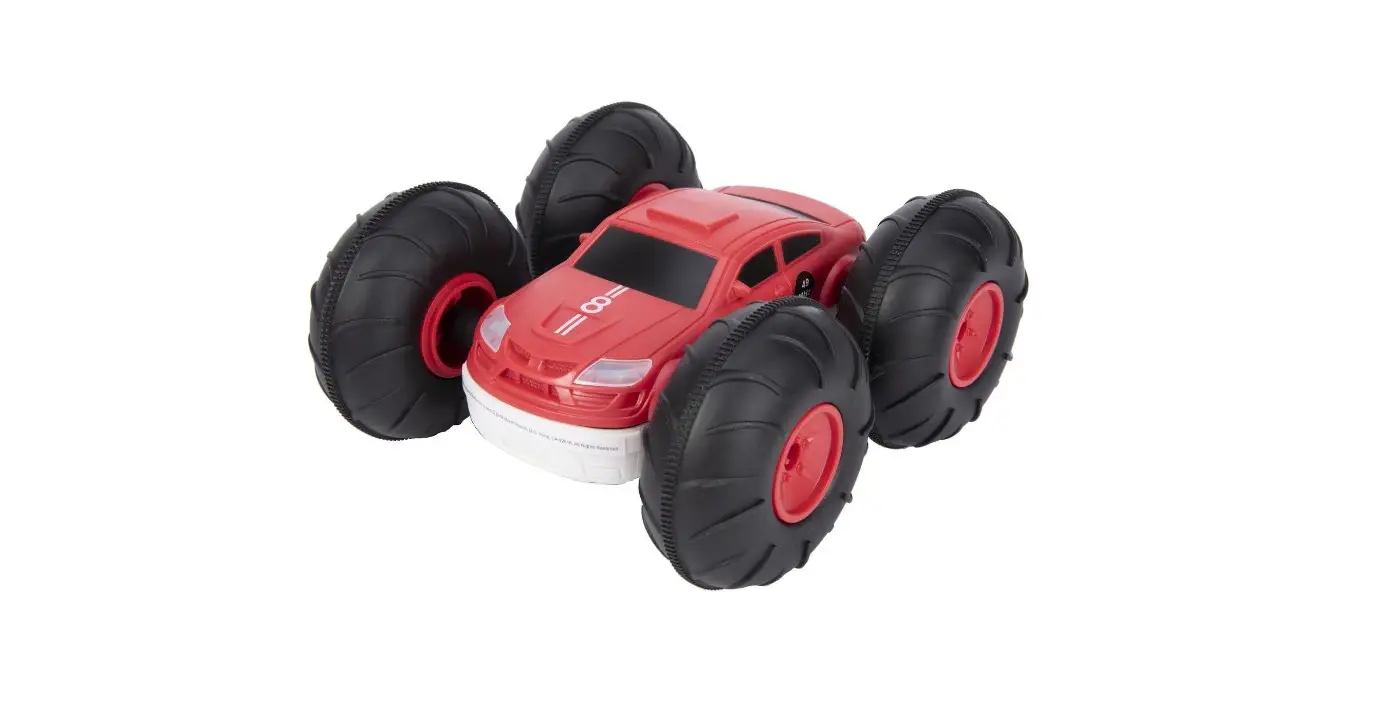
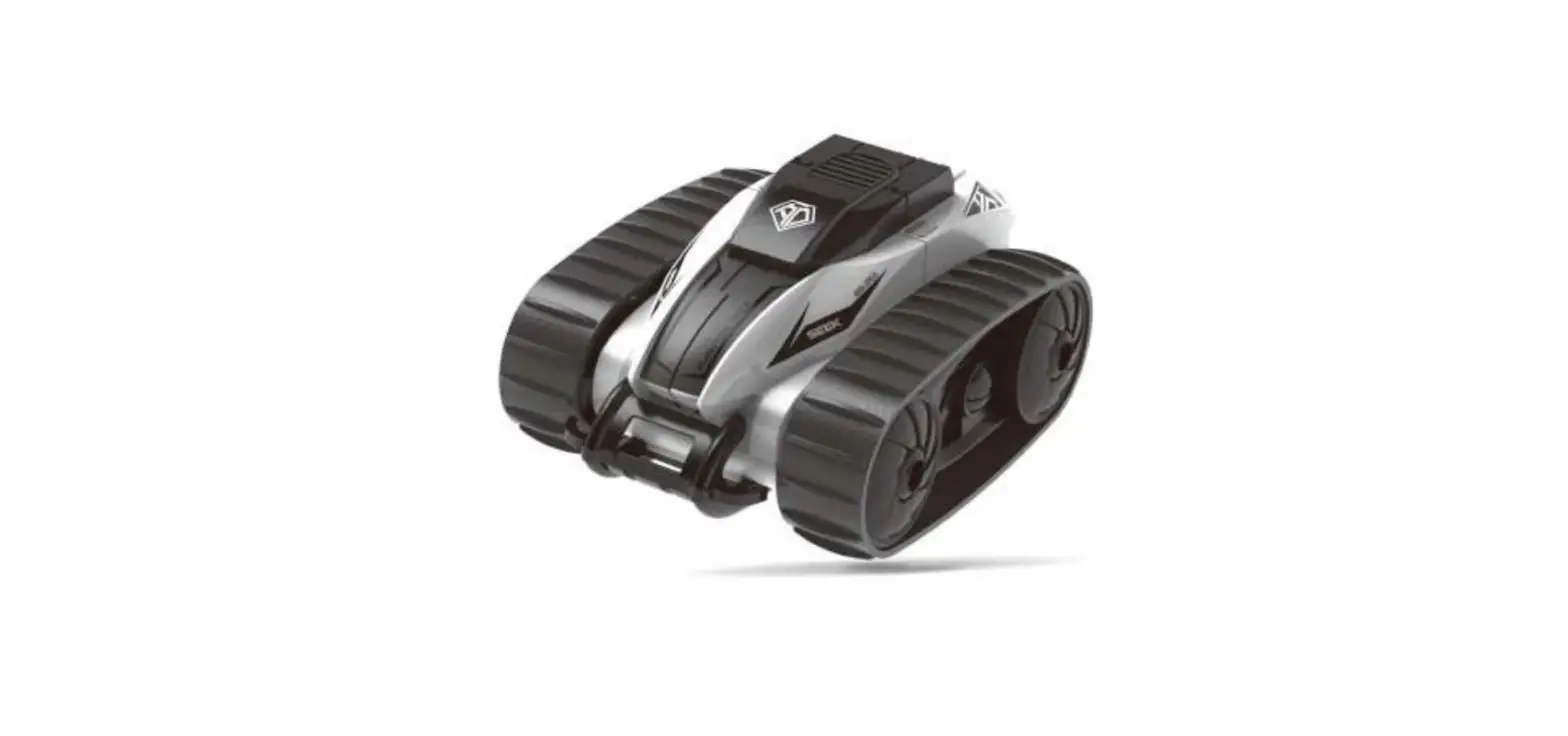
PHANTOM DESTROYER Toy RC Car
PHANTOM DESTROYER
Recommended for ages 6 and up
Product Information
- Includes a remote control car
- Best used on hard surfaces such as wood or tile
- Features an On/Off switch, Led Power Indicator, Forward and
Reverse movement, Left and Right Turn, Wheel Alignment dial, and
Battery Cover - Requires batteries (not included)
- For customer support, please call 1-800-374-2744
Product Usage Instructions
- Carefully remove all items from the package.
- Insert batteries into the car and remote control.
- Switch both car and remote buttons to ON position.
- For best results, use the car on hard surfaces such as wood or
tile. - Use the Wheel Alignment dial if the car does not drive
straight. - When finished playing, switch both car and remote buttons to
OFF position.
Safety Precautions
- Battery Warning: Be sure to insert batteries correctly and do
not mix old and new batteries. Do not dispose of batteries in fire
or attempt to recharge non-rechargeable batteries. - Adult supervision is recommended for children under the age of
6.
PHANTOM DESTROYER
6+
i Carefully remove items from package.
OPERATING INSTRUCTIONS
ii The truck requires 4 AA 1.5V batteries (not included). The controller requires one 9V battery (not included). When changing batteries, adult supervision is required. Use alkaline batteries for the best performance. Locate the battery door on the bottom of the truck. Using Phillips screwdriver to loosen the screw, pull the latch on the door and lift up to access the battery compartment. Insert 4 AA batteries while observing the correct polarity. Replace the battery compartment door and tighten the screw. Using Phillips screwdriver to loosen the screw and remove the battery compartment door. Insert one 9V battery while observing the correct polarity. Replace the battery compartment door and tighten the screw.
iii Switch both car and remote buttons to “ON” position. For best result use the car on hard surfaces such as wood or tile.
On/Off Switch
Led Power Indicator
Forward Reverse Left Turn Right Turn Wheel Alignment
Battery Cover
If the car does not drive straight, use the Wheel Alignment dial
On/Off Switch
SAFETY PRECAUTIONS
· Do not operate during thunderstorms or rain. · Avoid water, sand and snow when operating car. · Do not submerge truck or controller in water. · Never operate your truck on the street or highway. · Never operate your truck in a confined or crowded area, and do not
use people or animals as obstacles. · Do not run your truck into furniture, objects or hard surface, as this
will cause damage to both the objects and your car. · Keep fingers, hair and loose clothing away from the tires. gears and
motor while the car is switched to “ON”. · Do not leave truck or remote control near source of heat or under
direct sunlight for long periods of time. · Do not leave truck or remote control outside overnight. Dampness is
harmful to interior components. · Remove all batteries when not in use to avoid accidental operation. · Adult supervision is recommended when operating this car.
BATTERY WARNING:
· Do not mix old and new batteries. · Do not mix alkaline, standard (carbon-zinc), or
rechargeable batteries. · Insert batteries using the correct polarity.
Do not short-circuit the supply terminal. · Remove batteries when not in use. Recycle or dispose of
exhausted batteries according to federal, state, and local laws. Do not dispose of batteries in a fire – they may leak or explode. · Only use manufacture specified battery(ies), charger(s) and/or adapter, if applicable, specified by the manufacturer. · Always use, replace, and recharge (if applicable) batteries under adult supervision. · Keep these instructions for future reference.
Warning: Changes or modifications to this unit not expressly approved by the party responsible for compliance could void the user’s authority to operate the equipment. This device complies with part 15 of the FCC rules. Operation is subject to the following two conditions: 1) This device may not cause harmful interference, and 2) This device must accept any interference received, including interference that may cause undesired operation. NOTE: This equipment has been tested and found to comply with the limits for a Class B digital device, pursuant to Part 15 of the FCC Rules. These limits are designed to provide reasonable protection against harmful interference in a residential installation. This equipment generates, uses and can radiate radio frequency energy and, if not installed and used in accordance with the instructions, may cause harmful interference to radio communications. However, there is no guarantee that interference will not occur in a particular installation. If this equipment does cause harmful interference to radio or television reception, which can be determined by turning the equipment off and on, the user is encouraged to try to correct the interference by one or more of the following measures: · Reorient or relocate the receiving antenna. · Increase the separation between the equipment and receiver. · Connect the equipment into an outlet on a circuit different from that to which
the receiver is connected. · Consult the dealer or an experienced radio/TV technician for help.
KEEP THIS INSTRUCTION MANUAL AS IT CONTAINS IMPORTANT INFORMATION FOR FUTURE REFERENCE. Due to continuous product improvements, the pictures on this manual may differ slightly from the actual product. The artwork and design of this manual are protected by US copyright law and may not be reproduced, distributed, displaced, published or used for any purpose without prior written permission. Altering, removing or reproducing any of the trademark or copyright notices on this package is not permitted. © 2018 Sharper Image. Sharper Image® name and logo are registered trademarks. All rights reserved. © 2018 MerchSource, LLC. Irvine, CA 92618. All rights reserved. Distributed by MerchSource, LLC, Irvine, CA 92618. Model No.: 1013590
FOR CUSTOMER SUPPORT, PLEASE CALL
1-800-374-2744