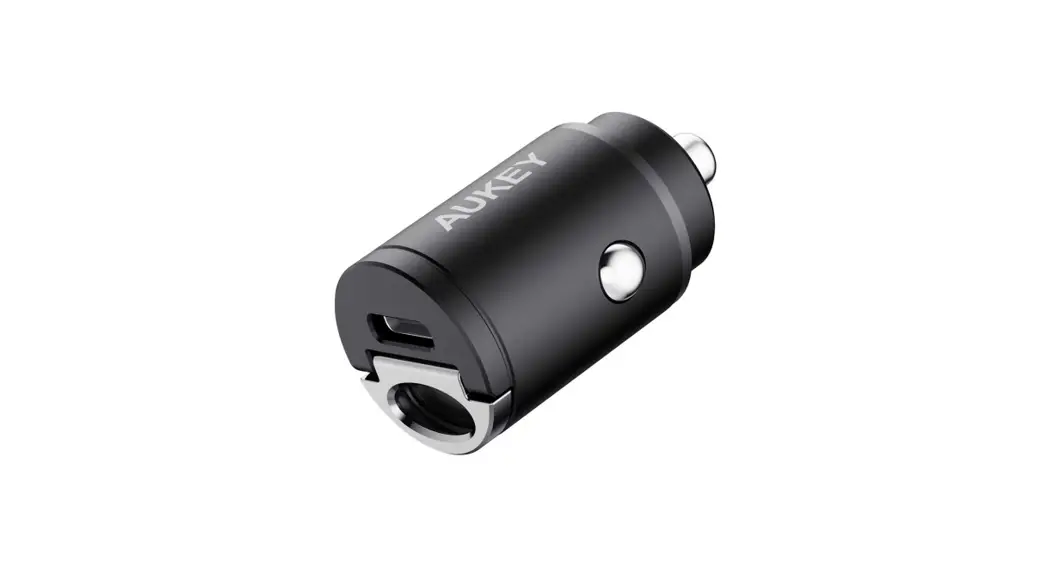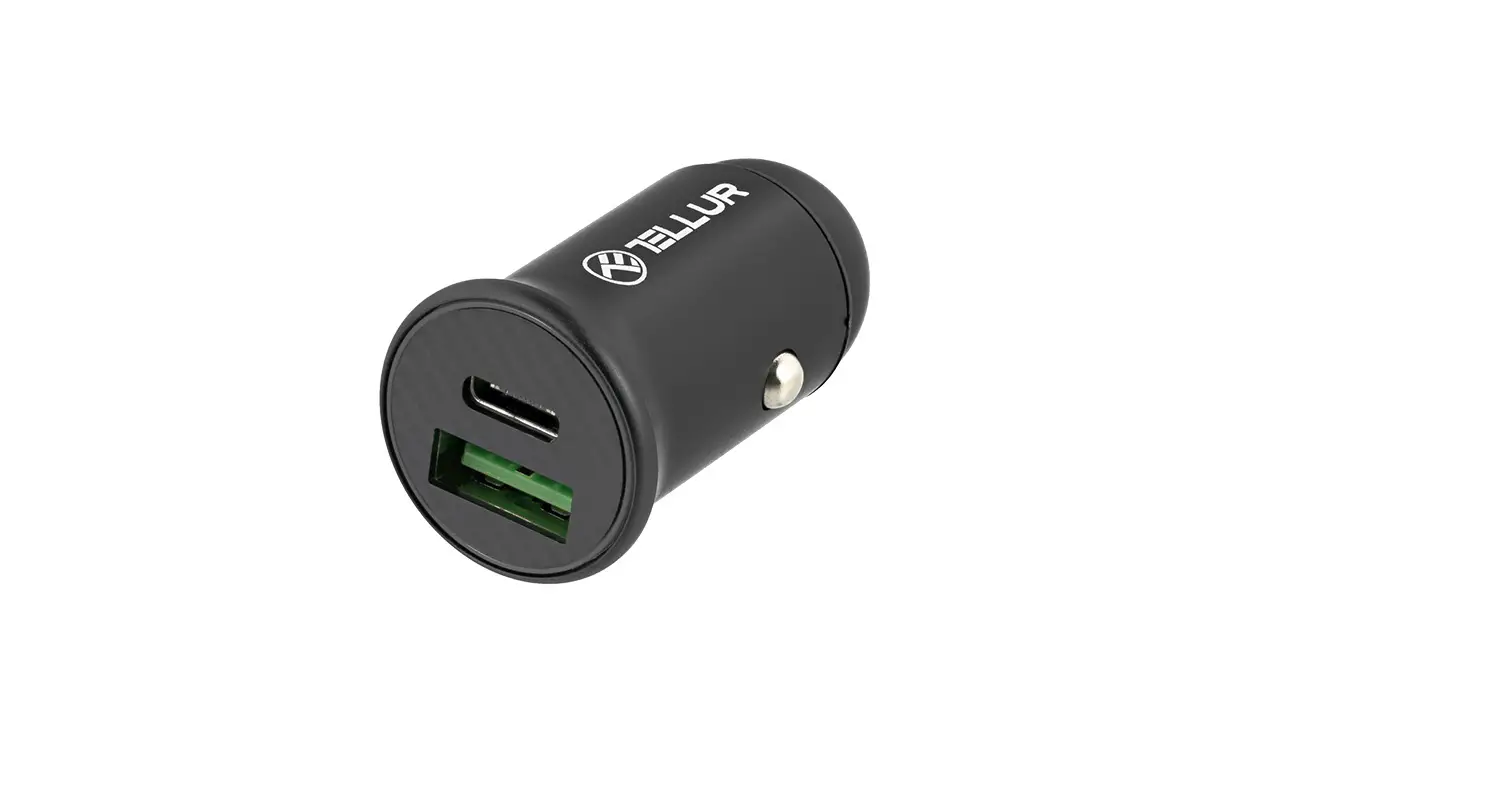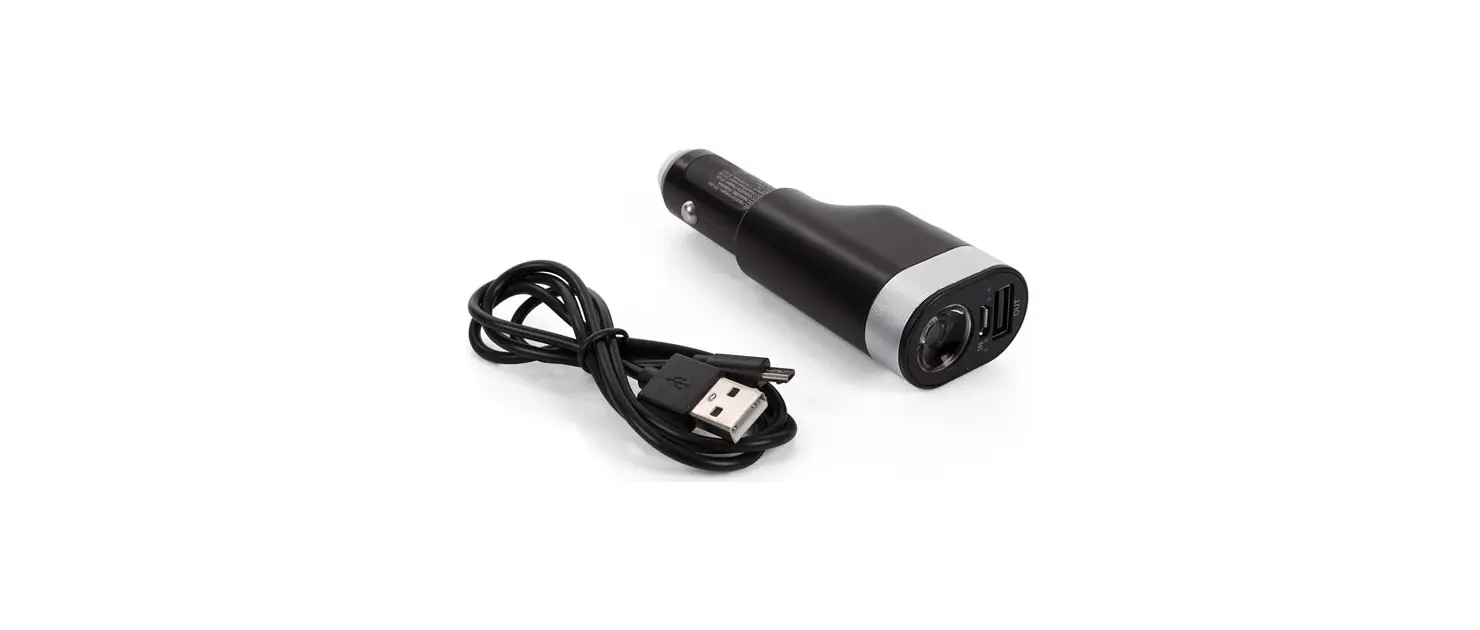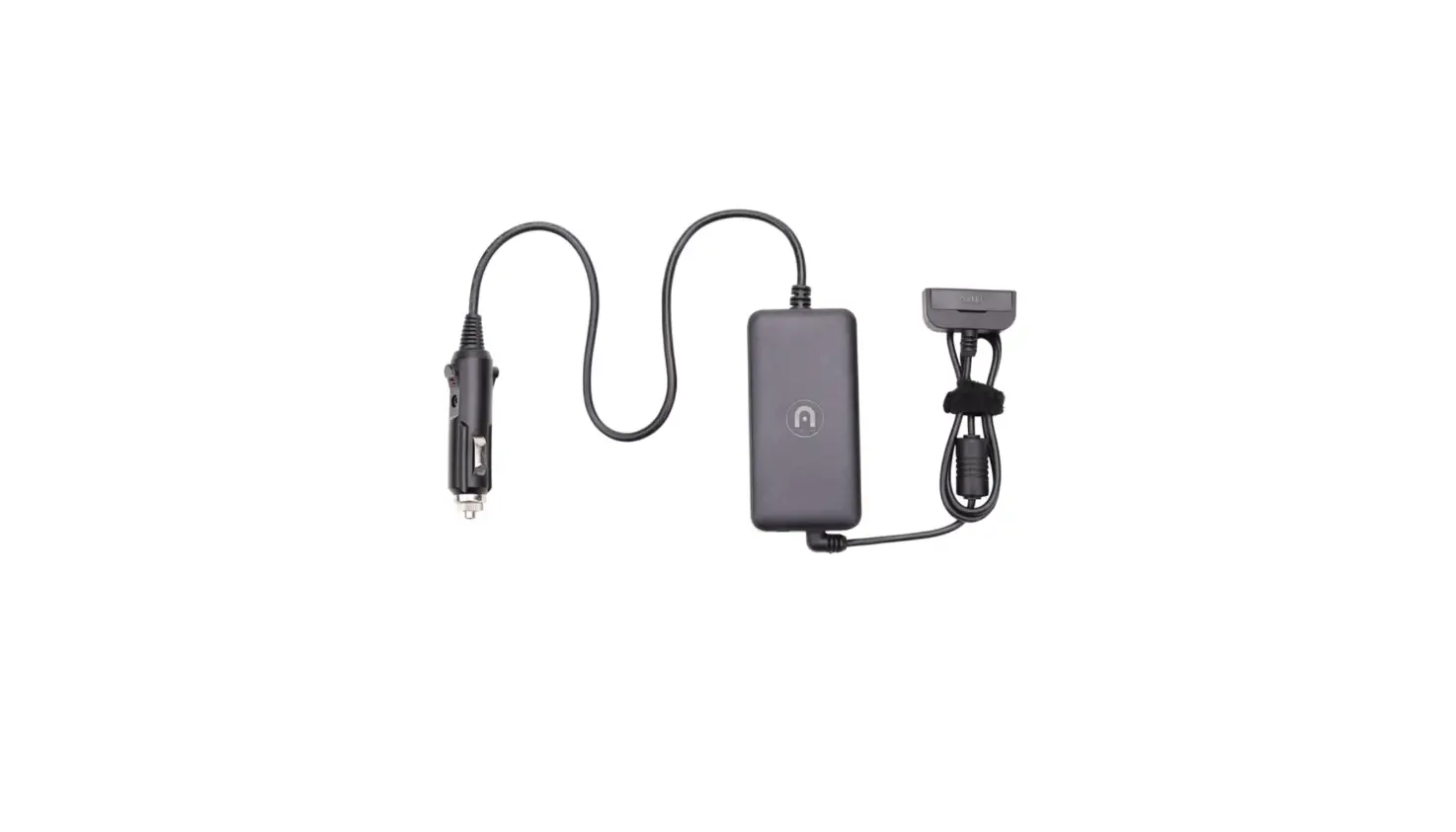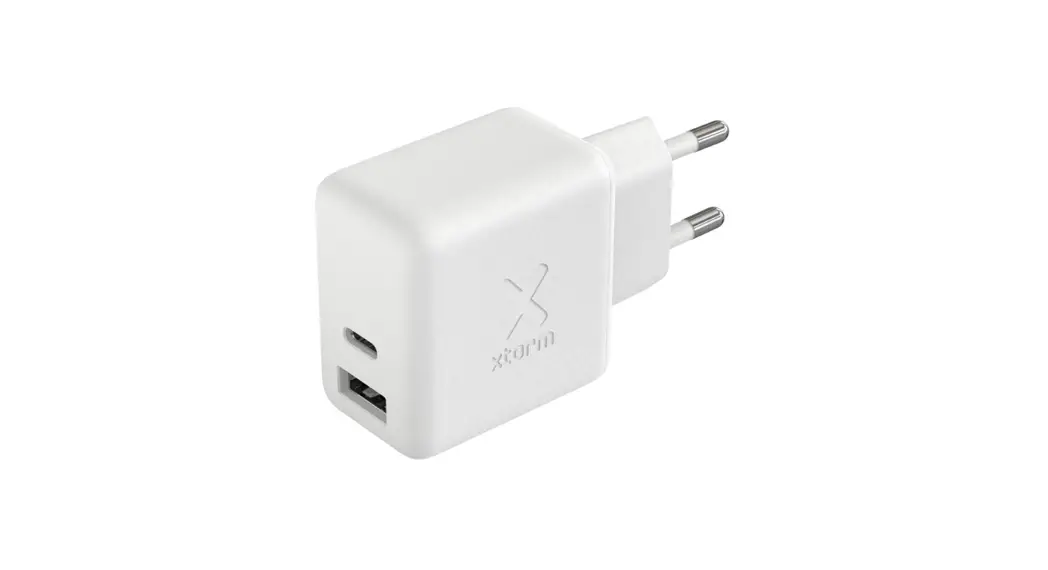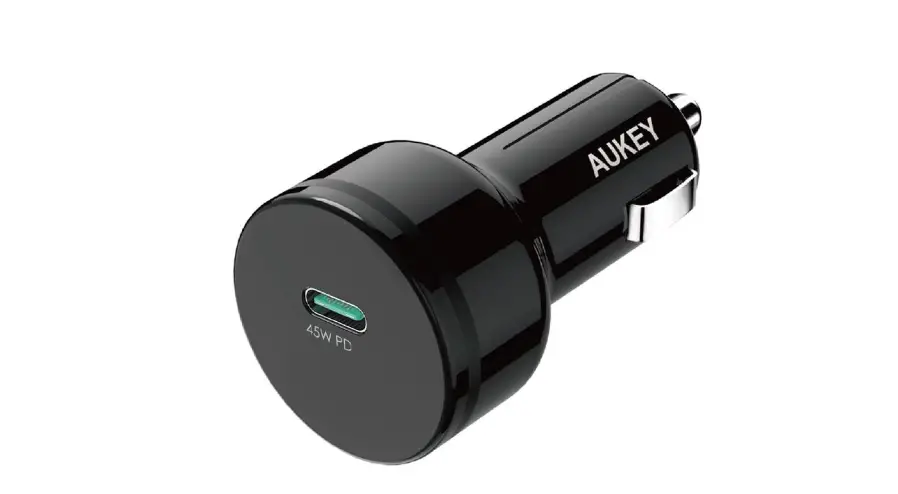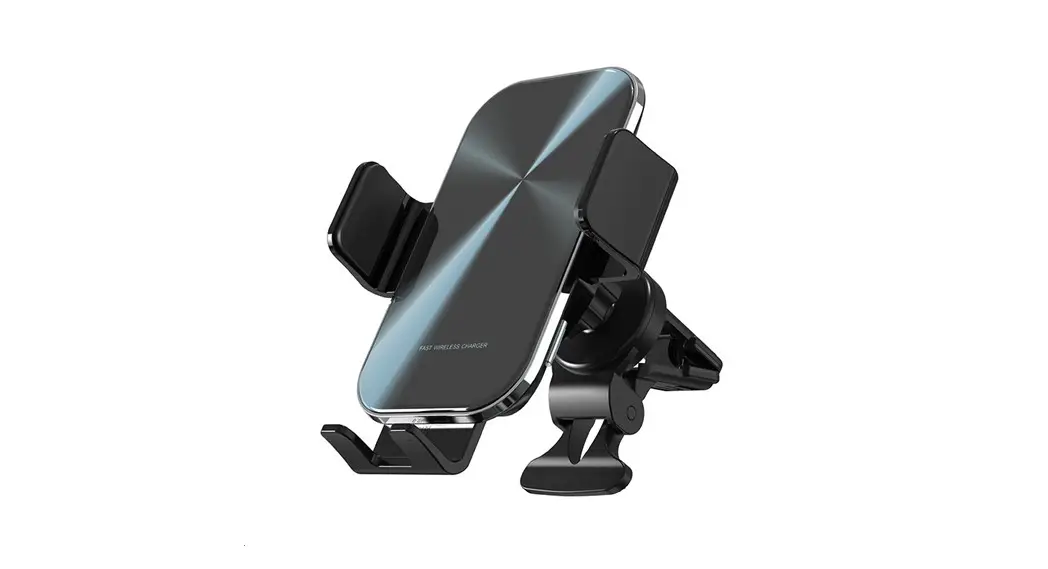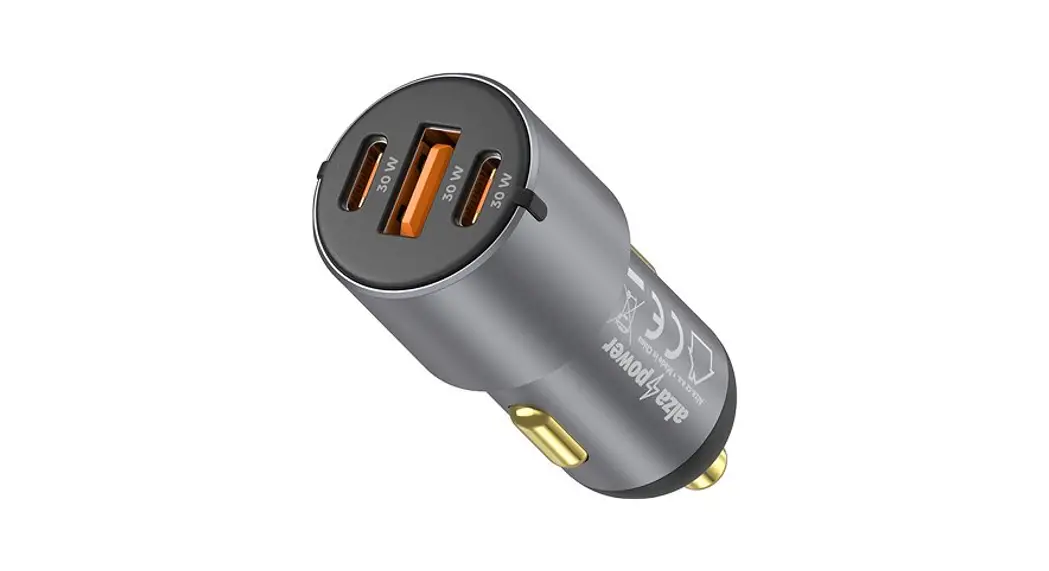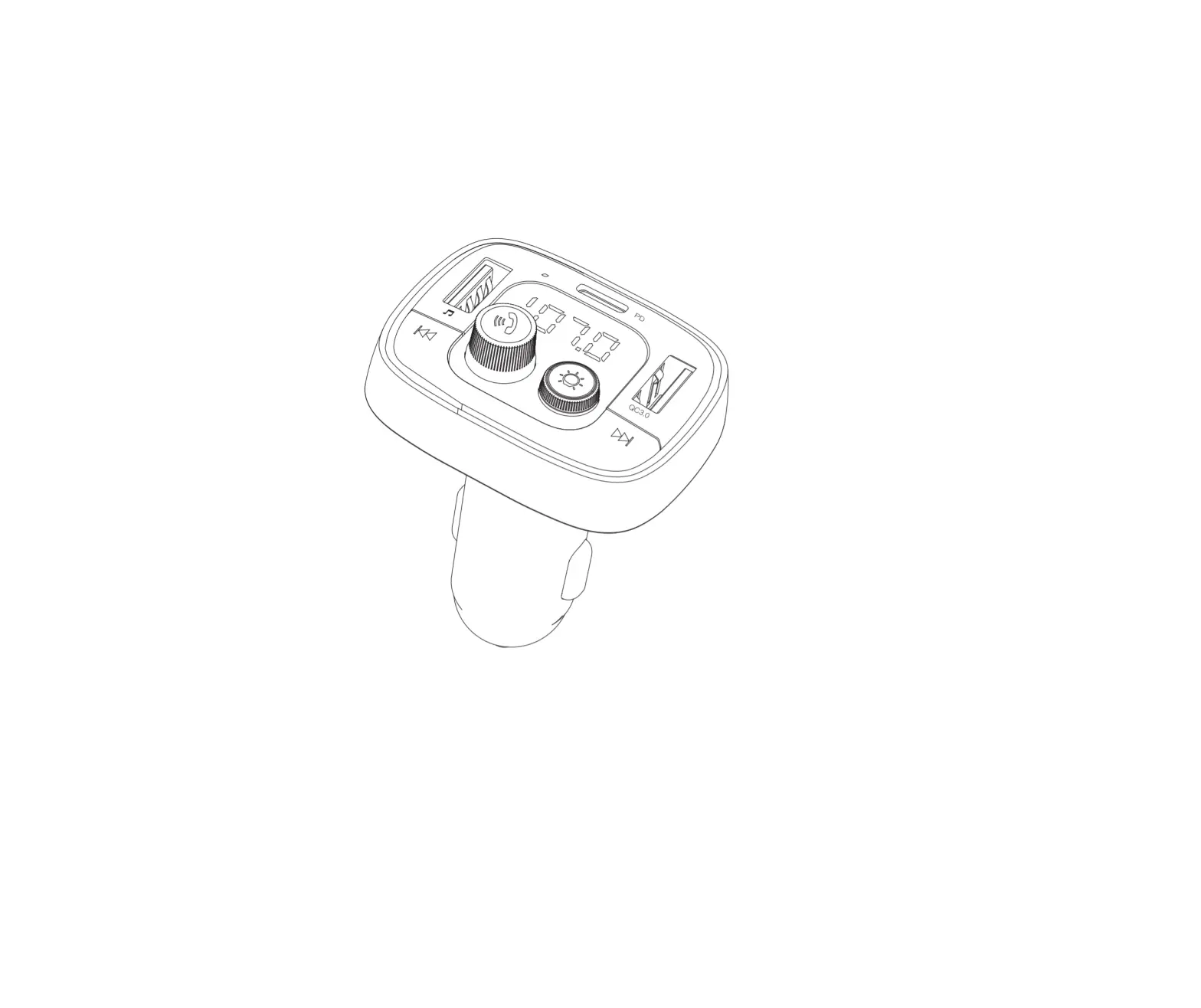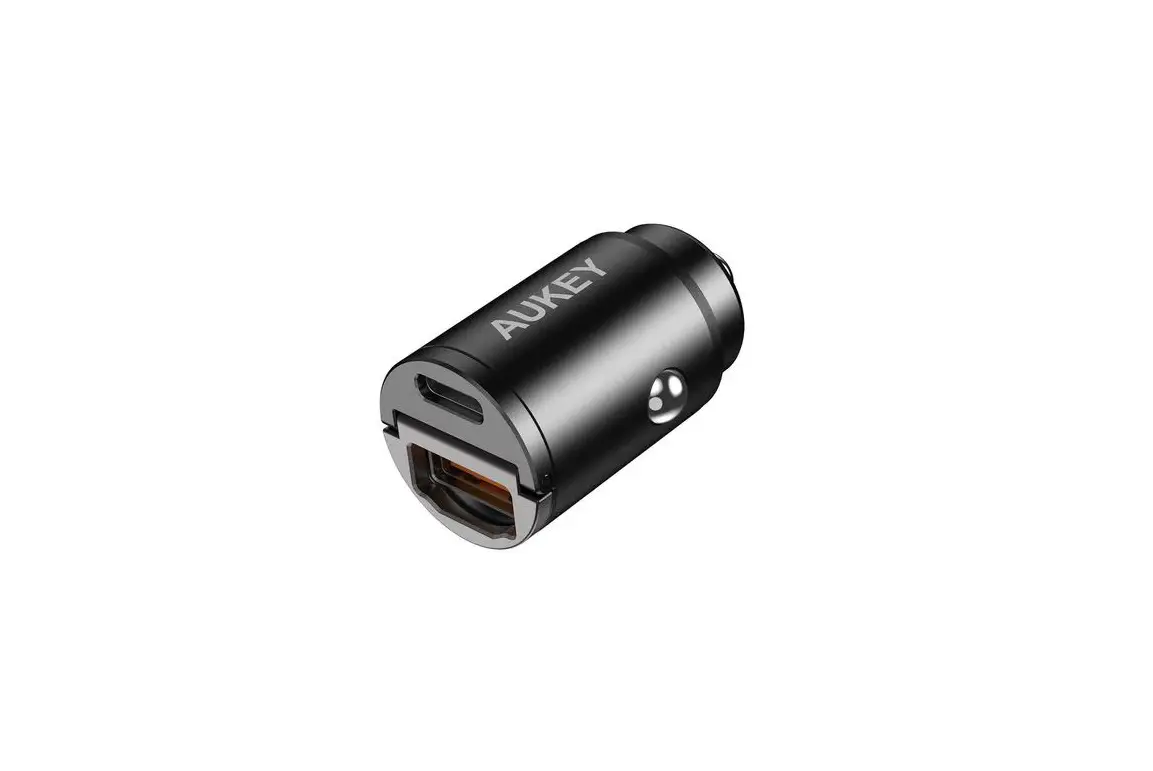

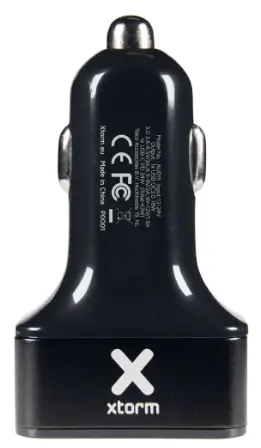
xtrom AU202 Car Charger
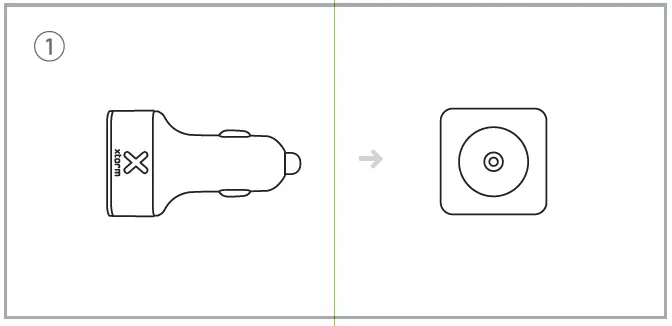
- Connect the Car Charger to the 12V car input

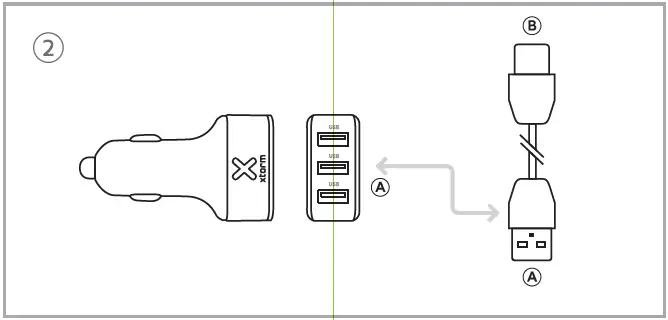
- Connect a chargi g Cable.

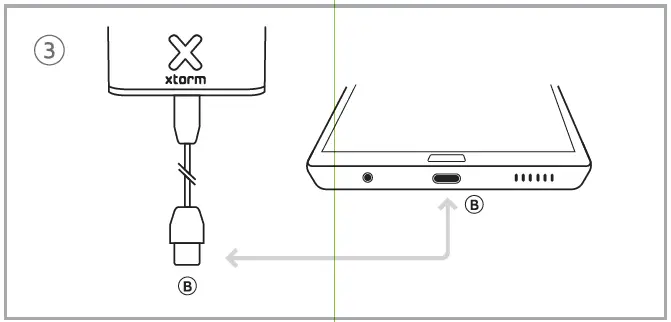
- Connect the other end of the charging able to your device. Charging starts automatically when the car s started.

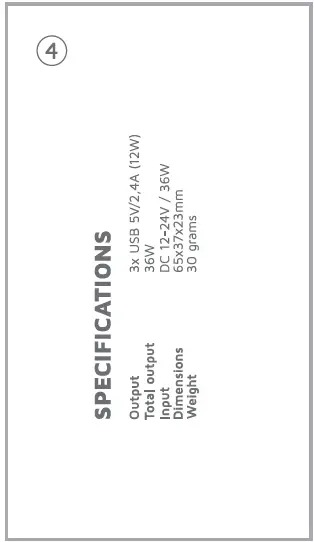
- Specifications

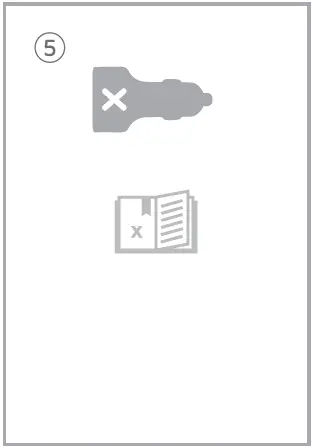
- Included in the box.

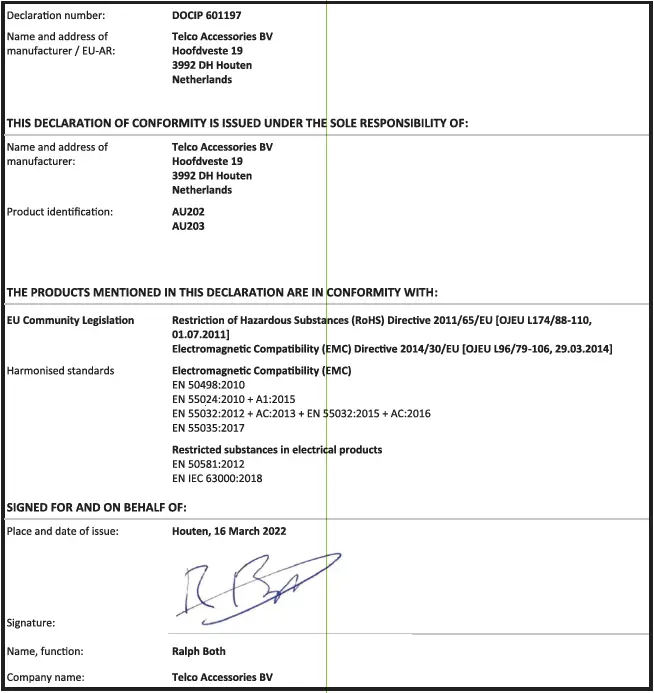
EU DECLARATION OF CONFORMITY
(In accordance with EN Iso/IEC 17050-1)
Warnings
Don’t drop, disassemble or attempt to repair the charger by yourself. Avoid exposure to water or high humidity. Dot expose to any heat source. Keep out of reach of children Don’t use in the presence of flammable gas. Telco Accessories has tested the product in a test environment. All statements/declarations made by Telco Accessories about the (operation) of the product are based on the results obtained from such tests. These results/statements/declarations cannot be guaranteed, for example in cases of deviating or injudiCIoUs Use and/or use in a different environment.
Hoofdveste 19 3992 DH Houten The Netherlands
- T: +31 (0) 30 635 4800
- F:+31 (O) 30 635 4801
- www.xtorm.eu