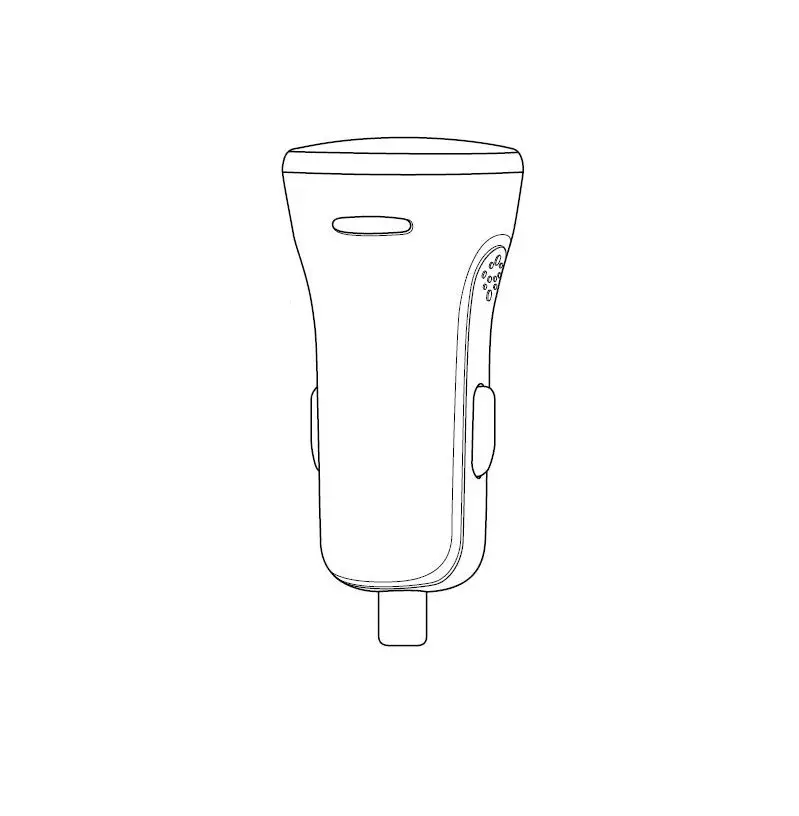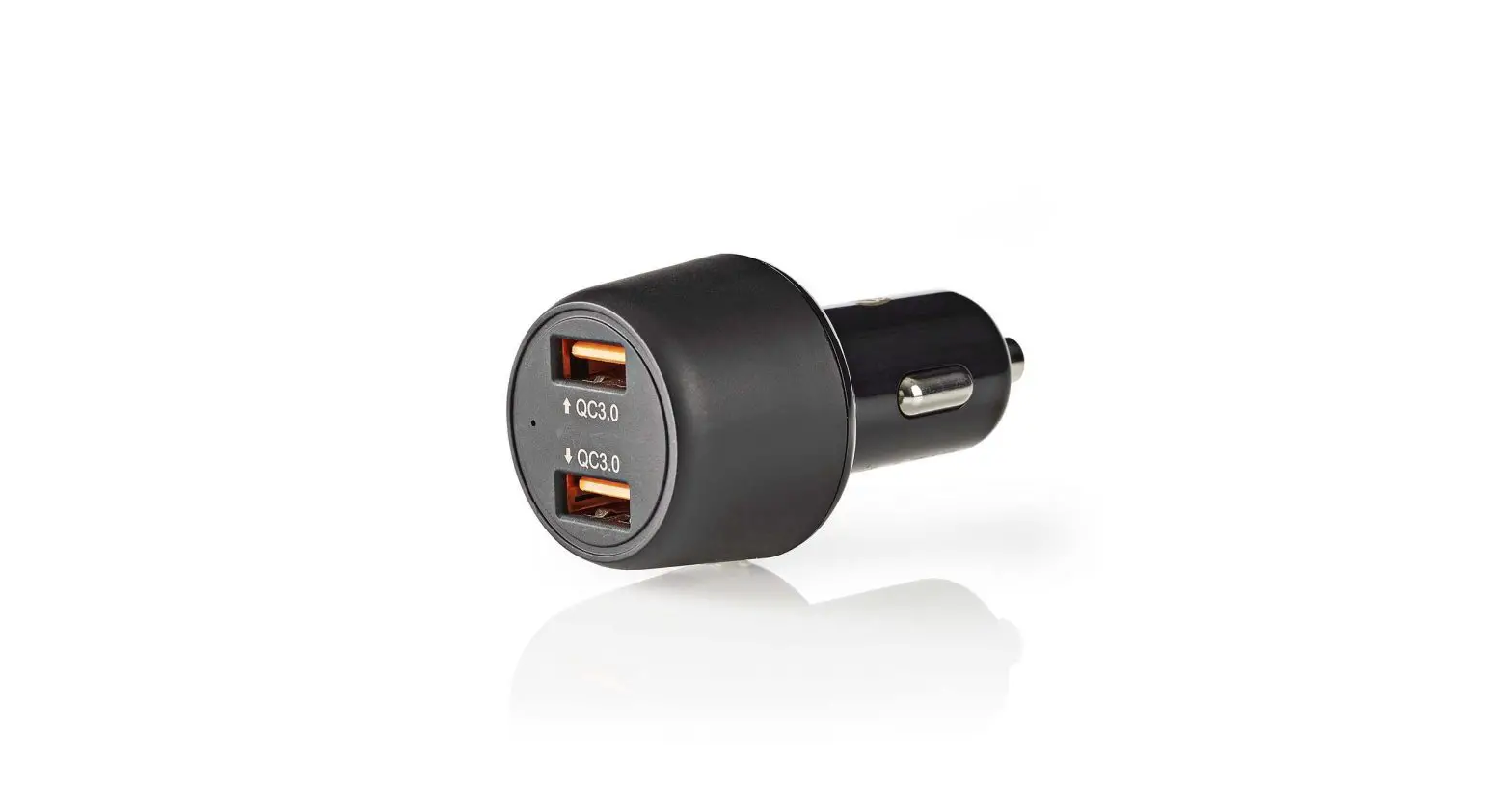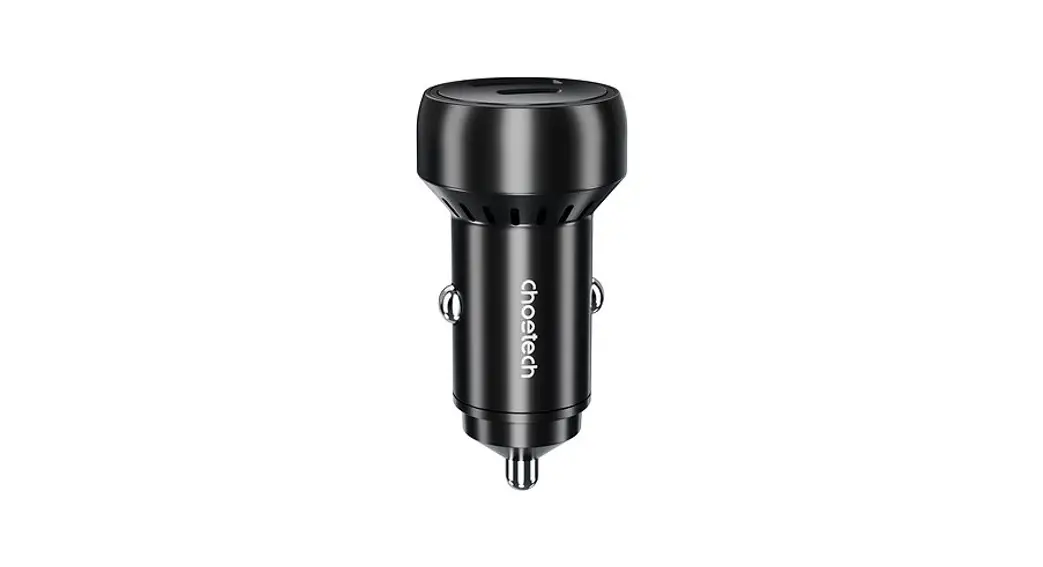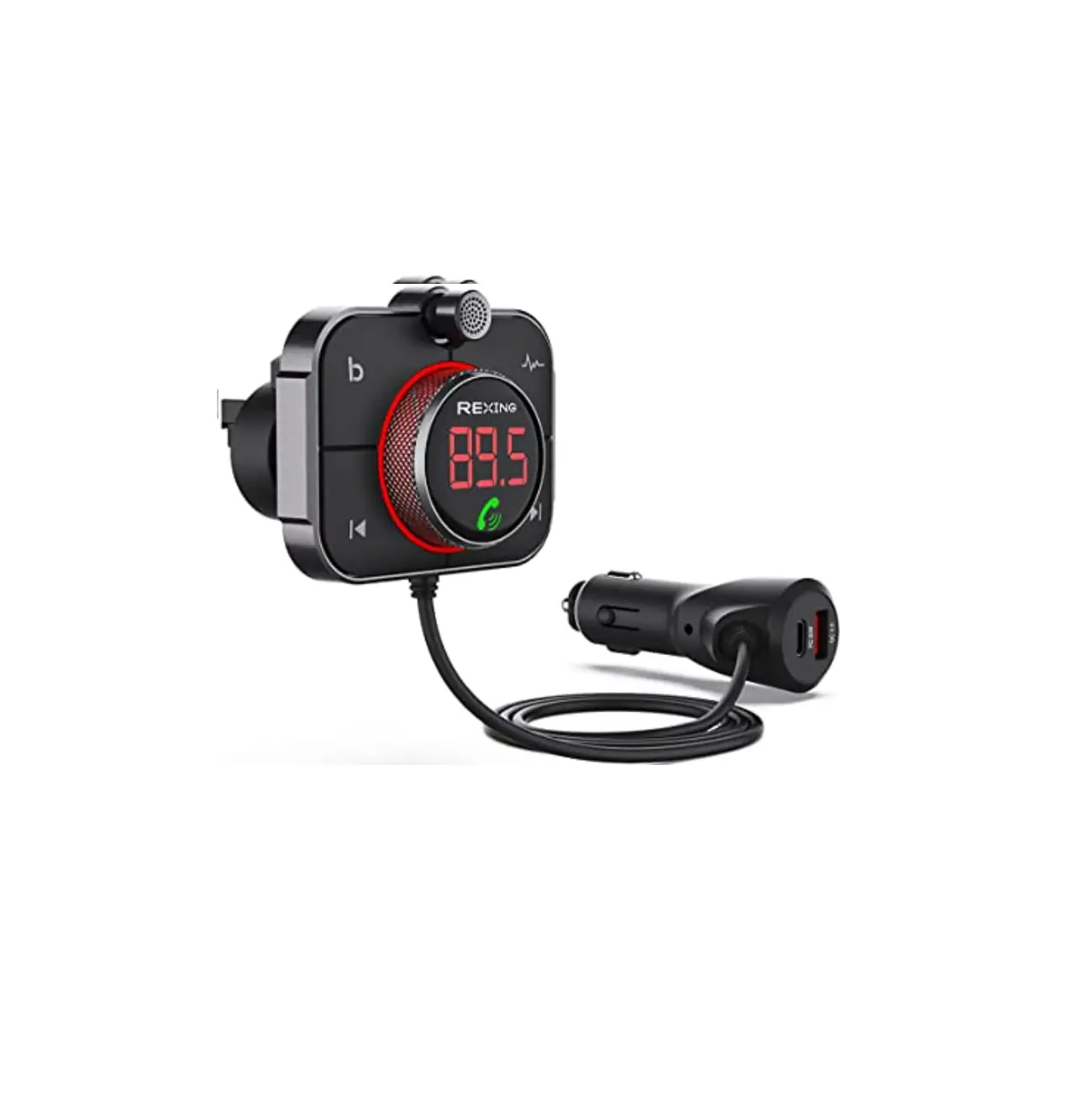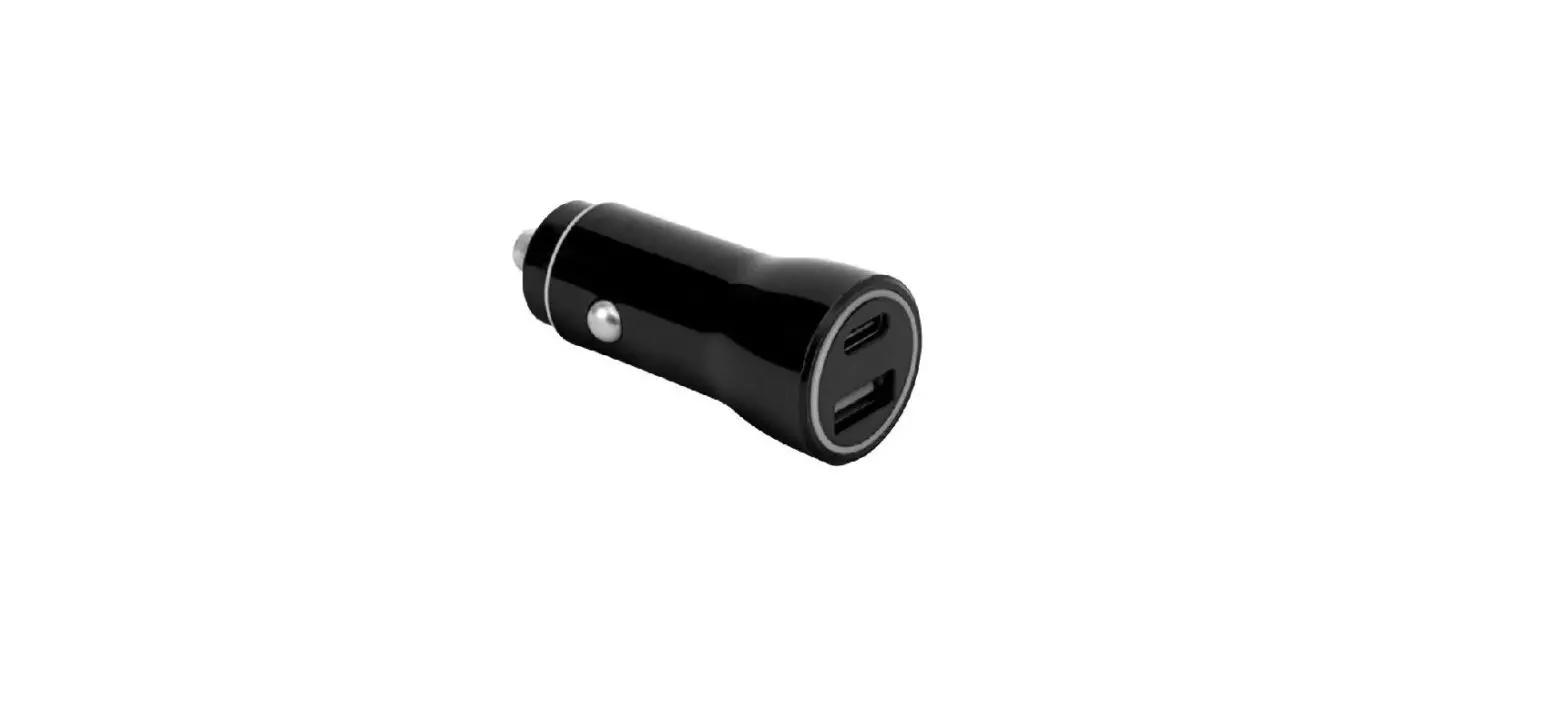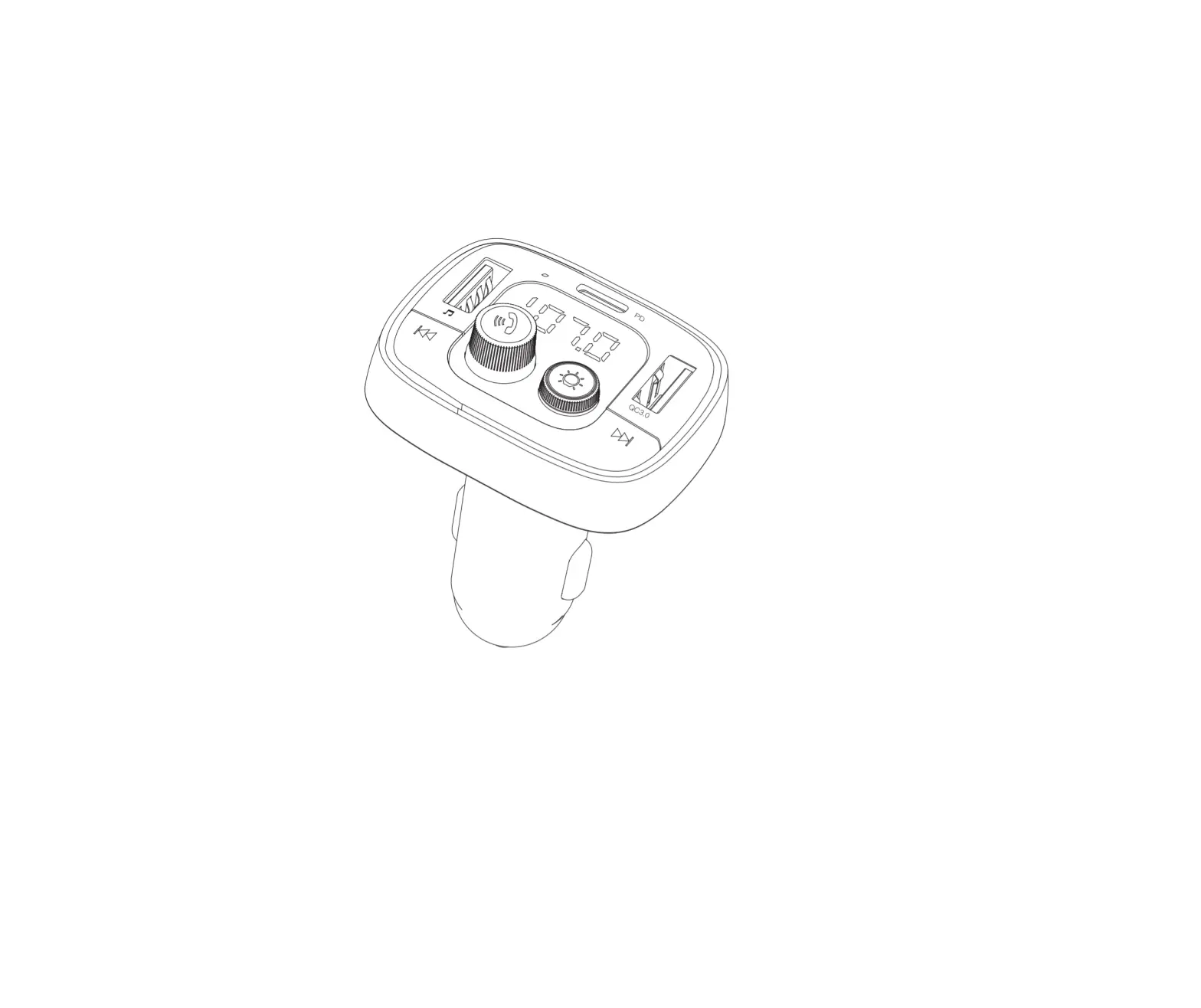
AINOP AV839 FM Car Charger
Thanks for choosing AINOPE. For ensuring our product can bring you a fantastic using experience. Please read both manuals of our product and your own electronic equipments.
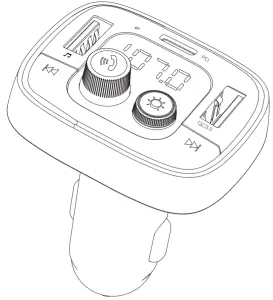
Product Structure
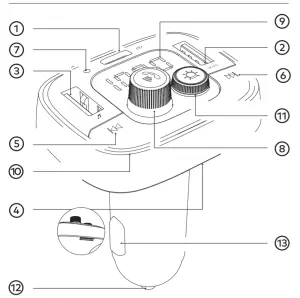
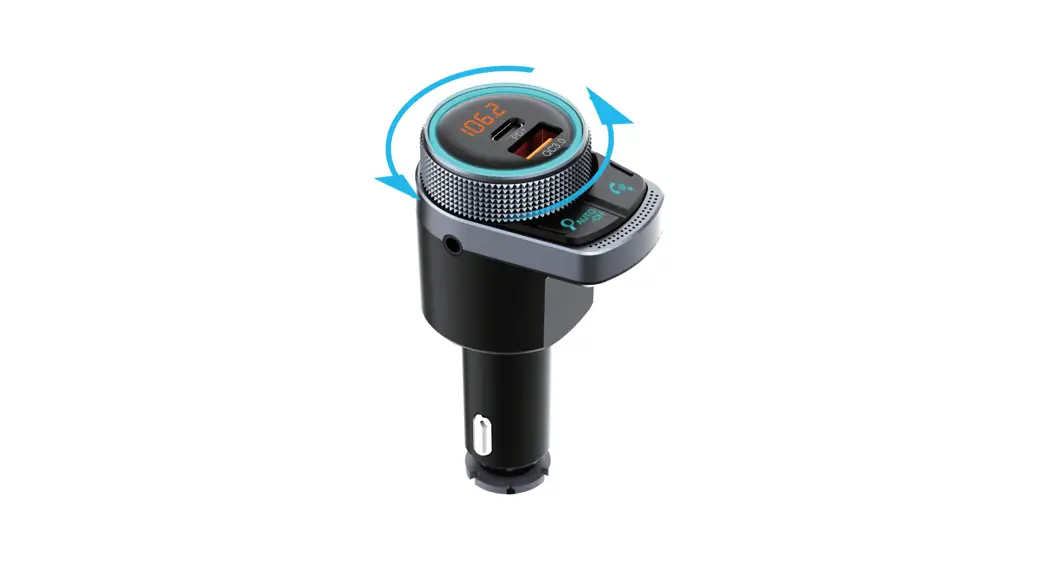
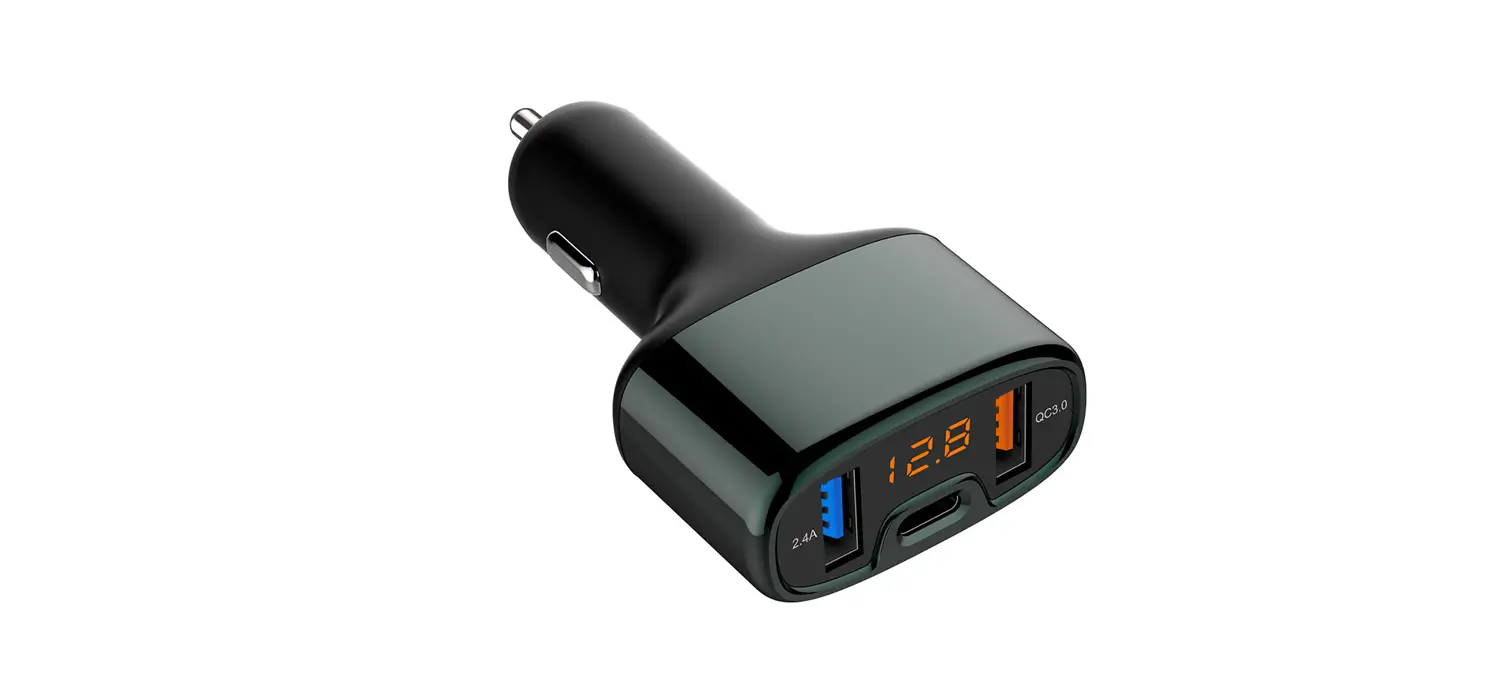
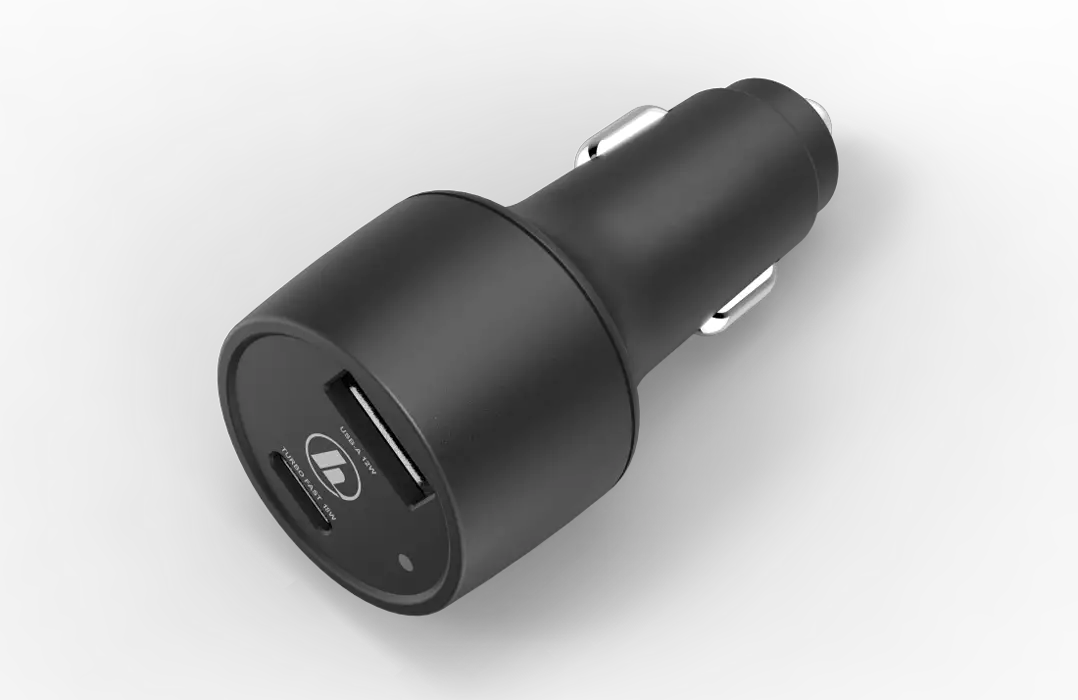
① USB C port
② USB A port
③ U disk port
④ TF card jack
⑤ Last song
⑥ Next song
⑦ Microphone
⑧ Multifunction button
⑨ LED display screen
⑩ LED light
⑪ LED light button
⑫ Positive ball plunger
⑬ Negative ball plunger
Product Specification
| Name | FM Car Charger |
| Model No. | AV839 |
| Weight | About40g |
| Bluetooth Version | V5.0 |
| Screen | LED Screen |
| Power Supply | DC12V-24V |
| Applicable TF Card/U disk Capacity | ≤64GB |
| Output Characteristic | USB C port output: 5V/3A,9V/2A,12V/1.SA USB A port output: 5V/2.4A,9V/2A,12V/1.SA |
| Applicable Files Type | MP3/WMA/APE/FLAC/WAV |
| Working Current | 10-2000mA DC12V |
| Bit Rate | 64-320 kbps |
| FM Frequency Range | 88.1-107.9MHz (100KHZ Stepping) |
| Signal-to-noise ratio | 85 dB (FM: 65 dB) |
| Harmonic Distortion | <0,05% (FM: <0,1%) |
| Working Temperature | -20 °C -60 °C |
| Transmitting Distance | <5m |
Product Operation Introduction
Bluetooth Connection
- Turn on the car radio and manually adjust the channel to any blank frequency. A Blank frequency means that the channel is not occupied by any radio station. Normally you can hear slight steady rustle if the frequency is not occupied. If the rustling sound is not steady, it indicates that t he channel has been occupied, you need to tune to another blank frequency;
- After inserting the FM car charger into the car cigarette lighter, the car charger screen will be lighten. It will display the start-up status and display the battery voltage for three seconds to remind whether the battery voltage is normal;
- Press the
 knob for 3 seconds, the screen number will flash. Please adjust frequency of car charger to be the same as the frequency of car radio by rotating the knob manually. At this time, the car radio will become silent and without rustle. ( If noise still! exists, p lease change car radio ‘s channel to find another blank channel again.). Then please wait for 3 seconds or short-press the knob to lock the current frequency.
 - Open your mobile phone Bluetooth and search for the car Bluetooth device named “AV839” to connect it. After connecting successfully, if play music with your mobile phone, you can hear it from the car stereo. After that, it will automatically connect with the paired mobile phone when the Bluetooth of car charger open again;
- Please adjust t he car speaker to the appropriate volume. Usually 40% of volume is enough (don’t exceed 60%). It is not recommended to adjust t o maximum(It w ill bring lot noises). For the transmitter, 60% of volume is enough(don’t exceed80%).
Tips: How to switch channel?
Pull out the car charger. Repeat the the first frequency adjustment operation- CD Change the channel of car radio 0 Insert car charger again and adjust the channel of FM car charger to make it consistent with the car radio.
If the region is changed, the the sound quality may be affected by local radio station owing to frequency interference. In this case, please do this channel readjustment operation.
Function
- Bluetooth connection: When using it for the first time, you need to tune the frequency of FM car charger to the same as the car radio, then turn on the mobile Phone Bluetooth and search for the FM car Bluetooth device named “AV839” to pair with it.
- Bluetooth playing music: After the mobile phone: Bluetooth is paired with the FM car charger successfully, any music that phone is playing will be wirelessly transmitted to the car stereo for p laying.
- Playing music with U-disk/TF card: Insert the U-disk with music files into the USB music port of this product, the music fi les in the U-disk/TF card will be identified automatically and transmitted to the car audio for playing automatically.
- Bluetooth hands-free call: During playing the music, the device will pause the music and voice the number automatically when the call rings. Short-press the key to make a hands-free call through the car stereo, then short-press the key to hang up; press the key for 2 seconds to reject the ca ll. When there is no music p laying, long-press the key to redial the last ca ll automatically.
- Bluetooth voice navigation: open any navigation APP on your mobile phone, the car audio will automatically play the navigation voice.
- Car charging function: Type-C PD and QC3.0 charging ports can provide charging current for multimedia devices (mobile phones, tablets, etc.), please refer to product parameters for details. The USB
 port doesn’t support the charging function and is only used for reading the U disk.
 - Power-off memory function: When the player is power off randomly or is turned off in the music pause state, it will memorize the currently p laying song and continue to play it after turn on.
- Voltage warning function: When power is on, for a 12V car, it’ ll prompt abnormal voltage when the voltage is lower than 11.6V or higher than 14.8V; for a 24V car, it’ ll prompt abnormal voltage when the voltage is lower than 23.2V or higher than 27.2V.
During playing music, long-press the key to check the current battery voltage by voice prompting whether the voltage is normal. The voltage warning function is convenient for users to grasp the health condition of the car battery at any time.
 - LED light function: Short-press the
 key to switch 7 monochromatic lights or turn off the light, long-press the key to make light switch the seven colors automatically. When the power is suddenly cut off, it will automatically memorize the current monochromatic light; if it was variable colors when power off, it will get start from green light.
 port doesn’t support the charging function and is only used for reading the U disk.
Key Operation Instruction
| Function | Key Operation |
| Answer the call | Short-press the  n button n button |
| Hang-up | Short-press the button |
| Reject t he call | Press the button for 2seconds |
| Redial the last call | Short-press the button twice in succession |
| Switch song | Short-press the  button to play the last song, Short-press the button to play the last song, Short-press the  button to play the next song. button to play the next song. |
| Adjust volume | Anti clockwise turn the button to turn down the volume; Clockwise turn the button to tum up the volume; |
| Play/pause music | Short-press the button |
| Adjust frequency | Long-press the button to enter the frequency adjustment status. Clockwise tum the button to increase the frequency point; Anti clockwise tum the button to decrease the frequency point. |
| Switch play device | When playing music, long-press the button to switch playing media between Bluetooth /TF card /Udisk The phone Bluetooth playing priority is higher than TF card and U disk Therefore, when the TF card or U disk is in the playing state, the phone audio will be played right away if there is any audio action on mobile phone. After finishing the playing, it’ll return to the TF card /U disk playing state and continue the music. |
| Check the voltage | During playing the music, long-press the button to check the current battery voltage and voice prompt whether the voltage is normal. |
| Switch the file | Long-press the button to enter the frequency adjustment status, when the number is flashing: short-press the button to switch to the last file, the screen will display the -F; short-press the button to switch to the next file, the screen will display the F-. |
| Switch the LED light | Short-press the  button to switch 7 monochromatic lights or turn off the light, long-press the button to make light switch the seven colors automatically. button to switch 7 monochromatic lights or turn off the light, long-press the button to make light switch the seven colors automatically. |
Precautions
- Keep the product away from extreme heat or cold, as well as any flammable materials or damp places.
- Don’t rub the product against hard objects, otherwise it may scratch the surface of product or damage other component.
- If you do not use it for a long time, please disconnect the product from the cigarette lighter.
- In the process of using, the player transmission frequency point should be avoided from the local radio frequency with strong FM signal as far as possible to avoid the interference affecting sound
- FM transmission signal might be affected by driving through highway, tunnel and other place where the signal is weak.
- If the volume of FM transmitter is too low, please make sure that the phone has full volume and exit another running voice APP.
- Don’t expose the product to the burning sun.
Don’t disassemble it without professional instructions, otherwise the warranty of the product will be invalid.
Question: Does this charger stay on even when the vehicle is turn off, thus not draining the vehicles battery?
Answer: Hello, some cars may display lights when they are turned off, and some will not. If you don’t use it, don’t take it out and put it in the original place, there will be a little power loss, but in general, the power consumption is very small.
Question: Will the car charger heat up?
Answer: Please don’t worry. It is normal for the device to heat up while charging. Our products have overheat protection. They produces only a small amount of heat.

 @AinopeOnline
 @Ai nope _Online
 @Ai nope Online
 [email protected]
AINOPE always deliciated to bring difference shopping experience for each customer, feel free to contact us if you have any question, give us a chance to show the difference.
Web: www.ainope.com
Email: [email protected]

 AMZLAB GmbH
Laubenhof23,45326Essen
Shenzhen Diyiwei Electronics Co.,Ltd.
Address: 101, the first floor of the fourth dormitory, Huachang Industrial Zone, Dalang Street, Longhua District, Shenzhen City, Guangdong Province, China
Manufacture: Dongguan Yimai Electronics Technology Co., Ltd.
Address: Room 102, Building 2, No. 18 Yingbin Avenue, Tangxia Town, Dongguan, Guangdong Province