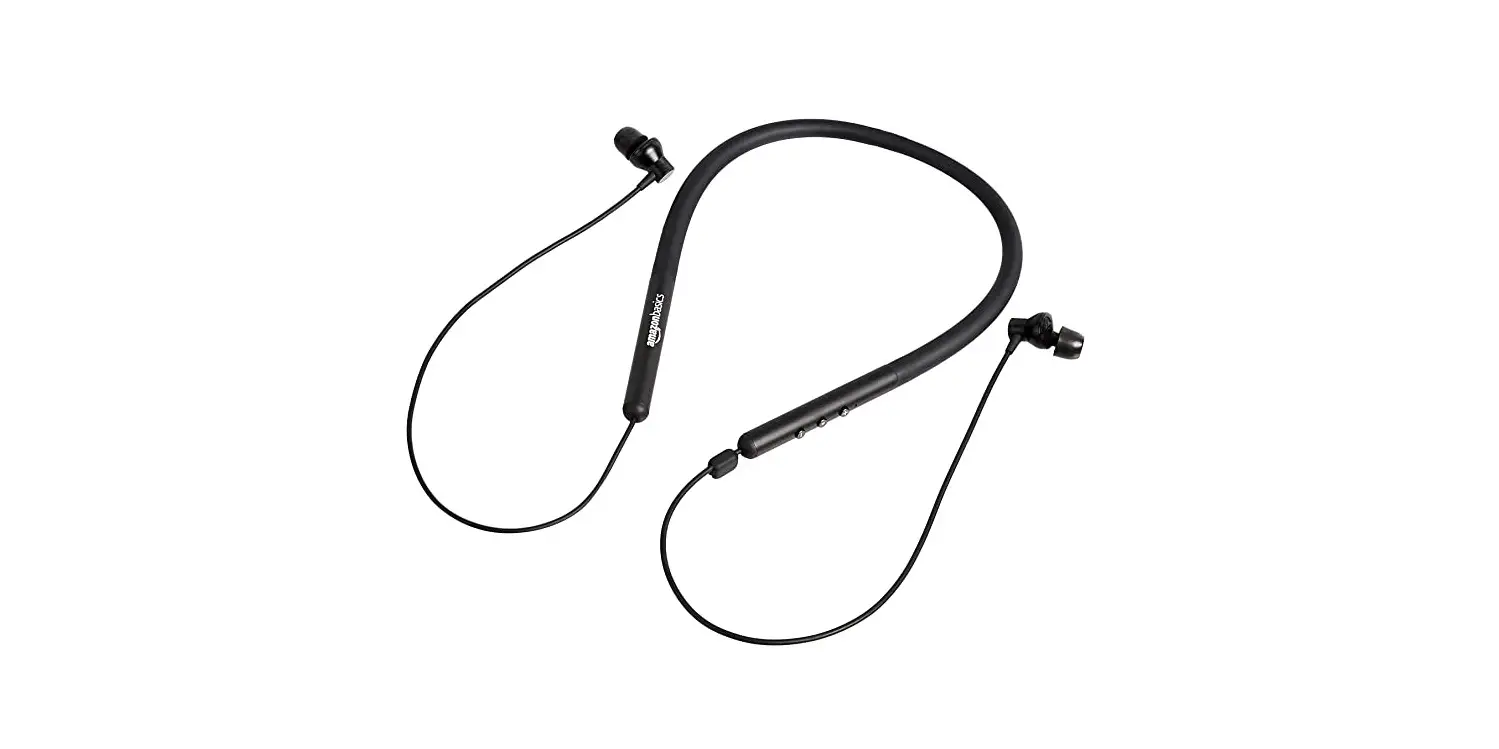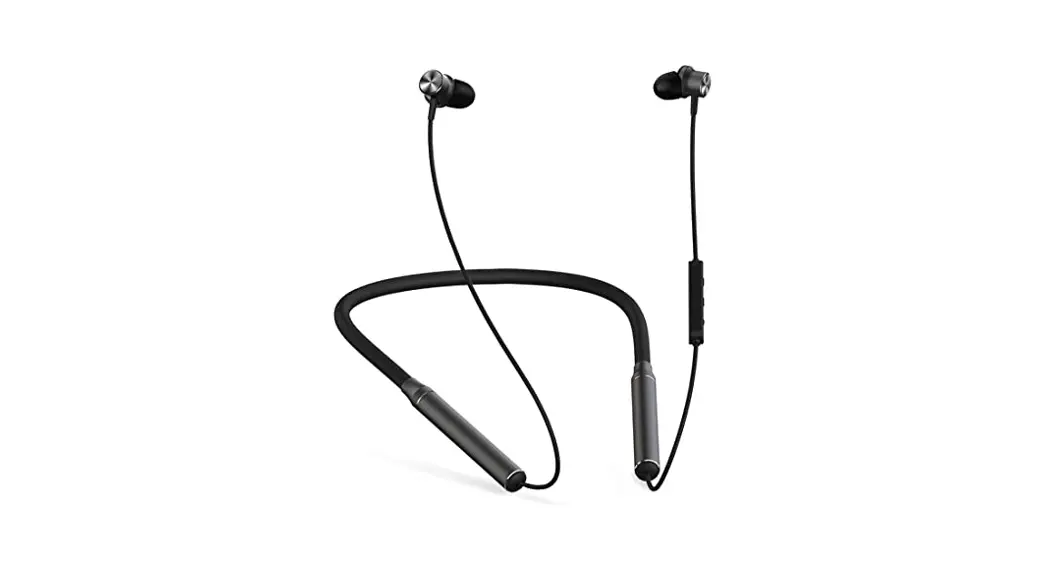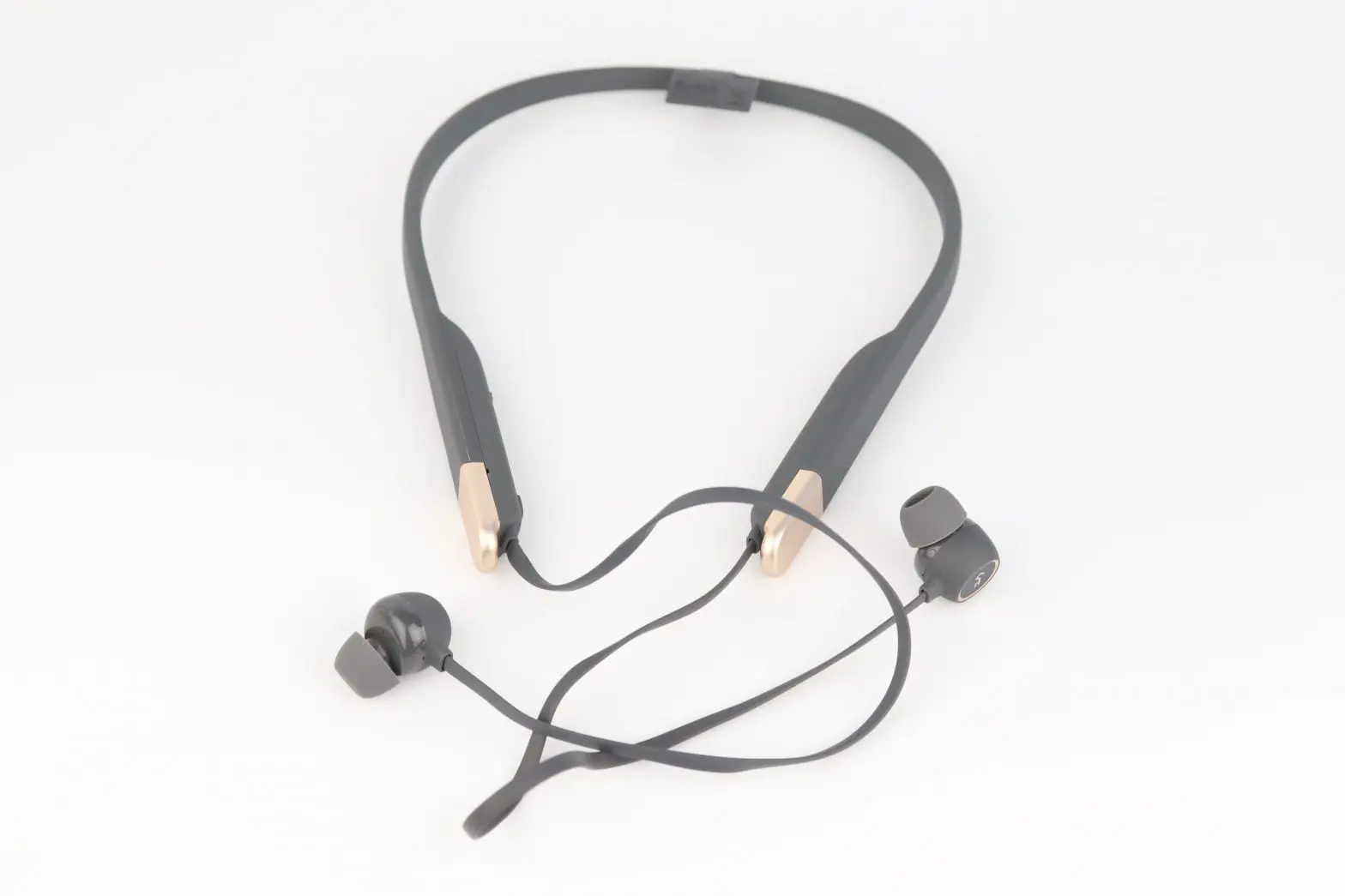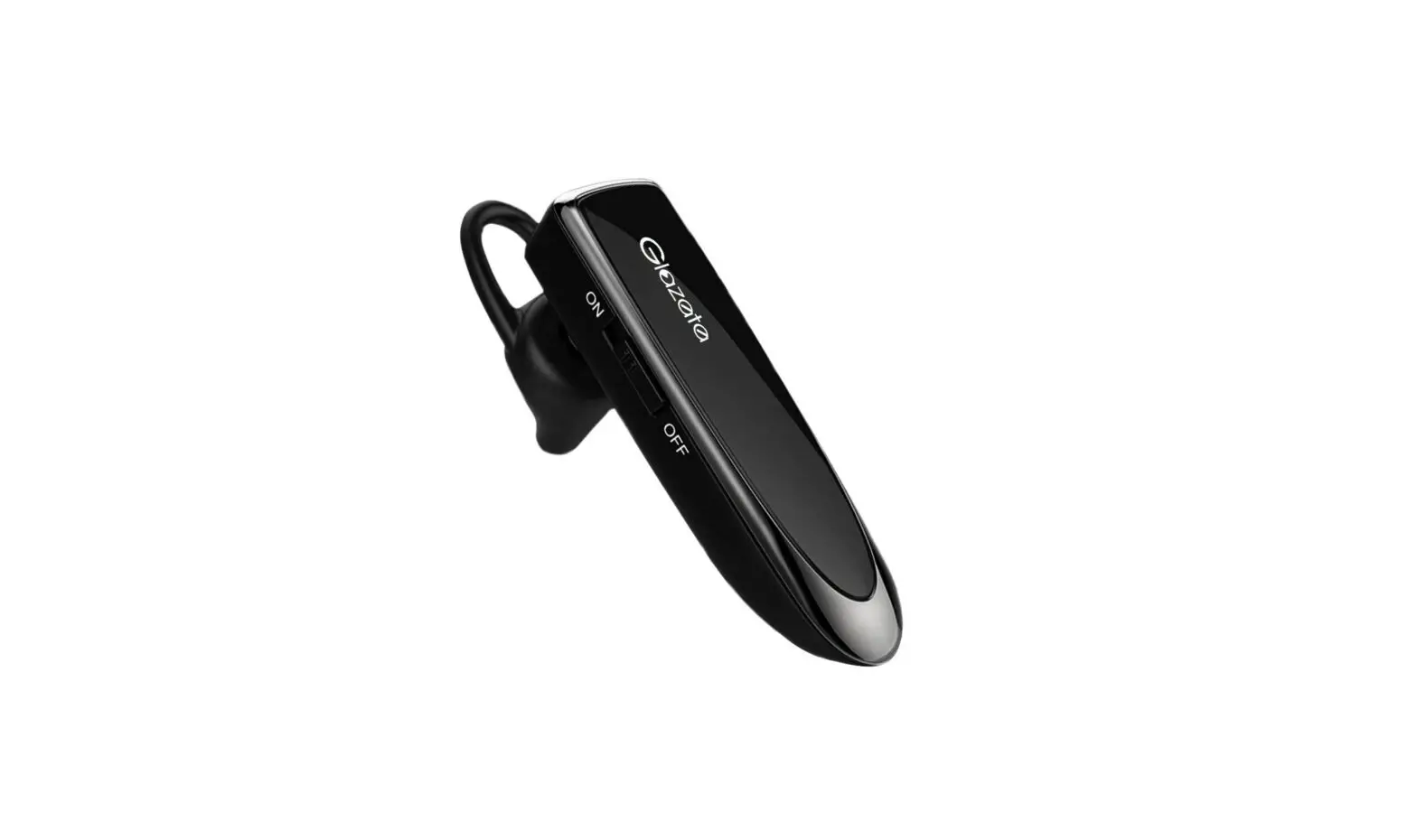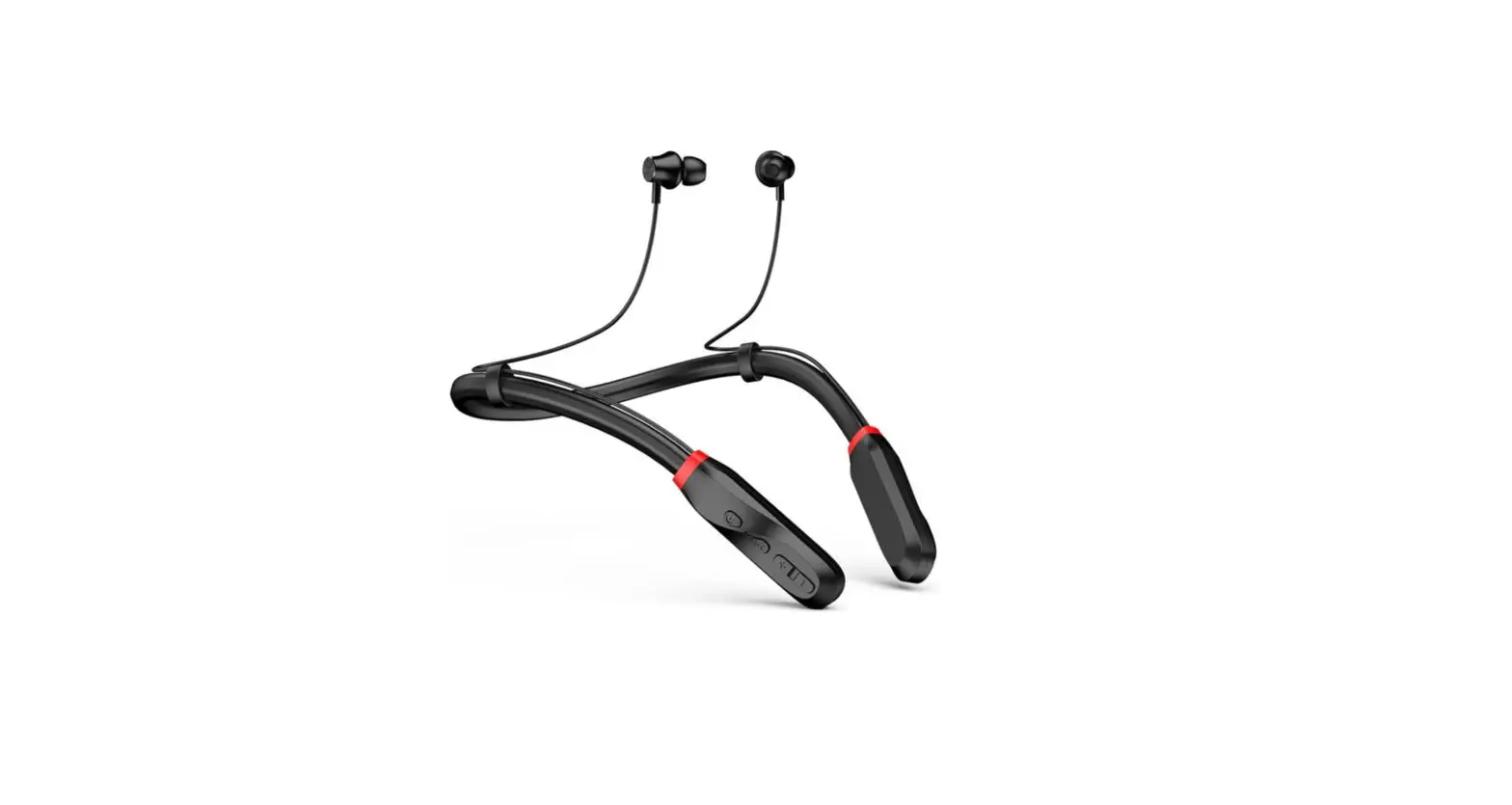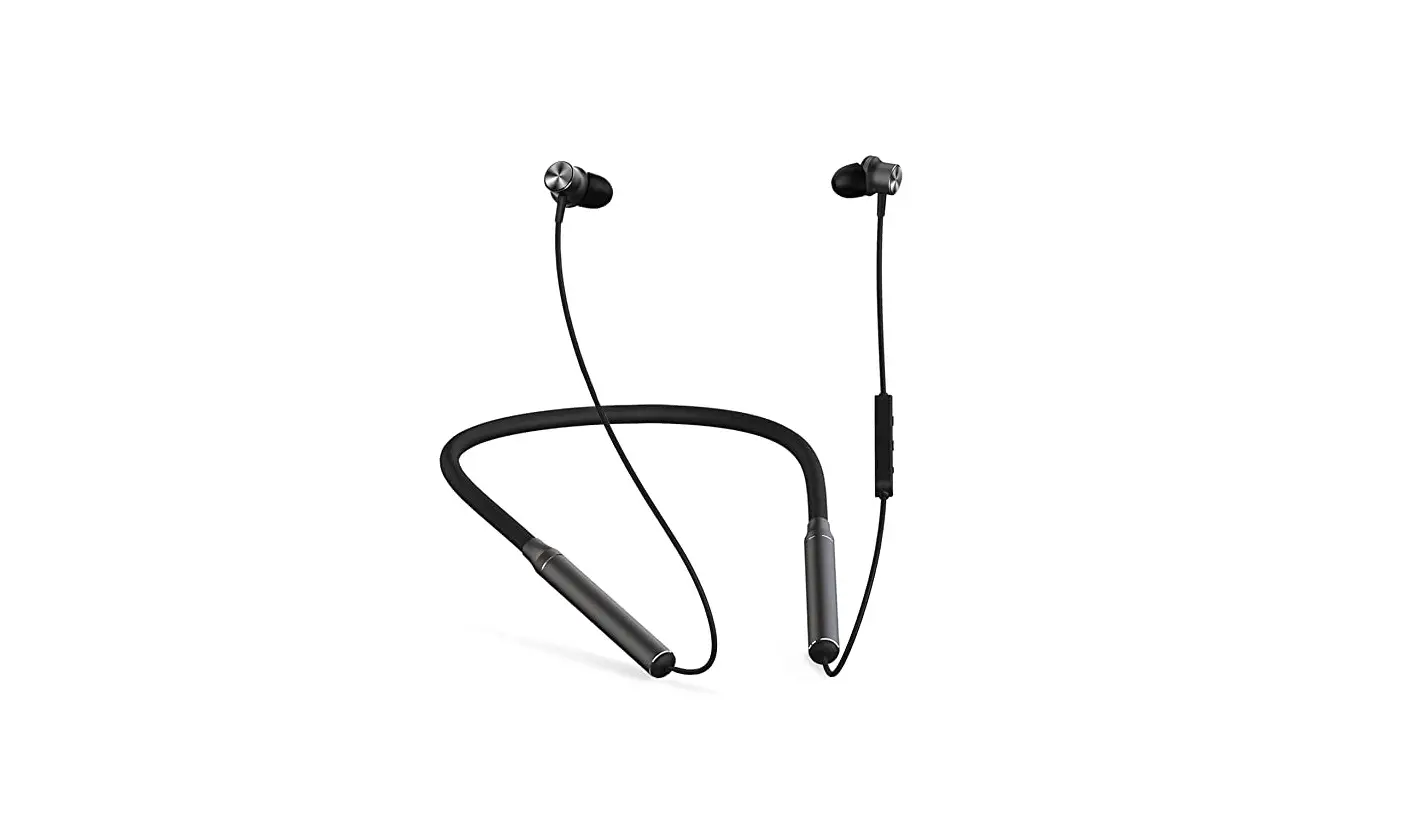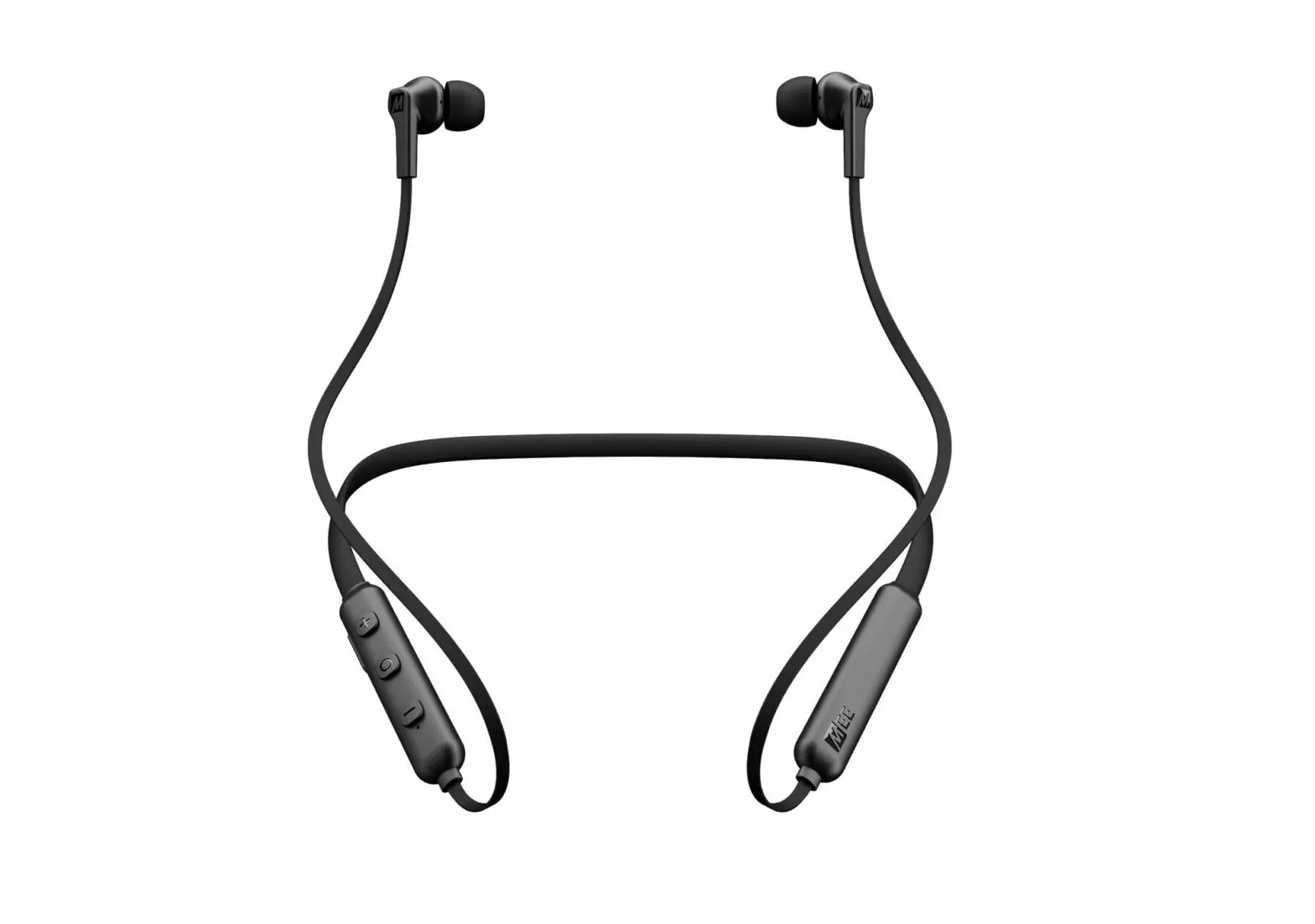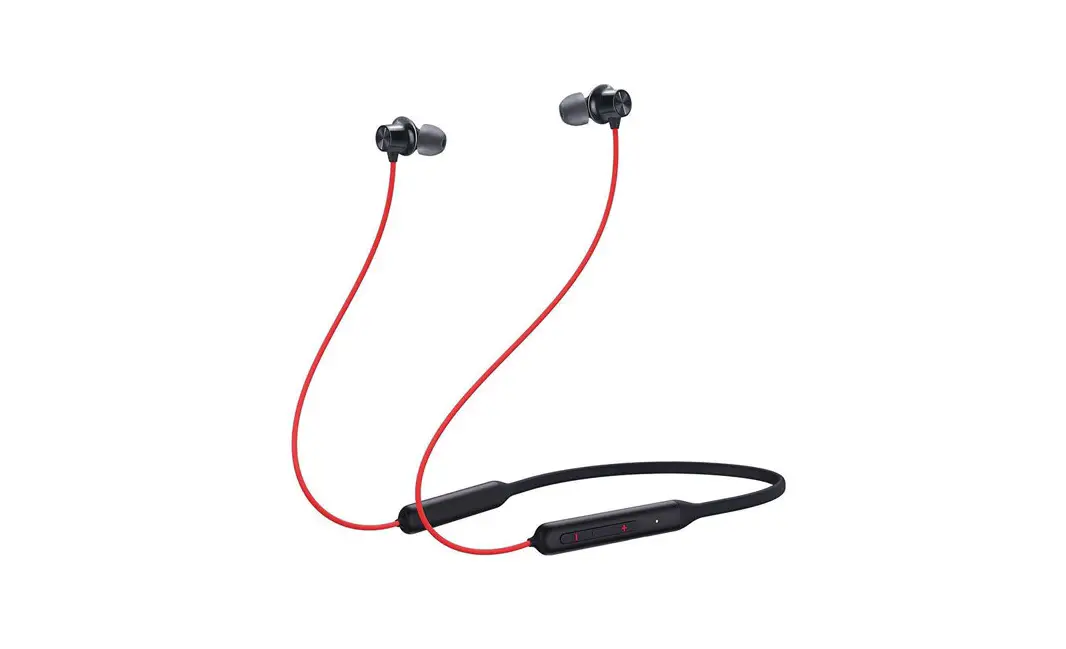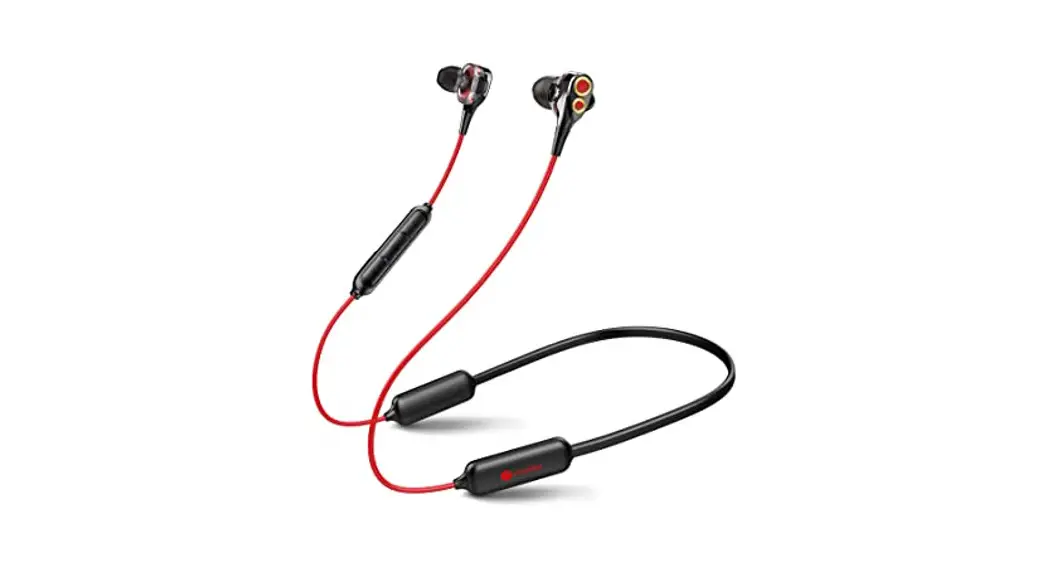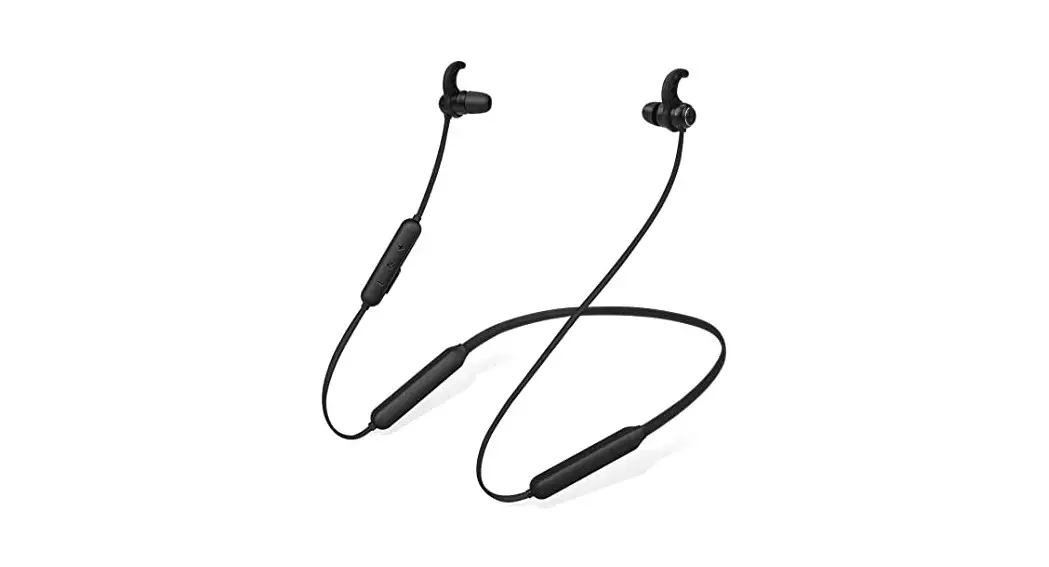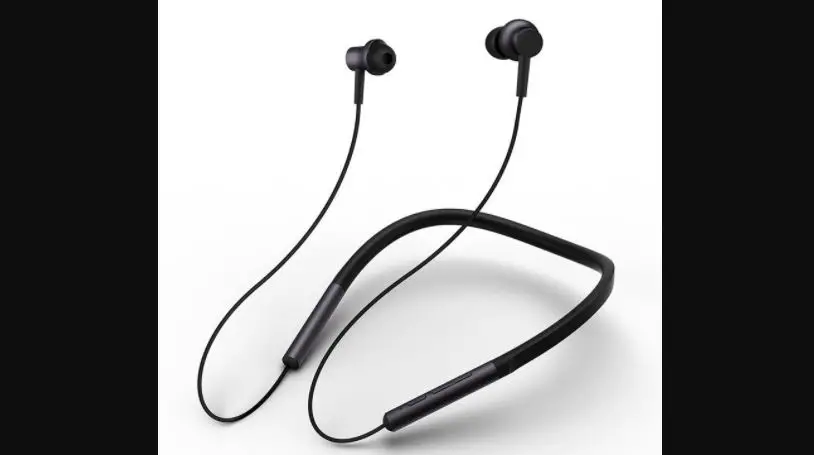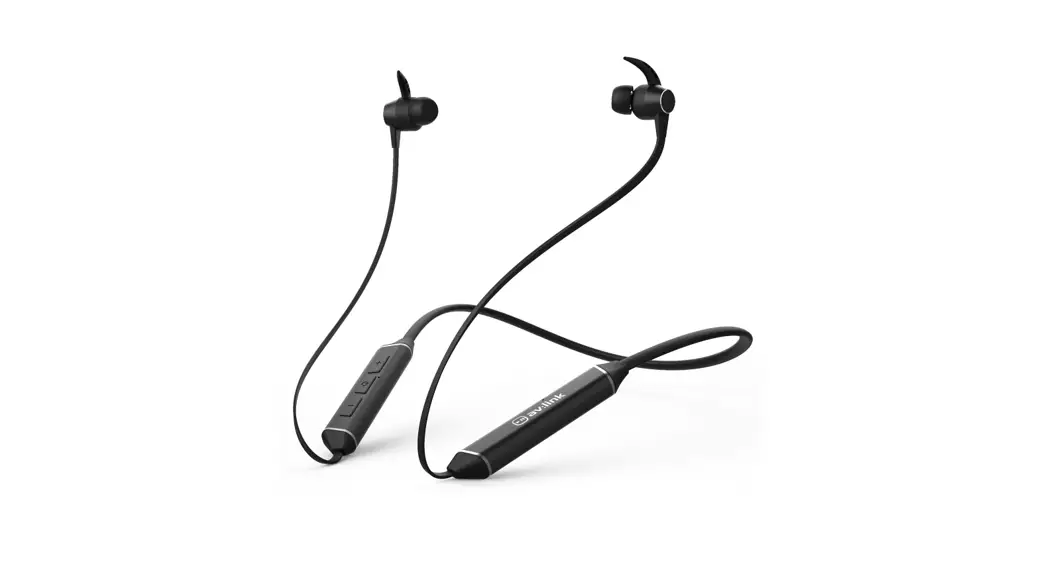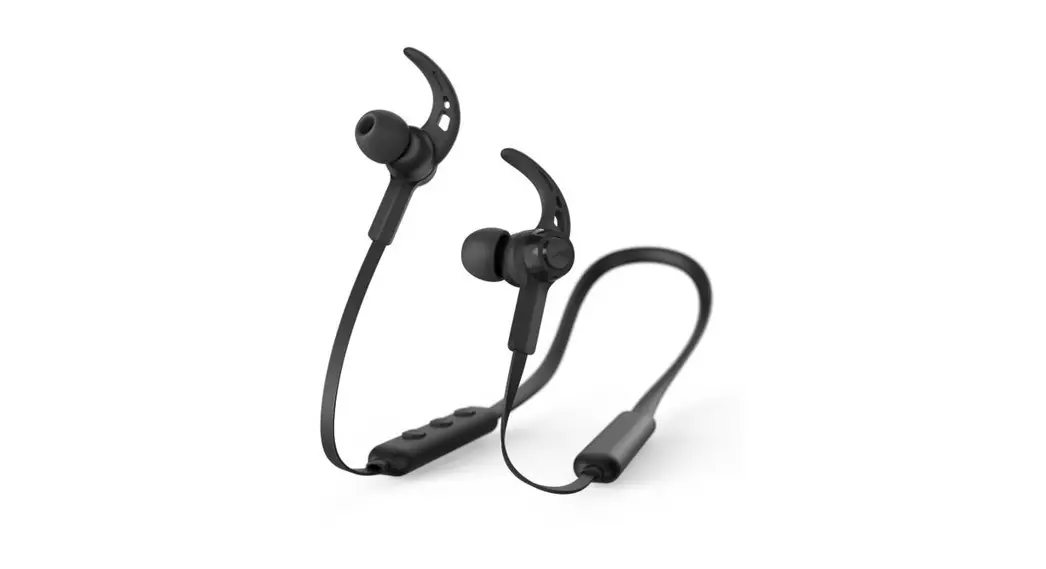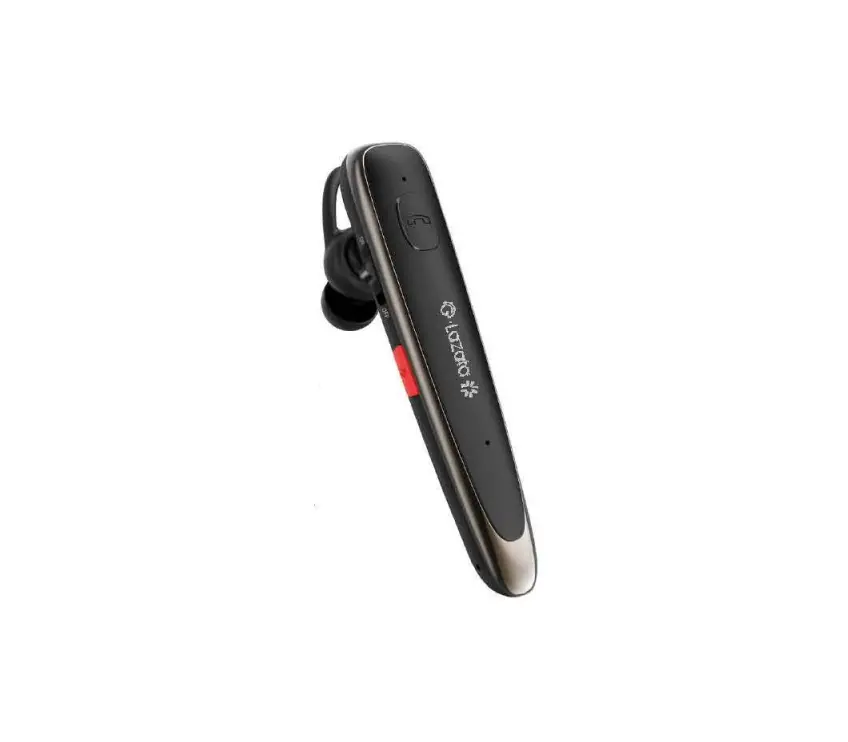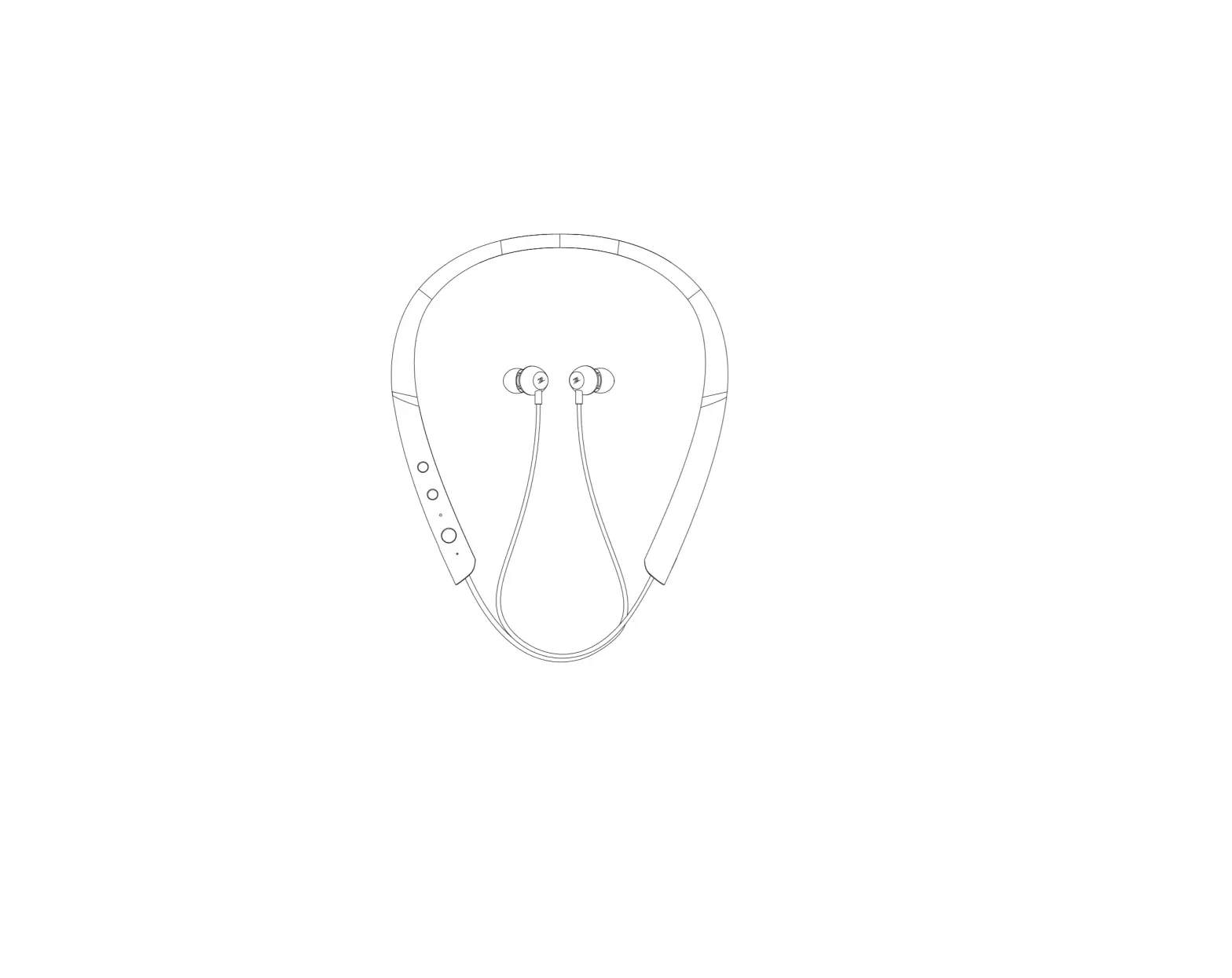
Glazata N8 Bluetooth Neckband Headphones
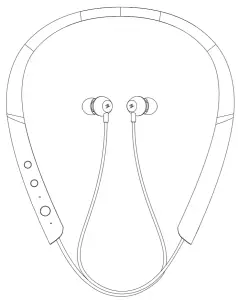
HEADPHONES OVERVIEW
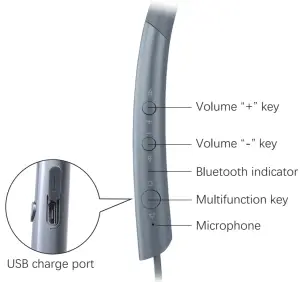
PACKAGE CONTENT
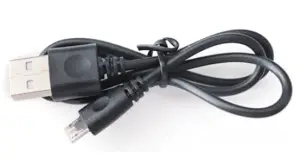 USB cable USB cable | 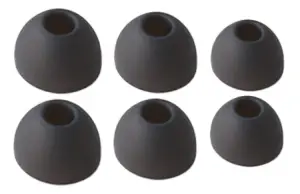 S/M/L Eargels S/M/L Eargels | 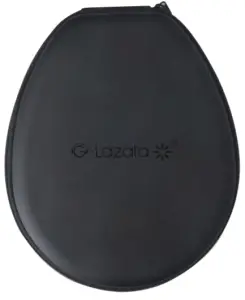 Carrying case Carrying case |
HOW TO USE
 PHONE CALL
FUNCTION | ACTION |
| Power On/Off | Long-press (3 seconds) the multifunction key |
| Answer/end call | Tap the multifunction key |
| Reject call | Long-press (2 seconds) the multifunction key |
| Redial last number | Double-tap the multifunction key |
| Activate voice assistant | Long-press (3 seconds) the multifunction key |
 LISTEN TO MUSIC
FUNCTION | ACTION |
| Play/pause | Tap the multifunction key |
| Volume up Next song | Tap the volume”+” key Long-press (2 seconds) volume”+” key |
| Volume down Previous song | Tap the volume” “key Long-press (2 seconds) volume”-” key |
HOW TO WEAR
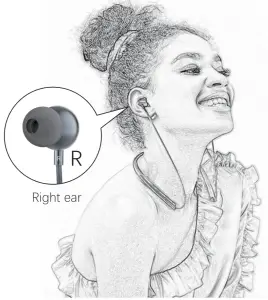
Please confirm the earbuds to wear on the right ear and left ear. Three size ear gels are available in the pack.
HOW TO CONNECT
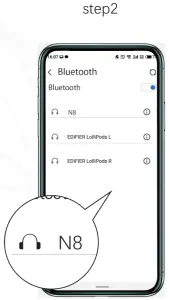
CONNECT TO MOBILE DEVICE
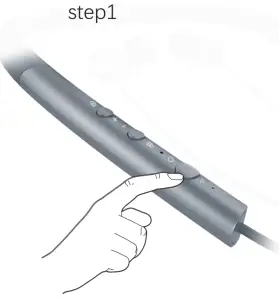
HOW TO CHARGE THE BATTERY
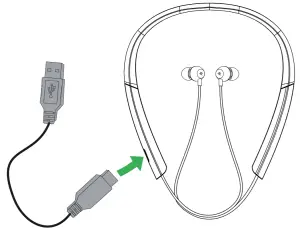
- Pull back the charging cover on the headphones to expose the USB charging port.
- Connect the headphones to a USB port using the USB cable.
HOW TO CARE FOR YOUR HEADPHONES
- Always store the headset with the power off and safely protected.
- Avoid storage at extreme temperatures (above 70°C/158°F or below – 10°C/14°F). This can shorten battery life and may affect headset operation.
- Do not expose the headset to rain or other liquids.