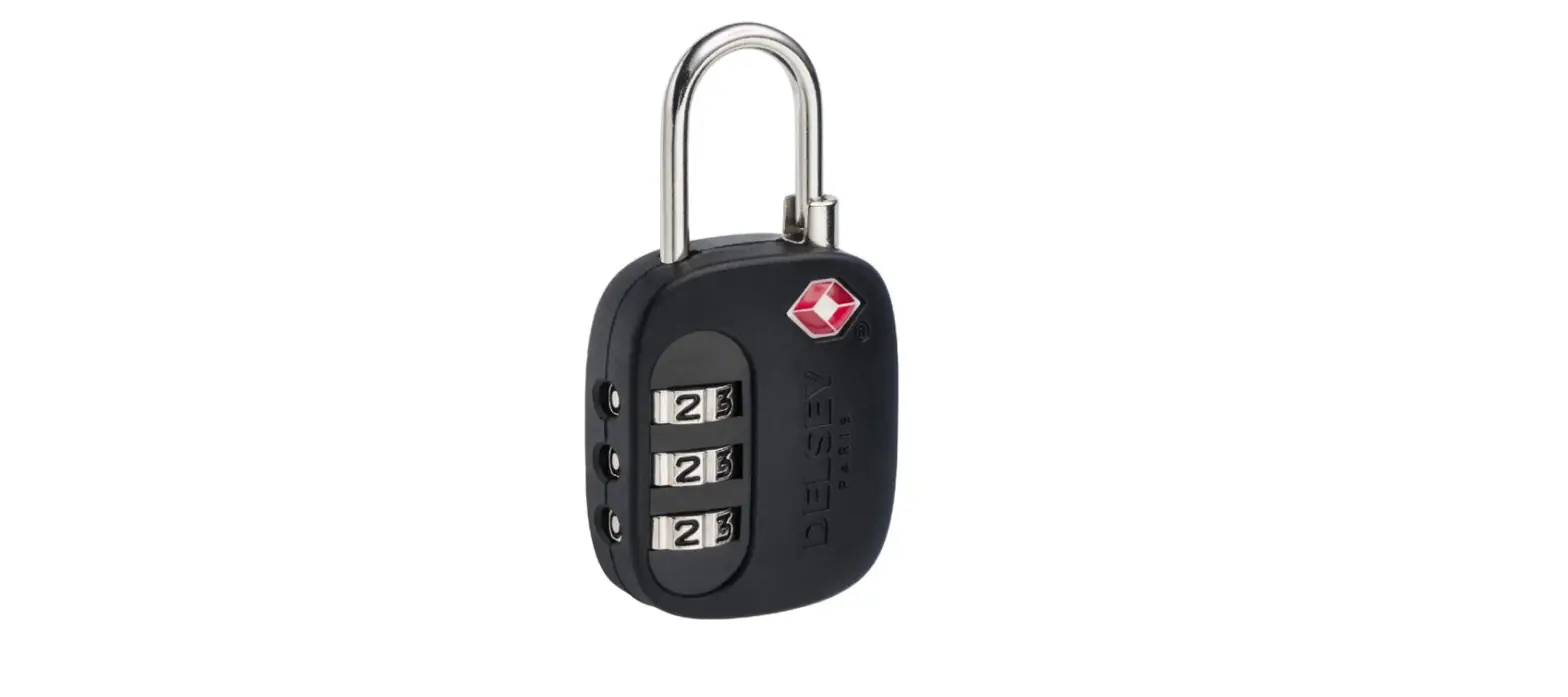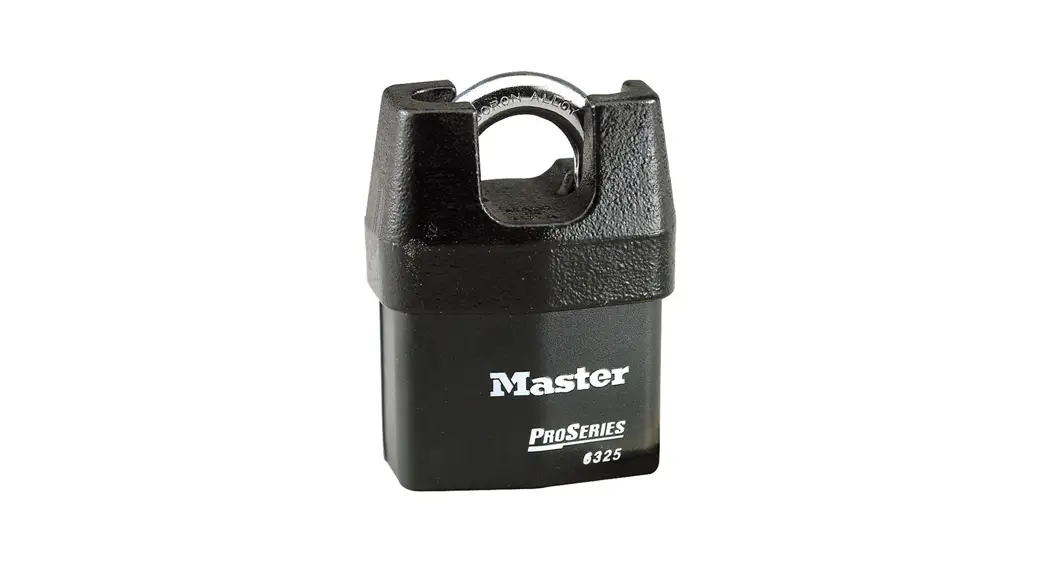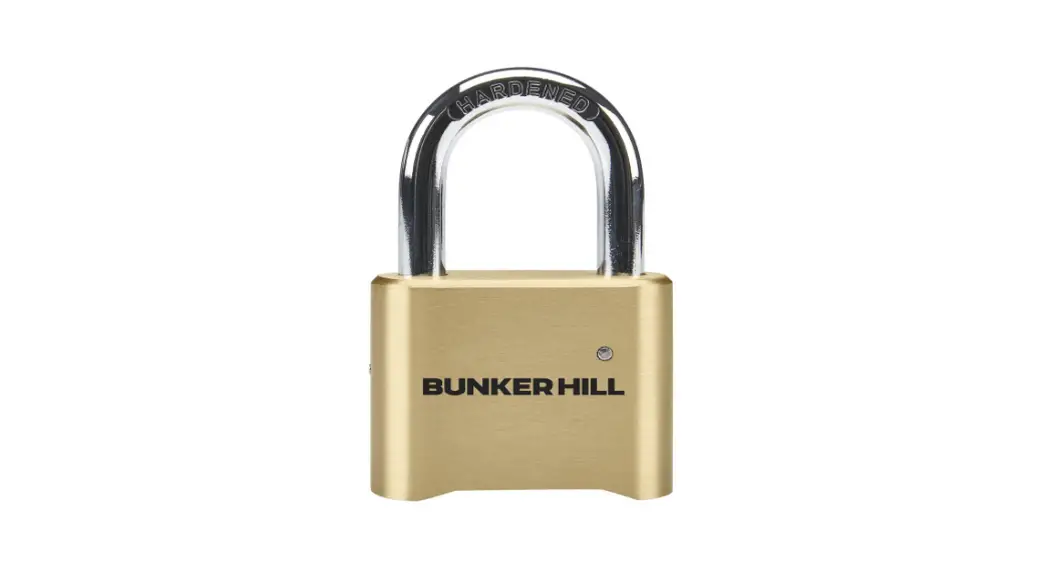
 SECURITY 58049 2 Inch Body Brass Combination Padlock
Instruction Manual
58049
UPC 193175431196
21j
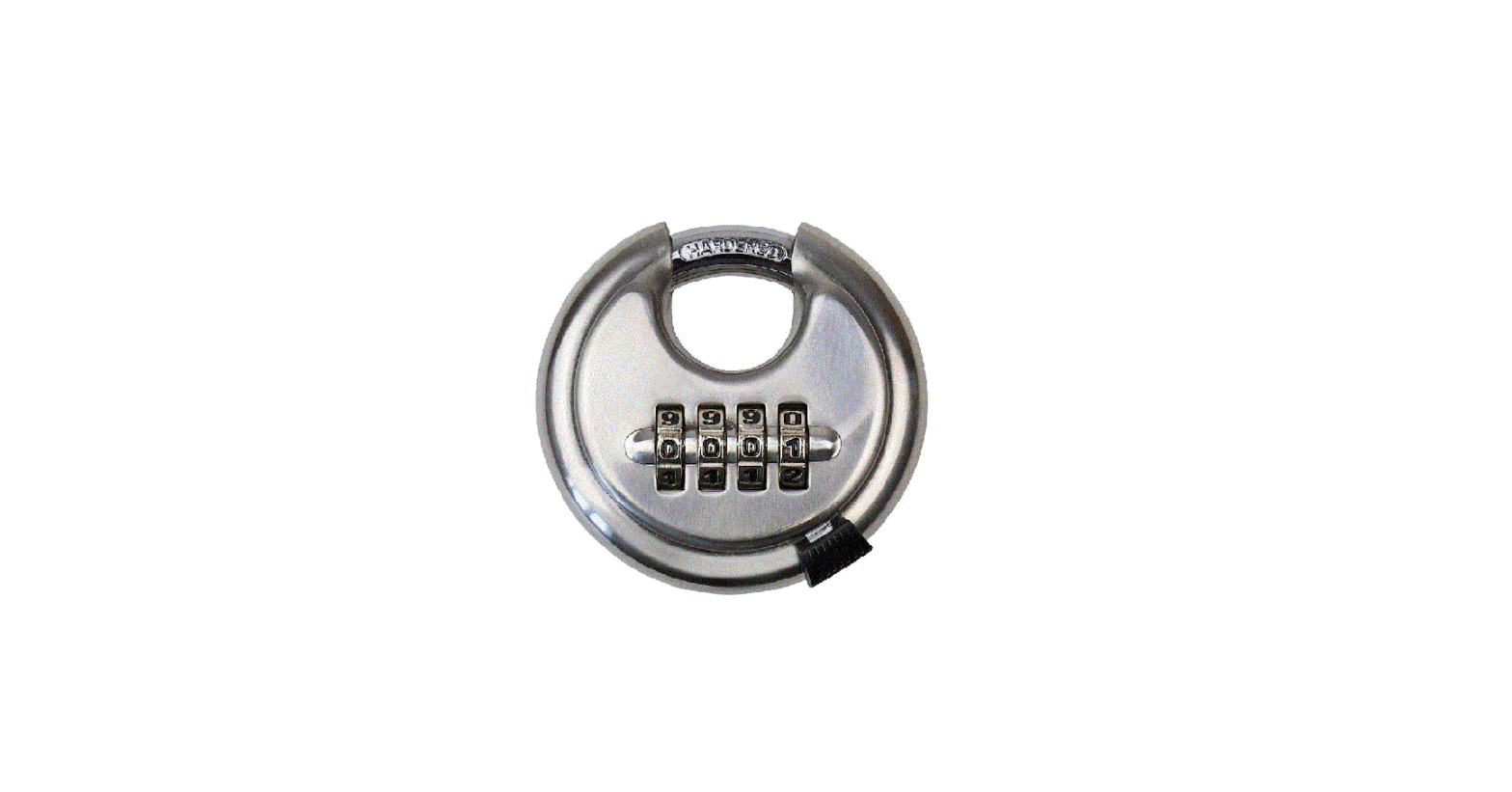
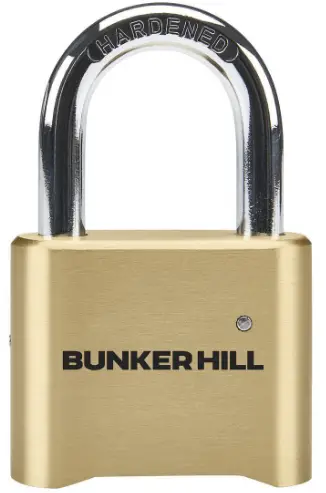
58049 2 Inch Body Brass Combination Padlock
Operating Instructions
To open lock:
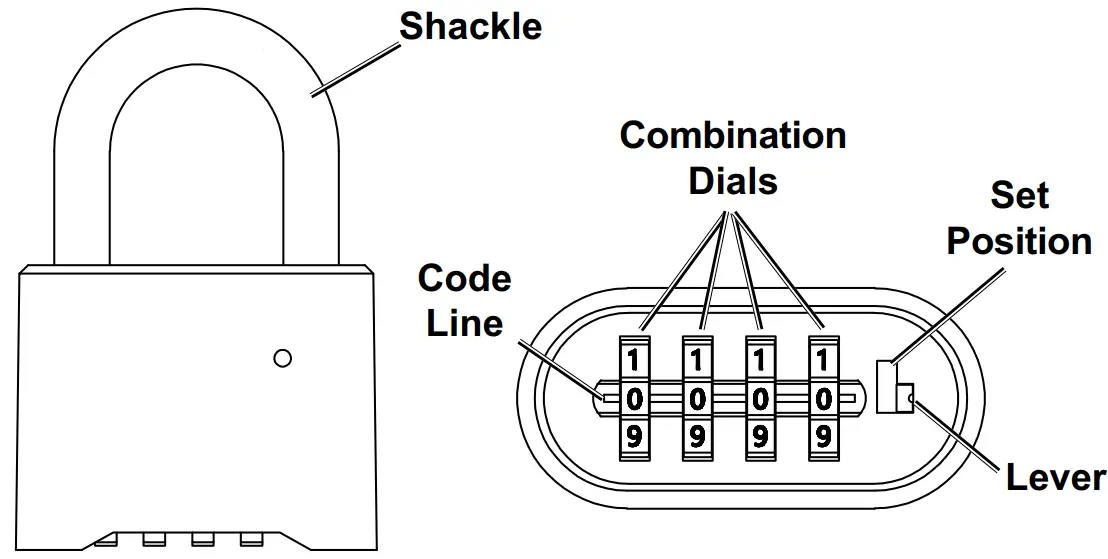
- Rotate Combination Dials until your four digit code is seen on the code line.
Note: If starting with a new lock, set Combination Dials to default setting 0 – 0 – 0 – 0. - Press the Shackle down, then release. The Shackle should pop up automatically.
To set a new combination:
- Open lock.
- Push Lever up to the top of the “Set Position” then rotate Combination Dials to desired code on code line.
- Push Lever back down to its original position. The new combination is now set.
Visit our website at: http://www.harborfreight.com
Email our technical support at: [email protected]
For technical questions, please call 1-888-866-5797.