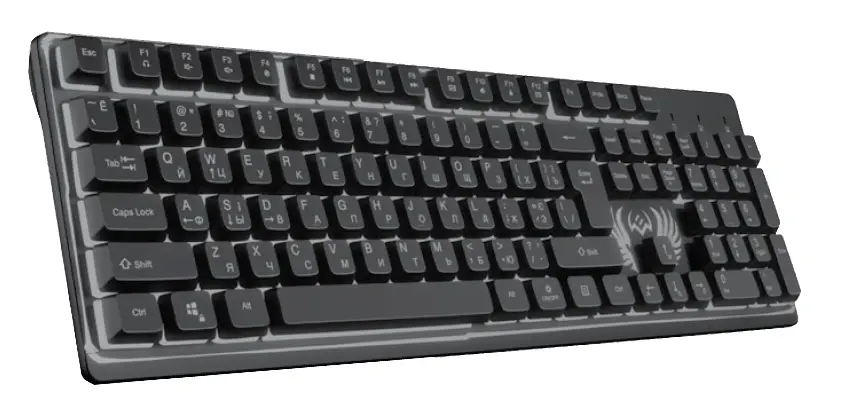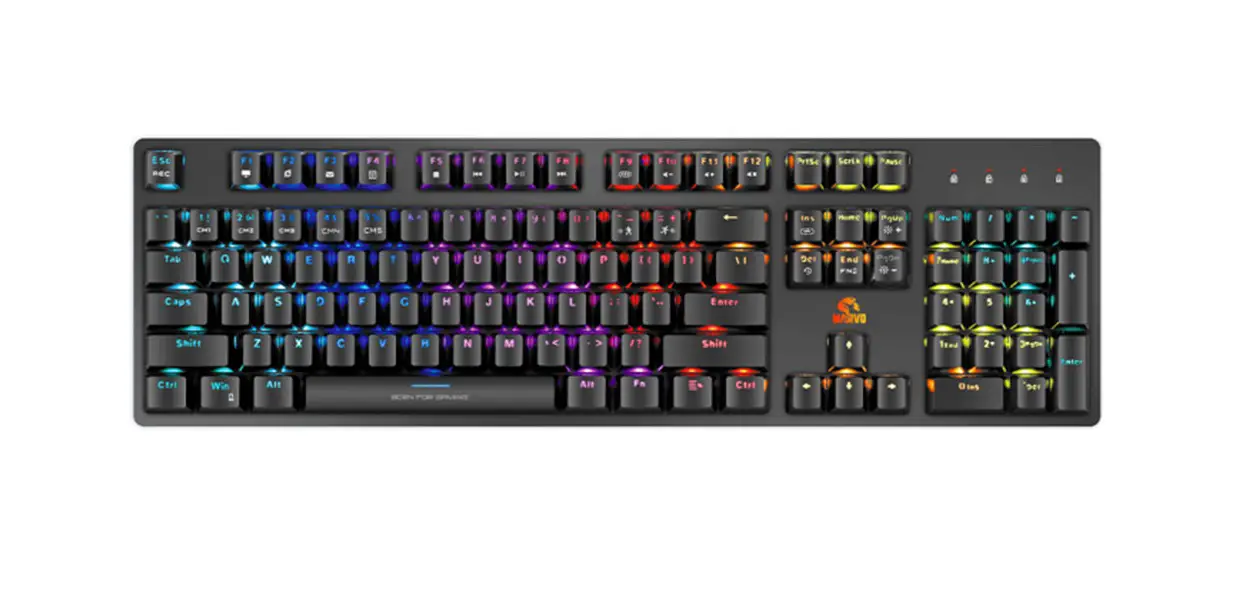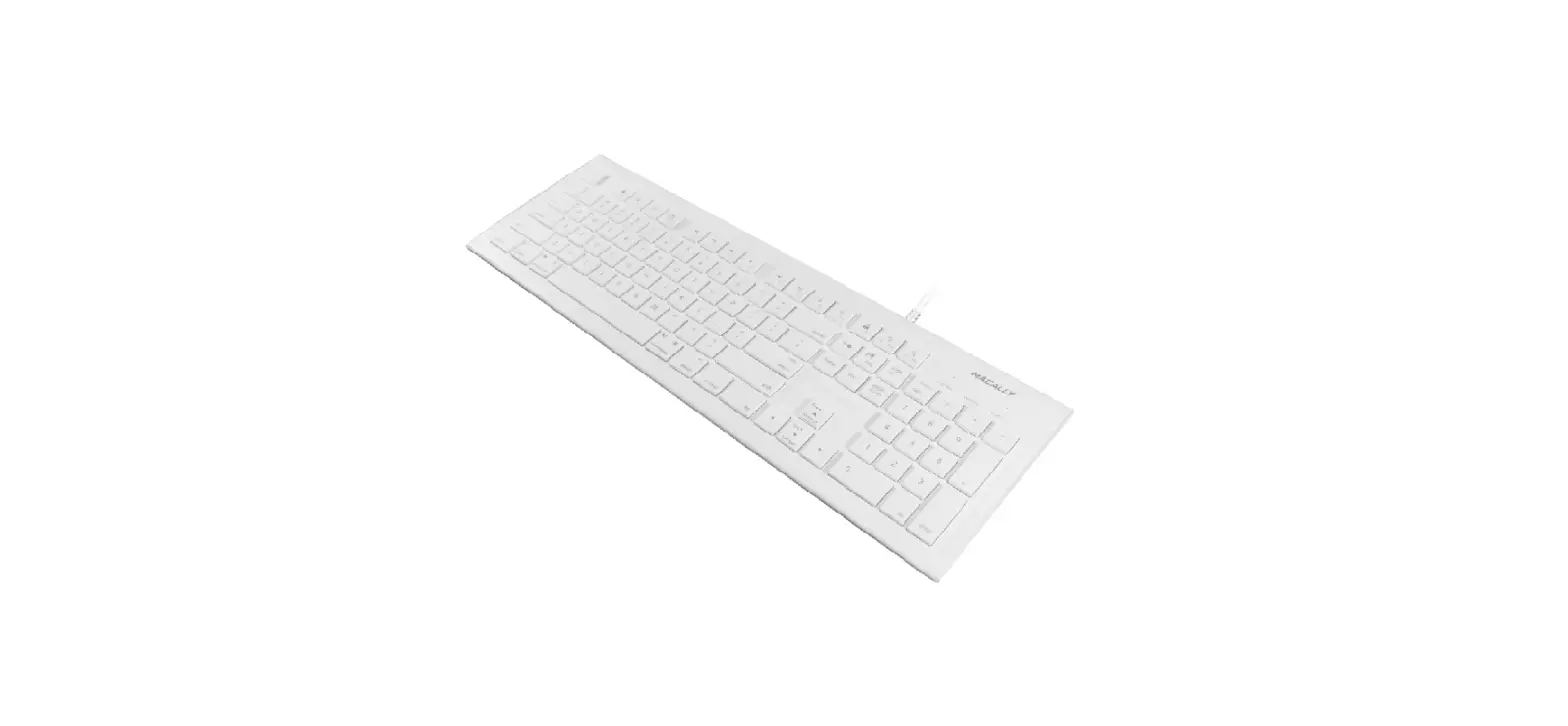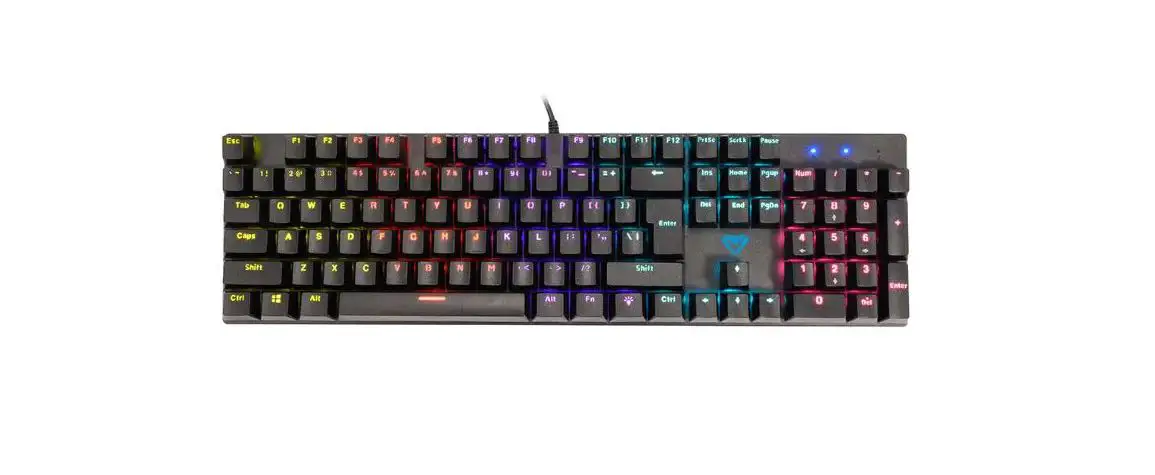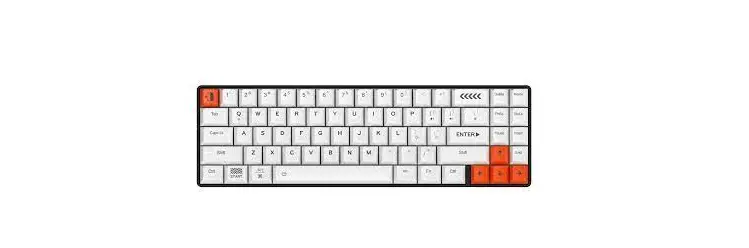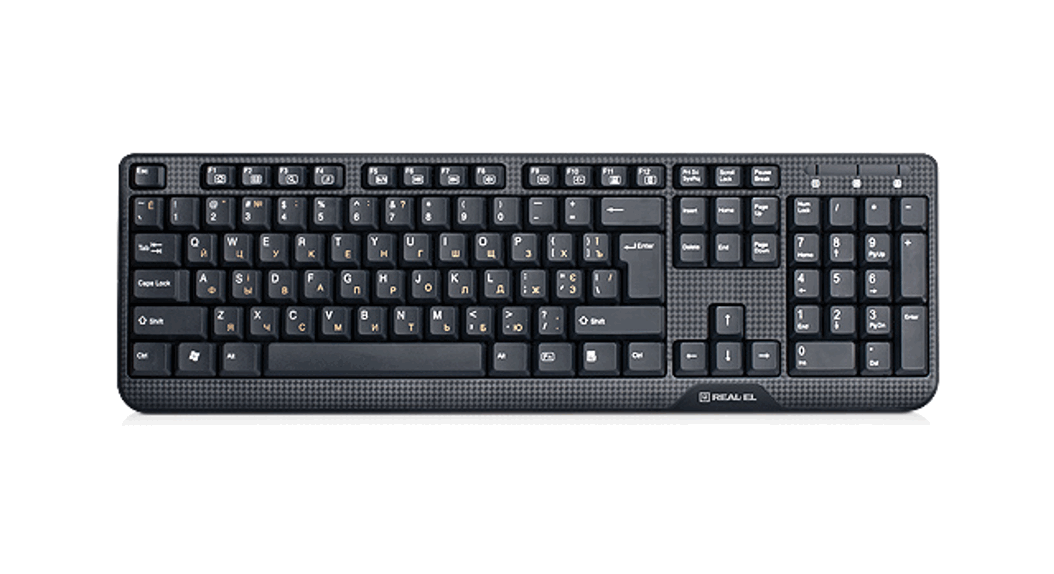
 MULTIMEDIA KEYBOARD
COMFORT 8010
OPERATION MANUAL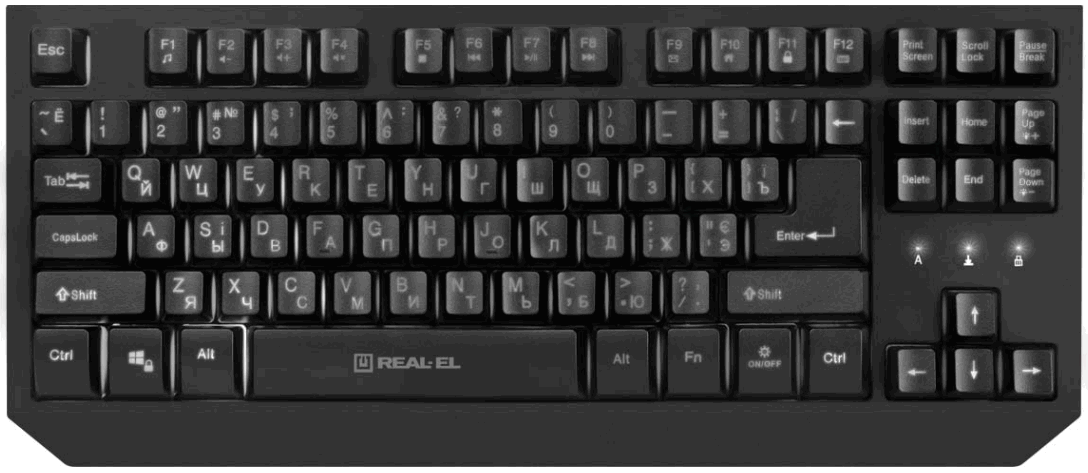
Comfort 8010 Multimedia Keyboard
Congratulations on your purchase of the REAL-EL keyboard!
COPYRIGHT
© 2021. ENEL GROUP OU.
This Manual and information contained in are copyrighted. All rights reserved.
TRADEMARKS
All trademarks are the property of their legal holders.
SAFETY PRECAUSIONS
- Protect your mouse from high humidity, dust or high temperatures.
- Do not use gasoline, spirit or other dissolvents for cleaning. This may cause damage to the surface. Clean the device with soft cloth.
- Do not attempt to disassemble or repair your device.
- Protect the device against powerful shocks and falls – they may damage the internal electronics.
PACKAGE CONTENTS
- Keyboard – 1 pc
- User Manual – 1pc
- Warranty card – 1 pc
SPECIAL FEATURES
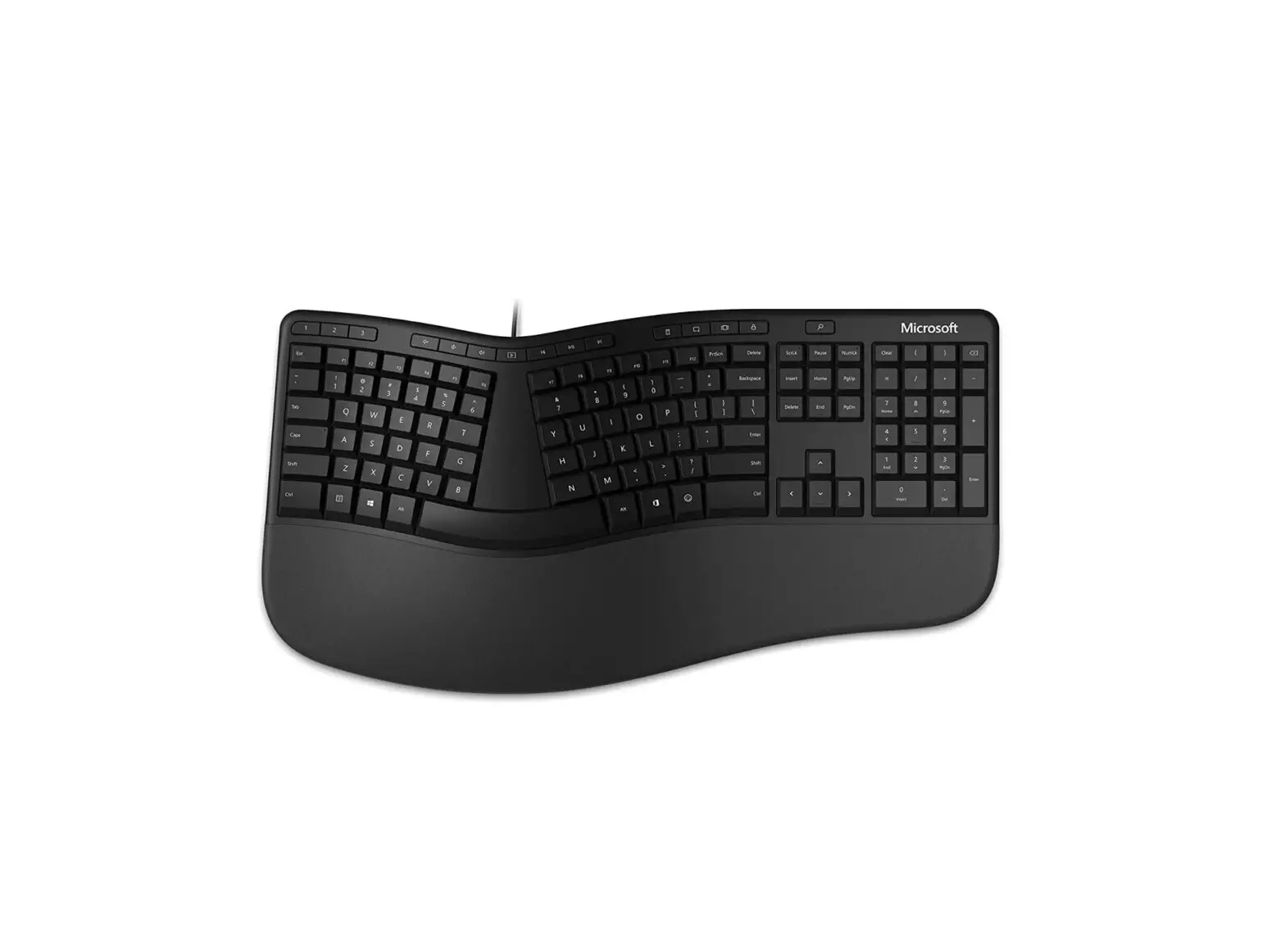
- Ergonomic design
- High reliability
- High quality membrane with tactile feedback
- 12 keys multimedia shortcuts
- Excellent non-slip design
- Arrow and WASD keys exchange function
- Win lock function
- Special design cable slot with 3 ports to adjust cable position and length
- No sliding. Rubber inserts
SYSTEM REQUIREMENTS
- OS Windows.
- Free USB port.
EXTRA MODES
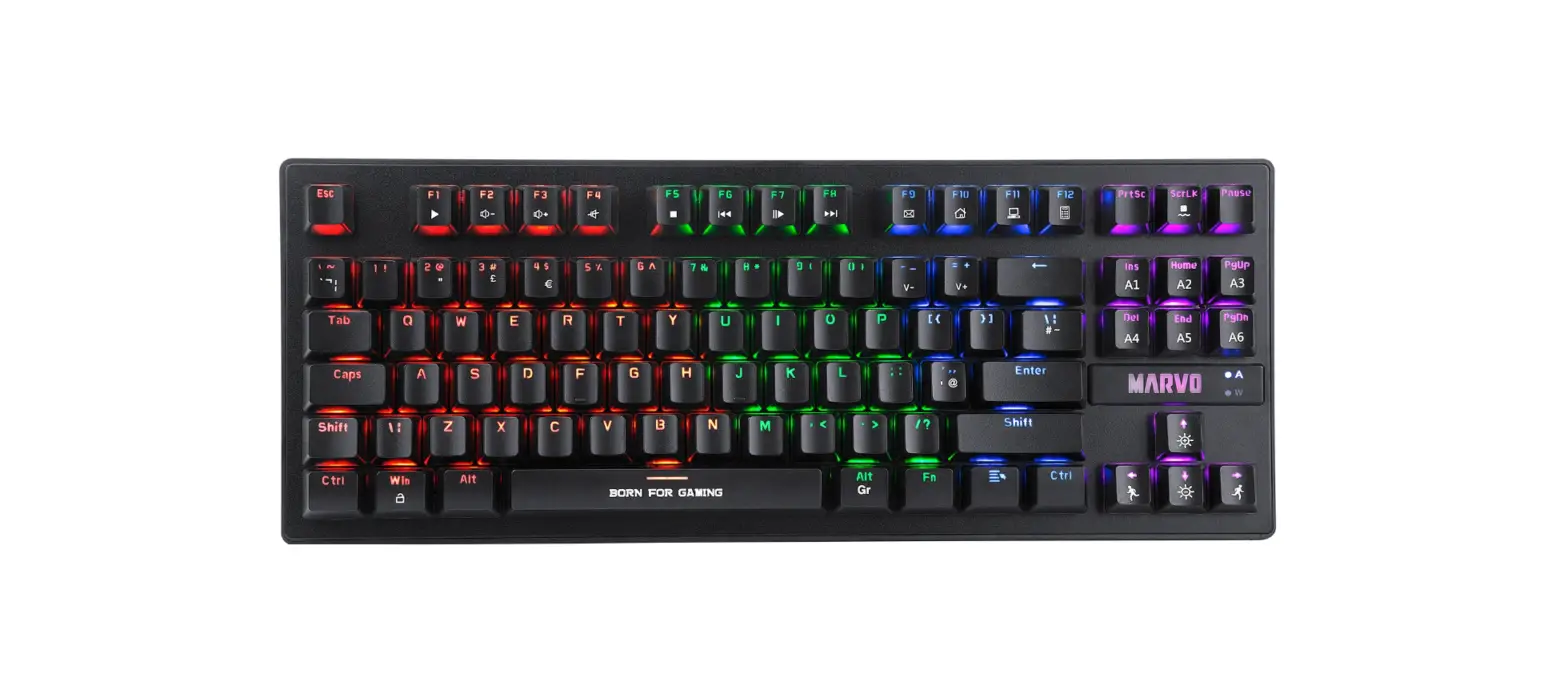
- FN + W – Change WSAD and vise versa ↑↓←→ ;
- FN +
 – Light On/Off to activate backlit breathing effect;
 - FN + Page Up
 + /Page Down – Brightness level control;
 - FN + WIN – Lock the windows key.
 – Light On/Off to activate backlit breathing effect;
 + /Page Down
Fn + F1 Music MusicFn + F2  Volume up Volume upFn + F3  Volume down Volume downFn + F4  Mute MuteFn + F5  Stop StopFn + F6  Previous track Previous track | Fn + F7 Play / Pause Play / PauseFn + F8  Next track Next trackFn + F9  e-mail e-mailFn + F10  Webpage WebpageFn + F11  Lock the whole keys Lock the whole keysFn + F12  Calculator Calculator |
INSTALLATION
- Connect the keyboard to an available USB port of your PC. Installation of the keyboard is auto-matic after its connection to a PC USB port.
- To activate the Win lock function, press “Fn” and
 . The overstrike of these keys turns off the Winlock function.
 - To switch on backlit press On/Off key. To increase or decrease the level of backlit press “Fn” and Page Up + /Page Down – on a keyboard. On/Off key turns off backlit.
- To control Multimedia, Windows appendixes and Internet, press the “Fn” key + one of the keys of fast access to Multimedia and Internet (see description above).
 . The overstrike of these keys turns off the Winlock function.
TECHNICAL SPECIFICATIONS
| Parameter | Value |
| Q-ty of keys | 87 |
| Q-ty of shortcut keys | 12 Fn |
| OS compatibility | Windows |
| Interface | USB |
| Error-free running time | more than 20.000.000 strokes |
| Dimensions | 367 × 40 × 161 mm |
| Weight | 833 ± 5 g |
Notes:
- Technical specifications given in this table are supplemental information and cannot give occasion to claims.
- Technical specifications and package contents are subject to change without notice due to the improvement of REAL-EL production.
Manufacturer: ENEL GROUP OU, Harju maakond, Rae vald, Jüri alevik, Aruküla tee 55a, 75301, Estonia.
® Registered Trademark of ENEL GROUP OU. Estonia.
Technical support: www.real-el.com
 REAL-EL