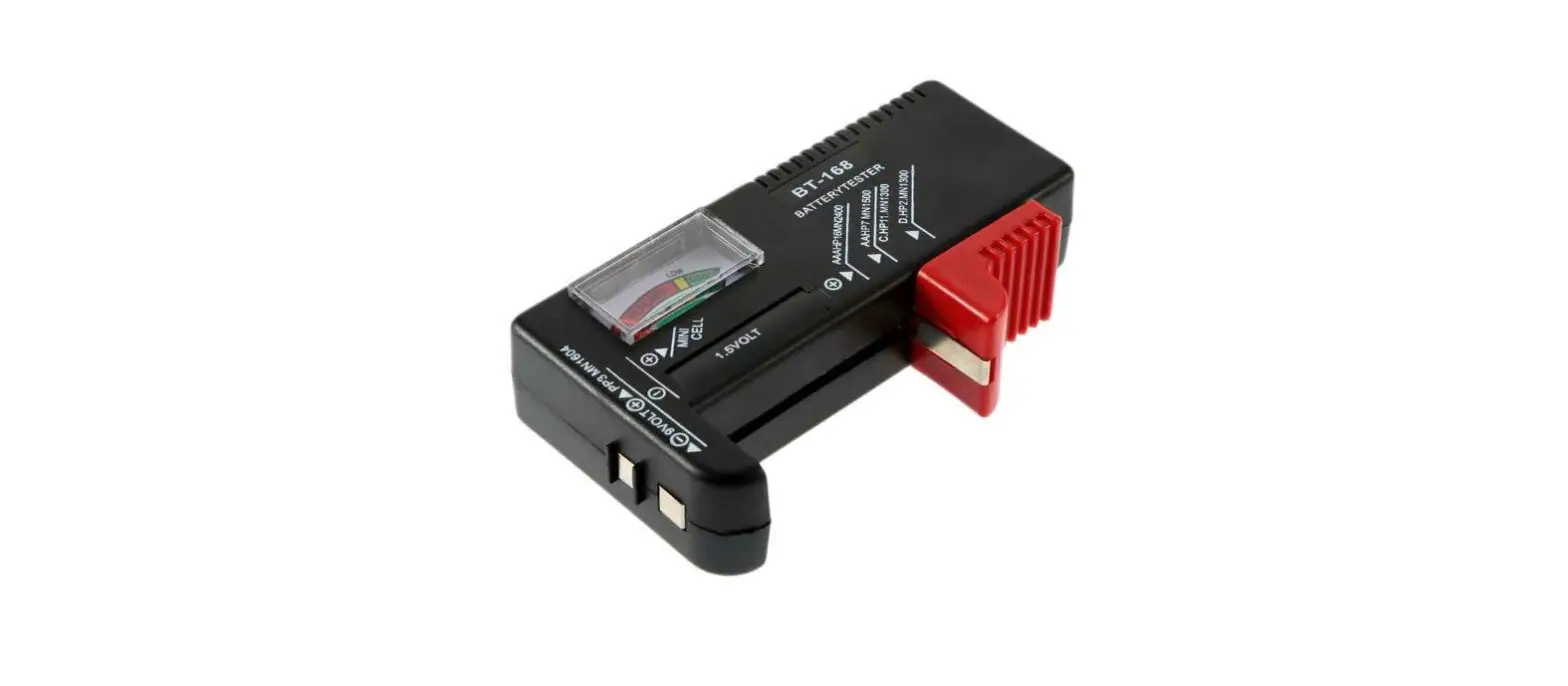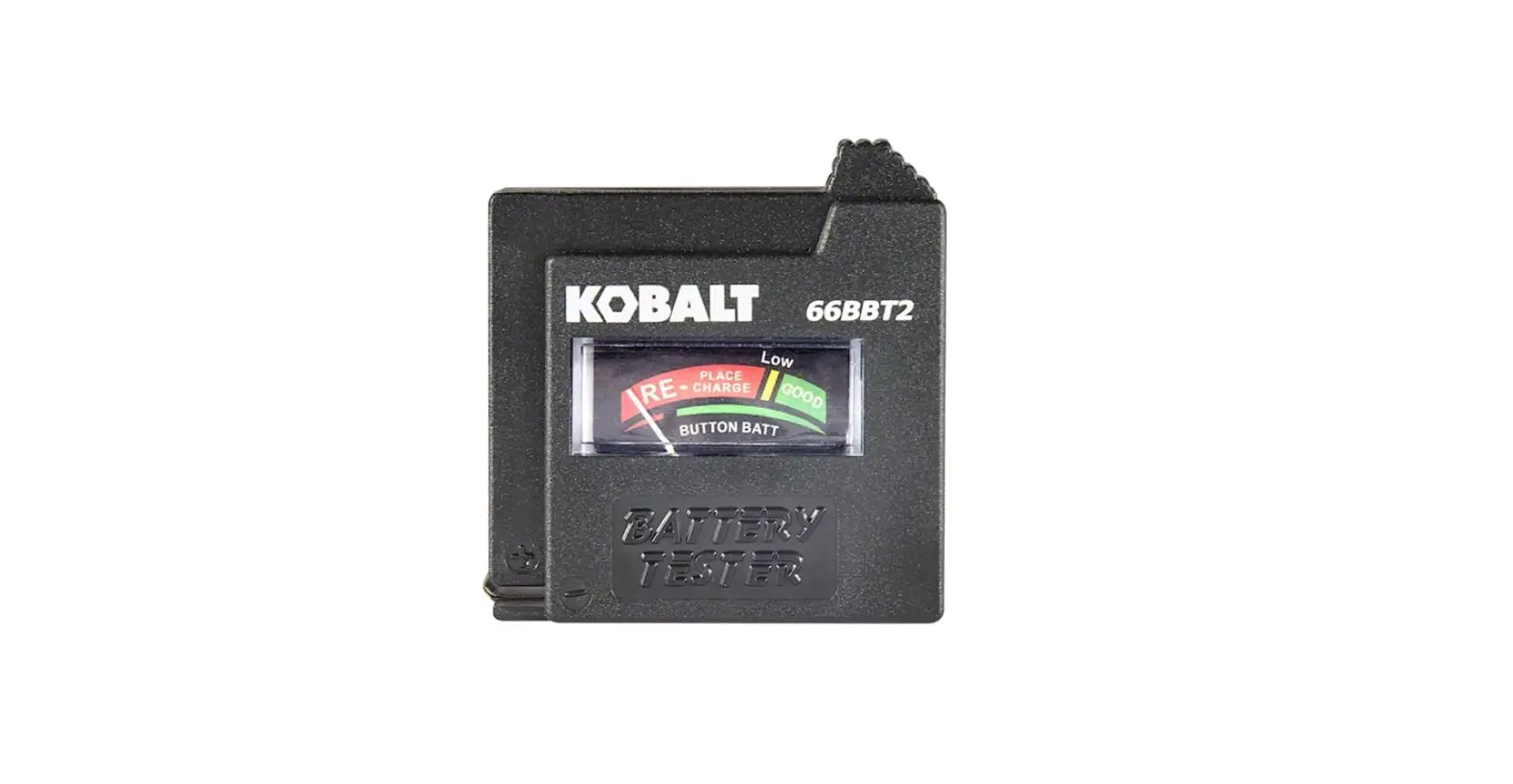
KOBALT 66BBT2 Analog Battery Tester Specialty Meter User Manual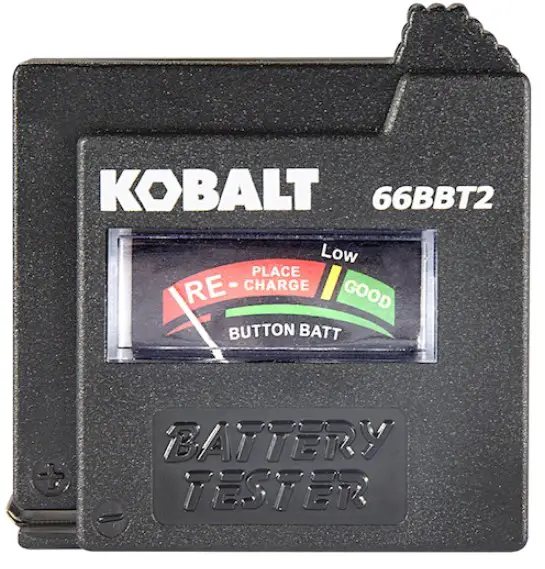
KOBALT and logo design are trademarks or registered trademarks of LF, LLC. All rights reserved.
ATTACH YOUR RECEIPT HERE
Serial Number,_________ Purchase Date____________
 Questions, problems, missing parts? Before retuming to your retailer, call our customer service department at 1-888-3KOBALT (1-888-356-2258), 8 a.m – 8 p.m., EST, Monday – Sunday. You may also contact us anytime at www.lowes.com
PRODUCT SPECIFICATIONS
| GENERAL SPECIFICATIONS | |
| Operating Environment | 32°F to 104°F (0°C to 40°C) at <80% relative humidity |
| Storage Environment | 14°F to 140°F (-10°C to 60°C) at <80% relative humidity |
| Operating Altitude | 7000ft (2000m) maximum |
| Net Weight | Approx.0.071b (33.5g) |
| Dimensions | Approx.2.2×2.1×0.9in (56x53x23mm) |
PACKAGE CONTENTS
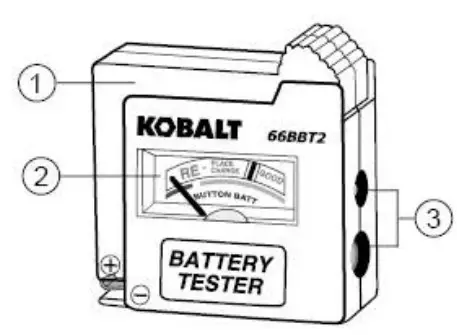
| PART | DESCRIPTION |
| 1 | Movable arm + battery terminal contact |
| 2 | Battery status |
| 3 | 9 volt battery terminal contacts |
SAFETY INFORMATION
 WARNINGS
- Please read and understand this entire manual before using this product.
- Do not use near gasoline, propane, natural gas or other explosive gases or vapors.
- Keep the testing time as short as possible to minimize drain on the battery being tested.
PRODUCT COMPLIANCE

Users of this product are cautioned not to make modifications or changes. Doing so may void the compliance of this product with applicable laws and regulatory requirements and may result in the loss of the user’s authority to operate the equipment.
Lowe’s Home Centers LLC
1000 Lowe’s Blvd.
Mooresville, NC 28117
1-888-3KOBALT (1-888-356-2258)
OPERATING INSTRUCTIONS
Operation
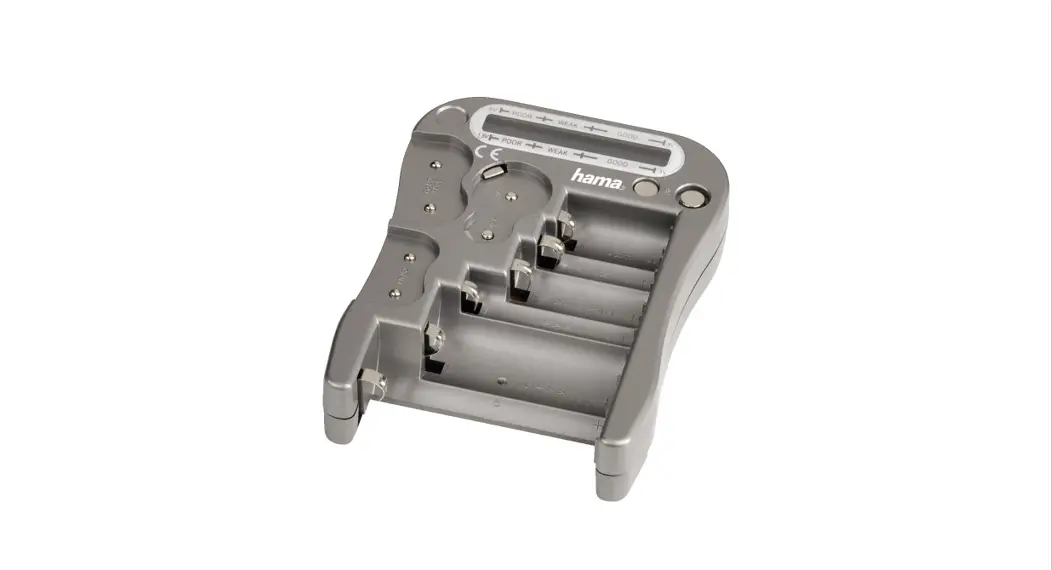
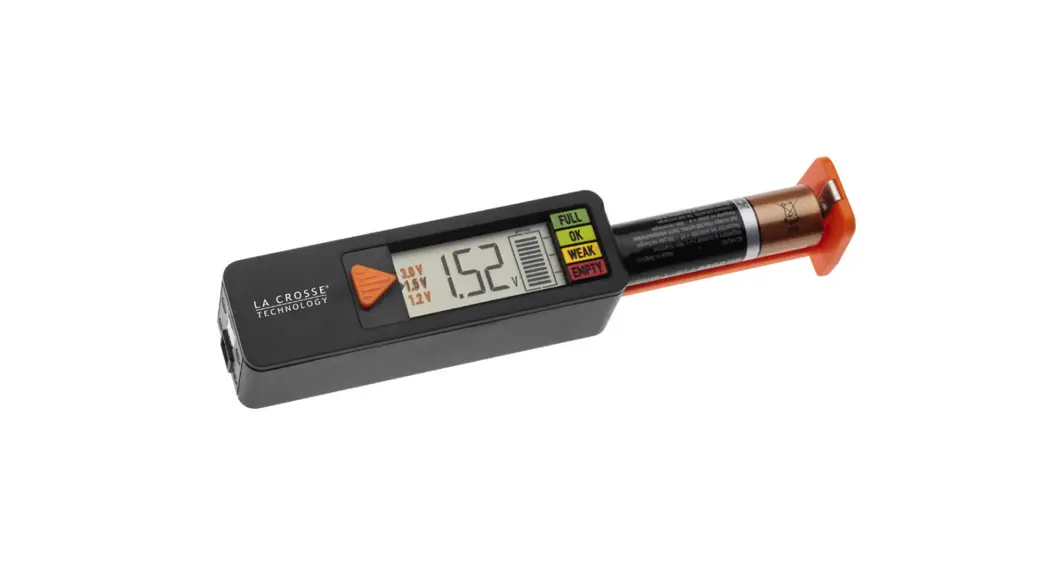
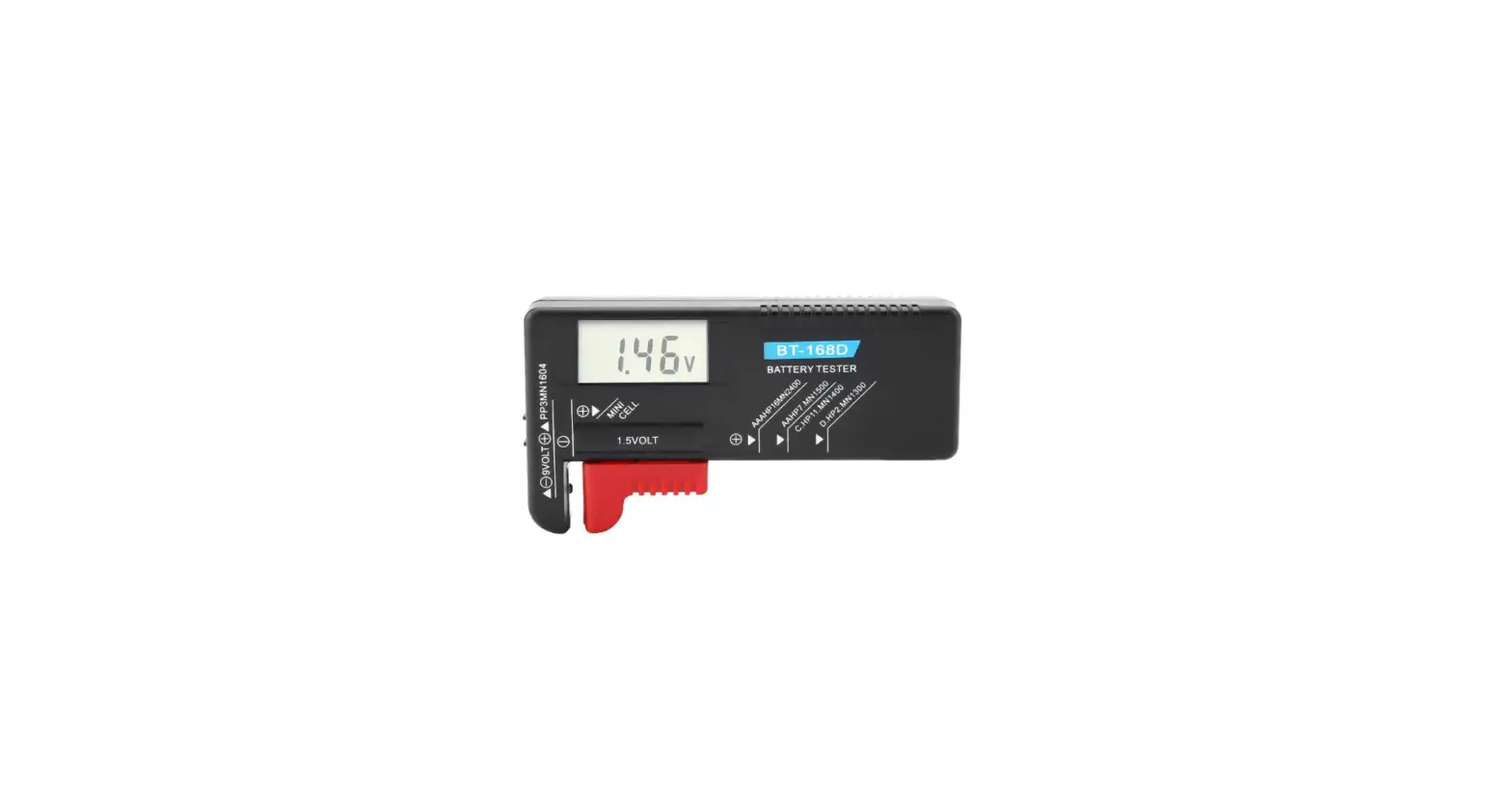
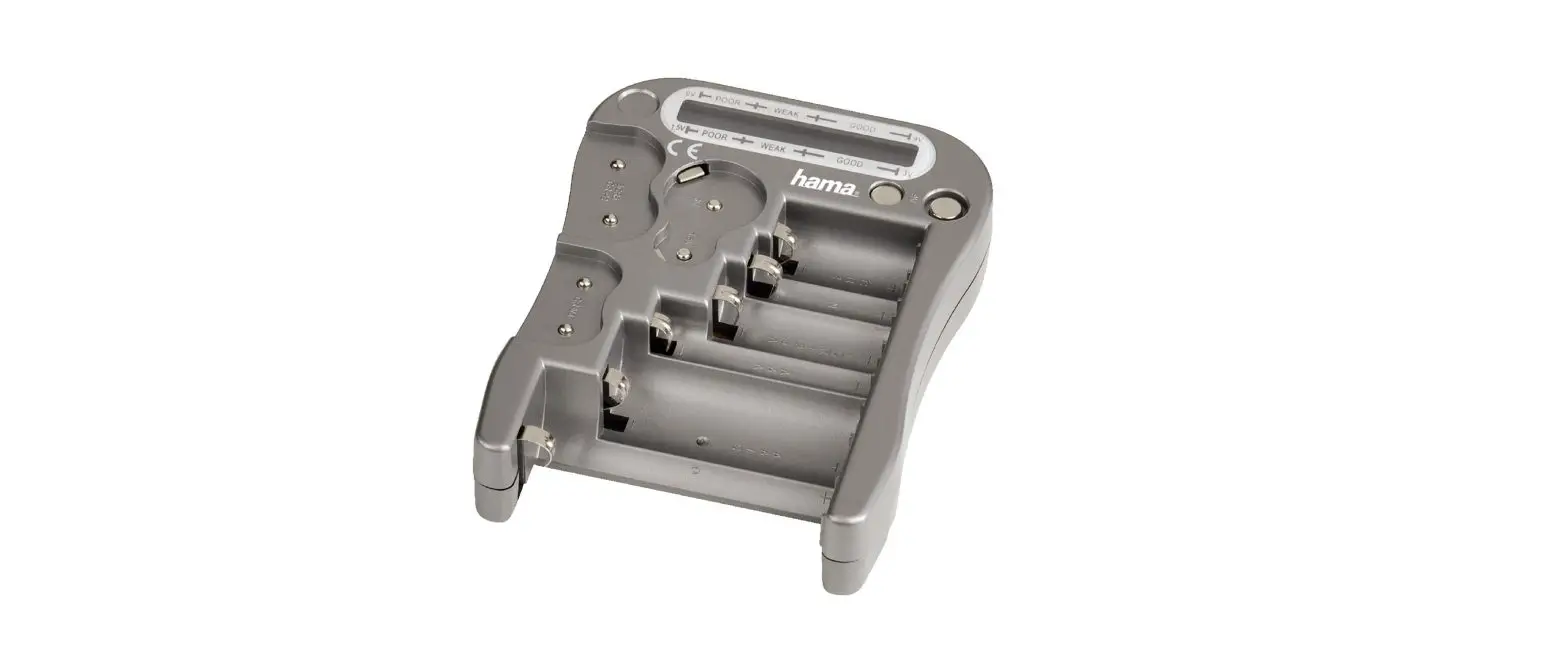
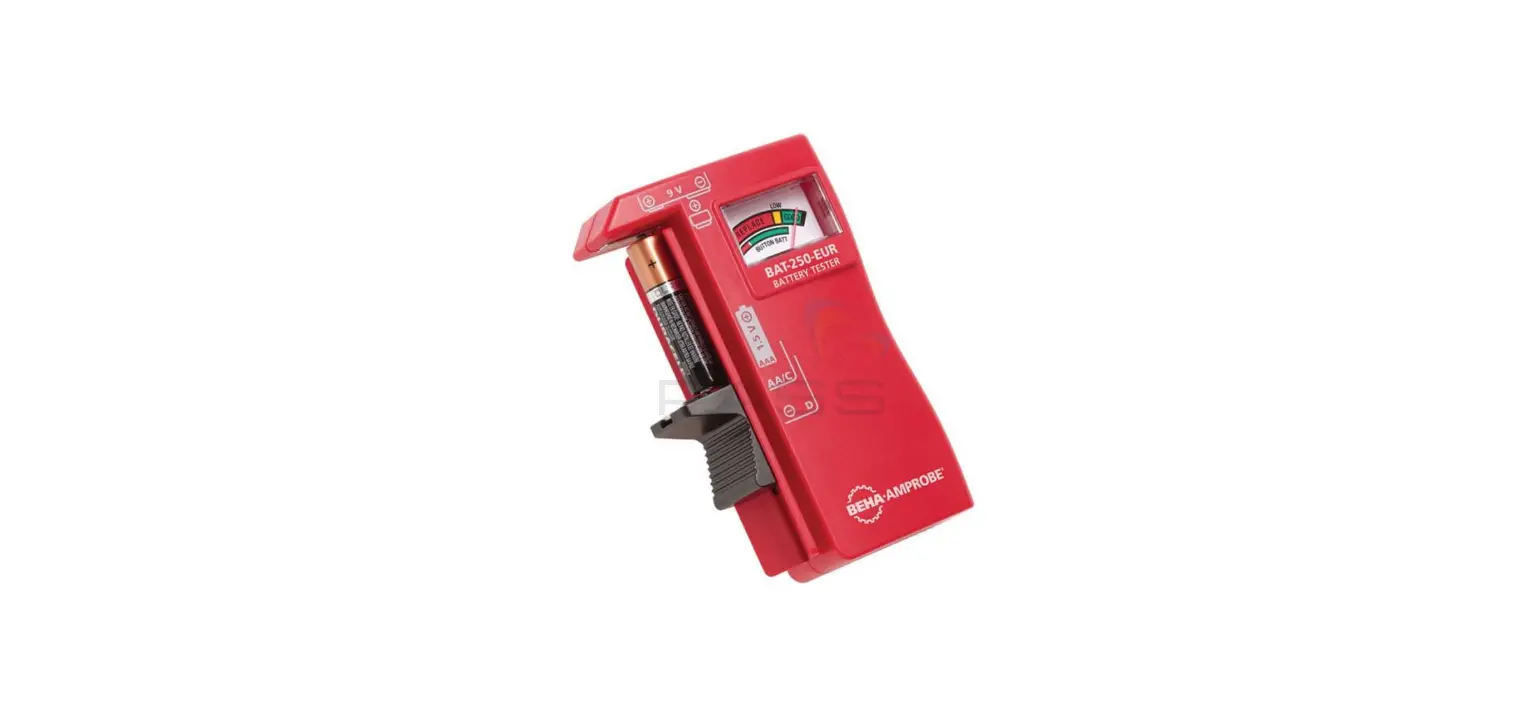
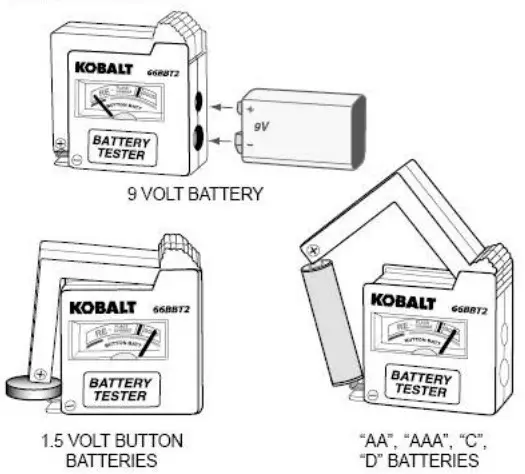
- Tests “D”, “C”, “AA”, “AAA”, 9 volt, and 1.5 volt button cell batteries. Refer to the drawings below for proper operation.
- Observe correct polarity (positive battery terminal to positive tester contact).
CARE AND MAINTENANCE
- Keep the tester dry. If it gets wet, wipe it off.
- Keep the tester clean. Wipe the dirt with a soft cloth dampened with water. Do not use chemicals, cleaning solvents, or detergents.
- Handle the tester gently and carefully. Dropping it can damage the electronic parts or the case.
- Use and store the tester in normal temperatures. Temperature extremes can shorten the life of the electronic parts and distort or melt plastic parts.
TROUBLESHOOTING
| POSSIBLE | POSSIBLE CAUSE | CORRECTIVE ACTION |
| Pointer not working | The battery contact oxidation | Clean the battery con sheet |
WARRANTY
Three-year warranty. Incidental or consequential damages are excluded from this warranty.