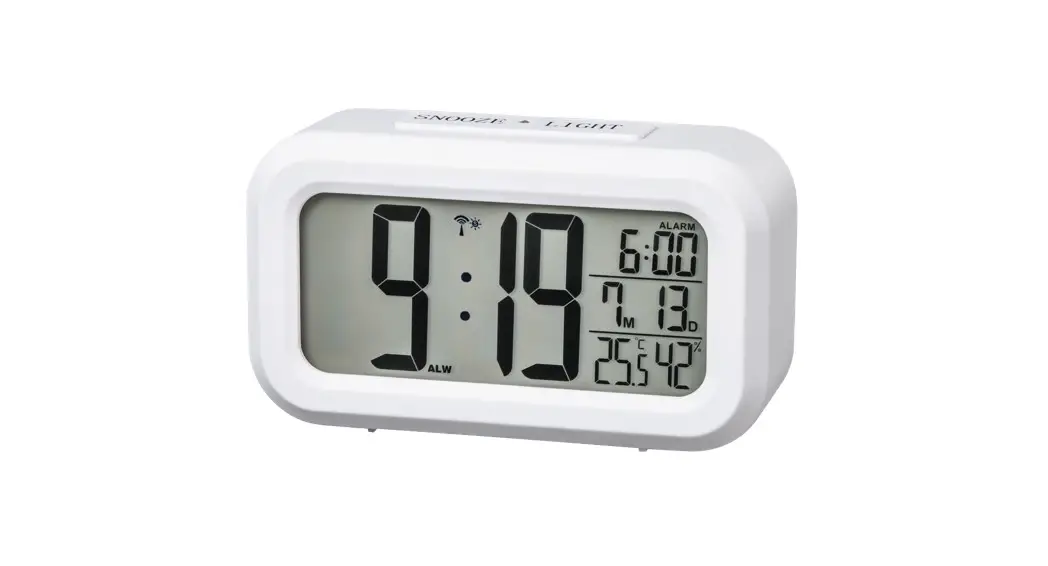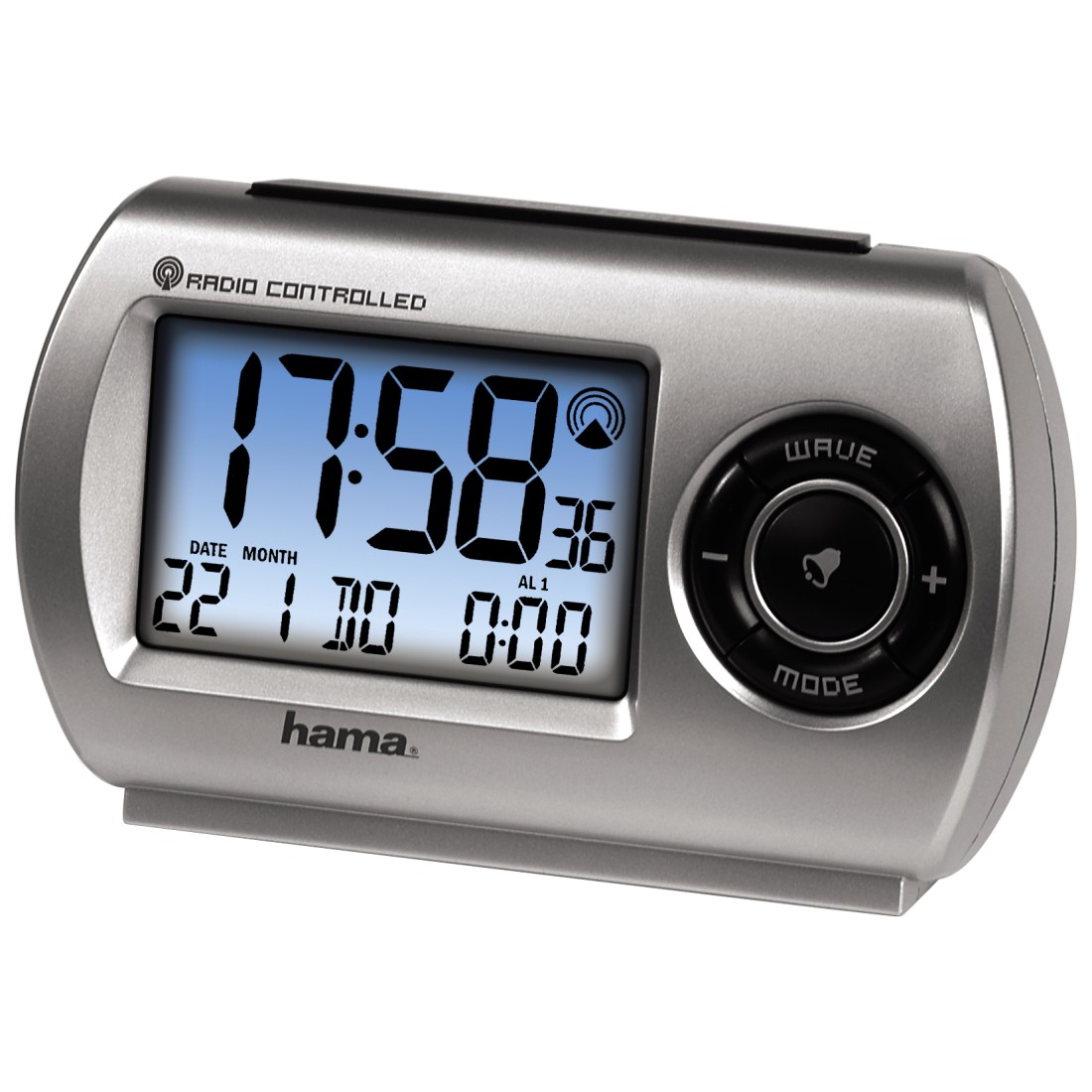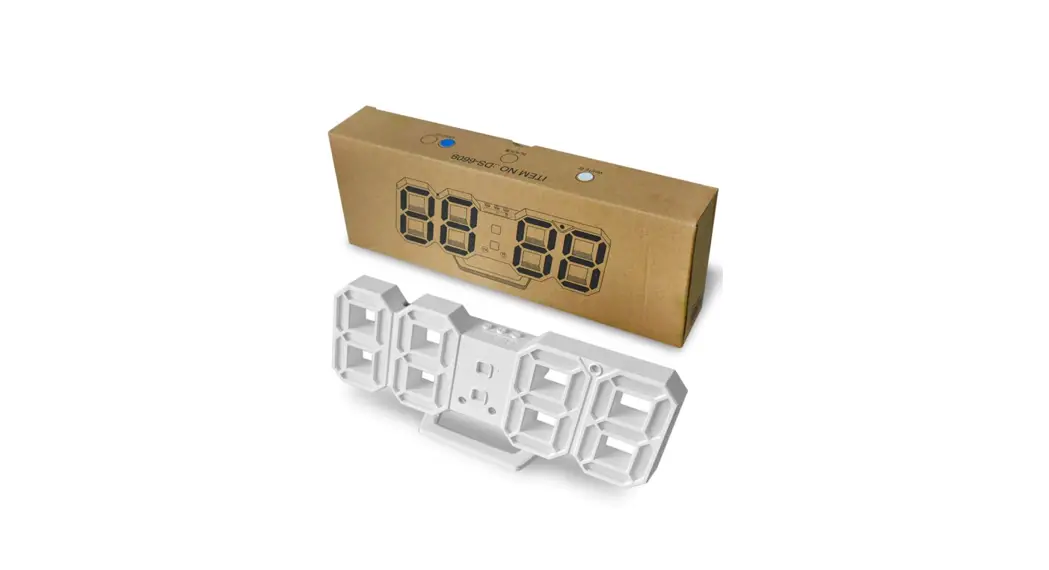
 DS-6609 LED Digital Clock
Instructions
Main Functions
- Two display modes:
1). Display time only;
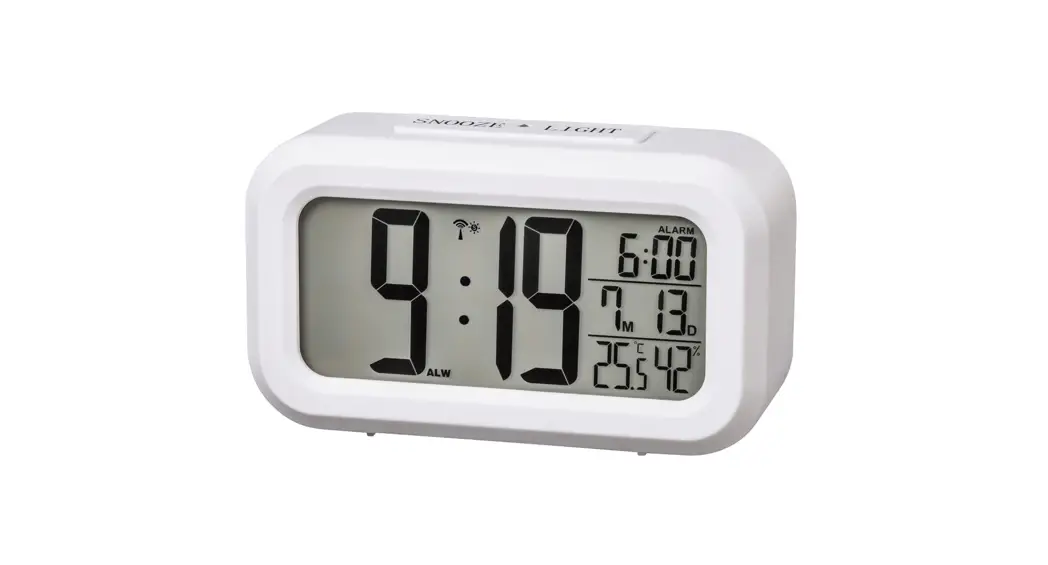
2). Time, Date, Temperature cycle display; - Brightness mode adjustable:
1). Three levels of automatic sensitivity;
2).Three levels of manual brightness adjustment;
3). Can turn off the display;
4). Four levels of sensitive in sleep mode - Memory mode:
1). Install the battery 2032, no power memory go away;
2). Without battery and power, remember the latest clock and various mode setting - Alarm functions
1). Snooze Mode
2). Single/double weekend/daily alarm
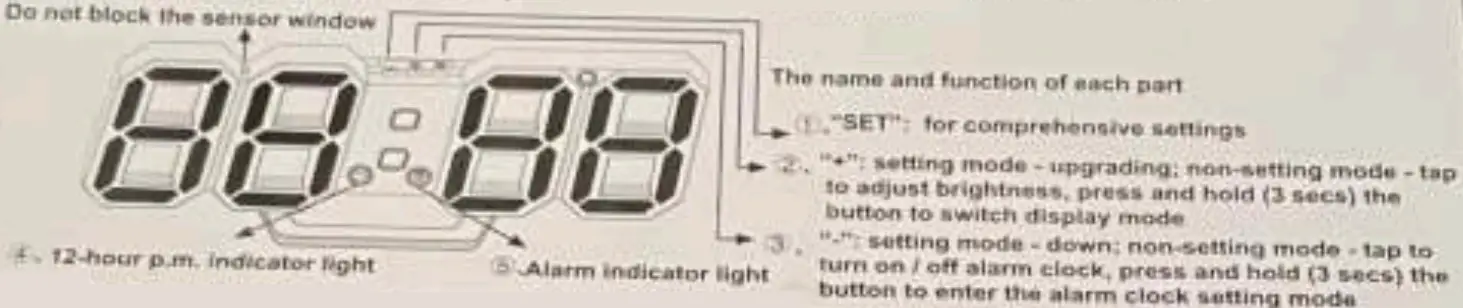
Comprehensive Settings
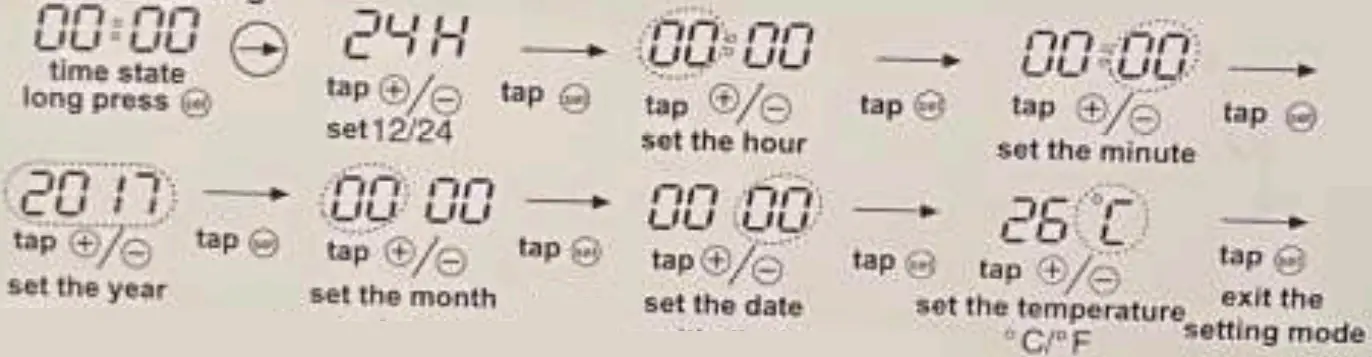
- General Setting

- Display mode setting: Long press ”
 ” to switch display mode:
1). Display time only;
2), Time, Date. Temperature cycle display - Brightness mode setting: Tap ” ” ,
 four speed sensitive in sleep mode; ”
  ” three levels of automatic sensitivity: ”
  ” first brightness; ”
  ” second brightness: ”
  ” third brightness; turn off the display, such a cycle operation,
 ” to switch display mode:
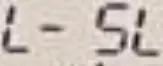 four speed sensitive in sleep mode; ”
 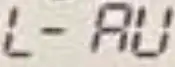 ” three levels of automatic sensitivity: ”
 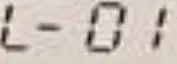 ” first brightness; ”
  ” second brightness: ”
 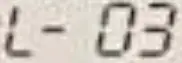 ” third brightness; turn off the display, such a cycle operation,
Alarm Settings
- Switch alarm clock:
Tap ” ” (correspond
  shortcut icon) to open/close alarm, display the alarm clock that has been set for 3 seconds when open; at the same time. the alarm Indicator of the corresponding group lights up; turn oft the alarm and the corresponding alarm indicator turns off.
 - Set alarm clock:
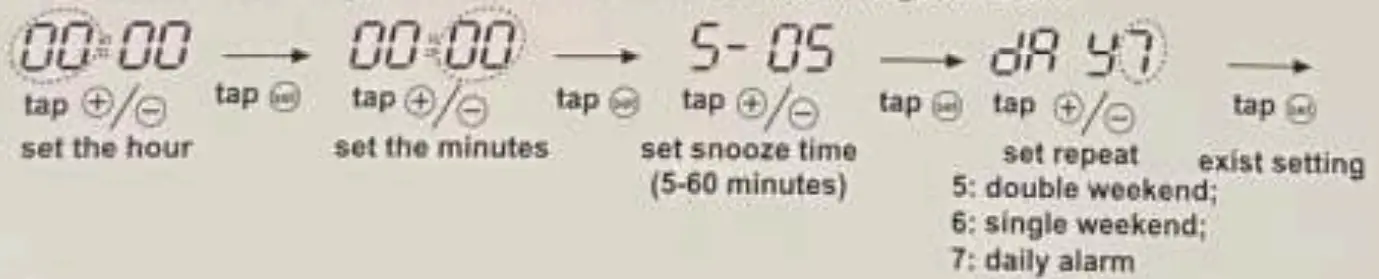
Long press ” “, enter alarm setting, distinguish 12/24H
- Start snooze:
When the alarm clock rings, tap any key to start snooze. alarm Indicator light flashes slowly - Turn off the alarm:
When the alarm clock rings. long press any key to turn off alarm, enter the next alarm state
 ” (correspond
  shortcut icon) to open/close alarm, display the alarm clock that has been set for 3 seconds when open; at the same time. the alarm Indicator of the corresponding group lights up; turn oft the alarm and the corresponding alarm indicator turns off.