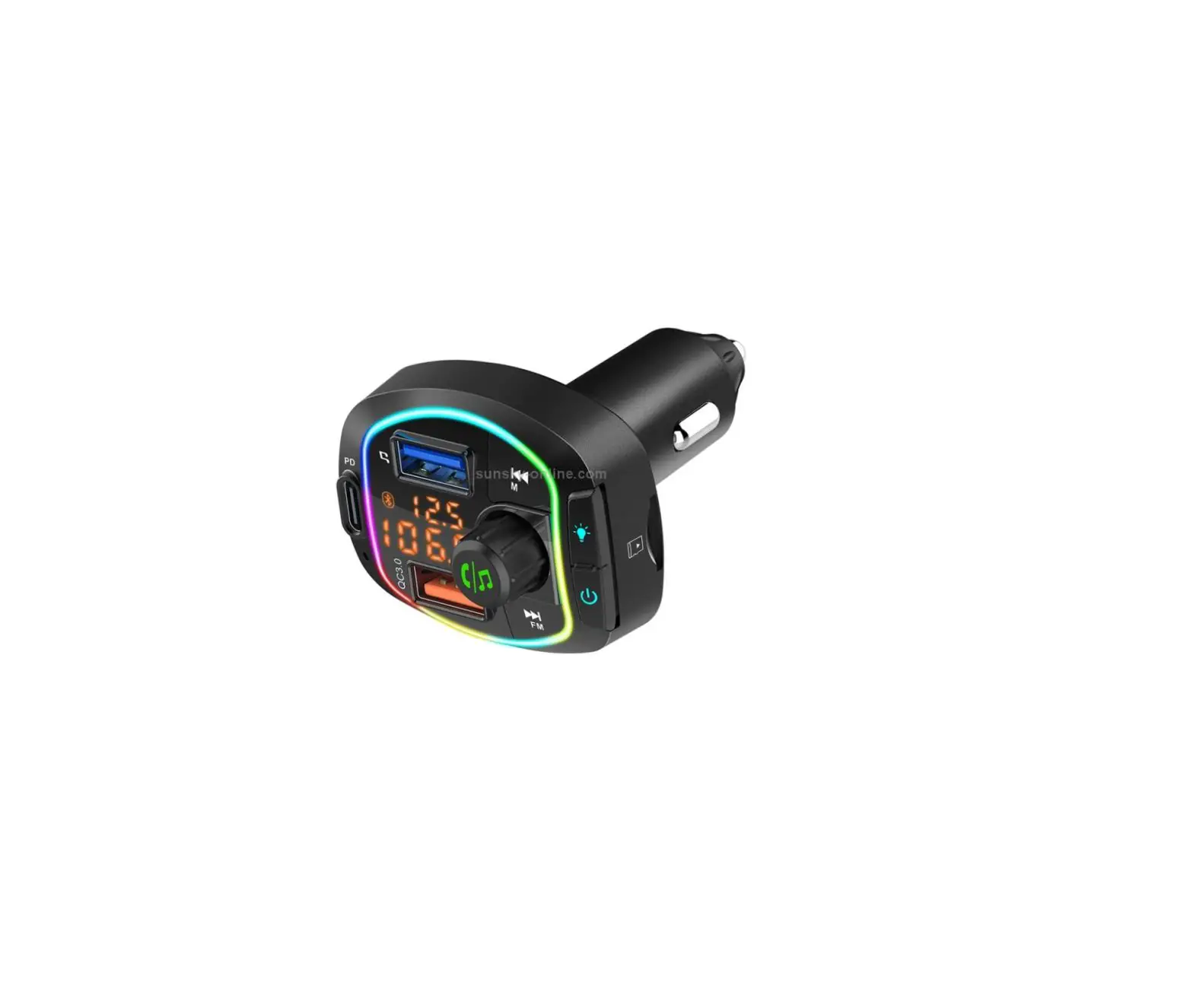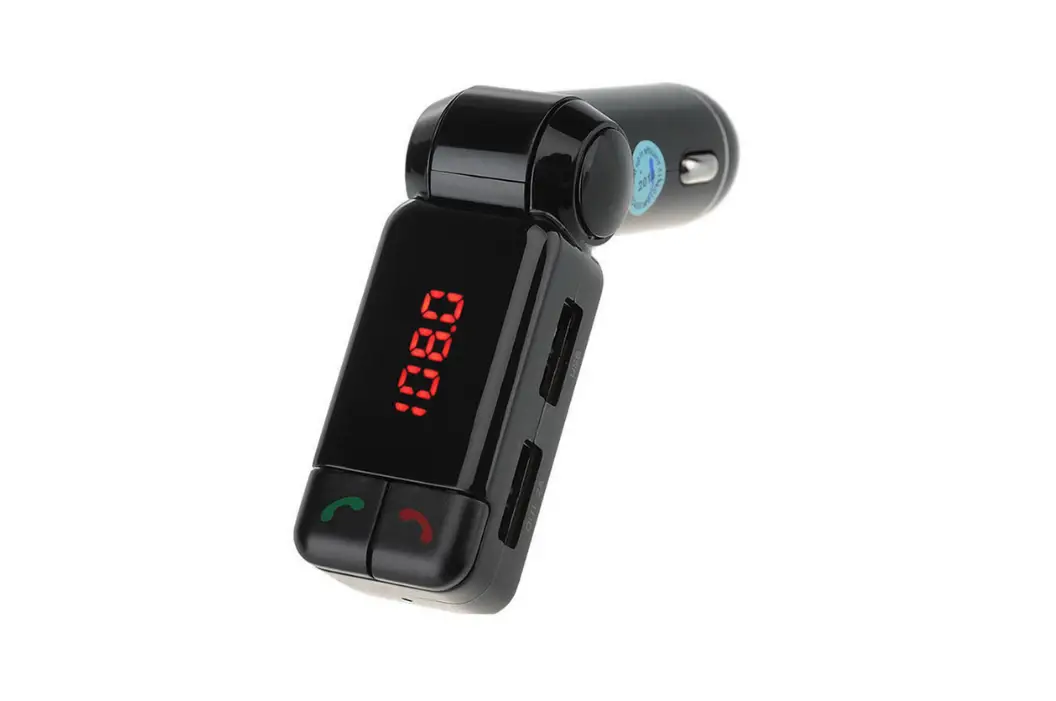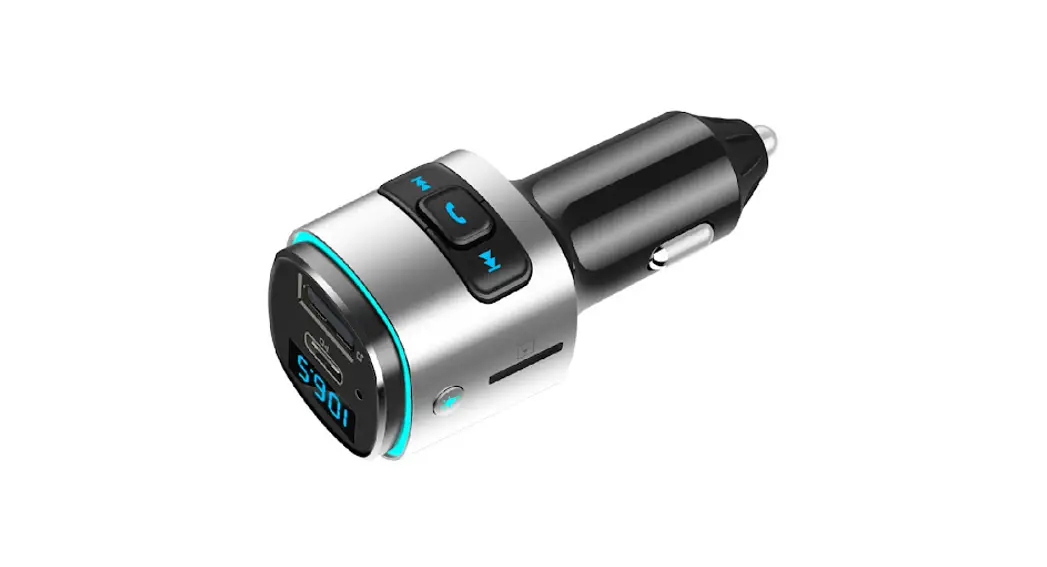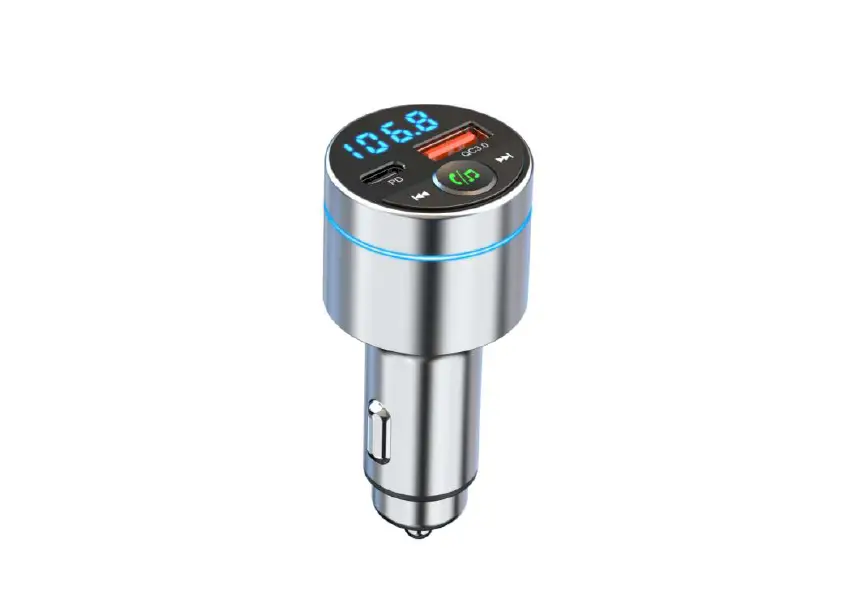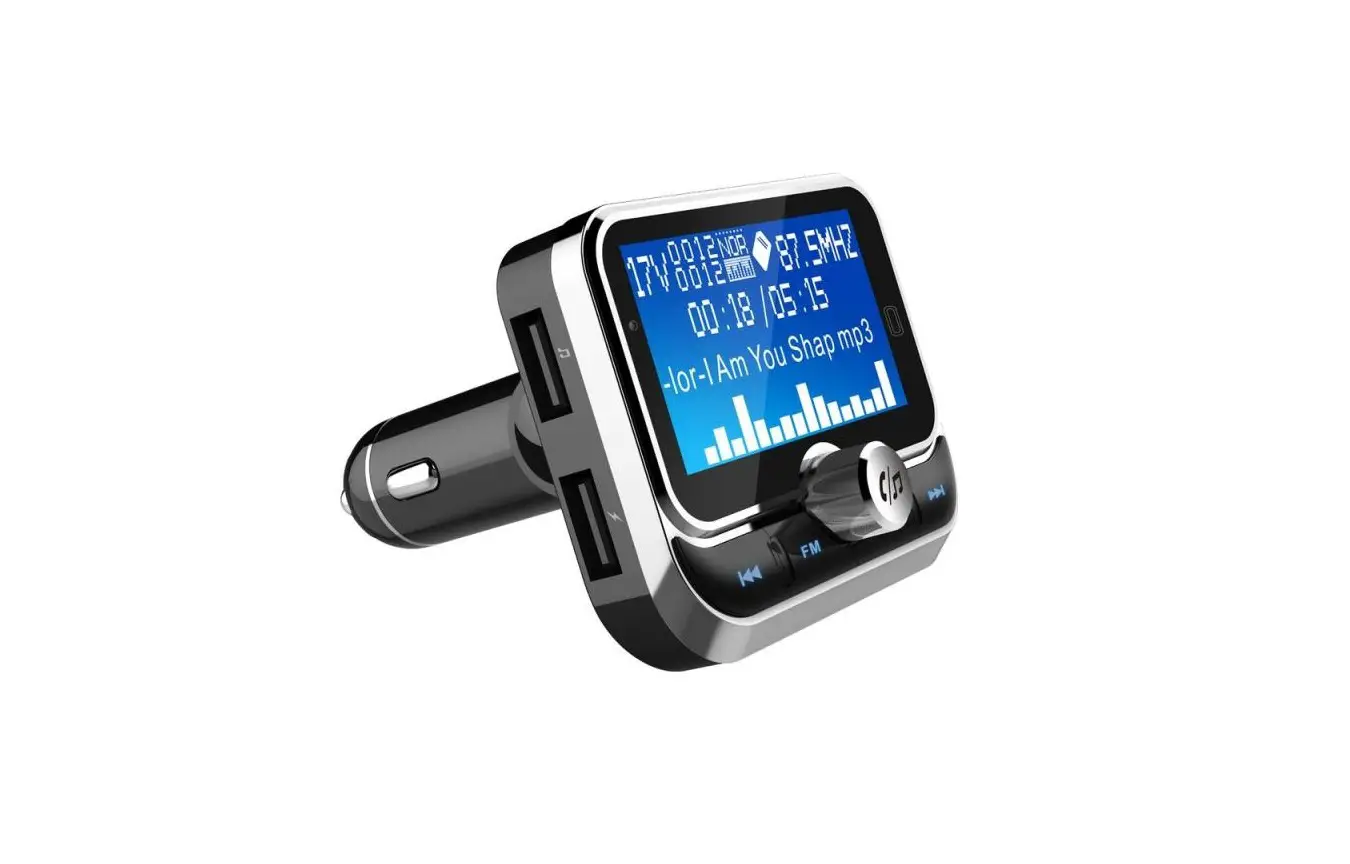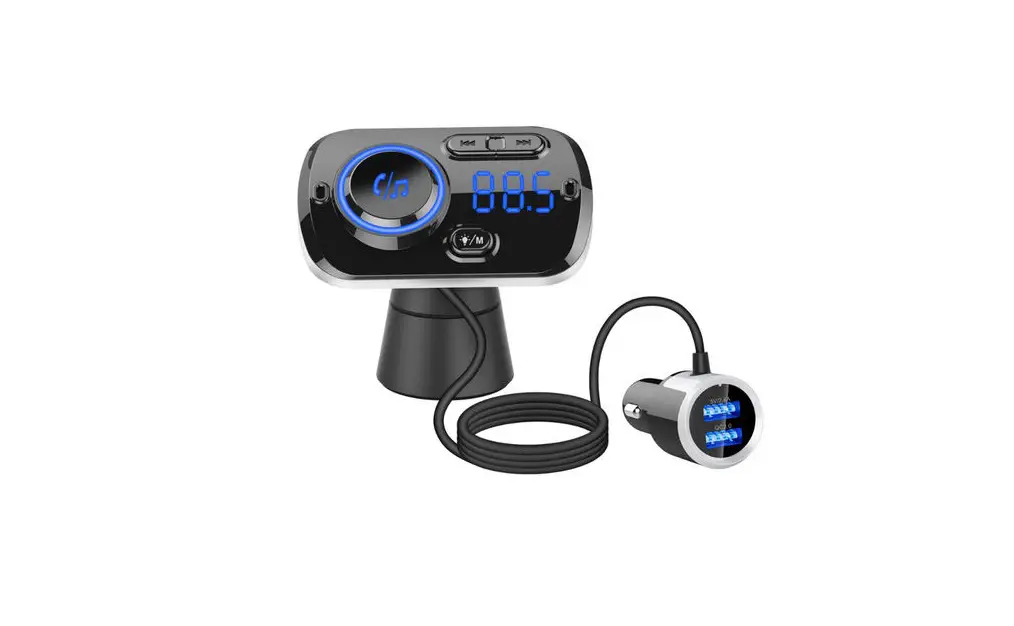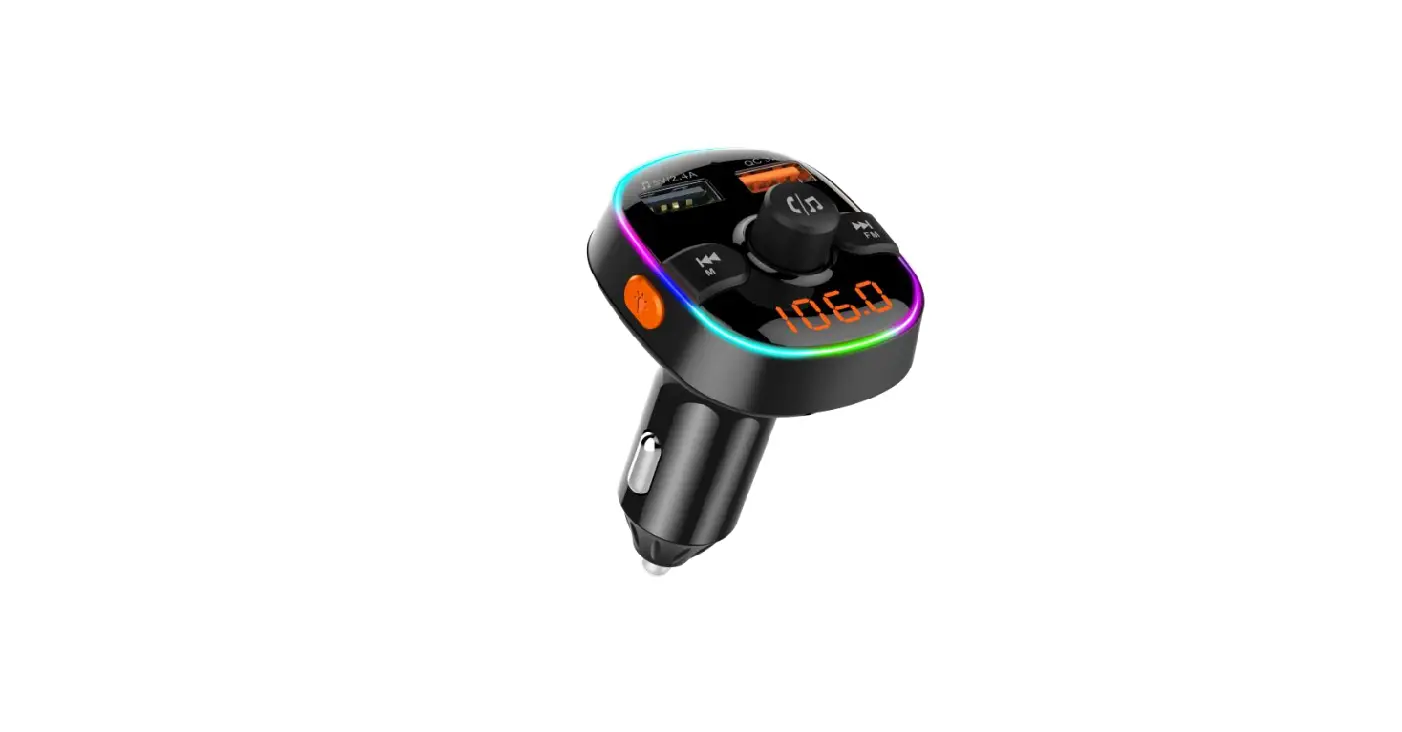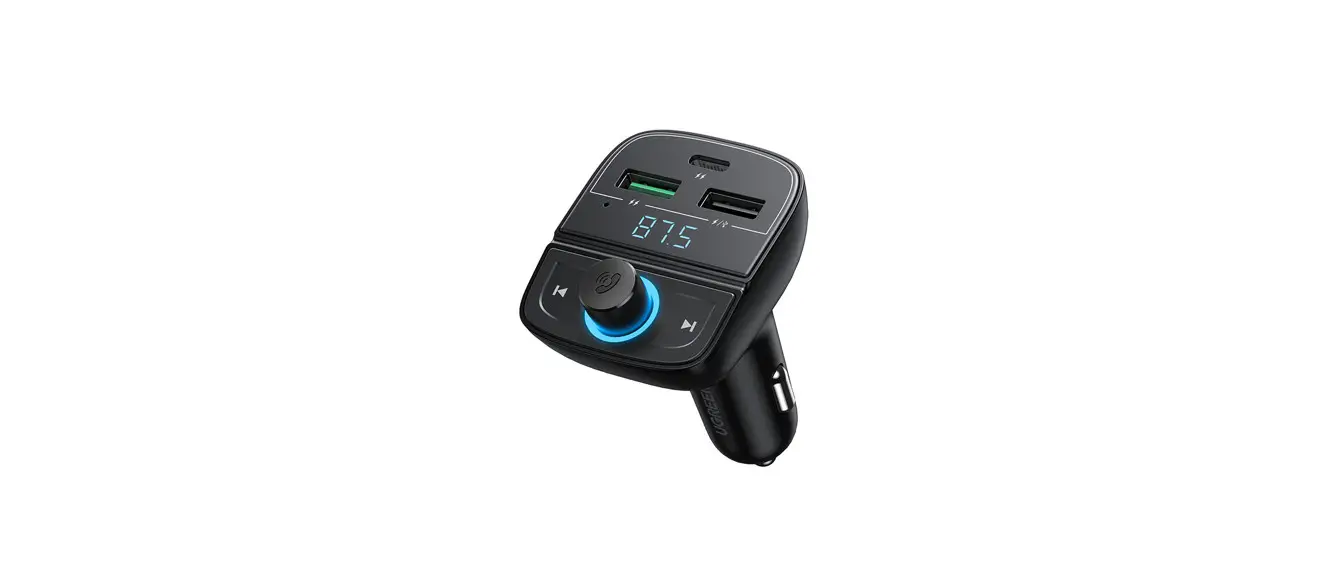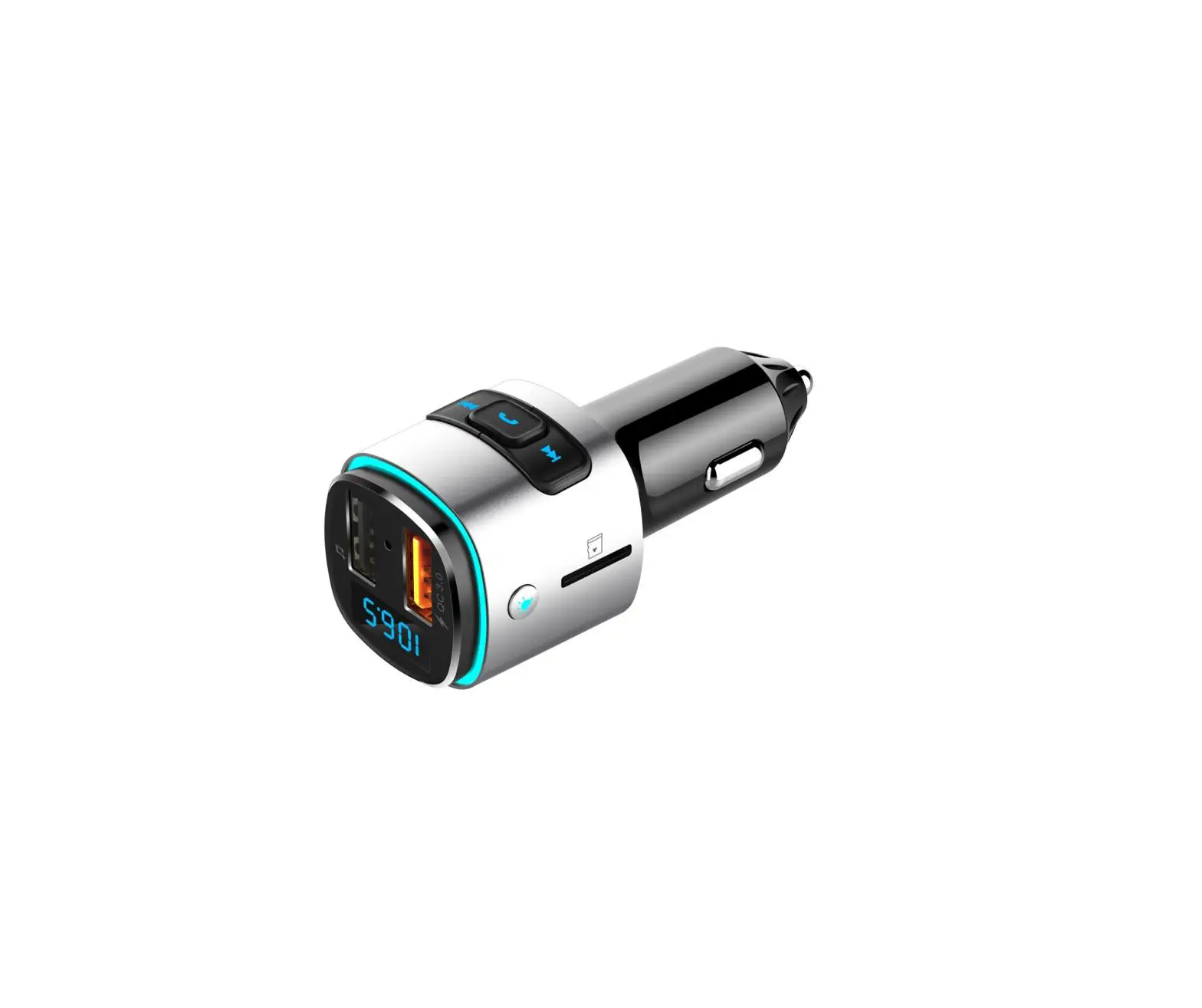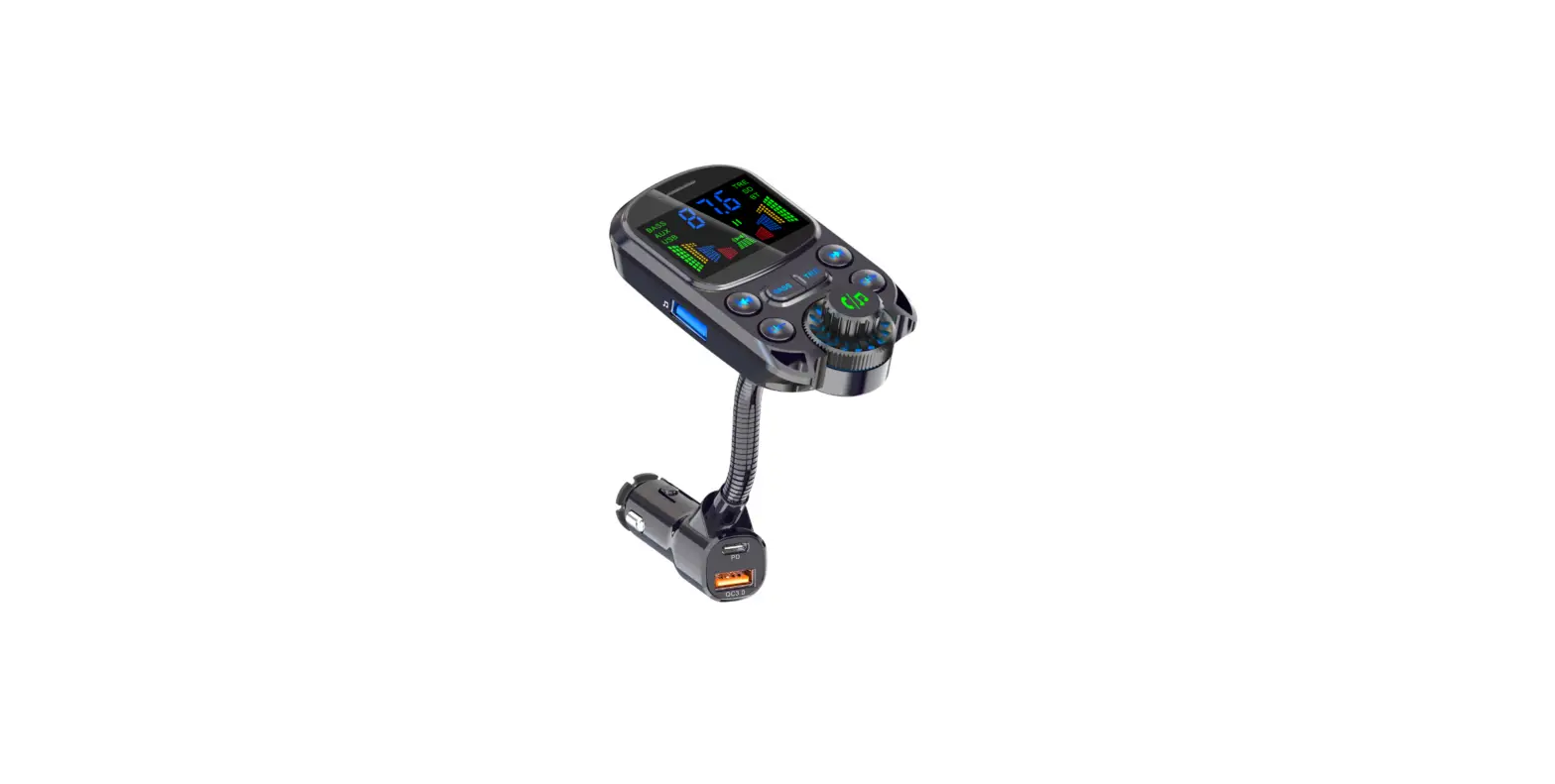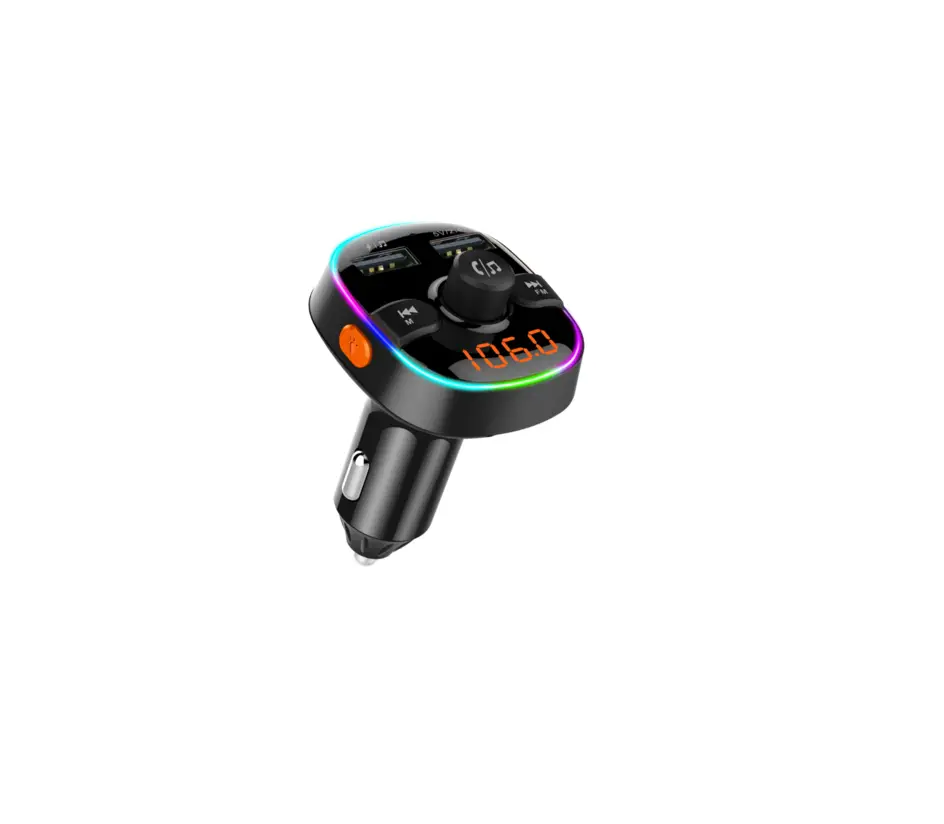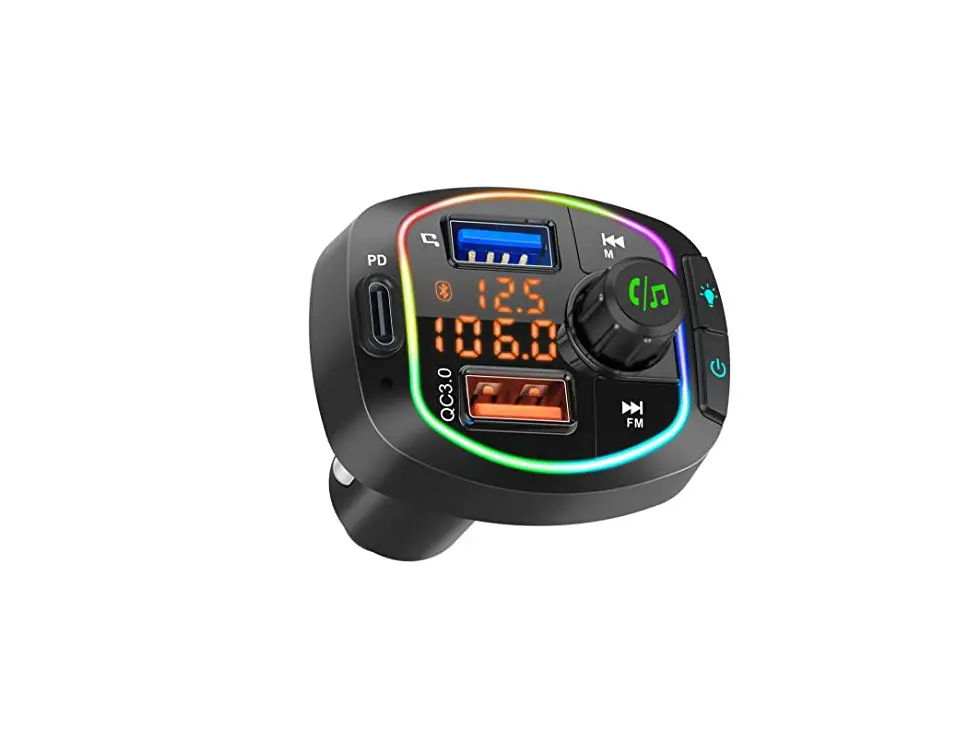

SUNSKY BC37 Bluetooth car charger
Thank you for choosing and buying the Bluetooth Car Charger. To optimize the performance of the product please read this manual carefully before use.
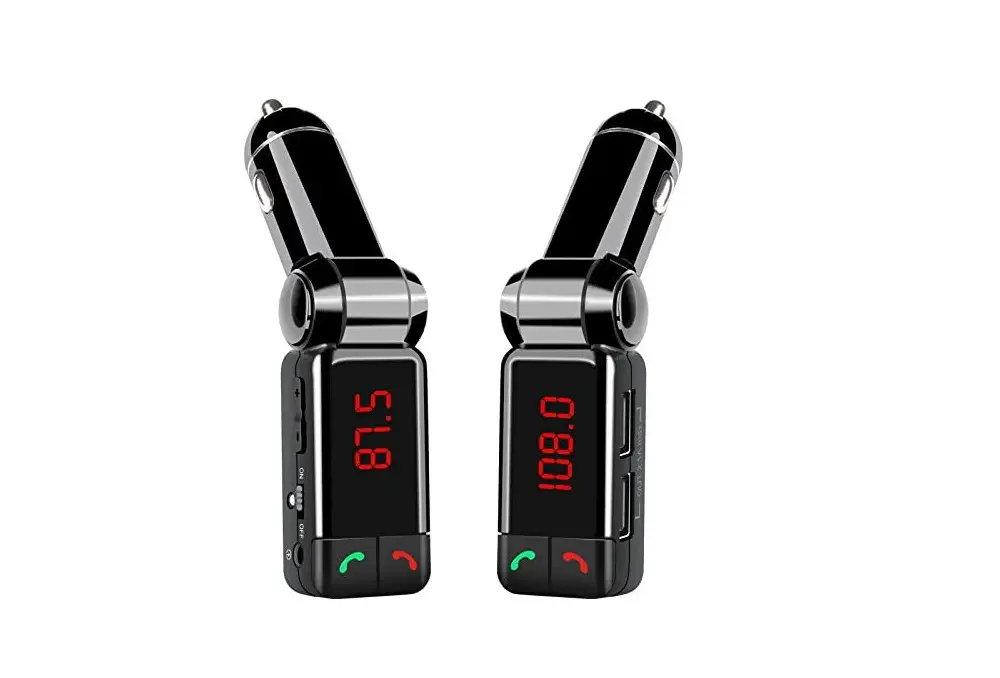
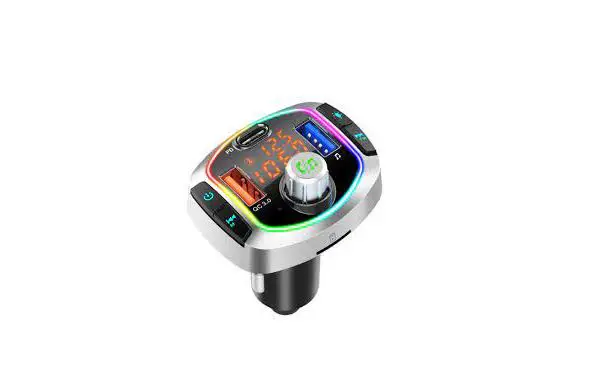
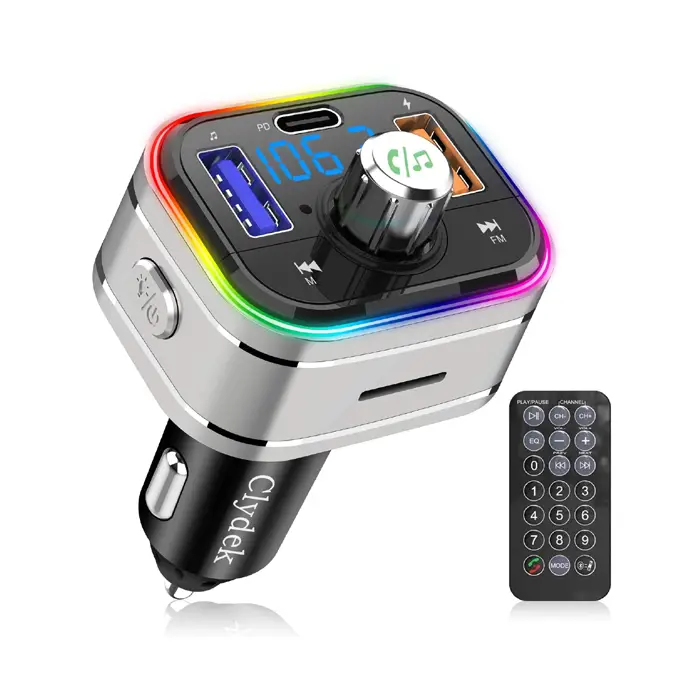
Product Appearance Diagram
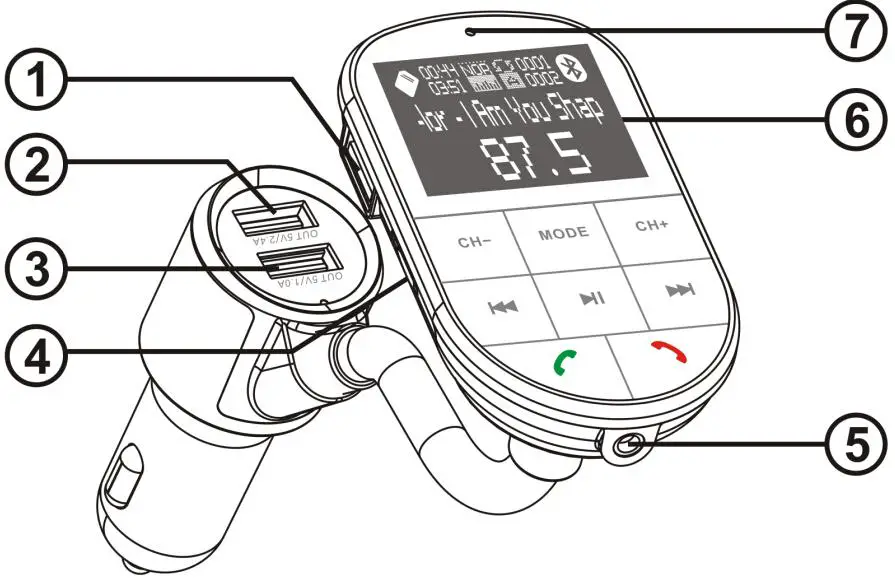
- USB3:U-Disk interface(1G-32G max)
- USB 5V/2.4A output with charging recognition
- Output 5V/1A
- TF card slot
- AUX Input/Output
- LCD Display
- .MIC
Operation instruction
First-time use
- Insert into the car cigarette lighter and turn on the power switch
 “OFF’’: Turn off
“ON” : Turn on - Turn on car radio and turn radio to any blank channel (ATTENTION: local channels not available)
- Adjust the device frequency the same frequency as the car radio
- Search on the phone for the Bluetooth pairing name “BC37”, after pairing, the Bluetooth connection is done.
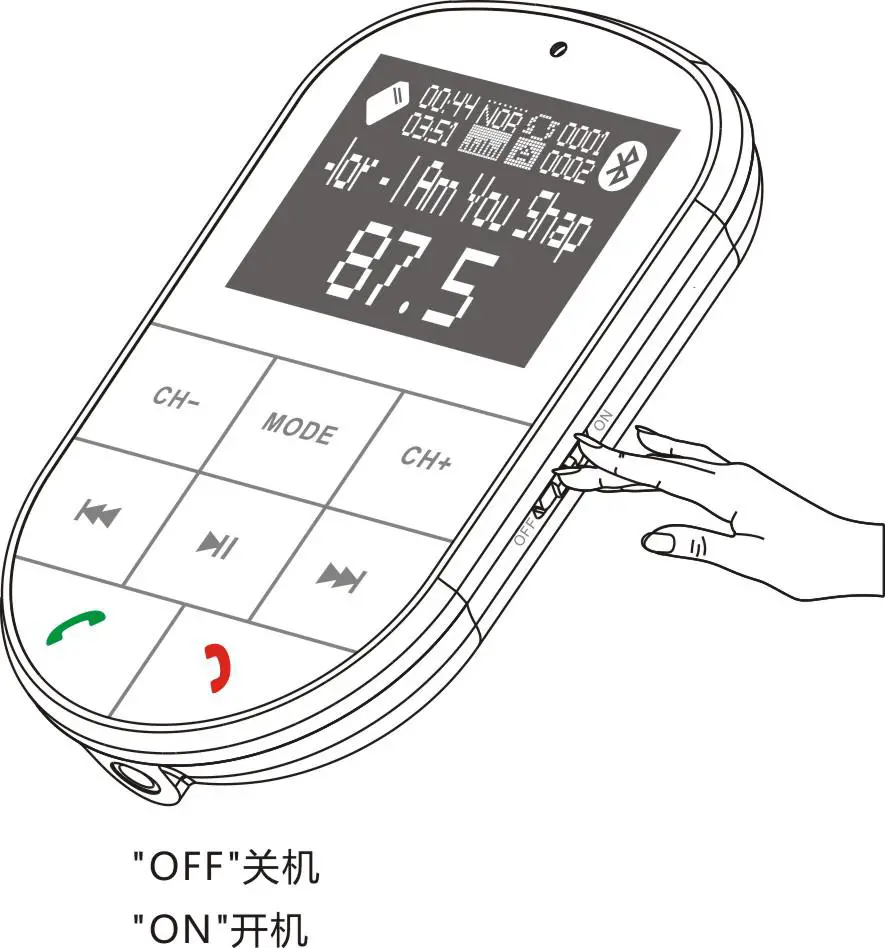 “OFF’’: Turn off
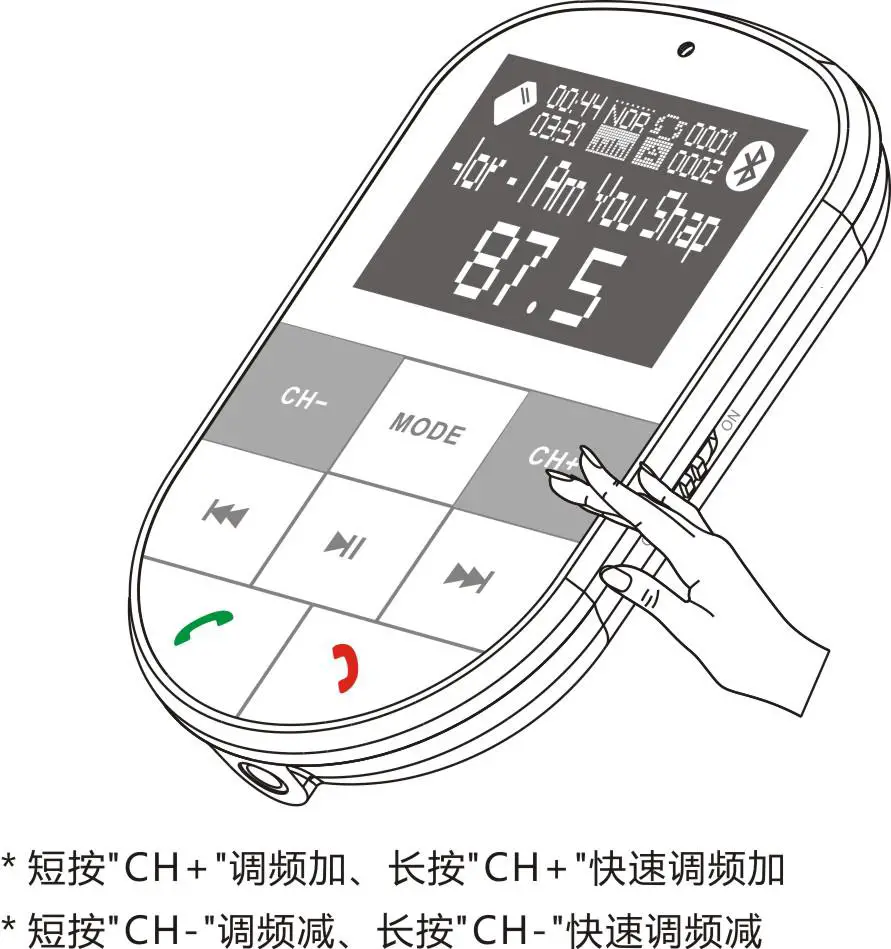 Short press CH+ for FM+, long press for rapid FM+
Short press CH- for FM-, long press for rapid FM-
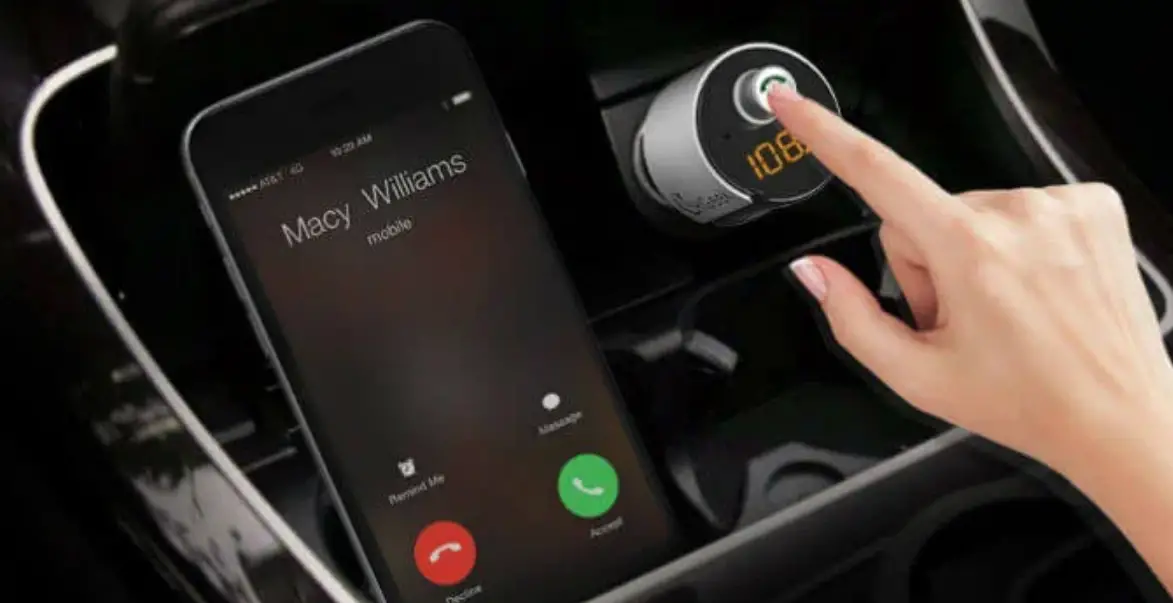
Pick up calls
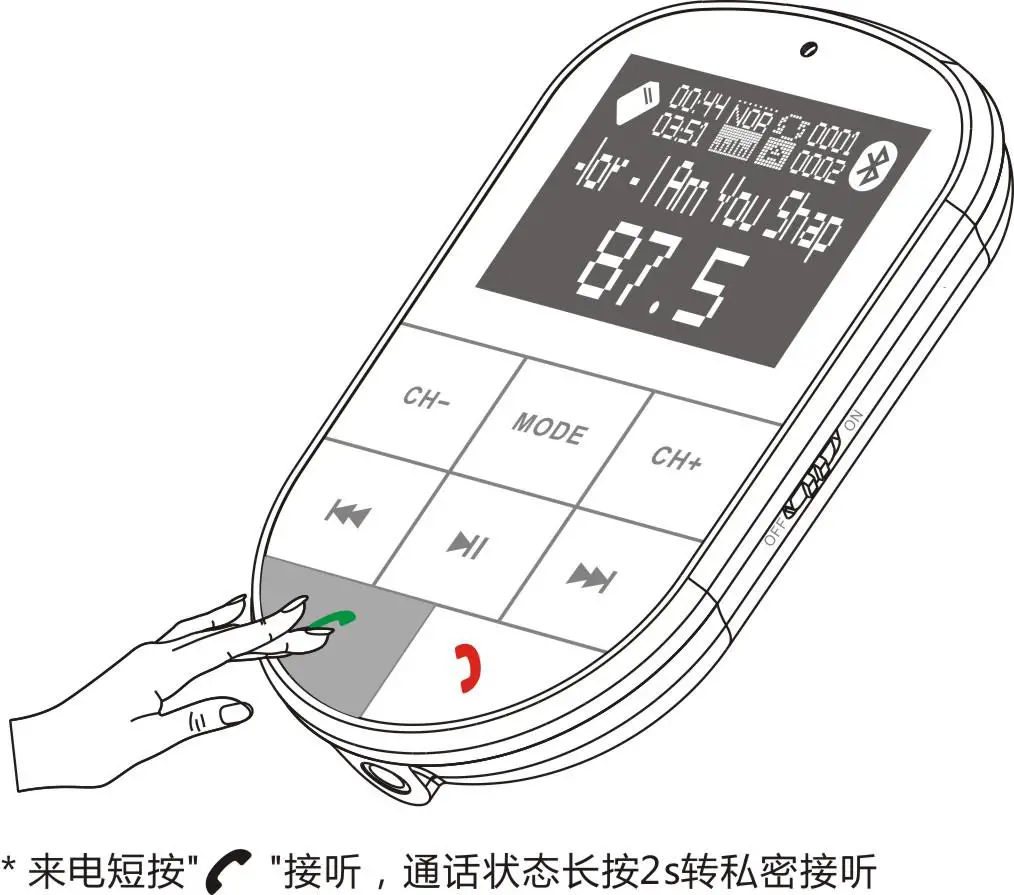 Press
Press  to pick up, long press 2 seconds would transfer to private answer
Hang on calls
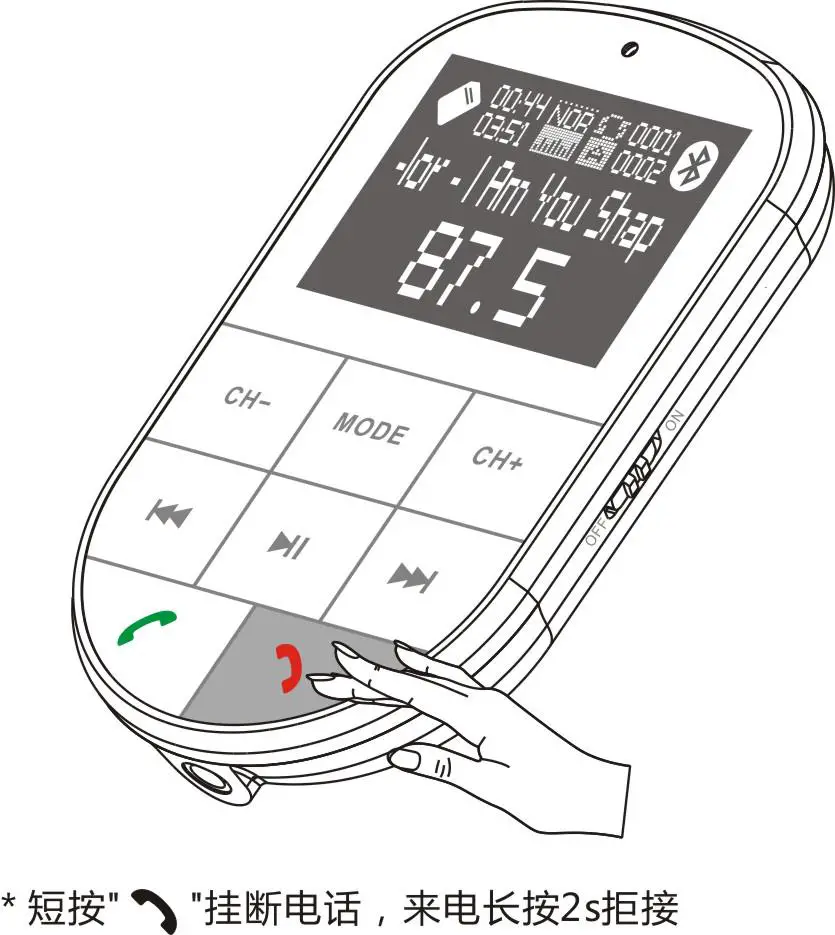
Short press to hang up, long press 2s for rejecting the call ATT: If many devices are paired with this product so that the user is unable to automatically connect back to the product, Please press and hold hang-up key for 8 seconds to clear the product’s linked list. Then re-search bluetooth pairing name “BC37”to reconnect.
Music in cellphone/ TF card/ U disk mode
After connecting the mobile phone to Bluetooth, select a song to play or insert a TF/U disk to automatically play the music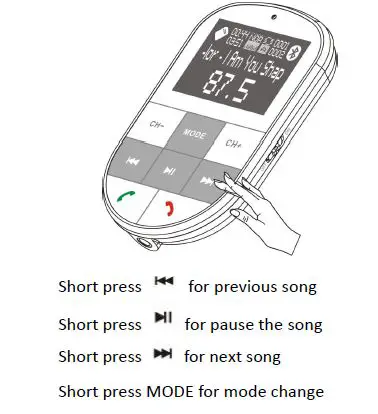
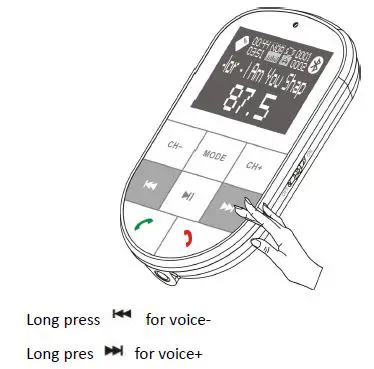
Voice +/ Voice-
AUX
AUX In when music under the state of pause.
AUX output under the status of play.
ATT: Except AUX mold, When all external devices are connected, the product will have a corresponding voice prompting the current status of the device.
Car battery voltage detection
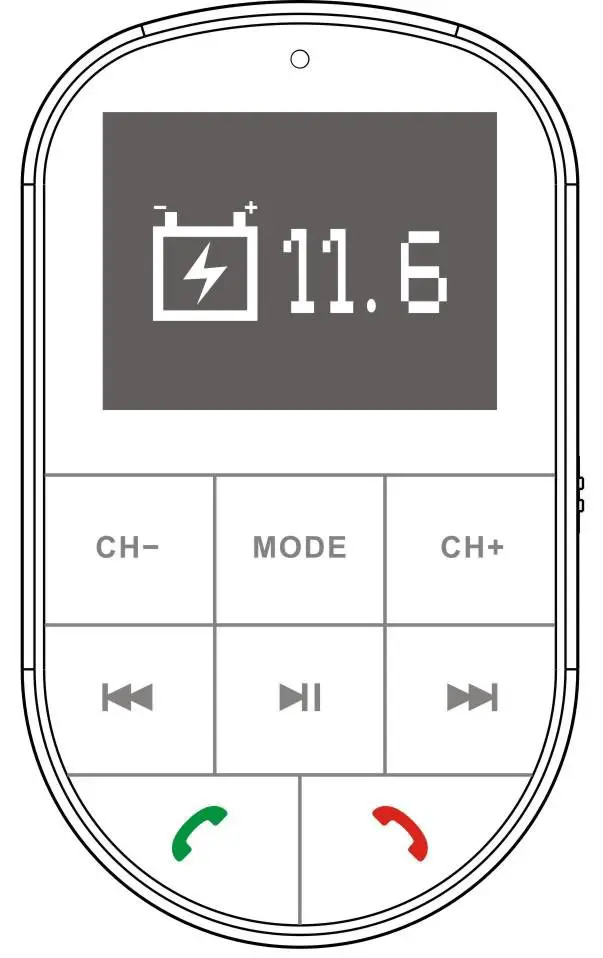 Insert to cigarette lighter port, turn on the device, then the LCD display Car battery voltage detection
Charging recognition
Connect the mobile phone to the USB port, the internal charging recognition chip will shake hands with the device to obtain the maximum charging current under the premise of protecting the charging device.
Key Features
- Support Bluetooth Hands-free
- Support A2DP stereo music play
- 1.4″LCD display
- Car battery voltage detection
- USB3 U-disk function(1G-32G)
- TF card music play function(1G-32G))
- Support MP3/WMA format music play
- Support full FM frequency 87.5-108MHz
- auto power-off memory function
- USB1 5V/1A output
- USB25V/2.4A output
- Support phone voice navigation
- AUX INPUT and output
- Incoming call No.display
- Support charging recognition
Tech specification
| Rated working voltage | 12V~24V |
| Limit working voltage | 8-32V |
| USB1 output | 5V/1A output |
| USB2 output | USB25V/2.4A output with charging
recognition |
| Music format | MP3/WMA |
| U-disk capacity | 1G-32G |
| TF card capacity | 1G-32G |
| Working temperature | <60℃ |
| Battery voltage display | Error±1V |
| accuracy | |
| SNR | >60dB |
| Degree of distortion | <0.1% |
| Frequency response | 20Hz-20Khz |
| Left and Right Channel | >60dB |
| Bluetooth version | Version 4.2+EDR |
| Bluetooth sound processing | A2DP (Advance Audio Distribution Profile) function |
| Bluetooth transmission distance | Barrier-free within 10M |
| Effective distance of Bluetooth microphone | 0.5-2 M |
| FM frequency | 87.5-108MHz |
| FM Transmission distance | 2M |
Notice
- This device has dual charging ports for mobile phone charging
- Although the transmission power of this product is relatively strong, better to skip the Frequency with strong signal in local to get a better sound quality
- Due to the difference from each phone, there will be some difference during Bluetooth connection.
- Bluetooth has to be manually reconnected for some phones without auto connection when power is cut off.
- This product is compatible with more than 95% phones on the market but some are still incompatible. Please pay attention to it when purchasing our product.
- Do not enlarge the radio volume too much, so as not to increase back noise of the sound.
- Do not use this product in a dusty and humid environment with extremely high and low temperatures.
- Do not drop the product to avoid surface damage or breakdown.
- 9. When playing U-disk/TF card music, It will auto switch to Bluetooth mode when there is calling; after talking finished, auto return to U-disk /TF mode to continue the music play
Packaging
1. Main device
2. User Manual
3. Audio cable